




 here!
here!
I’m your shopping assistant for PC builds, upgrades, and everything tech.
Got questions? Ask away!
Start a conversation
here!
I’m your shopping assistant for PC builds, upgrades, and everything tech.
Got questions? Ask away!
Start a conversation
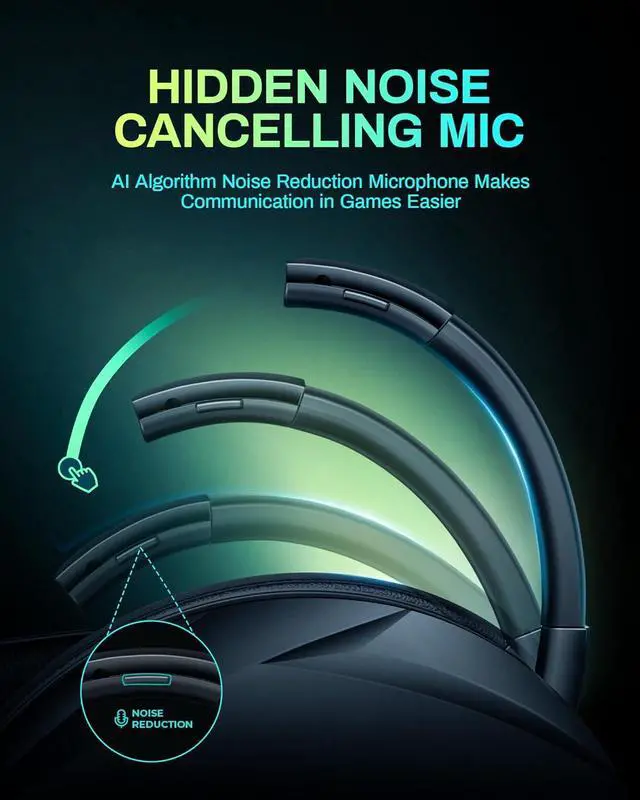
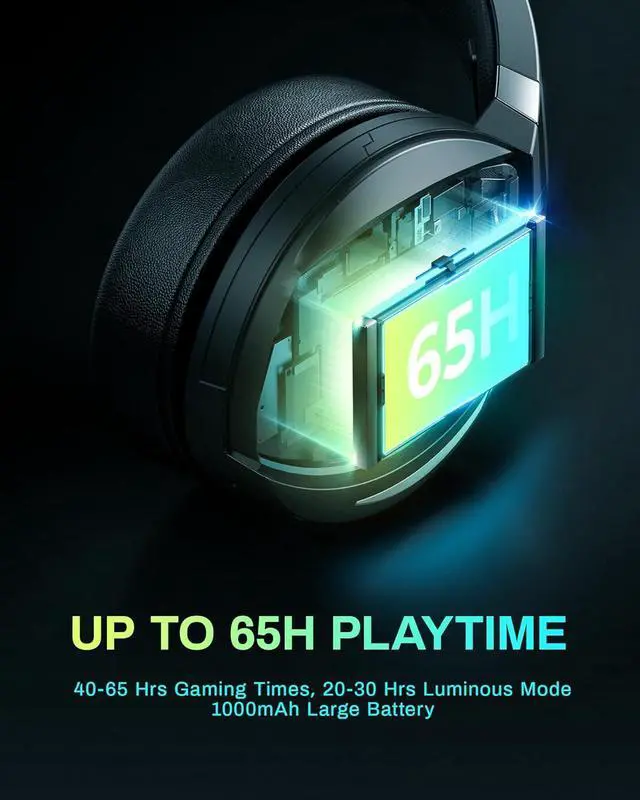
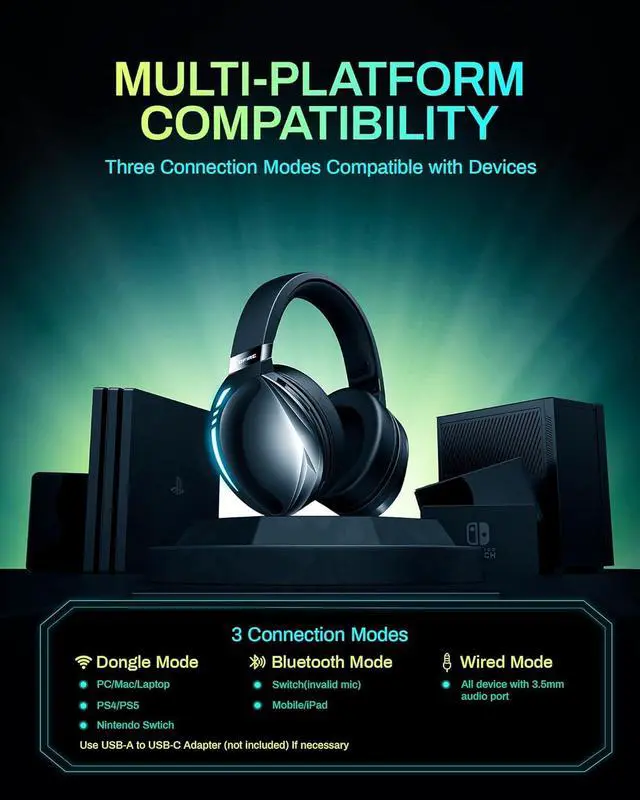



Any questions? Ask CelesteSM will help you find out quickly.


Q & A:
Q: How to switch between Bluetooth mode and 2.4G transmitter mode?
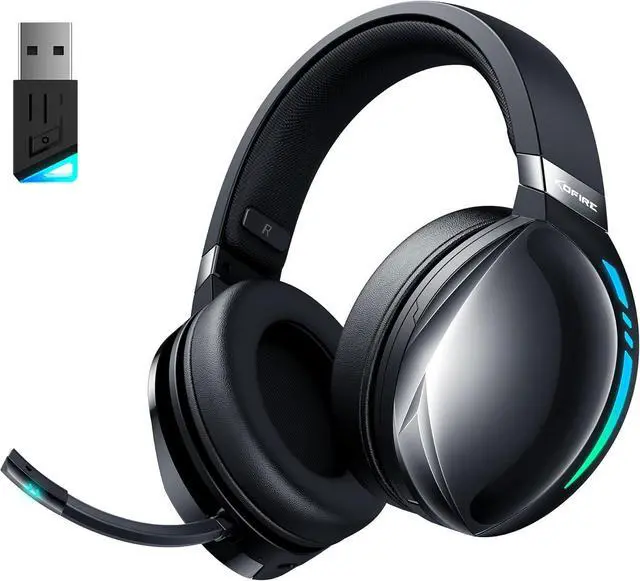
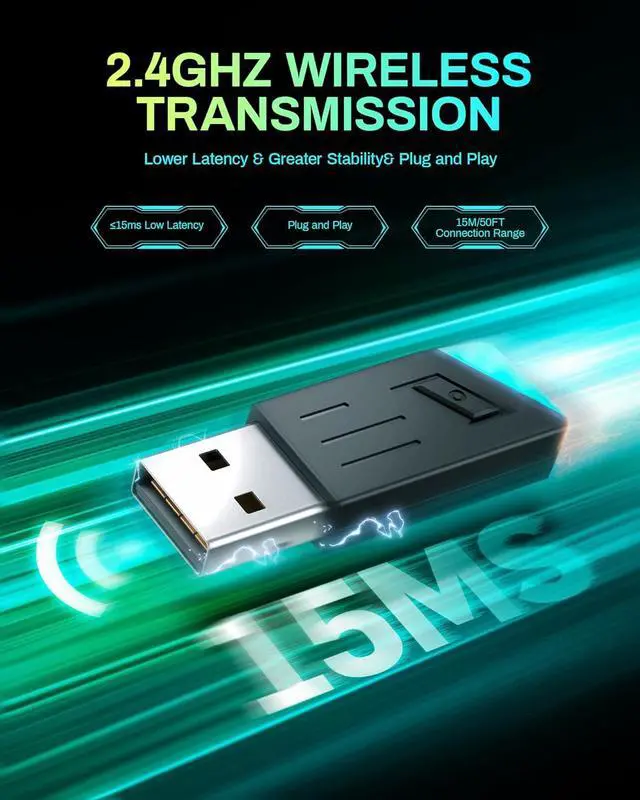
A: If Bluetooth mode is displayed after powering on, press the power button 3 times to switch to Dongle mode, and press the power button 3 times again to switch back to Bluetooth mode.
Q: How to connect my gaming device?
A: Connects via the included USB adapter, Switch connects via Bluetooth to game controller (mic may not work), USB can be connected to the Switch dock.
Q: Why is there no volume on my headset or microphone when connected to PS4/PS5?
A: 1. Insert the USB into the PS4/5 console
2. Set the headset to Dongle Mode, and the dongle turns blue after connection
3. Console setting: Settings-Device-Audio-Audio Device-Select UG-06-Set the headset output to all audio-Turn up the volume
Q: Can this headset be used in wired mode?
A: Yes, we include a 3.5mm cable that works with all devices with an audio jack.


