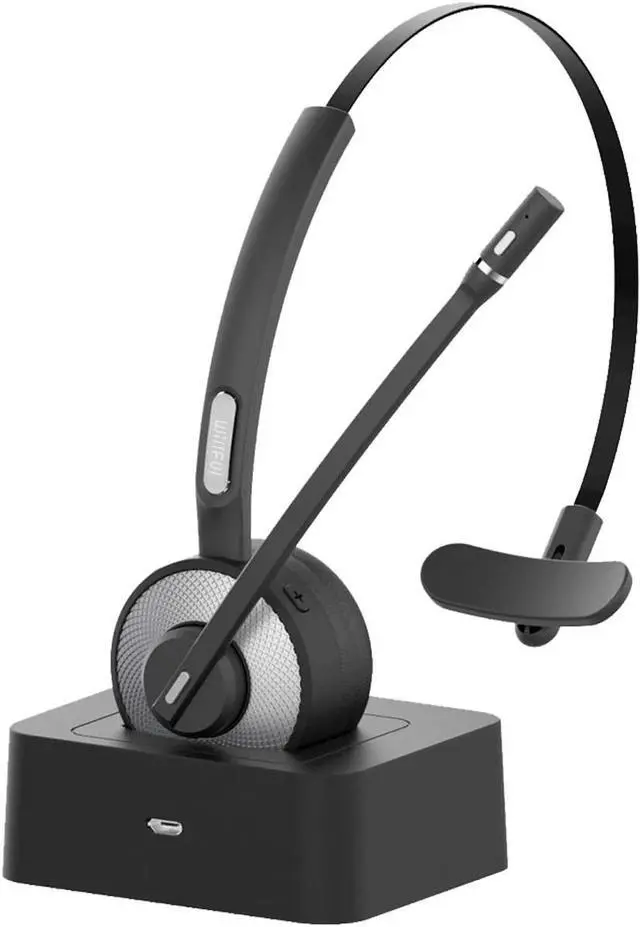
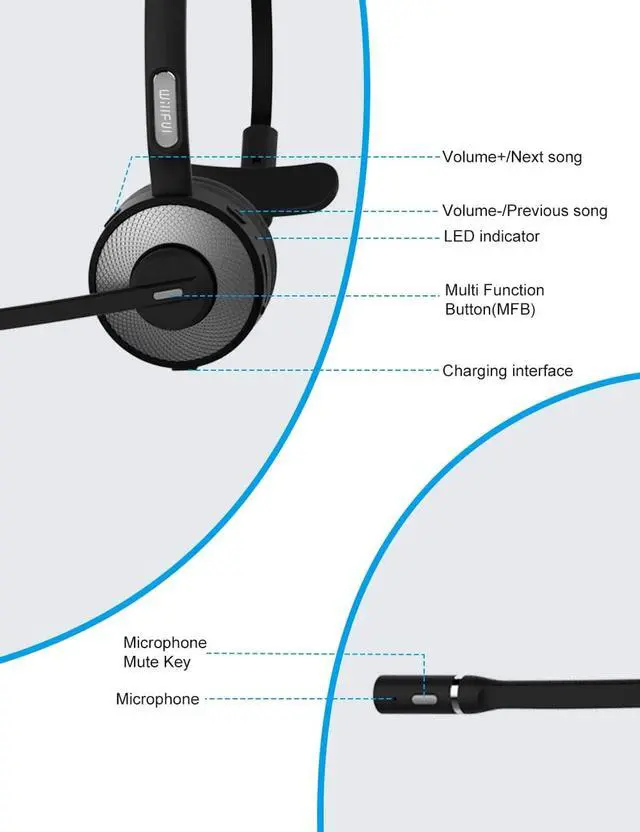
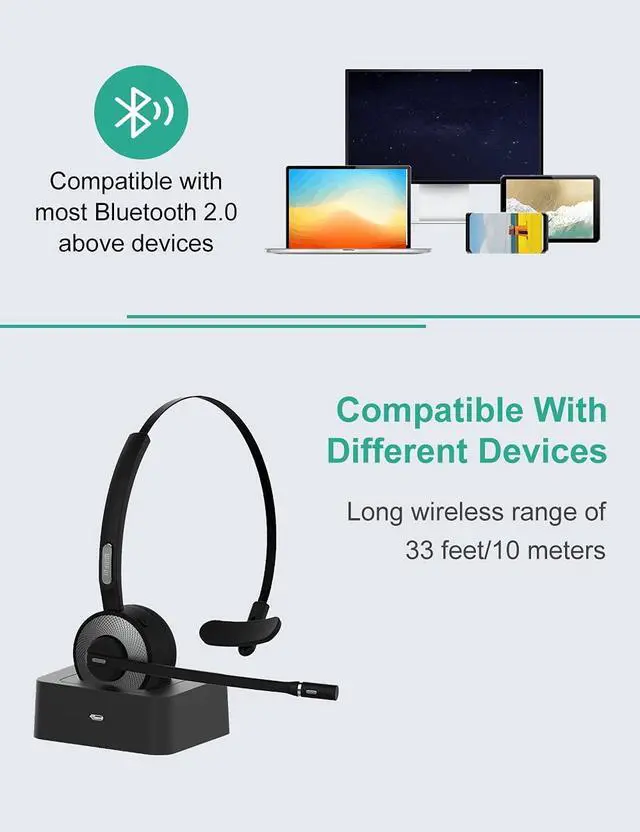
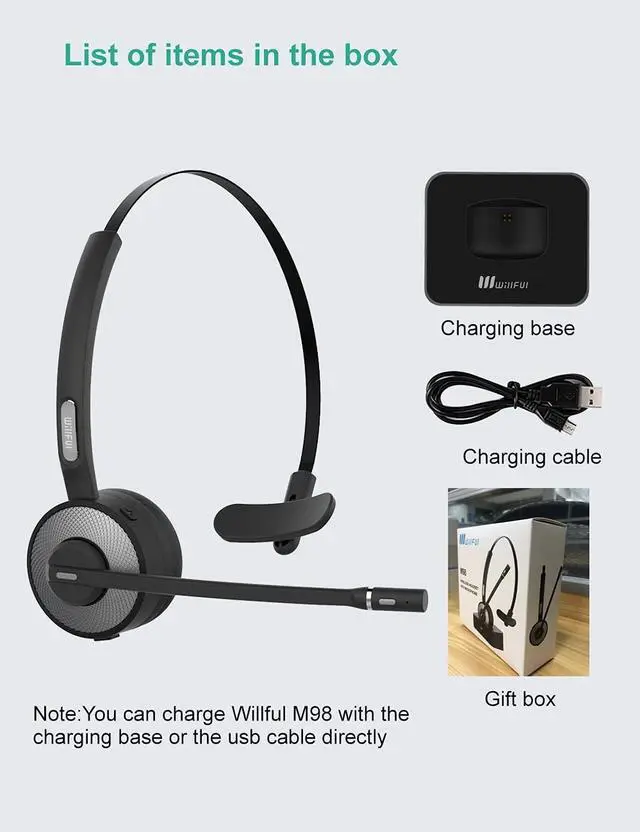
Noise Cancelling Bluetooth Headset M98 can pick up your voice exactly and block the noise from the surround, ensure the crystal-clear conversations even in noisy environment Driver Bluetooth Headset M98 can support 17 hours continuous talking time and 200 hours standby time with single fully charged in just 2 hours. Very suitable for drivers Bluetooth Headset with Charging Dock M98 is designed with a charging base, very convenient for charging and storage, you can also charge it with the usb cable directly Wireless Headset with Mute Feature Just press the button on the mic to mute when you need to block your voice during a talk The mute button works only when make phone calls Cordless Headset Connects 2 Devices at a Time M98 cordless headset can pair with any bluetooth-enabled devices within 33 feet, include iPhone, android phones, iPad, PC, and can connect with 2 devices at a time, you can switch between them freely as needed Comfortable Wearing & Enjoy Music M98 wireless headset is super lightweight, bring no burden to your ears, so you can focus on your talk and enjoy the music.
Q: Why does the mute button not work?
A: Mute function only works for calls on cell phones at present. We are improving this function so that it would be used on other third party apps and PCs in the future.
Q: How to connect the headset to the computer?
A: Here are the steps of how to connect the headset to the computer:
1. Press and hold the MFB button for about 5s to turn on the headset. (When the headset is successfully turned on, the blue light will flash once)
2. Then the red and blue lights will flash alternately, which means that the headset has entered pairing mode.
3. Turn on the settings on the computer: Setting-Devices(Bluetooth, printers, mouse)
4. Turn on Bluetooth on the computer, and then click 'Add Bluetooth or other device'
5. Click 'Bluetooth', find the device 'M98', click 'M98', and confirm that the 'M98' has been successfully connected
6. Then go back to 'Settings', click 'System', click 'Sound' and choose M98 as the output and input devices
7. Double check whether 'M98' appears in the computer's Bluetooth list.
Q: What to do if headset still can't connect to computer?
A: We offer lifetime after-sales service. Contact the seller on