here!
here!
I’m your shopping assistant for PC builds, upgrades, and everything tech.
Got questions? Ask away!
Start a conversation
here!
I’m your shopping assistant for PC builds, upgrades, and everything tech.
Got questions? Ask away!
Start a conversation
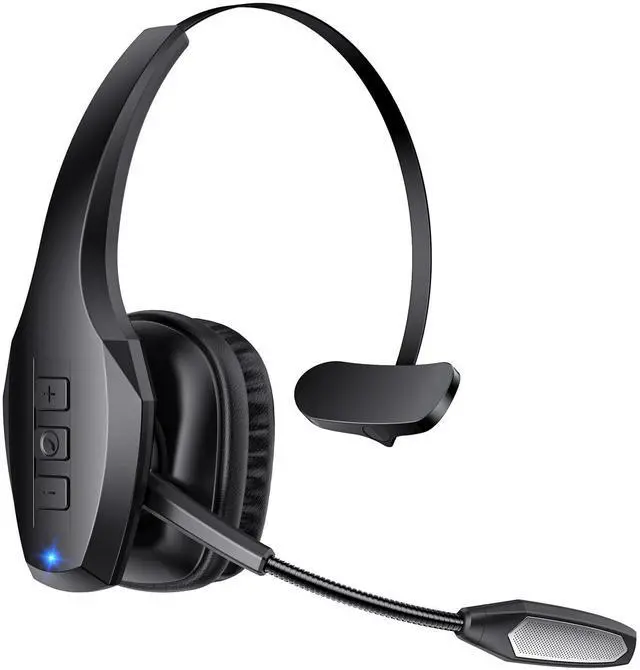

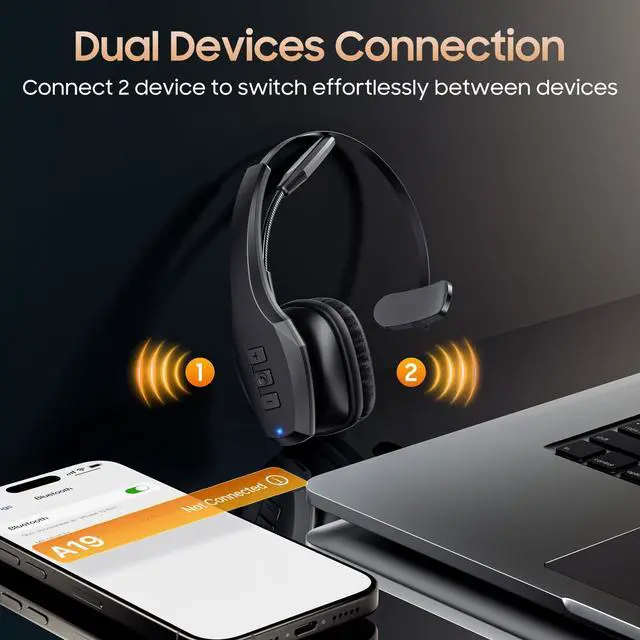

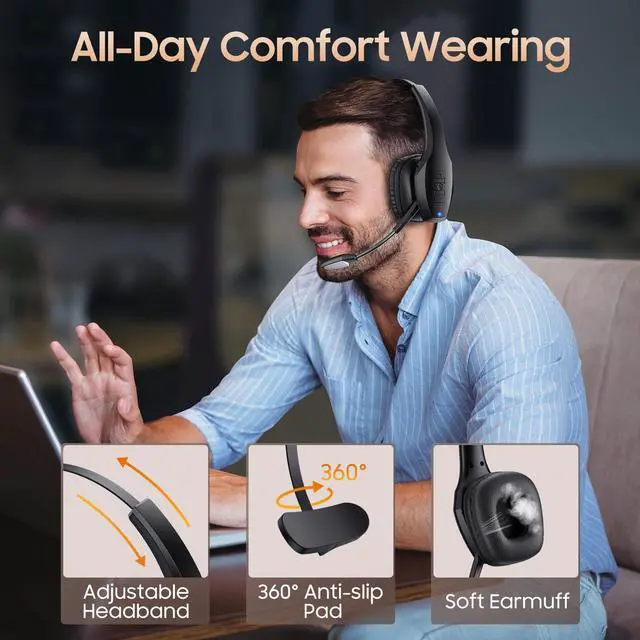
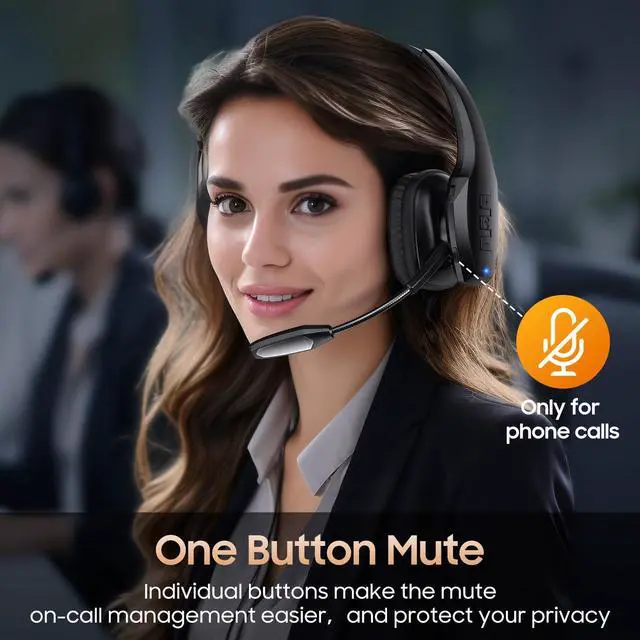
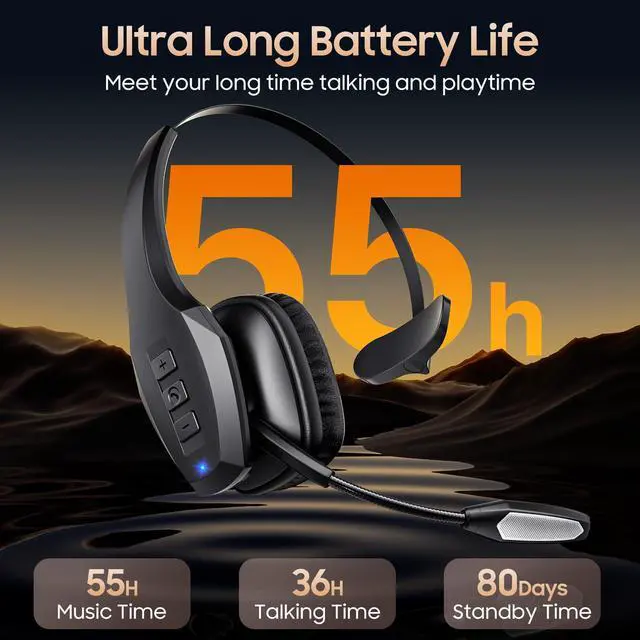



Any questions? Ask CelesteSM will help you find out quickly.

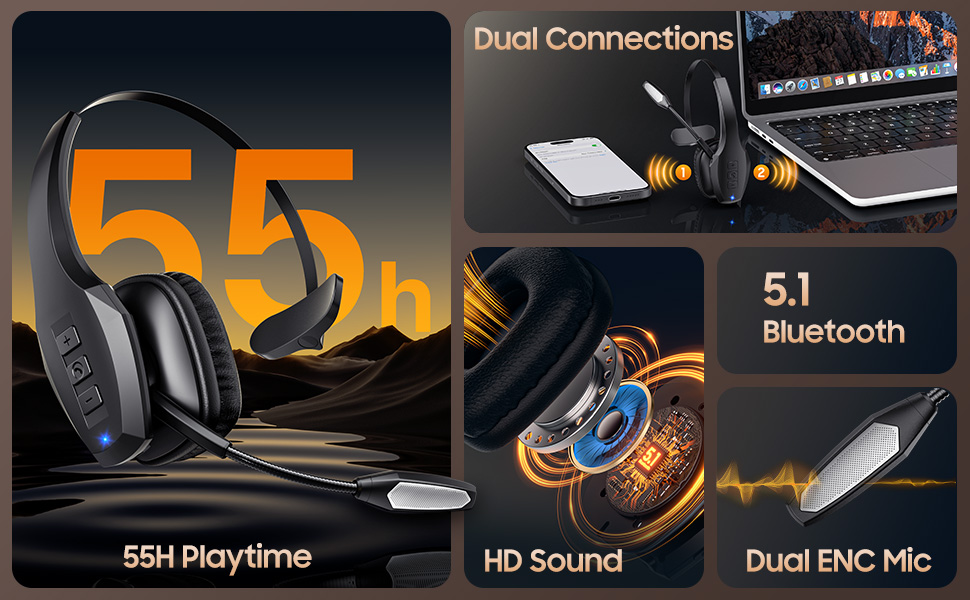
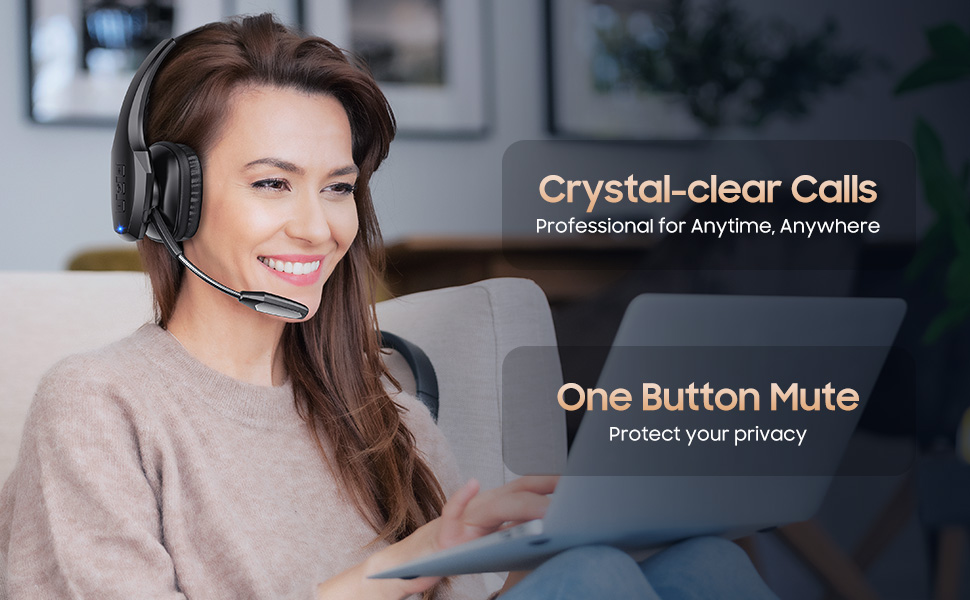
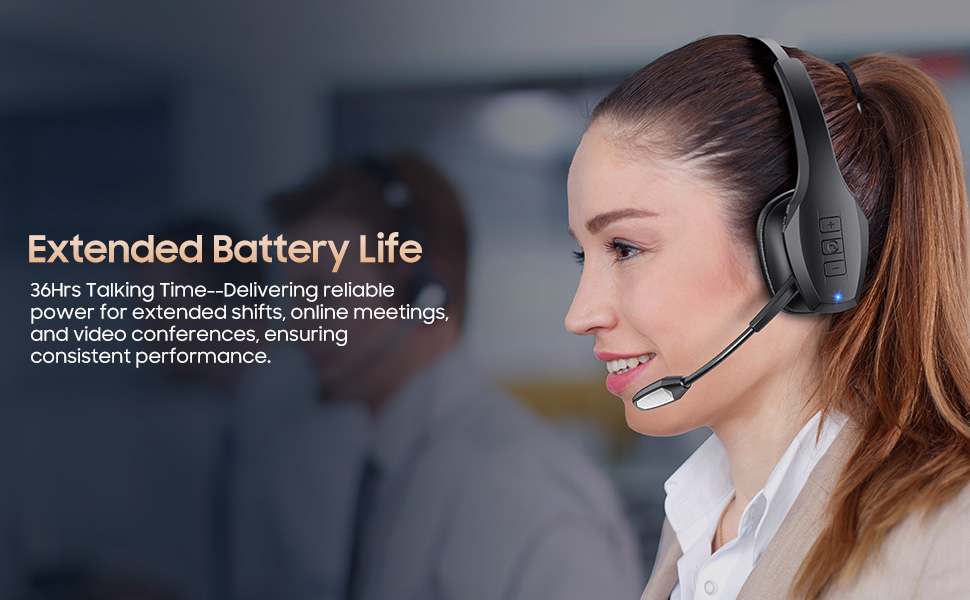
FAQS
Q1: Why Does the Headset's Mic Not Connect or Work?
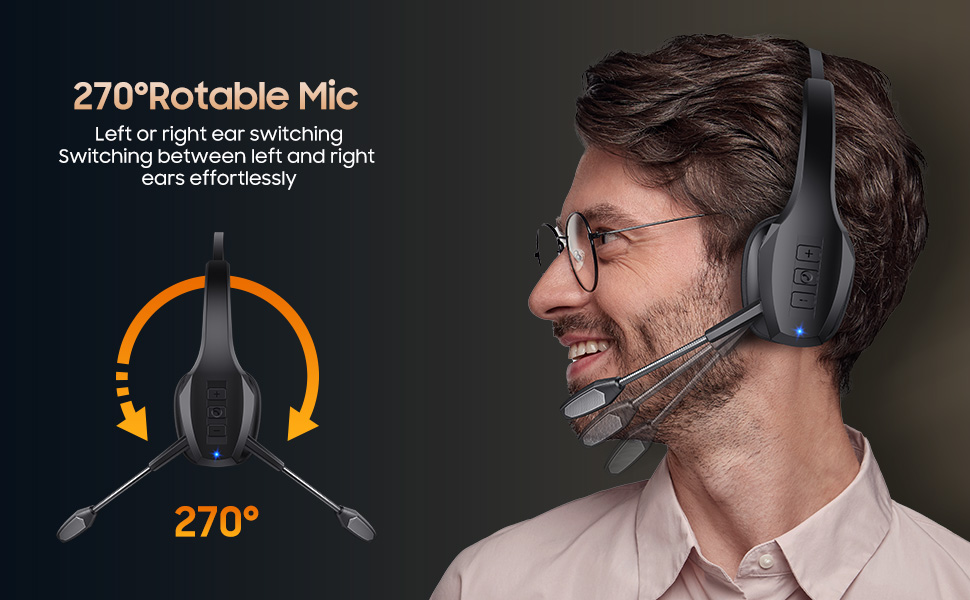
A: 1. On your computer, right-click the Speakers icon at the bottom right, then click Open Sound settings. Select and make sure that [A19] is set as input device (Microphone). 2. Adjust the microphone position to be 0.79-0.98 inches (2-2.5 cm) away from your mouth. If the microphone boom is too far or too close to your mouth, it may cause issues with sound pickup. 3. The microphone may have been accidentally muted, which prevents it from picking up your voice, please turn off the mute button.
Q2: What to Do If I Can't Turm On the Headset or Fail to Connect to Devices?
A: 1. Headset is out of power, please charge the headset. 2. Try to reset the headset. 3.Ask us for technical support. 3. The headset can't connect to a device while it is charging. The headsct has a built-in charging protection feature to prevent the battery from overheating and to ensure safety.
Q3: Why Can't the Headset be Charged?
A: 1. Fully charged. 2.The headset must be tumed off while charging. The charging protection system will be triggered and charging will stop.
Q4:How Can I Connect the Headset to My Laptop/Computer?
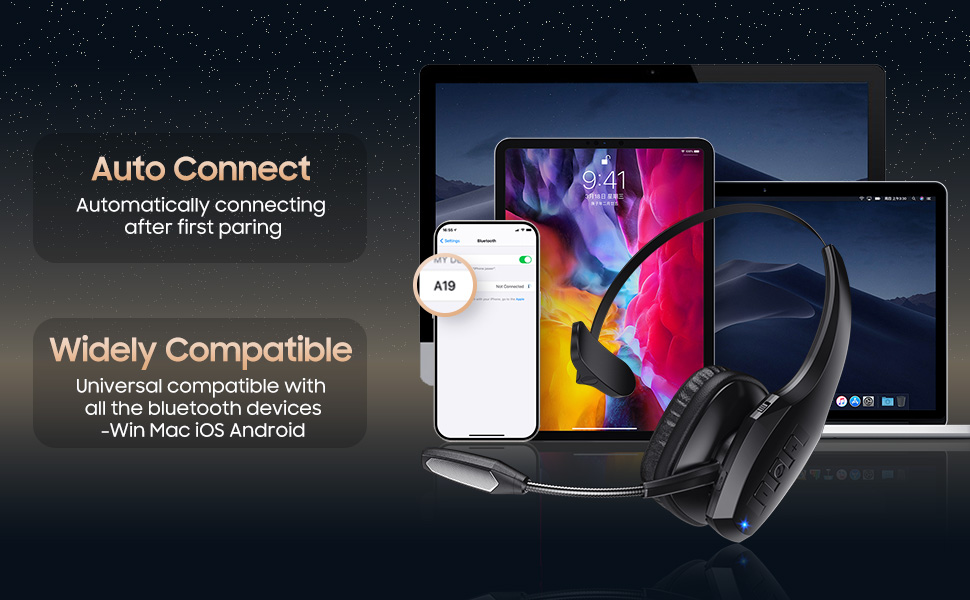
A: On your PC, select Start > Settings > Bluetooth & other devices >Add Bluetooth or other device> Bluetooth > Click on the [A19] of your device. If your computer asks for a Bluetooth driver, contact your computer manufacturer.
Q5: Why Does the Headset Turm Off Automatically?
A: If there is no connection for more than 5 minutes or the battery voltage is lower than 3.3V, the headset will automatically shut down. Please restart or charge the headset.
FAQS
Q1: Why Does the Headset's Mic Not Connect or Work?
A: 1. On your computer, right-click the Speakers icon at the bottom right, then click Open Sound settings. Select and make sure that [A19] is set as input device (Microphone). 2. Adjust the microphone position to be 0.79-0.98 inches (2-2.5 cm) away from your mouth. If the microphone boom is too far or too close to your mouth, it may cause issues with sound pickup. 3. The microphone may have been accidentally muted, which prevents it from picking up your voice, please turn off the mute button.
Q2: What to Do If I Can't Turm On the Headset or Fail to Connect to Devices?
A: 1. Headset is out of power, please charge the headset. 2. Try to reset the headset. 3.Ask us for technical support. 3. The headset can't connect to a device while it is charging. The headsct has a built-in charging protection feature to prevent the battery from overheating and to ensure safety.
Q3: Why Can't the Headset be Charged?
A: 1. Fully charged. 2.The headset must be tumed off while charging. The charging protection system will be triggered and charging will stop.
Q4:How Can I Connect the Headset to My Laptop/Computer?
A: On your PC, select Start > Settings > Bluetooth & other devices >Add Bluetooth or other device> Bluetooth > Click on the [A19] of your device. If your computer asks for a Bluetooth driver, contact your computer manufacturer.
Q5: Why Does the Headset Turm Off Automatically?
A: If there is no connection for more than 5 minutes or the battery voltage is lower than 3.3V, the headset will automatically shut down. Please restart or charge the headset.