



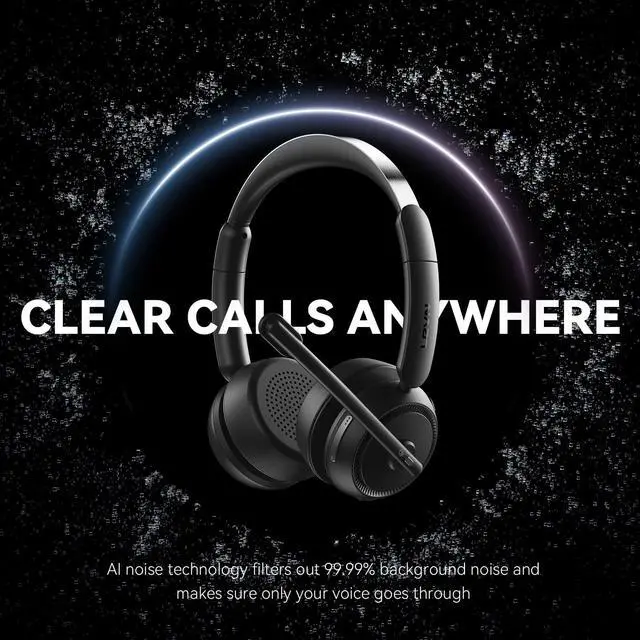



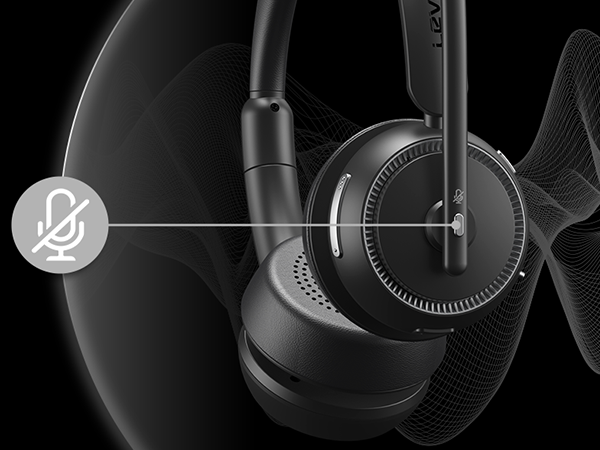
99.9% Noise Cancellation
Eliminates background noise, ensuring your voice stays crisp and professional in any environment

Experience Every Note & Beat Clearly
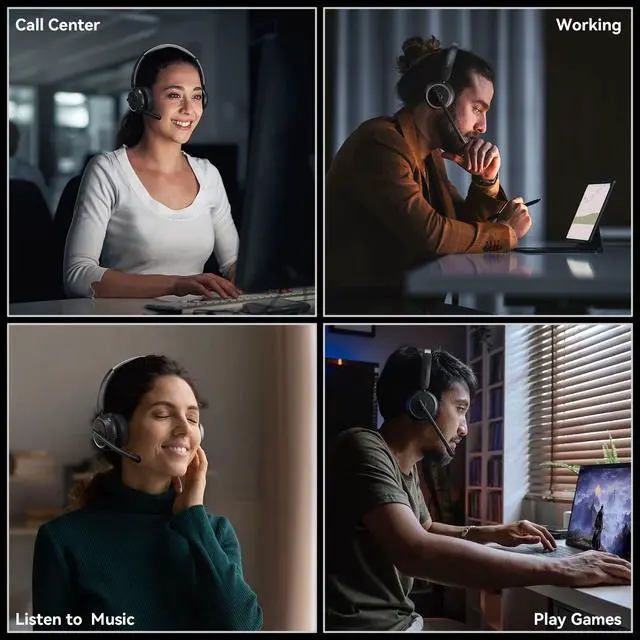
Delivers rich, immersive sound for calls, music, and movies, keeping you focused and entertained
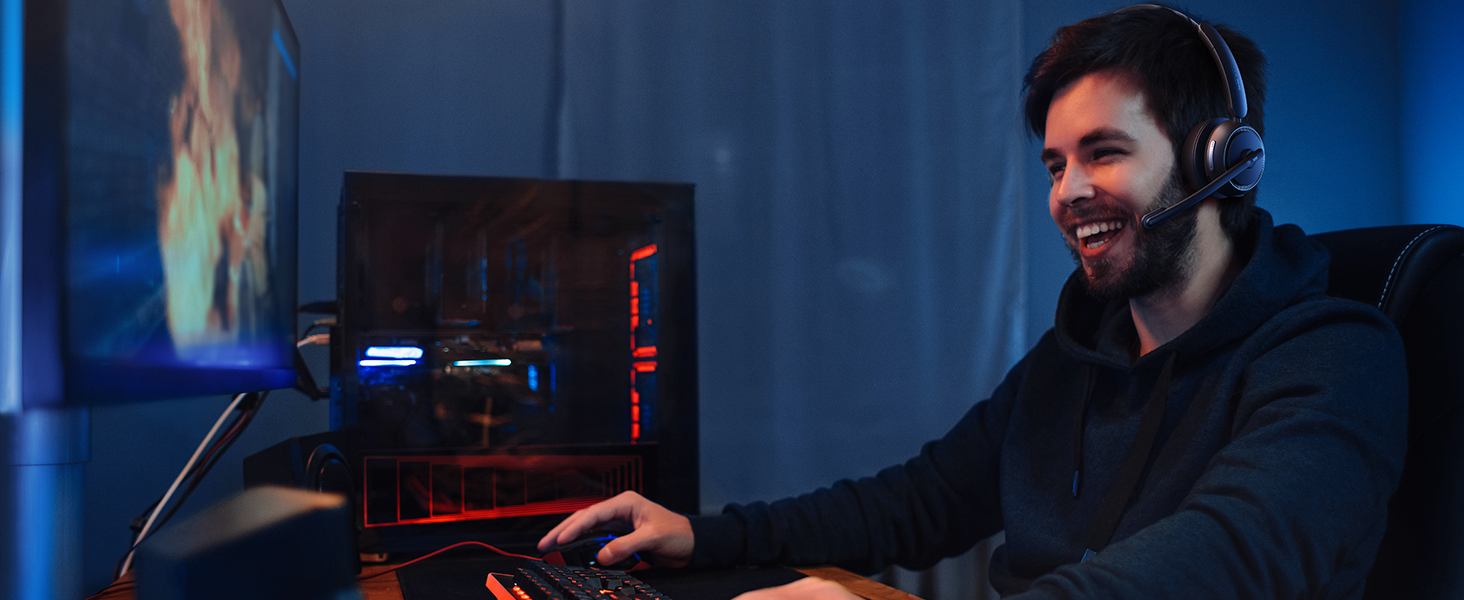
Play Game Mode for Ultimate Sound
Immerse yourself in crystal-clear audio with ultra-low latency for a competitive gaming edge
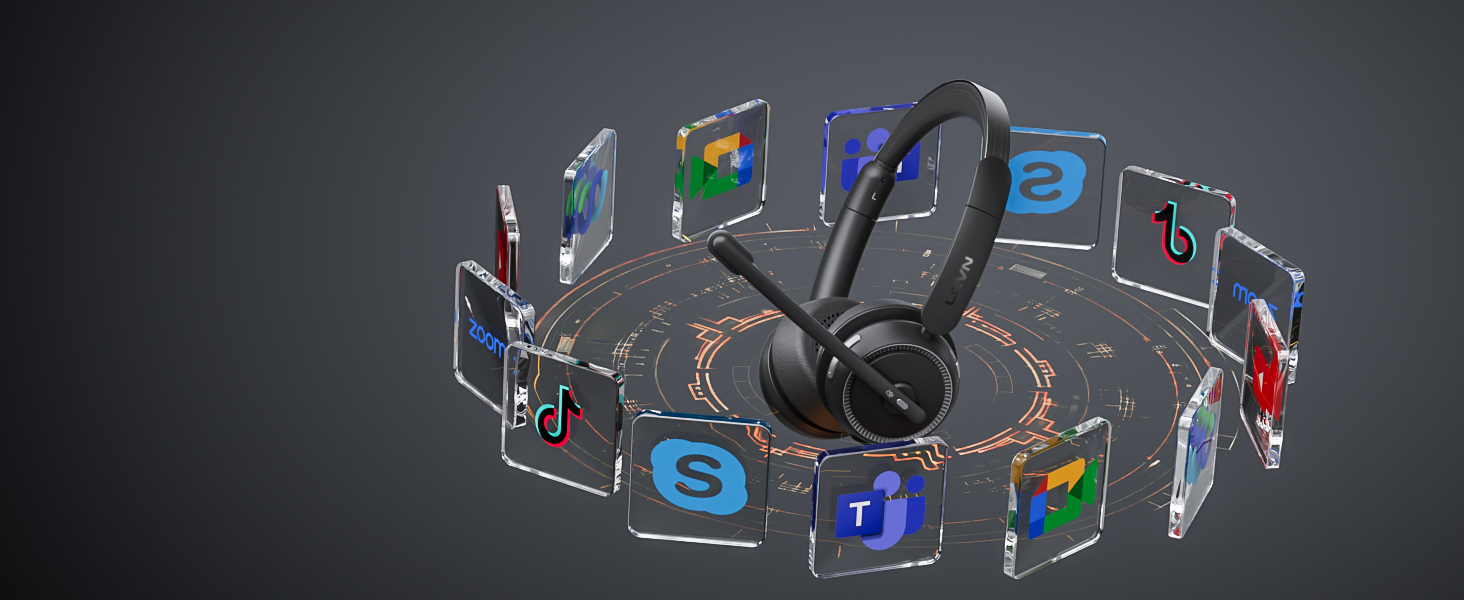
Wide Compatibility with Major Platforms
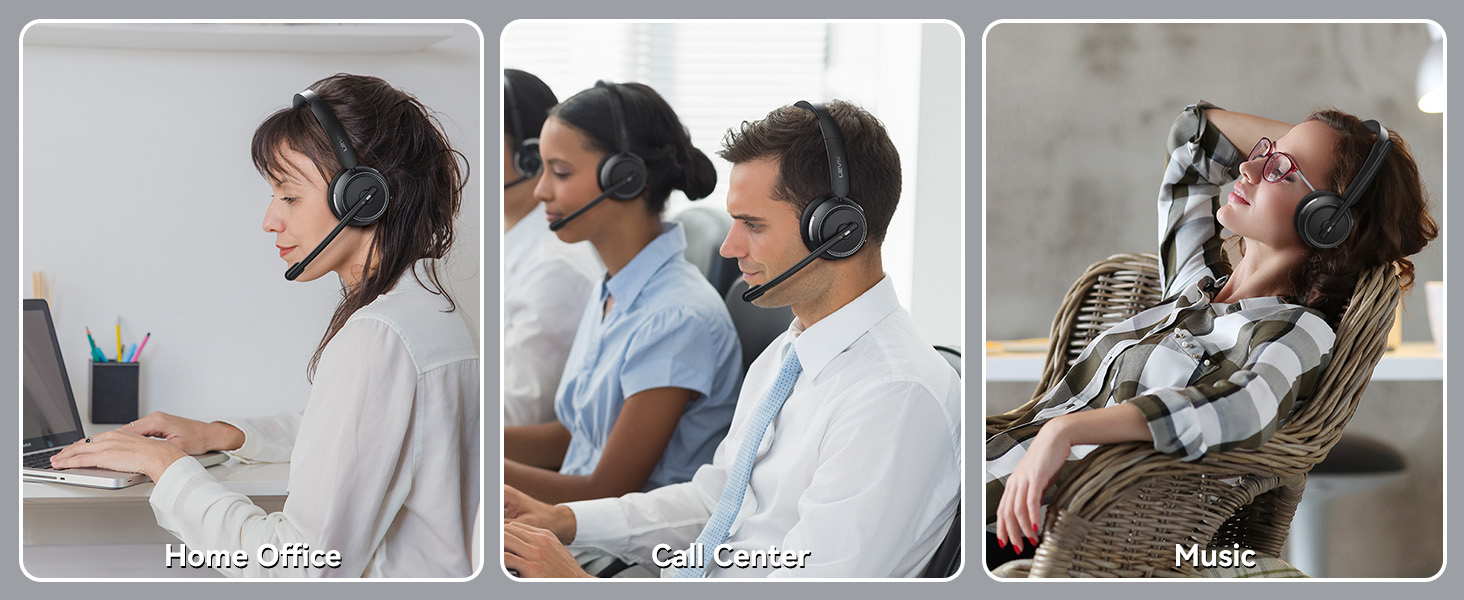
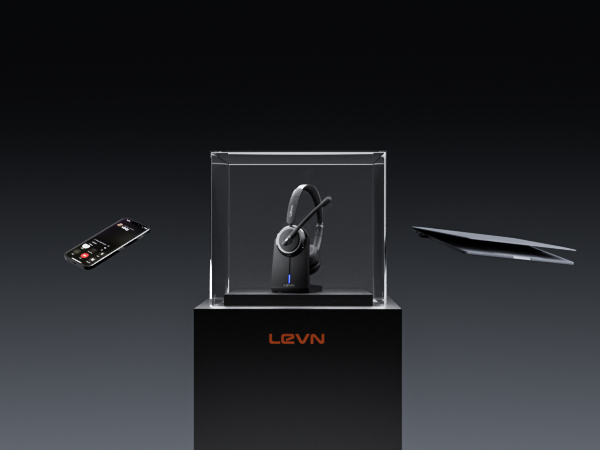
Connect effortlessly to phones, computers, Zoom, and Teams for hassle-free communication
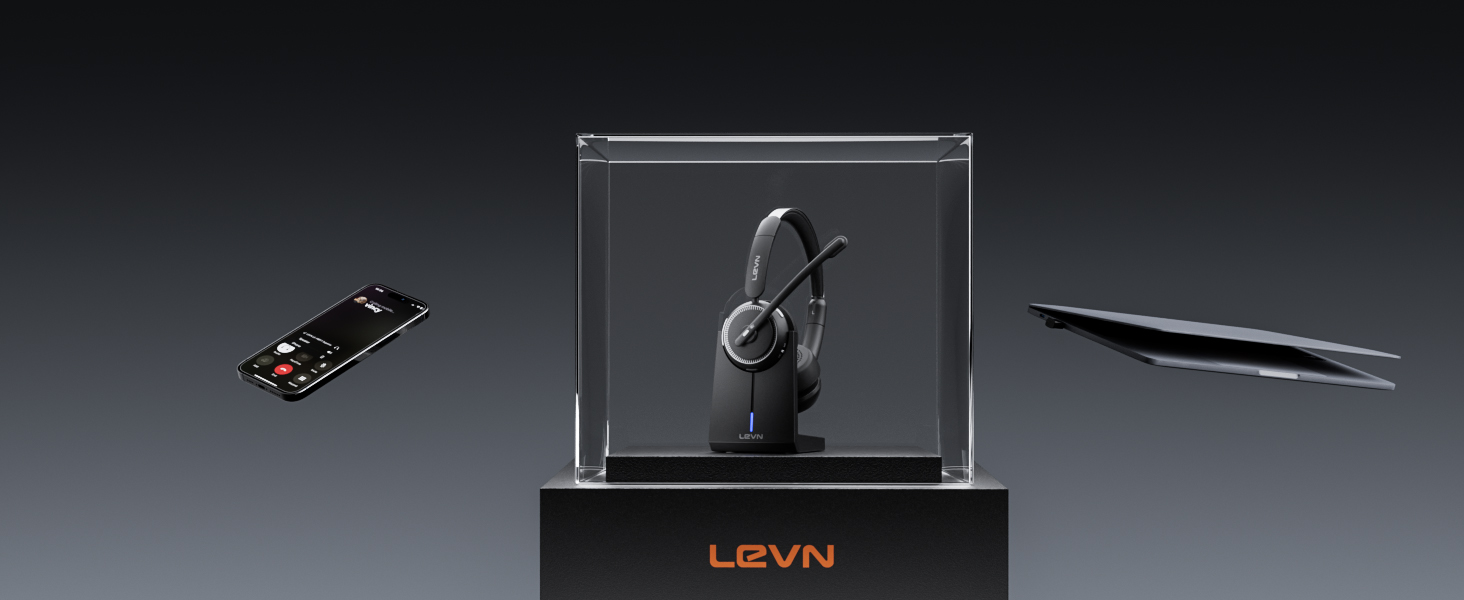
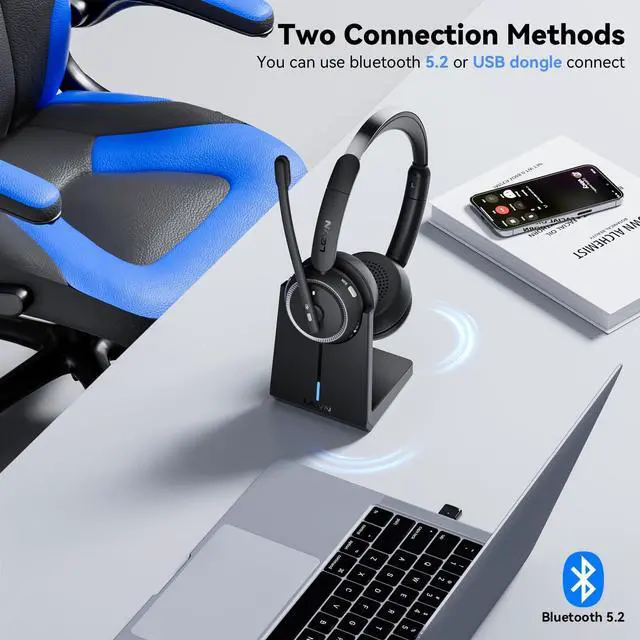
Bluetooth 5.3 & USB Dongle for Instant Connection
Enjoy seamless pairing with laptops, desktops, and phones using two easy connection options
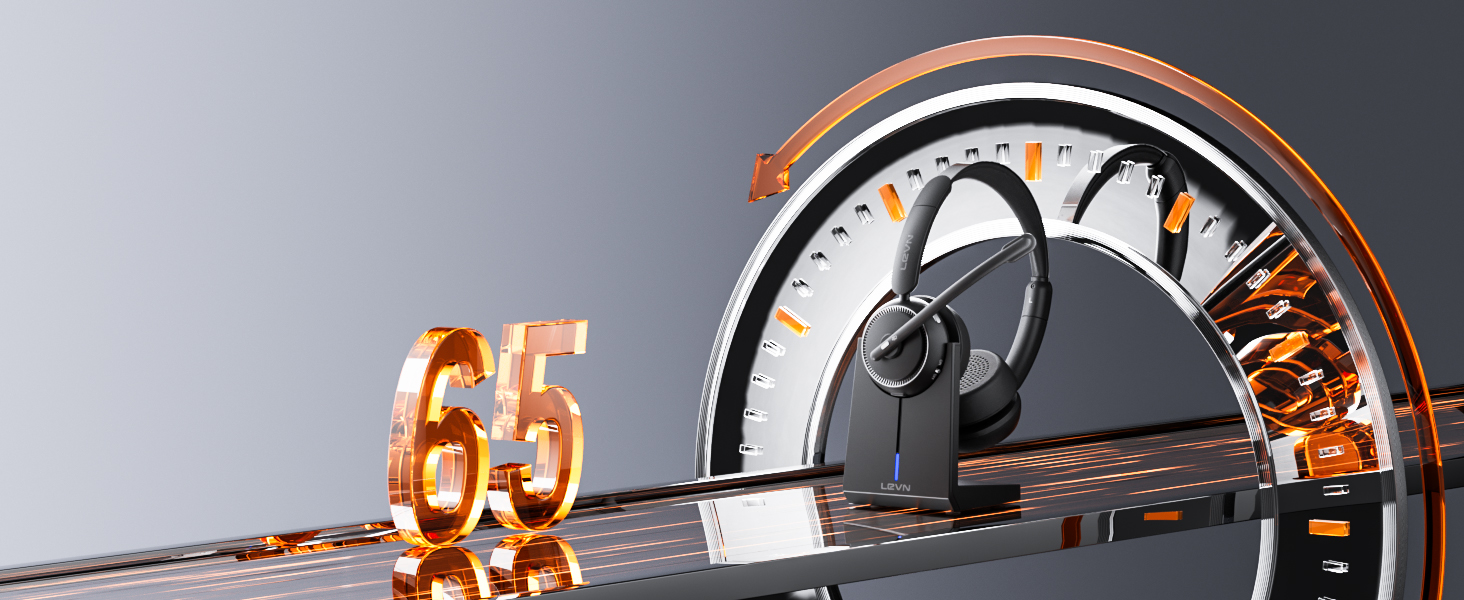
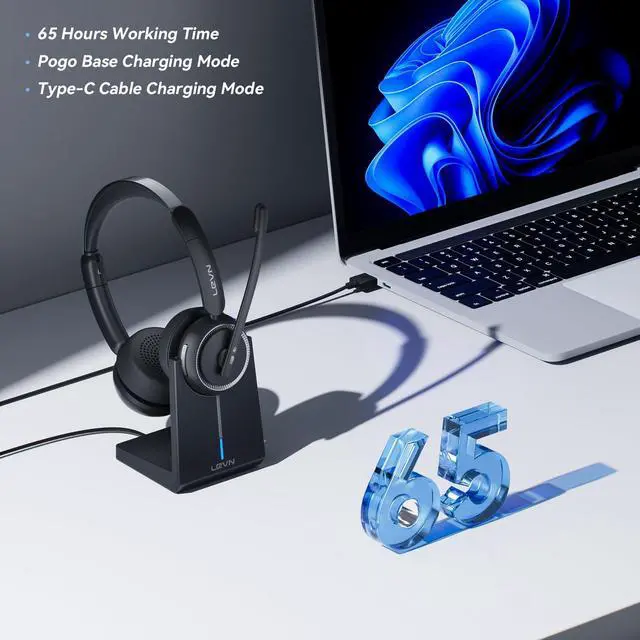
Always Ready with Fast Recharging
Stay productive with 65 hours of battery life and a simple charging base for effortless recharging
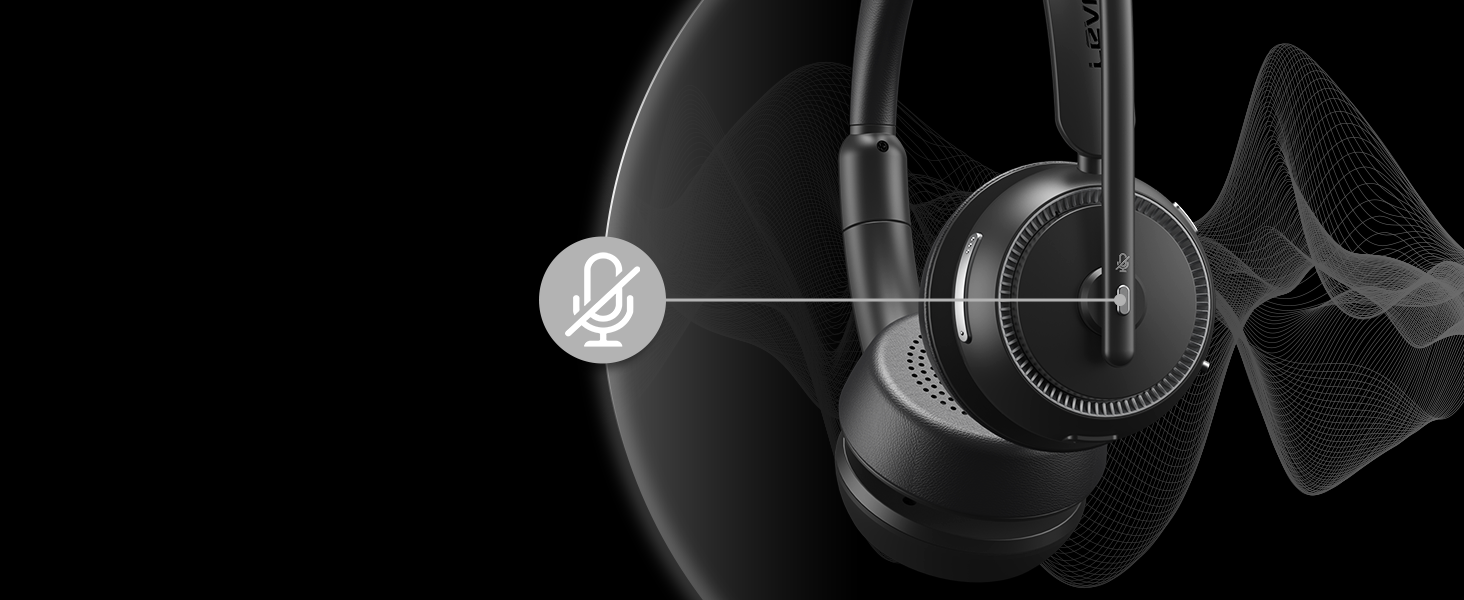
Stay in Control with One-Touch Mute
Enjoy quick privacy with a simple mute button, ideal for professionals on the go
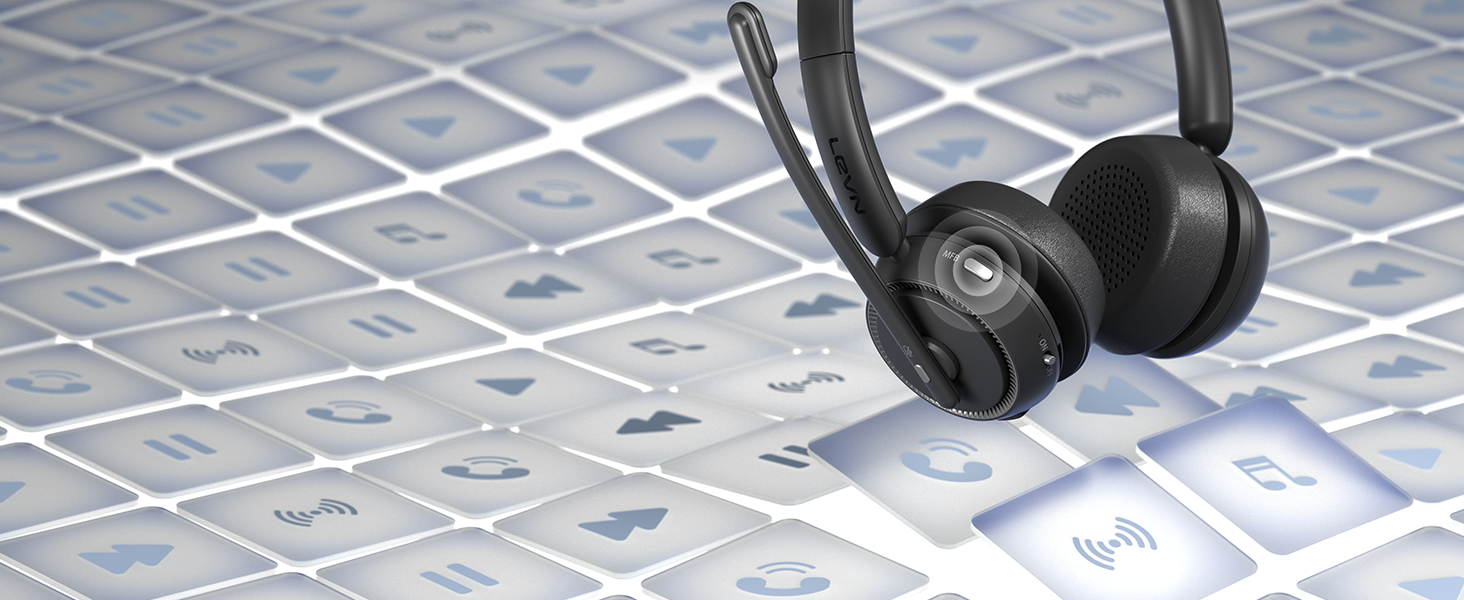
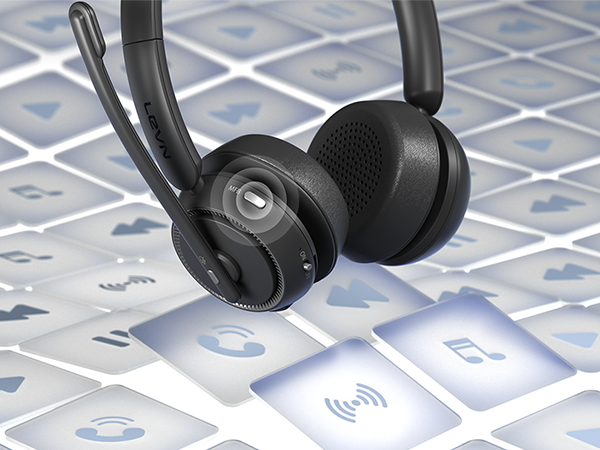
Manage Calls & Audio with One Button
Use the MFB to answer, end, mute, or play music, making communication seamless and efficient
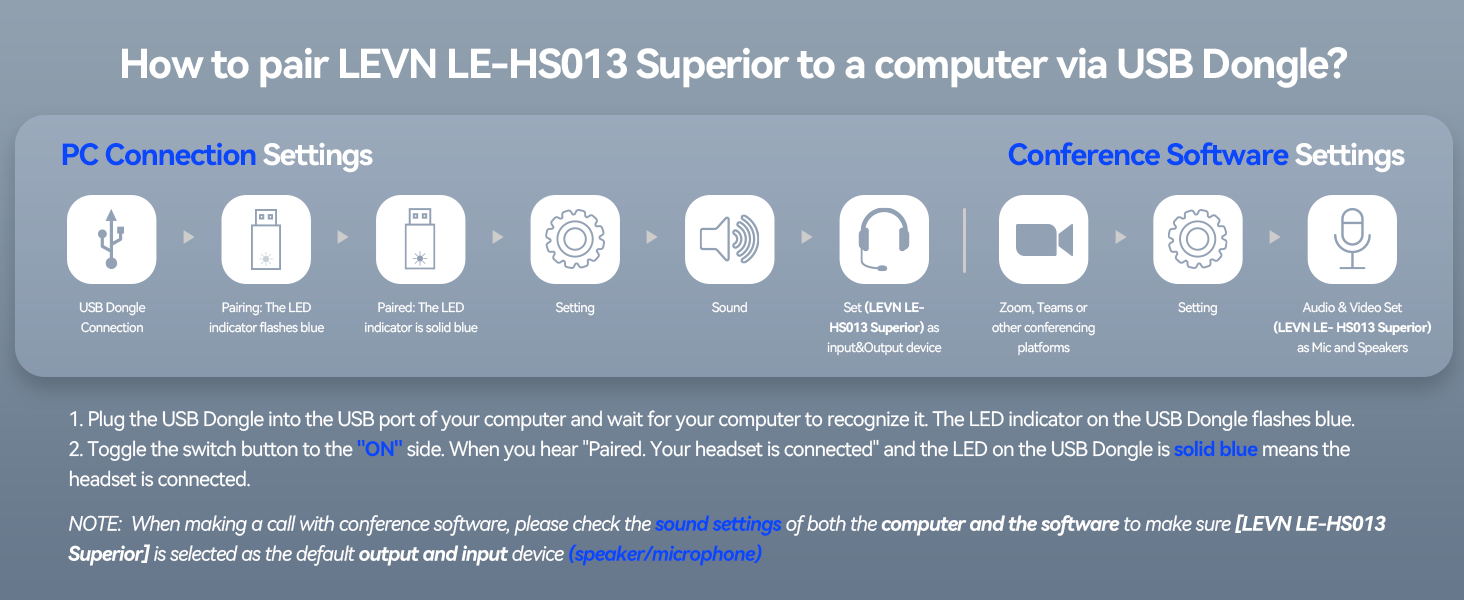
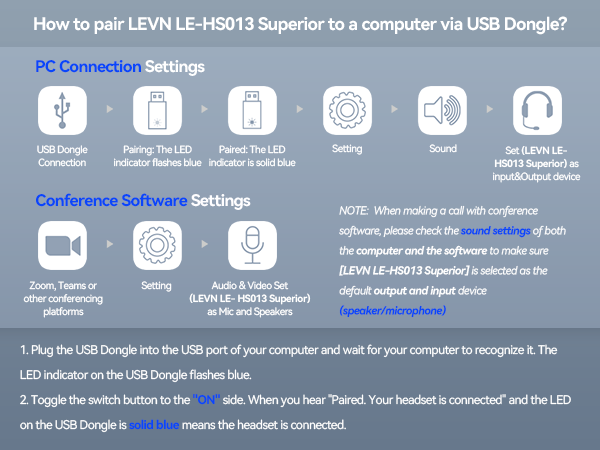
I want to connect wireless headphones to my computer. How do I set up the audio?
When the wireless headset with mic is paired with the computer, please check the sound settings of both the computer and the software to make sure [LEVN LE-HS013 Superior] is selected as the default output and input device (speaker/microphone)
Can I use the headset to answer or hang up calls?
If the wireless headset is connected to a mobile phone, you can click the MFB on the headset to answer/hang up the call; if the headset is connected to a computer, you need to click the MFB on the computer to answer/hang up the call.
I am working from home now. Can this wireless headset with microphone effectively eliminate the noise from my family?
Of course, our wireless headset can effectively eliminate unwanted background noise (family screaming and crying, dogs barking...); however, the voice of the family speaking at a normal volume is not environmental noise and cannot be filtered out
How do I charge the headset?
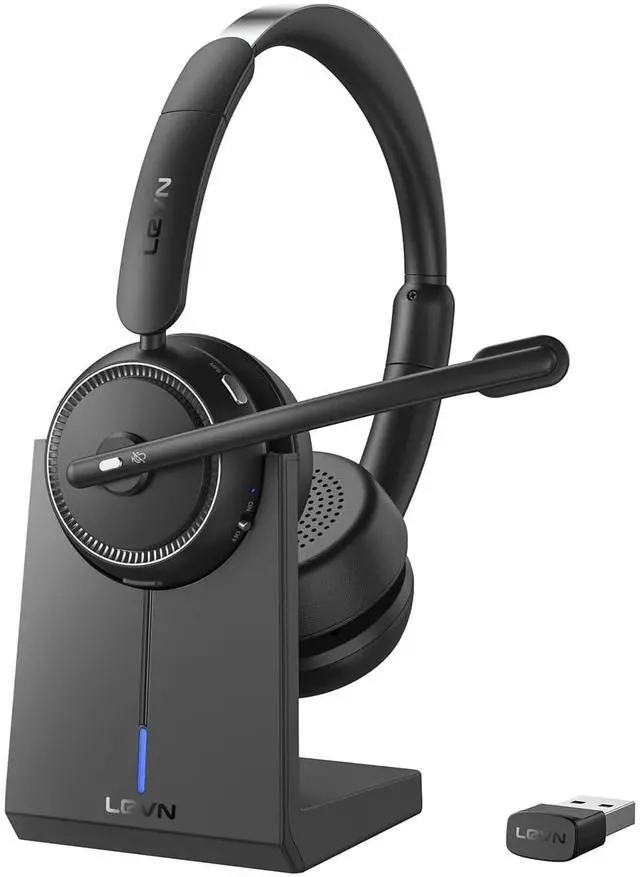
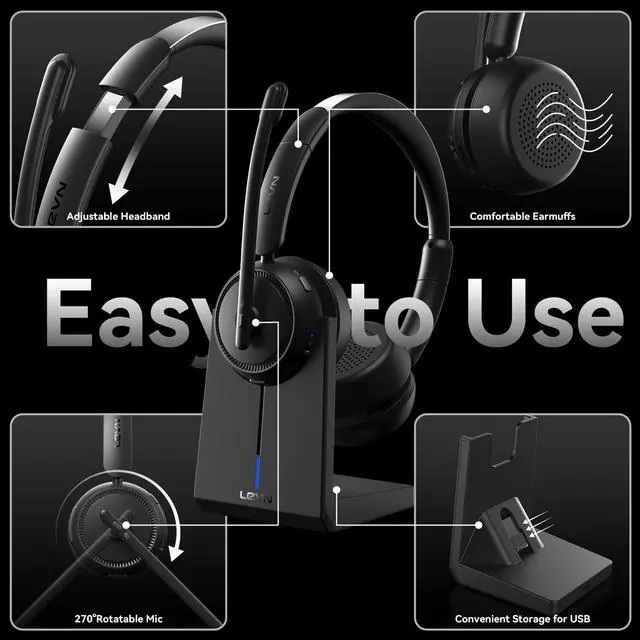
This Bluetooth headset comes with an elegant desktop charging dock for a convenient charging and storage solution. You can also use a Type-C Charging cable to charge it. The charging base has a slot for a USB dongle. Don't worry about losing the USB
What should I do if the device connection fails?
First, in on status, long-press Volume"-" and MFB for 5 seconds to clear the pair record. The light is solid purple for 1 second, which means the pair record has been deleted. Then press and hold the multi-function button for 10s to reset and restart
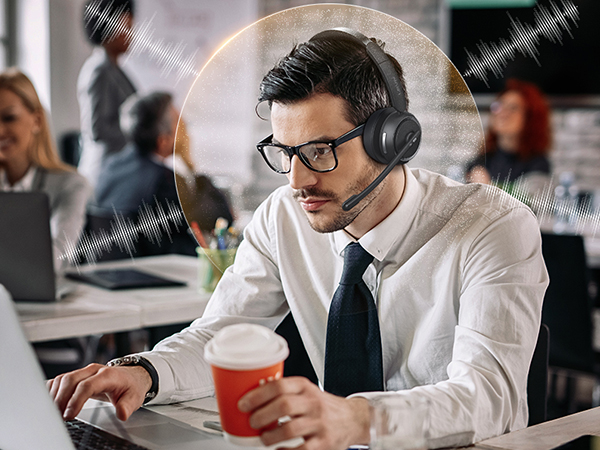
99.9% Noise Cancellation
Eliminates background noise, ensuring your voice stays crisp and professional in any environment
Experience Every Note & Beat Clearly
Delivers rich, immersive sound for calls, music, and movies, keeping you focused and entertained
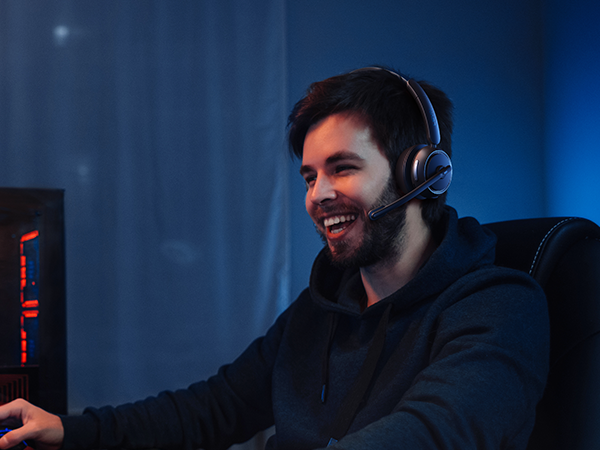
Play Game Mode for Ultimate Sound
Immerse yourself in crystal-clear audio with ultra-low latency for a competitive gaming edge
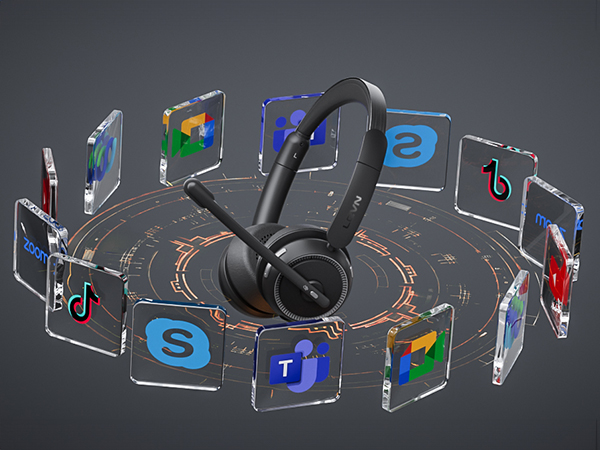
Wide Compatibility with Major Platforms
Connect effortlessly to phones, computers, Zoom, and Teams for hassle-free communication

Bluetooth 5.3 & USB Dongle for Instant Connection
Enjoy seamless pairing with laptops, desktops, and phones using two easy connection options
Always Ready with Fast Recharging
Stay productive with 65 hours of battery life and a simple charging base for effortless recharging
Stay in Control with One-Touch Mute
Enjoy quick privacy with a simple mute button, ideal for professionals on the go
Manage Calls & Audio with One Button
Use the MFB to answer, end, mute, or play music, making communication seamless and efficient


I want to connect wireless headphones to my computer. How do I set up the audio?
When the wireless headset with mic is paired with the computer, please check the sound settings of both the computer and the software to make sure [LEVN LE-HS013 Superior] is selected as the default output and input device (speaker/microphone)
Can I use the headset to answer or hang up calls?
If the wireless headset is connected to a mobile phone, you can click the MFB on the headset to answer/hang up the call; if the headset is connected to a computer, you need to click the MFB on the computer to answer/hang up the call.
I am working from home now. Can this wireless headset with microphone effectively eliminate the noise from my family?
Of course, our wireless headset can effectively eliminate unwanted background noise (family screaming and crying, dogs barking...); however, the voice of the family speaking at a normal volume is not environmental noise and cannot be filtered out
How do I charge the headset?
This Bluetooth headset comes with an elegant desktop charging dock for a convenient charging and storage solution. You can also use a Type-C Charging cable to charge it. The charging base has a slot for a USB dongle. Don't worry about losing the USB
What should I do if the device connection fails?
First, in on status, long-press Volume"-" and MFB for 5 seconds to clear the pair record. The light is solid purple for 1 second, which means the pair record has been deleted. Then press and hold the multi-function button for 10s to reset and restart