



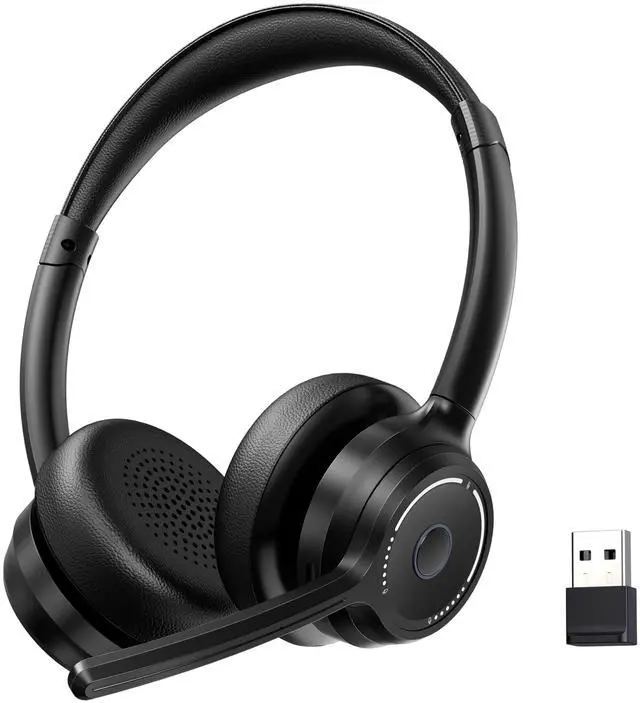








Can I connect the KH109M with two devices at the same time?
Pair with the first device and then turn off the Bluetooth on the first device, Then turn on the Bluetooth on the second device. and make them connected. Keep the second connection and turn on the Bluetooth on the first device and it will connected.
Why i cannot get connect it with my PC?
Please check the headset is on pairing mode. Toggle the power button and you will hear "power on". Then toggle the power button again and you will hear "pairing", The headset is now in pairing mode. Turn on the Bluetooth on your PC, pair and connect.
Why I can't hear others?
Reset the headset (When the headphone is turned on and not in a call state, press the "MFB button" and "volume+ button" for 5 seconds to clear the connection records. Or Unplug the dongle and plug it into another USB port.
Why there is no sound?
Please check that [KH109M dongle] has been selected as both the output and input device. Then close Settings.
How to make headset call sound clearer?
1)Right-click the Speakers icon at the bottom right, then click “Sound settings”.
2)Click “Communication”?Check “Mute all other sounds”?Check “OK”.


Can I connect the KH109M with two devices at the same time?
Pair with the first device and then turn off the Bluetooth on the first device, Then turn on the Bluetooth on the second device. and make them connected. Keep the second connection and turn on the Bluetooth on the first device and it will connected.
Why i cannot get connect it with my PC?
Please check the headset is on pairing mode. Toggle the power button and you will hear "power on". Then toggle the power button again and you will hear "pairing", The headset is now in pairing mode. Turn on the Bluetooth on your PC, pair and connect.
Why I can't hear others?
Reset the headset (When the headphone is turned on and not in a call state, press the "MFB button" and "volume+ button" for 5 seconds to clear the connection records. Or Unplug the dongle and plug it into another USB port.
Why there is no sound?
Please check that [KH109M dongle] has been selected as both the output and input device. Then close Settings.
How to make headset call sound clearer?
1)Right-click the Speakers icon at the bottom right, then click “Sound settings”.
2)Click “Communication”?Check “Mute all other sounds”?Check “OK”.