



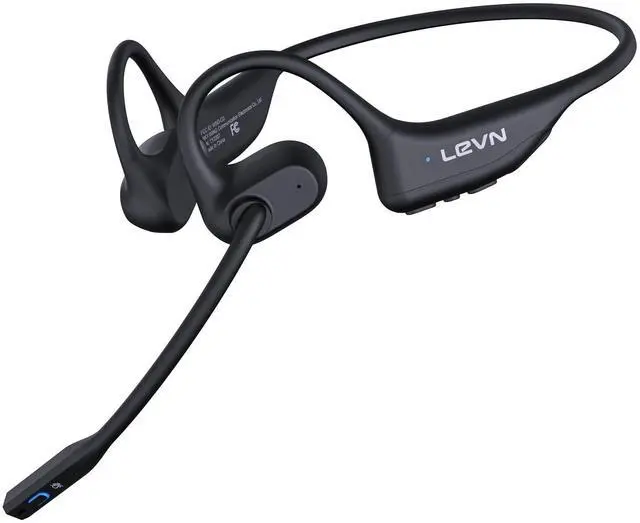



Open Ear Design
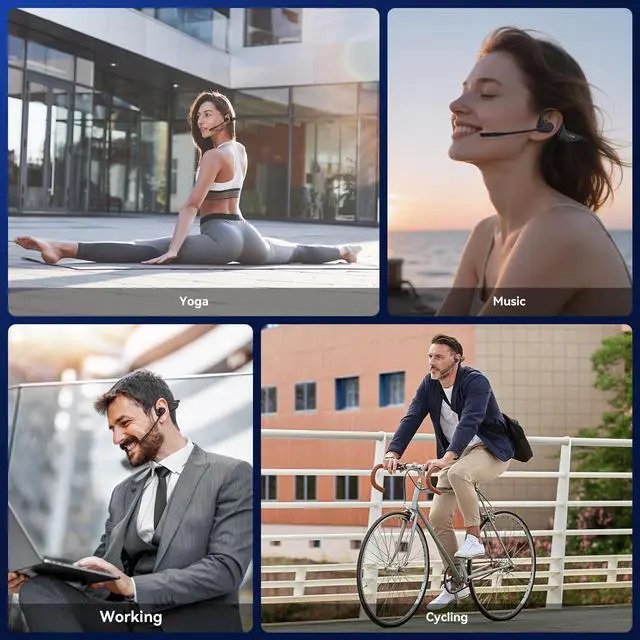
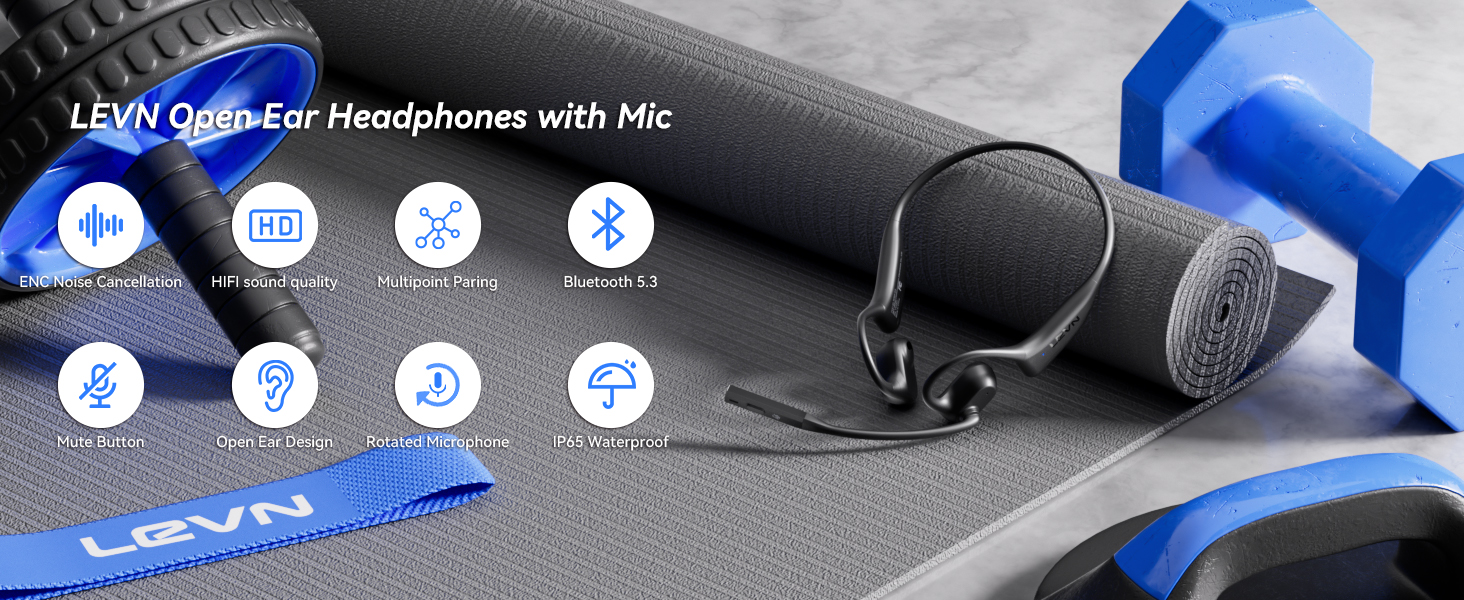
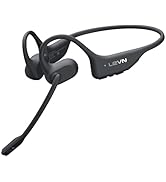
Our Open ear headphones design allows for ambient sound to be heard, making it safer for outdoor activities like running or cycling. You can stay aware of your surroundings, including traffic and other hazards.


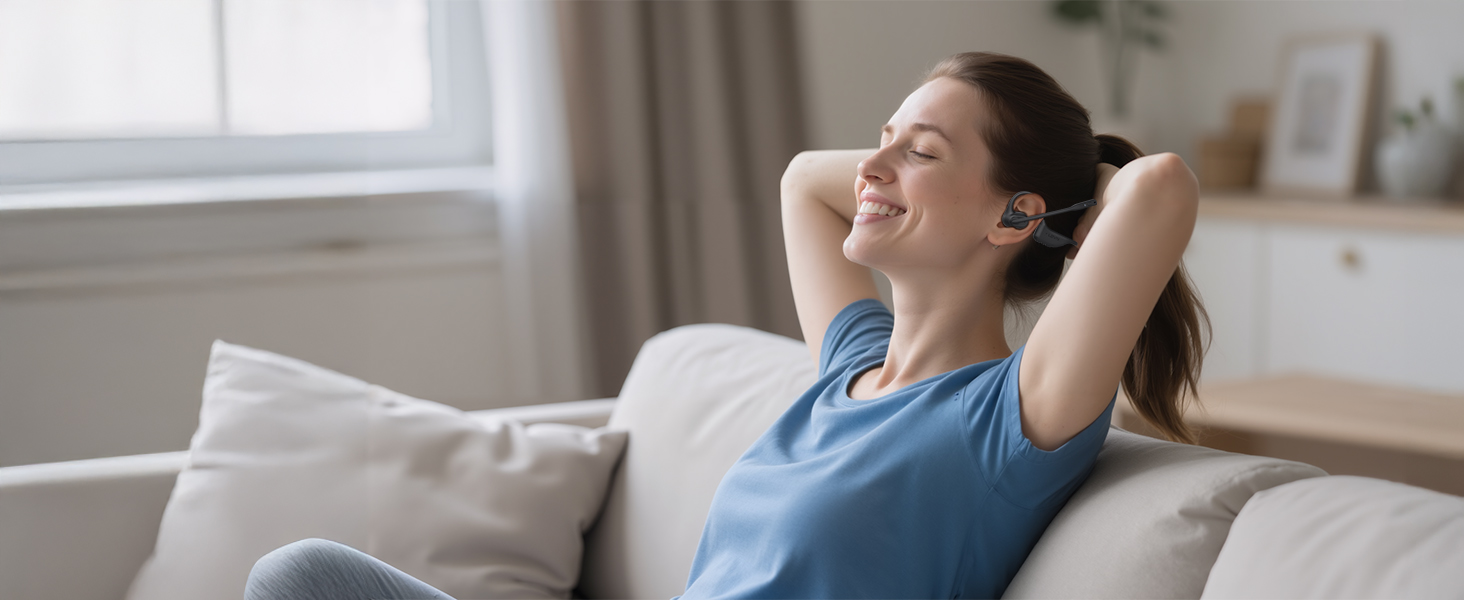

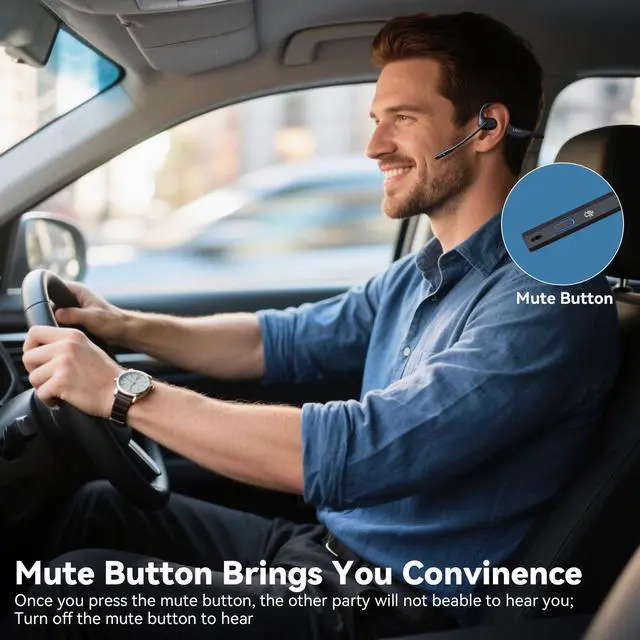
Hands-Free Calls with MFB Button
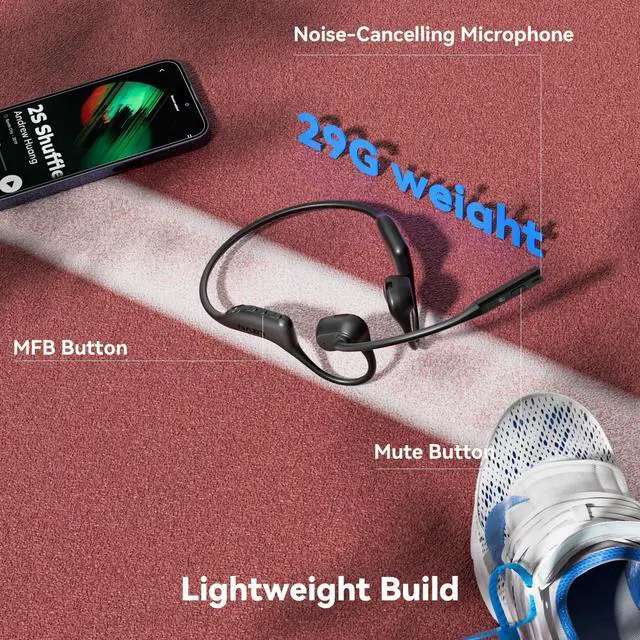
Through the MFB button, you can make or reject calls, play or pause music, switch music
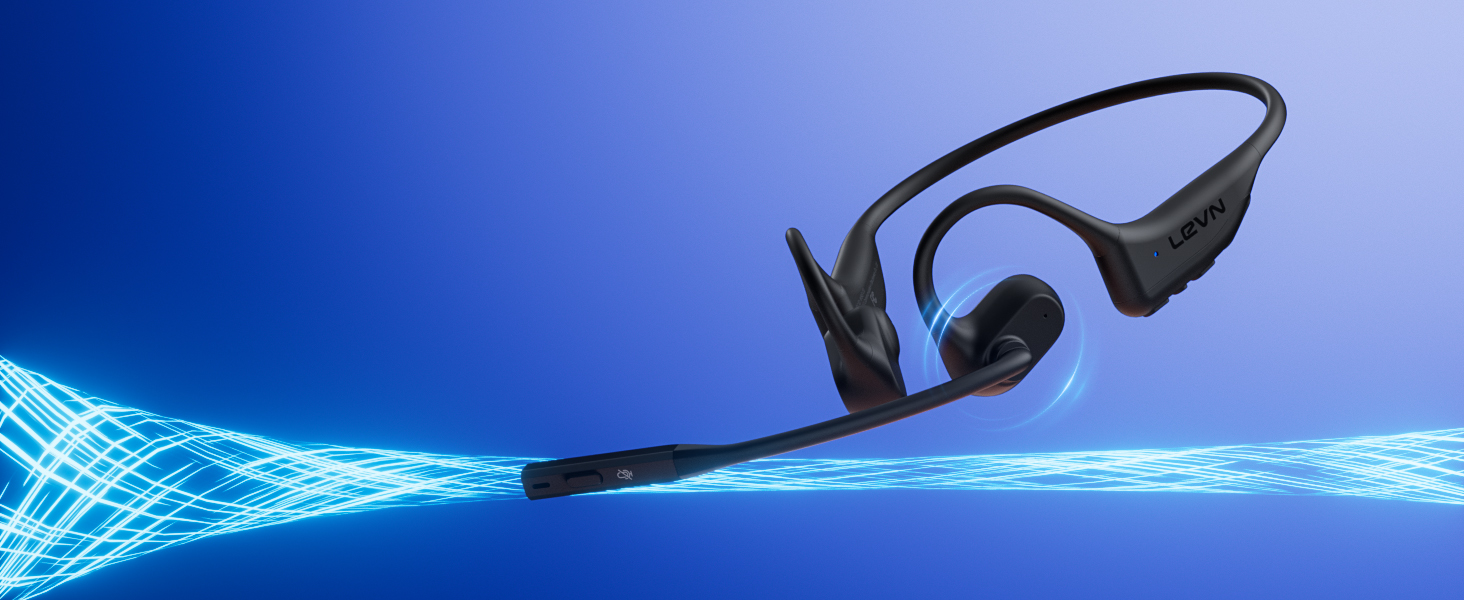
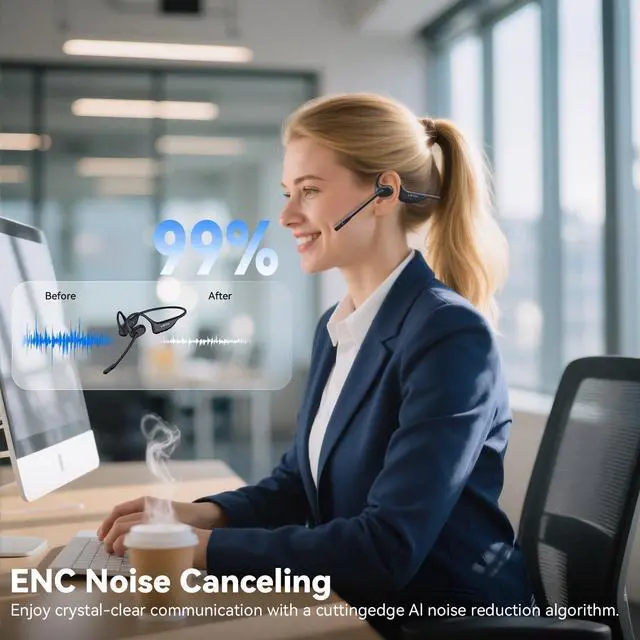
AI Noise Cancellation Microphone
Noise-cancelling microphone provides crystal-clear voice calls
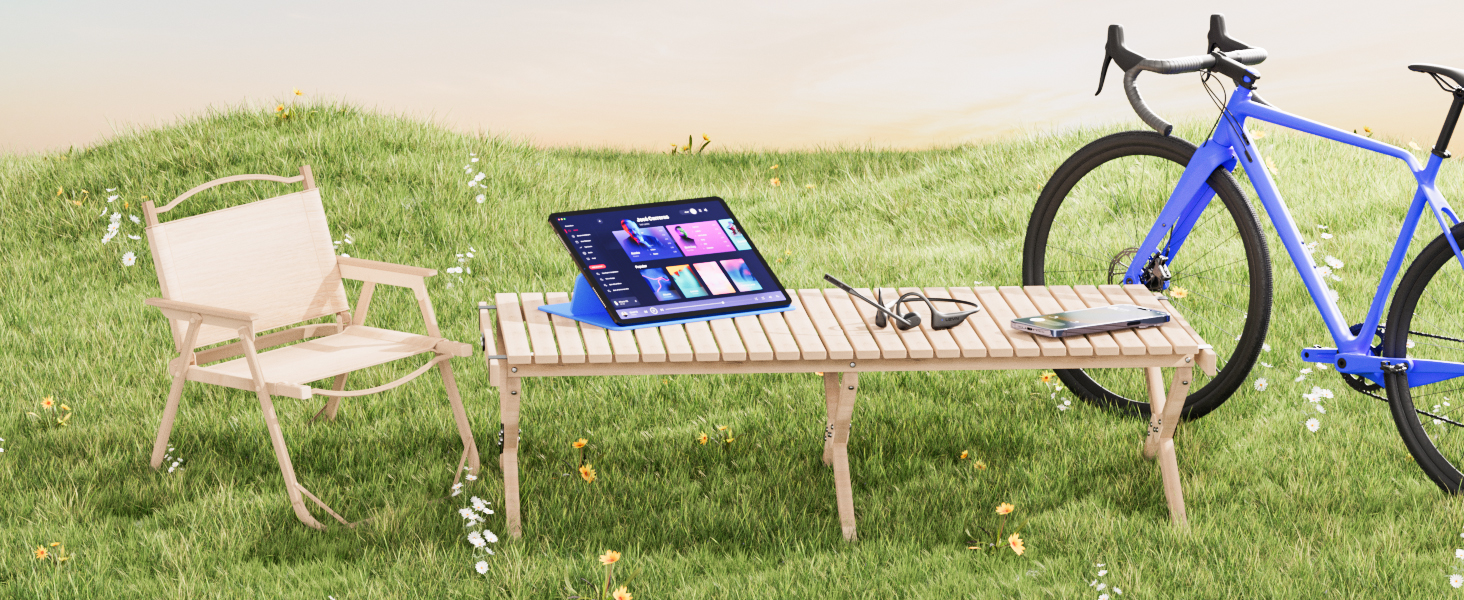
Dual Device Seamless Switching
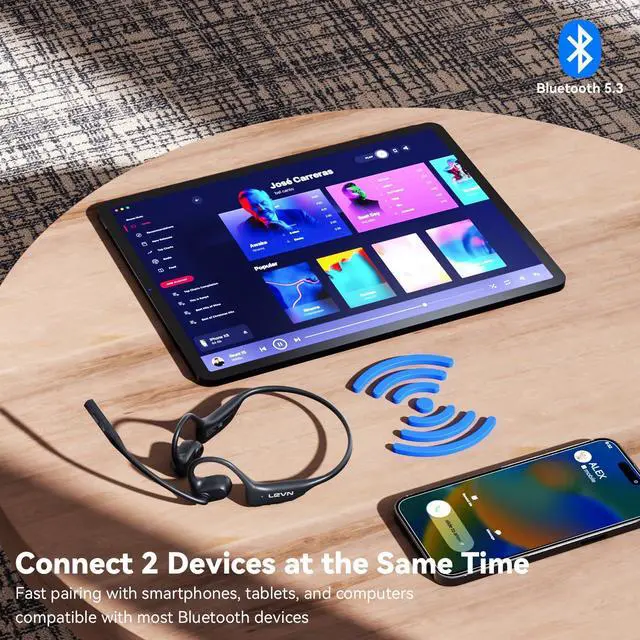
Connect 2 devices at the same time and easily handle messages by quickly switching devices via MFB

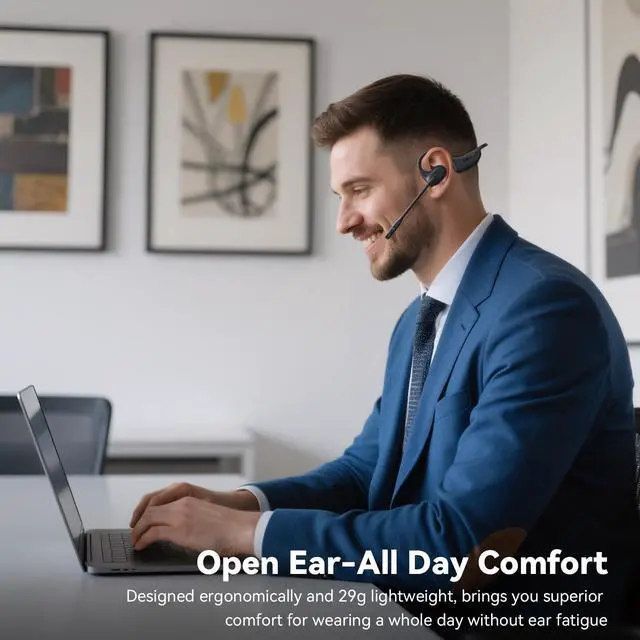
Lightweight & Comfortable
Lightweight (29g) and skin-friendly silicone material for all-day comfort.
How to pair LEVN LE-HS017 V2 with 2 devices simultaneously via Bluetooth?
1. Press and hold MFB button for 3-5s to enter pairing mode, the LED indicator light will flash blue and red alternately, and you could hear "Pairing".
2. Turn on the Bluetooth function of device A, search and connect [LEVN LE-HS017 V2] in the Bluetooth device list. When you hear "connected" and the LED indicator turns blue and flashes slowly every 5s, it means the headset is connected to device A.
3. Turn off the Bluetooth function of device A, when you hear "Disconnected", the LED indicator light will flash blue and red alternately, [LEVN LE-HS017 V2] will re-enter the pairing mode.
4. Turn on the Bluetooth function of device B, search and connect [LEVN LE-HS017 V2] in the Bluetooth device list, when you hear "connected" and the LED indicator turns blue and flashes slowly every 5s, it means the headset B-device connected to device B.
5. Turn on the Bluetooth function of device A, and click "Connect" [LEVN LE-HS017 V2] in the Bluetooth device list. When you hear "connected" again, it means that the headset has been successfully connected to device A and device B at the same time.
Note:
When you listen to music on device A, and device B has an incoming call, just click the MFB button to answer the call (please check the manual for more details).
When making a call, make sure the sound settings of both the computer and the software to make sure [LEVN LE-HS017 V2] is selected as the default output and input device (speaker/microphone)
LEVN HEADSET COLLECTION
 LE-HS017 V3 | 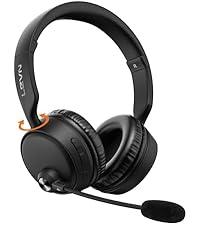 CT003 V4 | 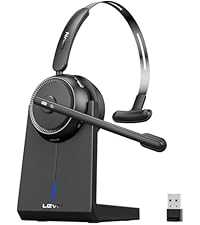 CT001 V4 | 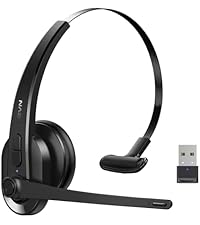 LE-HS011 Sup | 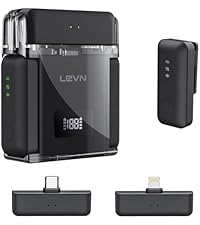 LM101 Wireless Microphone | 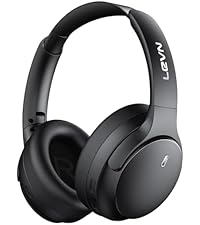 LE-ANC041 | 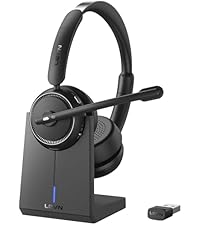 LEHS013 Superior 2025 | |
|---|---|---|---|---|---|---|---|
Customer Reviews | — | — | — | — | — | — | — |
Price | — | — | — | — | — | — | — |
ENC Technology | Yes | Yes | Yes | Yes | Yes | Yes | Yes |
Connectivity | Bluetooth V5.3 | Bluetooth | Bluetooth & USB Dongle | Bluetooth & USB Dongle | Type-C&Lighting | Bluetooth V5.4 | Bluetooth & USB Dongle |
Multipoint | 2 Device | 2 Device | 1 Device | 1 Device | 2 Device | 2 Device | 2 Device |
Earcup | Binaural | Binaural | Single-ear | Single Ear | Lavalier Microphone | Binaural | Binaural |
Compatibility | Microsoft Teams/Zoom/WebEx | Microsoft Teams/Zoom/WebEx | Microsoft Teams/Zoom/WebEx | Microsoft Teams/Zoom/WebEx | TikTok, YouTube, Video Record | Microsoft Teams/Zoom/WebEx | Microsoft Teams/Zoom/WebEx |

Eliminating Unwanted Background Noise and Focusing on your Call with LEVN
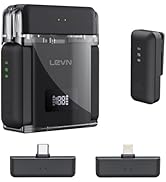

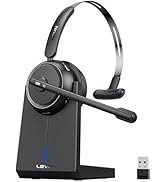
LEVN Bluetooth Headset
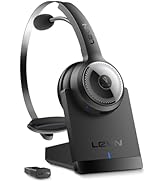

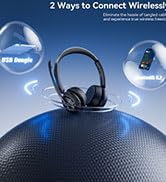
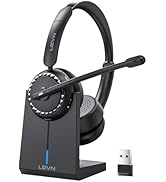
Wireless headset for work
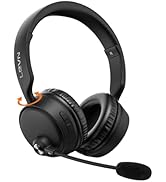
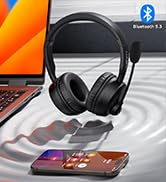

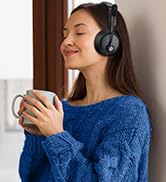
LEVN Bluetooth Headset
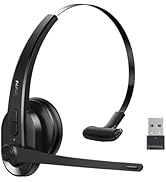

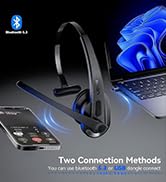

LEVN Wireless Headset with Mic
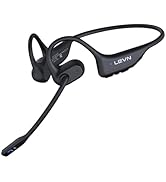

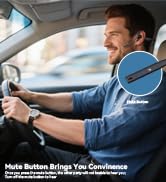

Open Ear Headphones
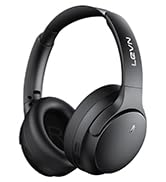

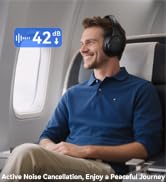
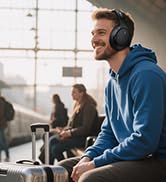
Noise Cancelling Headphones
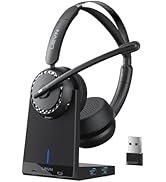

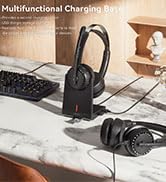

LEVN New Product Alert
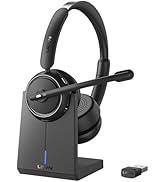



LEVN Wireless headset for work
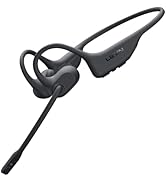
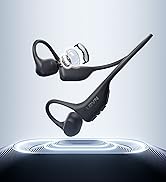
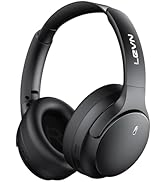
LEVN Wireless Headset

LEVN Binaural Headset
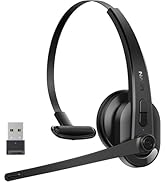
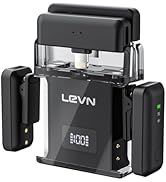
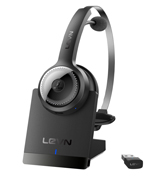

LEVN Wireless Headset with Mic
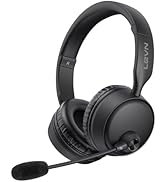
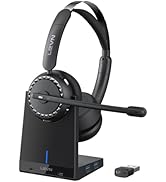

LEVN Wireless Headset with Mic
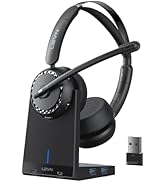

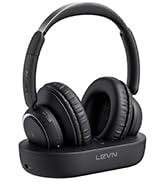

Convenient & Efficient
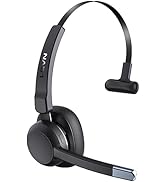
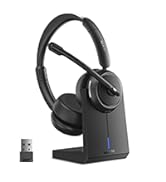
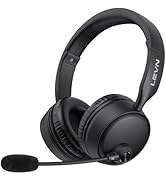
New Product Alert from LEVN
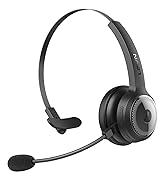
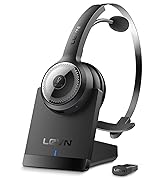
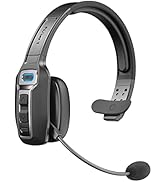
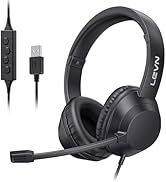
Wireless Freedom


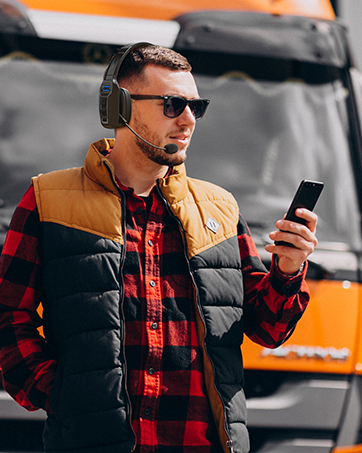

LEVN: Redefining Wireless Audio - Unmatched Quality and Innovation
Established in 2003, LEVN has a two-decade legacy in wireless audio, delivering unmatched expertise, superior quality, and an exceptional user experience. Meticulously crafted headphones ensure superior sound and seamless connectivity. Our goal is to enrich wireless audio with revolutionary features and innovative technology, shaping the future of Bluetooth headsets.
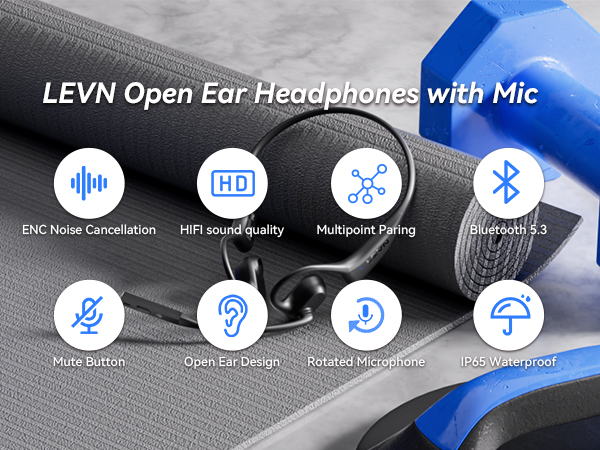

Open Ear Design
Our Open ear headphones design allows for ambient sound to be heard, making it safer for outdoor activities like running or cycling. You can stay aware of your surroundings, including traffic and other hazards.
Ergonomic 3D design with soft liquid silicone for a secure, comfortable fit—perfect for workouts.
Lightweight and comfortable design allows you to focus on your work without any distractions
High-fidelity audio ensures accurate reproduction of every detail in music and movies.


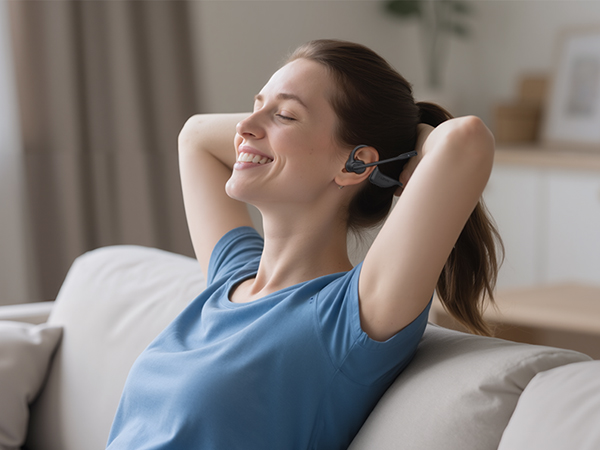
Hands-Free Calls with MFB Button
Through the MFB button, you can make or reject calls, play or pause music, switch music
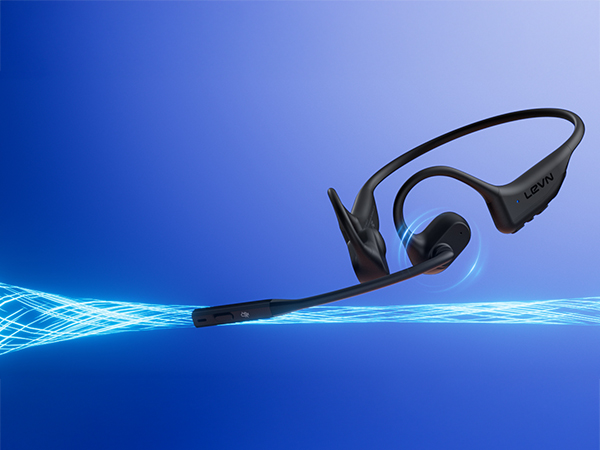
AI Noise Cancellation Microphone
Noise-cancelling microphone provides crystal-clear voice calls
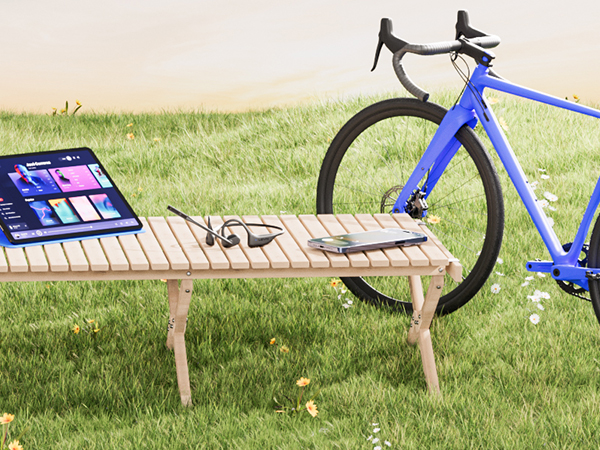
Dual Device Seamless Switching
Connect 2 devices at the same time and easily handle messages by quickly switching devices via MFB

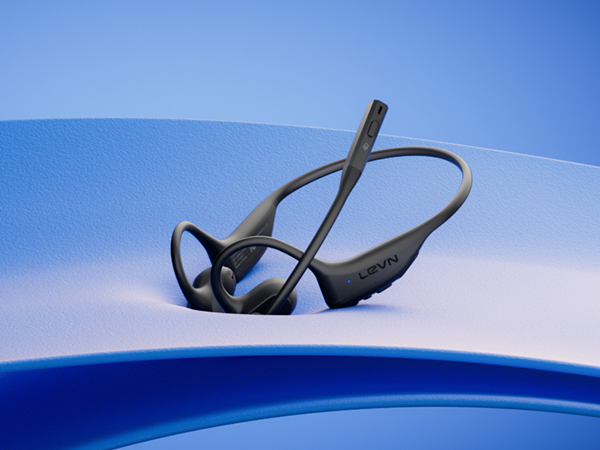
Lightweight & Comfortable
Lightweight (29g) and skin-friendly silicone material for all-day comfort.
How to pair LEVN LE-HS017 V2 with 2 devices simultaneously via Bluetooth?
1. Press and hold MFB button for 3-5s to enter pairing mode, the LED indicator light will flash blue and red alternately, and you could hear "Pairing".
2. Turn on the Bluetooth function of device A, search and connect [LEVN LE-HS017 V2] in the Bluetooth device list. When you hear "connected" and the LED indicator turns blue and flashes slowly every 5s, it means the headset is connected to device A.
3. Turn off the Bluetooth function of device A, when you hear "Disconnected", the LED indicator light will flash blue and red alternately, [LEVN LE-HS017 V2] will re-enter the pairing mode.
4. Turn on the Bluetooth function of device B, search and connect [LEVN LE-HS017 V2] in the Bluetooth device list, when you hear "connected" and the LED indicator turns blue and flashes slowly every 5s, it means the headset B-device connected to device B.
5. Turn on the Bluetooth function of device A, and click "Connect" [LEVN LE-HS017 V2] in the Bluetooth device list. When you hear "connected" again, it means that the headset has been successfully connected to device A and device B at the same time.
Note:
When you listen to music on device A, and device B has an incoming call, just click the MFB button to answer the call (please check the manual for more details).
When making a call, make sure the sound settings of both the computer and the software to make sure [LEVN LE-HS017 V2] is selected as the default output and input device (speaker/microphone)
LEVN HEADSET COLLECTION
LE-HS017 V3 | CT003 V4 | CT001 V4 | LE-HS011 Sup | LM101 Wireless Microphone | LE-ANC041 | LEHS013 Superior 2025 |
|---|---|---|---|---|---|---|
| Customer Reviews | ||||||
| — | — | — | — | — | — | — |
| Price | ||||||
| — | — | — | — | — | — | — |
| ENC Technology | ||||||
| Yes | Yes | Yes | Yes | Yes | Yes | Yes |
| Connectivity | ||||||
| Bluetooth V5.3 | Bluetooth | Bluetooth & USB Dongle | Bluetooth & USB Dongle | Type-C&Lighting | Bluetooth V5.4 | Bluetooth & USB Dongle |
| Multipoint | ||||||
| 2 Device | 2 Device | 1 Device | 1 Device | 2 Device | 2 Device | 2 Device |
| Earcup | ||||||
| Binaural | Binaural | Single-ear | Single Ear | Lavalier Microphone | Binaural | Binaural |
| Compatibility | ||||||
| Microsoft Teams/Zoom/WebEx | Microsoft Teams/Zoom/WebEx | Microsoft Teams/Zoom/WebEx | Microsoft Teams/Zoom/WebEx | TikTok, YouTube, Video Record | Microsoft Teams/Zoom/WebEx | Microsoft Teams/Zoom/WebEx |
Eliminating Unwanted Background Noise and Focusing on your Call with LEVN
LEVN Bluetooth Headset
Wireless headset for work
LEVN Bluetooth Headset
LEVN Wireless Headset with Mic
Open Ear Headphones
Noise Cancelling Headphones
LEVN New Product Alert
LEVN Wireless headset for work
LEVN Wireless Headset
LEVN Binaural Headset
LEVN Wireless Headset with Mic
LEVN Wireless Headset with Mic
Convenient & Efficient
New Product Alert from LEVN
Wireless Freedom
LEVN: Redefining Wireless Audio - Unmatched Quality and Innovation
Established in 2003, LEVN has a two-decade legacy in wireless audio, delivering unmatched expertise, superior quality, and an exceptional user experience. Meticulously crafted headphones ensure superior sound and seamless connectivity. Our goal is to enrich wireless audio with revolutionary features and innovative technology, shaping the future of Bluetooth headsets.