





Eliminating Unwanted Background Noise and Focusing on your Call with LEVN

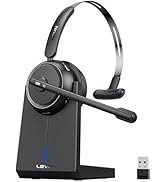
LEVN Bluetooth Headset
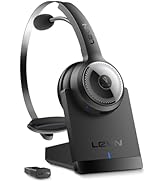

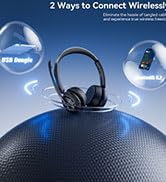
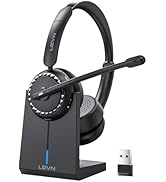
Wireless headset for work
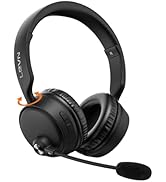
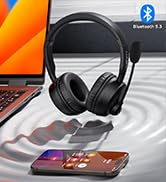
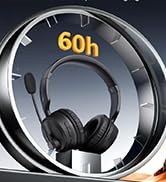

LEVN Bluetooth Headset
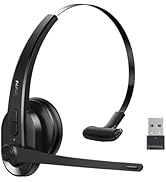
LEVN Wireless Headset with Mic
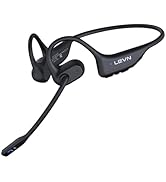

Open Ear Headphones
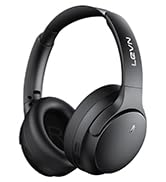

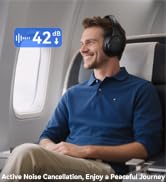
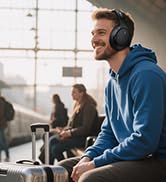
Noise Cancelling Headphones
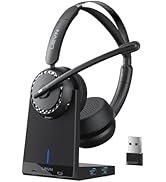

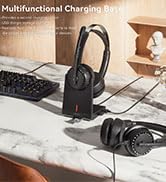

LEVN New Product Alert
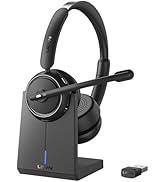
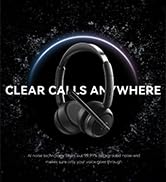


LEVN Wireless headset for work
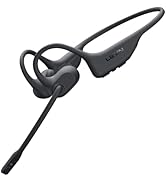
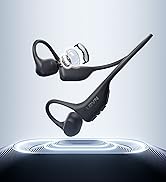
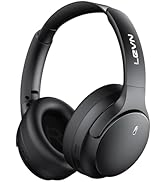
LEVN Wireless Headset

LEVN Binaural Headset
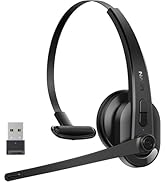
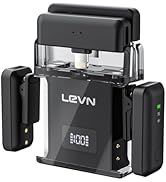
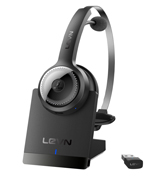

LEVN Wireless Headset with Mic
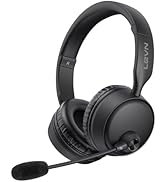
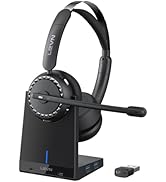

LEVN Wireless Headset with Mic
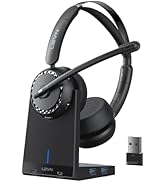

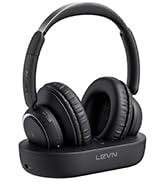

Convenient & Efficient
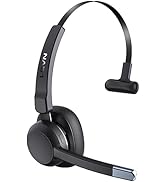
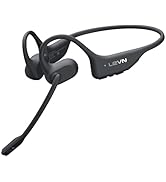
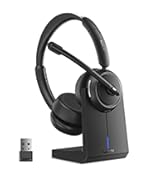
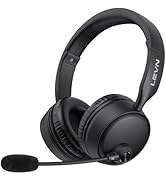
New Product Alert from LEVN
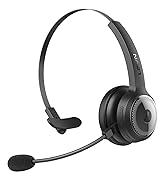
Wireless Freedom




LEVN: Redefining Wireless Audio - Unmatched Quality and Innovation
Established in 2003, LEVN has a two-decade legacy in wireless audio, delivering unmatched expertise, superior quality, and an exceptional user experience. Meticulously crafted headphones ensure superior sound and seamless connectivity. Our goal is to enrich wireless audio with revolutionary features and innovative technology, shaping the future of Bluetooth headsets.

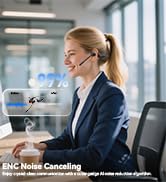
Environmental Noise Cancelling
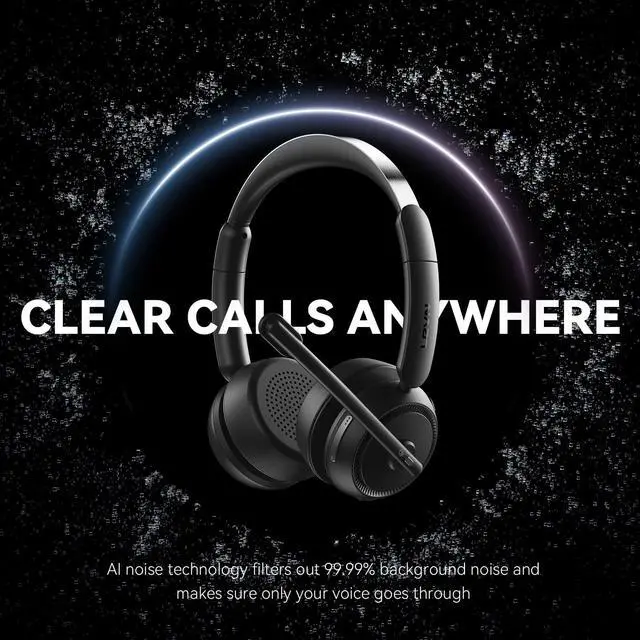
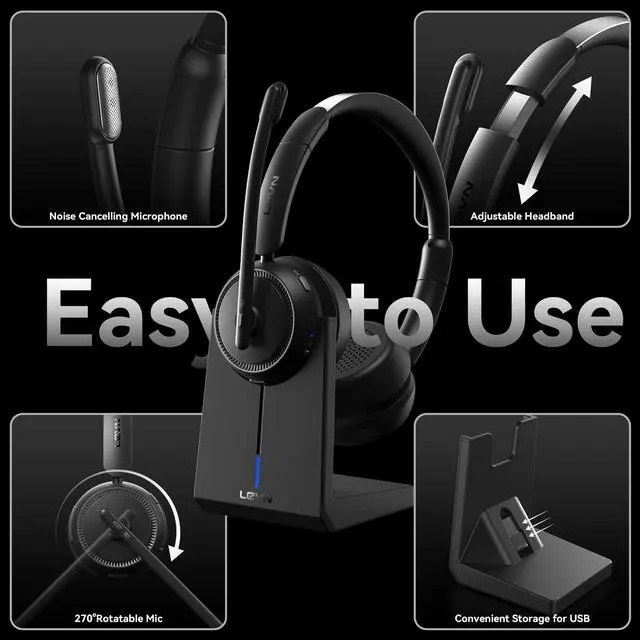
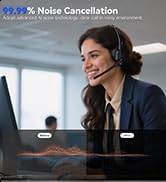
The microphone of our USB headset can block most background noise(child's cry, dogs barking...)
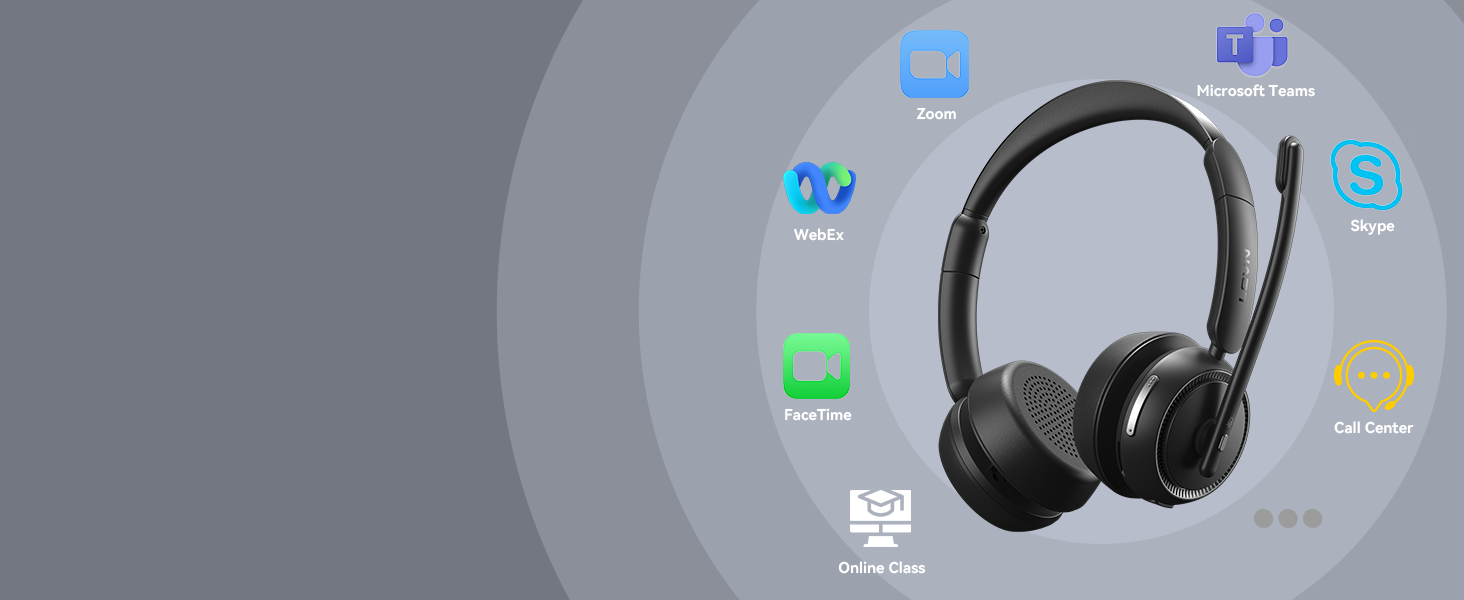
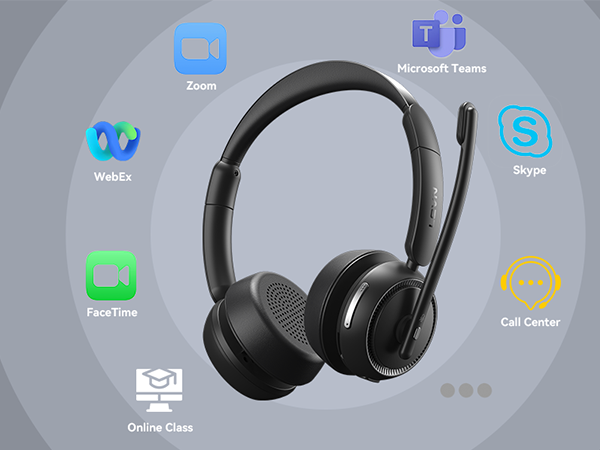
Widely Compatibility
It's perfect for online conferencing services such as Zoom, Teams, WebEx, Facetime, Skype, and So on
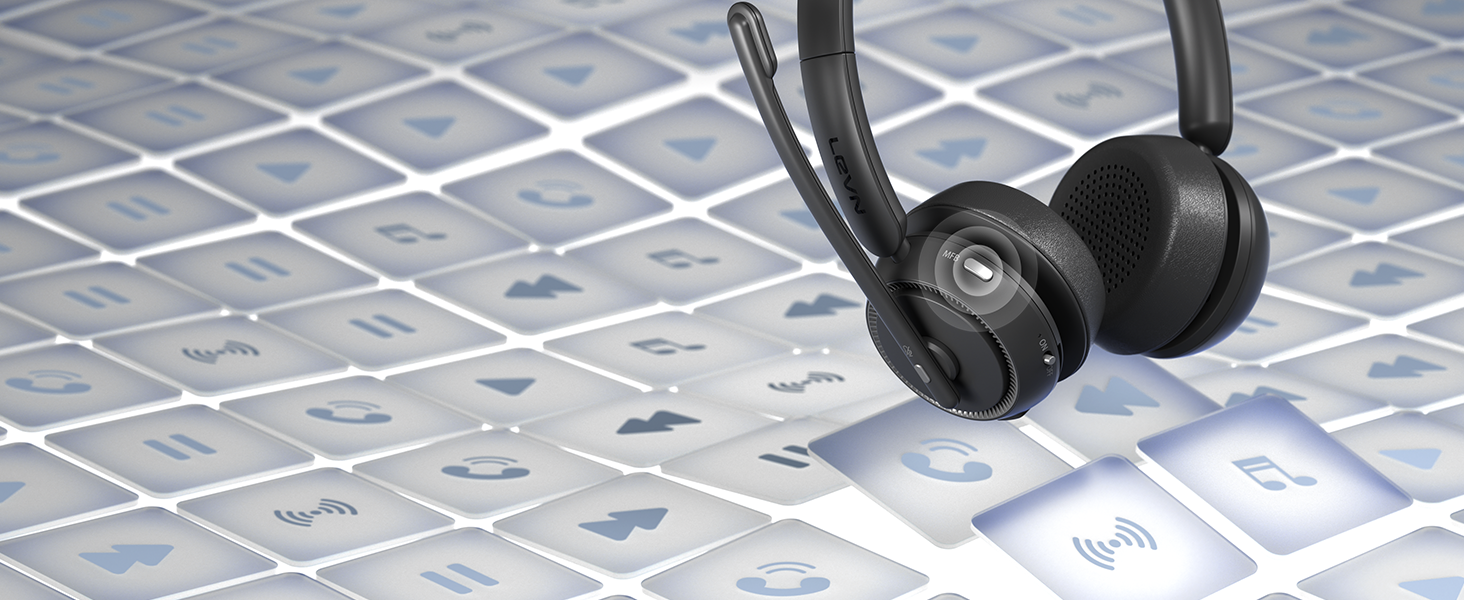
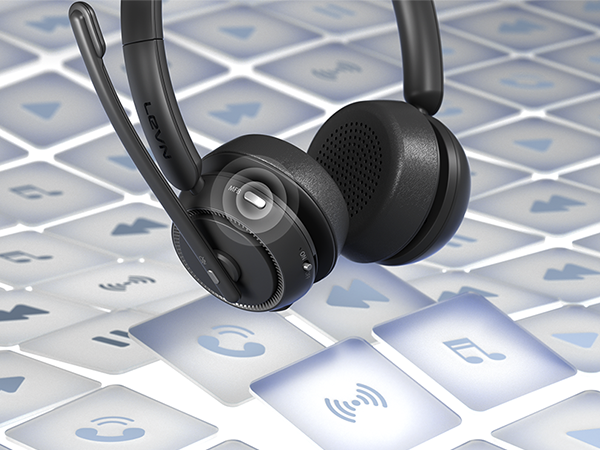
Easy answer/hang up Calls
Hands-Free Calls with MFB Button
Through the MFB button, you can make or reject call, play or pause music, switch music
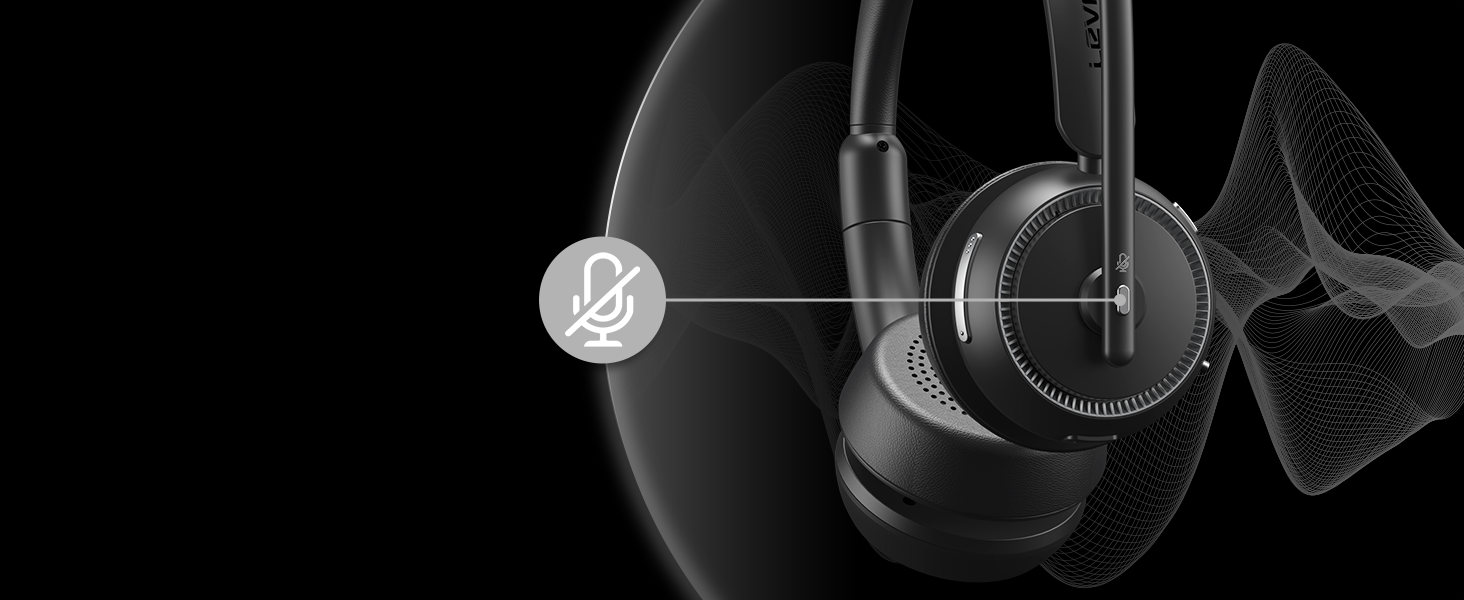
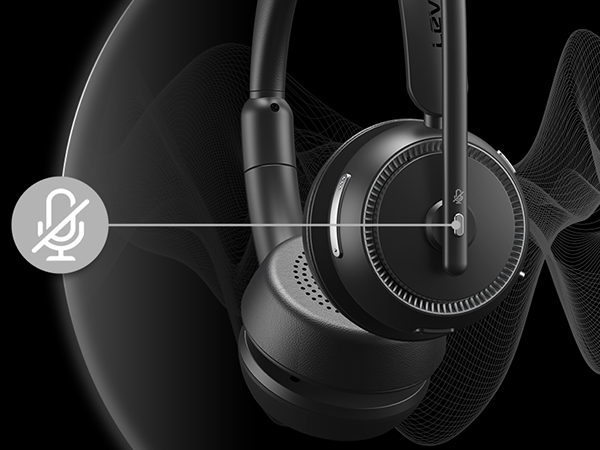
Privacy Protection
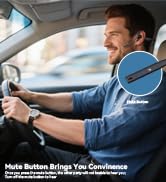
Mute Button - Privacy Protection
If you feel the need, you can quickly mute your voice during calls, just pressing the mute button


wireless headset with mic for work
Merchant VideoWhat should I do if there is no sound from the microphone when I am connected to the computer?
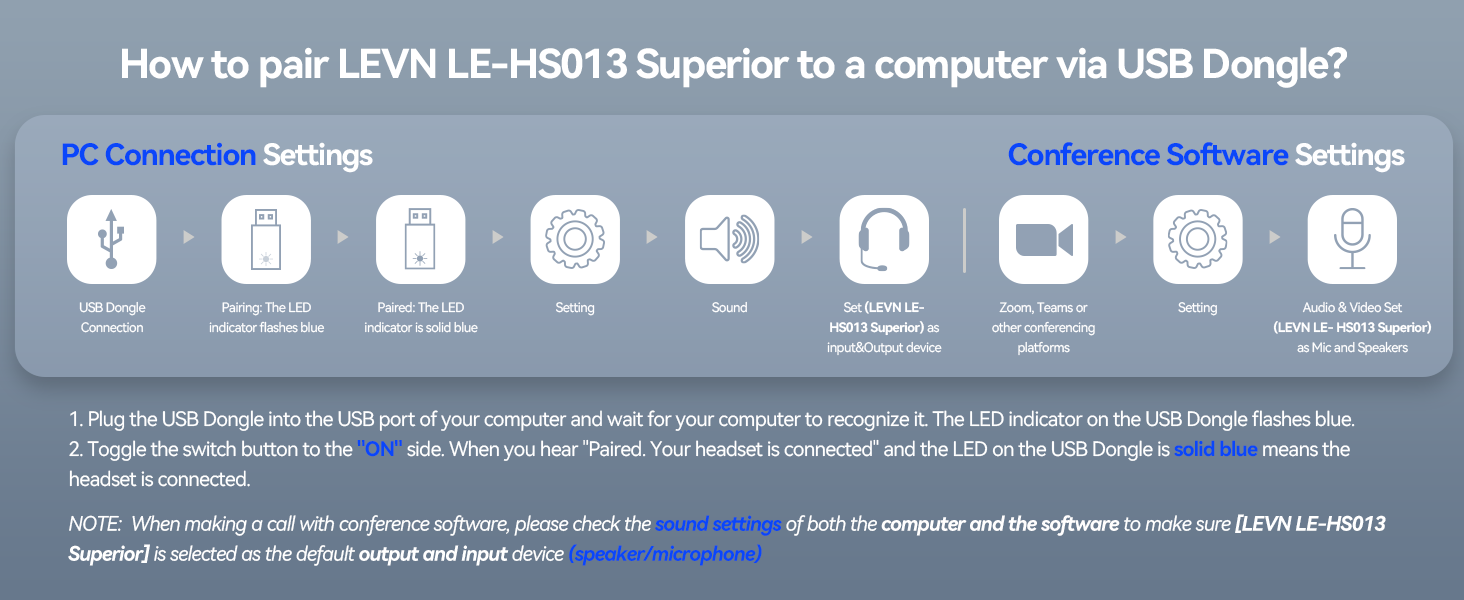
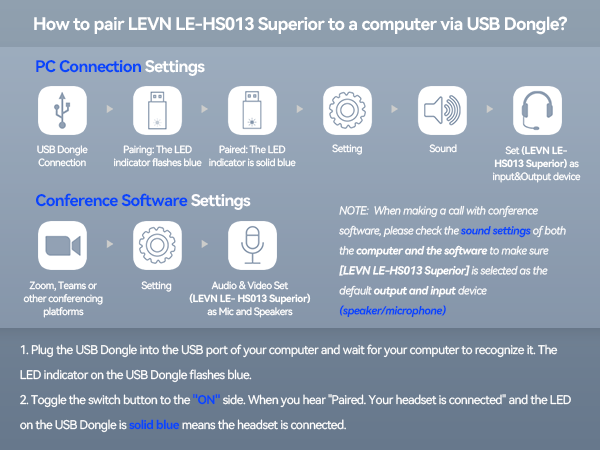
When making a call with conference software, please check the sound settings of both the computer and the software to make sure [LEVN LE-HS013 Superior] is selected as the default output and input device (speaker/microphone)
Can I use the headset to answer or hang up calls?
If the headset is connected to a mobile phone, you can click the MFB to answer/end calls on the headset; If the headset is connected to a computer, you need to answer calls on the computer. Reminder: MFB does not work with desk phones and landlines
I use it for work at home, can it effectively eliminate the noise of family members?
Of course, our wireless headset can effectively eliminate unwanted background noise (family screaming and crying, dogs barking...) however, the voice of the family speaking at a normal volume is not environmental noise and cannot be filtered out
How do I charge the headset?
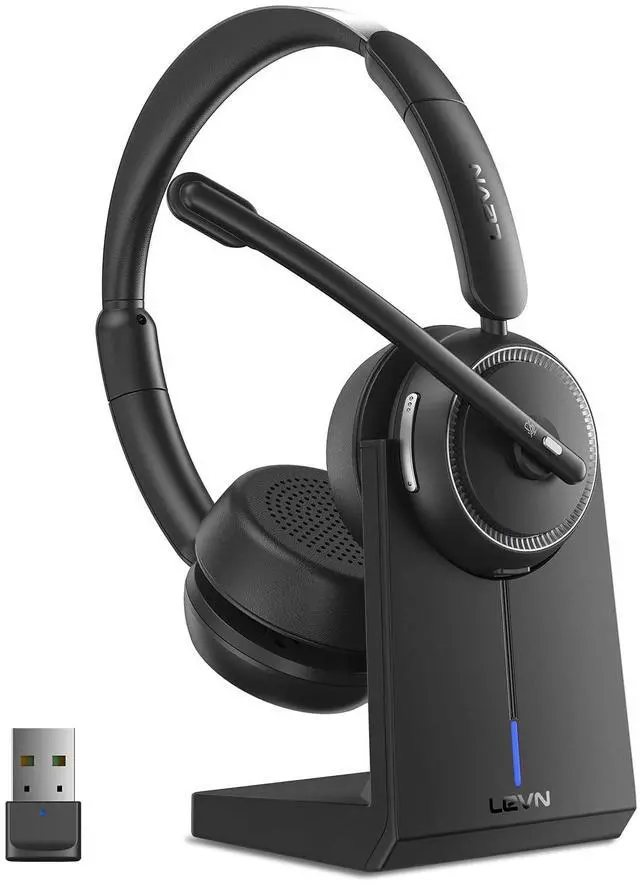
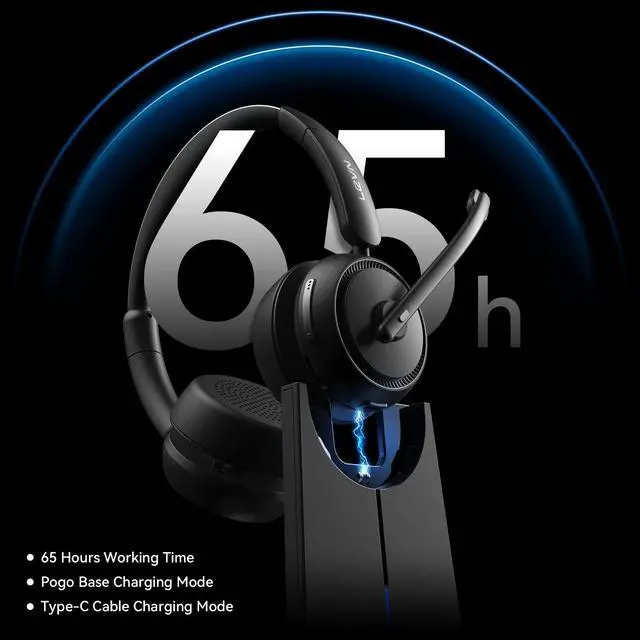
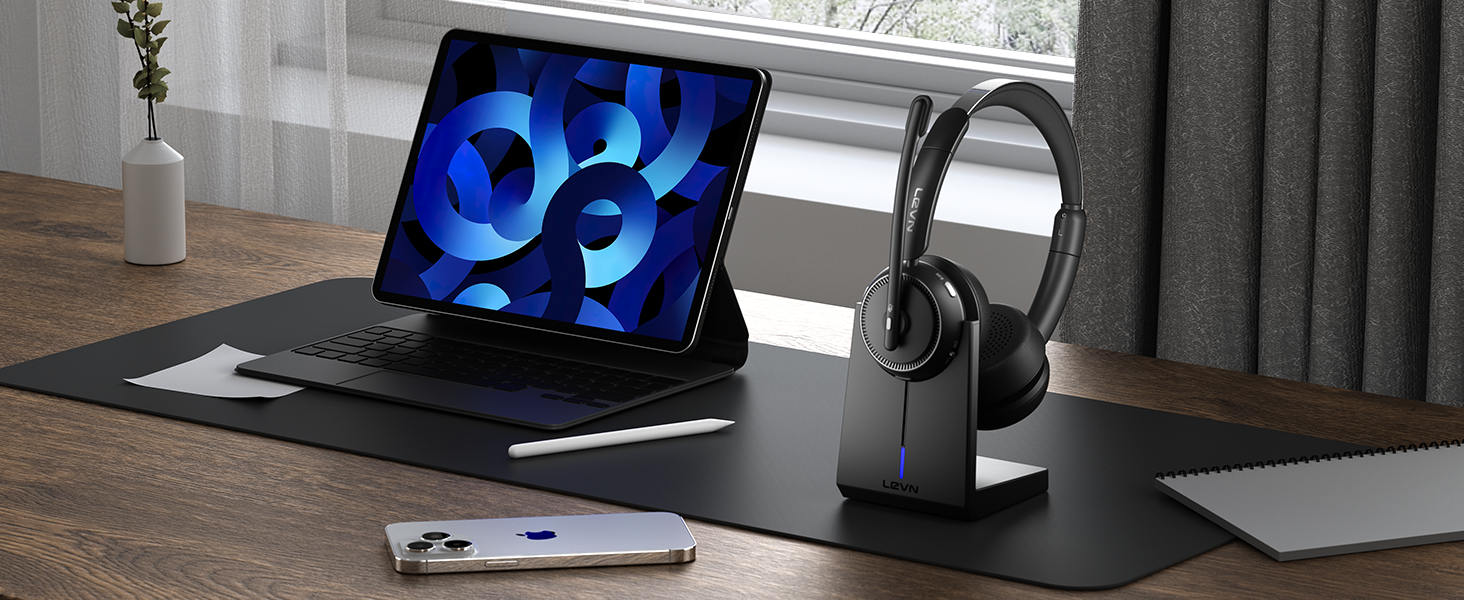
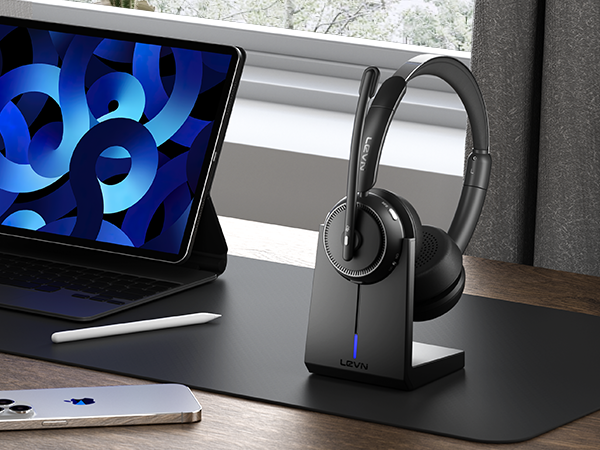
This bluetooth headset comes with an elegant desktop charging dock for a convenient charging and storage solution. You also can use a Type-C Charging cable to charge it. The charging base has a slot for a USB dongle. Don't worry about losing USB.
What to do if I fail to connect to devices?
First, in on status, long press Volume"-" and MFB for 5 seconds to clear the pair record. The light is solid red for 1 second, which means the pair record has been deleted. Then, Press and hold the multi-function button for 10s to reset and restart.
LEVN HEADSET COLLECTION
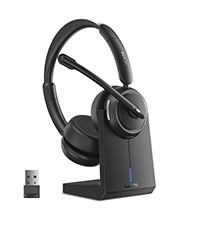 LEVN LE-HS013 Superior | 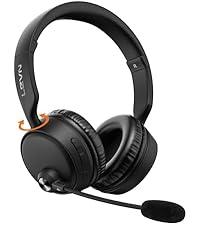 CT003 | 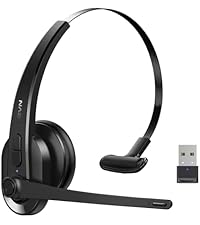 LE-HS011 Sup | 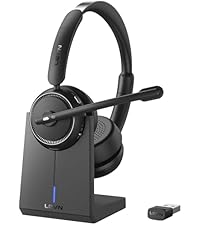 LE-HS013 Superior 2025 | 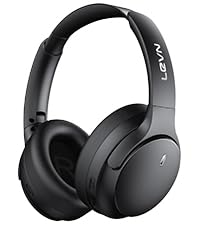 LE-ANC041 | 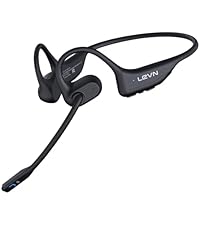 LE-HS017 2025 | 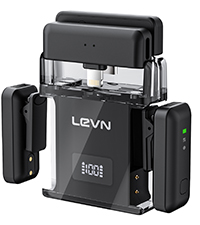 LEVN Wireless Microphone | |
|---|---|---|---|---|---|---|---|
Customer Reviews | — | — | — | — | — | — | — |
Price | — | — | — | — | — | — | — |
ENC Technology | Yes | Yes | Yes | Yes | Yes | Yes | Yes |
AI Noise Canceling | by 99.9% | by 99.9% | by 99.9% | by 99.9% | by 99.9% | by 99.9% | by 96% |
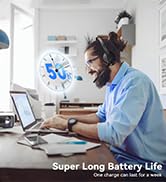
Battery Life | Up to 65 hours | Up to 65 hours | Up to 50 hours | Up to 60 hours | Up to 70 hours | Up to 14 hours | Up to 20 hours |
Charging Method | Charging Base or USB C Cable | USB C Cable | USB C Cable | USB C Cable | USB C Cable | Magnetic Induction Charger | Charging Case/USB C |
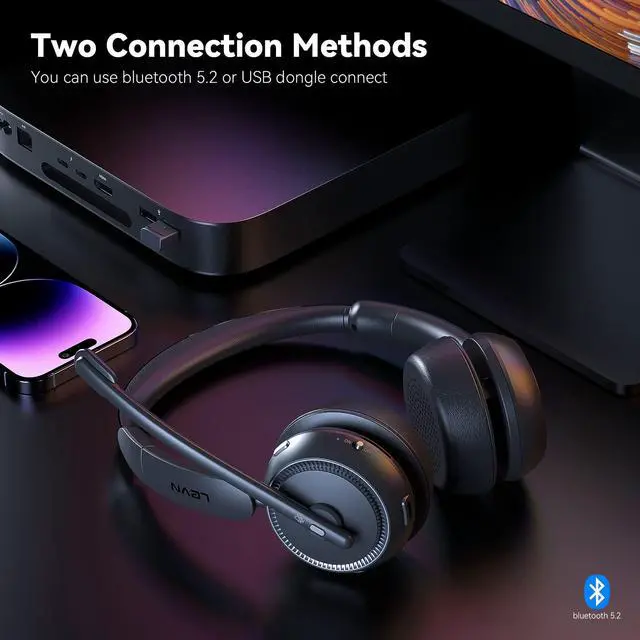
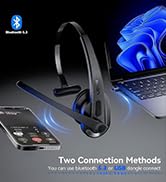
Connectivity | Bluetooth & USB Dongle | Bluetooth | Bluetooth & USB Dongle | Bluetooth & USB Dongle | Bluetooth | Bluetooth | Wireless Receiver |
Environmental Noise Cancelling
The microphone of our USB headset can block most background noise(child's cry, dogs barking...)
Widely Compatibility
It's perfect for online conferencing services such as Zoom, Teams, WebEx, Facetime, Skype, and So on
Easy answer/hang up Calls
Hands-Free Calls with MFB Button
Through the MFB button, you can make or reject call, play or pause music, switch music
Privacy Protection
Mute Button - Privacy Protection
If you feel the need, you can quickly mute your voice during calls, just pressing the mute button

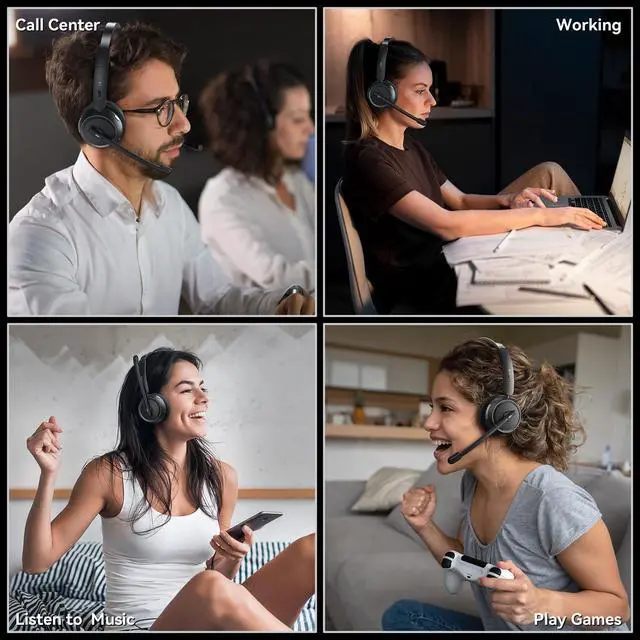
Hear Nothing but Music
We are binaural headset, you can focus more on what you're listening to
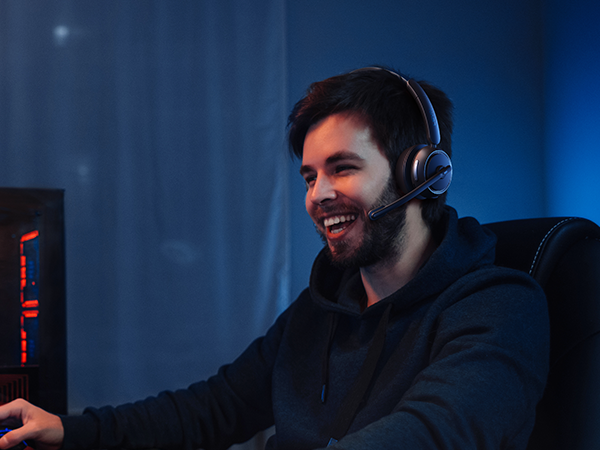
Ultra- Low Latency Wireless Gaming Headset
No audio and video to be out of sync issue, so you can enjoy an immersive lag-free gaming experience

wireless headset with mic for work
Merchant VideoWhat should I do if there is no sound from the microphone when I am connected to the computer?
When making a call with conference software, please check the sound settings of both the computer and the software to make sure [LEVN LE-HS013 Superior] is selected as the default output and input device (speaker/microphone)
Can I use the headset to answer or hang up calls?
If the headset is connected to a mobile phone, you can click the MFB to answer/end calls on the headset; If the headset is connected to a computer, you need to answer calls on the computer. Reminder: MFB does not work with desk phones and landlines
I use it for work at home, can it effectively eliminate the noise of family members?
Of course, our wireless headset can effectively eliminate unwanted background noise (family screaming and crying, dogs barking...) however, the voice of the family speaking at a normal volume is not environmental noise and cannot be filtered out
How do I charge the headset?
This bluetooth headset comes with an elegant desktop charging dock for a convenient charging and storage solution. You also can use a Type-C Charging cable to charge it. The charging base has a slot for a USB dongle. Don't worry about losing USB.
What to do if I fail to connect to devices?
First, in on status, long press Volume"-" and MFB for 5 seconds to clear the pair record. The light is solid red for 1 second, which means the pair record has been deleted. Then, Press and hold the multi-function button for 10s to reset and restart.
LEVN HEADSET COLLECTION
LEVN LE-HS013 Superior | CT003 | LE-HS011 Sup | LE-HS013 Superior 2025 | LE-ANC041 | LE-HS017 2025 | LEVN Wireless Microphone |
|---|---|---|---|---|---|---|
| Customer Reviews | ||||||
| — | — | — | — | — | — | — |
| Price | ||||||
| — | — | — | — | — | — | — |
| ENC Technology | ||||||
| Yes | Yes | Yes | Yes | Yes | Yes | Yes |
| AI Noise Canceling | ||||||
| by 99.9% | by 99.9% | by 99.9% | by 99.9% | by 99.9% | by 99.9% | by 96% |
| Battery Life | ||||||
| Up to 65 hours | Up to 65 hours | Up to 50 hours | Up to 60 hours | Up to 70 hours | Up to 14 hours | Up to 20 hours |
| Charging Method | ||||||
| Charging Base or USB C Cable | USB C Cable | USB C Cable | USB C Cable | USB C Cable | Magnetic Induction Charger | Charging Case/USB C |
| Connectivity | ||||||
| Bluetooth & USB Dongle | Bluetooth | Bluetooth & USB Dongle | Bluetooth & USB Dongle | Bluetooth | Bluetooth | Wireless Receiver |
Eliminating Unwanted Background Noise and Focusing on your Call with LEVN
LEVN Bluetooth Headset
Wireless headset for work
LEVN Bluetooth Headset
LEVN Wireless Headset with Mic
Open Ear Headphones
Noise Cancelling Headphones
LEVN New Product Alert
LEVN Wireless headset for work
LEVN Wireless Headset
LEVN Binaural Headset

LEVN Wireless Headset with Mic
LEVN Wireless Headset with Mic
Convenient & Efficient
New Product Alert from LEVN
Wireless Freedom

LEVN: Redefining Wireless Audio - Unmatched Quality and Innovation
Established in 2003, LEVN has a two-decade legacy in wireless audio, delivering unmatched expertise, superior quality, and an exceptional user experience. Meticulously crafted headphones ensure superior sound and seamless connectivity. Our goal is to enrich wireless audio with revolutionary features and innovative technology, shaping the future of Bluetooth headsets.
