



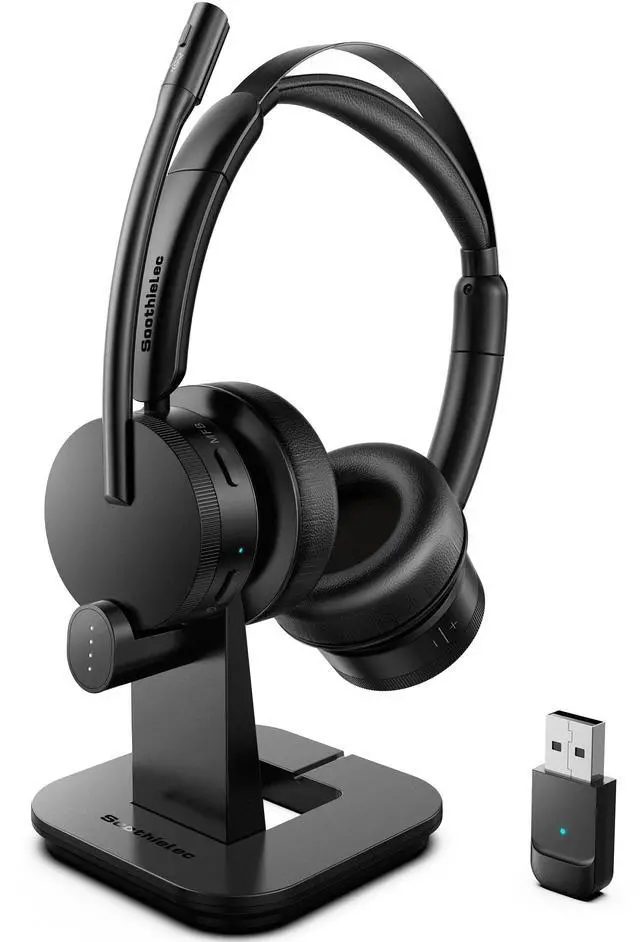





Soothielec's philosophy is simple—everyone deserves exceptional headsets without compromising on quality.
What makes our products unique? We focus on 3 core elements: innovative design, premium materials, and meticulous attention to detail. Every product undergoes rigorous testing to meet exacting standards before reaching your hands.
Experience the Soothielec extraordinary—where passion meets precision, and premium is finally within reach.






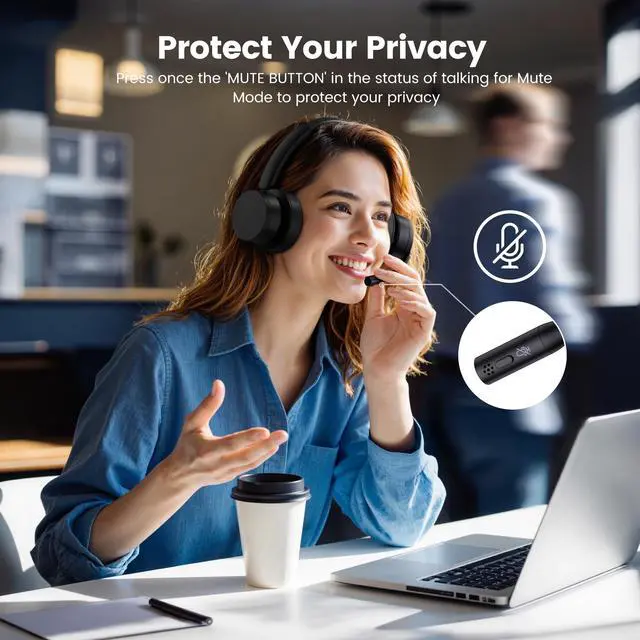
How does the mute function works on phone and computer?
When connected to a mobile phone, you can mute or unmute by pressing the mute button. When connected to a computer via a USB adapter, please unmute the software before joining the meeting, you can then mute or unmute using the mute button.
Why does zoom show the microphone cannot be detected after my bluetooth headset is connected to computer?
Please check your computer and software settings to ensure the [KH156M dongle] is set as the default input & output device. Additionally, you may try logging out of the software and logging back in, as the initial synchronization may not succeed.
Can I answer incoming calls from computer and my desk phone (VOIP) using the wireless headset with mic?
When using the headset with a mobile phone, press the MFB button to answer or end calls (mobile calls only). When using the headset with a computer or landline phone, manually answer or end calls via the computer interface or landline phone.
How to reset the KH156M wireless headset?
Turn on the usb headset, then simultaneously press and hold the MFB button and the power button for over 5 seconds. The LED light on the headset will flash purple once, indicating a successful reset.
What are the benefits of Soothielec KH156M noise cancelling headphones for work?
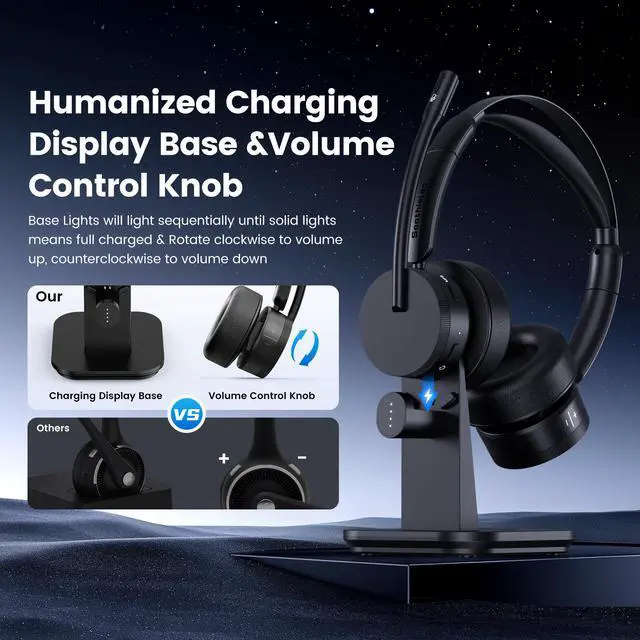
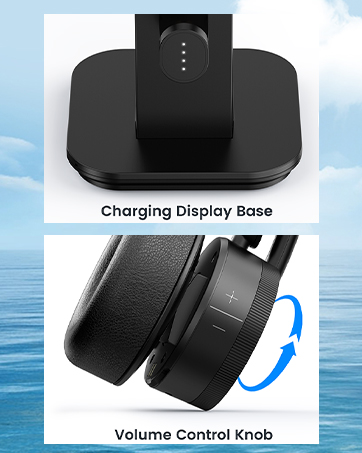
Easier volume control—simply rotate to adjust the volume
Clearer calls—powered by Qualcomm chipset and adapter
Supports mute—chat with colleagues without removing your headset
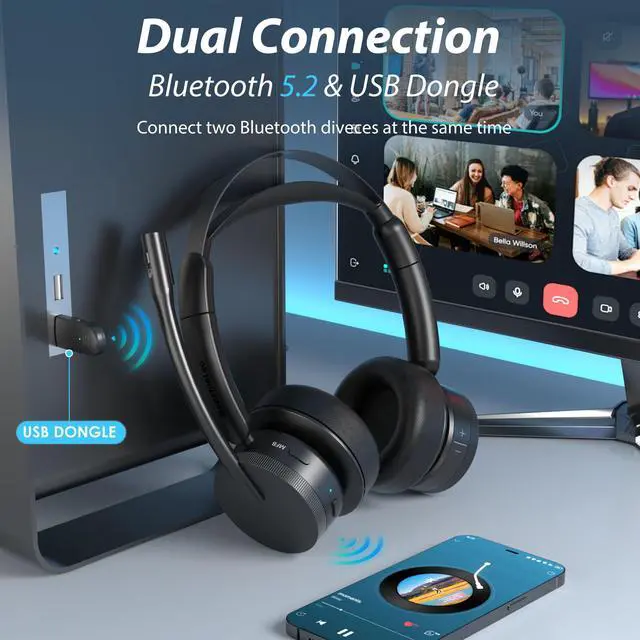
Dual connection—connects to both your phone and computer simultaneously.


How does the mute function works on phone and computer?
When connected to a mobile phone, you can mute or unmute by pressing the mute button. When connected to a computer via a USB adapter, please unmute the software before joining the meeting, you can then mute or unmute using the mute button.
Why does zoom show the microphone cannot be detected after my bluetooth headset is connected to computer?
Please check your computer and software settings to ensure the [KH156M dongle] is set as the default input & output device. Additionally, you may try logging out of the software and logging back in, as the initial synchronization may not succeed.
Can I answer incoming calls from computer and my desk phone (VOIP) using the wireless headset with mic?
When using the headset with a mobile phone, press the MFB button to answer or end calls (mobile calls only). When using the headset with a computer or landline phone, manually answer or end calls via the computer interface or landline phone.
How to reset the KH156M wireless headset?
Turn on the usb headset, then simultaneously press and hold the MFB button and the power button for over 5 seconds. The LED light on the headset will flash purple once, indicating a successful reset.
What are the benefits of Soothielec KH156M noise cancelling headphones for work?
Easier volume control—simply rotate to adjust the volume
Clearer calls—powered by Qualcomm chipset and adapter
Supports mute—chat with colleagues without removing your headset
Dual connection—connects to both your phone and computer simultaneously.
Soothielec's philosophy is simple—everyone deserves exceptional headsets without compromising on quality.
What makes our products unique? We focus on 3 core elements: innovative design, premium materials, and meticulous attention to detail. Every product undergoes rigorous testing to meet exacting standards before reaching your hands.
Experience the Soothielec extraordinary—where passion meets precision, and premium is finally within reach.