




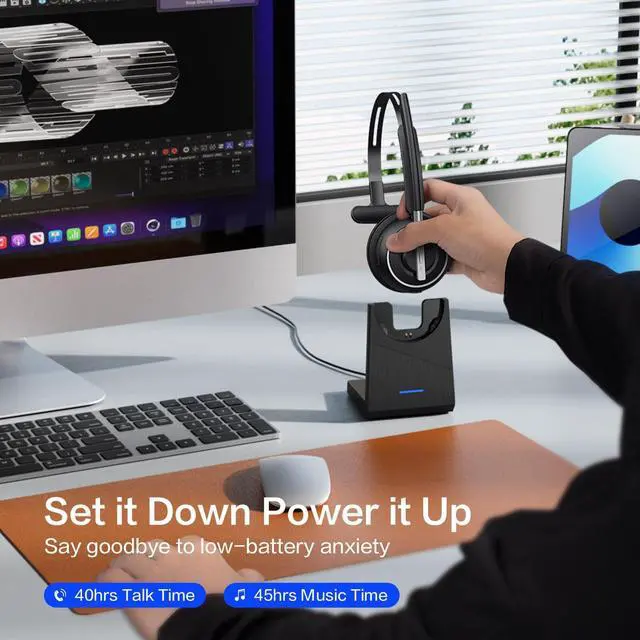



Making Hands-free Calls and Hybrid Work Easy
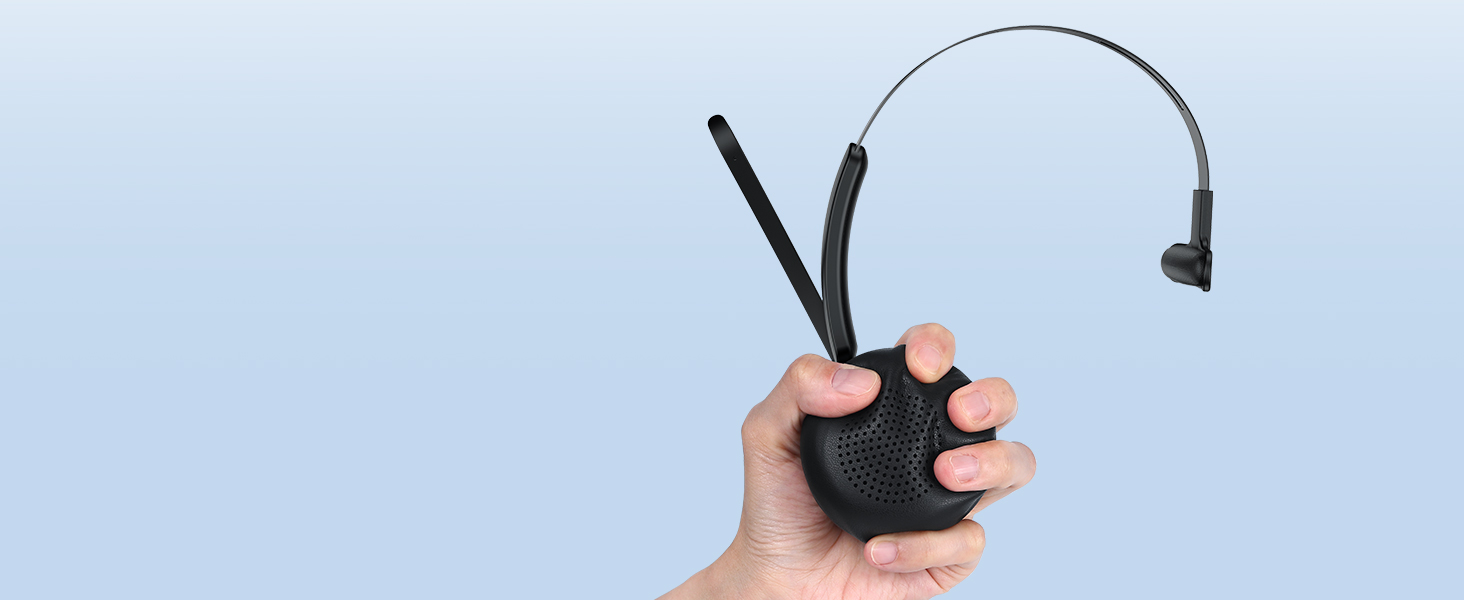
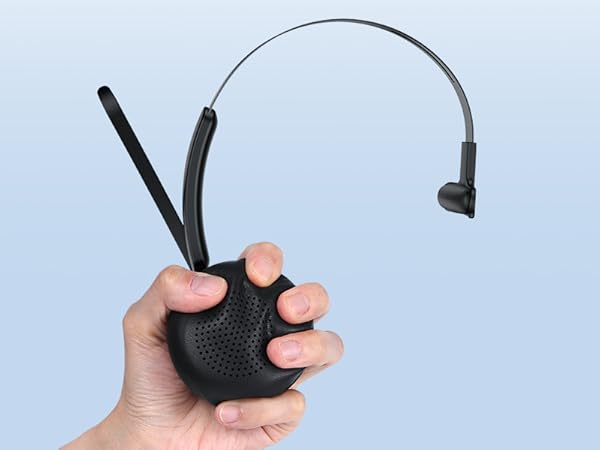
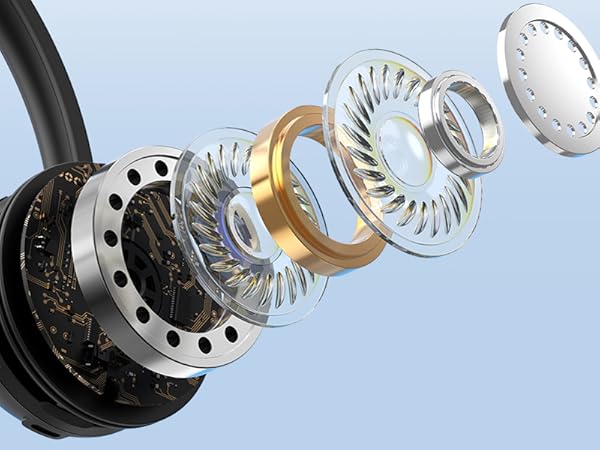
Soft Pillow Memory Foam
Like clouds hugging your ears, providing outstanding comfort from the first call to the last.
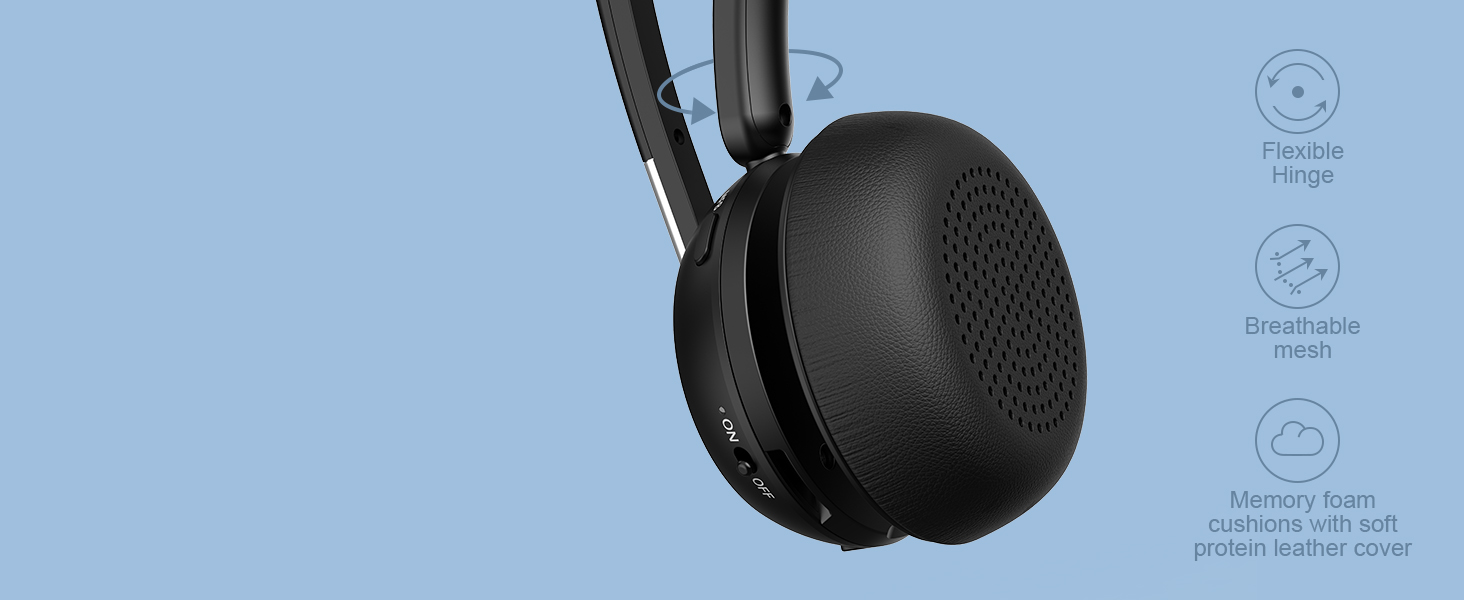
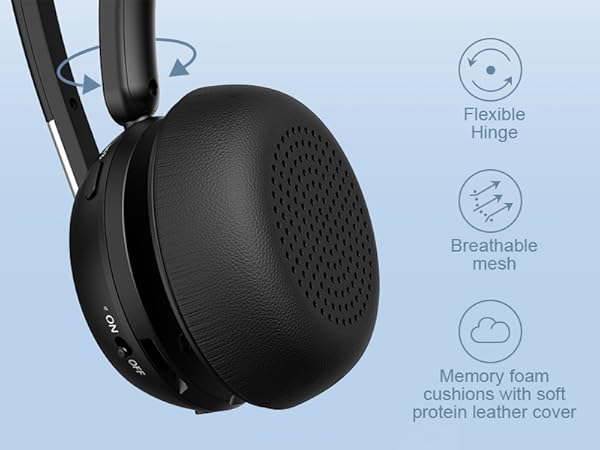
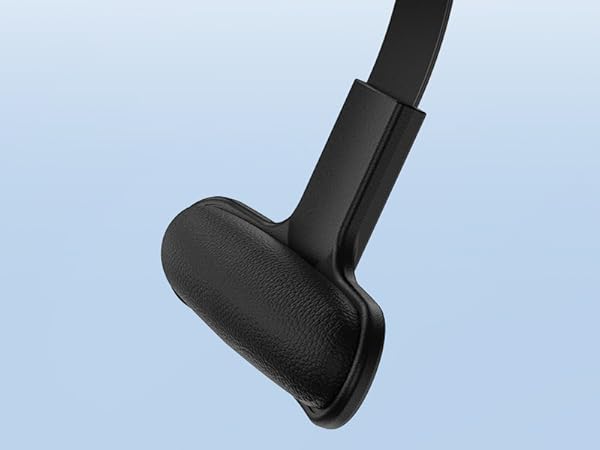
Angled Ear Cushion
The hinge of the ear cushion is flexible to provide a more secure, adaptive fit than other headsets.

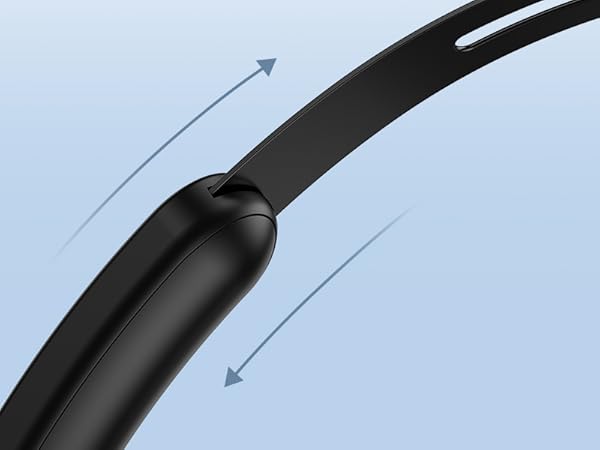
Extendable Headband
Easily fits different head sizes.

Protein Anti-slip Pad with Bouncy-soft Cushioning
Stays securely in place for all-day comfort.

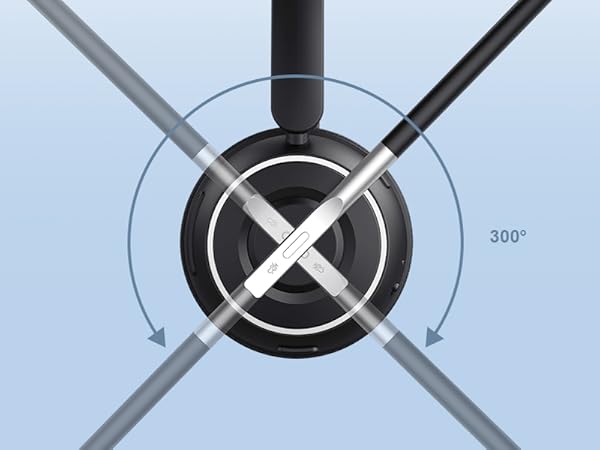
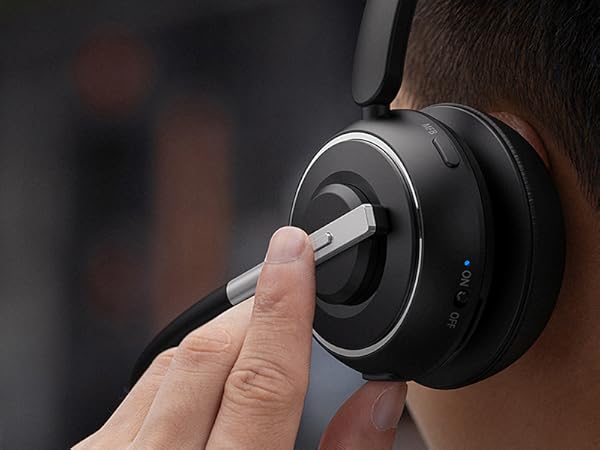
270° Rotable Mic
Can be positioned for either the left or right ear, giving a release of your ear for the long shift.

Wireless Freedom and Fun
V5.2 promises a more quick and more stable connection, better audio quality and longer battery life.
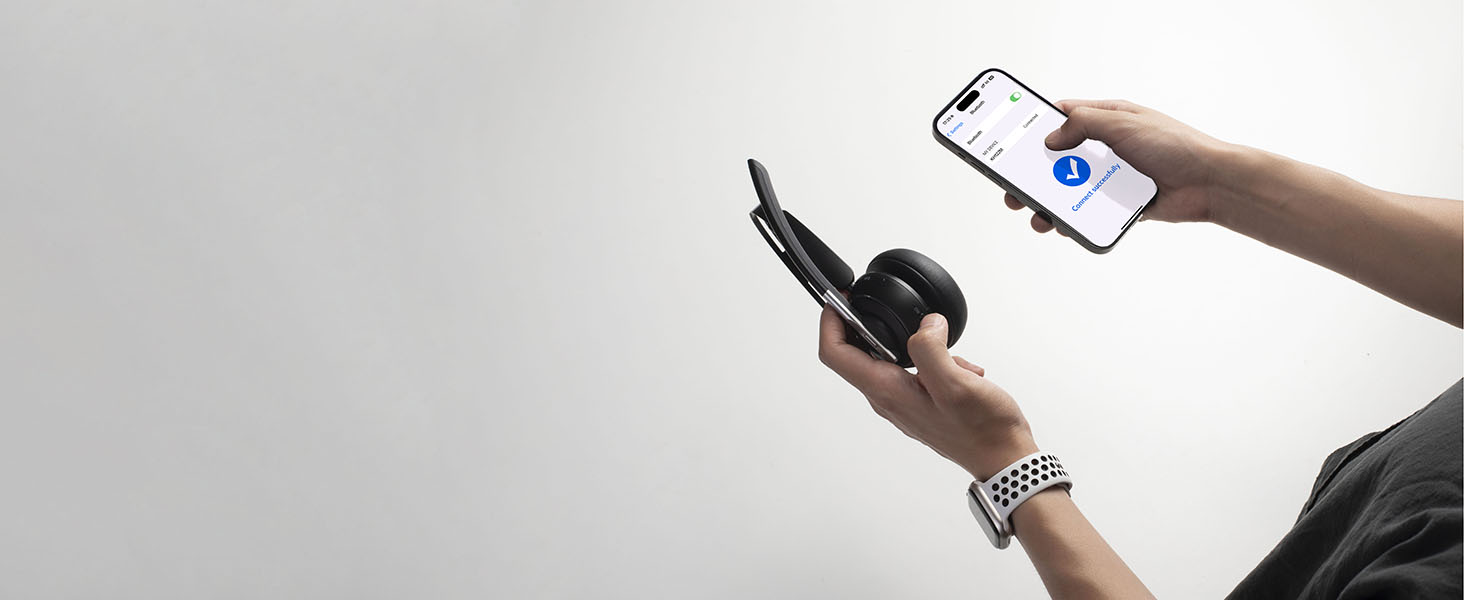
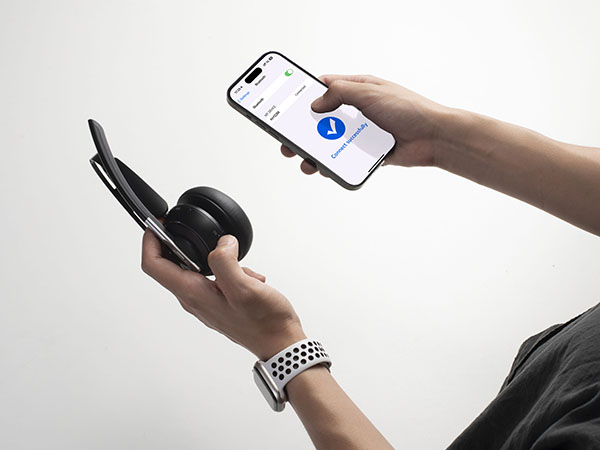
Pairing this Headset is A Piece of Cake
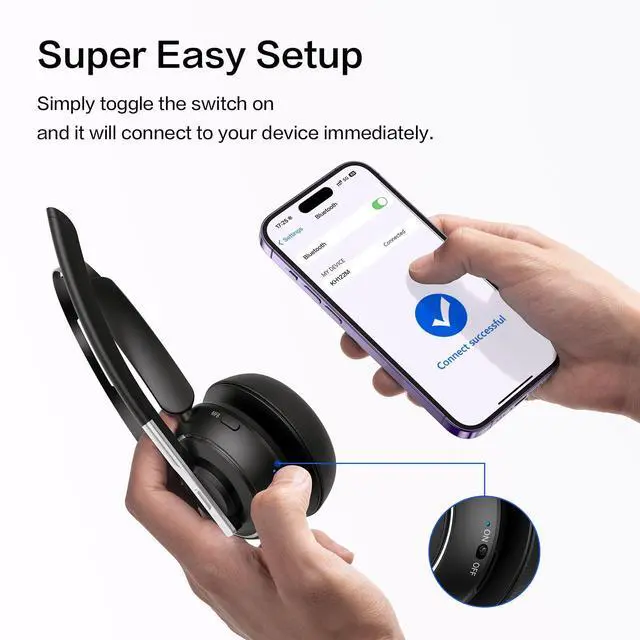
Just toggle the switch on instead of having to push a button and wait and it automatically connects.
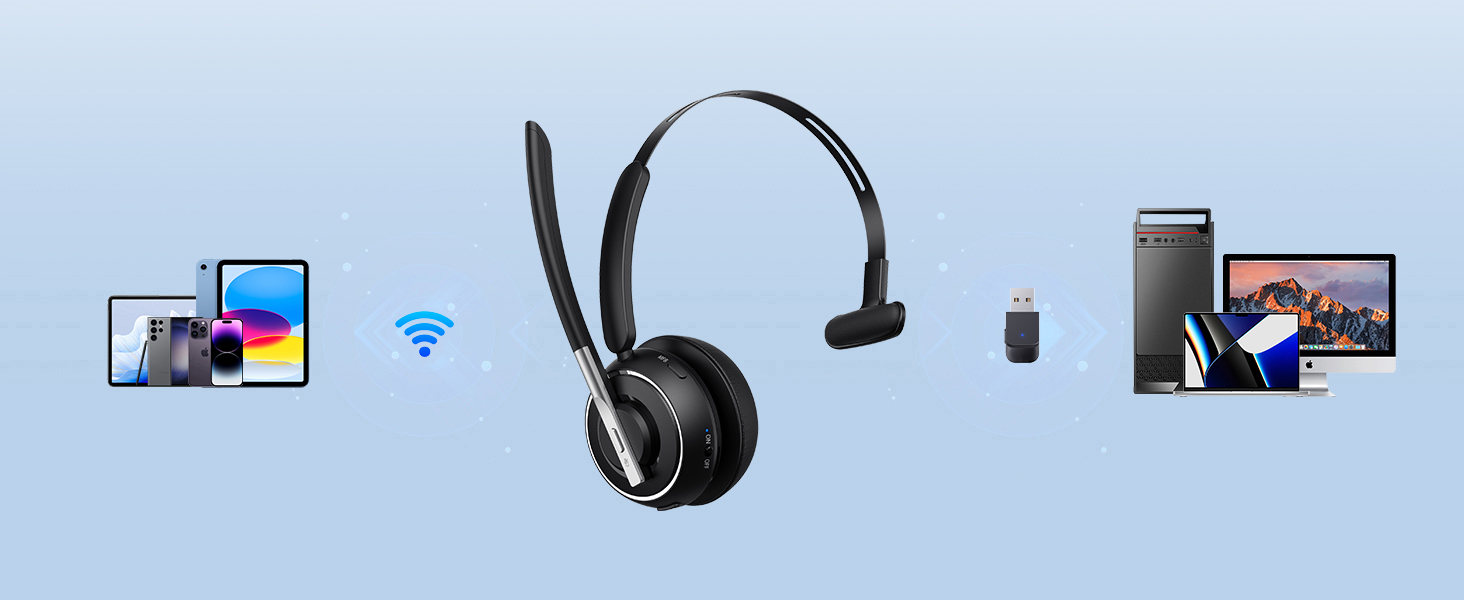
Work the Way You Want
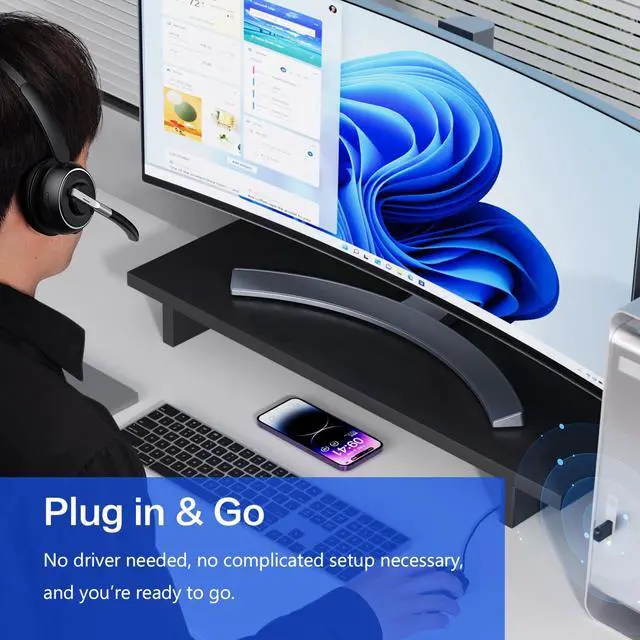
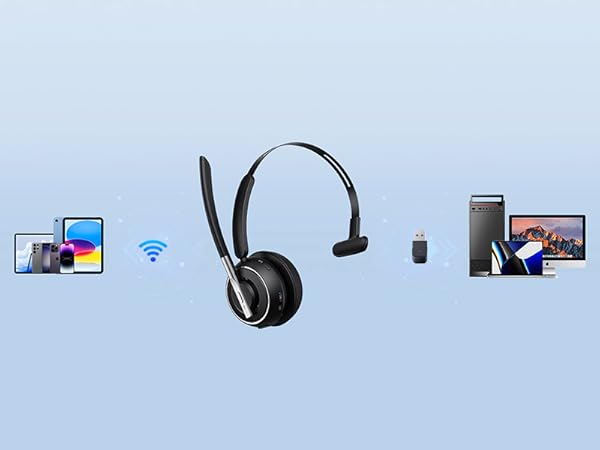
Pairing via Bluetooth is a breeze, while the USB dongle allows almost instant plug-and-play with PCs
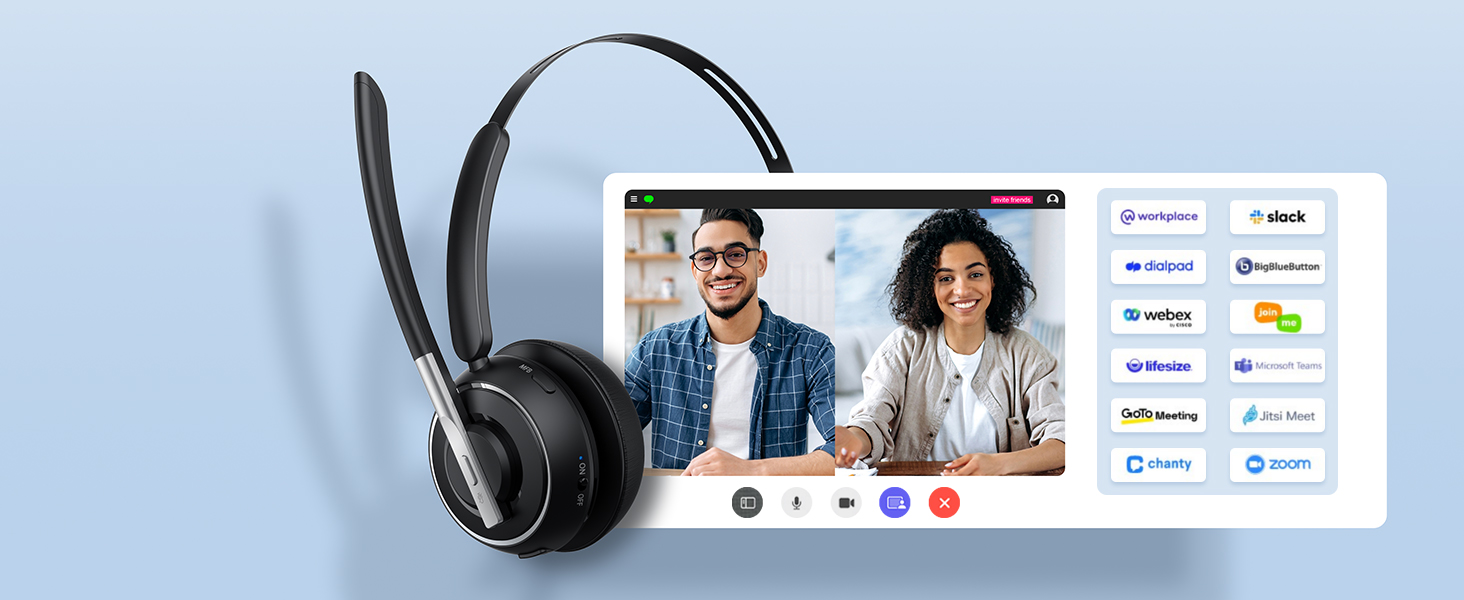
Get Yourself Set for Hybrid Working Success
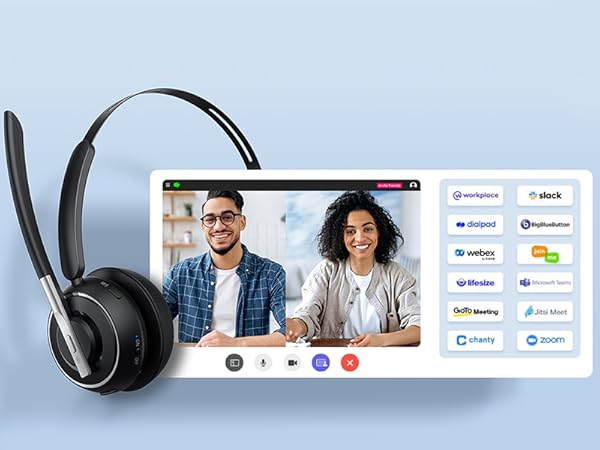
Plays well with all leading UC platforms - including Google Meet, Microsoft Teams, Skype and Zoom.

Widely Compatible
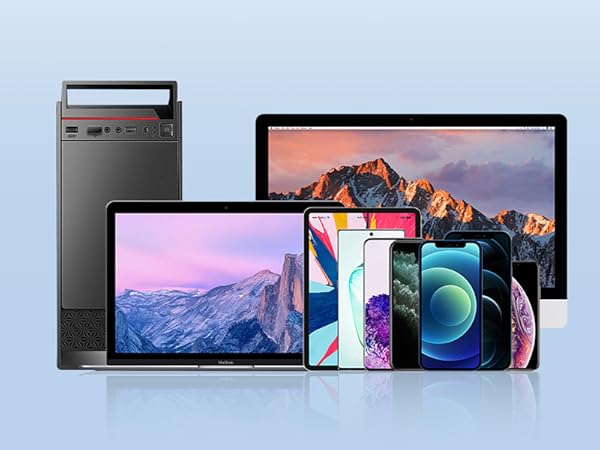
With iPhone, Android phones, computers, iPads, smart TV, and most other Bluetooth-enabled devices.
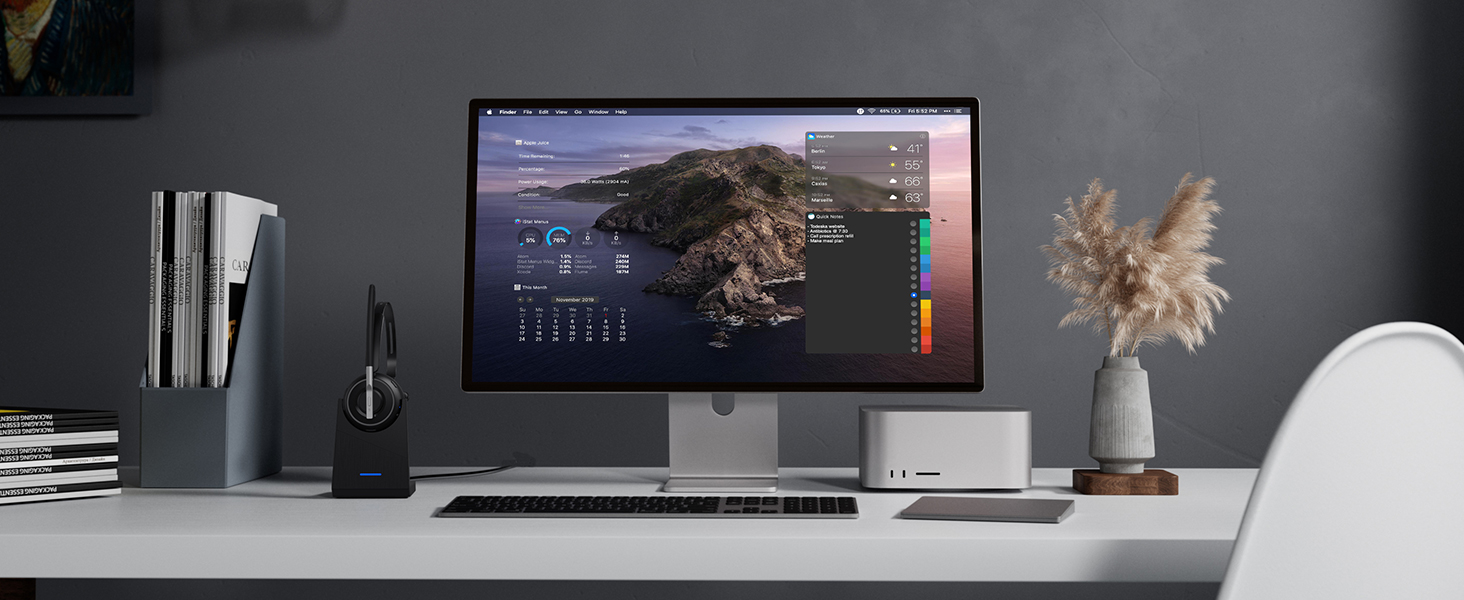
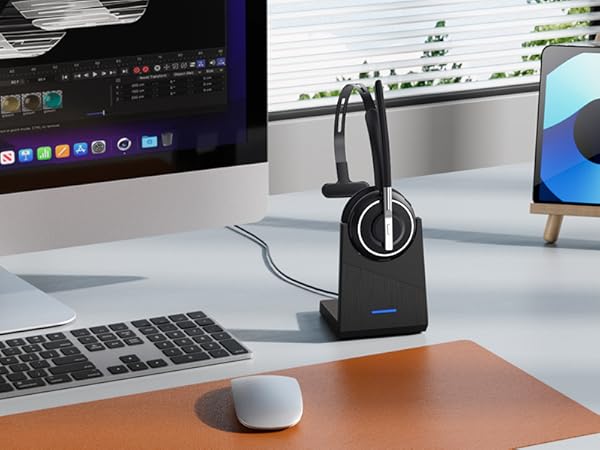
Store and Charge your Headset in Style
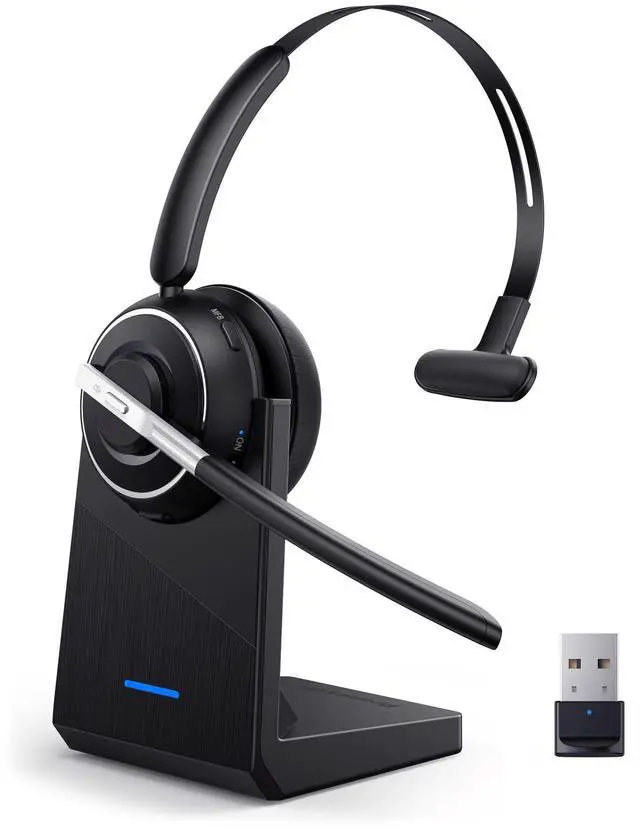
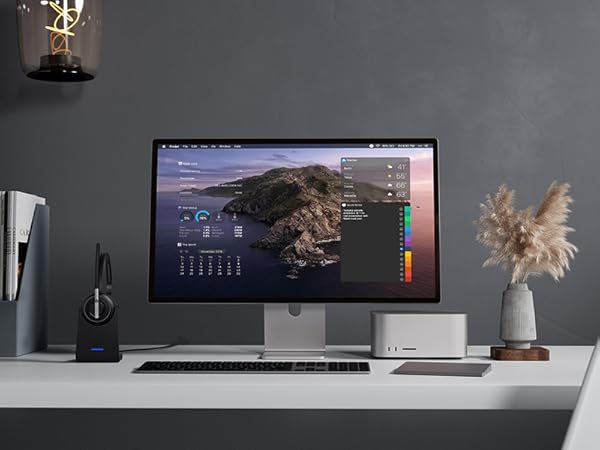
Tired of messy cables? The base offers a simple & convenient solution to store & charge your headset
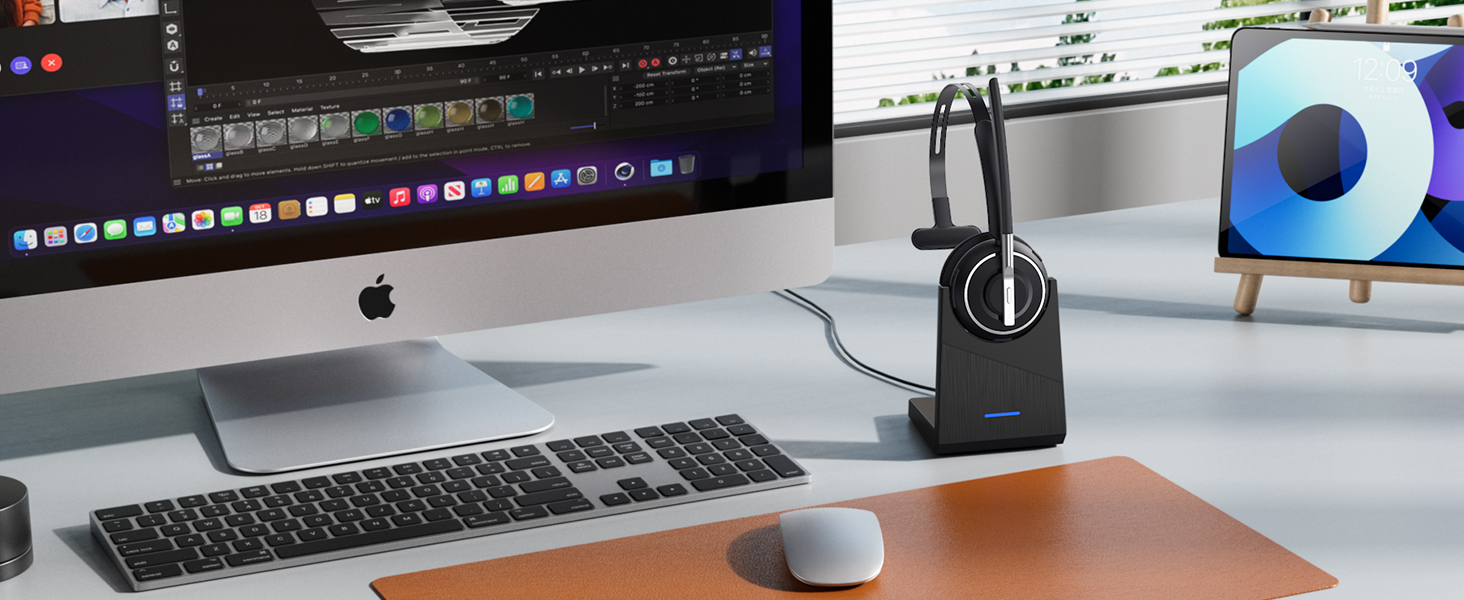
Always in touch. Always connected.
Get enough juice through your longest shifts and meetings with 40hrs talk time.
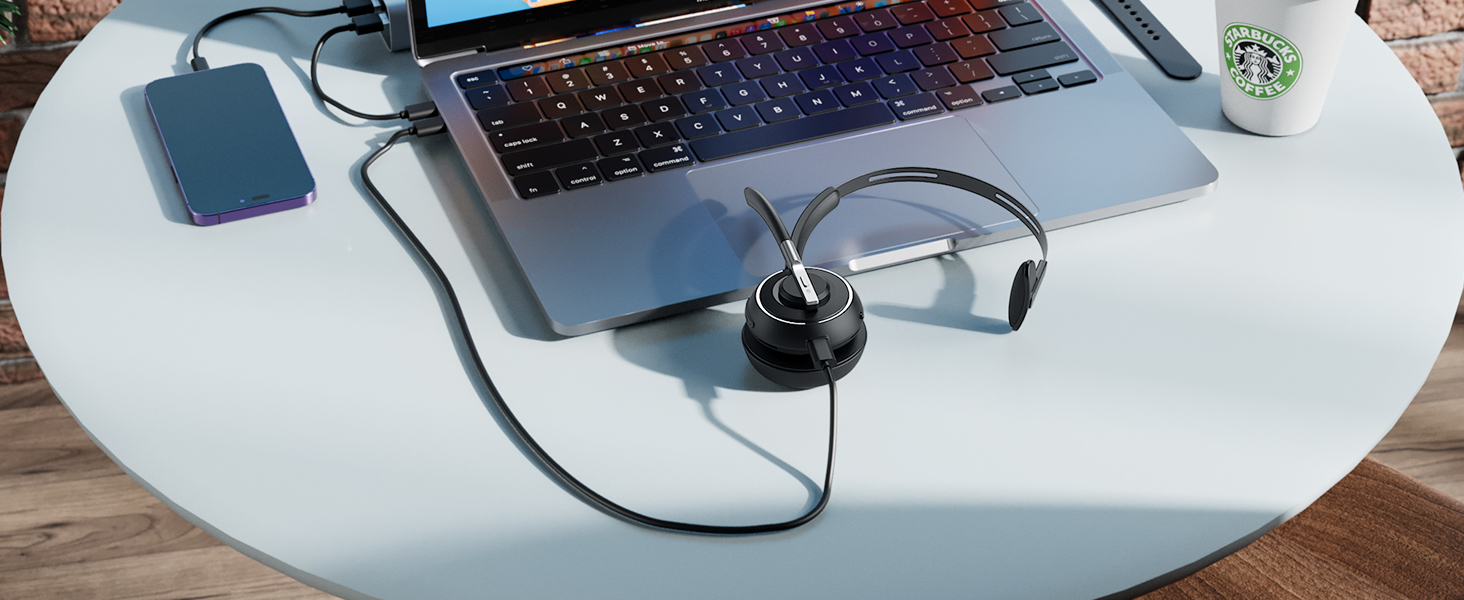
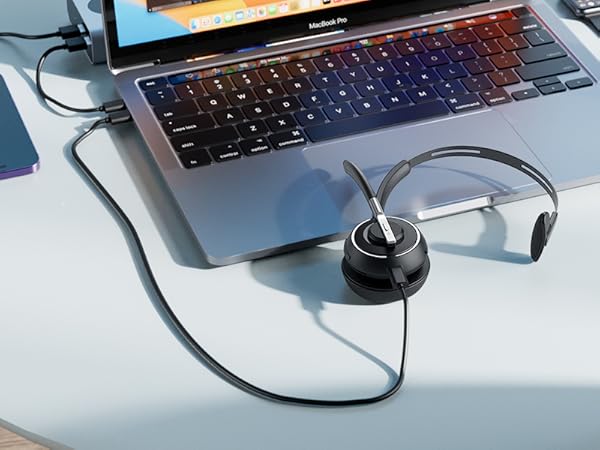
On the Desk and On the Go
Support charging the headset directly or being charged by simply placing it into the charging dock.
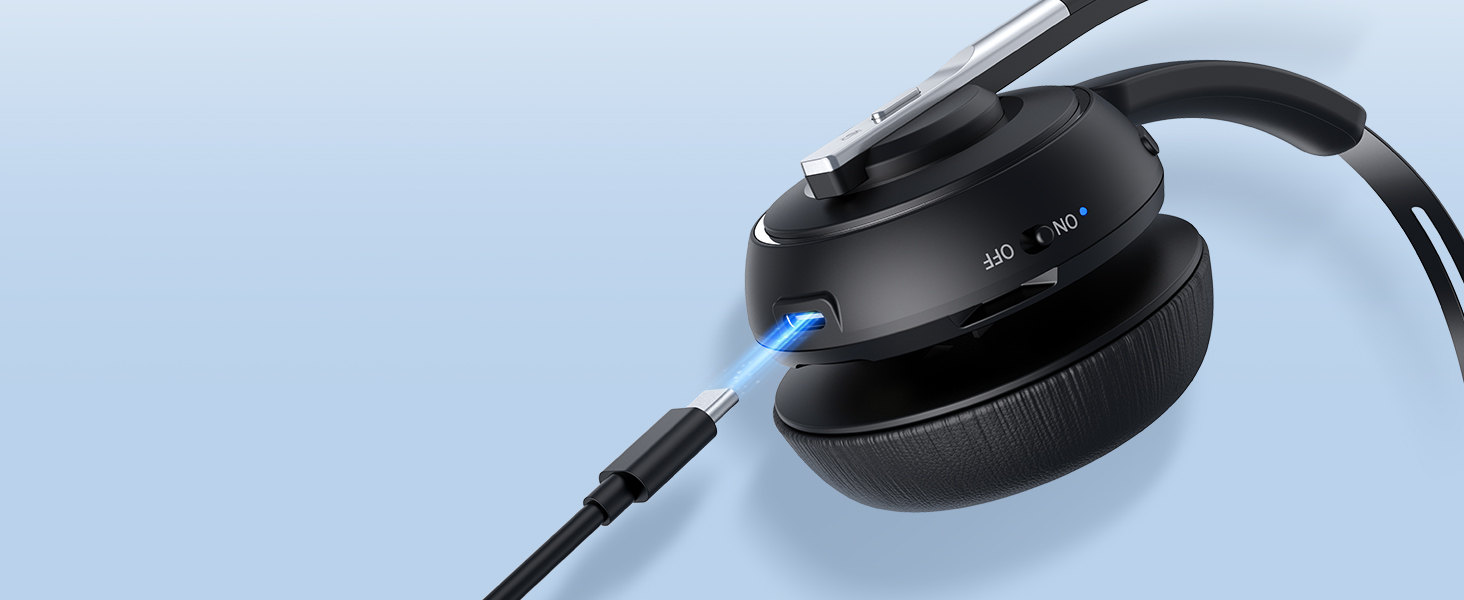
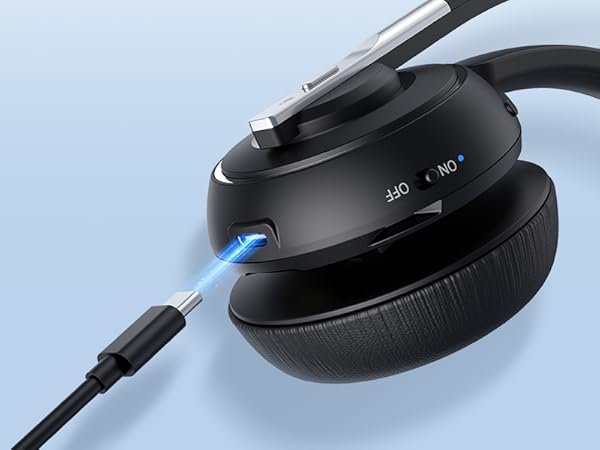
Type C Charging Port
Can withstand 10k insertion and removal cycles for longer service life and fewer charging issues.
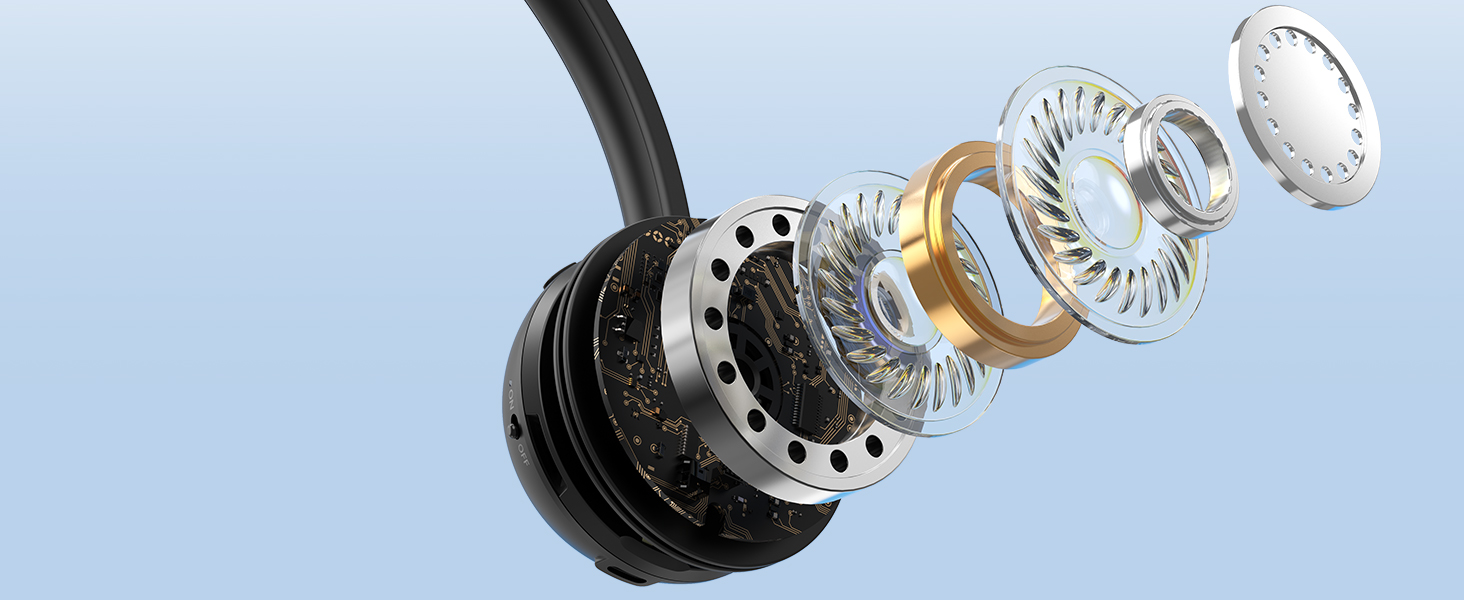
AI Noise Cancelling Mic
Targets your voice and filters out external noise to provide a clear call experience wherever.

Wear it like it's not Even There
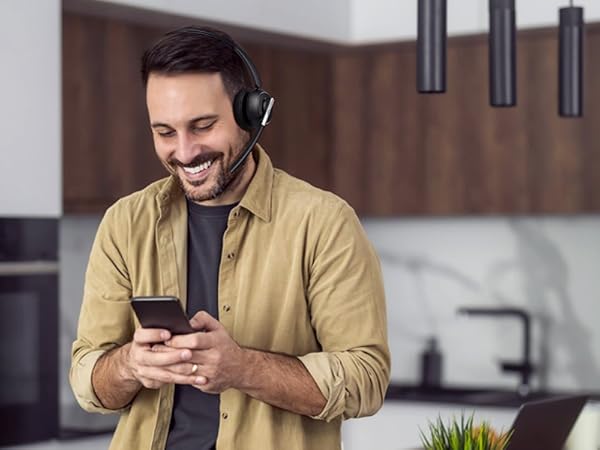
Stay engaged and enjoy all-day productivity without your headset getting in the way.
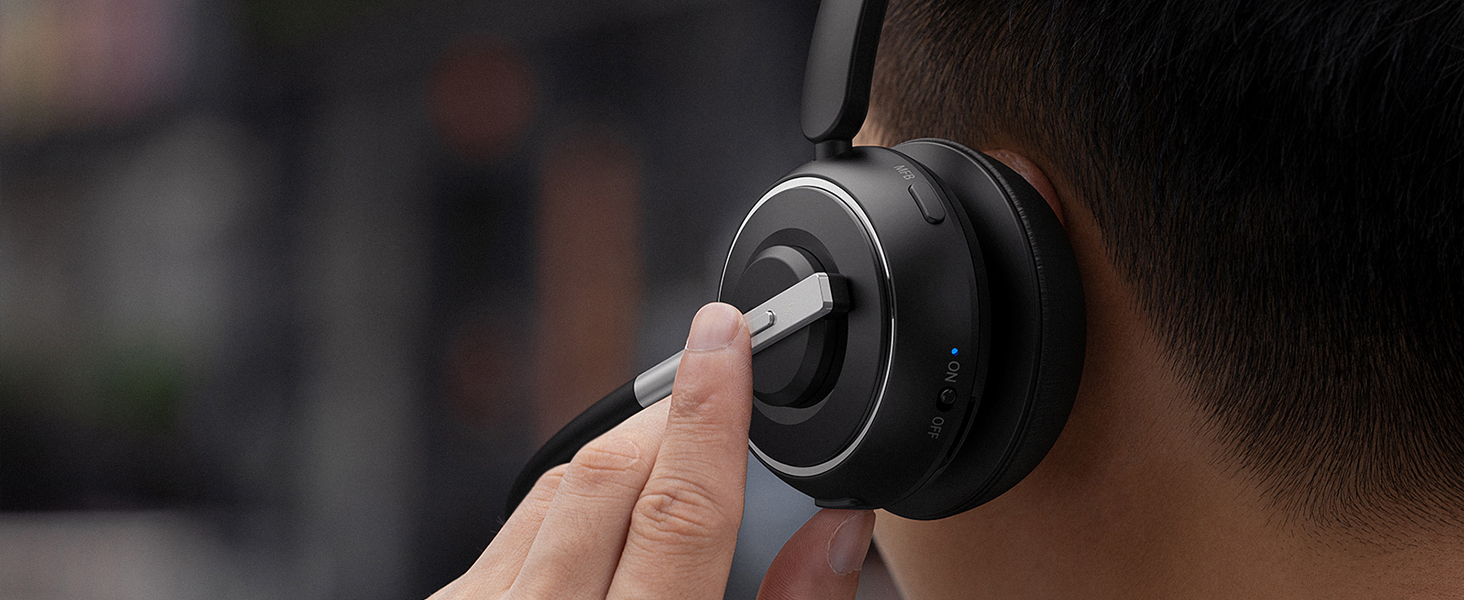
Protect Your Privacy
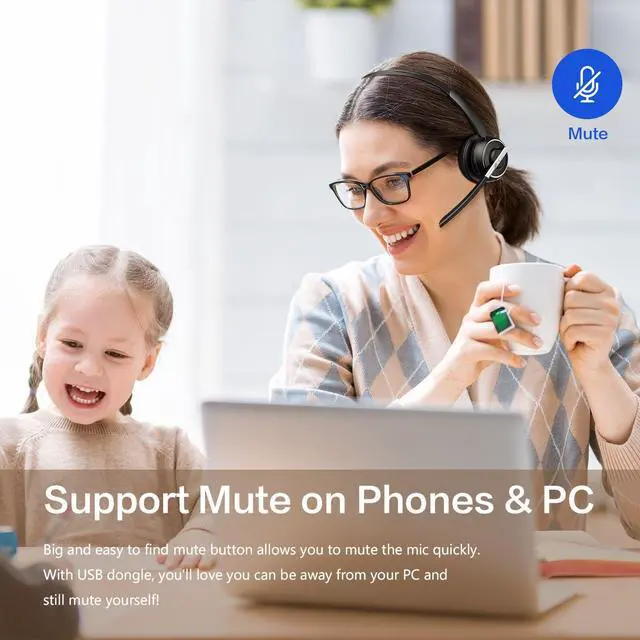
Support muting on Skype, Zoom, Teams or other calling software on PCs (when pairing via USB dongle).

Ask Siri or Hey Google
Leave your phone in your pocket. Stay in control without using your hands.
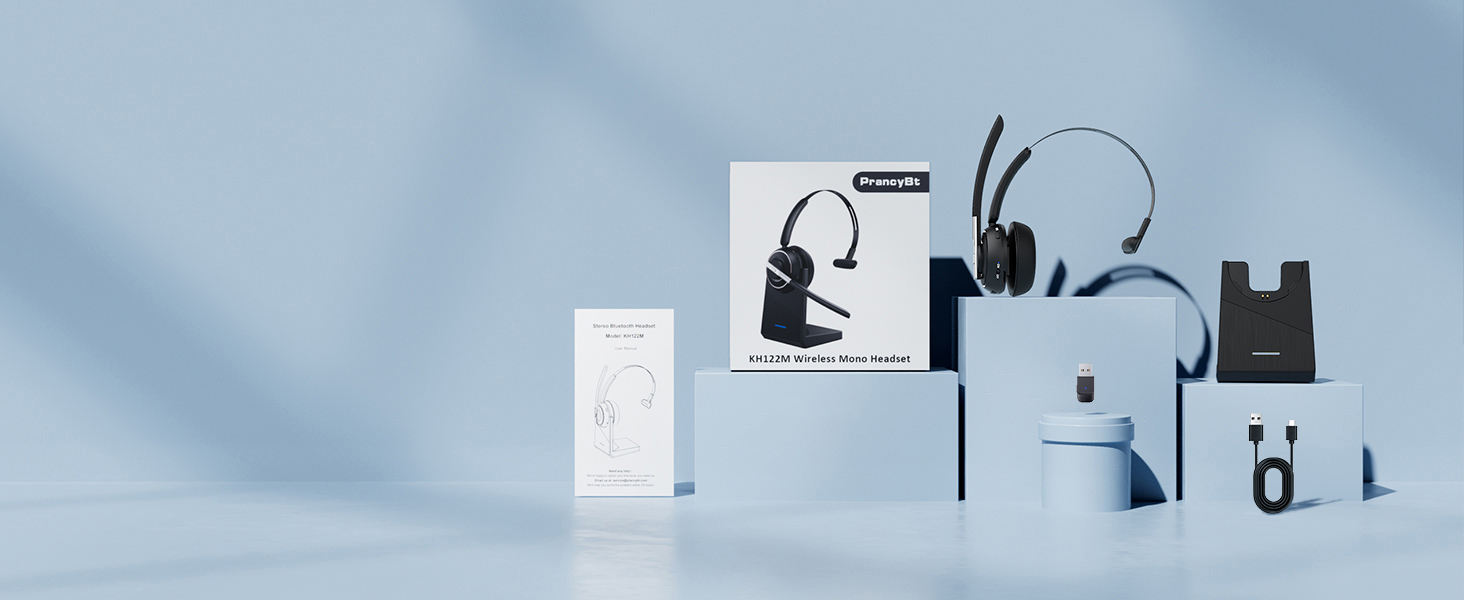
What You Get:
Bluetooth Headset x 1, Charging Base x 1, USB Dongle x 1, USB-C Charging Cable x 1, User Manual x 1
Does this Bluetooth headset has a mute button? Will the mute button work on the computer?
Yes, it does. The headset has a mute button on the side so it is easily accessible. If you paired the headset with your computer via the USB dongle, the mute button would work on your computer as well.
How do I turn on the headset?
Simply toggle the ON/OFF switch on the headset to the ON/OFF position, and you can turn on/off it. No need to press and hold a button and wait or guess the status of the headset from now on!
What if the connection with my computer is unstable and drops frequently?
Please try to update the Bluetooth driver of your computer or check if there is any interference signal around the computer (you can try to test it in another room) if the connection is unstable and you frequently drop it.
Can I answer incoming calls from computer and my desk phone (VOIP) using the headset?
If you use the headset with cell phones, you can click the MFB button to answer/end calls (mobile phone calls only). If you use the headset with computers/desk phones, please answer/end calls manually on the computer interface or via the desk phone.
What are the benefits of mono design of PrancyBt KH122M Bluetooth headset?
Lighter weight - won't feel like wearing a helmet.
Allows you to hear what's going on around you.
No need to remove the headset to communicate with colleagues.
Easier to regulate voice volume.
Safer for driving. Can be used for more purposes.

Making Hands-free Calls and Hybrid Work Easy
Soft Pillow Memory Foam
Like clouds hugging your ears, providing outstanding comfort from the first call to the last.
Angled Ear Cushion
The hinge of the ear cushion is flexible to provide a more secure, adaptive fit than other headsets.
Extendable Headband
Easily fits different head sizes.
Protein Anti-slip Pad with Bouncy-soft Cushioning
Stays securely in place for all-day comfort.
270° Rotable Mic
Can be positioned for either the left or right ear, giving a release of your ear for the long shift.
Wireless Freedom and Fun
V5.2 promises a more quick and more stable connection, better audio quality and longer battery life.
Pairing this Headset is A Piece of Cake
Just toggle the switch on instead of having to push a button and wait and it automatically connects.
Work the Way You Want
Pairing via Bluetooth is a breeze, while the USB dongle allows almost instant plug-and-play with PCs
Get Yourself Set for Hybrid Working Success
Plays well with all leading UC platforms - including Google Meet, Microsoft Teams, Skype and Zoom.
Widely Compatible
With iPhone, Android phones, computers, iPads, smart TV, and most other Bluetooth-enabled devices.
Store and Charge your Headset in Style
Tired of messy cables? The base offers a simple & convenient solution to store & charge your headset
Always in touch. Always connected.
Get enough juice through your longest shifts and meetings with 40hrs talk time.
On the Desk and On the Go
Support charging the headset directly or being charged by simply placing it into the charging dock.
Type C Charging Port
Can withstand 10k insertion and removal cycles for longer service life and fewer charging issues.
AI Noise Cancelling Mic
Targets your voice and filters out external noise to provide a clear call experience wherever.
Wear it like it's not Even There
Stay engaged and enjoy all-day productivity without your headset getting in the way.
Protect Your Privacy
Support muting on Skype, Zoom, Teams or other calling software on PCs (when pairing via USB dongle).
Ask Siri or Hey Google
Leave your phone in your pocket. Stay in control without using your hands.


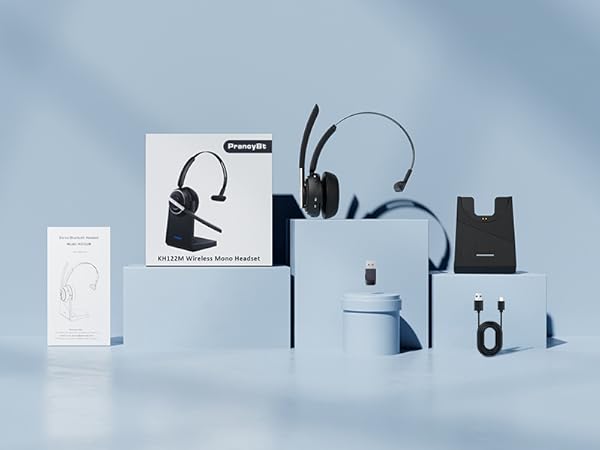
What You Get:
Bluetooth Headset x 1, Charging Base x 1, USB Dongle x 1, USB-C Charging Cable x 1, User Manual x 1
Does this Bluetooth headset has a mute button? Will the mute button work on the computer?
Yes, it does. The headset has a mute button on the side so it is easily accessible. If you paired the headset with your computer via the USB dongle, the mute button would work on your computer as well.
How do I turn on the headset?
Simply toggle the ON/OFF switch on the headset to the ON/OFF position, and you can turn on/off it. No need to press and hold a button and wait or guess the status of the headset from now on!
What if the connection with my computer is unstable and drops frequently?
Please try to update the Bluetooth driver of your computer or check if there is any interference signal around the computer (you can try to test it in another room) if the connection is unstable and you frequently drop it.
Can I answer incoming calls from computer and my desk phone (VOIP) using the headset?
If you use the headset with cell phones, you can click the MFB button to answer/end calls (mobile phone calls only). If you use the headset with computers/desk phones, please answer/end calls manually on the computer interface or via the desk phone.
What are the benefits of mono design of PrancyBt KH122M Bluetooth headset?
Lighter weight - won't feel like wearing a helmet.
Allows you to hear what's going on around you.
No need to remove the headset to communicate with colleagues.
Easier to regulate voice volume.
Safer for driving. Can be used for more purposes.