








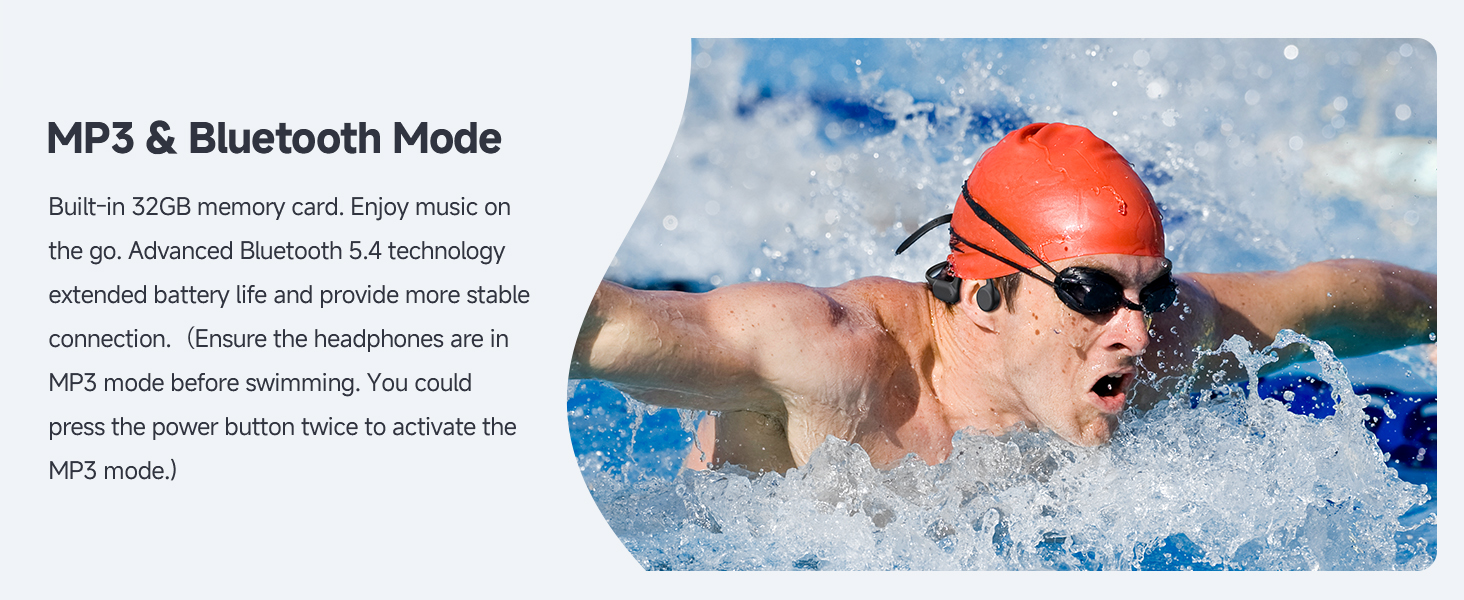

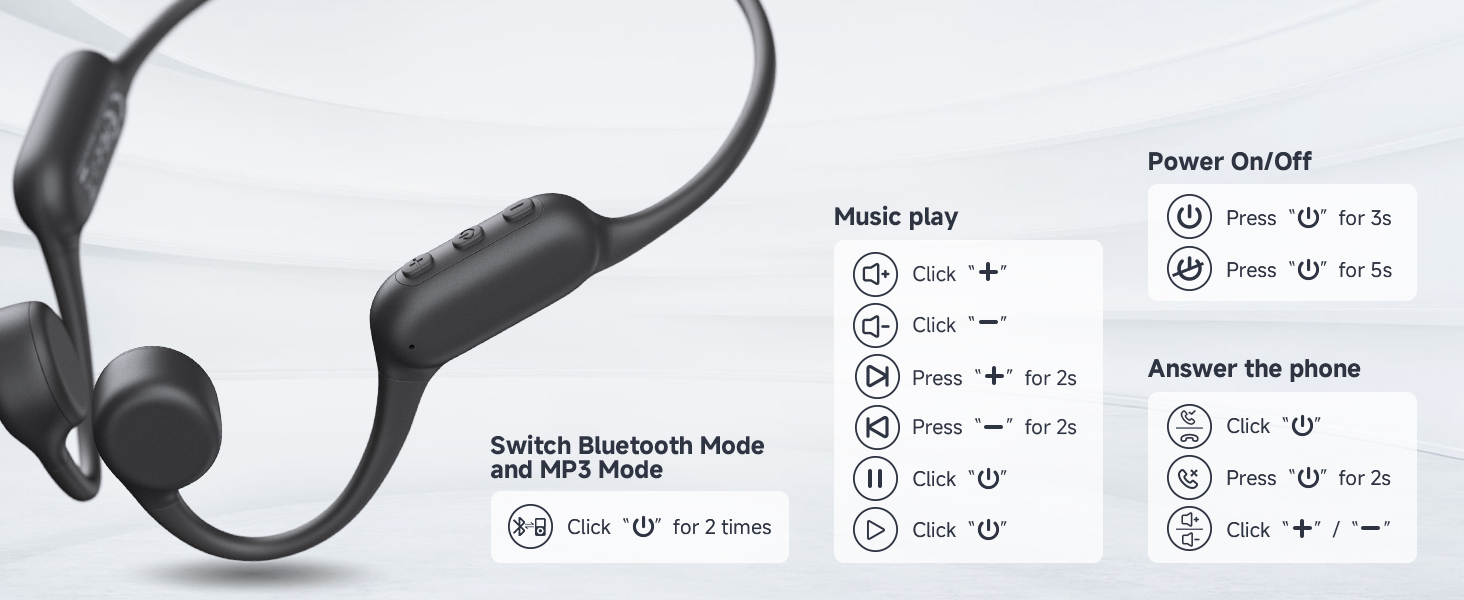

How to switch Bluetooth Mode (Music Mode)?
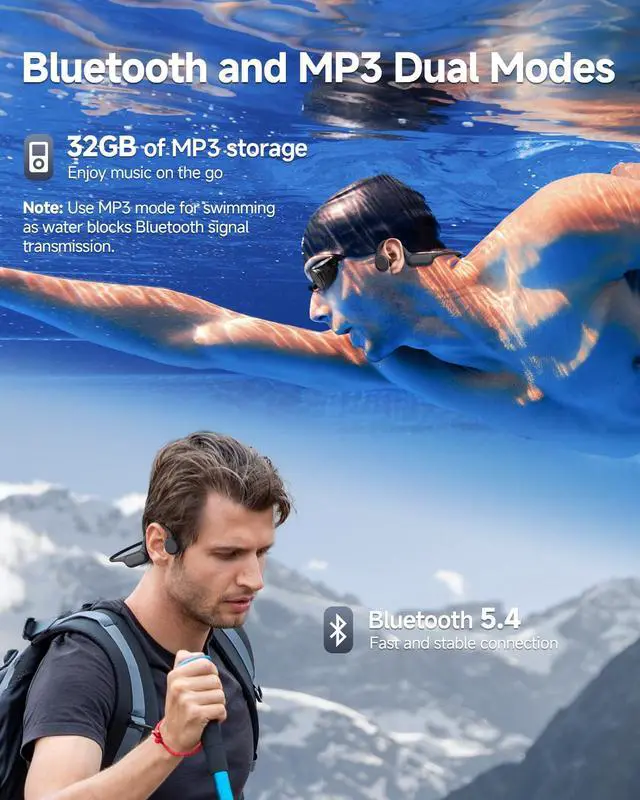
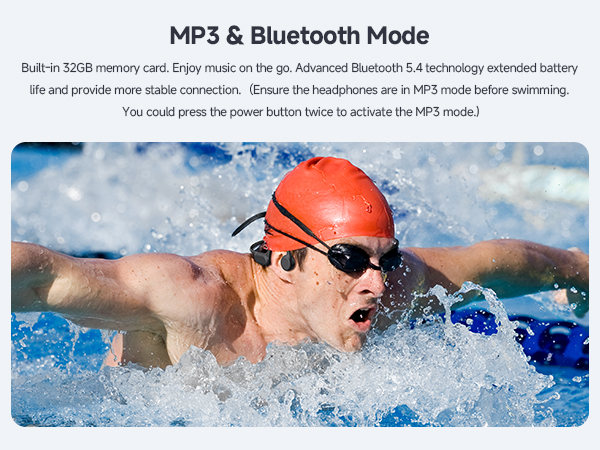
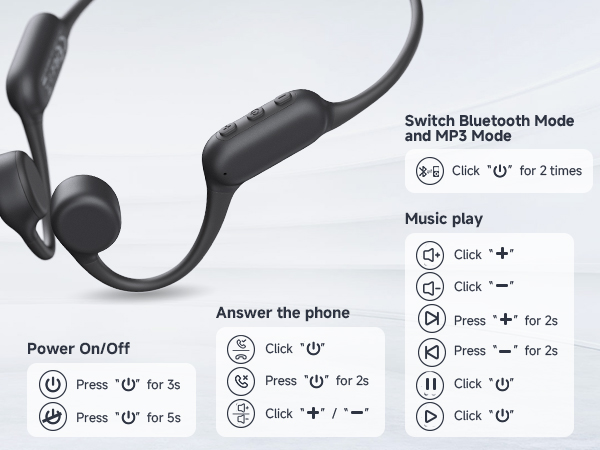
When the headphones are powered on, the default mode is bluetooth mode(music mode). To switch from MP3 mode to bluetooth mode(music mode), please double-click the power button.
Downloaded music cannot be played after switching to MP3 mode?
a. Check about the songs are one of the following formats:MP3, WMA, FLAC, APE, or WAV.
b. Confirm the computer recognizes the headphones
c.Delete the downloaded songs, and then copy the songs again.
Cannot switch MP3 Mode?
a. Ensure there are songs playing in the headphones, then you can switch to MP3 Mode
b. If you still cannot switch, please restore the headphones to factory settings (press and hold the power button for 10 seconds) and try again.
The songs in MP3 Mode cannot be deleted/coppyed on the computer?
Please reconnect the headphones to your computer and ensure the computer recognizes the device before deleting the files.
Cannot recognized the MP3 Mode?
a. Delete the songs and re-download again
b. If the headphones still cannot be played, reconnect it to computer to ensure the computer recognizes the headphones, then copy the songs again.


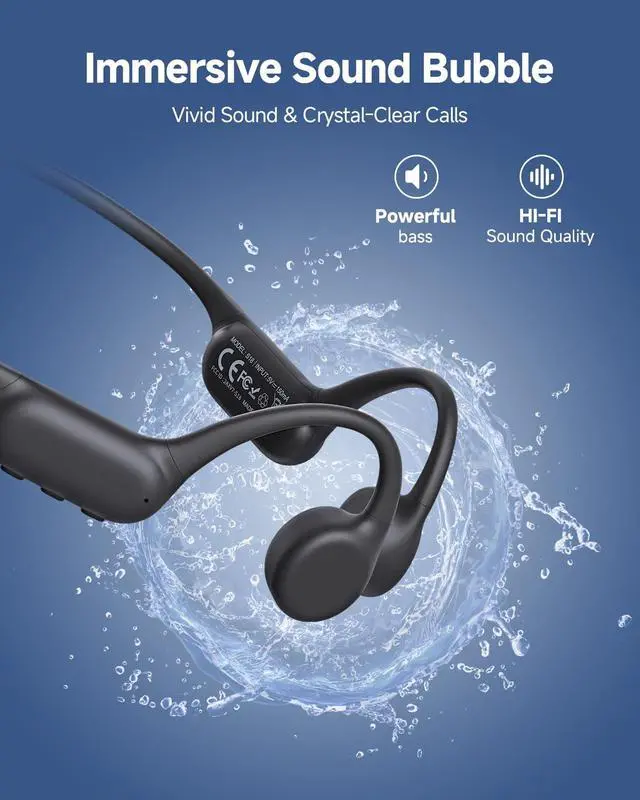
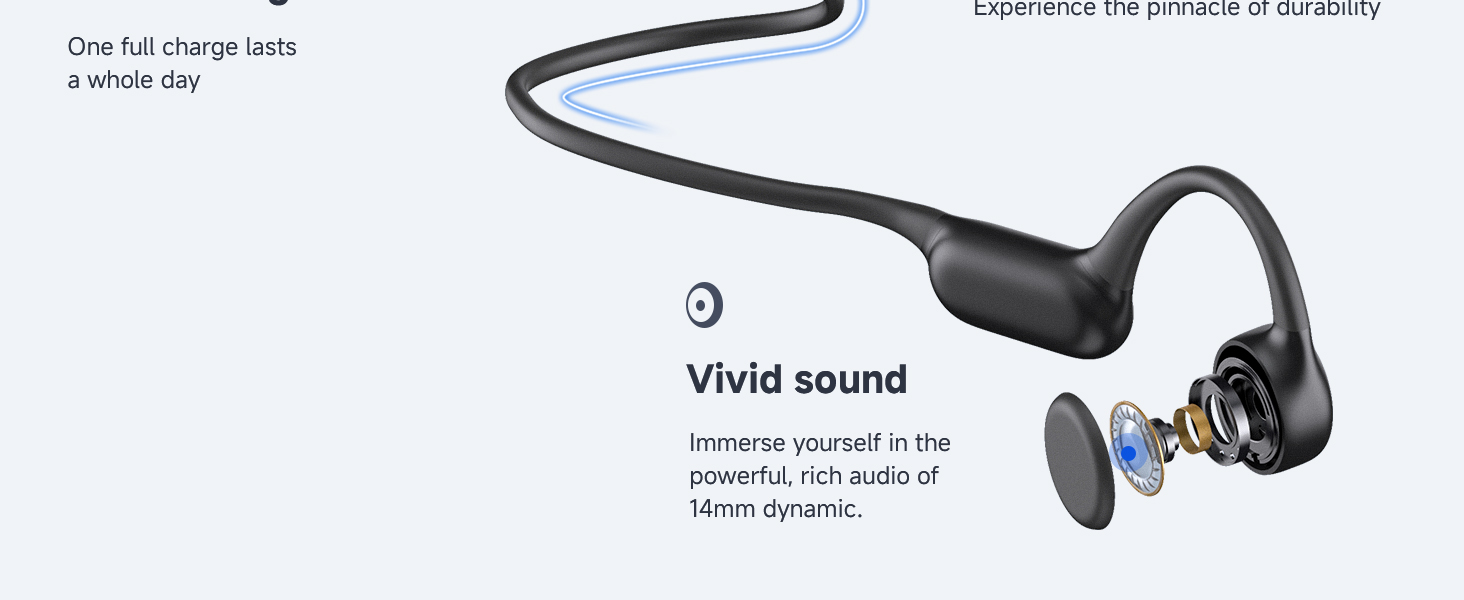
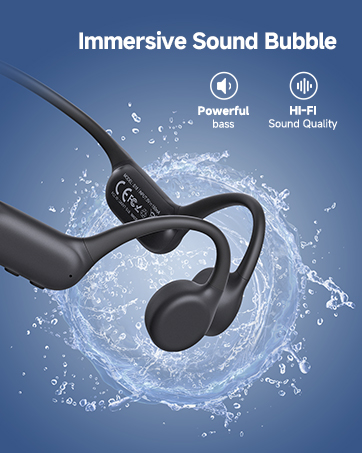
- Psier's wireless earbuds are carefully adjusted and designed by professional tuners, which aims to bring the superb treble back to life and powerful deep bass.
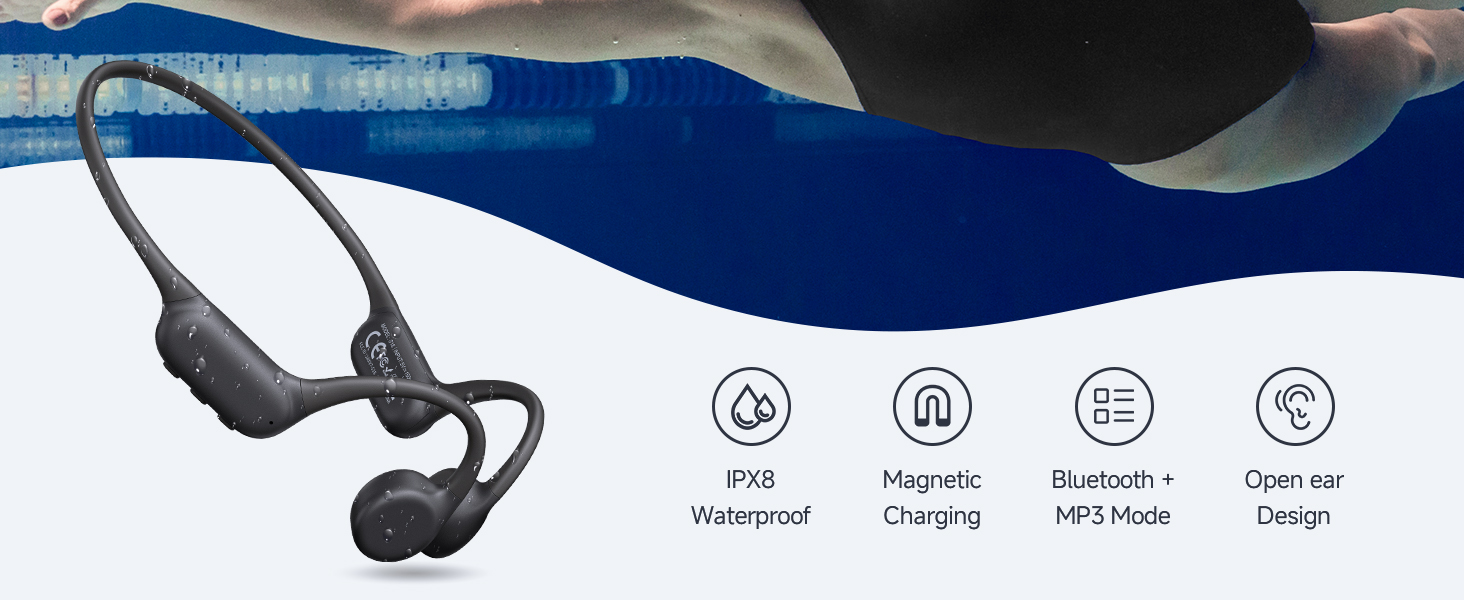
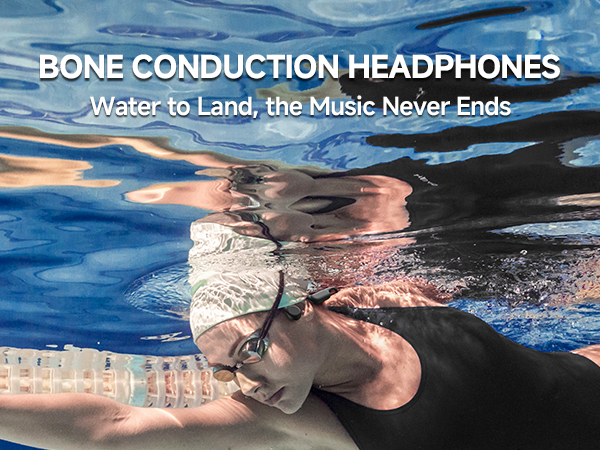
- We hope to provide multi-function earbuds to meet your different needs and give you immersive listening experience in different scenarios such as sports, work and leisure.



How to switch Bluetooth Mode (Music Mode)?
When the headphones are powered on, the default mode is bluetooth mode(music mode). To switch from MP3 mode to bluetooth mode(music mode), please double-click the power button.
Downloaded music cannot be played after switching to MP3 mode?
a. Check about the songs are one of the following formats:MP3, WMA, FLAC, APE, or WAV.
b. Confirm the computer recognizes the headphones
c.Delete the downloaded songs, and then copy the songs again.
Cannot switch MP3 Mode?
a. Ensure there are songs playing in the headphones, then you can switch to MP3 Mode
b. If you still cannot switch, please restore the headphones to factory settings (press and hold the power button for 10 seconds) and try again.
The songs in MP3 Mode cannot be deleted/coppyed on the computer?
Please reconnect the headphones to your computer and ensure the computer recognizes the device before deleting the files.
Cannot recognized the MP3 Mode?
a. Delete the songs and re-download again
b. If the headphones still cannot be played, reconnect it to computer to ensure the computer recognizes the headphones, then copy the songs again.
- Psier's wireless earbuds are carefully adjusted and designed by professional tuners, which aims to bring the superb treble back to life and powerful deep bass.
- We hope to provide multi-function earbuds to meet your different needs and give you immersive listening experience in different scenarios such as sports, work and leisure.