



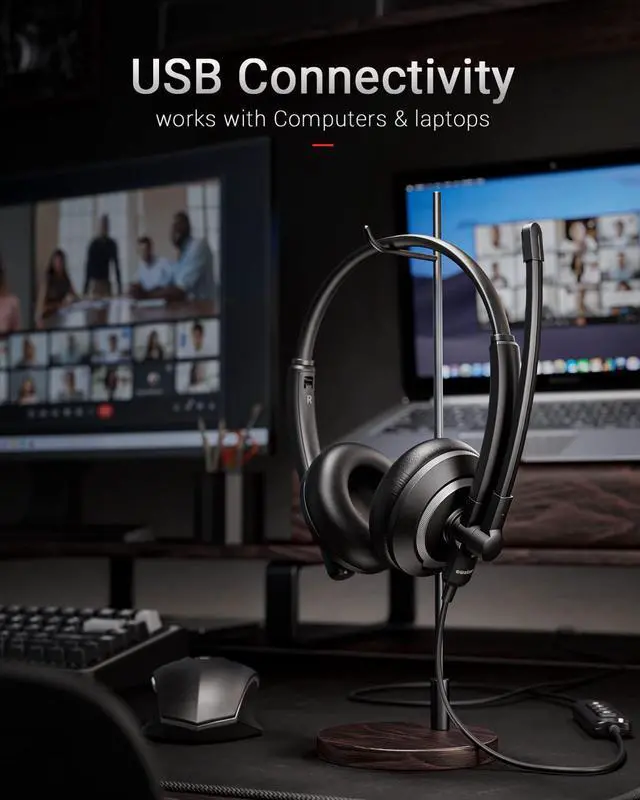


Efficient Calls and Happy Life
Clearer,More Stable,More Comfortable
What do we focus on?
We have been developing headphones , especially noise cancelling headsets for business , since 2010
What makes our products high quality?
Our factory passed ISO9001 certification with 1000+worker,100+R&D staff &120+QC staff .Committed to providing higher quality products to more customers.
Why choose us ?
We not only have high quality products but also 5star service.
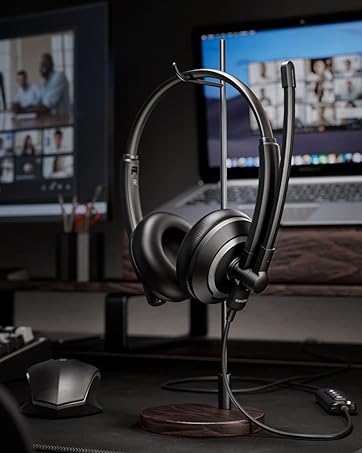
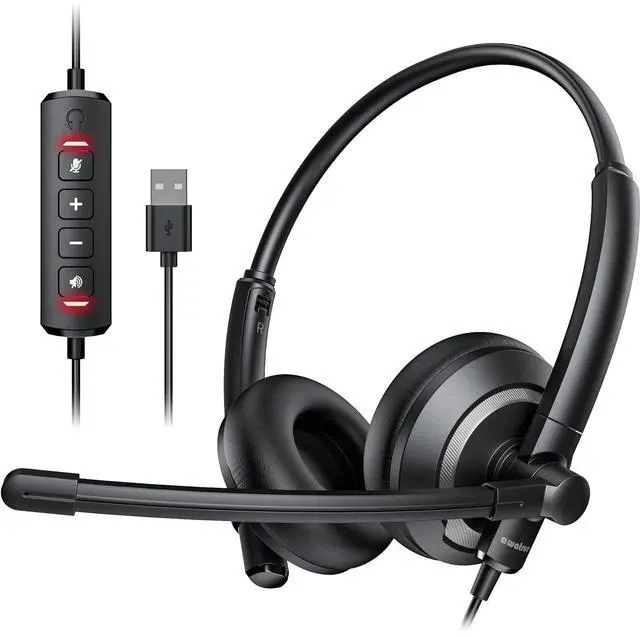
USB Computer Headset
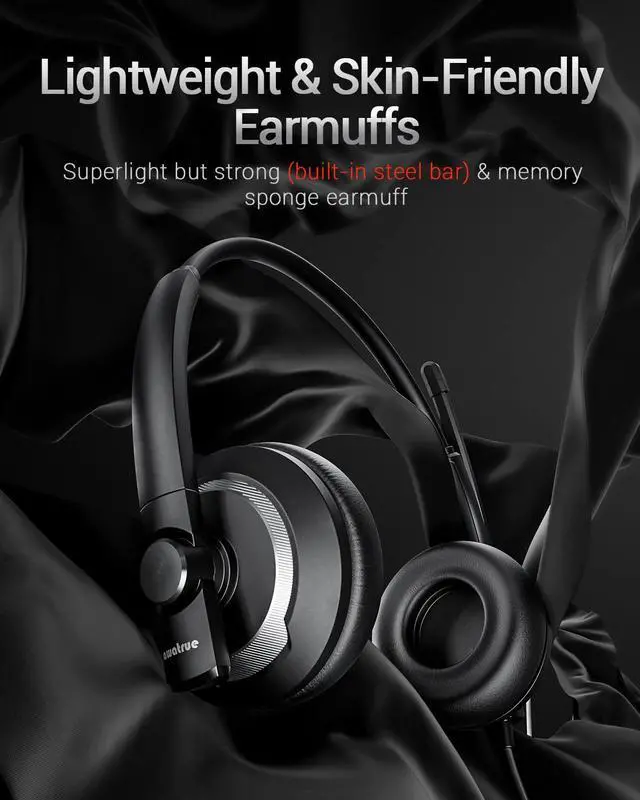
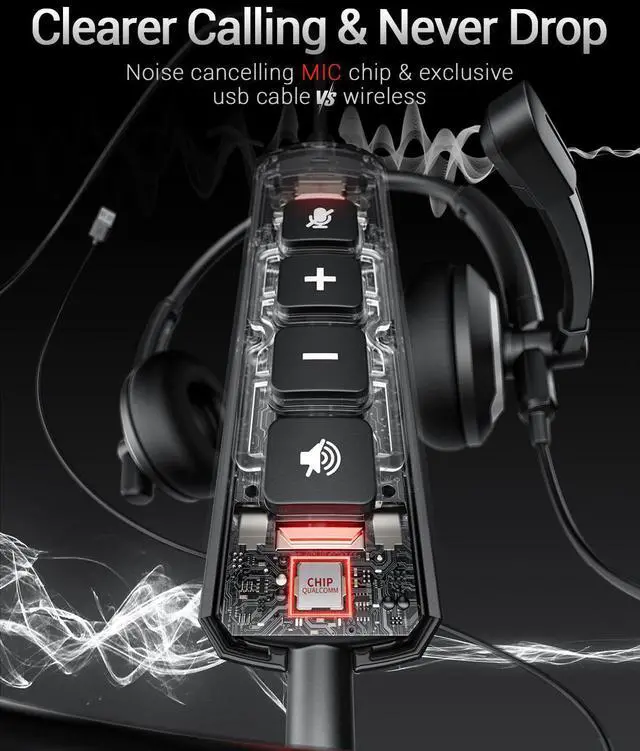
With AI noise cancelling microphone
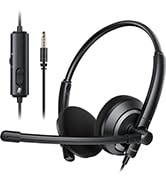
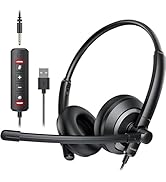
awatrue headset with mic

Christmas gift for your lover
awature usb headset with microphone for pc
Merchant Video


How to adjust headset MIC when others cannot hear my voice?
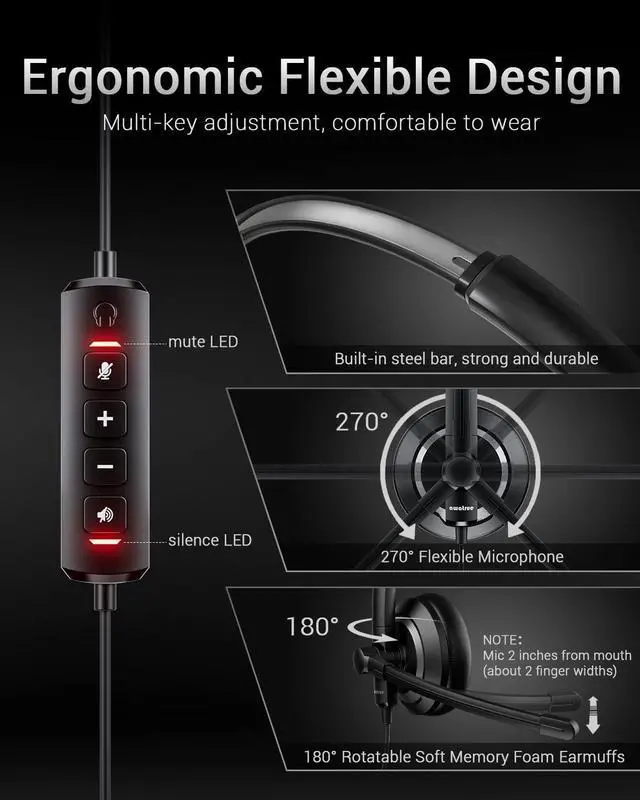
First ,please check if the microphone mute button is turned on; Secondly, it is recommended that the distance between the microphone and the Mouth should not exceed 2 fingers (approximately 2 inches) to achieve the best sound quality.
How to set up to hear your own voice when using this wired USB headset ?
Follow the steps below to set it up on your computer:
Open "Setting" and click "System"-"Sound"-"Sound Control Panel"- "Recording"-Double click "EH05(U) Microphone"-"Listen"-Choose "Listen to this device"
Then you can hear your voice .
How to adjust if I can’t hear any sound when the headset is connected to the computer?
First check whether the USB is connected to the device stably,it is recommended to connect to another USB jack;
Second select EH05(U) as the default input/output device in the "sound"setting ;
Finally, check whether speaker mute is turned aon.
What to do if the microphone is too low?
Operate on the computer through the following steps:
Setting -Control Panel -Hardware and Sound-Sound-Recording(Select connected headset, and double click mouse )-Level (adjust mic soud)
Is it normal for a red light on the sound card to stay on?
Normal. The red light near the volume button on the improved version of the sound card will stay on, indicating that the sound card is working properly, but it does not mean that the volume mute is turned on.
Christmas gift for your lover
awature usb headset with microphone for pc
Merchant Video


How to adjust headset MIC when others cannot hear my voice?
First ,please check if the microphone mute button is turned on; Secondly, it is recommended that the distance between the microphone and the Mouth should not exceed 2 fingers (approximately 2 inches) to achieve the best sound quality.
How to set up to hear your own voice when using this wired USB headset ?
Follow the steps below to set it up on your computer:
Open "Setting" and click "System"-"Sound"-"Sound Control Panel"- "Recording"-Double click "EH05(U) Microphone"-"Listen"-Choose "Listen to this device"
Then you can hear your voice .
How to adjust if I can’t hear any sound when the headset is connected to the computer?
First check whether the USB is connected to the device stably,it is recommended to connect to another USB jack;
Second select EH05(U) as the default input/output device in the "sound"setting ;
Finally, check whether speaker mute is turned aon.
What to do if the microphone is too low?
Operate on the computer through the following steps:
Setting -Control Panel -Hardware and Sound-Sound-Recording(Select connected headset, and double click mouse )-Level (adjust mic soud)
Is it normal for a red light on the sound card to stay on?
Normal. The red light near the volume button on the improved version of the sound card will stay on, indicating that the sound card is working properly, but it does not mean that the volume mute is turned on.
Efficient Calls and Happy Life
Clearer,More Stable,More Comfortable
What do we focus on?
We have been developing headphones , especially noise cancelling headsets for business , since 2010
What makes our products high quality?
Our factory passed ISO9001 certification with 1000+worker,100+R&D staff &120+QC staff .Committed to providing higher quality products to more customers.
Why choose us ?
We not only have high quality products but also 5star service.
USB Computer Headset
With AI noise cancelling microphone
awatrue headset with mic