


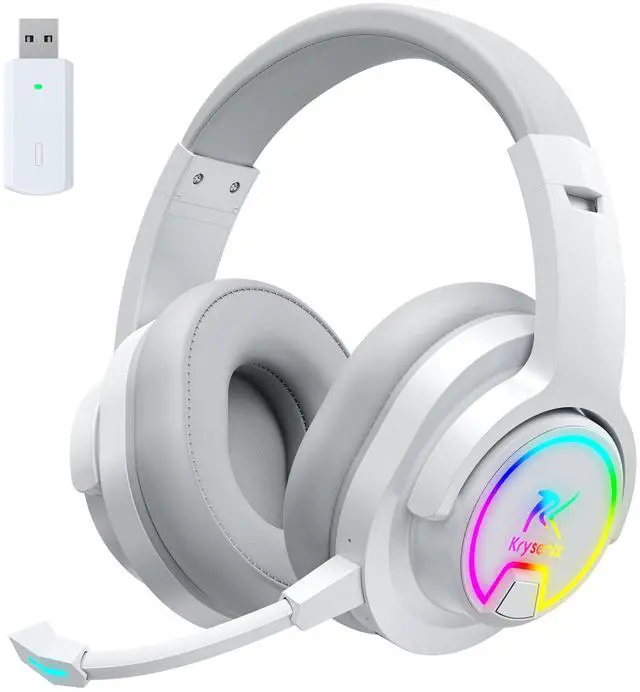



How to make the mic get to work?
Make sure the detachable microphone is properly connected to the headset. The plug should be inserted into the appropriate jack to ensure a firm connection and avoid loosening or disconnection.(Microphone not working when used on Switch)
How to connect for PS4 PS5?
Insert the Dongle into the device, do the following: Settings->Devices->Audio Devices->Set "PG3" as the default device for "Input Devices" and "Output Devices"->Adjust "Volume Control (Headphones)" as needed.
Are wireless headphones for XBOX?
Neither of the wireless headset's connection modes are for any model of Xbox. for devices are: PC, MAC, PS4, PS5, Switch(Invalid Microphone) , Mobile Phones, iPad, Tablets, Other Smart Devices.
What to do about noisy Bluetooth Headphones?
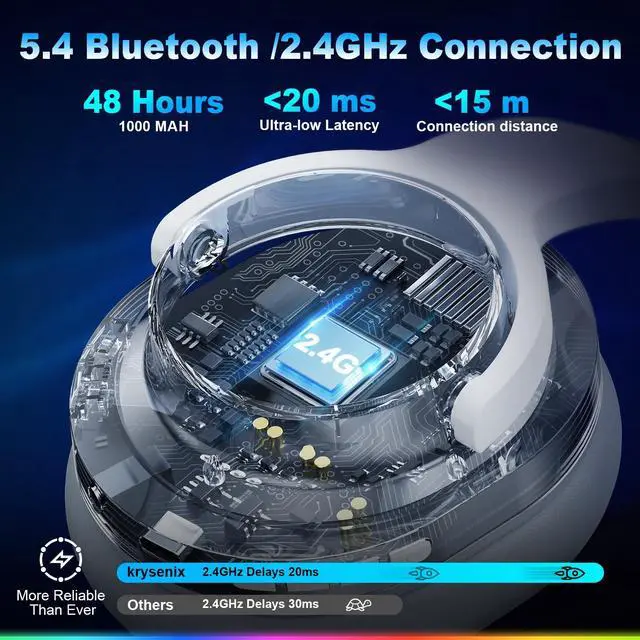
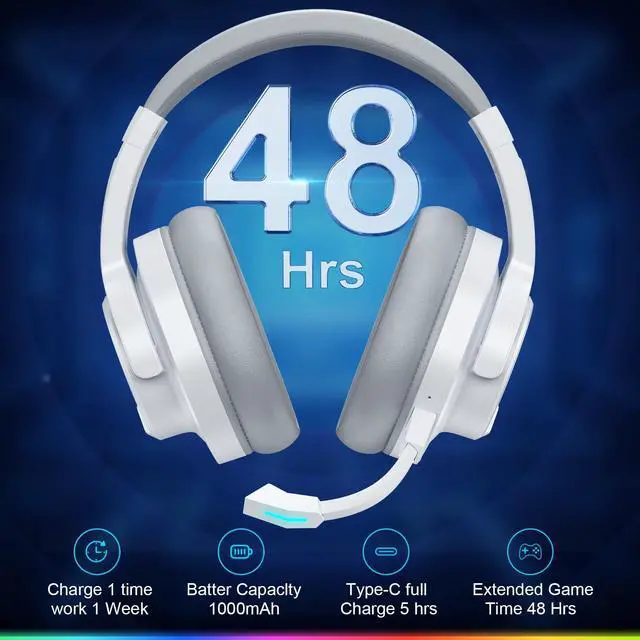
Ensure that the wireless headset is fully charged; reduce the distance between the wireless headset and the audio source device to minimize obstacles; stay away from interference from other wireless signals; test the headset on different devices.
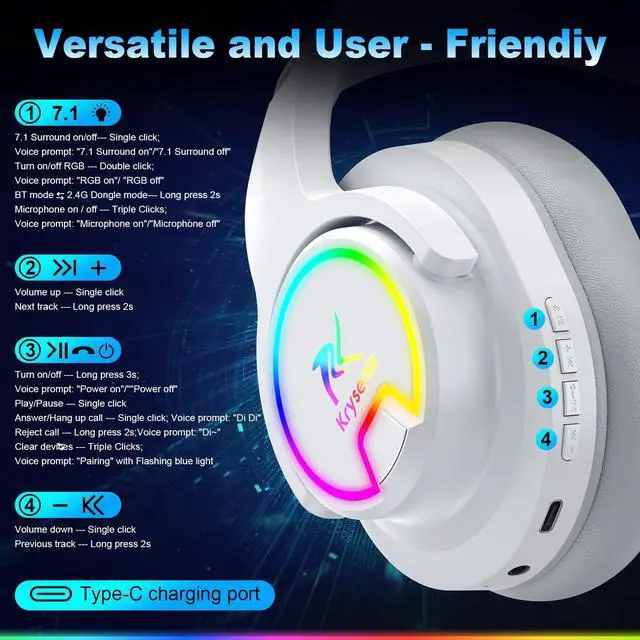
How to adjust the volume level?How to switch the microphone on and off?
Short press the volume +- key, when it is increased to the maximum, there will be a "drip" sound. Short press the 7.1 key three times to turn off and on the microphone.


How to make the mic get to work?
Make sure the detachable microphone is properly connected to the headset. The plug should be inserted into the appropriate jack to ensure a firm connection and avoid loosening or disconnection.(Microphone not working when used on Switch)
How to connect for PS4 PS5?
Insert the Dongle into the device, do the following: Settings->Devices->Audio Devices->Set "PG3" as the default device for "Input Devices" and "Output Devices"->Adjust "Volume Control (Headphones)" as needed.
Are wireless headphones for XBOX?
Neither of the wireless headset's connection modes are for any model of Xbox. for devices are: PC, MAC, PS4, PS5, Switch(Invalid Microphone) , Mobile Phones, iPad, Tablets, Other Smart Devices.
What to do about noisy Bluetooth Headphones?
Ensure that the wireless headset is fully charged; reduce the distance between the wireless headset and the audio source device to minimize obstacles; stay away from interference from other wireless signals; test the headset on different devices.
How to adjust the volume level?How to switch the microphone on and off?
Short press the volume +- key, when it is increased to the maximum, there will be a "drip" sound. Short press the 7.1 key three times to turn off and on the microphone.