


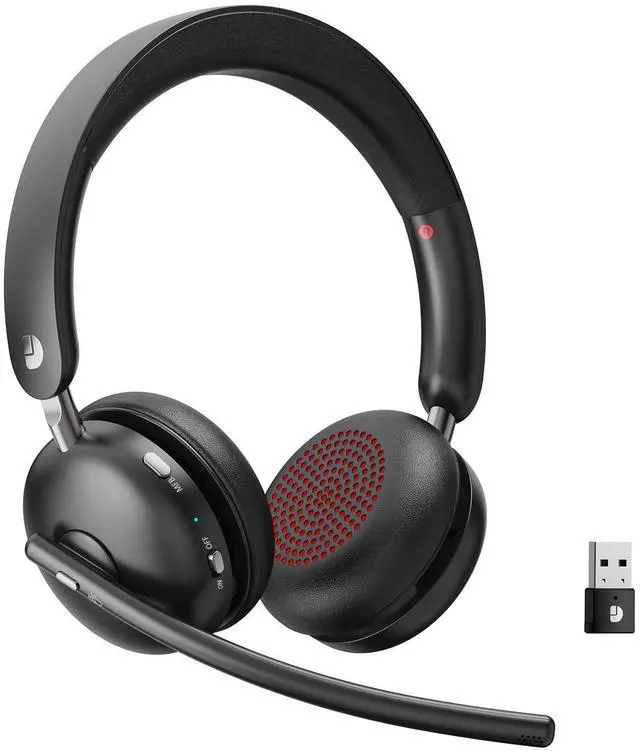


Step Into a World of Pure Sound
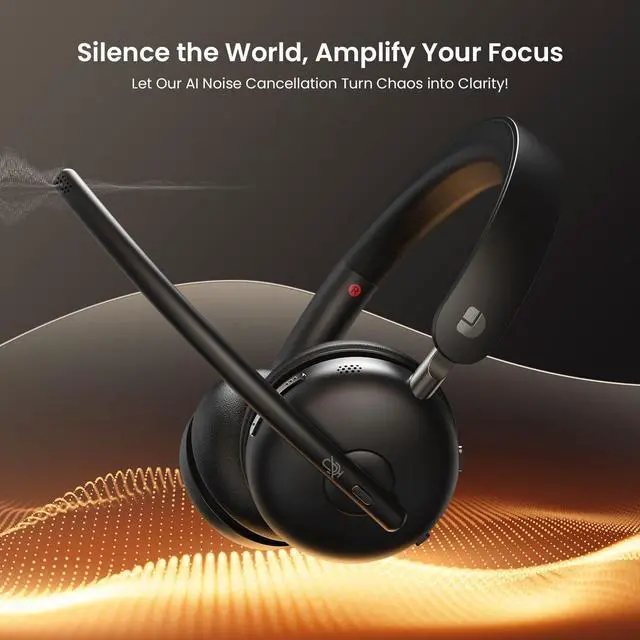
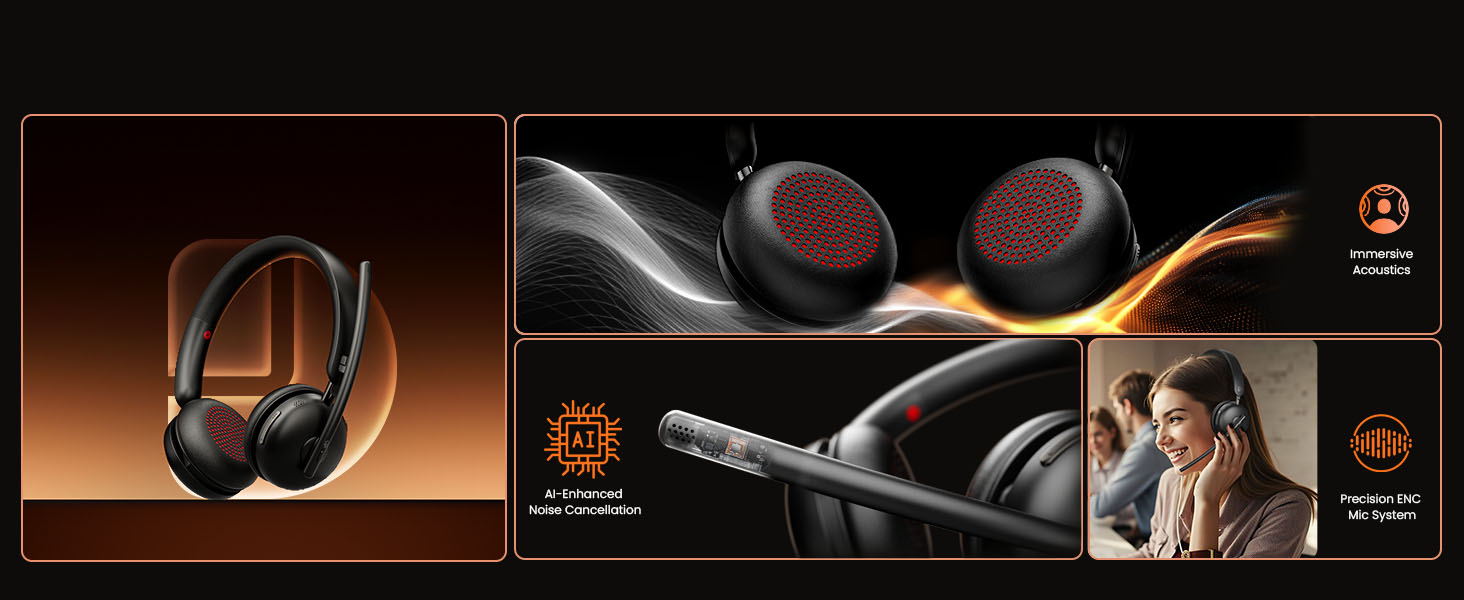
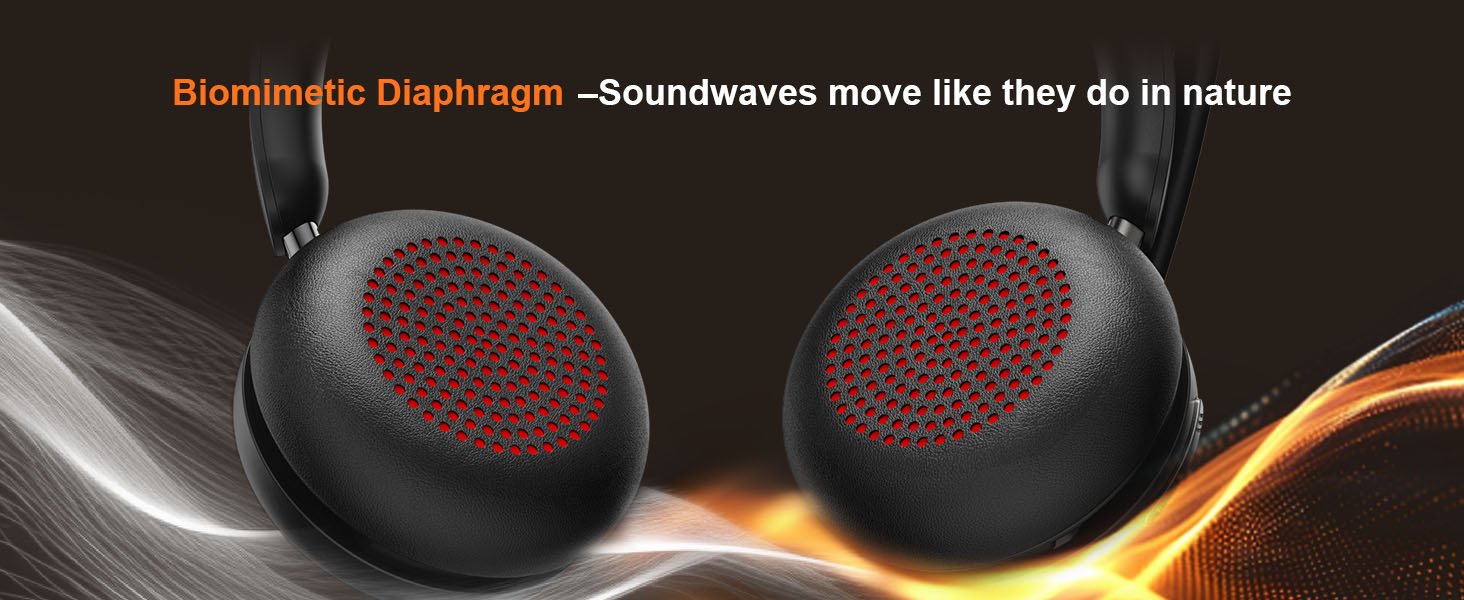
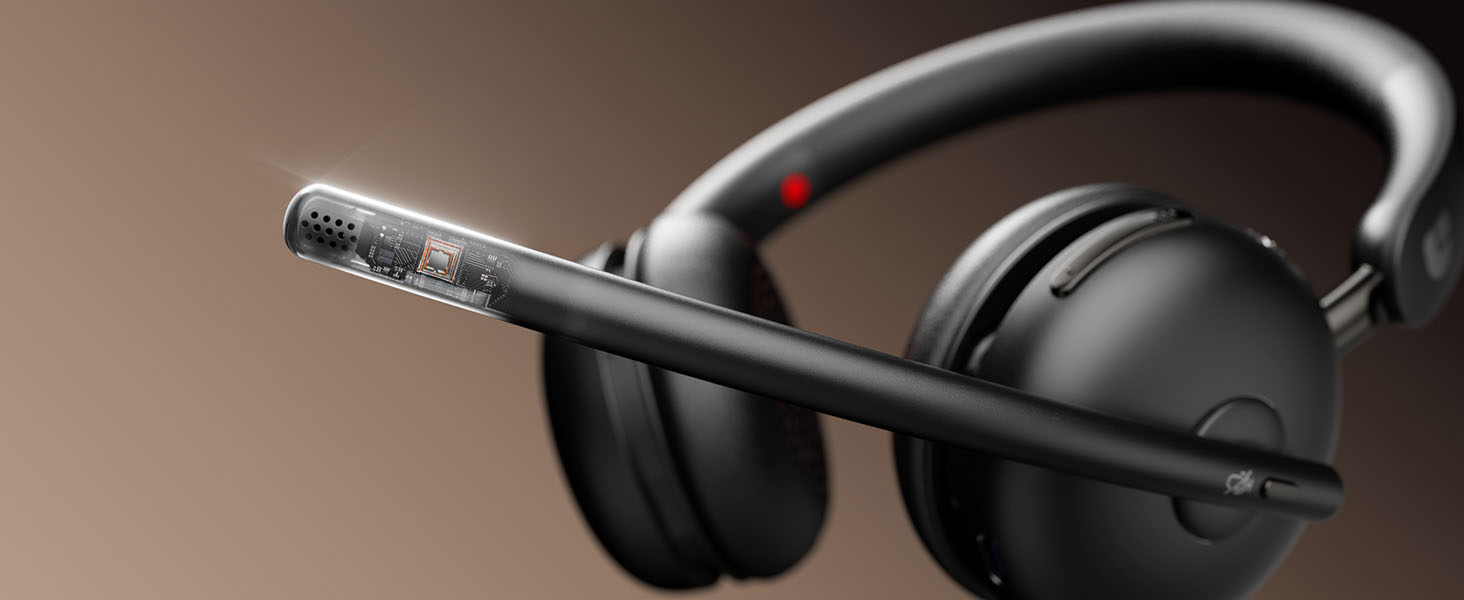
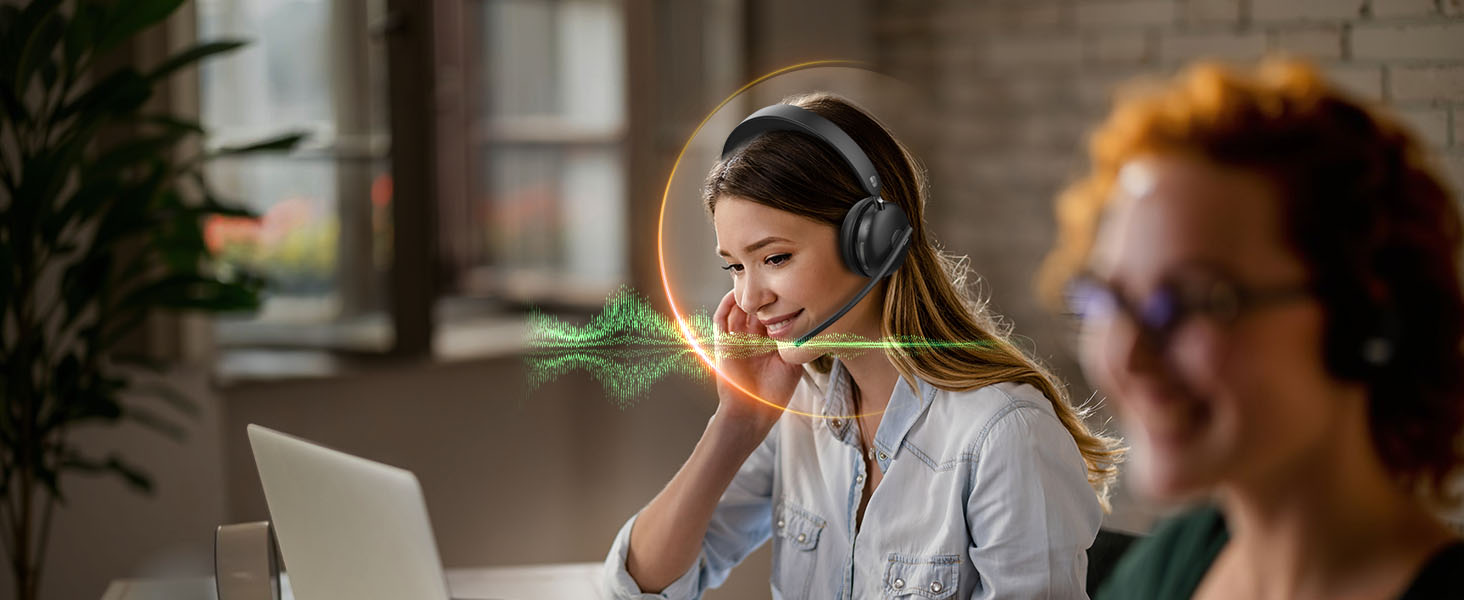
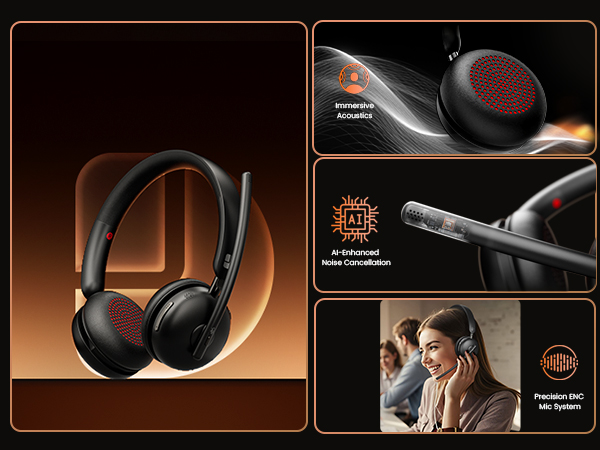
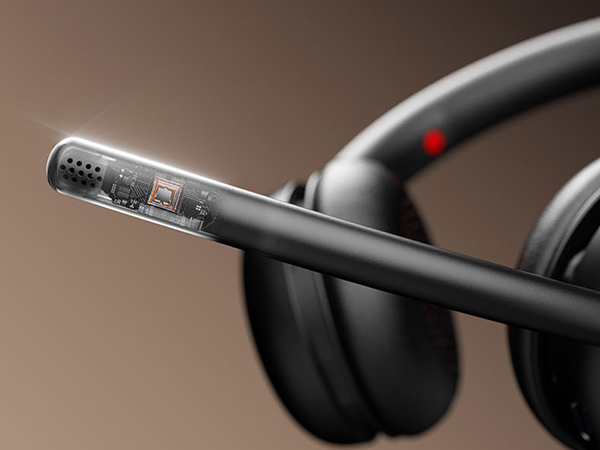
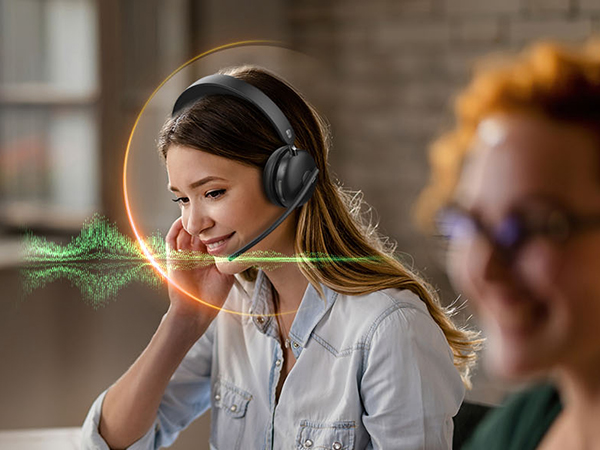
Advanced Noise Cancellation Lets You Hear Every Note, Every Word, and Nothing Else

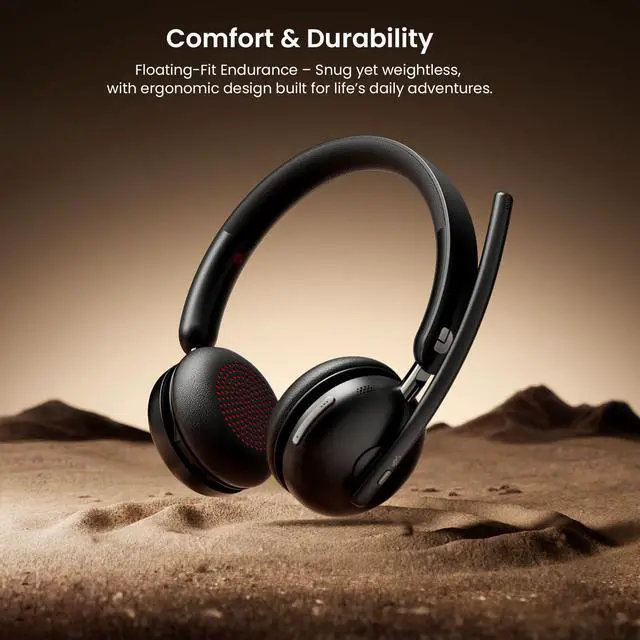
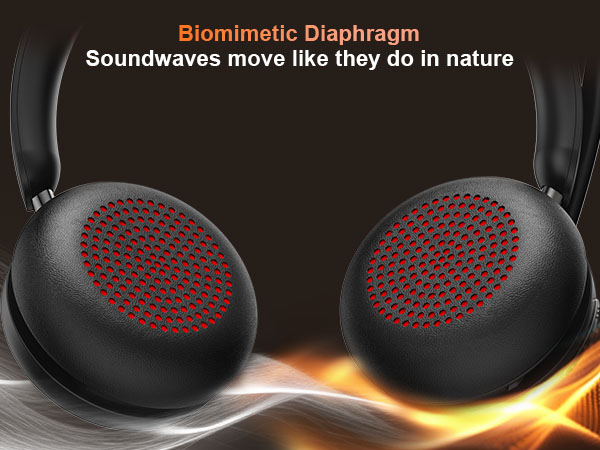
Biometric Comfort, Redefined
From Dawn to Dusk – Still Forgot You’re Wearing It

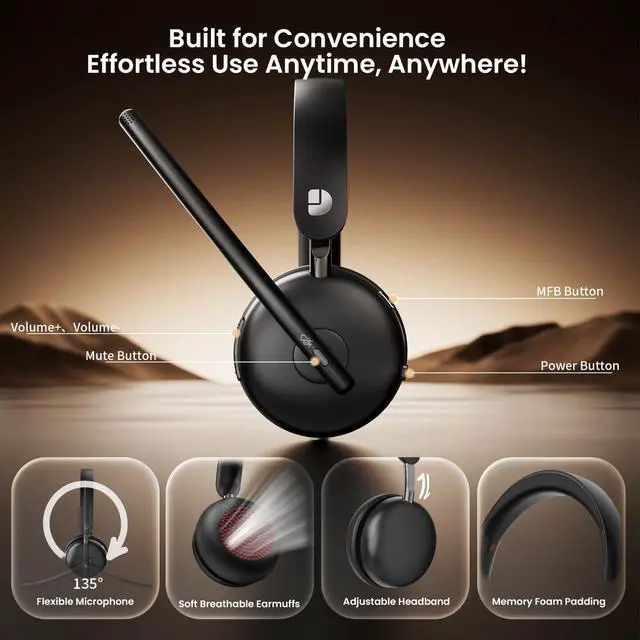
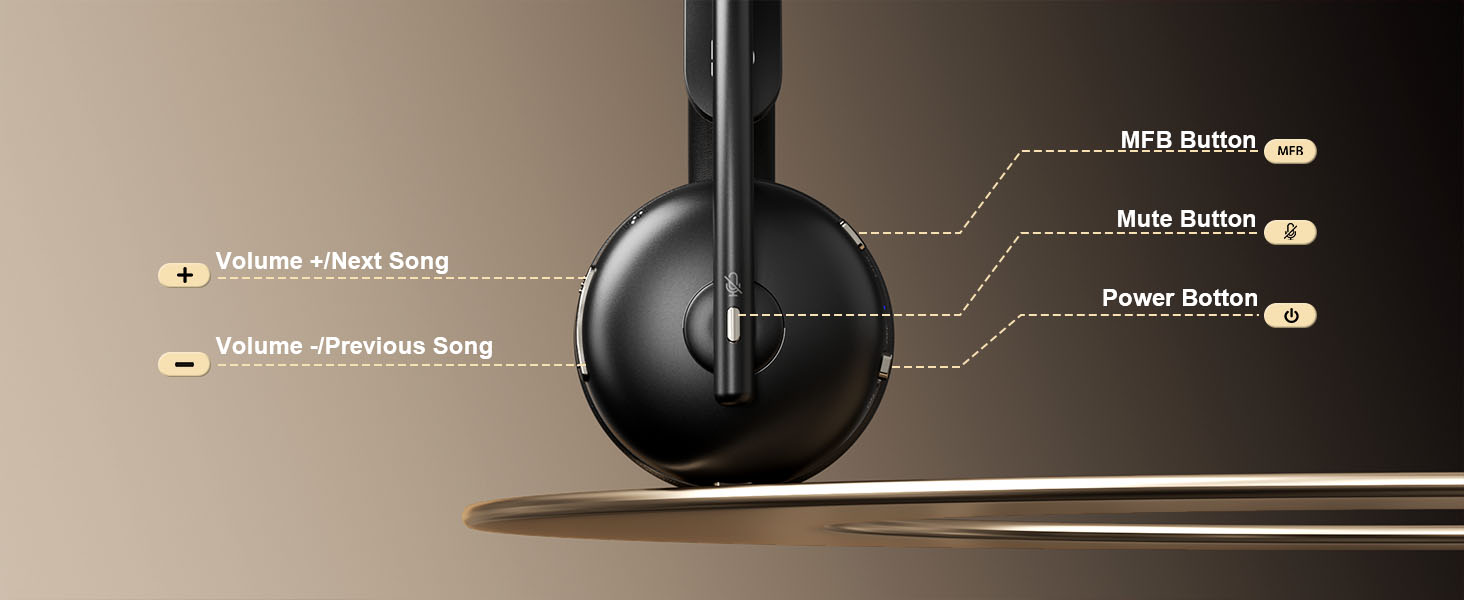
Industry's Fastest Mute Response
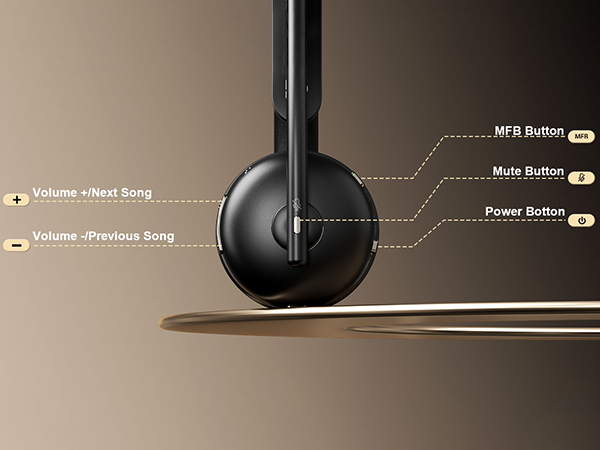
Discreetly tap to mute sensitive conversations without fumbling for buttons
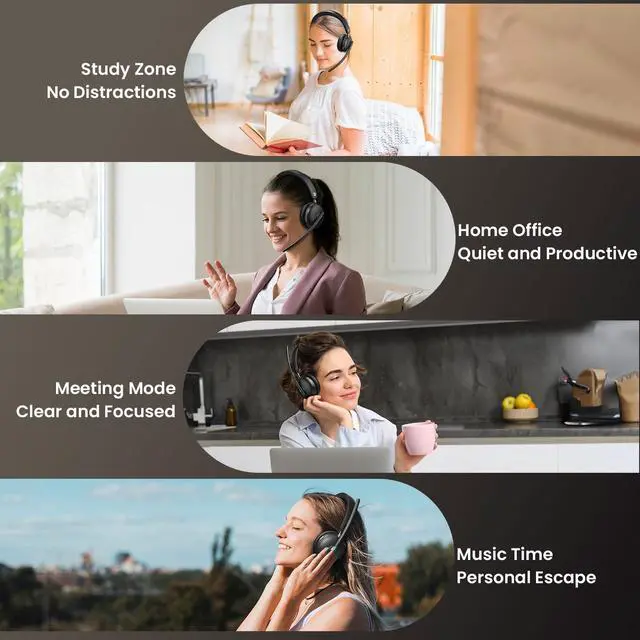
Diverse Usage Scenarios

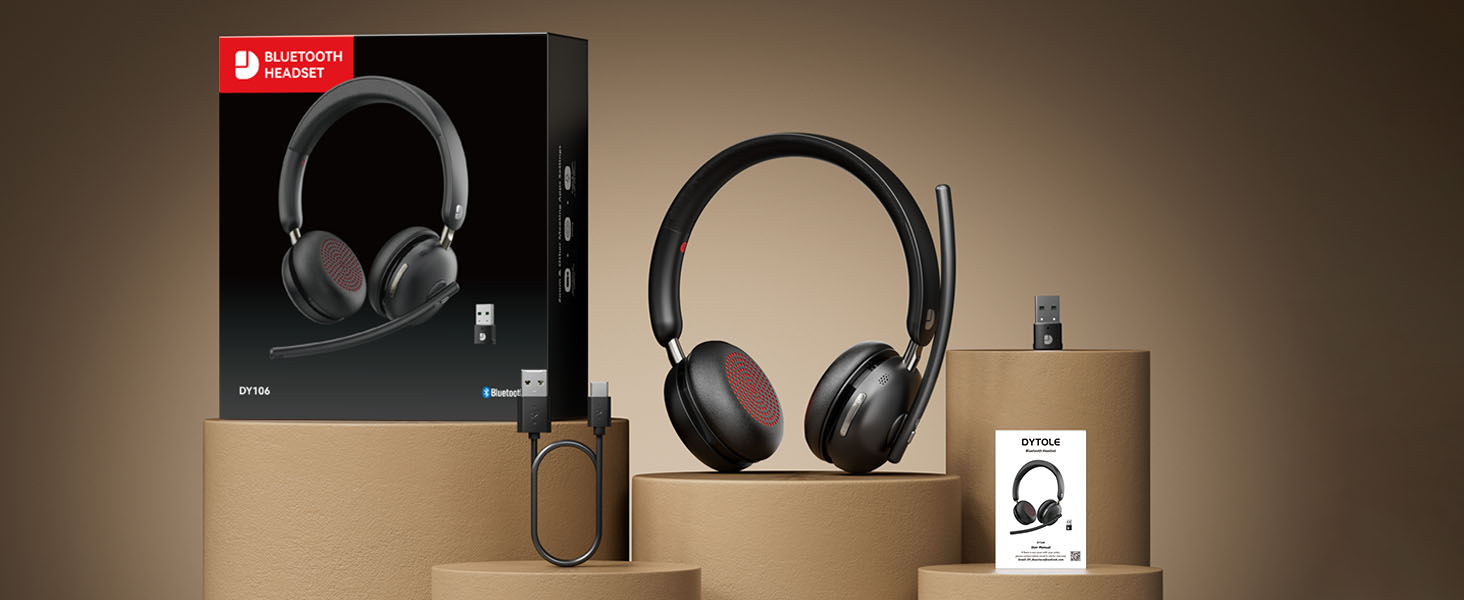
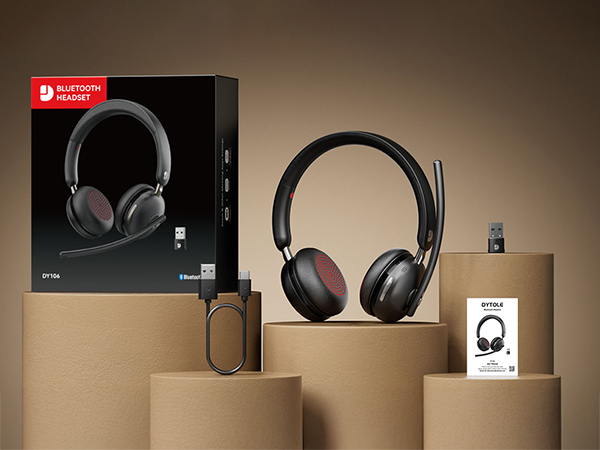
Package Lists
I'm currently working from home. Can this wireless headset with microphone effectively reduce noise from my home?
Yes, our wireless headset features advanced noise cancellation that effectively minimizes background noise like family chatter. However, it's designed to preserve clear voice transmission, so normal-volume conversations nearby will still be audible.
How to set up this wireless headset on a computer
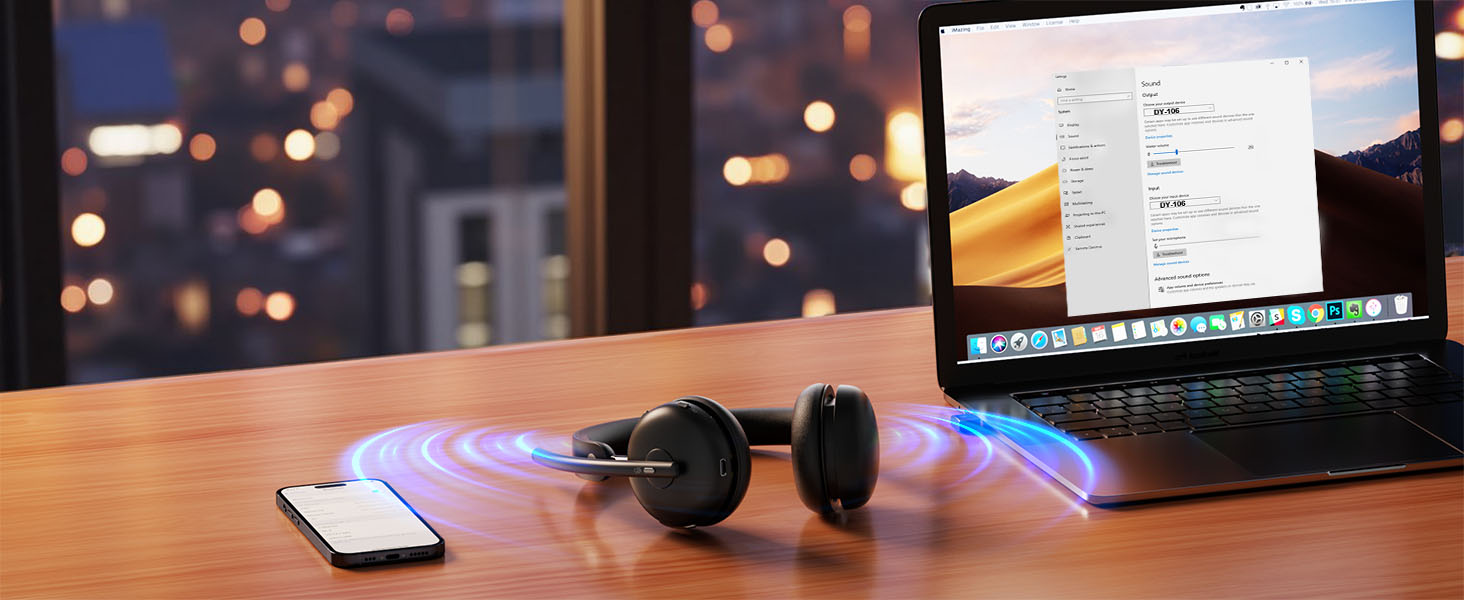
To connect your wireless headphones to the computer and set up the audio, first pair the headset, then go to your computer's and software's sound settings to select [DY106] as both the default output (speaker) and input (microphone) device.
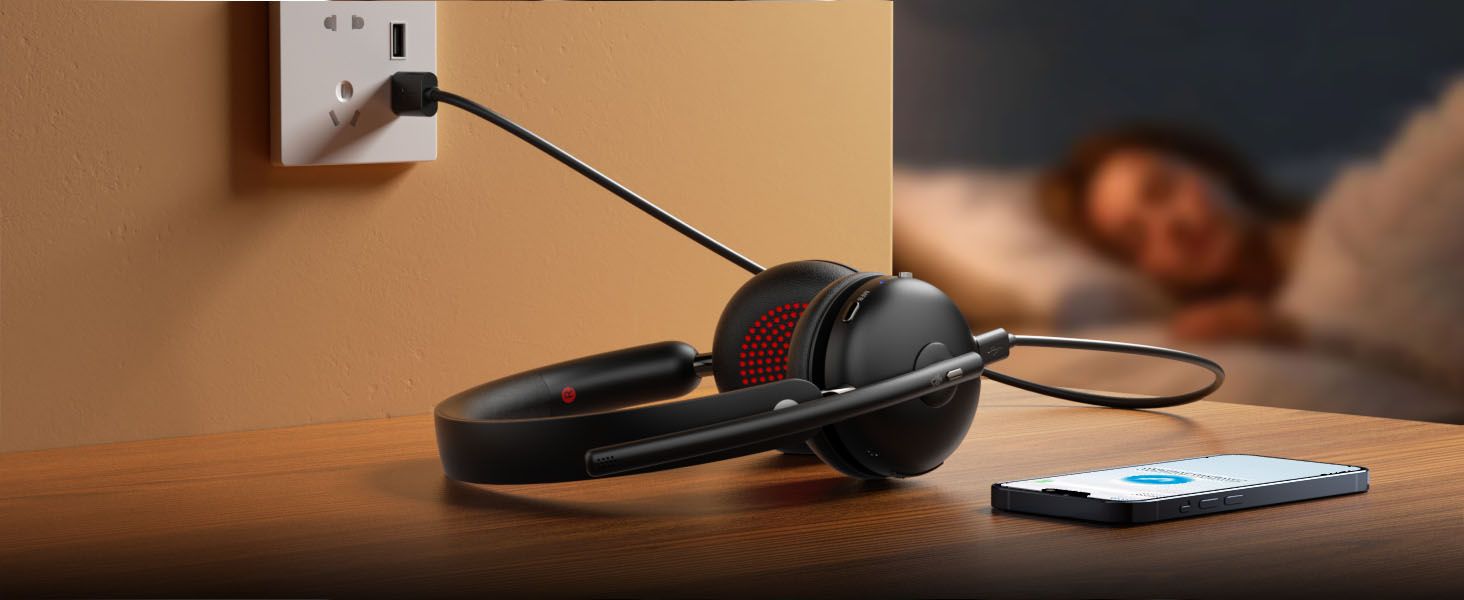
How do I know my headset is fully charged, and how do I charge the headset?
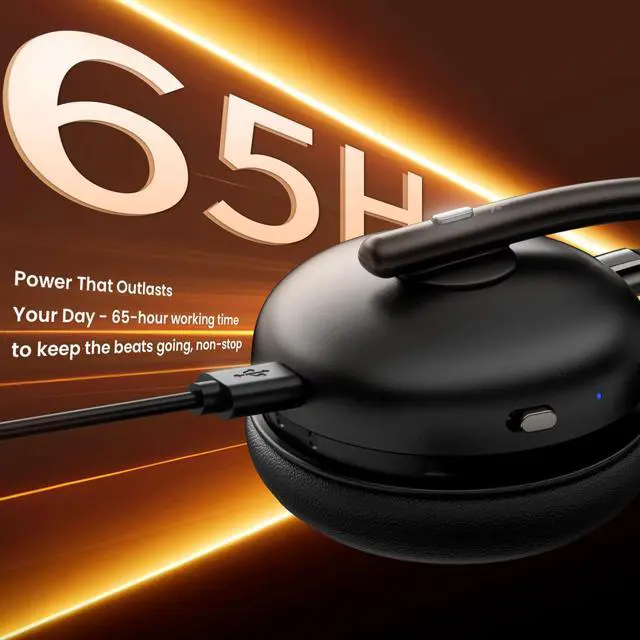
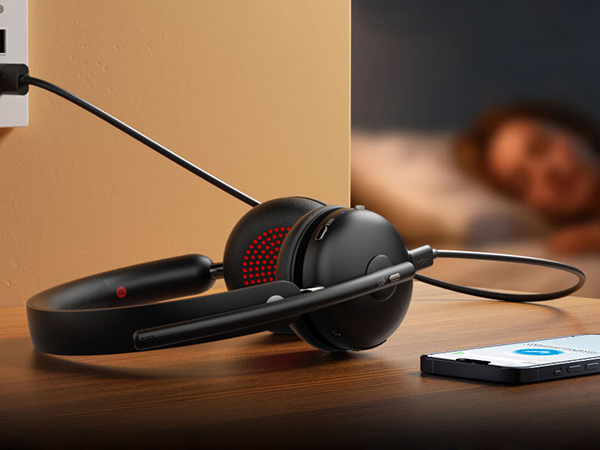
This Bluetooth headset comes with a Type-C Charging cable to charge it. The indicator lights in steady red when the headset is charging. Charging is completed in about 2 hours and the lights in steady blue.
What should l do if there is a problem with the connection or a crash?
Press and hold the multi-function button for 14s to reset and restart.
Can mute be used in all software?
The mute button may not support synchronized mute when used on third-partysoftware, you can turn on/off mute only on software or only on headset.

DYTOLE
DYTOLE – Making sound more beautiful.
For 20 years, DYTOLE has delivered exceptional audio experiences. Starting small, our passion for sound and innovation has driven us to create high-quality headphones and speakers.
Our expert team ensures top standards, believing audio connects hearts. We prioritize user experience and technology.
Guided by "Focused on Audio, Listening with Heart," we thank our loyal customers for their trust.


Wireless headset with mic
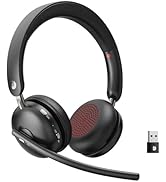



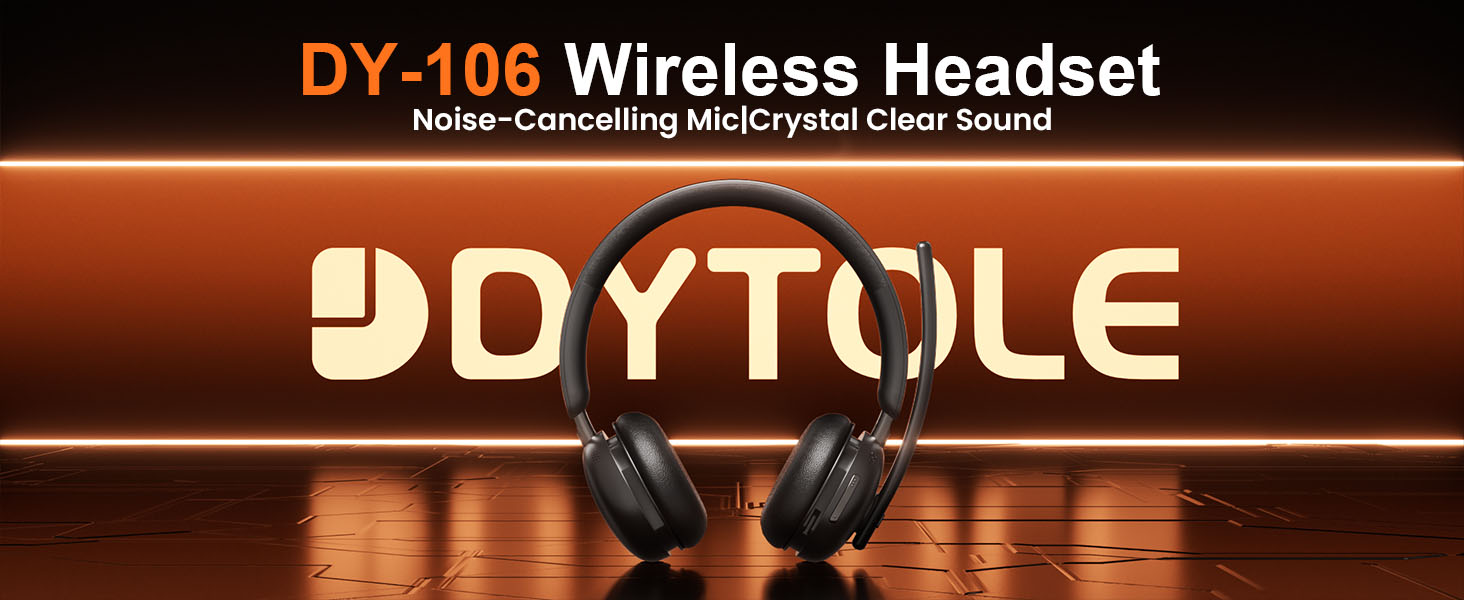
DY106 Wireless Headset
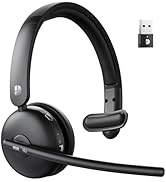


DY108 Wireless Headset
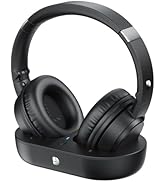



Wireless Headphones for TV
How do we start?
Starting as a small manufacturer, our passion for sound and innovation has driven us to create high-quality products like high-fidelity headphones and wireless speakers.
What makes our product unique?
Our expert team ensures top standards, believing audio connects hearts. We prioritize user experience and technology.
What is our mission?
DYTOLE is committed to continuous innovation: "Focus on audio, listen with your heart".
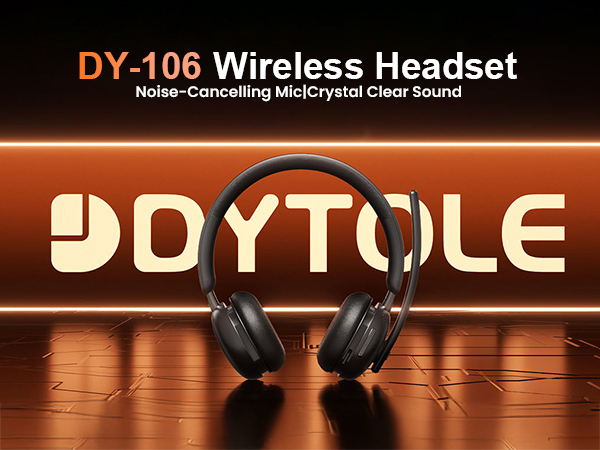
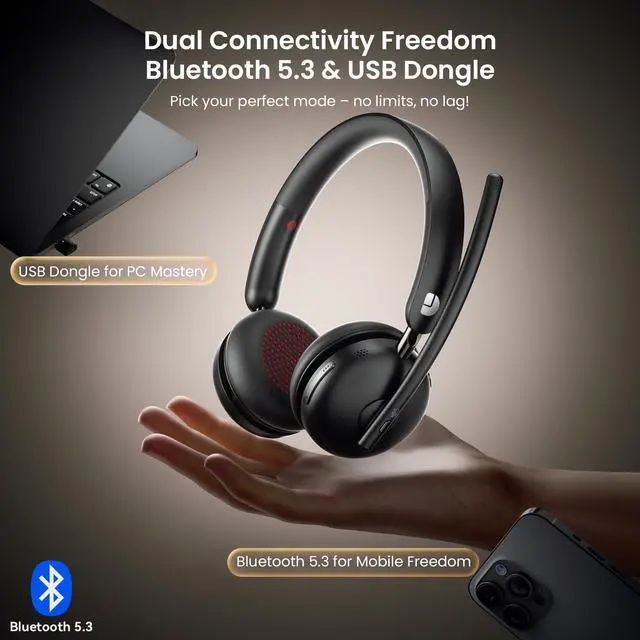
Wireless Freedom
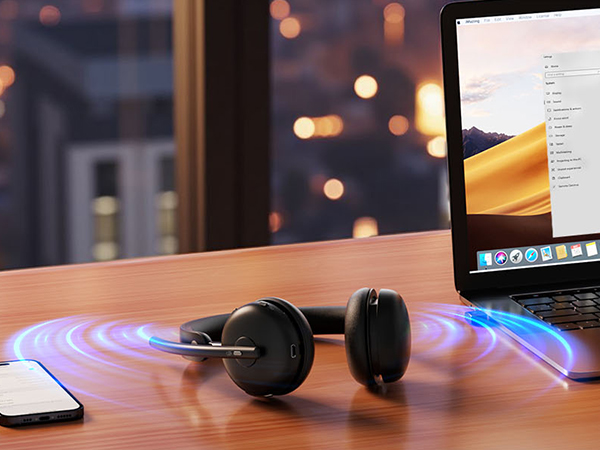
Bluetooth 5.3 | Wireless freedom
USB Dongle | Ultra-low latency
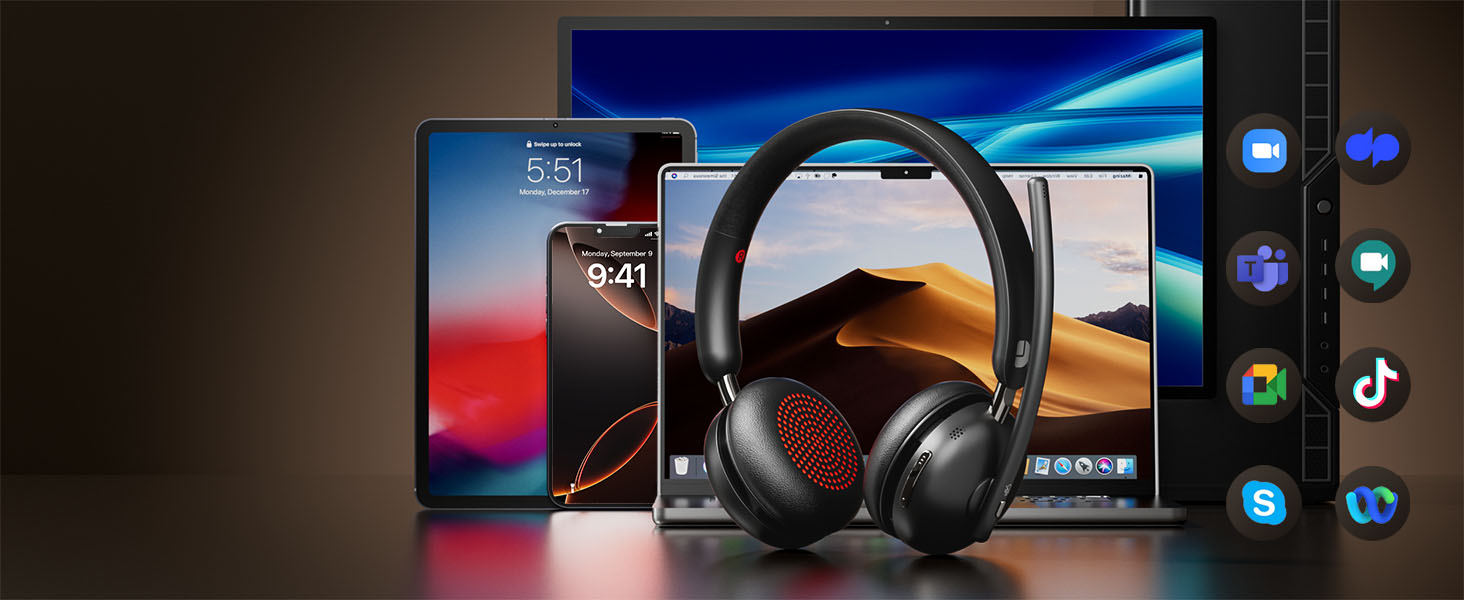
Always Connected
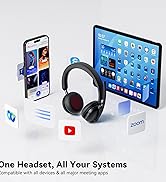
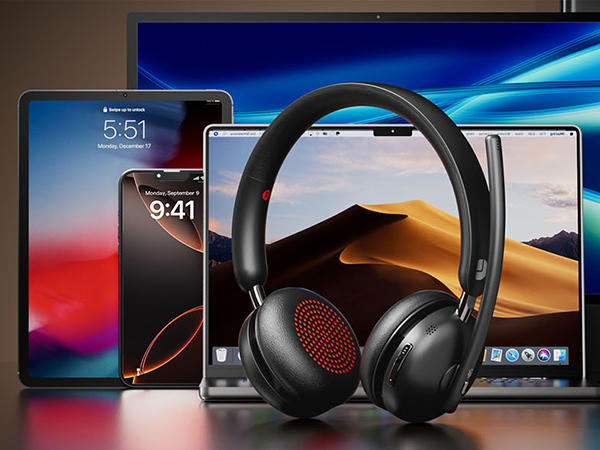
Universal compatibility for all your devices and apps
Power Never Quits
Super Battery with USB-C Fast Charge – Enjoy long-lasting play, work, and freedom without limits.
Step Into a World of Pure Sound
Advanced Noise Cancellation Lets You Hear Every Note, Every Word, and Nothing Else
Biometric Comfort, Redefined
From Dawn to Dusk – Still Forgot You’re Wearing It
Industry's Fastest Mute Response
Discreetly tap to mute sensitive conversations without fumbling for buttons


Diverse Usage Scenarios

Package Lists
I'm currently working from home. Can this wireless headset with microphone effectively reduce noise from my home?
Yes, our wireless headset features advanced noise cancellation that effectively minimizes background noise like family chatter. However, it's designed to preserve clear voice transmission, so normal-volume conversations nearby will still be audible.
How to set up this wireless headset on a computer
To connect your wireless headphones to the computer and set up the audio, first pair the headset, then go to your computer's and software's sound settings to select [DY106] as both the default output (speaker) and input (microphone) device.
How do I know my headset is fully charged, and how do I charge the headset?
This Bluetooth headset comes with a Type-C Charging cable to charge it. The indicator lights in steady red when the headset is charging. Charging is completed in about 2 hours and the lights in steady blue.
What should l do if there is a problem with the connection or a crash?
Press and hold the multi-function button for 14s to reset and restart.
Can mute be used in all software?
The mute button may not support synchronized mute when used on third-partysoftware, you can turn on/off mute only on software or only on headset.
DYTOLE
DYTOLE – Making sound more beautiful.
For 20 years, DYTOLE has delivered exceptional audio experiences. Starting small, our passion for sound and innovation has driven us to create high-quality headphones and speakers.
Our expert team ensures top standards, believing audio connects hearts. We prioritize user experience and technology.
Guided by "Focused on Audio, Listening with Heart," we thank our loyal customers for their trust.
Wireless headset with mic
DY106 Wireless Headset
DY108 Wireless Headset
Wireless Headphones for TV
How do we start?
Starting as a small manufacturer, our passion for sound and innovation has driven us to create high-quality products like high-fidelity headphones and wireless speakers.
What makes our product unique?
Our expert team ensures top standards, believing audio connects hearts. We prioritize user experience and technology.
What is our mission?
DYTOLE is committed to continuous innovation: "Focus on audio, listen with your heart".