


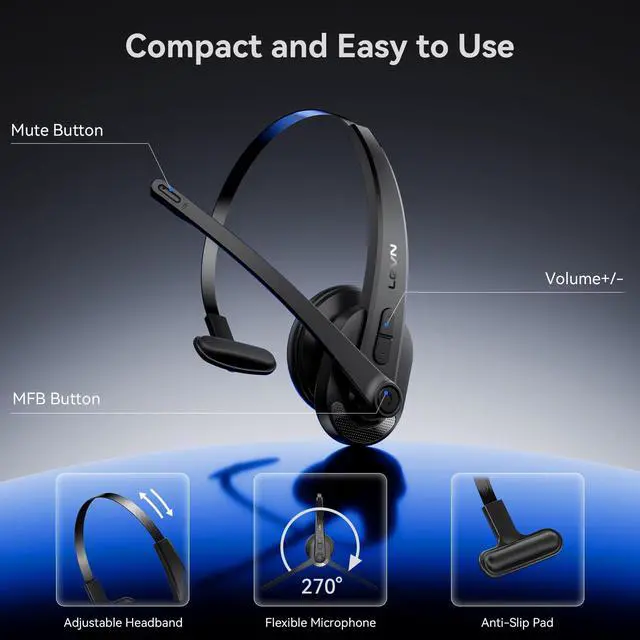




Crystal-Clear Calls Anywhere
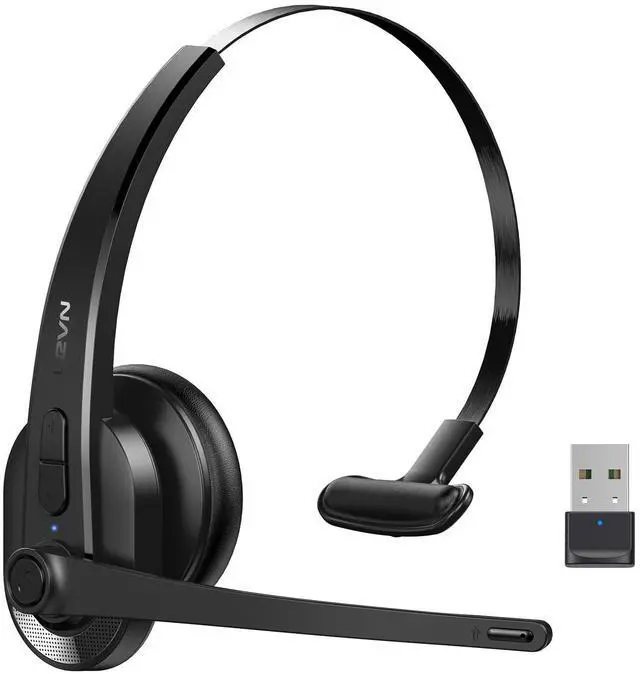
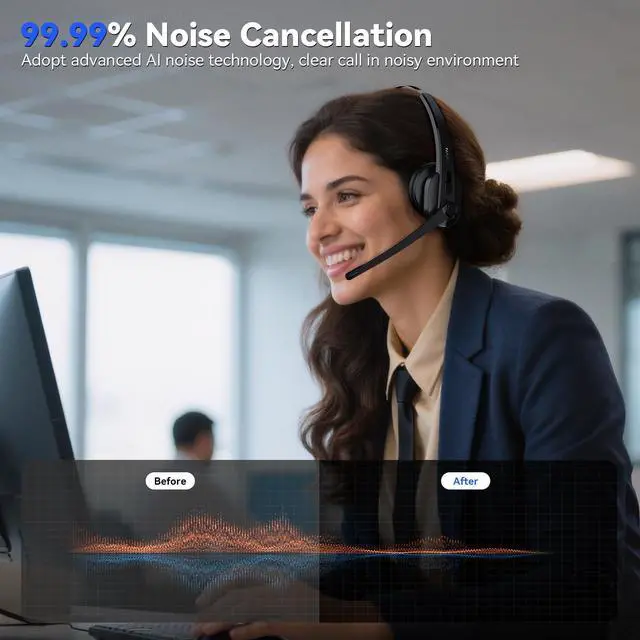
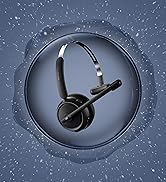
LEVN wireless headset with mic blocks up to 99.9% of background noise crystal clear voice calls
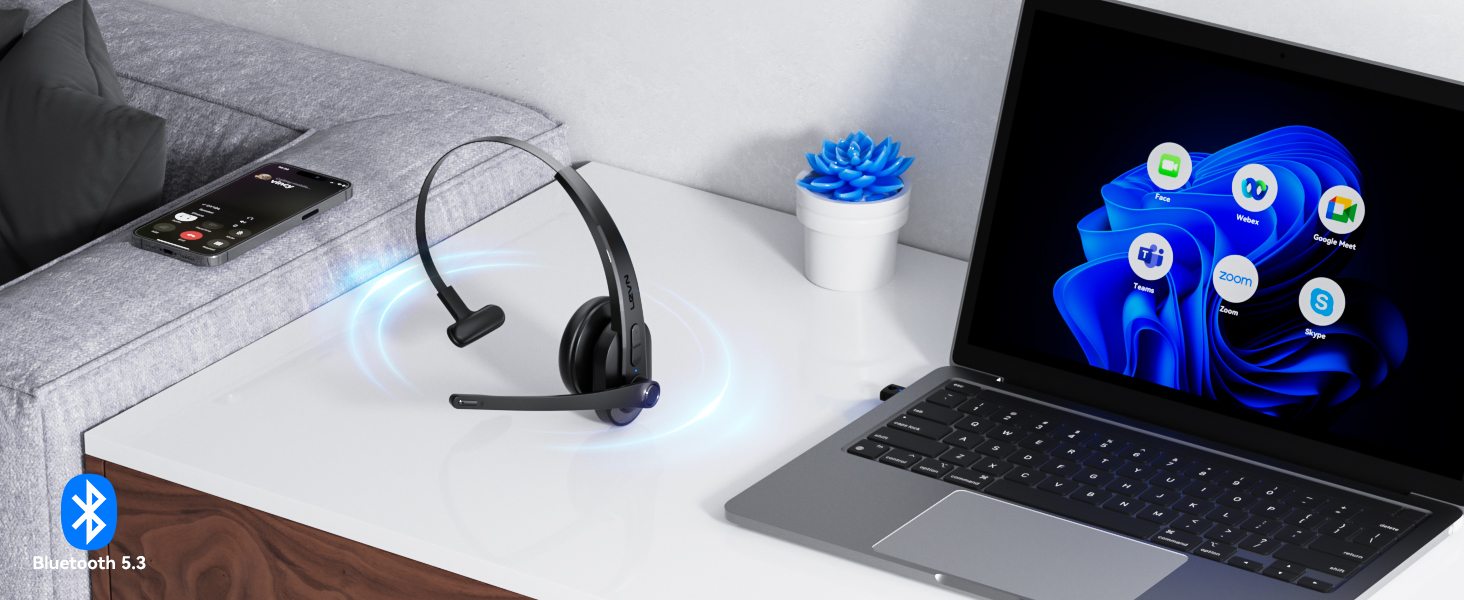
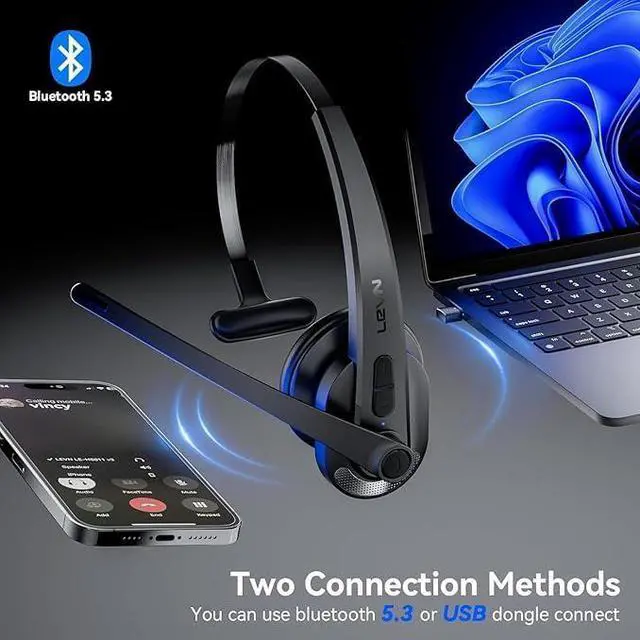
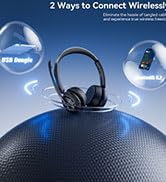
Bluetooth V5.3 & 2.4G USB Dongle
USB Dongle&Bluetooth connection options are available, with fast pairing, stable, and low-latency
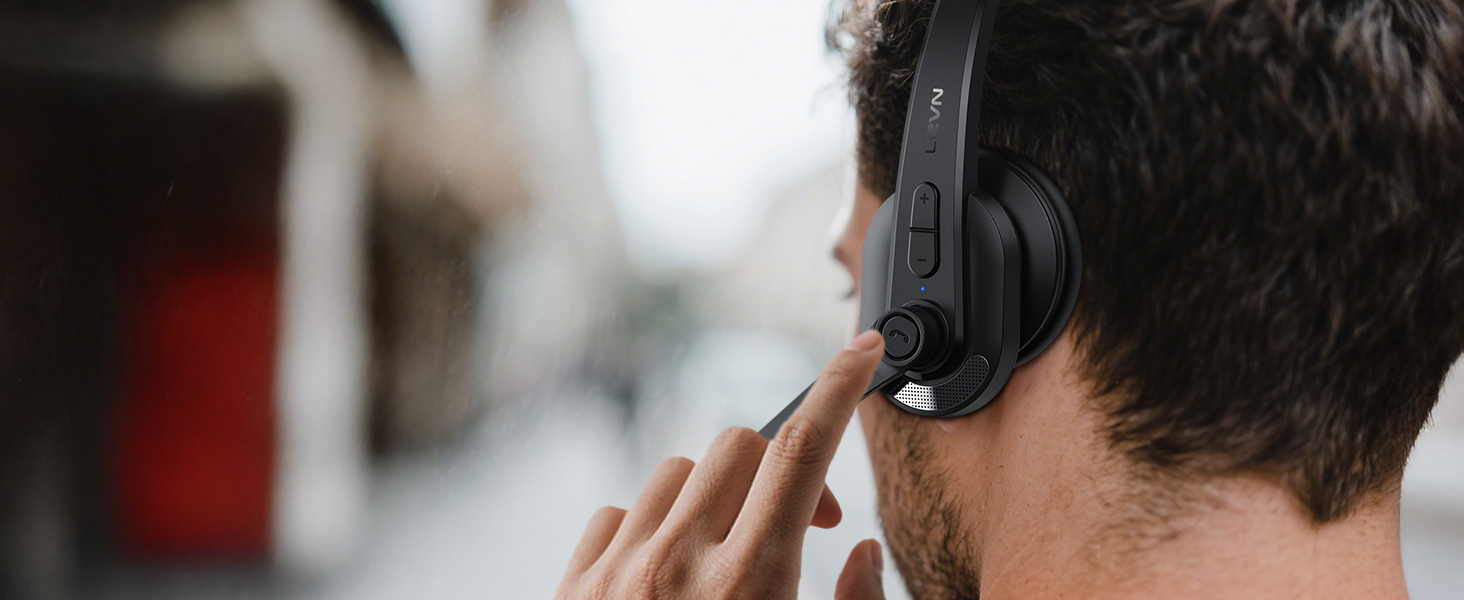
Hands-Free Calls with MFB Button
Press the MFB button to quickly answer calls, adjust volume, and manage music(for phone only)
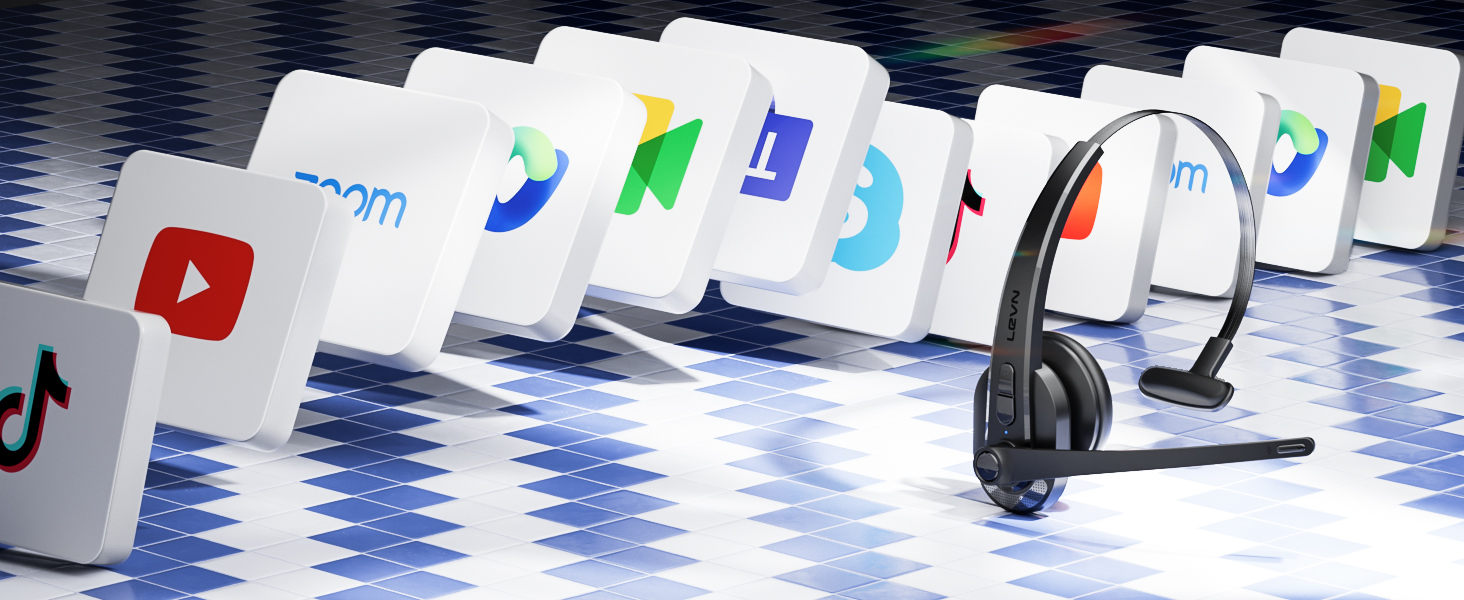
Compatible with Major Platforms
Works online conferencing software such as Teams, TikTok, WebEx, Zoom, Google Meet, Skype, and So on

Instant Privacy Protection
Integrated one-touch mute button mic gives you instant privacy and easy control in any conversation

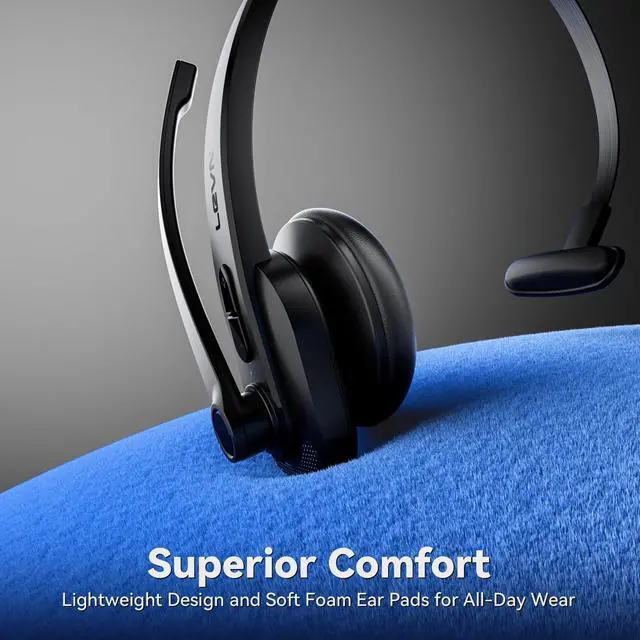
All-Day Comfort with Lightweight Design
Enjoy the silky-light comfort of wireless headset for long listening sessions

LEVN HEADSET COLLECTION
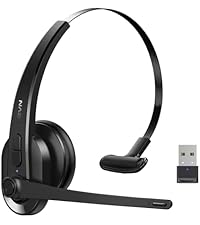 LE-HS011 Sup | 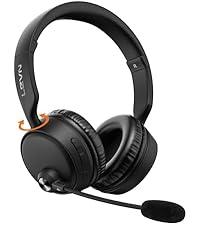 CT003 V6 | 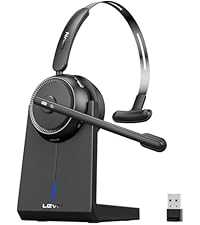 CT001 V4 | 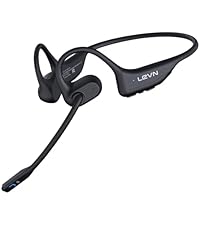 LE-HS017 | 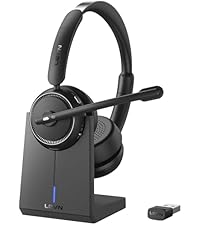 LE-HS013 Sup | 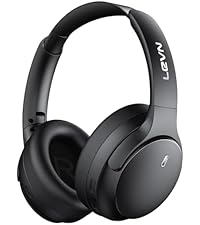 LE-ANC041 |  LE-HS017 Sup | |
|---|---|---|---|---|---|---|---|
Earcup | Single-Ear | Binaural | Single-Ear | Binaural | Binaural | Binaural | Binaural |
Bluetooth Multipoint | 2 Device | 2 Devices Simultaneously | 1 Device | 2 Device | 1 Device | 2 Devices Simultaneously | 2 Devices Simultaneously |
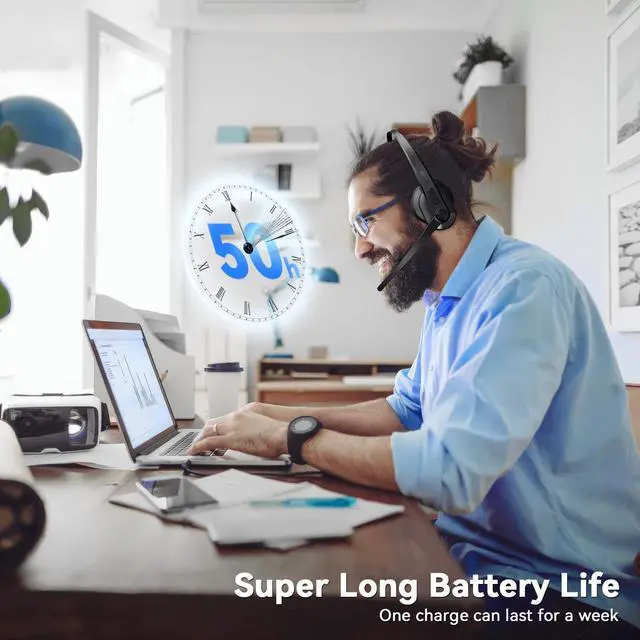
Battery Life | Up to 50 hours | Up to 60 hours | Up to 45 hours | Up to 14 hours | Up to 65 hours | Up to 70 hours | Up to 14 hours |
Charging Method | USB C Cable | USB C Cable | Charging Base or USB C Cable | Magnetic Induction Charger | Charging Base or USB C Cable | USB C | Magnetic Induction Charger |
Connectivity | Bluetooth & USB Dongle | Bluetooth | Bluetooth & USB Dongle | Bluetooth V5.3 | Bluetooth & USB Dongle | Bluetooth & 3.5mm AUX Cable | Bluetooth |

Eliminating Unwanted Background Noise and Focusing on your Call with LEVN
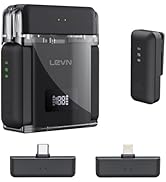

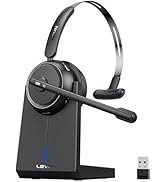
LEVN Bluetooth Headset
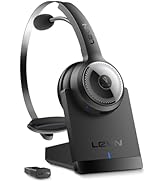

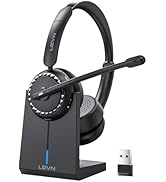
Wireless headset for work
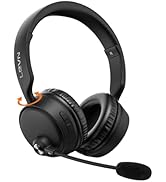
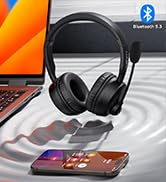


LEVN Bluetooth Headset
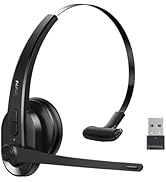

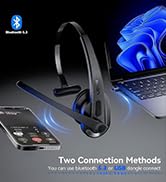

LEVN Wireless Headset with Mic
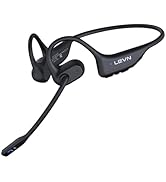



Open Ear Headphones
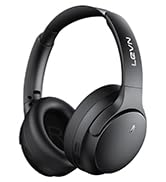

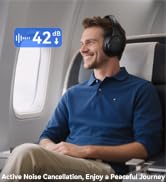

Noise Cancelling Headphones
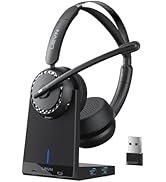

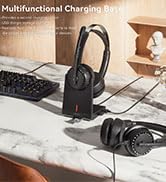

LEVN New Product Alert
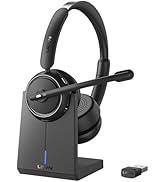



LEVN Wireless headset for work
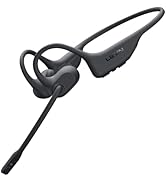
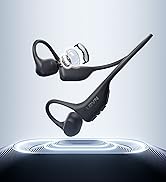
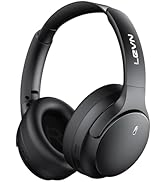
LEVN Wireless Headset

LEVN Binaural Headset
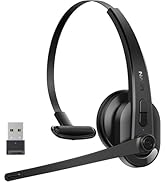
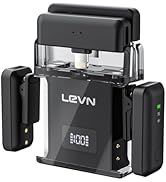
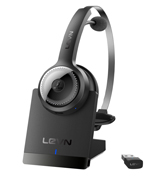

LEVN Wireless Headset with Mic
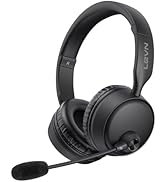
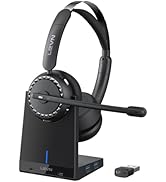

LEVN Wireless Headset with Mic
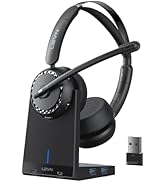

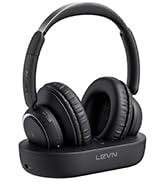

Convenient & Efficient
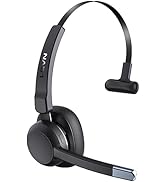
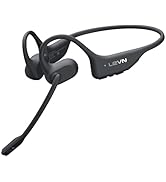
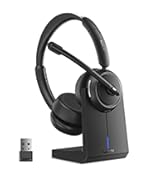
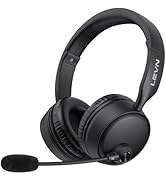
New Product Alert from LEVN
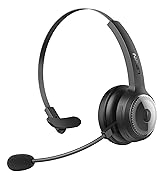
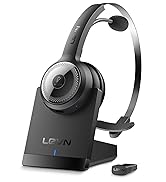
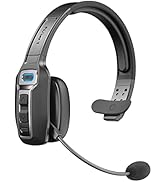
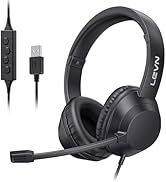
Wireless Freedom




LEVN: Redefining Wireless Audio - Unmatched Quality and Innovation
Established in 2003, LEVN has a two-decade legacy in wireless audio, delivering unmatched expertise, superior quality, and an exceptional user experience. Meticulously crafted headphones ensure superior sound and seamless connectivity. Our goal is to enrich wireless audio with revolutionary features and innovative technology, shaping the future of Bluetooth headsets.

Crystal-Clear Calls Anywhere
LEVN wireless headset with mic blocks up to 99.9% of background noise crystal clear voice calls
Bluetooth V5.3 & 2.4G USB Dongle
USB Dongle&Bluetooth connection options are available, with fast pairing, stable, and low-latency
Hands-Free Calls with MFB Button
Press the MFB button to quickly answer calls, adjust volume, and manage music(for phone only)


Compatible with Major Platforms
Works online conferencing software such as Teams, TikTok, WebEx, Zoom, Google Meet, Skype, and So on
Instant Privacy Protection
Integrated one-touch mute button mic gives you instant privacy and easy control in any conversation
All-Day Comfort with Lightweight Design
Enjoy the silky-light comfort of wireless headset for long listening sessions


| Wireless Headset Audio Setting | When the computer and the headset have been successfully paired, please ensure that PC System Settings > Sound > Microphone input device & Speaker output device select [LEVN LE-HS011]. If you use office software, you also need to select [LEVN LE-HS011] for the Microphone input device & Speaker output device. |
|---|---|
| About Noise Cancellation | Our Bluetooth headset adopts environment noise cancelation technology, which mainly eliminates the non-human voice frequency band noise on your side to provide good call quality for your callers. (Such as children playing, dogs barking, and TV background sound) however, the voice of family members speaking at a normal volume is not environmental noise and cannot be filtered out. Note: Please check both the computer and the software speaker & microphone device and select [LEVN LE-HS011] |
| Answer or Hang Up the Call | If the wireless headset is connected to a mobile phone, you can click the MFB to answer/end calls on the headset; If the wireless headset is connected to a computer, you need to answer calls on the computer. Warm Reminder: MFB does not work with desk phones and landlines |
| About Mute | The Bluetooth headset mute button supports muting during calls/meetings. Just one touch to mute instantly, the voice promotion will remind you of the mute status (Mute on/Mute off). Kindly note that it doesn't support muting before a call. Mute only works during a call or meeting. |
LEVN HEADSET COLLECTION
LE-HS011 Sup | CT003 V6 | CT001 V4 | LE-HS017 | LE-HS013 Sup | LE-ANC041 | LE-HS017 Sup |
|---|---|---|---|---|---|---|
| Earcup | ||||||
| Single-Ear | Binaural | Single-Ear | Binaural | Binaural | Binaural | Binaural |
| Bluetooth Multipoint | ||||||
| 2 Device | 2 Devices Simultaneously | 1 Device | 2 Device | 1 Device | 2 Devices Simultaneously | 2 Devices Simultaneously |
| Battery Life | ||||||
| Up to 50 hours | Up to 60 hours | Up to 45 hours | Up to 14 hours | Up to 65 hours | Up to 70 hours | Up to 14 hours |
| Charging Method | ||||||
| USB C Cable | USB C Cable | Charging Base or USB C Cable | Magnetic Induction Charger | Charging Base or USB C Cable | USB C | Magnetic Induction Charger |
| Connectivity | ||||||
| Bluetooth & USB Dongle | Bluetooth | Bluetooth & USB Dongle | Bluetooth V5.3 | Bluetooth & USB Dongle | Bluetooth & 3.5mm AUX Cable | Bluetooth |
Eliminating Unwanted Background Noise and Focusing on your Call with LEVN
LEVN Bluetooth Headset
Wireless headset for work
LEVN Bluetooth Headset
LEVN Wireless Headset with Mic
Open Ear Headphones
Noise Cancelling Headphones
LEVN New Product Alert
LEVN Wireless headset for work
LEVN Wireless Headset
LEVN Binaural Headset
LEVN Wireless Headset with Mic
LEVN Wireless Headset with Mic
Convenient & Efficient
New Product Alert from LEVN
Wireless Freedom
LEVN: Redefining Wireless Audio - Unmatched Quality and Innovation
Established in 2003, LEVN has a two-decade legacy in wireless audio, delivering unmatched expertise, superior quality, and an exceptional user experience. Meticulously crafted headphones ensure superior sound and seamless connectivity. Our goal is to enrich wireless audio with revolutionary features and innovative technology, shaping the future of Bluetooth headsets.