






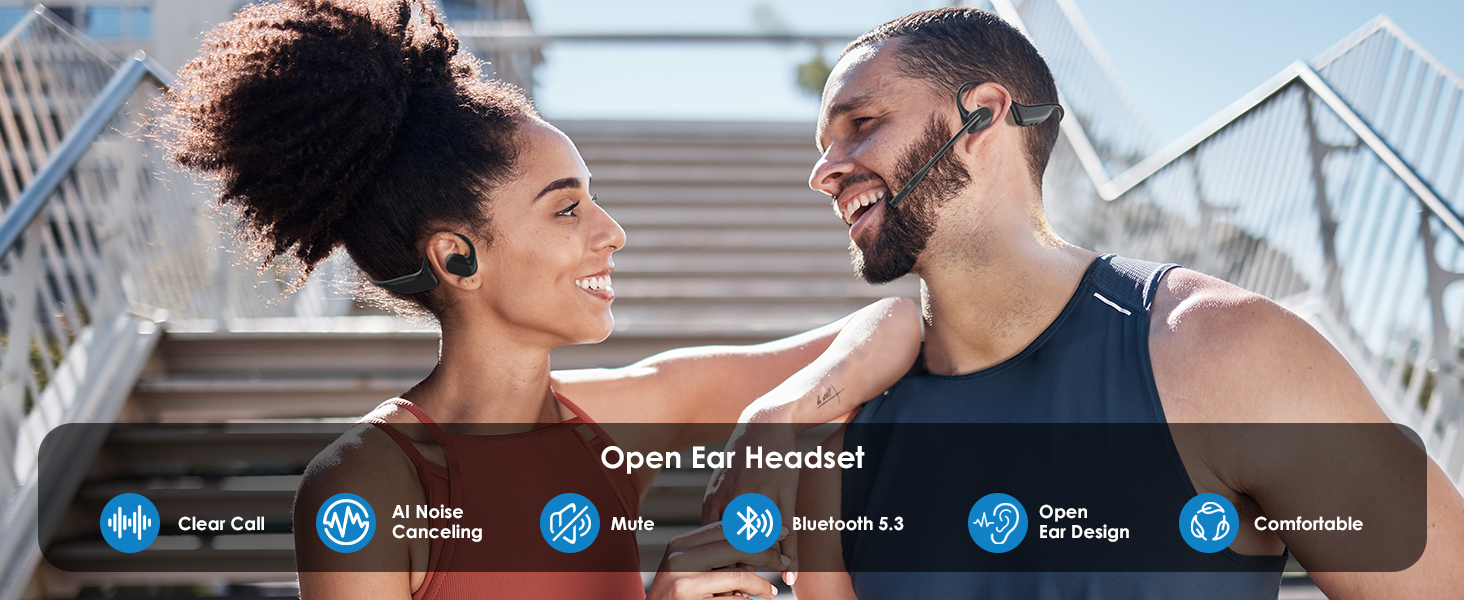
Exercise & Enjoy Music


Comfortable Working All the Day
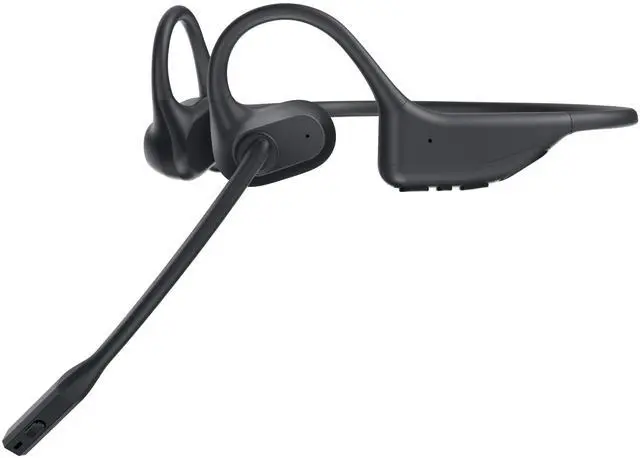
The open-ear design ensures all day comfortable working.

29g Lightweight
It's only 29g, near 1 ounce. Nor pressure for your ears, even wear all the day 24 hours.
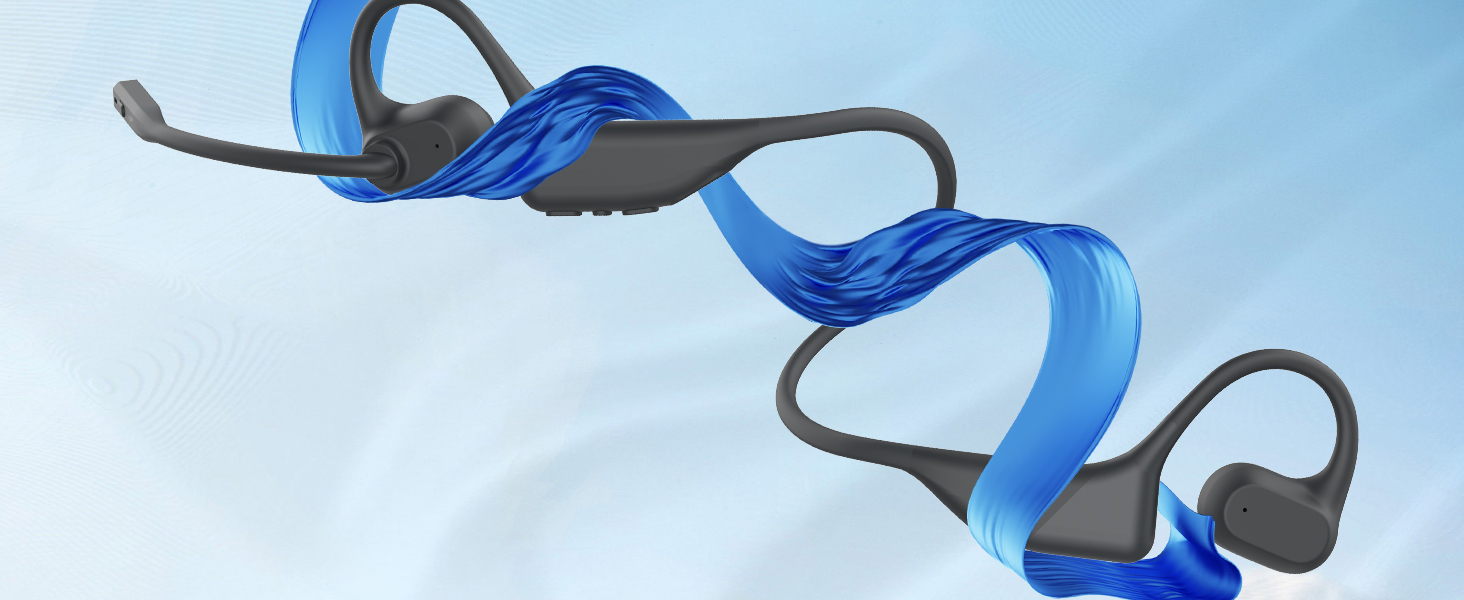
Wrap-around Titanium Memory Frame
It's very skin friendly and flexible. Give you a good wearing experience.
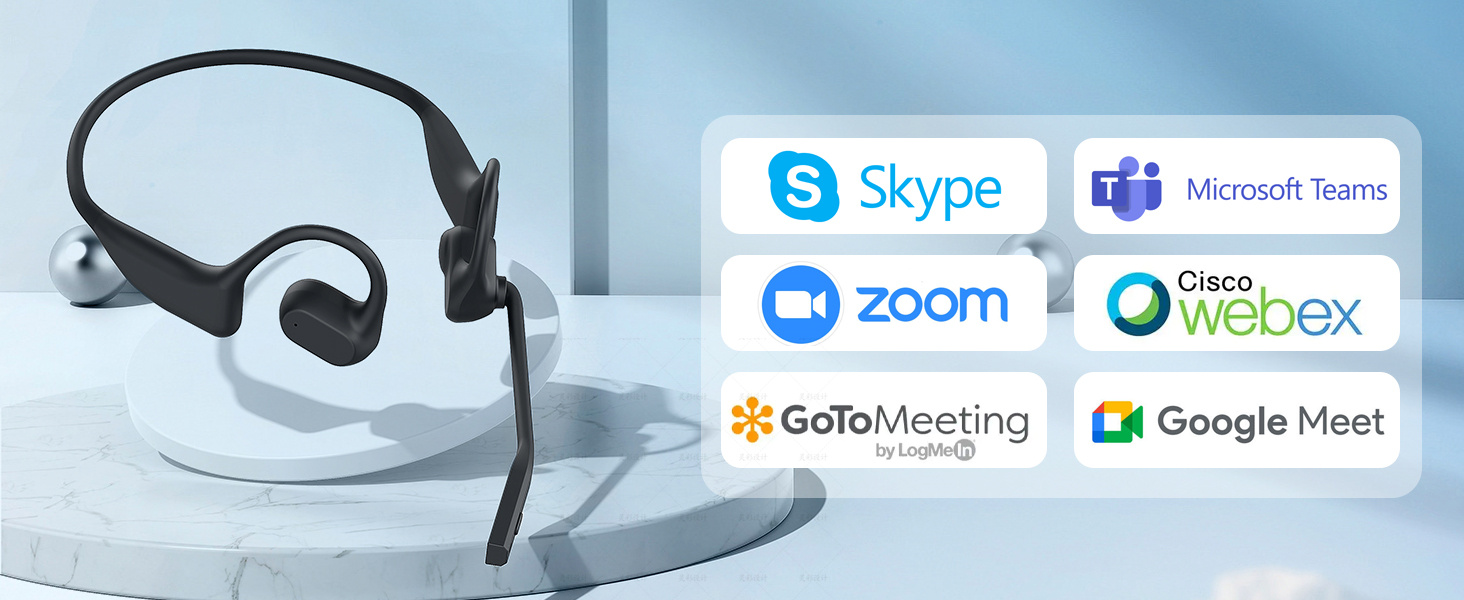
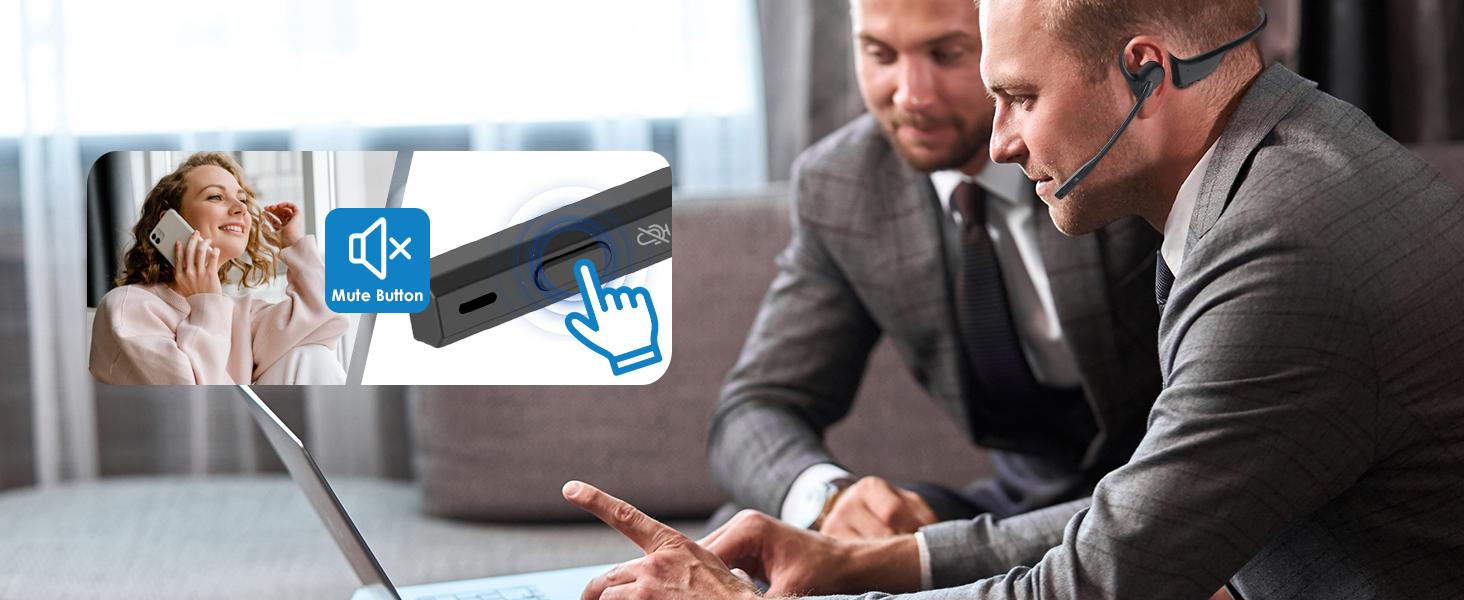
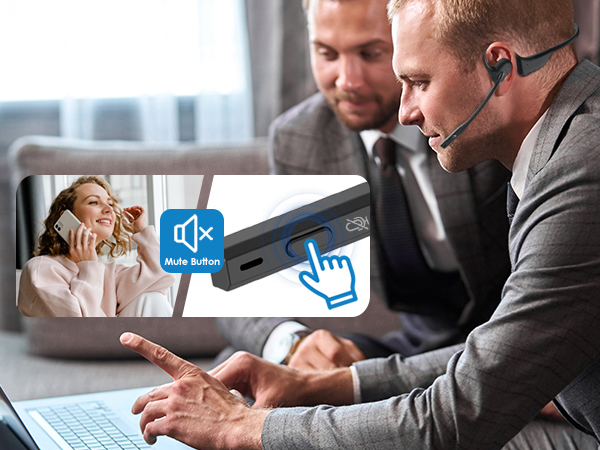
Compatible with Popular Meeting Software
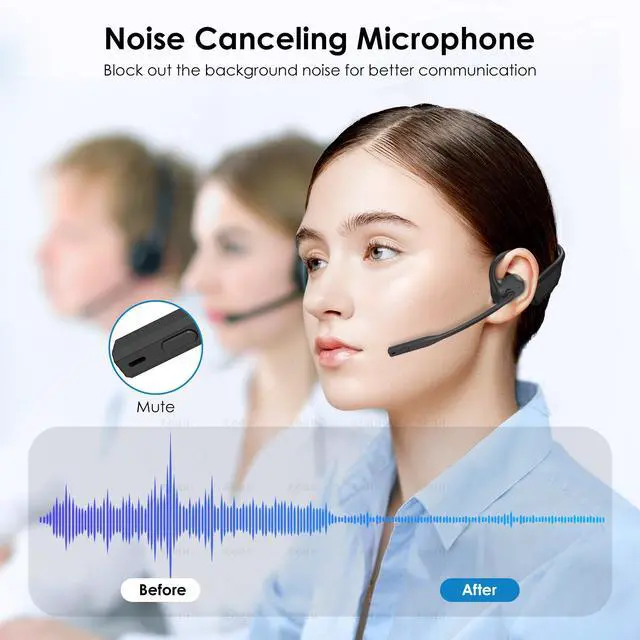
It suitable with all most of wide use meeting software like Skype, Zoom and so on.

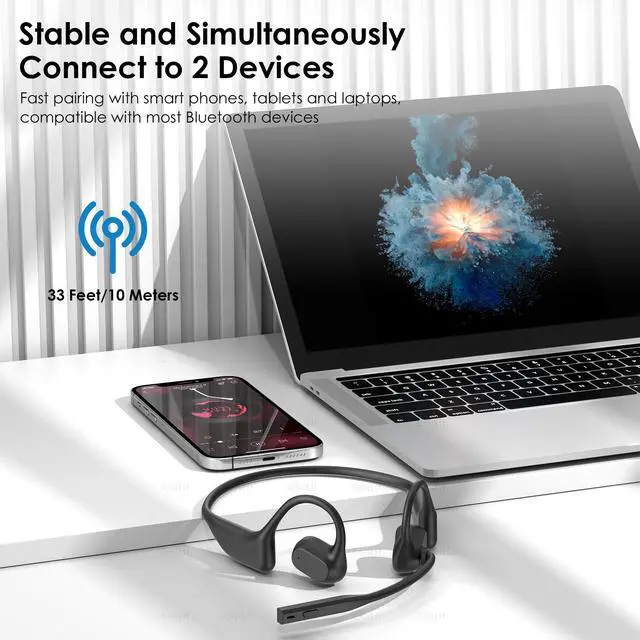
How to pair our open ear headset with 2 devices simultaneously via Bluetooth?
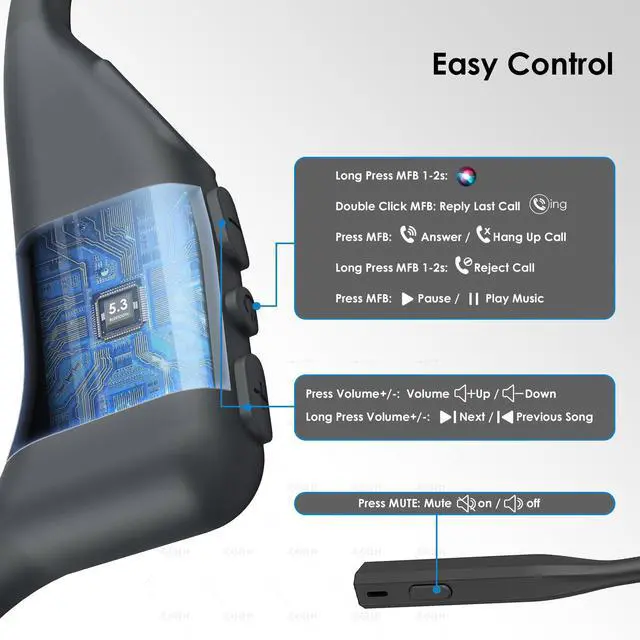
1. Please press and hold MFB button for 3-5s to enter pairing mode, the LED indicator light will flash blue and red alternately, and you could hear "Pairing".
2. Please turn on the Bluetooth function of device A, search and connect [O3] in the Bluetooth device list. When you hear "connected" and the LED indicator turns blue and flashes slowly every 5s, it means the headset is connected to device A.
3. Please turn off the Bluetooth function of device A, when you hear "Disconnected", the LED indicator light will flash blue and red alternately, [O3] will re-enter the pairing mode.
4. Please turn on the Bluetooth function of device B, search and connect [O3] in the Bluetooth device list, when you hear "connected" and the LED indicator turns blue and flashes slowly every 5s, it means the headset B-device connected to device B.
5. Please turn on the Bluetooth function of device A, and click "Connect" [O3] in the Bluetooth device list. When you hear "connected" again, it means that the headset has been successfully connected to device A and device B at the same time.
Note: When you listen to music on device A, and device B has an incoming call, just click the MFB button to answer the call (please check the manual for more details). When making a call with conference software, please check the sound settings of both the computer and the software to make sure [O3] is selected as the default output and input device (speaker/microphone)


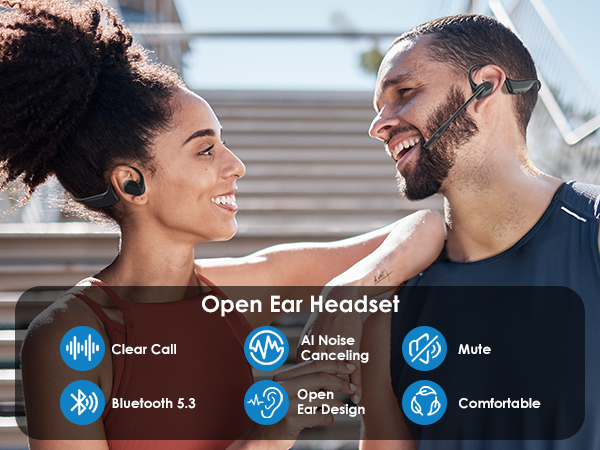
Exercise & Enjoy Music

Comfortable Working All the Day
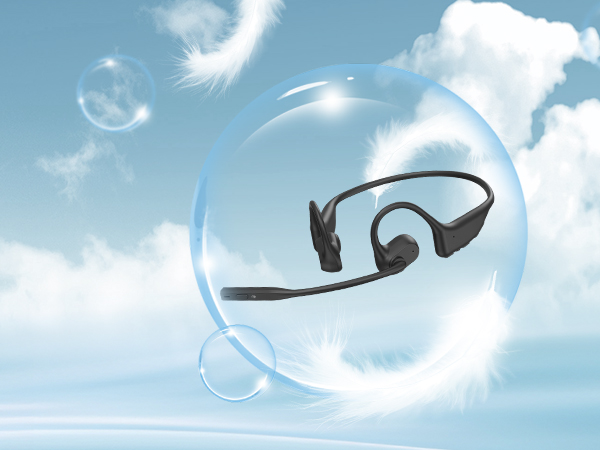
The open-ear design ensures all day comfortable working.
29g Lightweight
It's only 29g, near 1 ounce. Nor pressure for your ears, even wear all the day 24 hours.
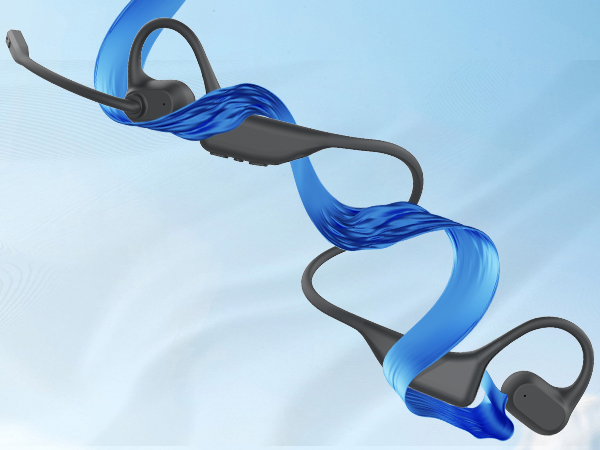
Wrap-around Titanium Memory Frame
It's very skin friendly and flexible. Give you a good wearing experience.
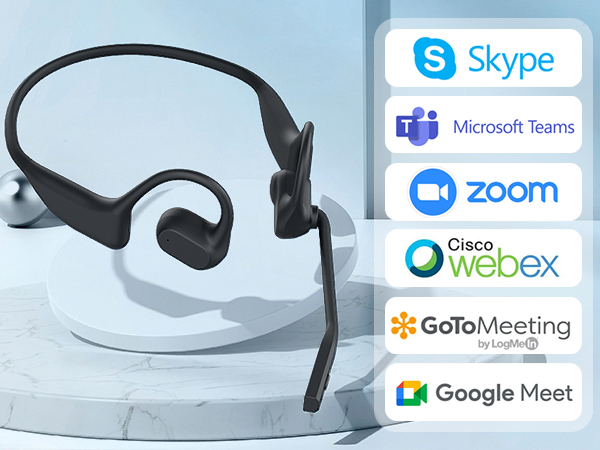
Compatible with Popular Meeting Software
It suitable with all most of wide use meeting software like Skype, Zoom and so on.

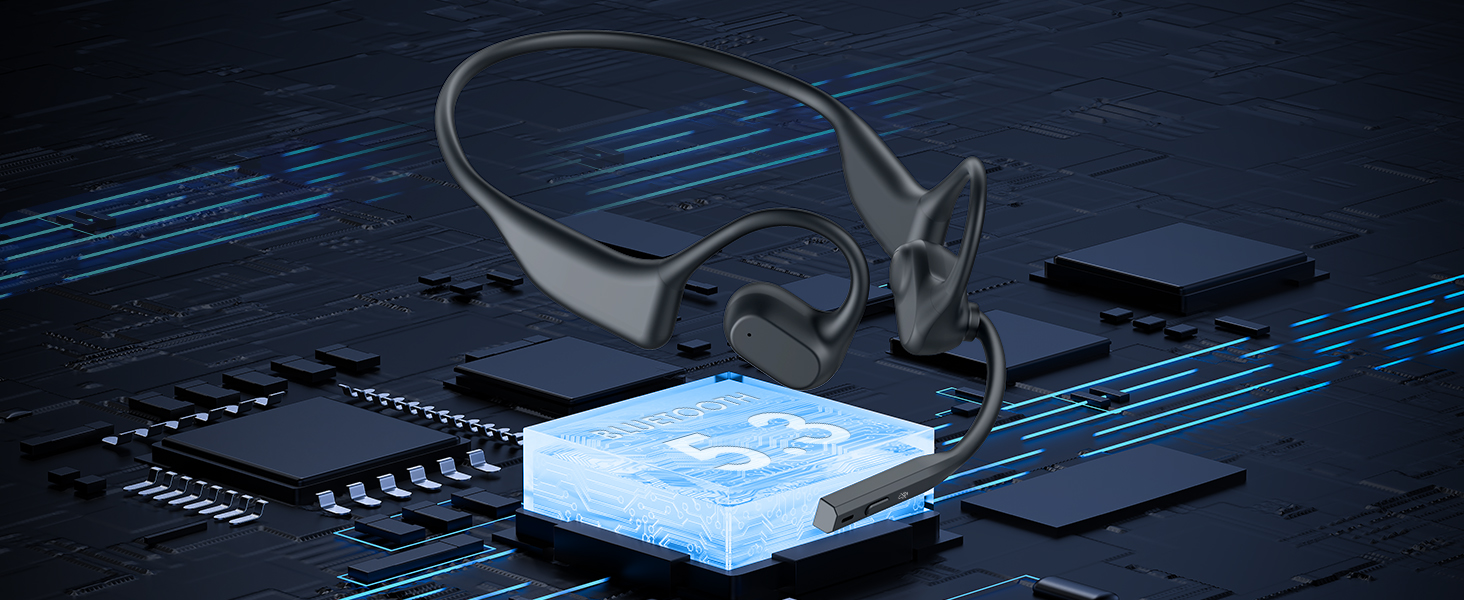
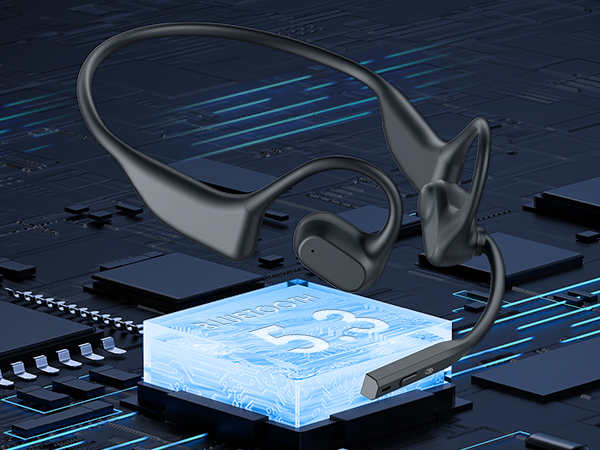
Bluetooth 5.3
Our bluetooth headset providing faster transfer speeds, more stable connections, and lower latency.

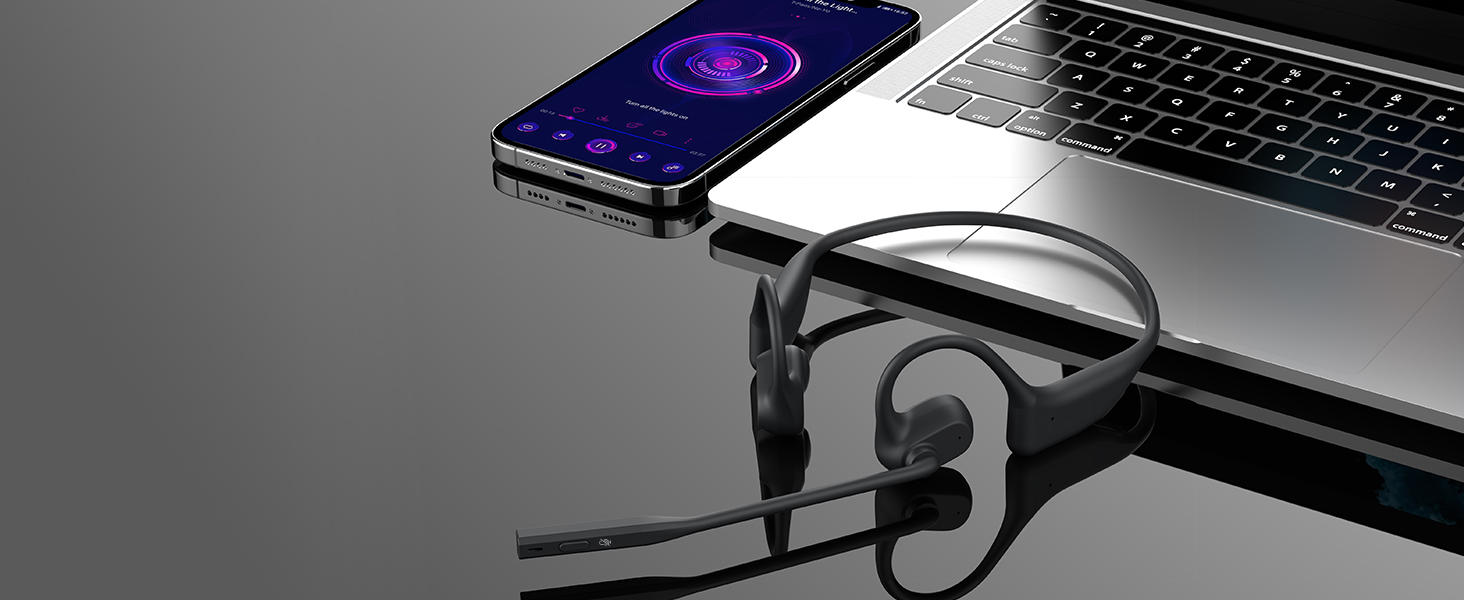
Connect Two Devices Simultaneously
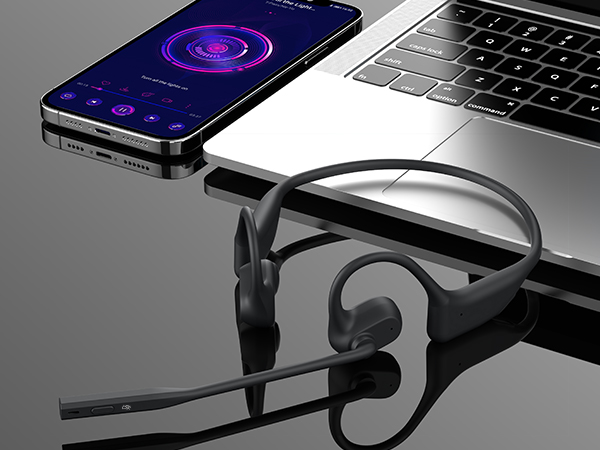
Open ear headphones suitable with most of bluetooth devices. It can connect two devices same time.
How to pair our open ear headset with 2 devices simultaneously via Bluetooth?
1. Please press and hold MFB button for 3-5s to enter pairing mode, the LED indicator light will flash blue and red alternately, and you could hear "Pairing".
2. Please turn on the Bluetooth function of device A, search and connect [O3] in the Bluetooth device list. When you hear "connected" and the LED indicator turns blue and flashes slowly every 5s, it means the headset is connected to device A.
3. Please turn off the Bluetooth function of device A, when you hear "Disconnected", the LED indicator light will flash blue and red alternately, [O3] will re-enter the pairing mode.
4. Please turn on the Bluetooth function of device B, search and connect [O3] in the Bluetooth device list, when you hear "connected" and the LED indicator turns blue and flashes slowly every 5s, it means the headset B-device connected to device B.
5. Please turn on the Bluetooth function of device A, and click "Connect" [O3] in the Bluetooth device list. When you hear "connected" again, it means that the headset has been successfully connected to device A and device B at the same time.
Note: When you listen to music on device A, and device B has an incoming call, just click the MFB button to answer the call (please check the manual for more details). When making a call with conference software, please check the sound settings of both the computer and the software to make sure [O3] is selected as the default output and input device (speaker/microphone)