


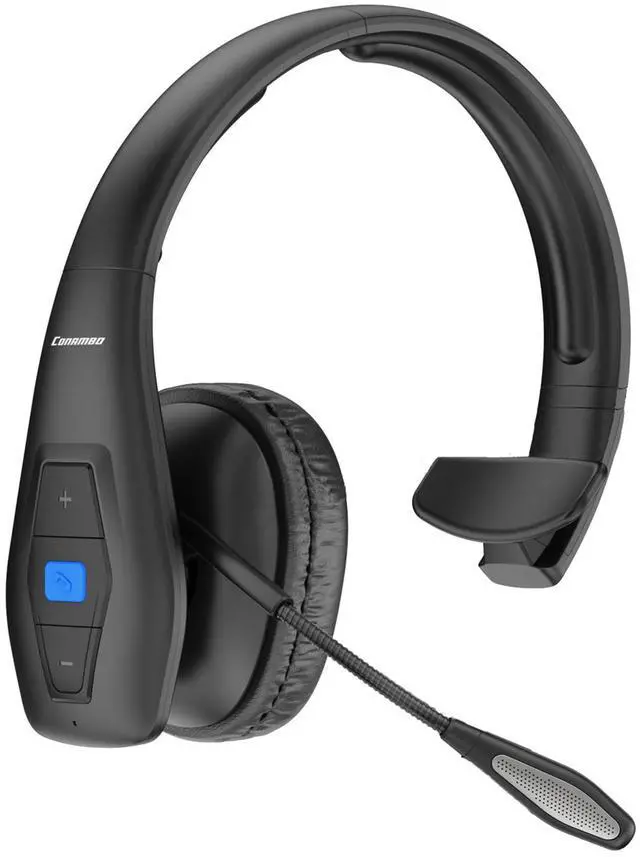




Conambo JBT100 Bluetooth Headset
Adopting Qualcomm QCC3020 chip and Bluetooth 5.1 version to minimize the power consumption of the headset, thereby extending the battery life of the headset and improving the speed of audio transmission.
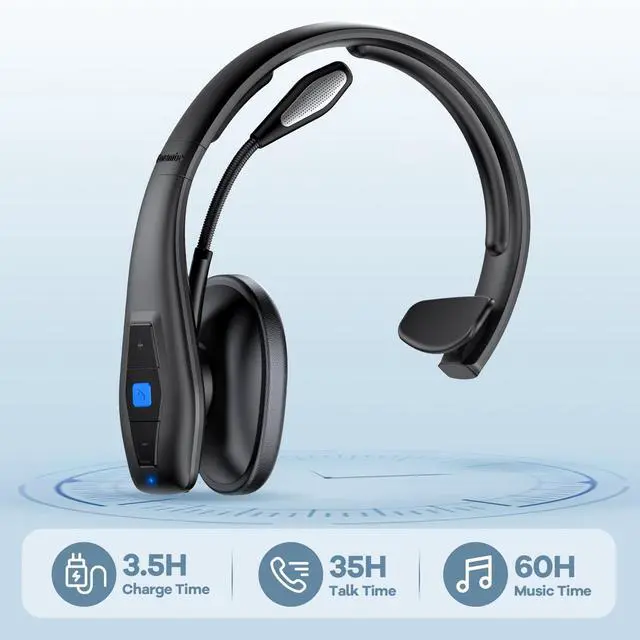
More than 35 hours of talk time makes your whole day's work more relaxed and free.

hero-video
Merchant Video
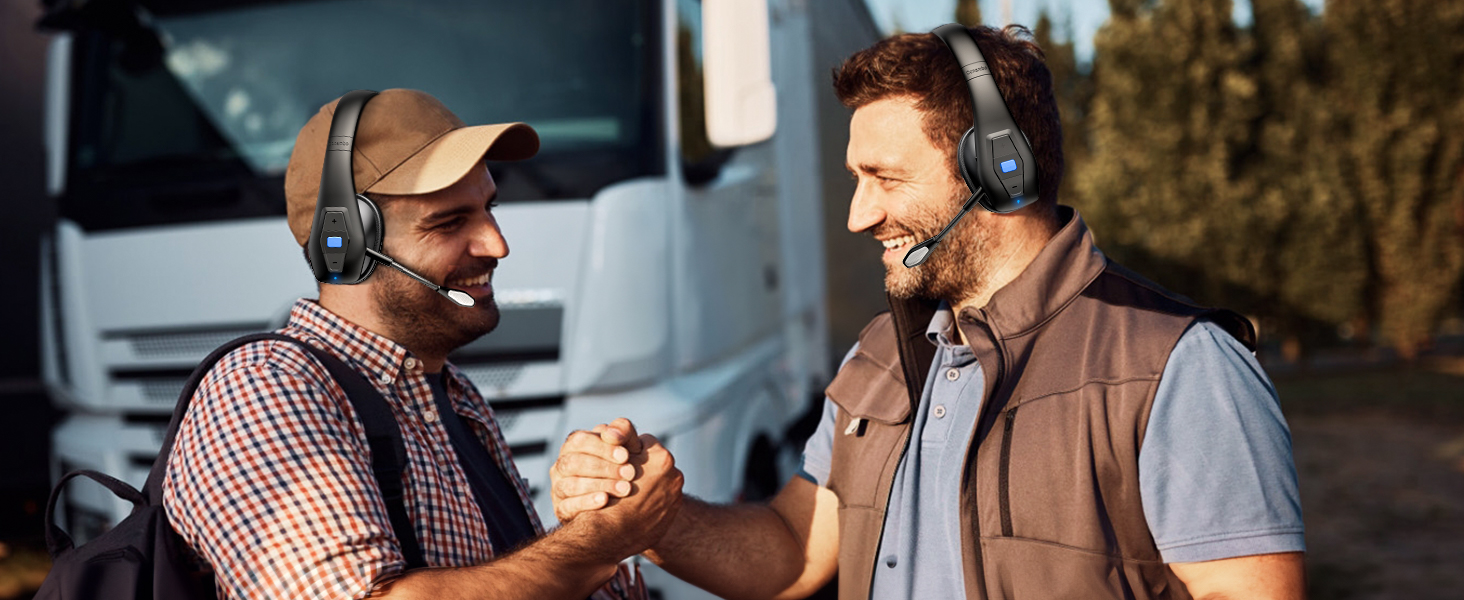

Superior Noise Cancellation
ENC Dual Mic Noise Cancellation, no fear of background noise disturbance, ensure efficient calls.
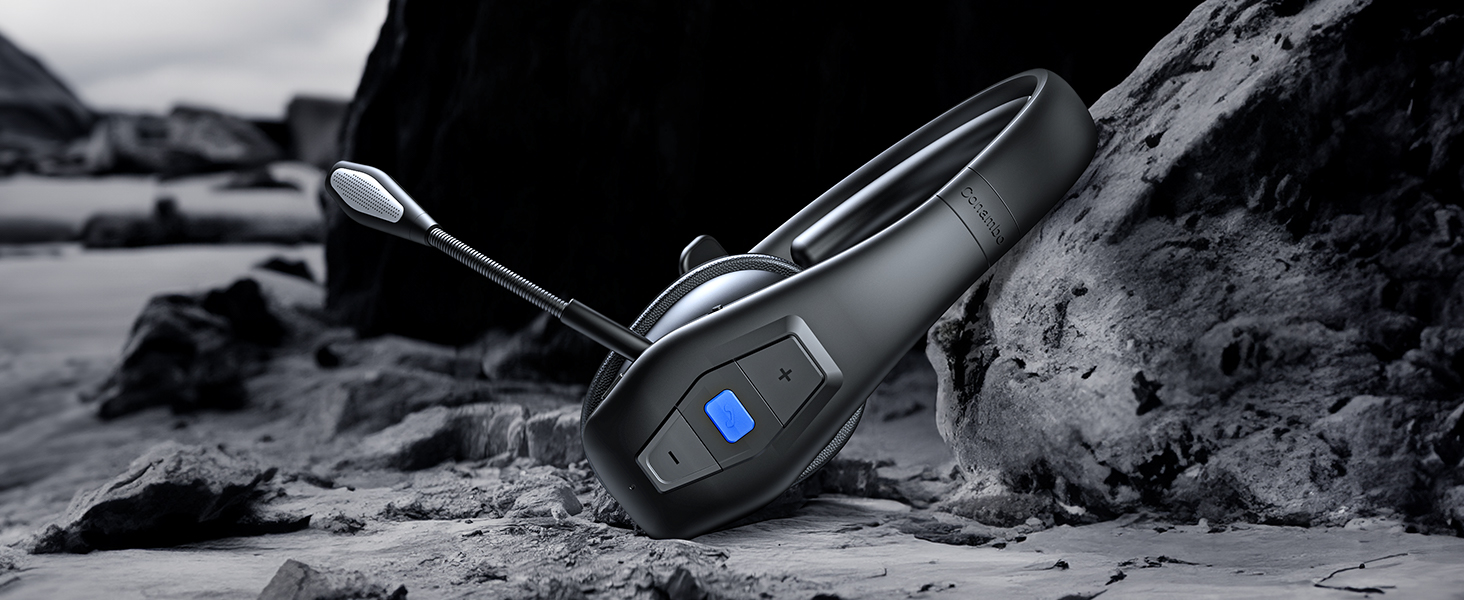
Push-to-Talk
Just tap the blue Multi-Function Button to answer or hang up the call immediately.
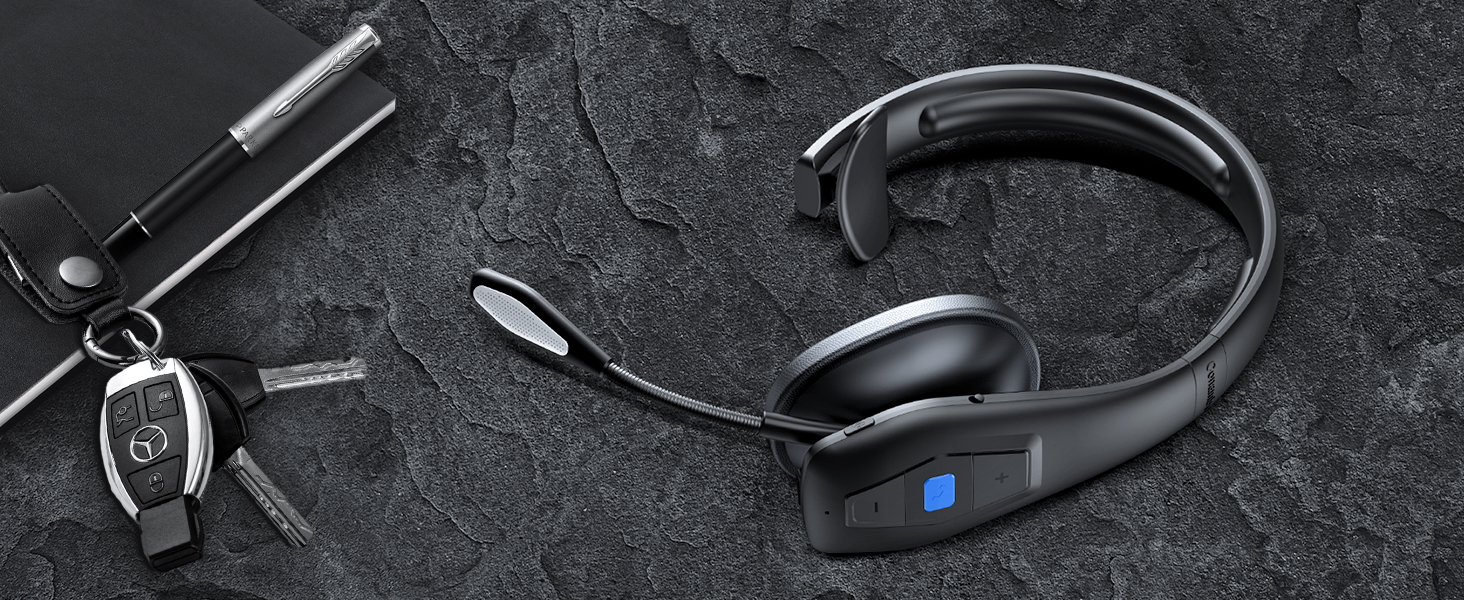
Tough and rugged design
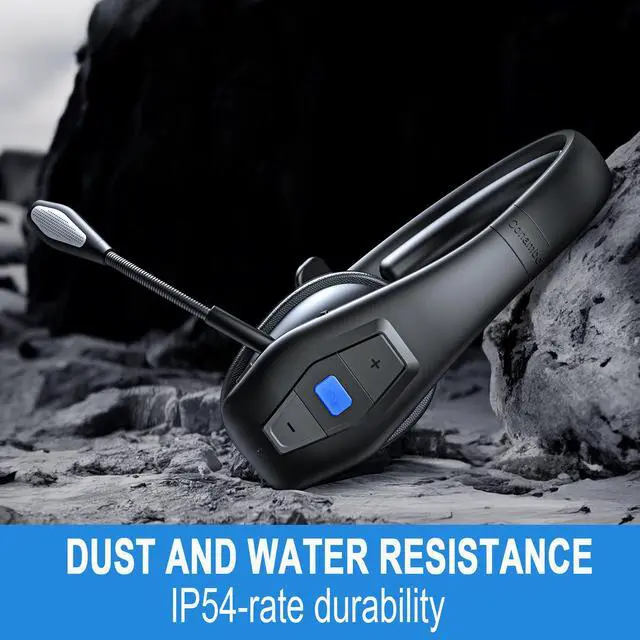
New, more durable design with dust and moisture resistant medical grade silicone material.
What is CVC?
CVC is short for “Clear Voice Capture”. It’s designed primarily for phone calls. The purpose of CVC is to filter out background noise, so people can hear your voice more easily. Currently, the latest version of CVC is CVC 8.0.
How to reset the headset?
Press and hold the multi-function button for 3 seconds, when you see the blue light of the indicator flashing rapidly 3 times, it means the headset has cleared the pairing record and restored the factory settings.
How to start Siri?
Press and hold the mute button for about 2 seconds after the Bluetooth headset is successfully paired to activate Siri.
How to redial?
After successful pairing of the headset double click on the multi-function button, the phone automatically dials the last number dialed.
Will the mute button work on the computer?
No, the mute function currently only supports mobile phones.
Compare the Conambo products
 JBT100 |  JBT600 |  JBT800 |  JBT900 |  JBT900-Dongle | |
|---|---|---|---|---|---|
Customer Reviews | — | — | — | — | — |
Price | — | — | — | — | — |
Noise Cancellation % | 96% | 96% | 91% | 96% | 96% |
Talk Time | Up to 35 hrs | Up to 35 hrs | Up to 16 hrs | Up to 22 hrs | Up to 22 hrs |
Standby Time | Up to 500 hrs | Up to 500 hrs | Up to 160 hrs | Up to 240 hrs | Up to 240 hrs |
Bluetooth | Version 5.1 | Version 5.1 | Version 5.0 | Version 5.0 | Version 5.0 |
Range | Up to 39 feet/12m | Up to 69 feet/21m | Up to 33 feet/10m | Up to 33 feet/10m | Up to 33 feet/10m |
Voice Control | Yes (answer/reject calls) | Yes (answer/reject calls) | Yes (answer/reject calls) | Yes (answer/reject calls) | Yes (answer/reject calls) |
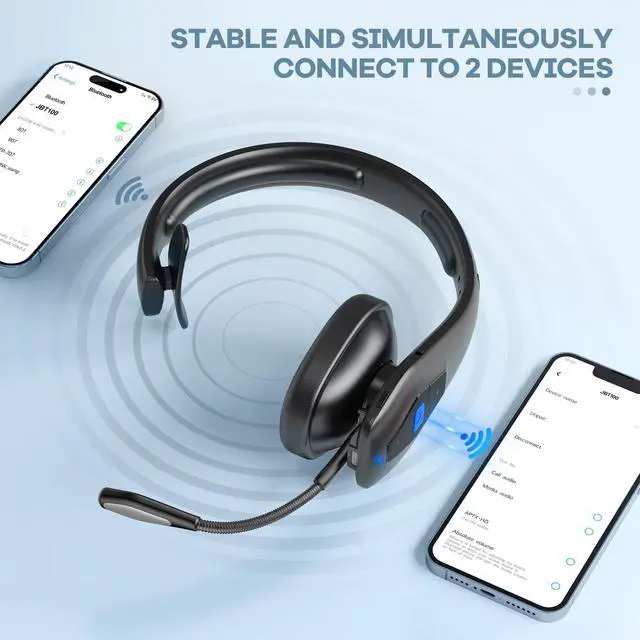
Connectivity | Multi-connect (2 devices) | Multi-connect (2 devices) | 1 Device | Multi-connect (2 devices) | Multi-connect (2 devices) |
Charge connection | Type-C | Type-C | Standard micro-USB | Standard micro-USB | Standard micro-USB |
Mute Button | Yes | Yes | No | Yes | Yes |
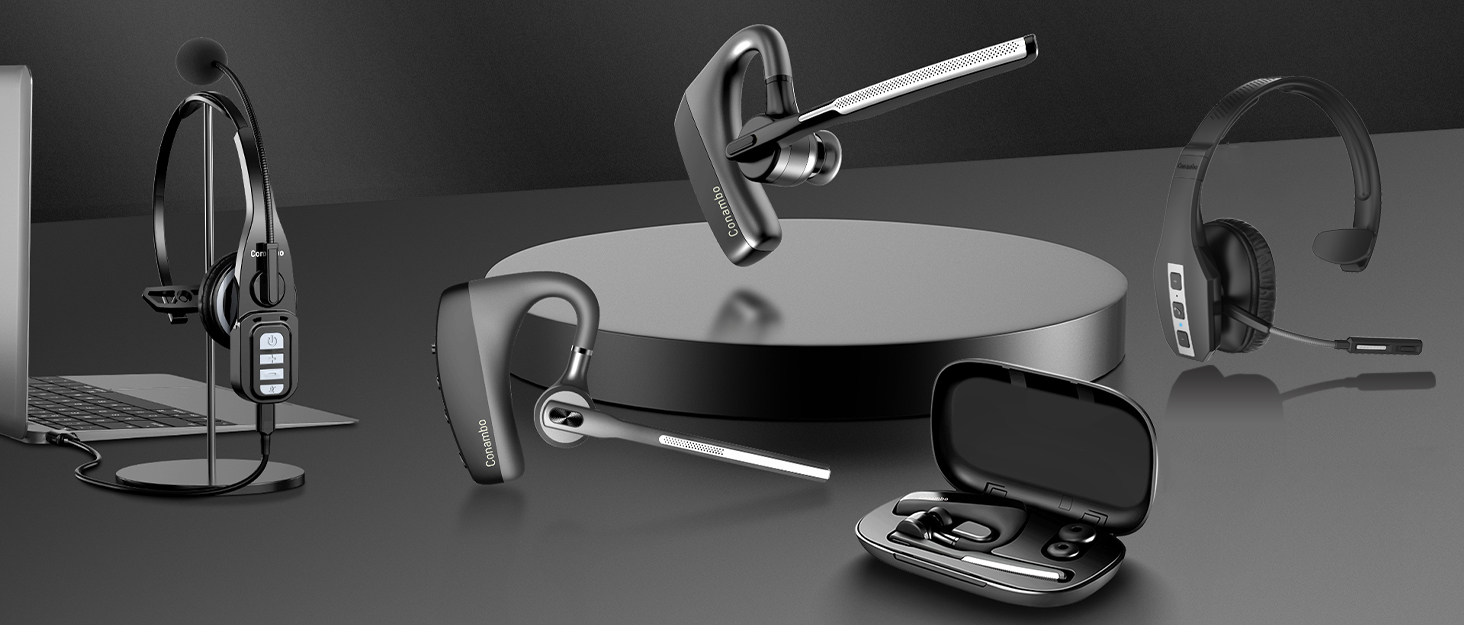

About us:
In the past 10 years, Conambo has been best-known for professional call headset. We are continuously to give our customer with the best products and service, striving to be the brand that offers the highest performing communication headsets around.
Conambo headsets are designed with the mobile professional in mind, enabling rich audio connections no matter where your work takes you.
How did we get our start?
We have been developing Bluetooth headsets with noise cancelling mic since 2012. Our headsets are designed to provide you with unprecedented hands-free communication quality and outstanding noise cancellation.
What makes our products unique?
Our own R&D team and production factory will constantly improve and upgrade all of CONAMBO's Bluetooth headsets based on customer feedback, providing you with a better experience.
What problem are we solving?
CONAMBO is striving to provide you with the best service, our professional technology team are standing by within 24 hours!
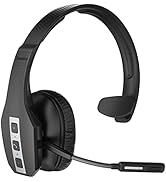
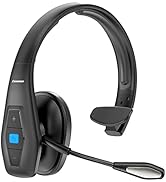
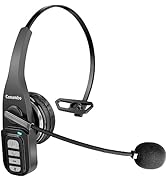
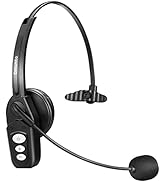
More Choices
More Choices

Conambo JBT100 Bluetooth Headset
Adopting Qualcomm QCC3020 chip and Bluetooth 5.1 version to minimize the power consumption of the headset, thereby extending the battery life of the headset and improving the speed of audio transmission.
More than 35 hours of talk time makes your whole day's work more relaxed and free.

hero-video
Merchant Video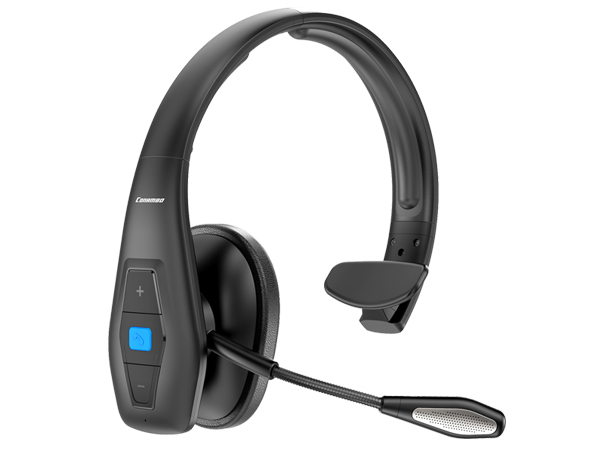
Adjustable Headband
Adjustable metal headband makes the Bluetooth headset more robust and durable.
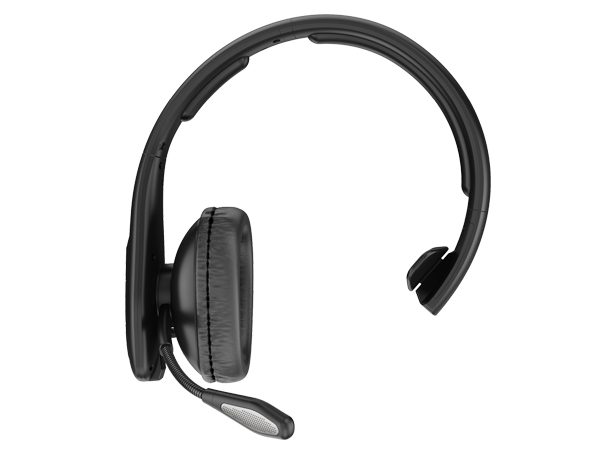
Advanced Noise Cancelling Microphone
96% noise cancellation with Dual Mic Noise Suppression.
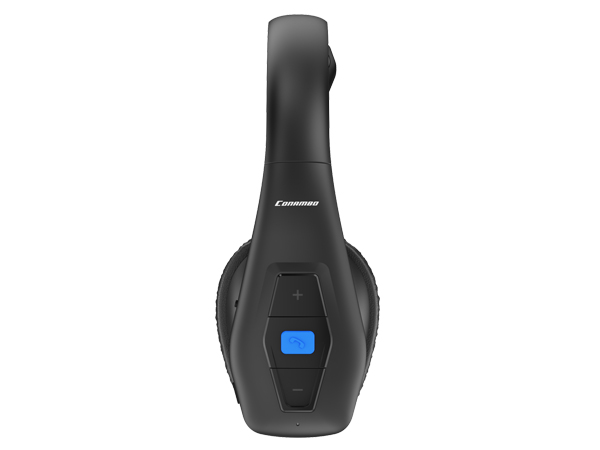
Easy-to-press buttons
Operate the headset easily whatever you're doing, thanks to large buttons that are easy to locate.
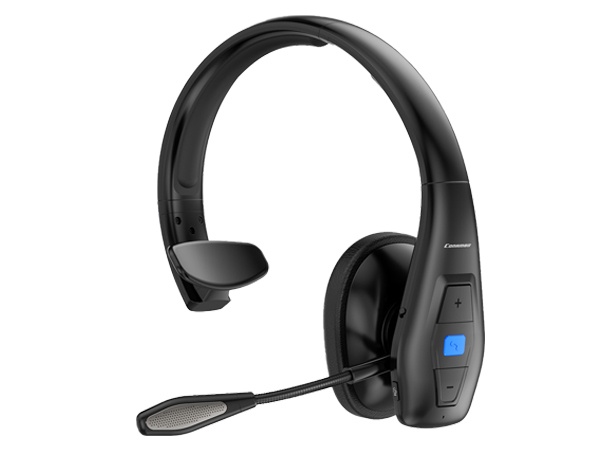
Rotatable Microphone
The 270° rotatable microphone provides you with the most comfortable positioning.
Superior Noise Cancellation
ENC Dual Mic Noise Cancellation, no fear of background noise disturbance, ensure efficient calls.
Push-to-Talk
Just tap the blue Multi-Function Button to answer or hang up the call immediately.
Tough and rugged design
New, more durable design with dust and moisture resistant medical grade silicone material.


What is CVC?
CVC is short for “Clear Voice Capture”. It’s designed primarily for phone calls. The purpose of CVC is to filter out background noise, so people can hear your voice more easily. Currently, the latest version of CVC is CVC 8.0.
How to reset the headset?
Press and hold the multi-function button for 3 seconds, when you see the blue light of the indicator flashing rapidly 3 times, it means the headset has cleared the pairing record and restored the factory settings.
How to start Siri?
Press and hold the mute button for about 2 seconds after the Bluetooth headset is successfully paired to activate Siri.
How to redial?
After successful pairing of the headset double click on the multi-function button, the phone automatically dials the last number dialed.
Will the mute button work on the computer?
No, the mute function currently only supports mobile phones.
Compare the Conambo products
JBT100 | JBT600 | JBT800 | JBT900 | JBT900-Dongle |
|---|---|---|---|---|
| Customer Reviews | ||||
| — | — | — | — | — |
| Price | ||||
| — | — | — | — | — |
| Noise Cancellation % | ||||
| 96% | 96% | 91% | 96% | 96% |
| Talk Time | ||||
| Up to 35 hrs | Up to 35 hrs | Up to 16 hrs | Up to 22 hrs | Up to 22 hrs |
| Standby Time | ||||
| Up to 500 hrs | Up to 500 hrs | Up to 160 hrs | Up to 240 hrs | Up to 240 hrs |
| Bluetooth | ||||
| Version 5.1 | Version 5.1 | Version 5.0 | Version 5.0 | Version 5.0 |
| Range | ||||
| Up to 39 feet/12m | Up to 69 feet/21m | Up to 33 feet/10m | Up to 33 feet/10m | Up to 33 feet/10m |
| Voice Control | ||||
| Yes (answer/reject calls) | Yes (answer/reject calls) | Yes (answer/reject calls) | Yes (answer/reject calls) | Yes (answer/reject calls) |
| Connectivity | ||||
| Multi-connect (2 devices) | Multi-connect (2 devices) | 1 Device | Multi-connect (2 devices) | Multi-connect (2 devices) |
| Charge connection | ||||
| Type-C | Type-C | Standard micro-USB | Standard micro-USB | Standard micro-USB |
| Mute Button | ||||
| Yes | Yes | No | Yes | Yes |
About us:
In the past 10 years, Conambo has been best-known for professional call headset. We are continuously to give our customer with the best products and service, striving to be the brand that offers the highest performing communication headsets around.
Conambo headsets are designed with the mobile professional in mind, enabling rich audio connections no matter where your work takes you.
How did we get our start?
We have been developing Bluetooth headsets with noise cancelling mic since 2012. Our headsets are designed to provide you with unprecedented hands-free communication quality and outstanding noise cancellation.
What makes our products unique?
Our own R&D team and production factory will constantly improve and upgrade all of CONAMBO's Bluetooth headsets based on customer feedback, providing you with a better experience.
What problem are we solving?
CONAMBO is striving to provide you with the best service, our professional technology team are standing by within 24 hours!
More Choices
More Choices