


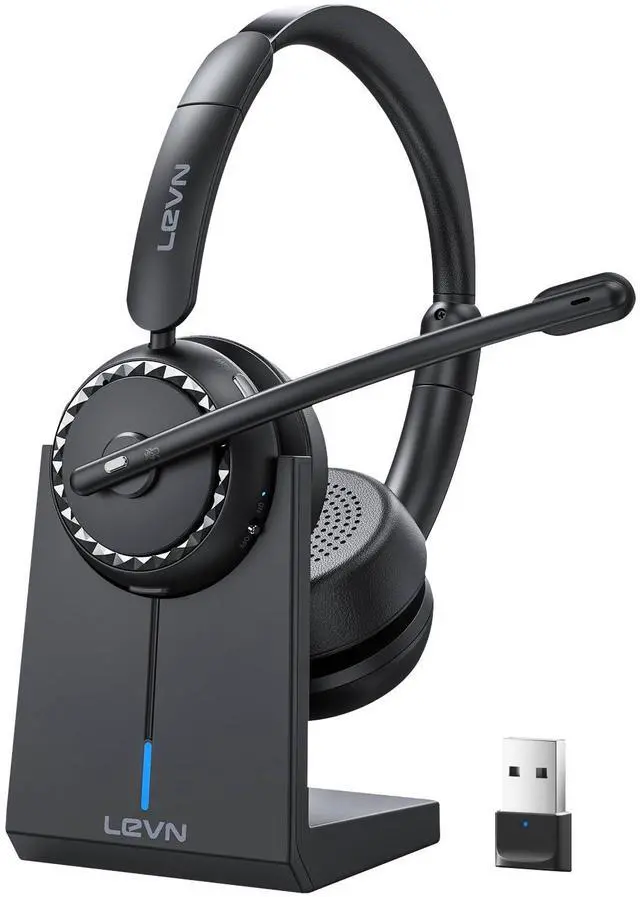



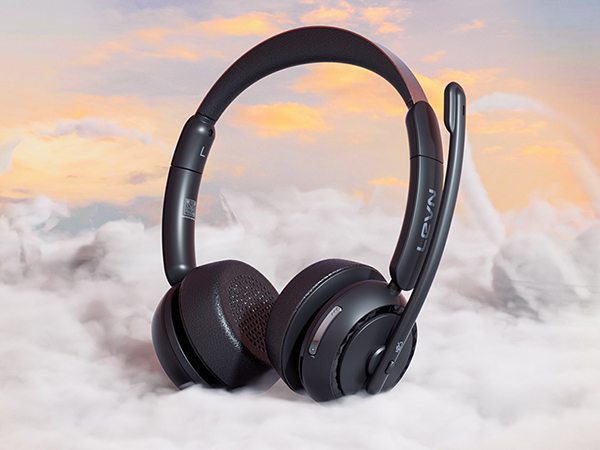
LEVN HS016 Superior
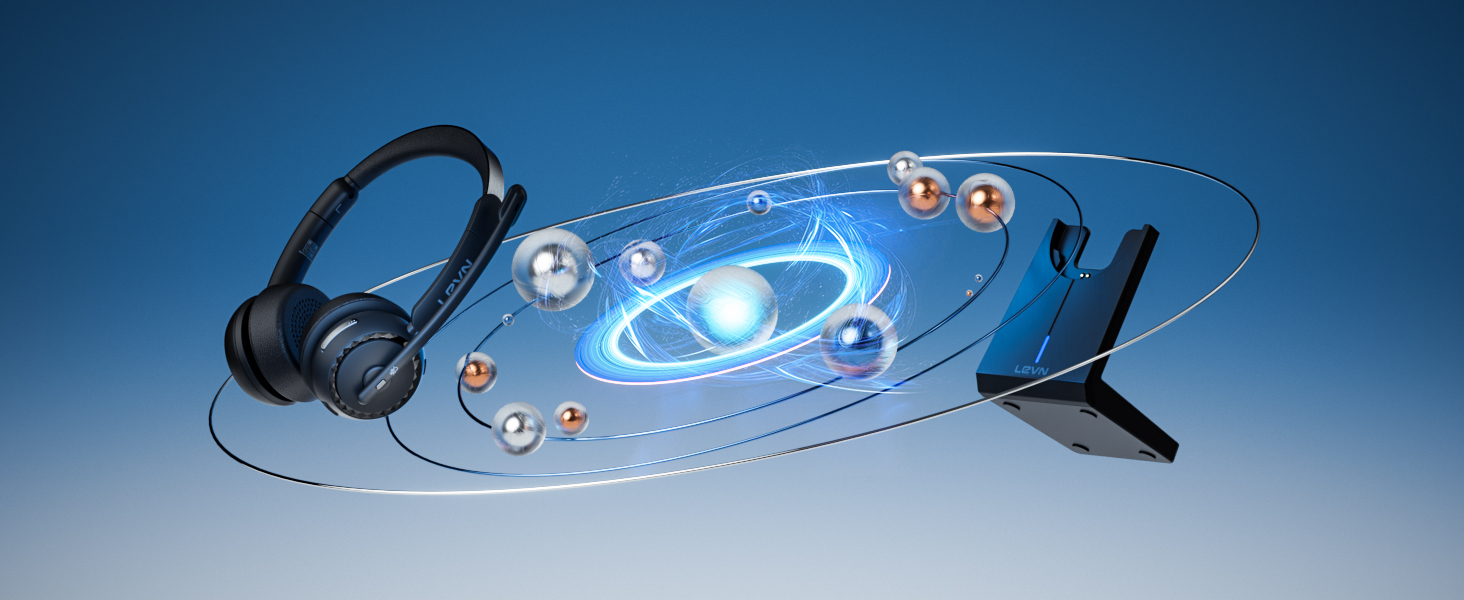
Harmonizing Teamwork Across the Miles
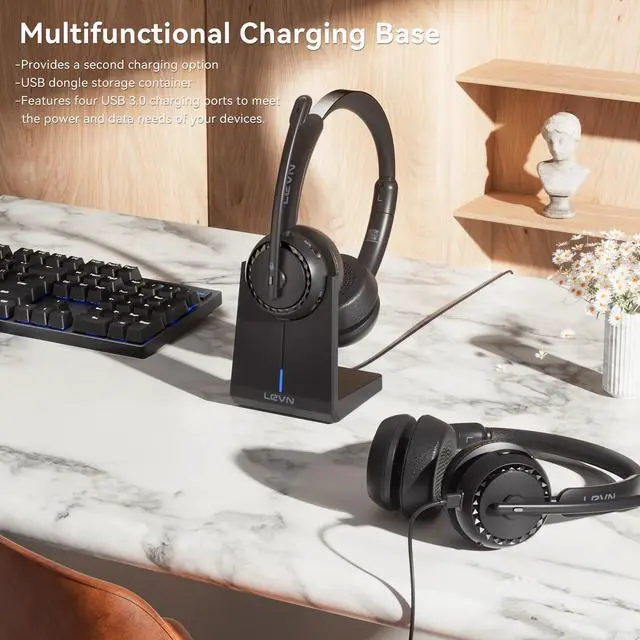
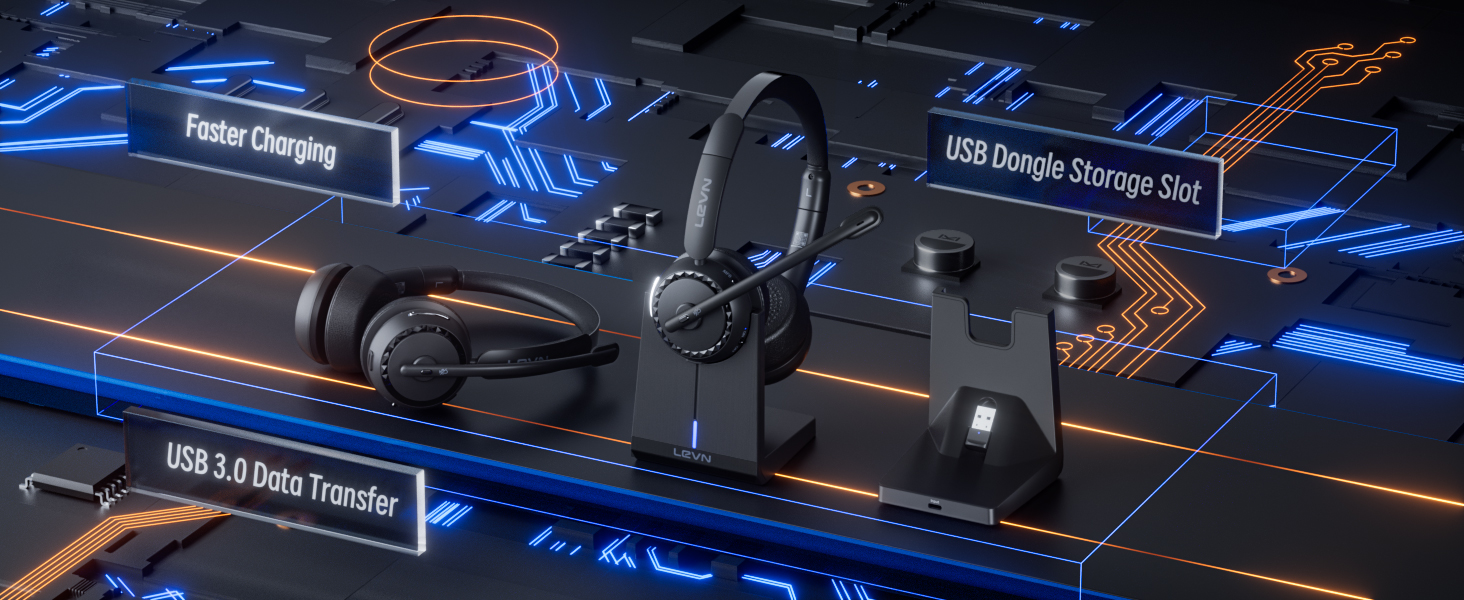
Multifunction Charging Base--Enhanced Productivity

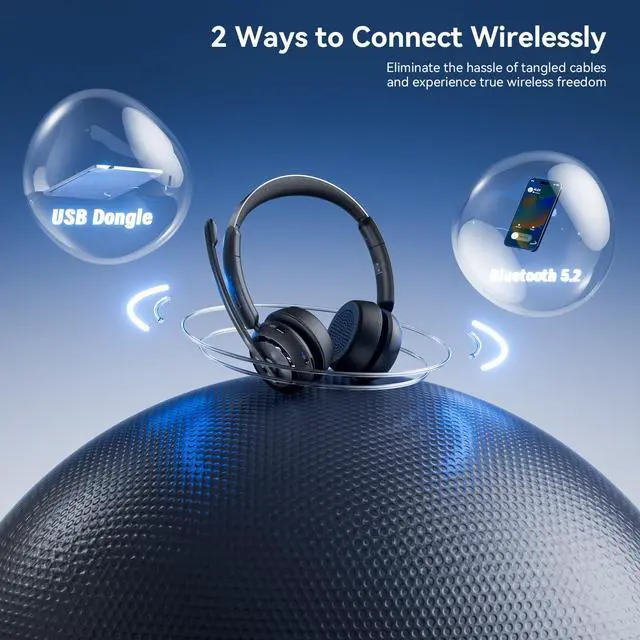
Dual Connection Methods
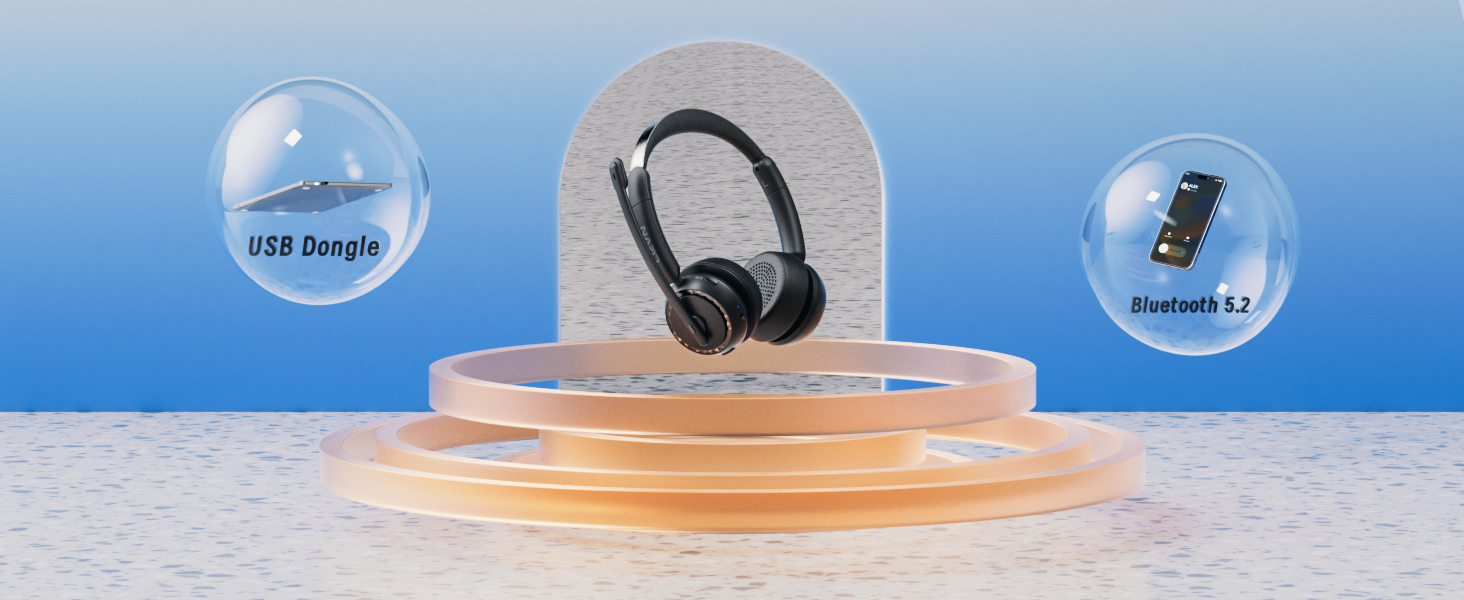
Enjoy the best of both worlds with USB Dongle and Bluetooth connections, giving you the flexibility to connect to your devices in the way that suits you best.

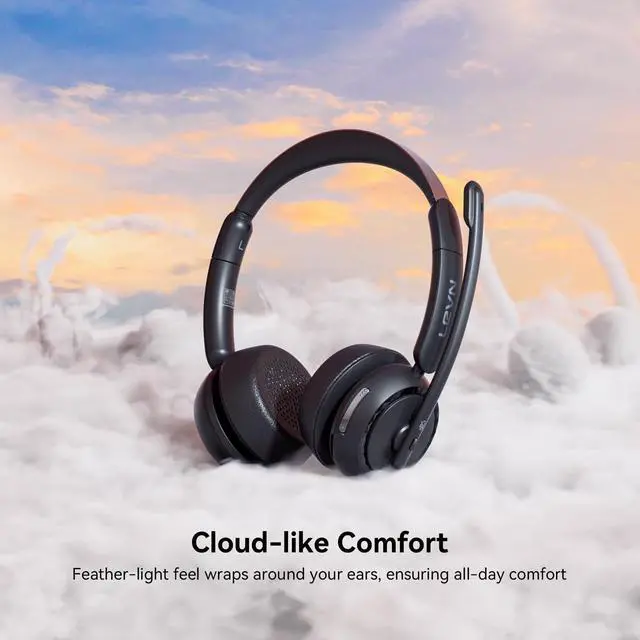
All-day Comfort
The ergonomic design and feather-light feel wrap around your ears to ensure all-day comfort, say goodbye to discomfort and enjoy immersive sound quality.
Eliminate distance and collaborate seamlessly
Harmonizing Teamwork Across the Miles
Multifunction Charging Base--Enhanced Productivity
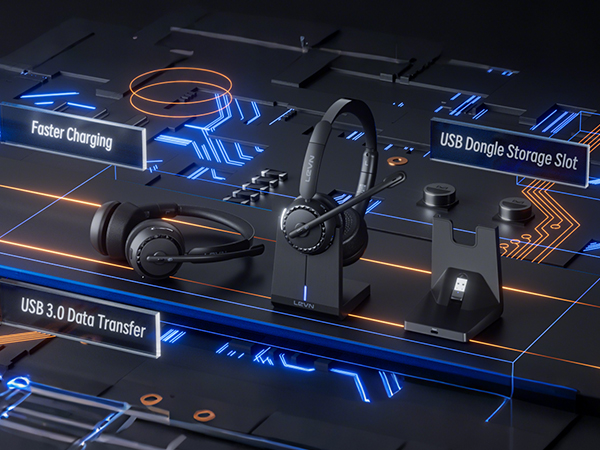
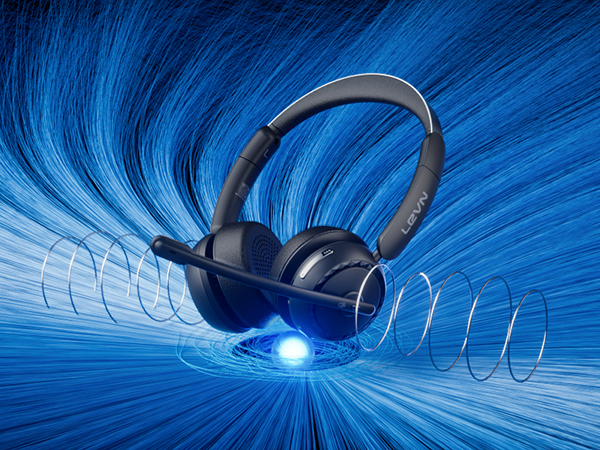
Revolutionary Clarity
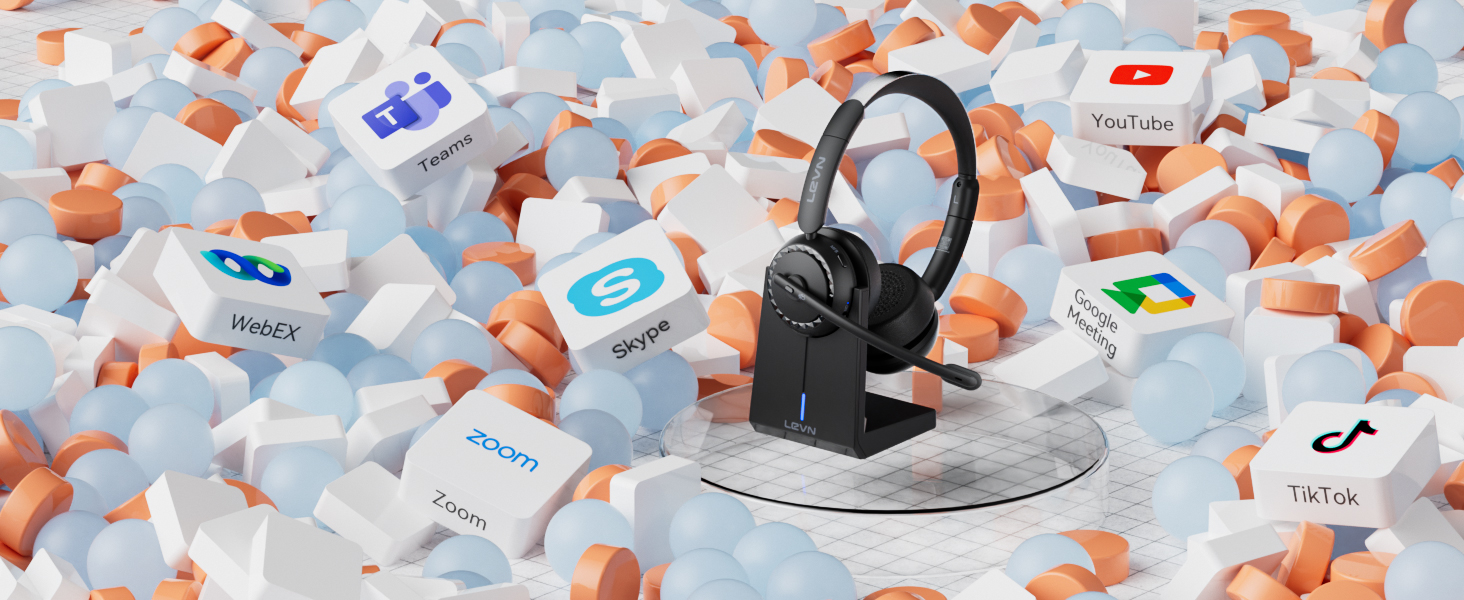
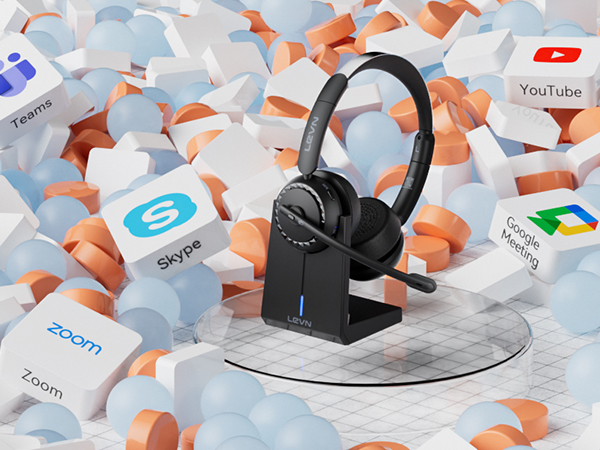
Universal Compatibility
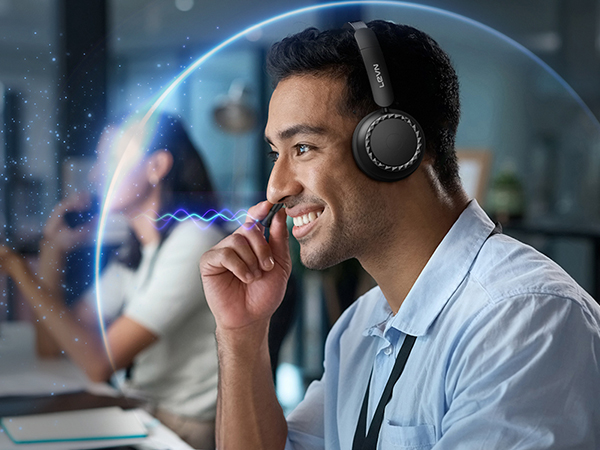
Ideal for remote work with enhanced call privacy.
Easily connected and compatible with various apps, you can enjoy the pleasant experience of high-quality audio!
Dual Connection Methods
All-day Comfort
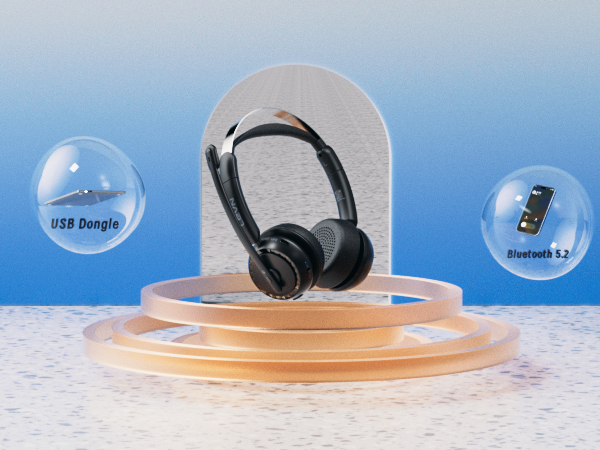
Enjoy the best of both worlds with USB Dongle and Bluetooth connections, giving you the flexibility to connect to your devices in the way that suits you best.
The ergonomic design and feather-light feel wrap around your ears to ensure all-day comfort, say goodbye to discomfort and enjoy immersive sound quality.
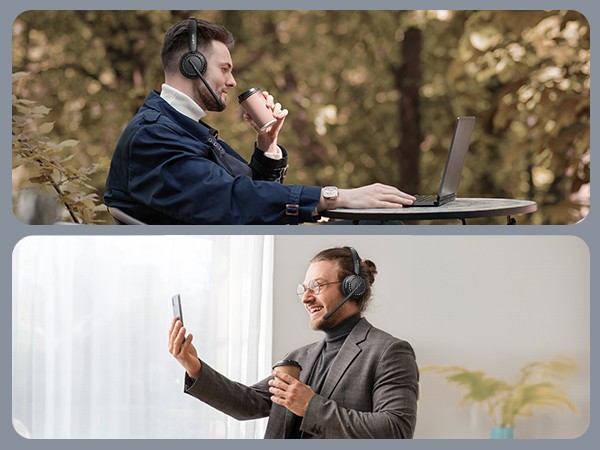
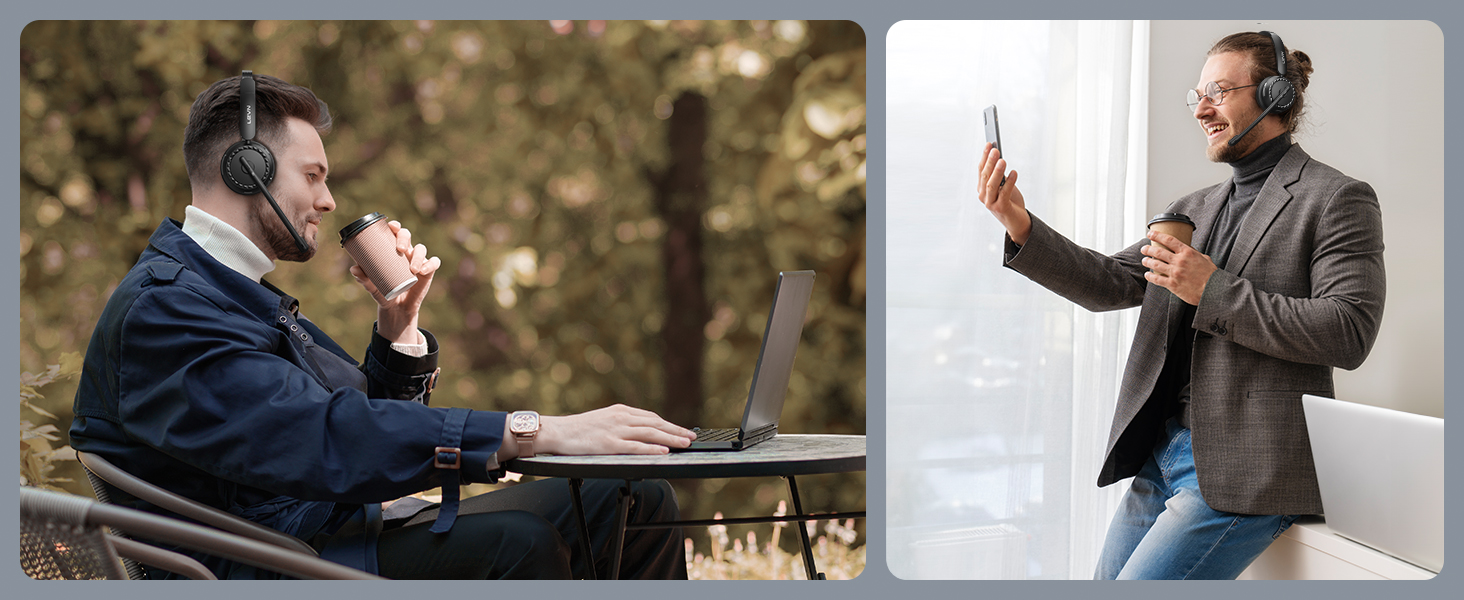
Eliminate distance and collaborate seamlessly
| Headset Audio Settings | After the wireless headset is successfully connected to the device, please check the sound settings of the computer and software to ensure that [LEVN LE-HS016 Superior] is selected as the default speaker output and microphone input device. |
|---|---|
| Noise Cancellation Effect | After completing the connection settings, the wireless headset microphone can intelligently pick up human voices, effectively eliminating noises such as children's laughter and pet barks, but low-frequency keyboard tapping and normal conversation sounds can be heard. |
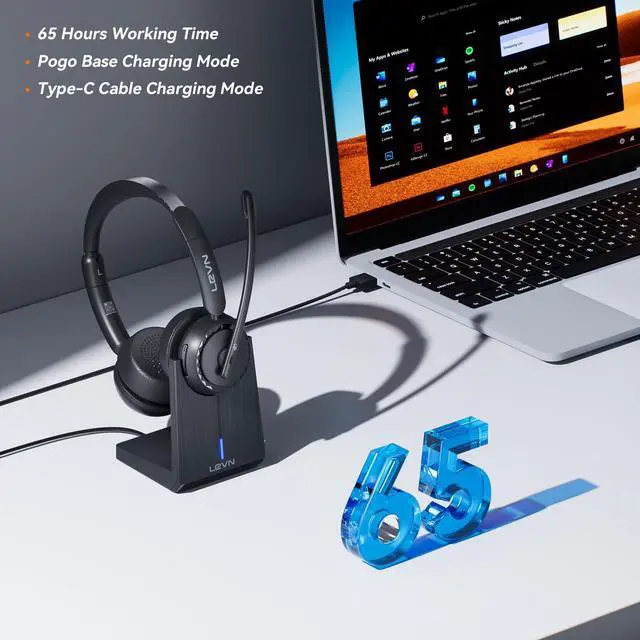
| Charging Base Working Status | Bluetooth headsets support connecting to the USB C port of the headset or placing it on the charging base for charging. The earphones need to be connected to a power source when placed on the charging base to charge. The LED indicator light will flash red and slowly flash to indicate that it is charging. The LED indicator light will turn solid blue to indicate that the earphones are fully charged. |
| Answer or Hang Up the Call | Warm Reminder: MFB is not available for desk phones and landlines!! If the wireless headset with mic is connected to a mobile phone, you can click MFB to answer/hang up the call on the headset; if the headset is connected to a computer, you need to answer the call on the computer. |