


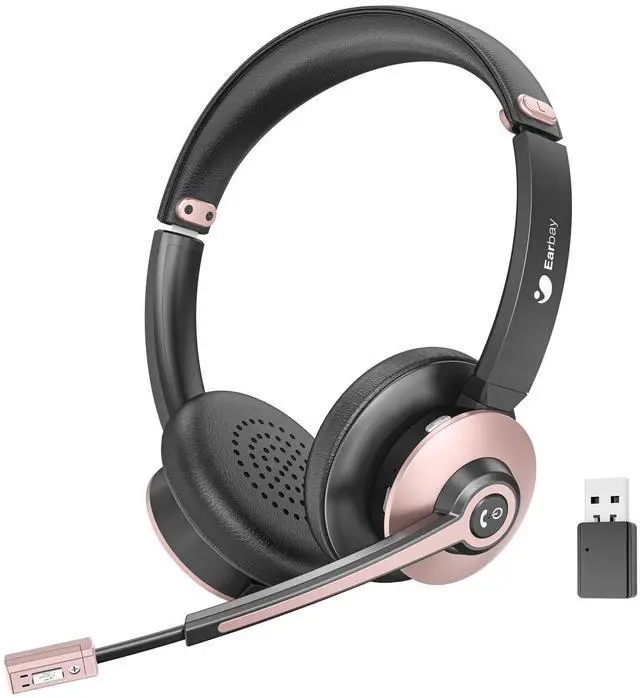




Earbay designs professional office headsets—both wired and wireless—to deliver exceptional audio clarity for calls and online meetings. We are committed to creating an immersive sound experience that makes every virtual conversation feel natural and focused.
Our headsets are engineered for the modern remote workforce, offering smart, convenient communication that bridges distances and brings people together, as if everyone were in the same room.

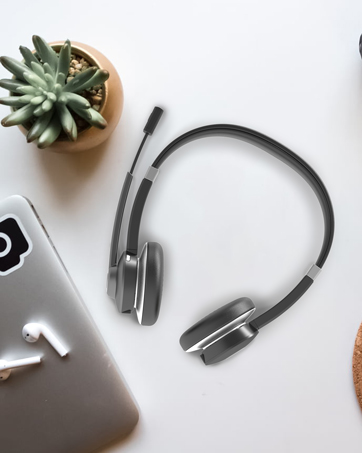

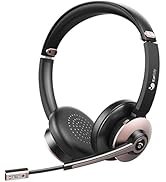
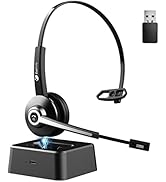
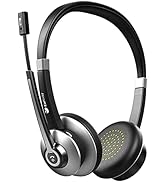
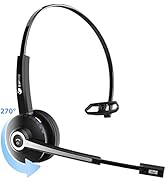
Bluetooth Headset
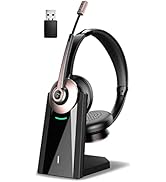
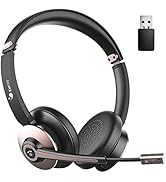
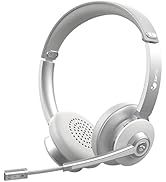
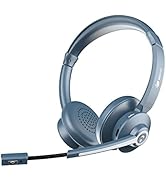
Wireless Headset
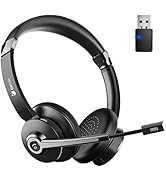
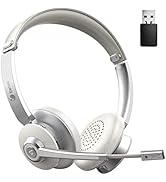
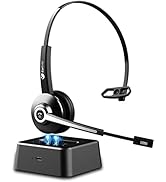
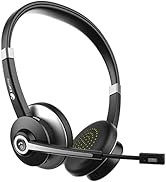
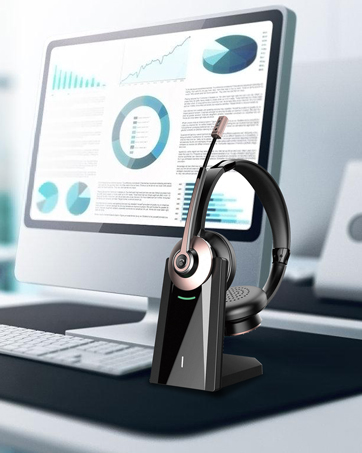
Computer Headset

Freedom From Wires
Dual Connections
Ensure the wireless headset with microphone pairs to 2 devices simultaneously.

Outstanding Chipset
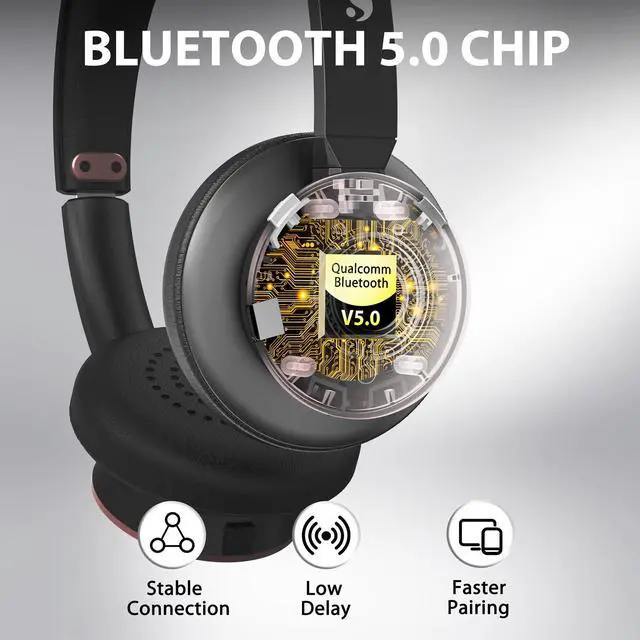
Bluetooth V5.0 Chip
Offer you up to 33ft/10m fast and stable wireless connection, with lower transmission delay.

Extraordinary Long Time
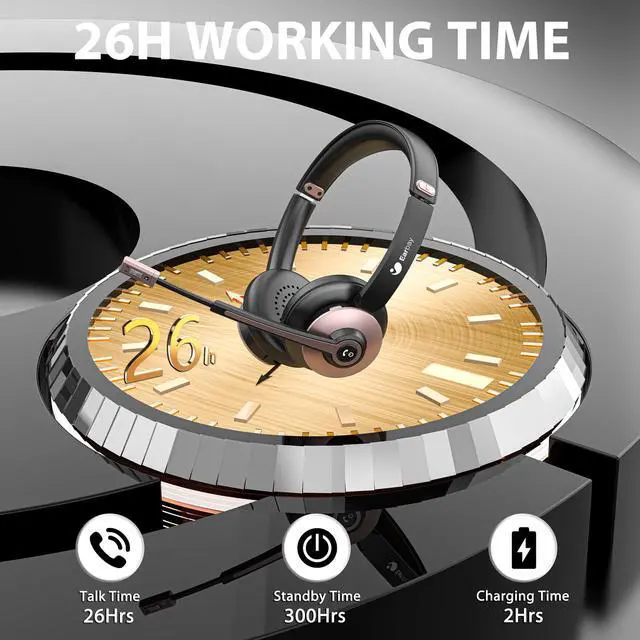
Long Life Battery
The wireless headphone has the latest Li+ Battery Tech which provides up to 26hrs talk time.
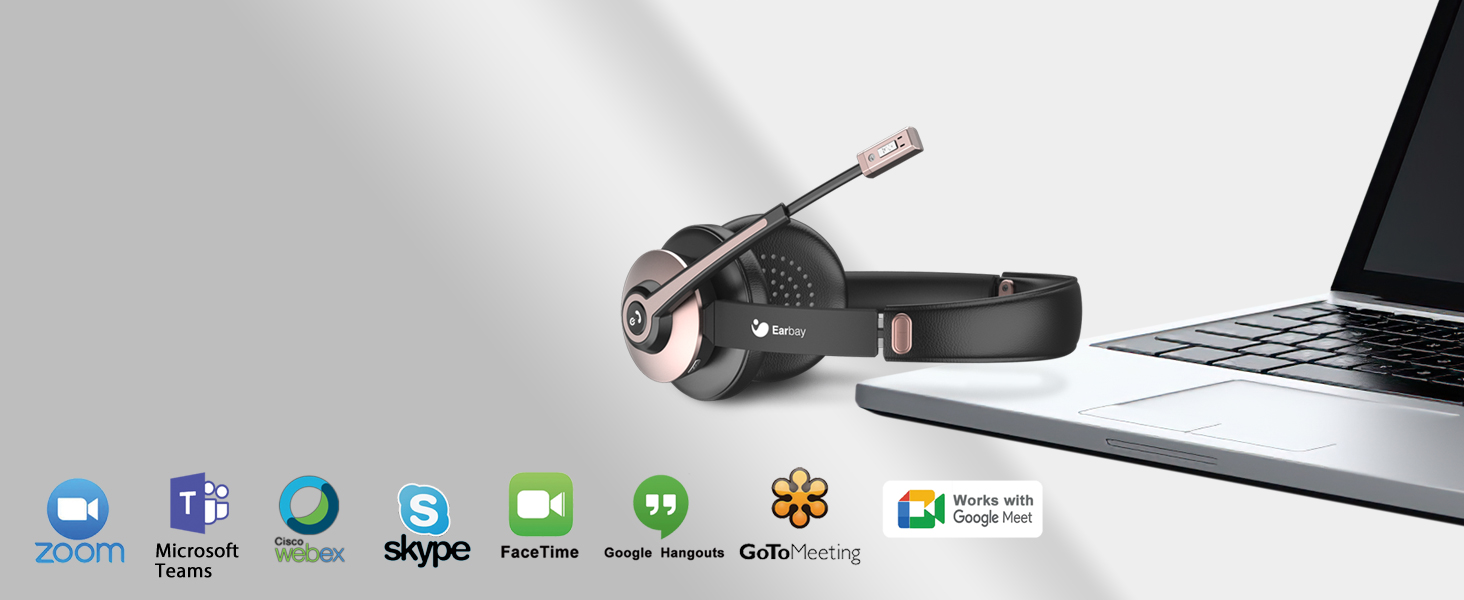
Unified Communications
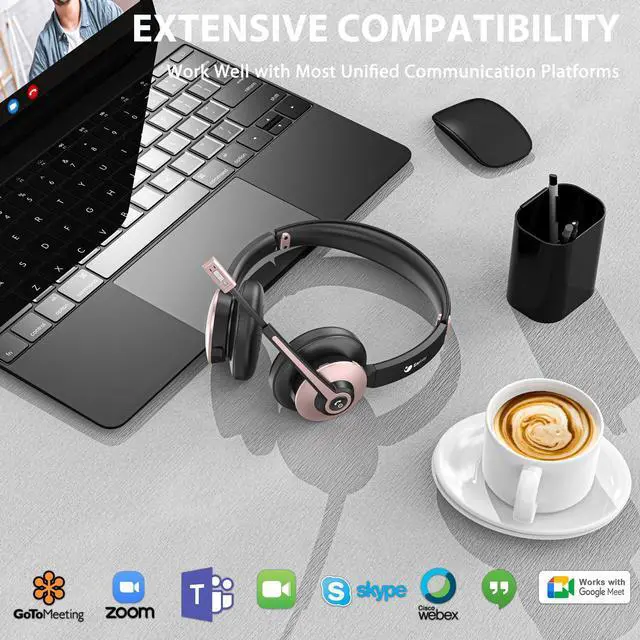
Wide Compatibility
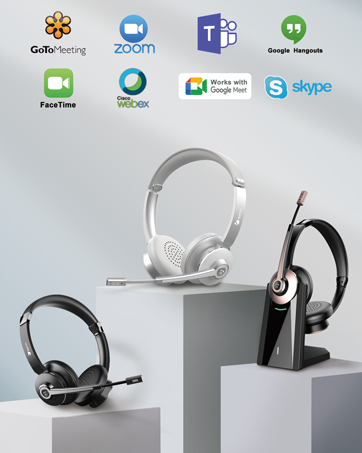
The Bluetooth headphone is highly compatible with most leading conference platforms.

Noise Elimination Design
ENC Noise Cancellation
The Bluetooth headset adopts ENC Passive Noise Reduction Tech to block out 99.6% of ambient noise.

Comfortable Wearing
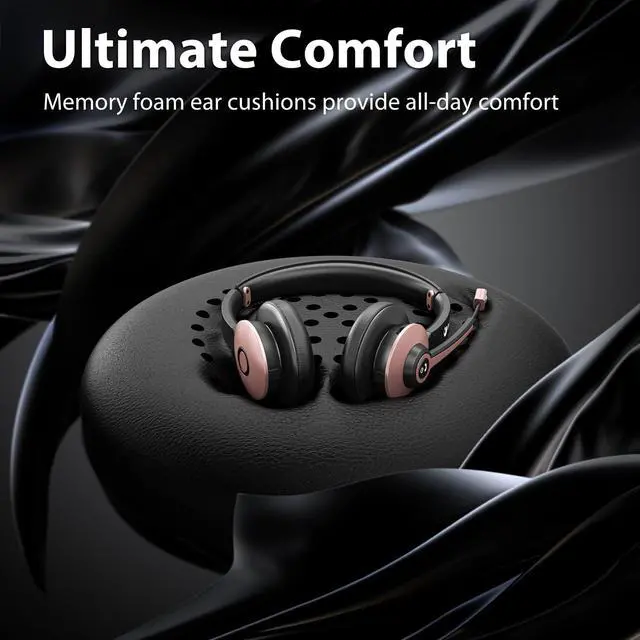
The headphone with microphone has 270°Rotatable Mic, Soft Earpads, and Adjustable Headband to give you all-day comfort.

Individual Mute Button
The computer headset is engineered with an Individual Mute Button to mute your voice easily during a call.

How to connect Earbay headsets to PC/meeting applications

How to connect with Bluetooth devices?
1. Long press the multifunction button for 5-7 Secs to enter pairing mode with LED Blue & Red flash alternately. 2. Search and click to connect 'BT-68' on devices. 3. LED change to Blue slow flash once connected, easy and stable.
Can this Bluetooth headset connect with 2 devices at the same time?
1.Please turn off the Bluetooth function of first paired Phone/PC. 2. Connect‘BT-68’ on the second device. LED change to Blue slow flash after connected. 3. Turn on Bluetooth function of the first Phone/PC, and reconnect ‘BT-68’ on Bluetooth lists.
When I use the headphones with dongle, is it need to download the driver to use it?
Just Plug and play, no need to download any drivers.
After a period of using time, the office headset emits a beep sound?
Please charge the wireless headset for a period of time to confirm whether it is caused by low power, or check whether the mute function is on.
Does the Bluetooth headset have mute function?
Yes. This mic mute function can only be used for computer or cell phone during making calls.
Key Features:
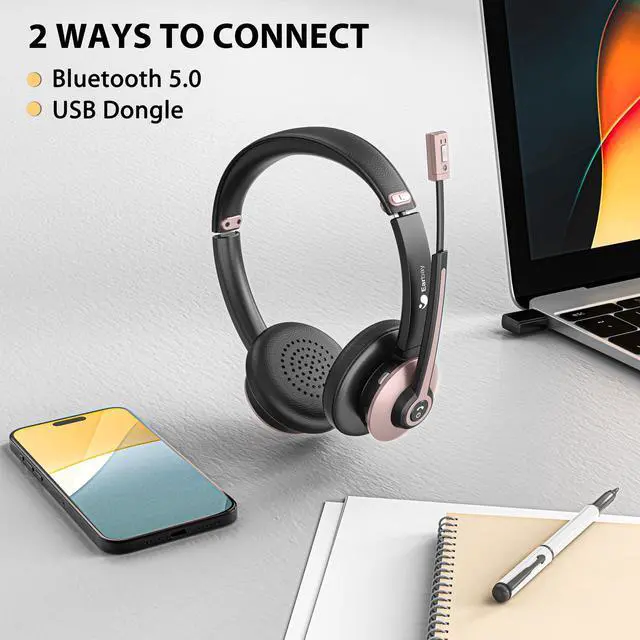
Multipoint Connectivity: The Bluetooth headphones can connect to your phone and compute or 2 other devices simultaneously.
Individual Mute Function: Please press the mute button on the back of the microphone.
Left or Right Wearing: The 270° rotatable mic of this office headset ensures you can wear the wireless headset either way left or right by swinging the boom.
Specifications:
Model: BT782GDG; Driver: 40mm; Connection: Bluetooth/USB Audio Dongle; Bluetooth Version: Bluetooth 5.0; Talk Time: Up to 26 hours; Charging Time: 2hrs for a full charge; Bluetooth Range: 33ft/10m
Notes: If you want to answer calls on PC, please set it through the software.
Freedom From Wires
Dual Connections
Ensure the wireless headset with microphone pairs to 2 devices simultaneously.
Outstanding Chipset
Bluetooth V5.0 Chip
Offer you up to 33ft/10m fast and stable wireless connection, with lower transmission delay.
Extraordinary Long Time
Long Life Battery
The wireless headphone has the latest Li+ Battery Tech which provides up to 26hrs talk time.
Unified Communications
Wide Compatibility
The Bluetooth headphone is highly compatible with most leading conference platforms.
Noise Elimination Design
ENC Noise Cancellation
The Bluetooth headset adopts ENC Passive Noise Reduction Tech to block out 99.6% of ambient noise.


Comfortable Wearing
The headphone with microphone has 270°Rotatable Mic, Soft Earpads, and Adjustable Headband to give you all-day comfort.
Individual Mute Button
The computer headset is engineered with an Individual Mute Button to mute your voice easily during a call.
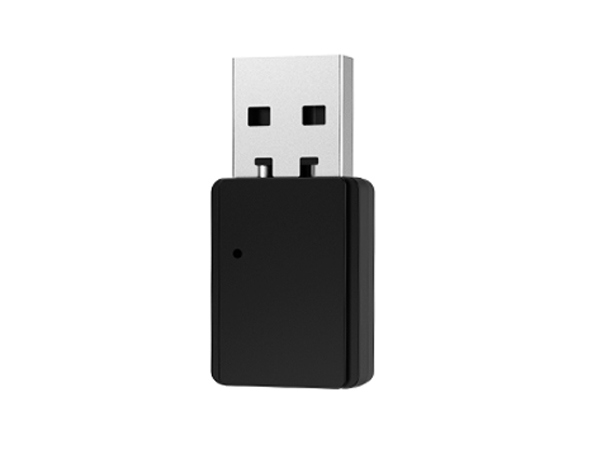
USB Dongle
Pair with non-Bluetooth devices stably without transmission delay.
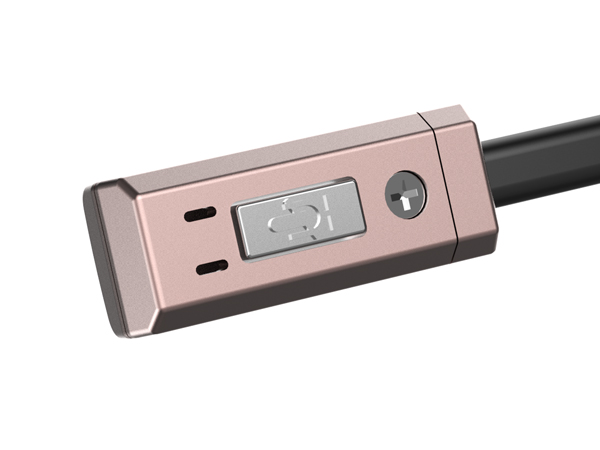
Mute Button
Effortlessly mute your voice during a call.
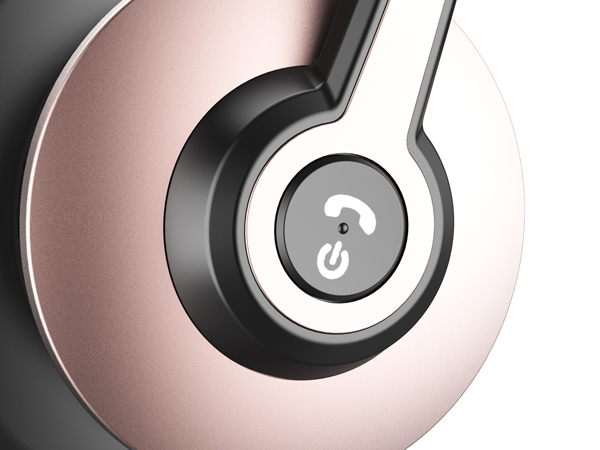
Multi-function Button
Hold 2s to turn on, blue light flash. Hold 5s to pairing mode, red/blue. Hold 5s to turn-off, red off.
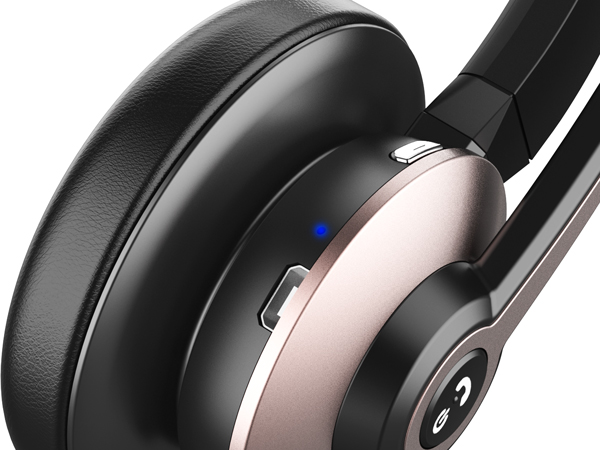
Charging Port/Indicator Light
The LED light of this pc headset indicates the status of the headset clearly.
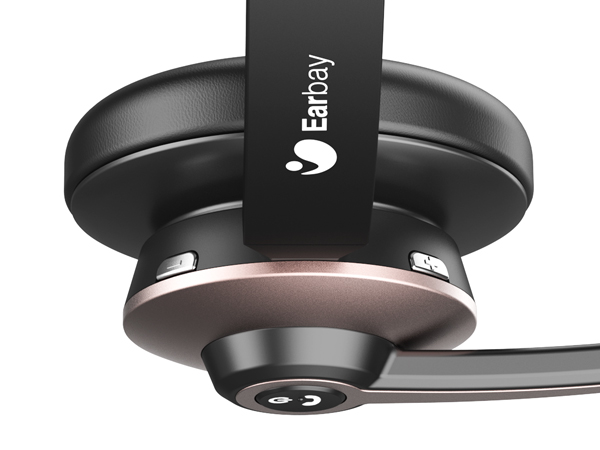
Volume+/Volume-
The headphones with microphone for pc has volume+/volume- buttons to easily adjust the volume as needed while working.
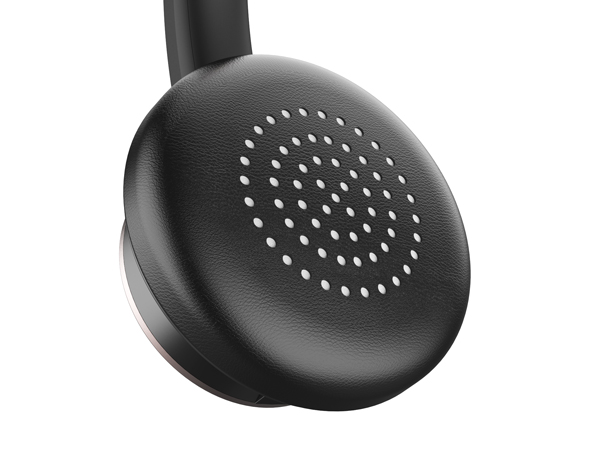
Ultra-soft Ear Cushions
The wireless headset for computer is made of quality material which offers you all-day comfort.
How to connect Earbay headsets to PC/meeting applications

How to connect with Bluetooth devices?
1. Long press the multifunction button for 5-7 Secs to enter pairing mode with LED Blue & Red flash alternately. 2. Search and click to connect 'BT-68' on devices. 3. LED change to Blue slow flash once connected, easy and stable.
Can this Bluetooth headset connect with 2 devices at the same time?
1.Please turn off the Bluetooth function of first paired Phone/PC. 2. Connect‘BT-68’ on the second device. LED change to Blue slow flash after connected. 3. Turn on Bluetooth function of the first Phone/PC, and reconnect ‘BT-68’ on Bluetooth lists.
When I use the headphones with dongle, is it need to download the driver to use it?
Just Plug and play, no need to download any drivers.
After a period of using time, the office headset emits a beep sound?
Please charge the wireless headset for a period of time to confirm whether it is caused by low power, or check whether the mute function is on.
Does the Bluetooth headset have mute function?
Yes. This mic mute function can only be used for computer or cell phone during making calls.
Key Features:
Multipoint Connectivity: The Bluetooth headphones can connect to your phone and compute or 2 other devices simultaneously.
Individual Mute Function: Please press the mute button on the back of the microphone.
Left or Right Wearing: The 270° rotatable mic of this office headset ensures you can wear the wireless headset either way left or right by swinging the boom.
Specifications:
Model: BT782GDG; Driver: 40mm; Connection: Bluetooth/USB Audio Dongle; Bluetooth Version: Bluetooth 5.0; Talk Time: Up to 26 hours; Charging Time: 2hrs for a full charge; Bluetooth Range: 33ft/10m
Notes: If you want to answer calls on PC, please set it through the software.
Earbay designs professional office headsets—both wired and wireless—to deliver exceptional audio clarity for calls and online meetings. We are committed to creating an immersive sound experience that makes every virtual conversation feel natural and focused.
Our headsets are engineered for the modern remote workforce, offering smart, convenient communication that bridges distances and brings people together, as if everyone were in the same room.
Bluetooth Headset
Wireless Headset
Computer Headset