



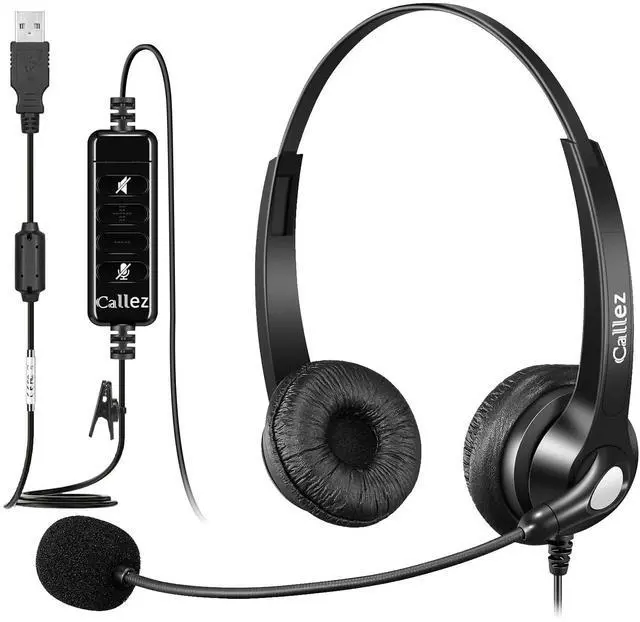
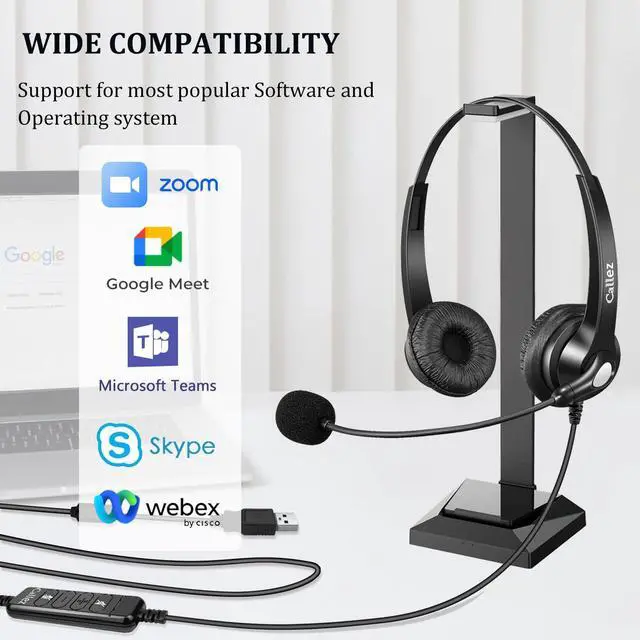
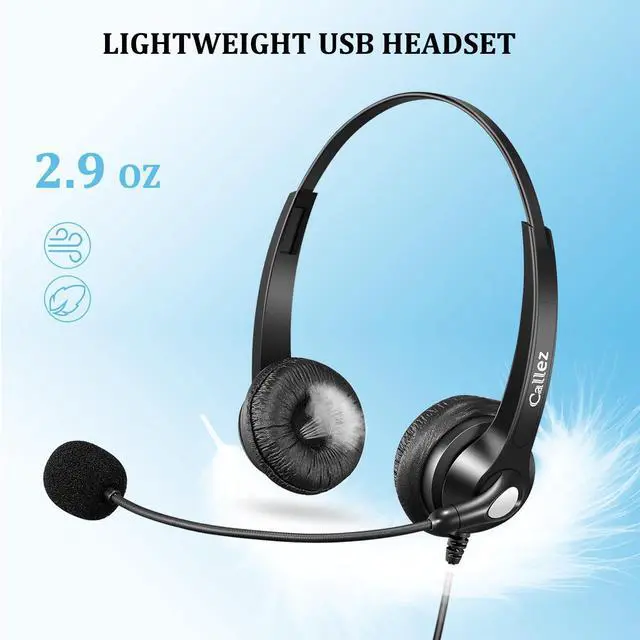



Callez USB Headset
make call easier

All-Day Wearing Comfort
Super lightweight design with adjustable headband to fit all head sizes, soft ear cushion enhances all-day wearing comfort.
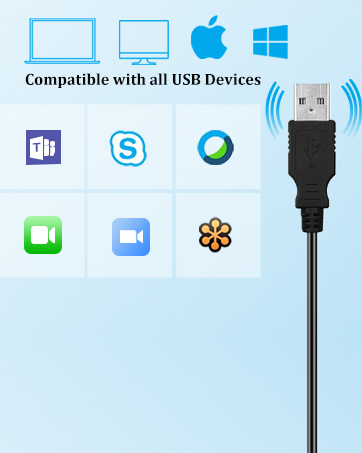
USB Headset with Microphone
Ideal for Skype Chat, Microsoft Teams, Zoom Meetings, Online Courses, Call Center, Office and Home......
Why choose Callez?
Callez is a professional communication headset provider, and has consistently strived to design, develop, manufacturing to assure customers of reliable, effective but the high quality products possible.
What makes our products unique?
Callez has a strong R&D team to provide our customers with high-quality call center headsets. The innovative core technology allows Callez headsets to have a unique design and bring a new experience!
What is our goal?
Callez are committed to designing or renewing more effective products that make your work easier and more efficient.
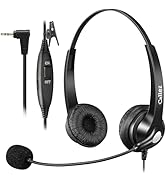
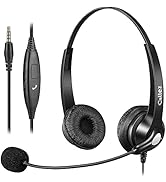
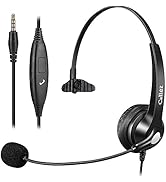
Shop Callez Headsets
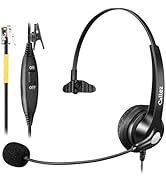
Shop Callez Headsets


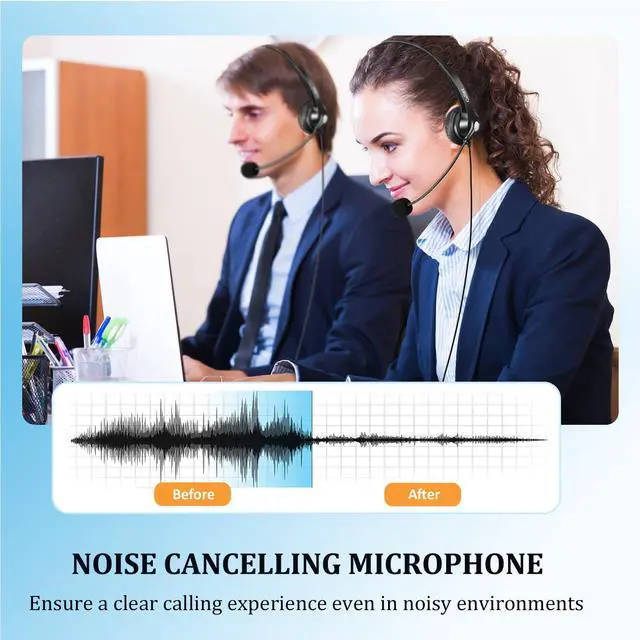
Crystal Clear Calls
With noise cancelling microphone, Callez USB headset with microphone delivers truly clear conversations for call center, home and office.

Super lightweight
Weighs only 84g/2.97oz. The ultra-lightweight USB computer headset minimizes the burden of wearing.

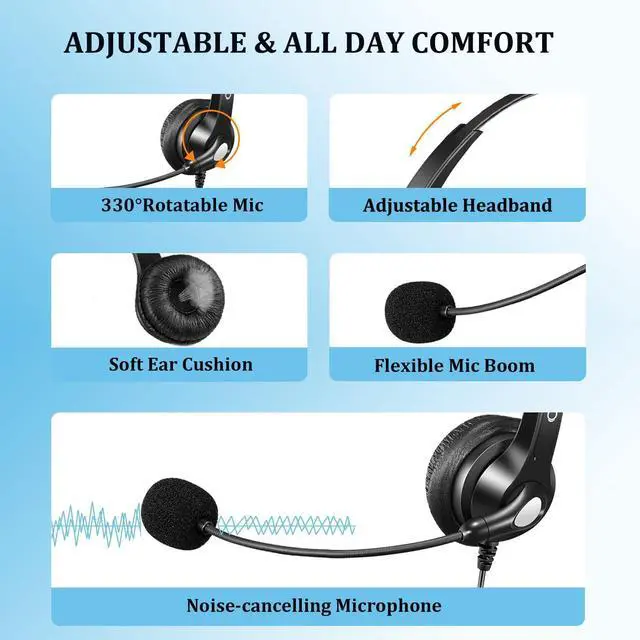
Soft Ear Cushion
Soft and breathable leatherette ear cushions enhance all-day wearing comfort.

Adjustable Headband
Flexible headband can be bent or shaped for all head sizes to relieve the pressure from headset.
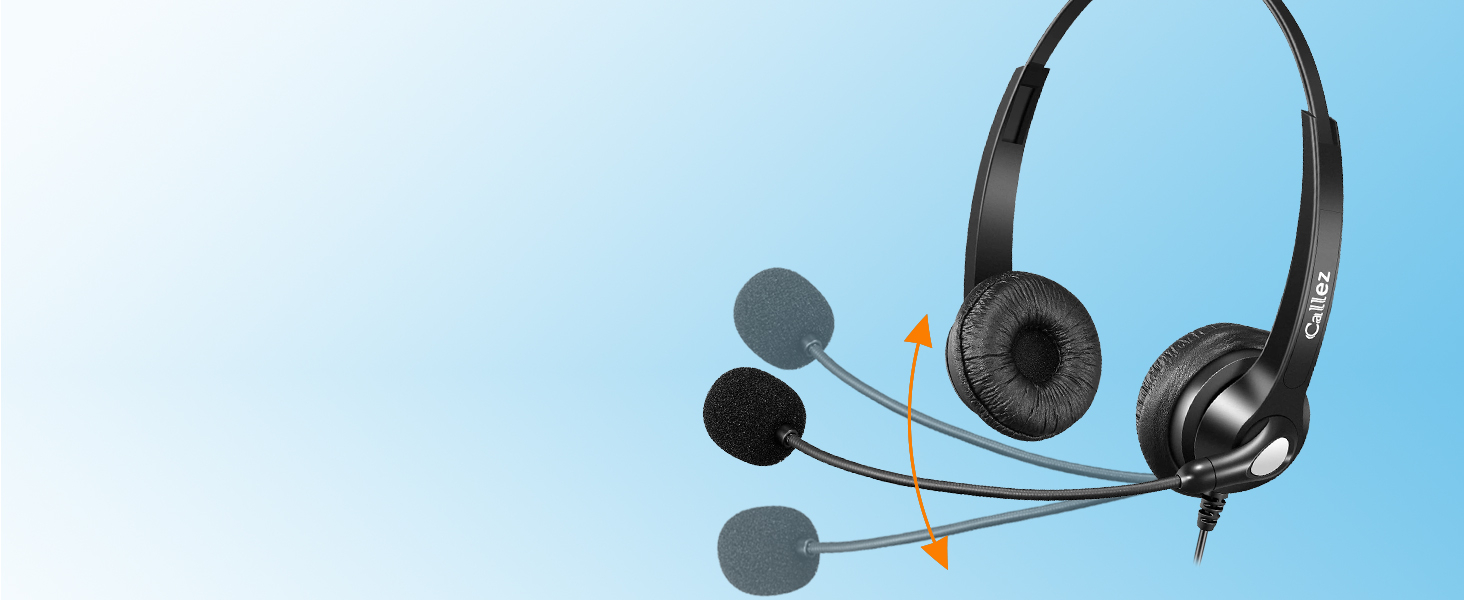
330° Rotatable Microphone
Flexible and 330°rotatable mic can be placed on the left or right side for better voice capture.
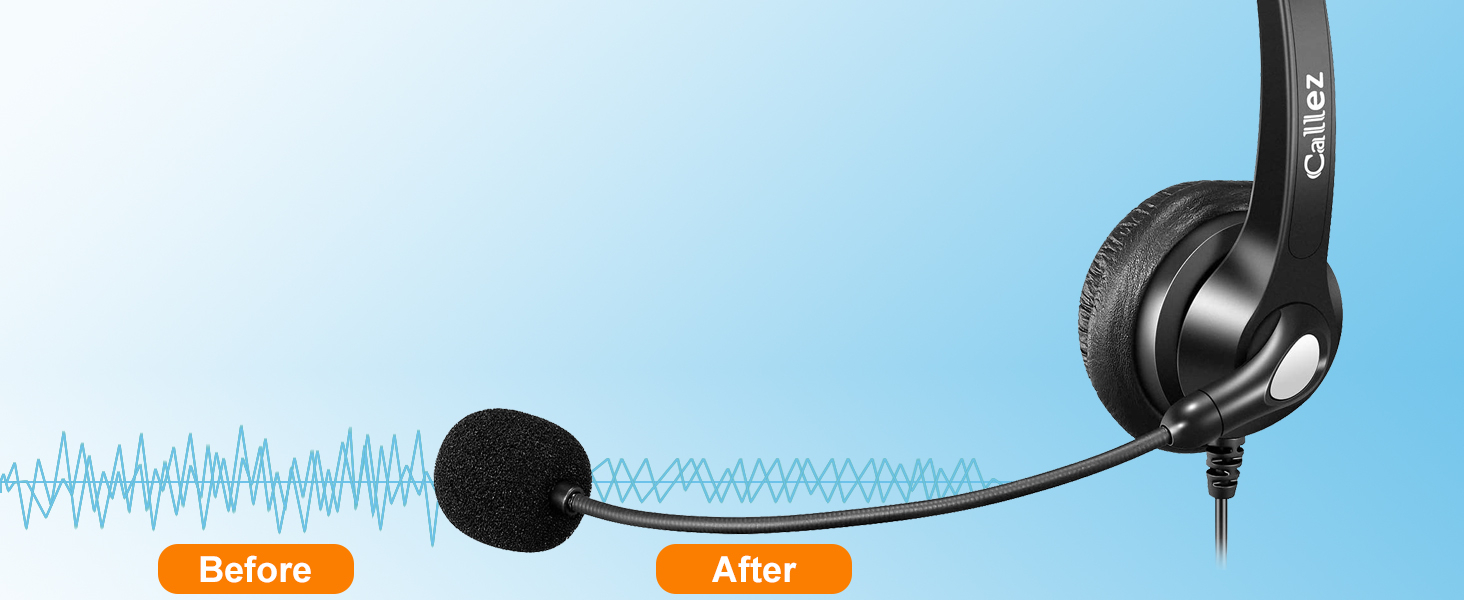
Noise Cancelling Mic
Advanced noise-cancelling microphone delivers clear calls for calling even in noisy environments.

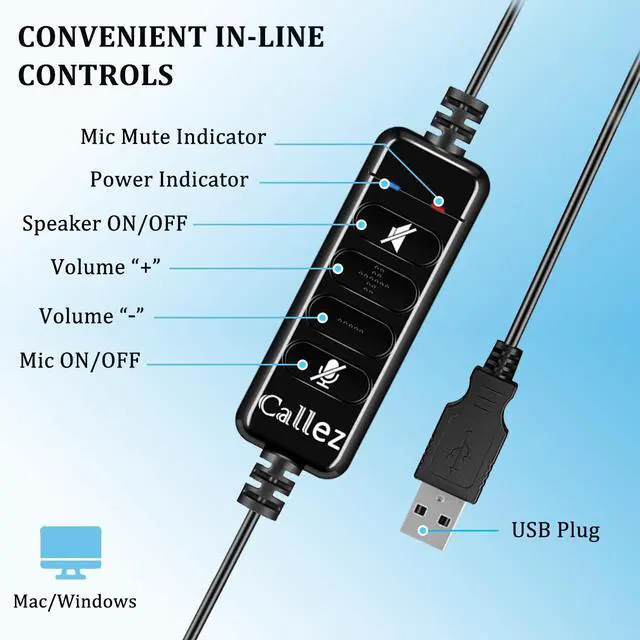
Convenient In-Line Controls
A simple in-line controls on the cord allow you to easily adjust the volume or mute calls without disruption. A red indicator shows when the microphone is muted.

USB Plug and Play
This usb headset can be used without the need to install software. Simply plug the USB-A connector into your computer and you're ready to talk.


How long is the cable length of the headset?
The cable length of this USB headset is around 79 inches long/ 6.6 ft.
Does this headset work with Mac or Laptop?
Yes, this wired USB headset is compatible with Mac, Laptop or PC with a USB-A port. Simply plug and play, no drivers needed.
Why can't I hear sound when connecting with computer?
Please try the following : Control panel > Sound > Recording > Microphone (select this USB device as default audio device) > Playback > Speakers. If it still cannot work, please feel free to consult us for support.
How does the mute button work?
The mute button includes Microphone Mute and Speaker Mute. Pressing the Microphone Mute button, the red indicator stays on. Pressing the Speaker Mute button displays a mute icon on the computer screen.
How do I set up to hear my voice when using this USB headset?
Open "Setting" and click "System"-"Sound"-"Sound Control Panel"- "Recording"-Double click " XXX Microphone"-"Listen"-Choose "Listen to this device" Then you can hear your voice.


Crystal Clear Calls
With noise cancelling microphone, Callez USB headset with microphone delivers truly clear conversations for call center, home and office.
Super lightweight
Weighs only 84g/2.97oz. The ultra-lightweight USB computer headset minimizes the burden of wearing.
Soft Ear Cushion
Soft and breathable leatherette ear cushions enhance all-day wearing comfort.
Adjustable Headband
Flexible headband can be bent or shaped for all head sizes to relieve the pressure from headset.
330° Rotatable Microphone
Flexible and 330°rotatable mic can be placed on the left or right side for better voice capture.
Noise Cancelling Mic
Advanced noise-cancelling microphone delivers clear calls for calling even in noisy environments.


Convenient In-Line Controls
A simple in-line controls on the cord allow you to easily adjust the volume or mute calls without disruption. A red indicator shows when the microphone is muted.
USB Plug and Play
This usb headset can be used without the need to install software. Simply plug the USB-A connector into your computer and you're ready to talk.


How long is the cable length of the headset?
The cable length of this USB headset is around 79 inches long/ 6.6 ft.
Does this headset work with Mac or Laptop?
Yes, this wired USB headset is compatible with Mac, Laptop or PC with a USB-A port. Simply plug and play, no drivers needed.
Why can't I hear sound when connecting with computer?
Please try the following : Control panel > Sound > Recording > Microphone (select this USB device as default audio device) > Playback > Speakers. If it still cannot work, please feel free to consult us for support.
How does the mute button work?
The mute button includes Microphone Mute and Speaker Mute. Pressing the Microphone Mute button, the red indicator stays on. Pressing the Speaker Mute button displays a mute icon on the computer screen.
How do I set up to hear my voice when using this USB headset?
Open "Setting" and click "System"-"Sound"-"Sound Control Panel"- "Recording"-Double click " XXX Microphone"-"Listen"-Choose "Listen to this device" Then you can hear your voice.
Callez USB Headset
make call easier
All-Day Wearing Comfort
Super lightweight design with adjustable headband to fit all head sizes, soft ear cushion enhances all-day wearing comfort.
USB Headset with Microphone
Ideal for Skype Chat, Microsoft Teams, Zoom Meetings, Online Courses, Call Center, Office and Home......
Why choose Callez?
Callez is a professional communication headset provider, and has consistently strived to design, develop, manufacturing to assure customers of reliable, effective but the high quality products possible.
What makes our products unique?
Callez has a strong R&D team to provide our customers with high-quality call center headsets. The innovative core technology allows Callez headsets to have a unique design and bring a new experience!
What is our goal?
Callez are committed to designing or renewing more effective products that make your work easier and more efficient.
Shop Callez Headsets
Shop Callez Headsets