





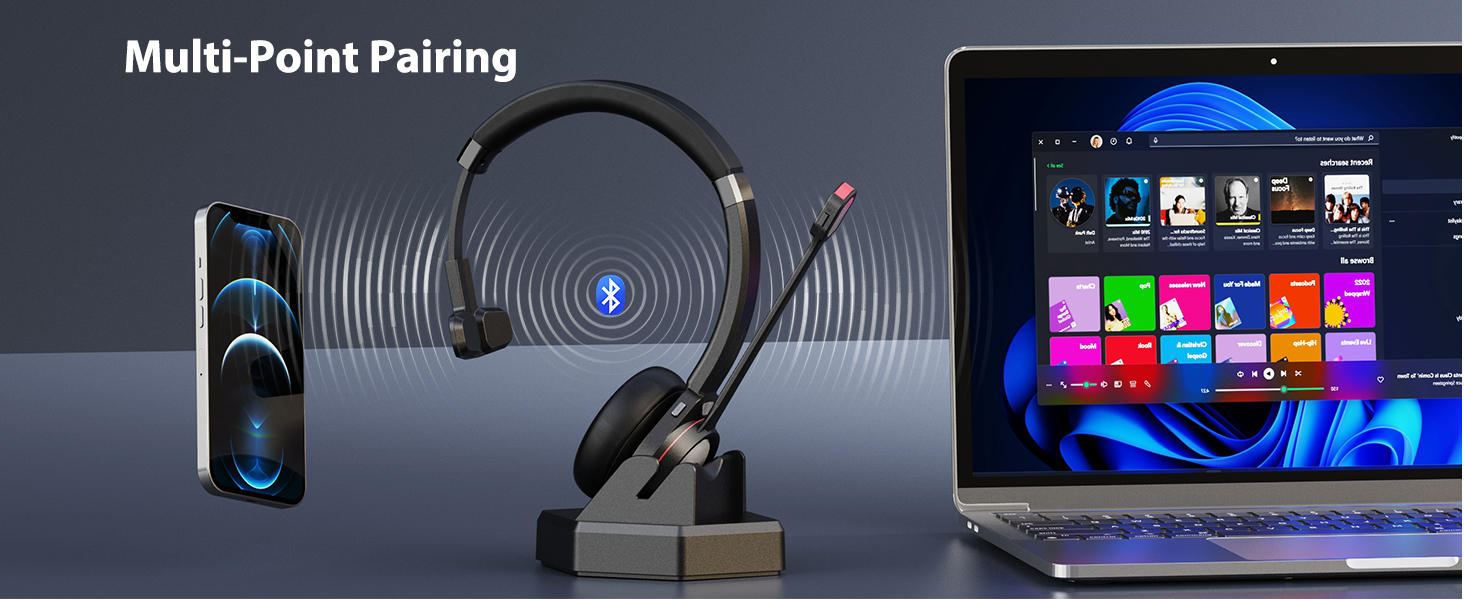
Should i need a USB adapter for connecting the wireless headset with PC without Bluetooth function?
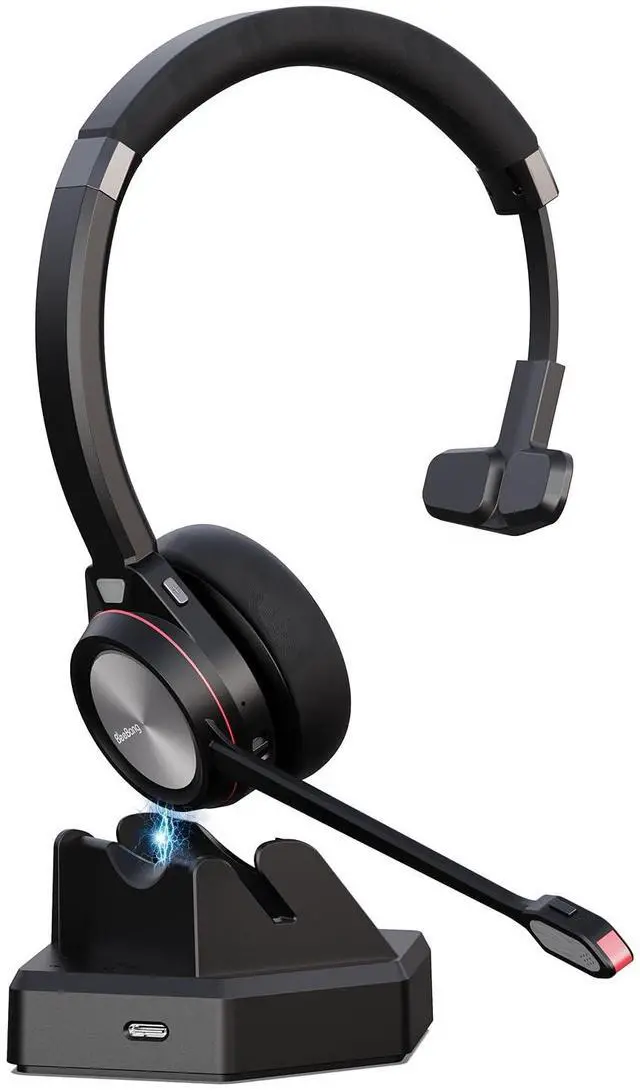
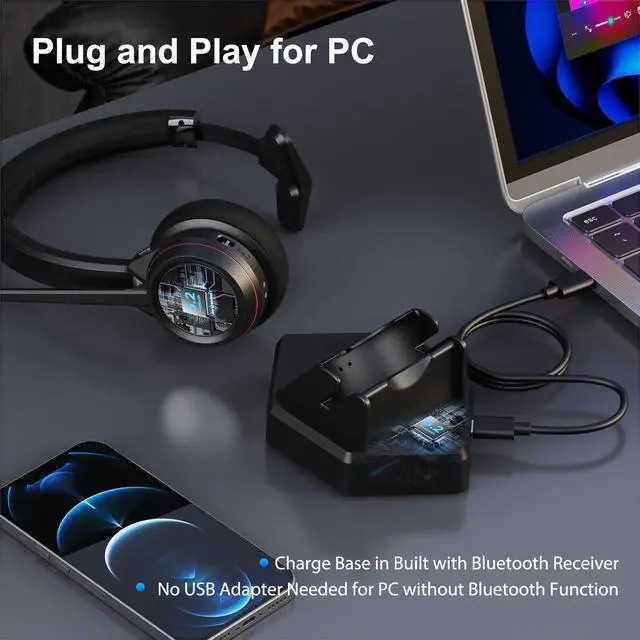
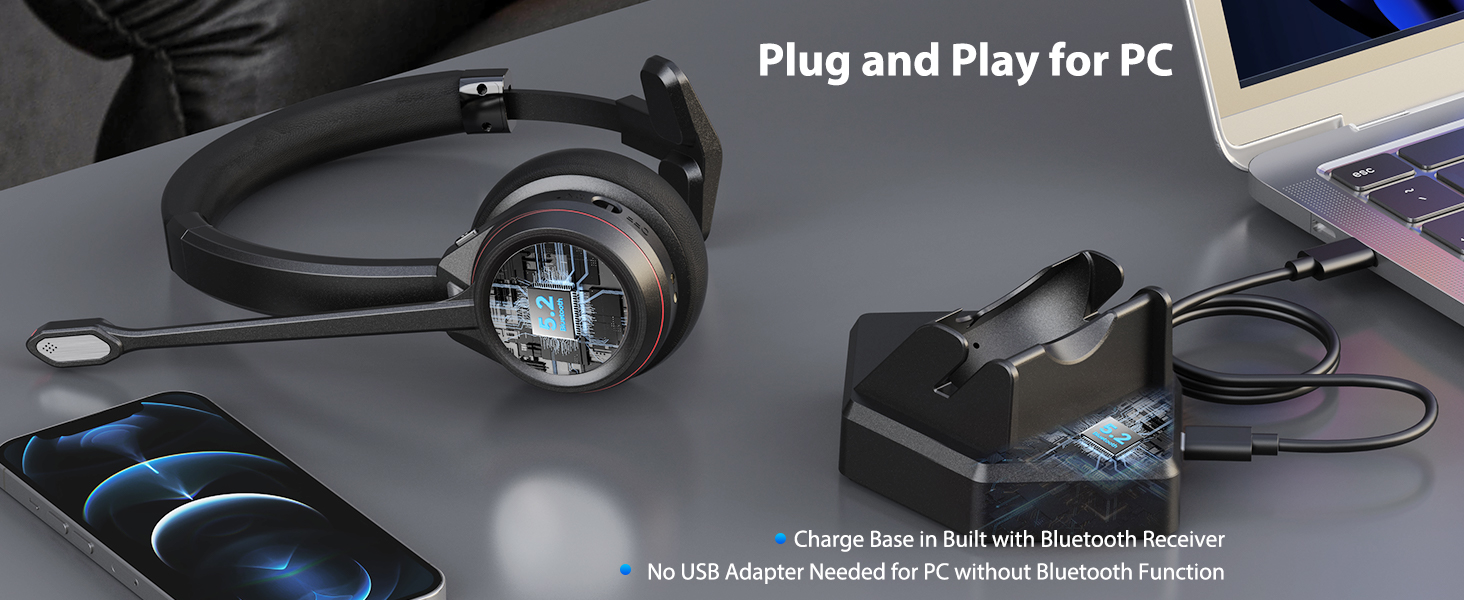
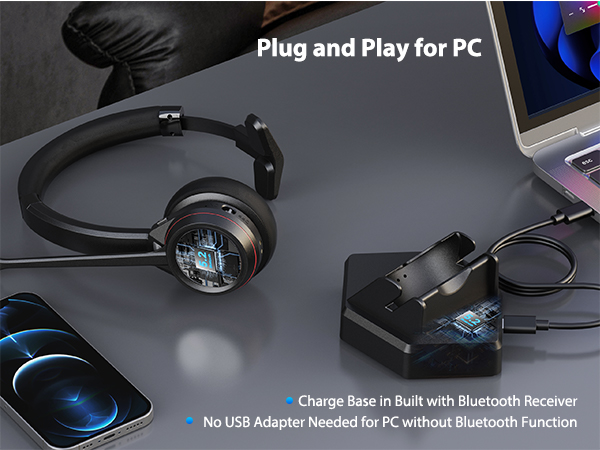
You don't need extra USB Bluetooth dongle. The charge base is in-built with Bluetooth receiver. Just connect the charge base with PC. The headset will connect with PC automatically.
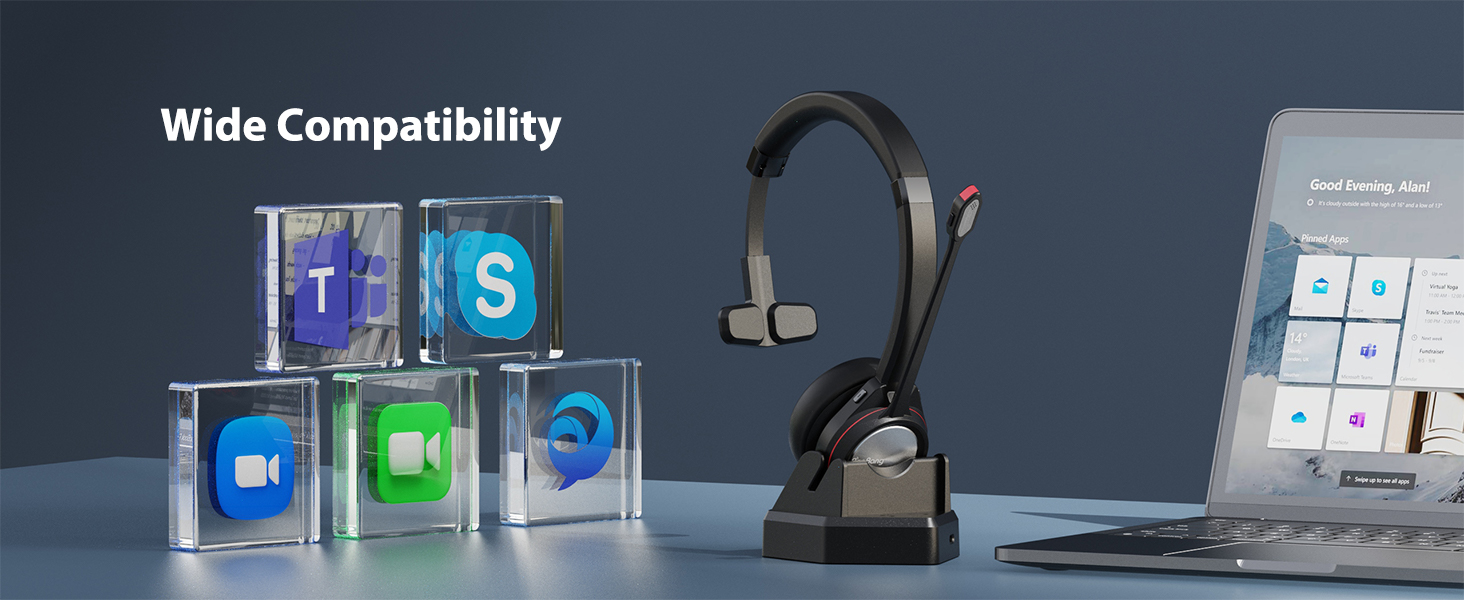
What to do if there is no sound or mic voice when connecting the bluetooth headset with some software at the PC end?
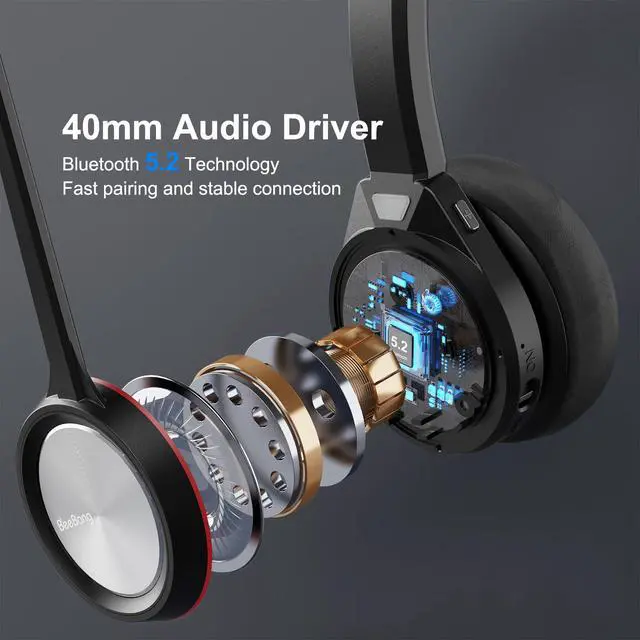
Navigate to the Audio Settings > Speaker and Microphone setting on the PC software. Select [BNG891BT] as your output device (speaker) & select [BNG891BT] as input device.
Can I use the Bluetooth headset with microphone to answer or hang up calls?
You can use the headset to answer/end calls for mobile phone. But if the headset is connected with PC, you need to answer/end calls on computer. The MFB button doesn't work with landline phone or deskphone.
Is the wireless Bluetooth headset compatible with landline phone or deskphone?
The headset is compatible with landline phones equipped with Bluetooth function like Yealink and Avaya, but not compatible with landline phone without Bluetooth function.
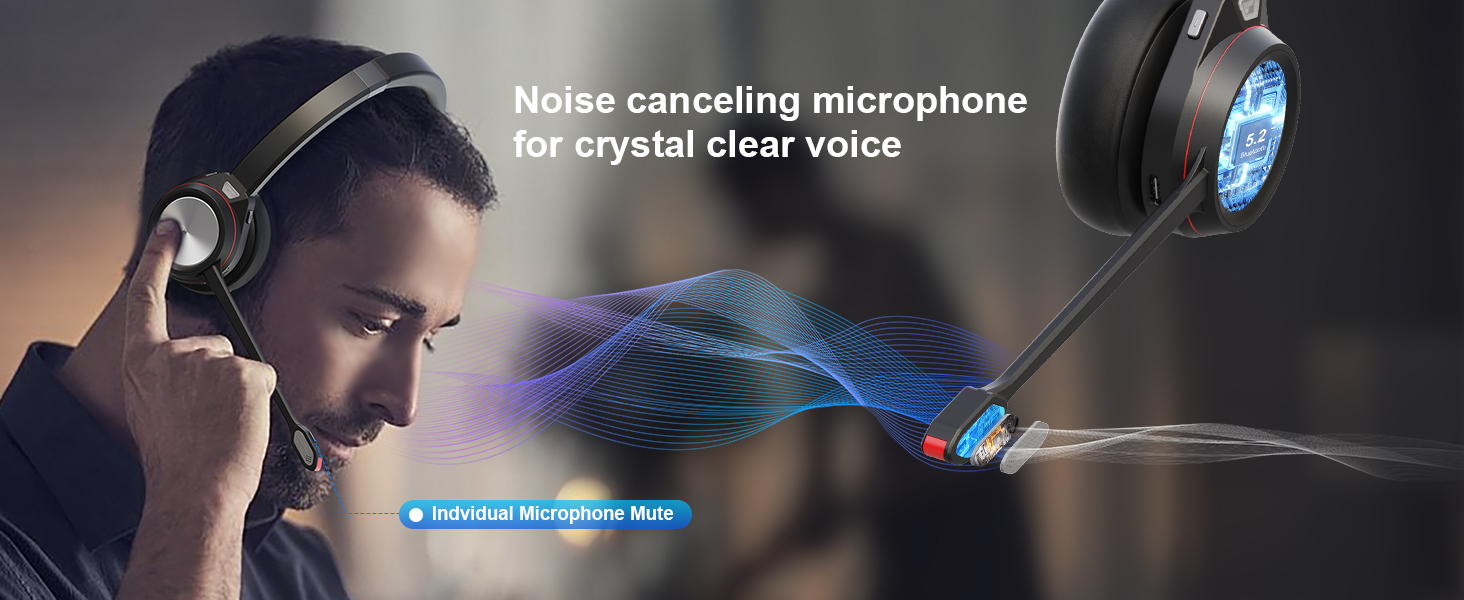
How can i know the microphone mute function is successfully activated during calls?
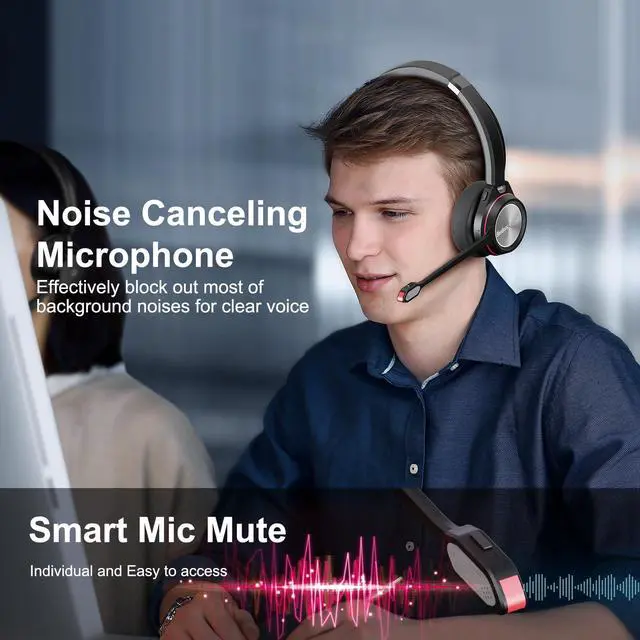
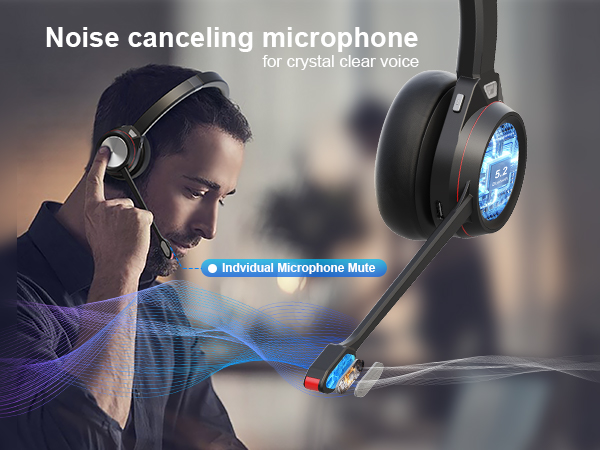
When you press the microphone mute button, there is promote tone "MUTE ON". Press the mute button again, you will hear "MUTE OFF".
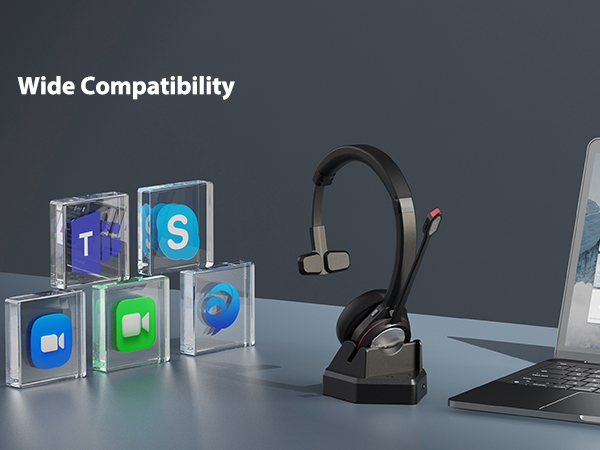
Should i need a USB adapter for connecting the wireless headset with PC without Bluetooth function?
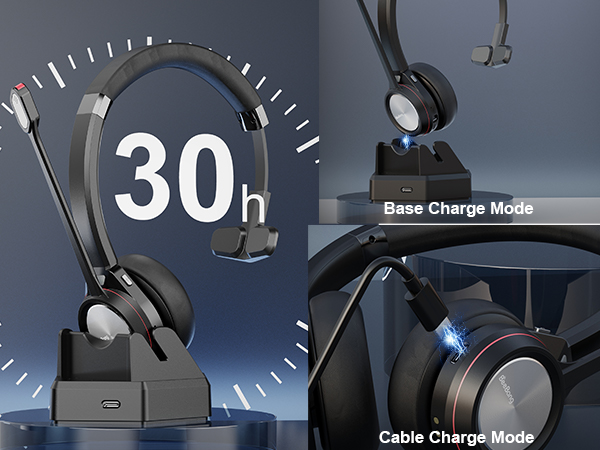
You don't need extra USB Bluetooth dongle. The charge base is in-built with Bluetooth receiver. Just connect the charge base with PC. The headset will connect with PC automatically.
What to do if there is no sound or mic voice when connecting the bluetooth headset with some software at the PC end?
Navigate to the Audio Settings > Speaker and Microphone setting on the PC software. Select [BNG891BT] as your output device (speaker) & select [BNG891BT] as input device.
Can I use the Bluetooth headset with microphone to answer or hang up calls?
You can use the headset to answer/end calls for mobile phone. But if the headset is connected with PC, you need to answer/end calls on computer. The MFB button doesn't work with landline phone or deskphone.
Is the wireless Bluetooth headset compatible with landline phone or deskphone?
The headset is compatible with landline phones equipped with Bluetooth function like Yealink and Avaya, but not compatible with landline phone without Bluetooth function.
How can i know the microphone mute function is successfully activated during calls?
When you press the microphone mute button, there is promote tone "MUTE ON". Press the mute button again, you will hear "MUTE OFF".