





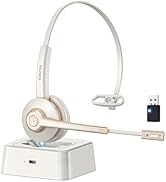
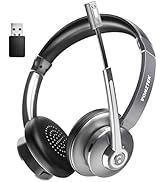
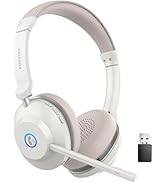
More Headsets in Vonztek Store
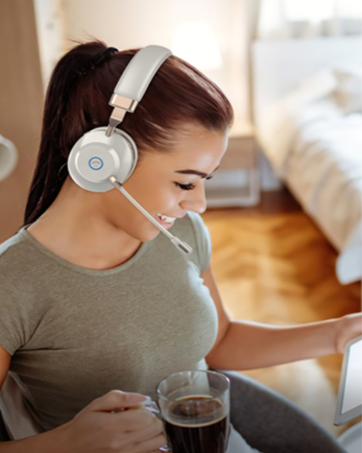
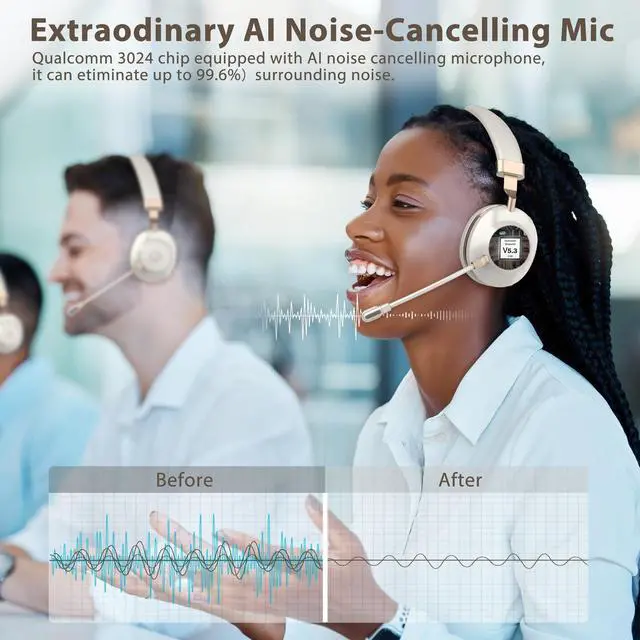
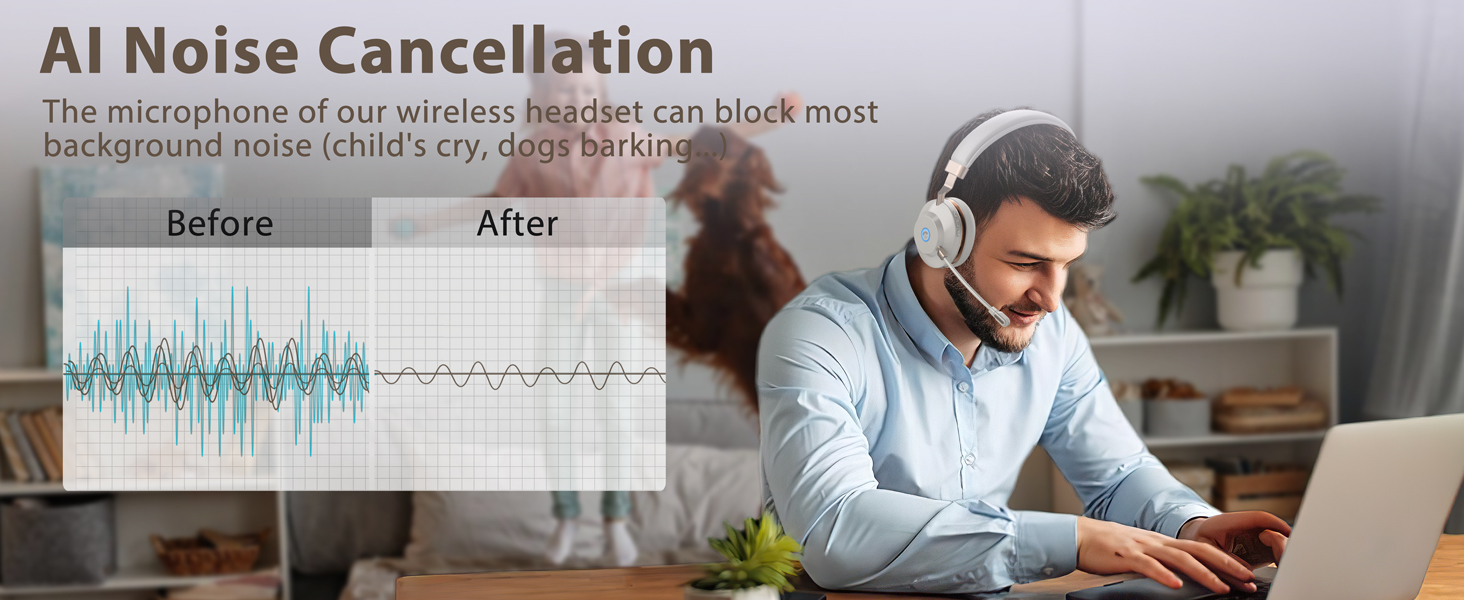
AI Noise Cancellation
Vonztek wireless headset provides excellent call clarity for crystal clear voice chat and communication
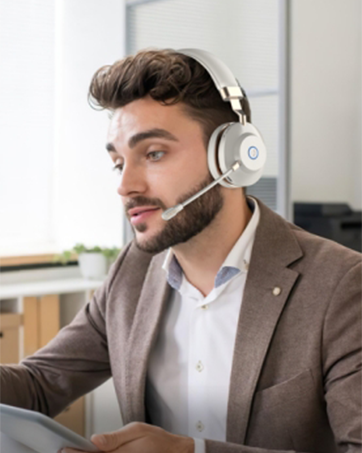
Hands-free Calls
The Bluetooth headset allows you to take calls via the MFB, which makes hands-free even easier.
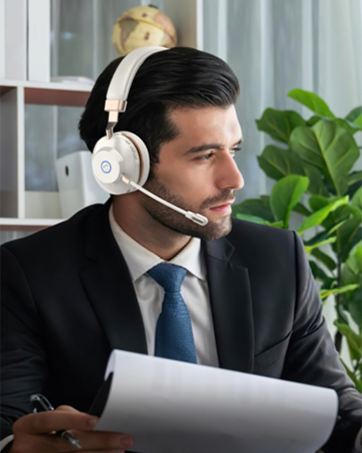
All-Day Comfort
Vonztek usb wireless headset features an adjustable headband and soft, breathable ear cushions for all-day comfort.

About us
Vonztek is devoted to researching and developing on the design and manufacture of Bluetooth headset products. We are thoughtfully designed to provide premium office wireless headphones for your work. Besides, The Vonztek team will keep on innovating and bringing out new stuff with elegant design and practical function, which to make your life and work easier.
How we get our start?
Vonztek was created by innovative entrepreneurs with the purpose of building a flexible and efficient communication system to pick up crystal clear voices. At Vonztek we explore, we innovate, and we make it happen.
Our Mission
We constantly refine and enhance our products to create a better use experience. Vonztek is always committed to provide more innovative and valuable products for you.
Why do we love what we do?
Each of our products combines Innovative technology and high-quality materials with down-to-earth practically to give you what you need.

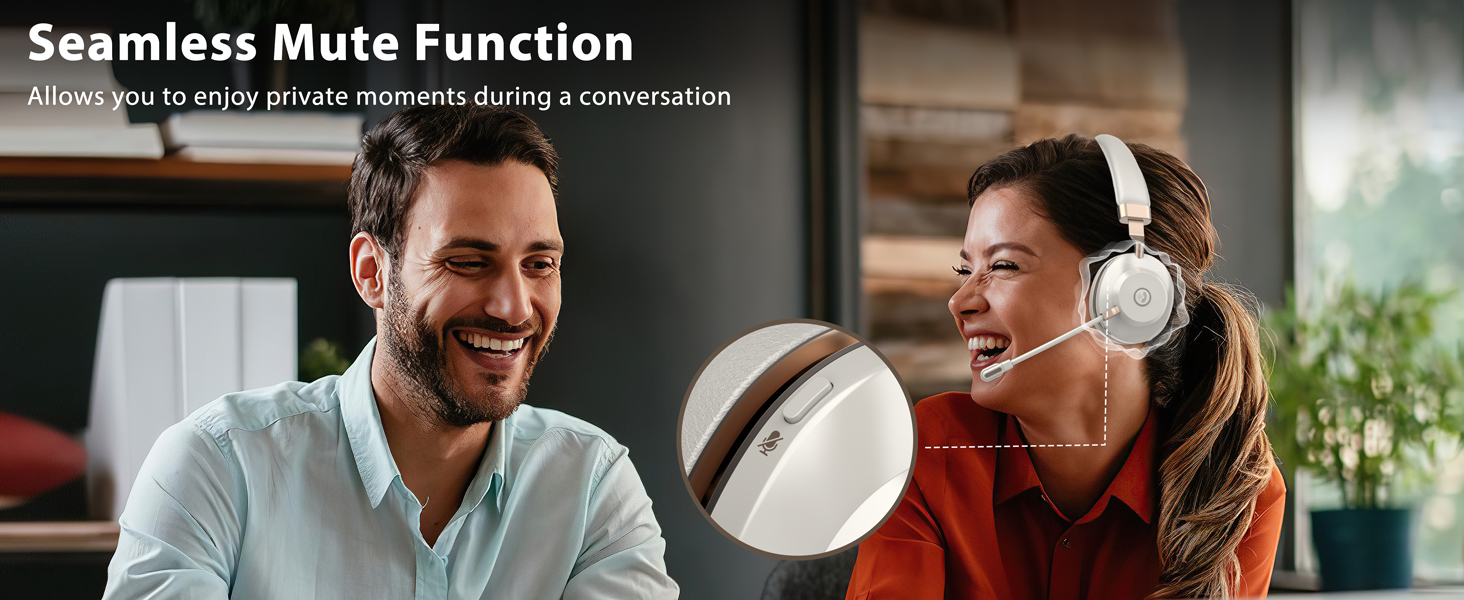
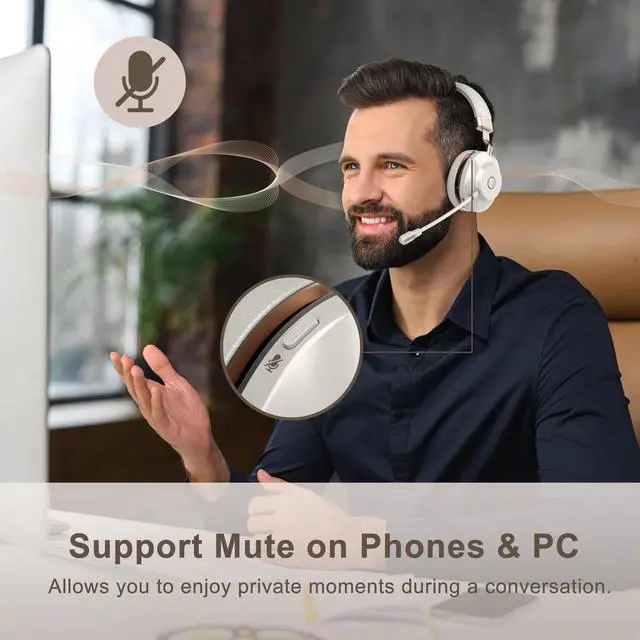
Protect Your Privacy
Easy and quick to mute during a calk, protect your privacy and avoid embarrassment
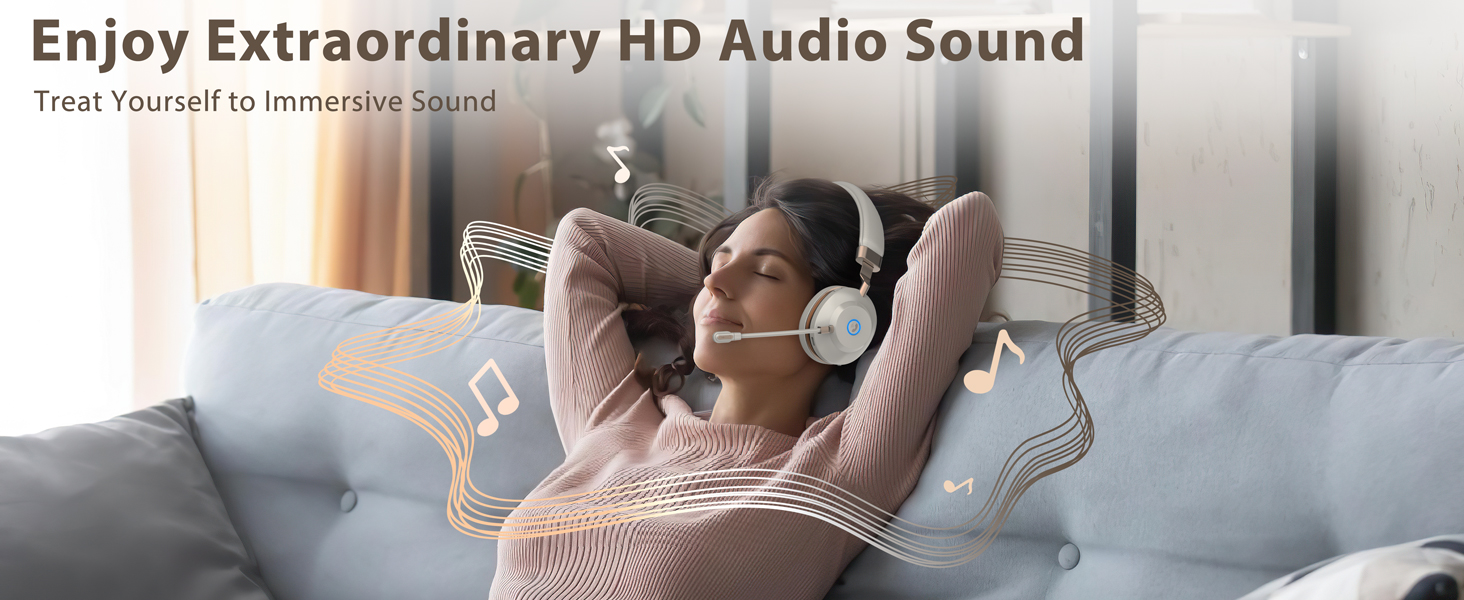
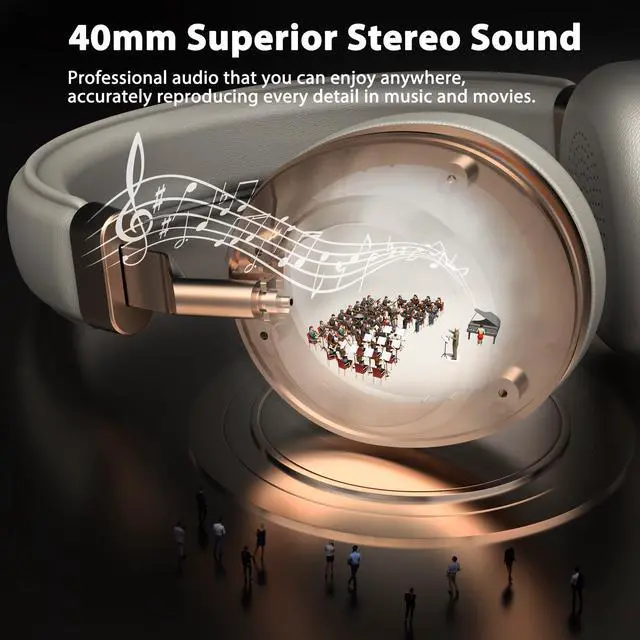
40MM Speaker
Our bluetooth headset built-in 40mm driver let you immersive and hear real and crisp sound.
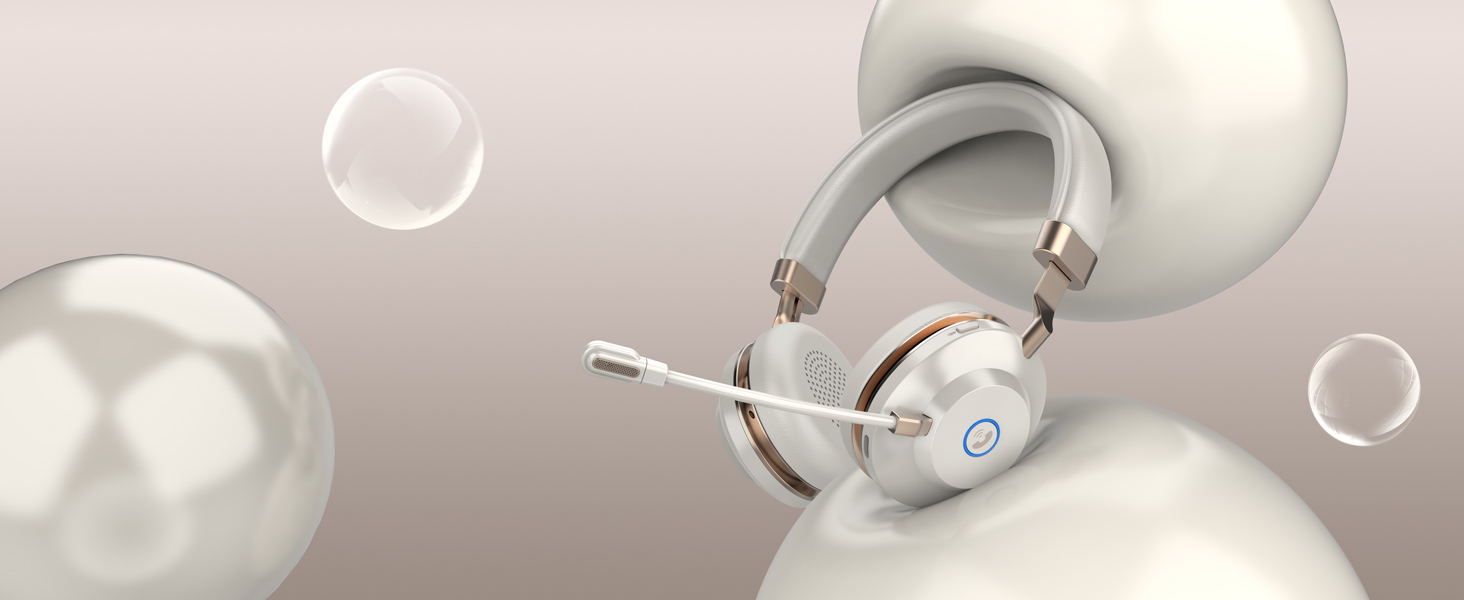
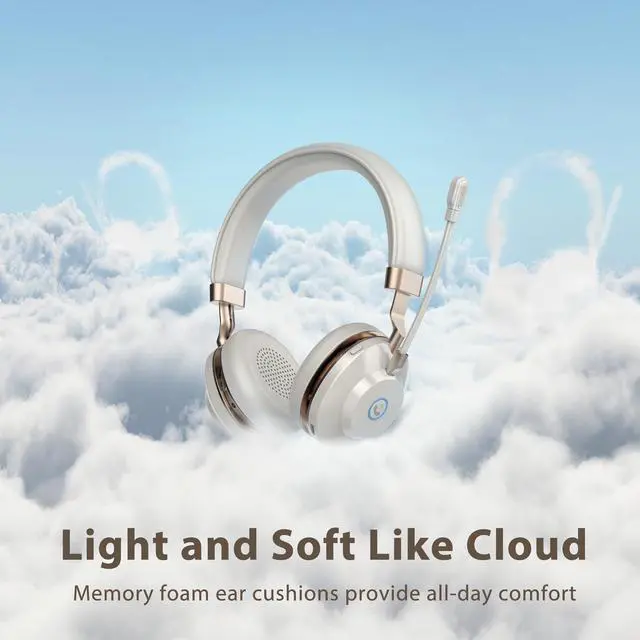
Soft Ear Cushions
Like clouds hugging your ears, providing outstanding comfort from the first call to the last.
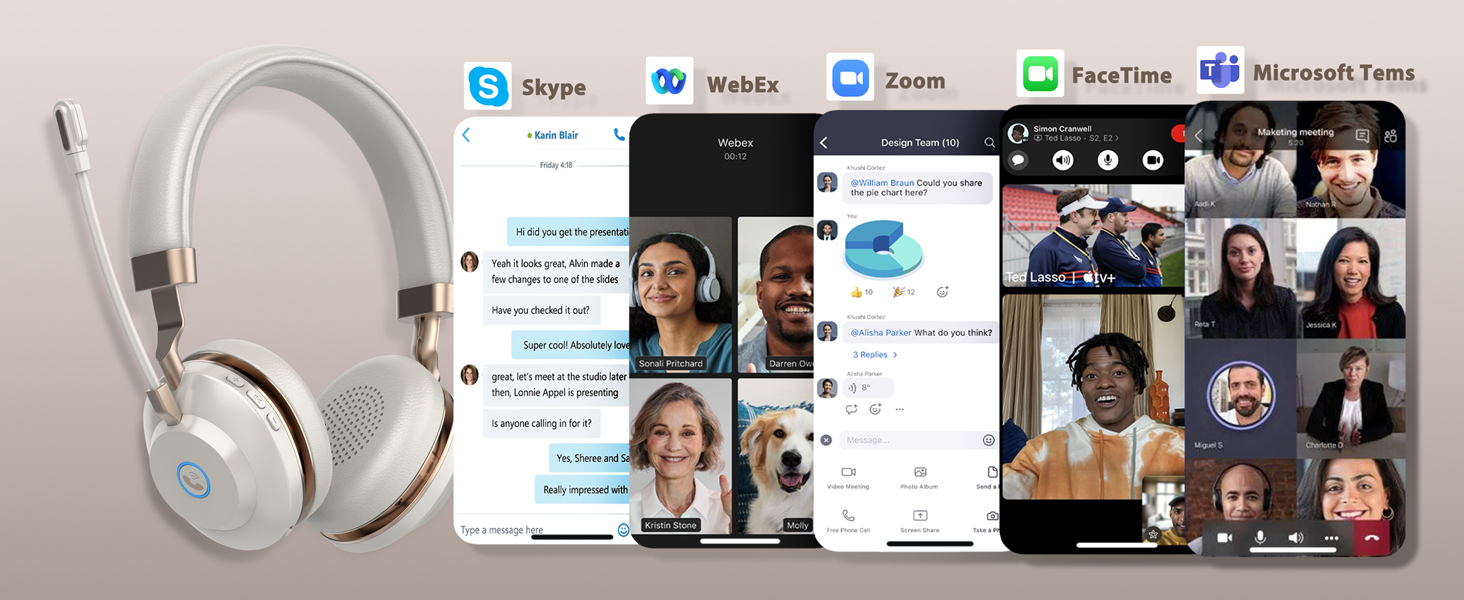
Wide Compatibility
Our headset work well with most major Unified Communications platforms, including Teams, Zoom...
YOUR BEST CHOICE FOR PROFESSIONAL & CLEAR CALL


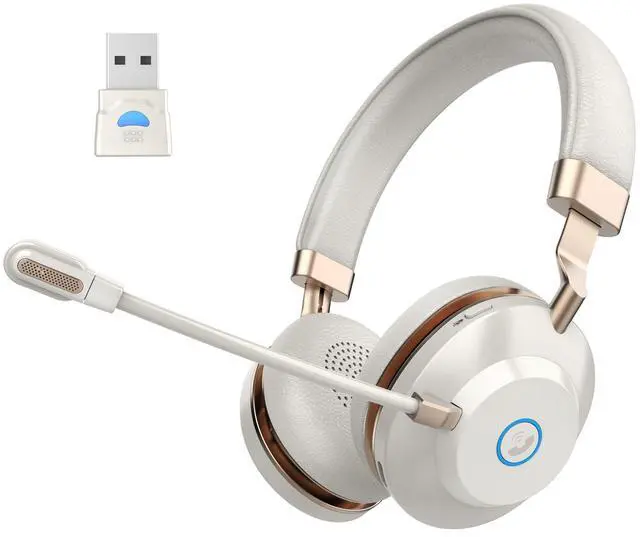
BT882MBJ Wireless Headset with Microphone
Merchant VideoHow to connect [BT882] to a computer?

When the computer is successfully paired with the headset, follow these steps to set it up: Settings 1: Computer System Settings > Sound > Output & Input (Speaker/Microphone) Device Select [BT88] Settings 2: Online Conference Software > Settings > Audio > Speaker & Microphone Device Select [BT88]
Can I answer or hang up calls using the wireless computer headset?
When connected to a smartphone, you can press the call button on the call center headset to answer or hang up calls. When connected to a laptop, you'll need to answer the call on the laptop. Bluetooth headsets are not compatible with landline phones.
Are these headsets on-ear or over-ear?:Are on-ear headphone more comfortable than over-ear headphone ?
Our wireless headset for work are on-ear headphones. They feature soft memory foam ear cushions, adjustable headband, a 270°rotatable microphone, and a flexible microphone arm to meet your comfort needs throughout the day.
Does this wireless headset pc has a mute button? Will the mute button work on the computer?
Our wireless usb headset have a mute button, which is located on the side of the call center wireless headset and is easy to press. Our mute function can be used on your computer or cell phone.
How many hours of battery life does this bluetooth headphones have before needing to be charged?
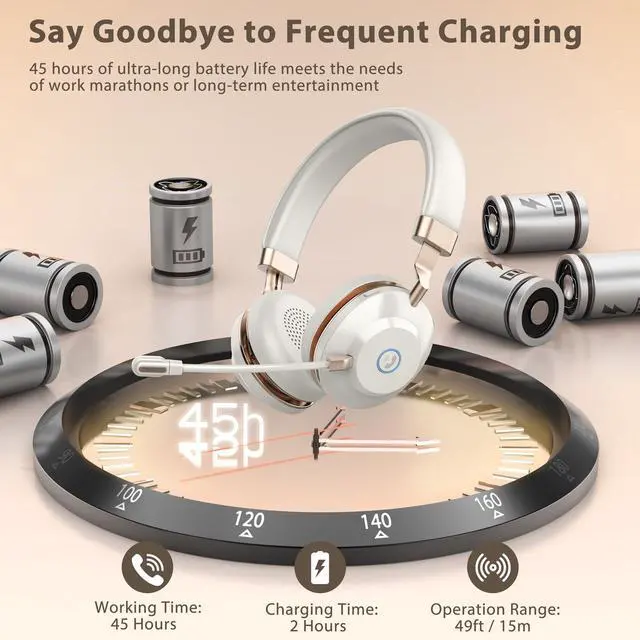
Our noise cancelling headset are individually tested and shipped from the factory. Typically, before the first charge, the battery lasts about 20-25 hours.
What should I do if there is no sound when the work headset with mic is connected to the computer?
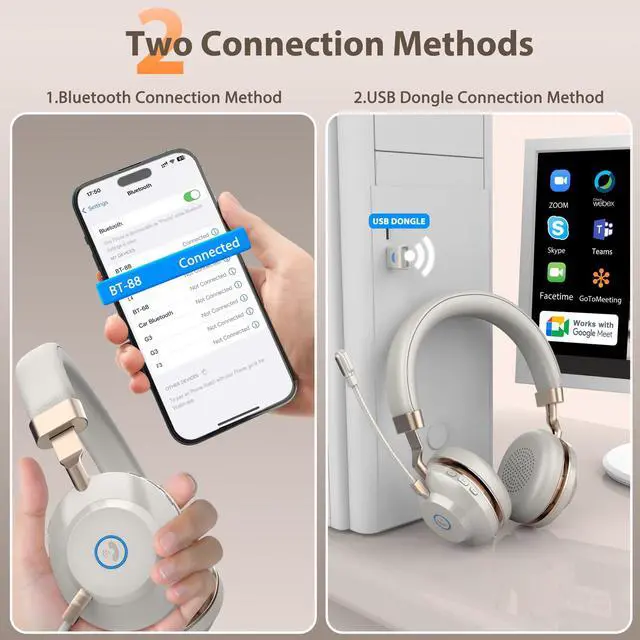
There are two ways to connect our wireless headset
Method 1: Bluetooth Connection: Mainly used for smartphones, laptops, tablets and other devices with Bluetooth connectivity
Method 2: USB Dongle:Mainly used for devices without Bluetooth connection


YOUR BEST CHOICE FOR PROFESSIONAL & CLEAR CALL
Protect Your Privacy
Easy and quick to mute during a calk, protect your privacy and avoid embarrassment
40MM Speaker
Our bluetooth headset built-in 40mm driver let you immersive and hear real and crisp sound.
Soft Ear Cushions
Like clouds hugging your ears, providing outstanding comfort from the first call to the last.
Wide Compatibility
Our headset work well with most major Unified Communications platforms, including Teams, Zoom...


Plug,Play Immerse-Unleash Your Audio Adventure

BT882MBJ Wireless Headset with Microphone
Merchant VideoHow to connect [BT882] to a computer?

When the computer is successfully paired with the headset, follow these steps to set it up: Settings 1: Computer System Settings > Sound > Output & Input (Speaker/Microphone) Device Select [BT88] Settings 2: Online Conference Software > Settings > Audio > Speaker & Microphone Device Select [BT88]
Can I answer or hang up calls using the wireless computer headset?
When connected to a smartphone, you can press the call button on the call center headset to answer or hang up calls. When connected to a laptop, you'll need to answer the call on the laptop. Bluetooth headsets are not compatible with landline phones.
Are these headsets on-ear or over-ear?:Are on-ear headphone more comfortable than over-ear headphone ?
Our wireless headset for work are on-ear headphones. They feature soft memory foam ear cushions, adjustable headband, a 270°rotatable microphone, and a flexible microphone arm to meet your comfort needs throughout the day.
Does this wireless headset pc has a mute button? Will the mute button work on the computer?
Our wireless usb headset have a mute button, which is located on the side of the call center wireless headset and is easy to press. Our mute function can be used on your computer or cell phone.
How many hours of battery life does this bluetooth headphones have before needing to be charged?
Our noise cancelling headset are individually tested and shipped from the factory. Typically, before the first charge, the battery lasts about 20-25 hours.
What should I do if there is no sound when the work headset with mic is connected to the computer?
There are two ways to connect our wireless headset
Method 1: Bluetooth Connection: Mainly used for smartphones, laptops, tablets and other devices with Bluetooth connectivity
Method 2: USB Dongle:Mainly used for devices without Bluetooth connection
More Headsets in Vonztek Store
AI Noise Cancellation
Vonztek wireless headset provides excellent call clarity for crystal clear voice chat and communication
Hands-free Calls
The Bluetooth headset allows you to take calls via the MFB, which makes hands-free even easier.
All-Day Comfort
Vonztek usb wireless headset features an adjustable headband and soft, breathable ear cushions for all-day comfort.
About us
Vonztek is devoted to researching and developing on the design and manufacture of Bluetooth headset products. We are thoughtfully designed to provide premium office wireless headphones for your work. Besides, The Vonztek team will keep on innovating and bringing out new stuff with elegant design and practical function, which to make your life and work easier.
How we get our start?
Vonztek was created by innovative entrepreneurs with the purpose of building a flexible and efficient communication system to pick up crystal clear voices. At Vonztek we explore, we innovate, and we make it happen.
Our Mission
We constantly refine and enhance our products to create a better use experience. Vonztek is always committed to provide more innovative and valuable products for you.
Why do we love what we do?
Each of our products combines Innovative technology and high-quality materials with down-to-earth practically to give you what you need.