here!
here!
I’m your shopping assistant for PC builds, upgrades, and everything tech.
Got questions? Ask away!
Start a conversation
here!
I’m your shopping assistant for PC builds, upgrades, and everything tech.
Got questions? Ask away!
Start a conversation
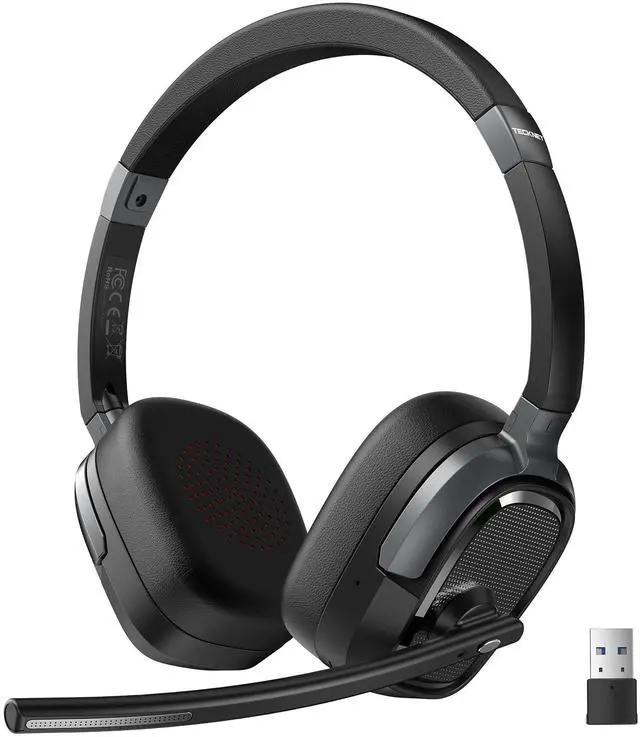

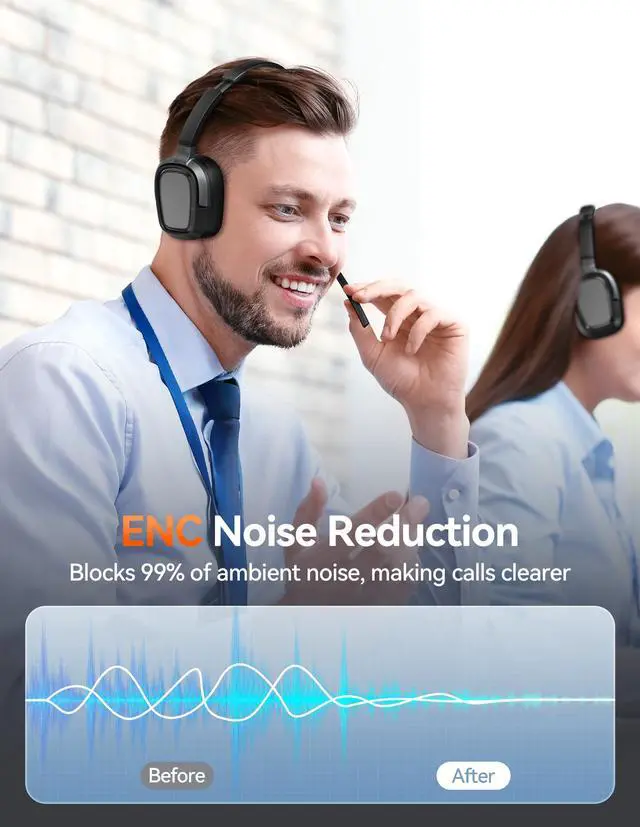
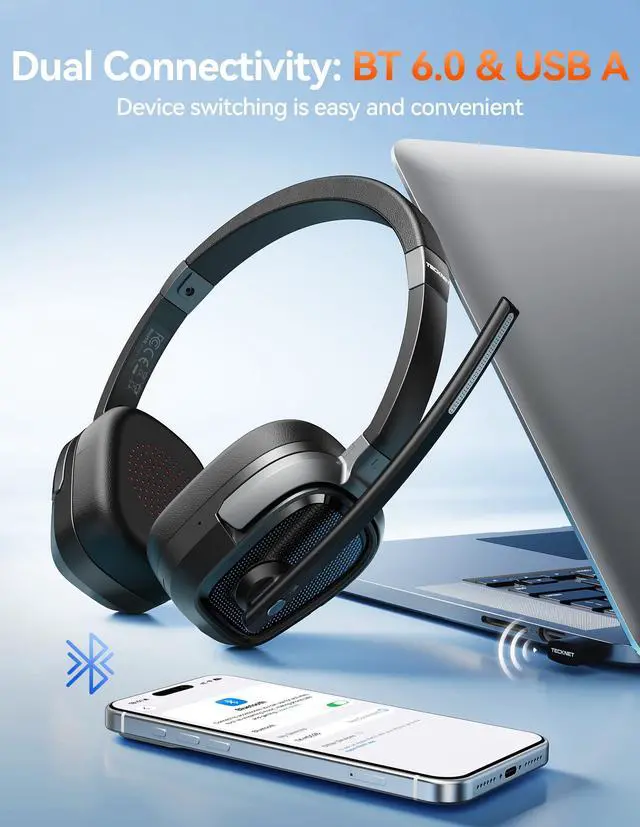
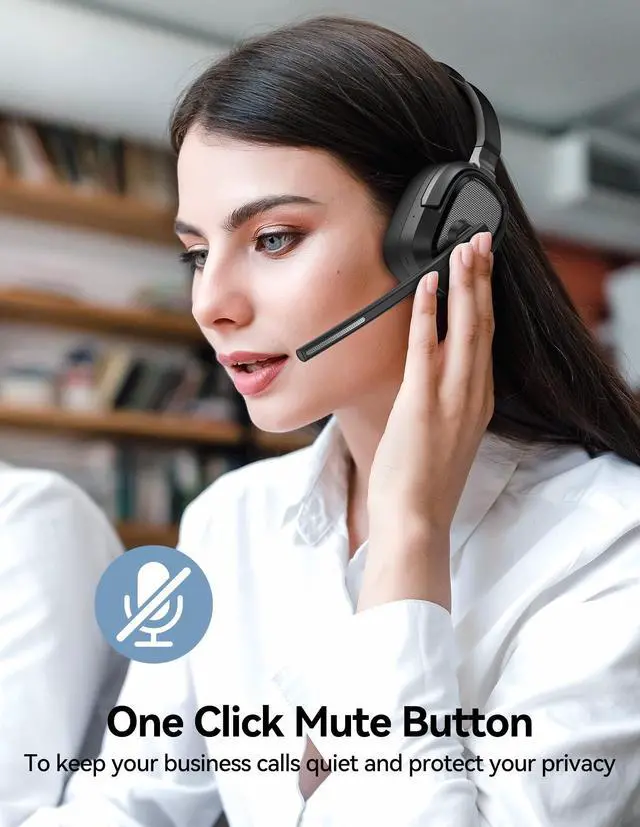
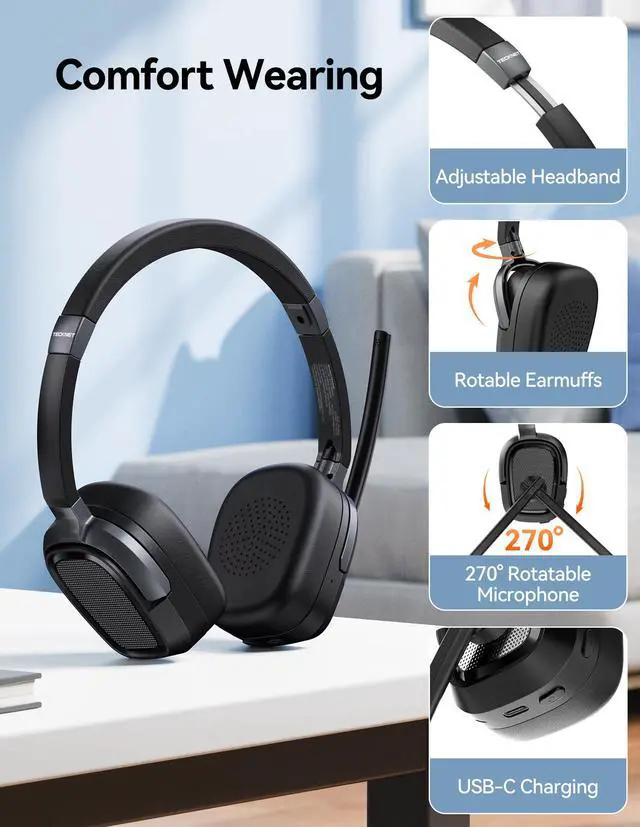
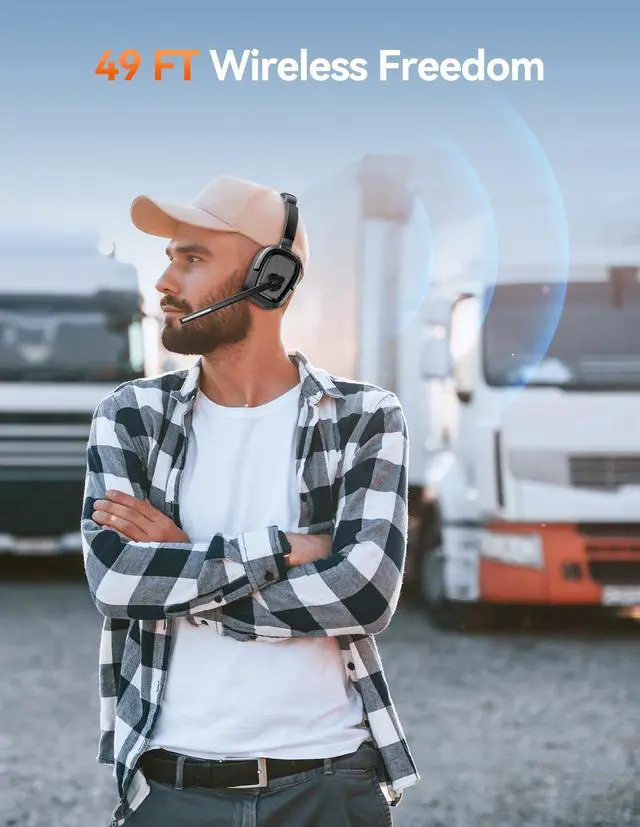



Any questions? Ask CelesteSM will help you find out quickly.
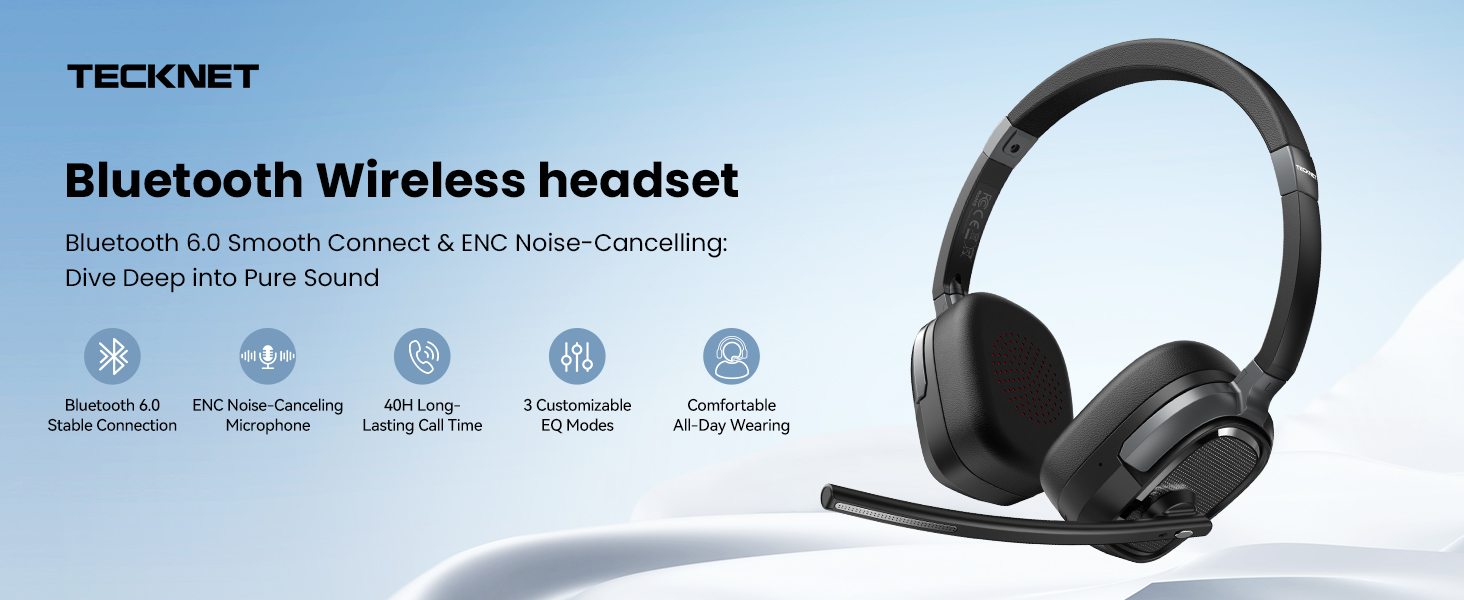
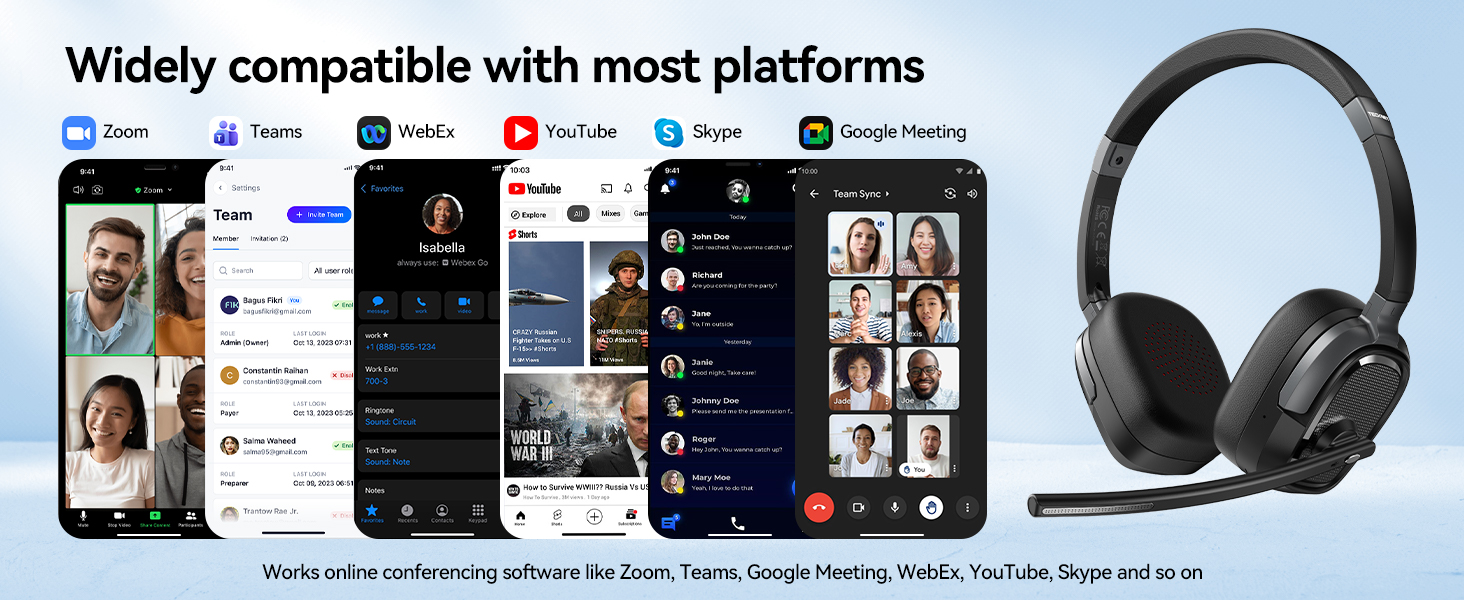
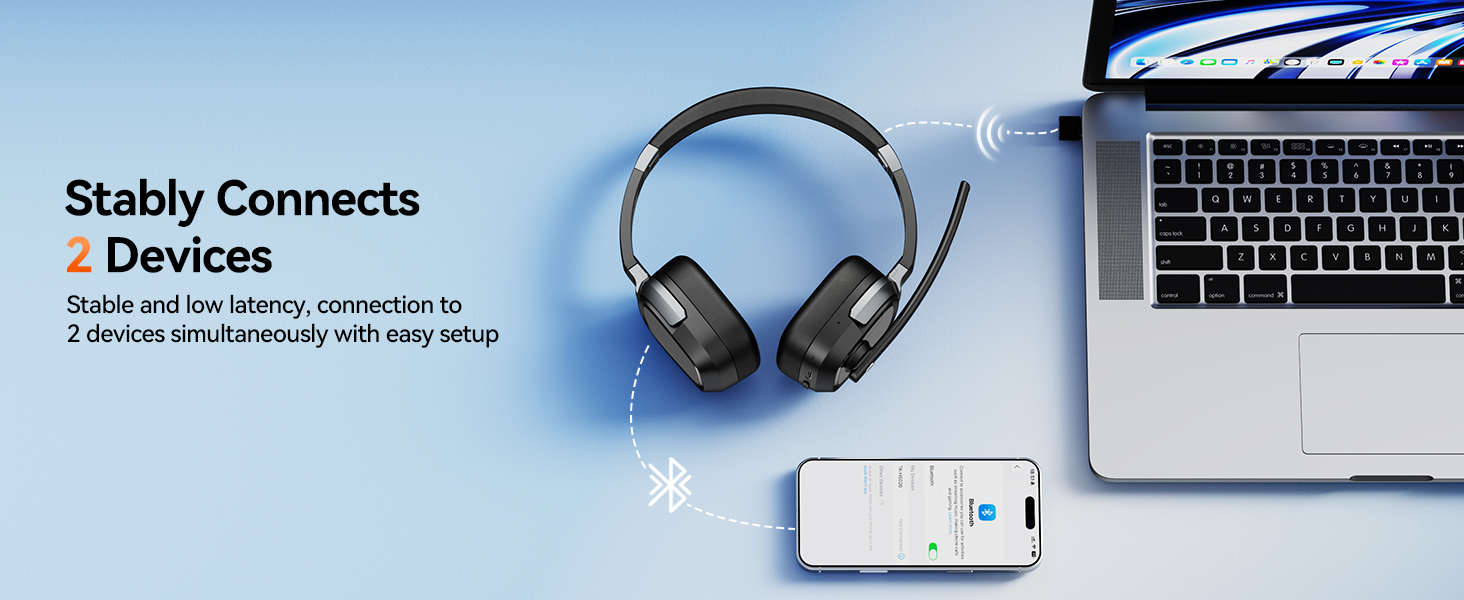
Can this headset connect to two devices at the same time?
A: Yes, this headset supports dual-device pairing (one active audio stream).
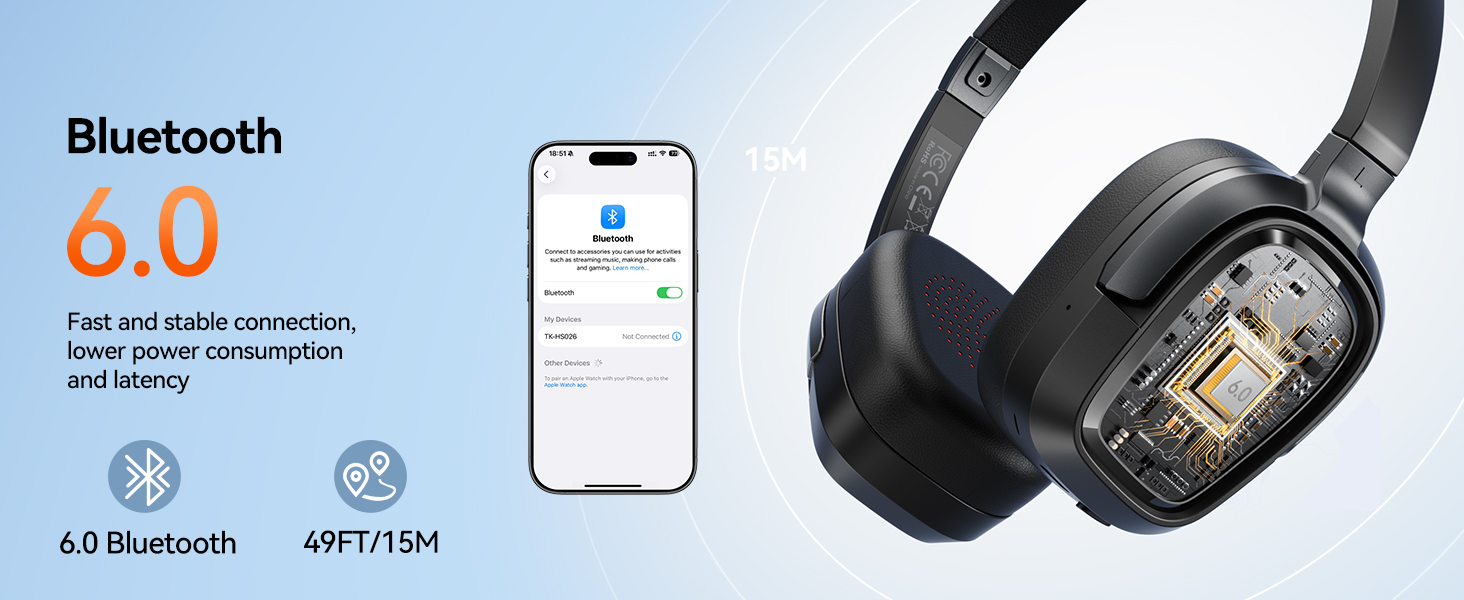
1.Pair with Device A, then turn off its Bluetooth. The headset enters pairing mode.
2. Pair “TK-HS026” with Device B.
3. Turn Bluetooth back on for Device A and reconnect.
Can l use the headset to answer or hang up calls?
Yes.
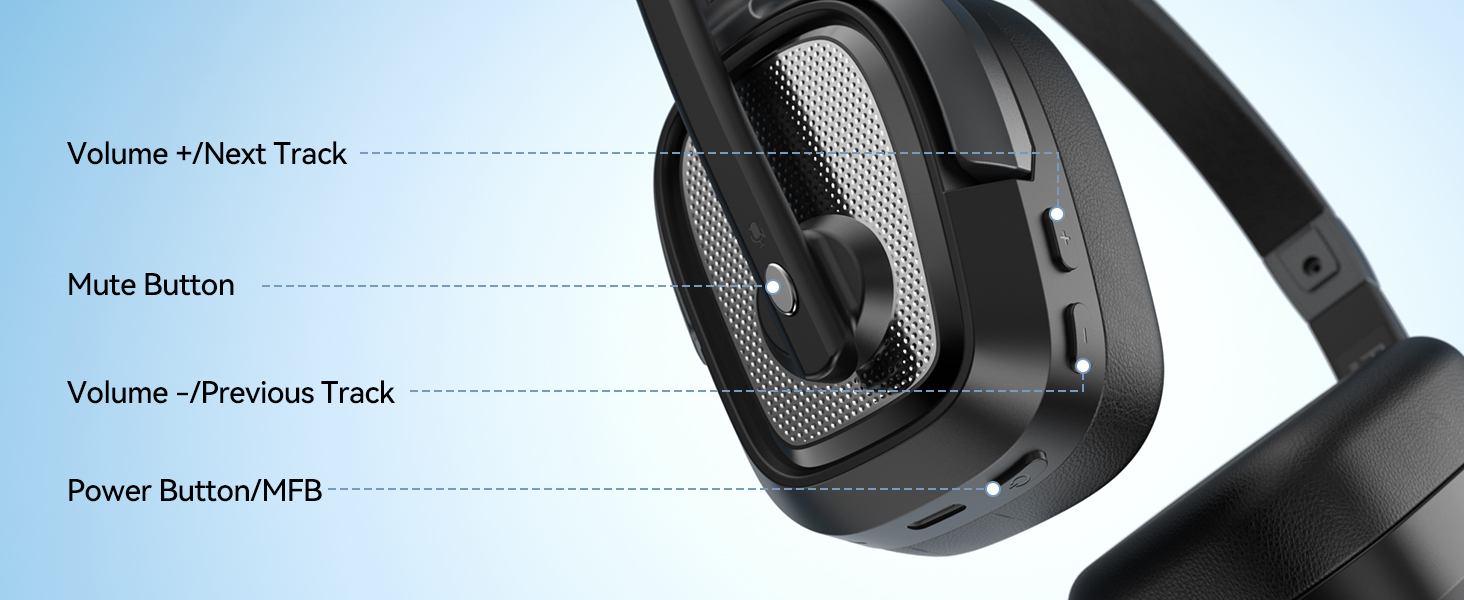
Mobile phone: Press the headset MFB to answer or hang up calls.
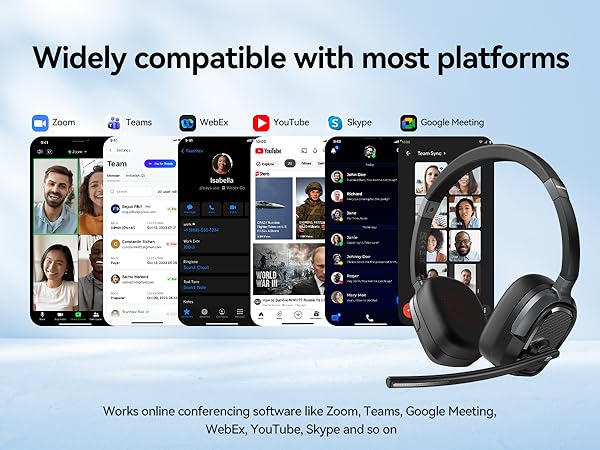
Computer: Answer/hang up via the calling software (Zoom, Teams, Skype), as computers don’t support headset call-control buttons.
How do I reconnect the headset? What should I do if the connection drops?
Once paired, the headset will try to reconnect automatically each time it’s powered on. If it doesn’t reconnect within 5 minutes, it will turn off automatically. If reconnection fails, please follow the Pairing Procedure to connect manually.
What should l do if the device connection fails?
First,in on status, long-press Volume"+/-" for 5 seconds to clearthe pair record. The light is solid purple for 1 second, which means the pai record has been deleted.
Then, Enable Bluetooth on your phone, select "TK-HS026," and pair.
Why there is no sound?
Please check that [TK-HS026] has been selected as both the output and input device. Then close Settings.
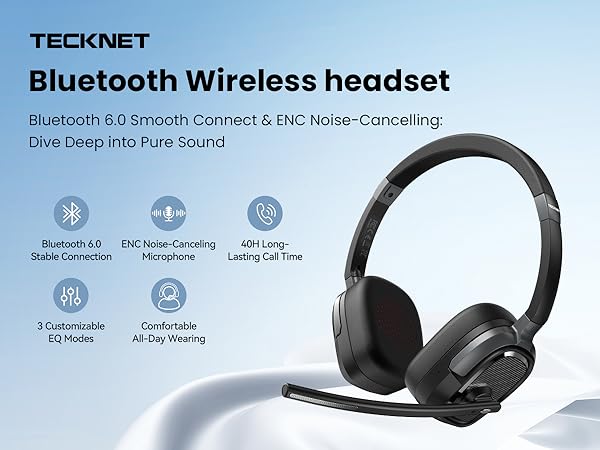
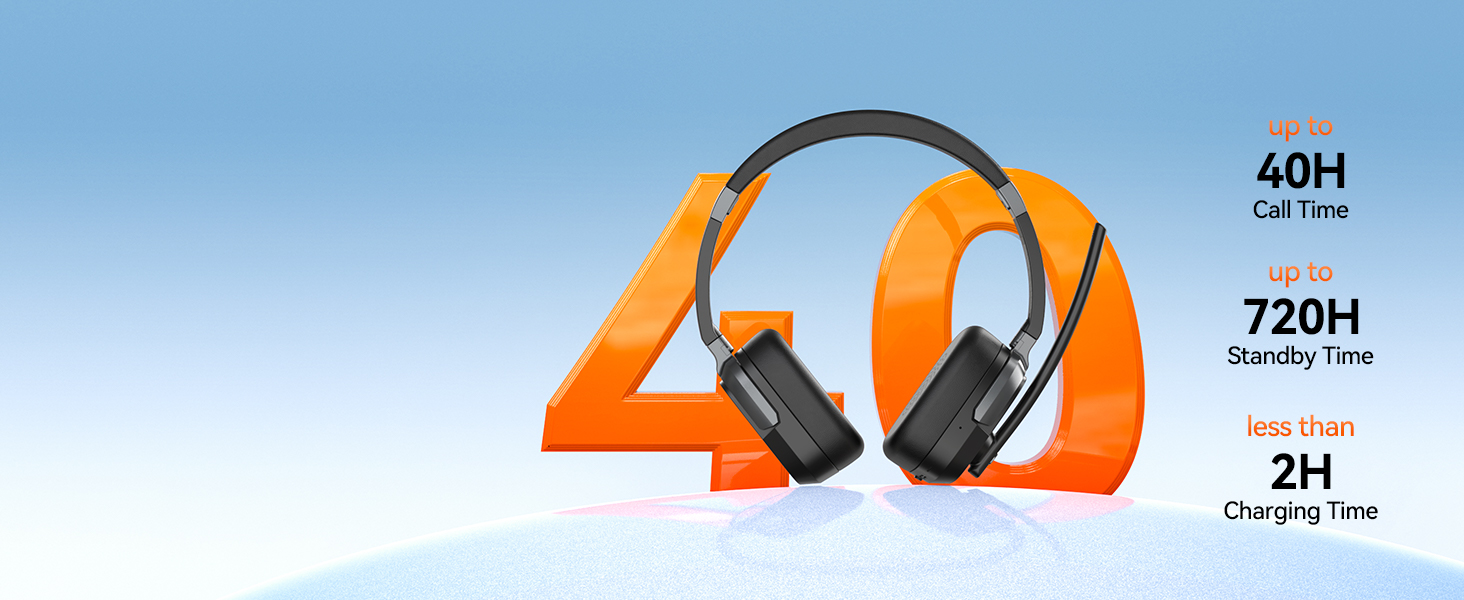
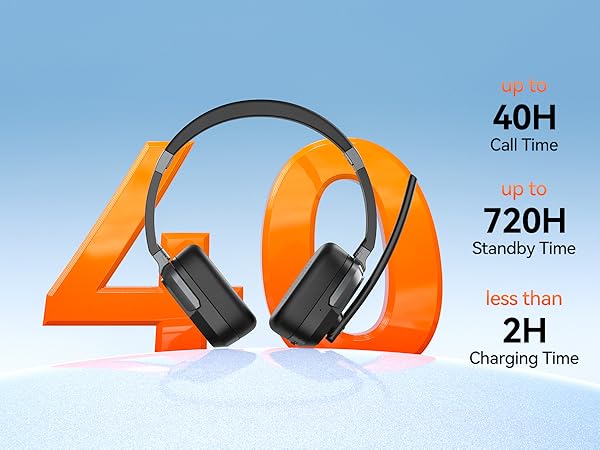
Up to 40 hrs talk & 50 hrs playback keep you powered all day. USB-C fast charge in 2h.
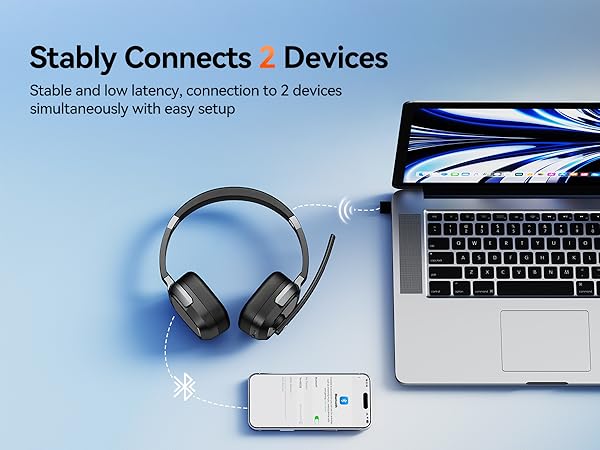


Can this headset connect to two devices at the same time?
A: Yes, this headset supports dual-device pairing (one active audio stream).
1.Pair with Device A, then turn off its Bluetooth. The headset enters pairing mode.
2. Pair “TK-HS026” with Device B.
3. Turn Bluetooth back on for Device A and reconnect.
Can l use the headset to answer or hang up calls?
Yes.
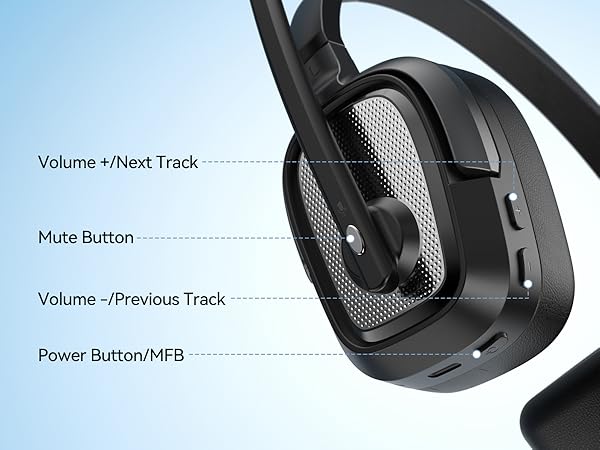
Mobile phone: Press the headset MFB to answer or hang up calls.
Computer: Answer/hang up via the calling software (Zoom, Teams, Skype), as computers don’t support headset call-control buttons.
How do I reconnect the headset? What should I do if the connection drops?
Once paired, the headset will try to reconnect automatically each time it’s powered on. If it doesn’t reconnect within 5 minutes, it will turn off automatically. If reconnection fails, please follow the Pairing Procedure to connect manually.
What should l do if the device connection fails?
First,in on status, long-press Volume"+/-" for 5 seconds to clearthe pair record. The light is solid purple for 1 second, which means the pai record has been deleted.
Then, Enable Bluetooth on your phone, select "TK-HS026," and pair.
Why there is no sound?
Please check that [TK-HS026] has been selected as both the output and input device. Then close Settings.