





Callez USB Headset
Professional Headset for Greater Productivity

About us:
Callez is a professional communication headset provider. With our strict quality inspection team and service team, we provide our customers with high-quality call center headsets including Bluetooth Headsets for Telemarketing, Conference Call, Business, Home and Office.
Callez is always committed to designing or renewing more effective products that make your work easier and more efficient.

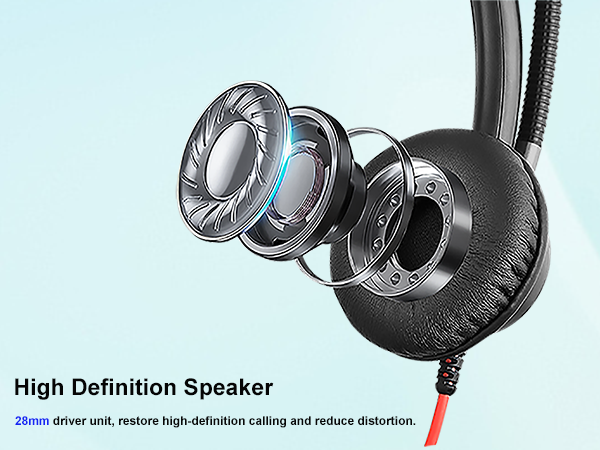
Crystal Clear Audio
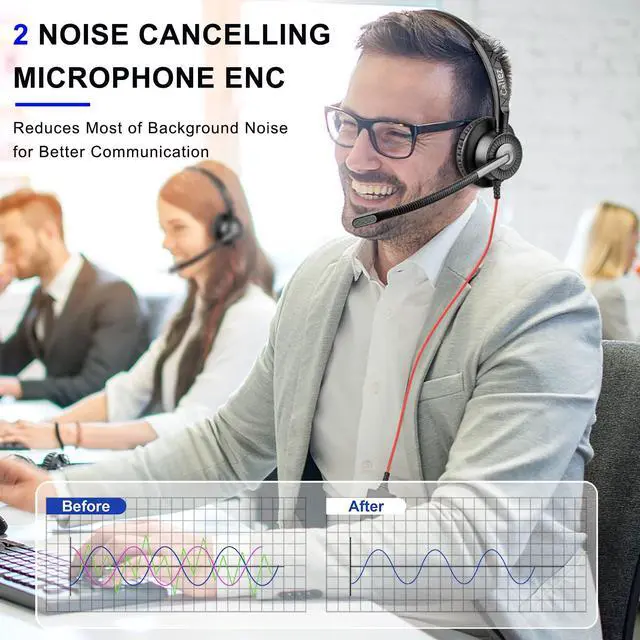
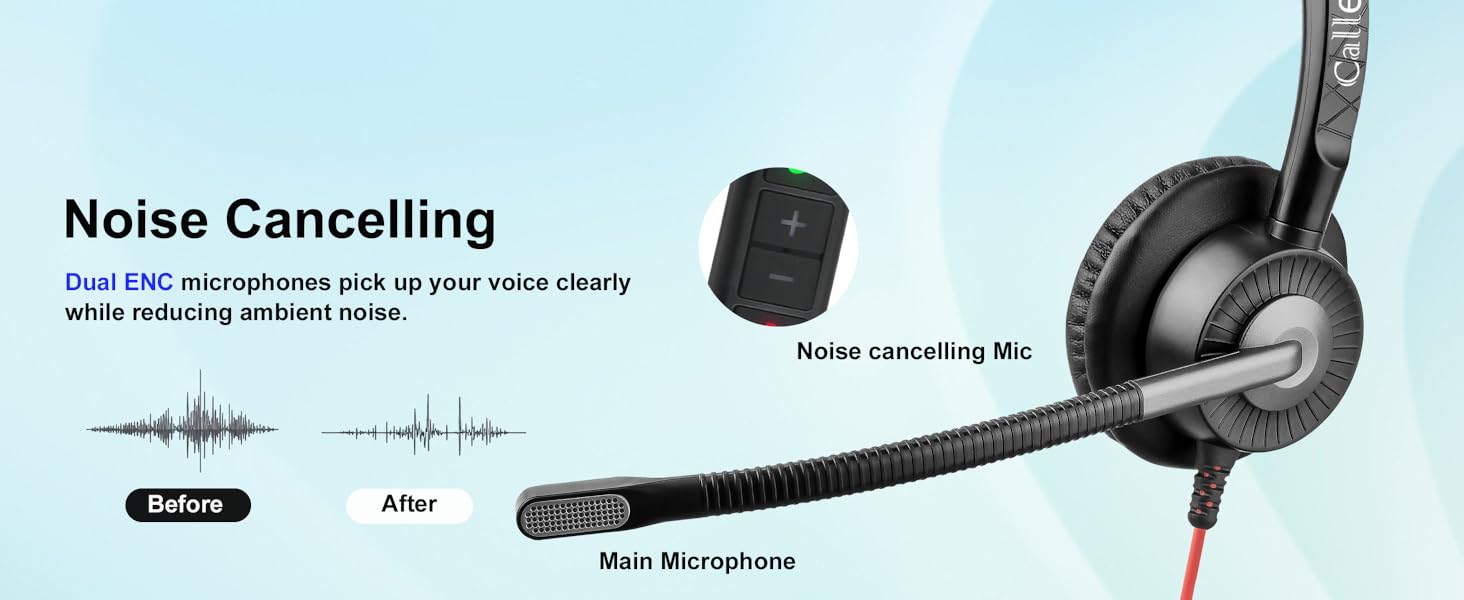
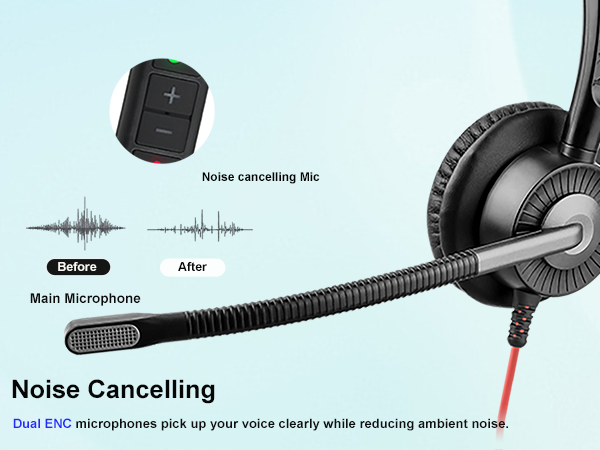
ENC technology can preserve the target voice while eliminating background noise for improved call quality.
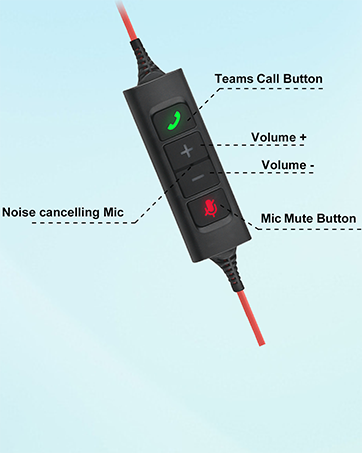
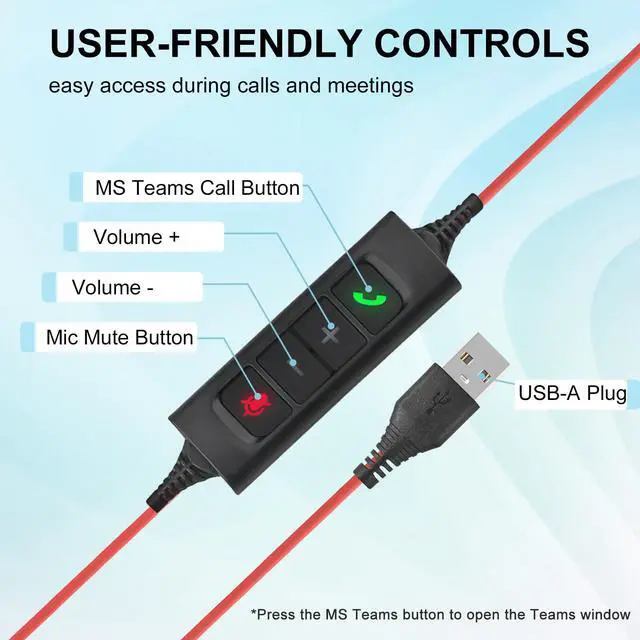
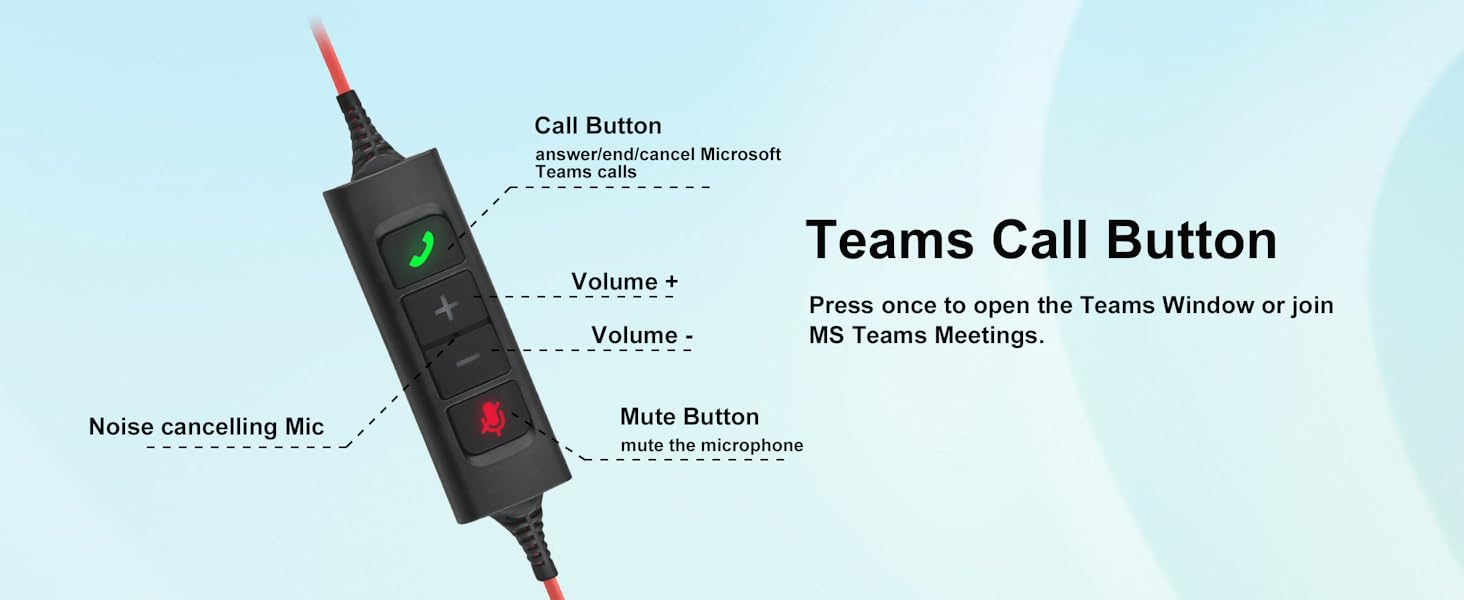
Teams Call Button
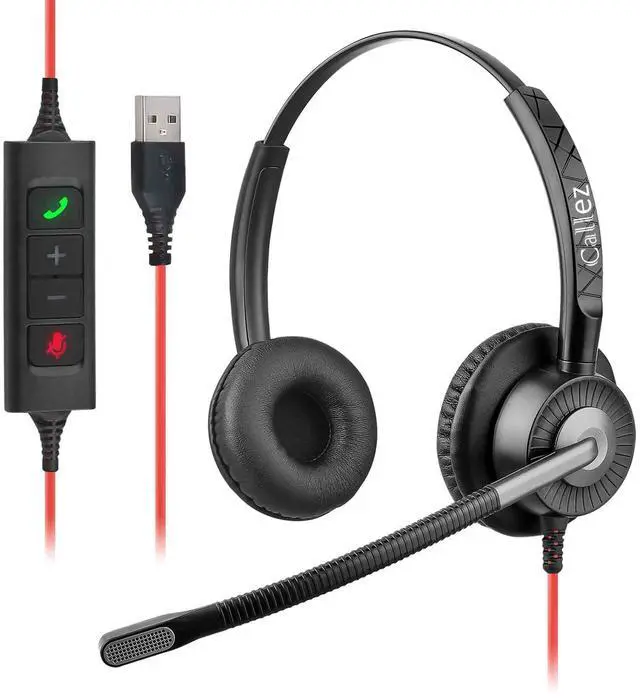
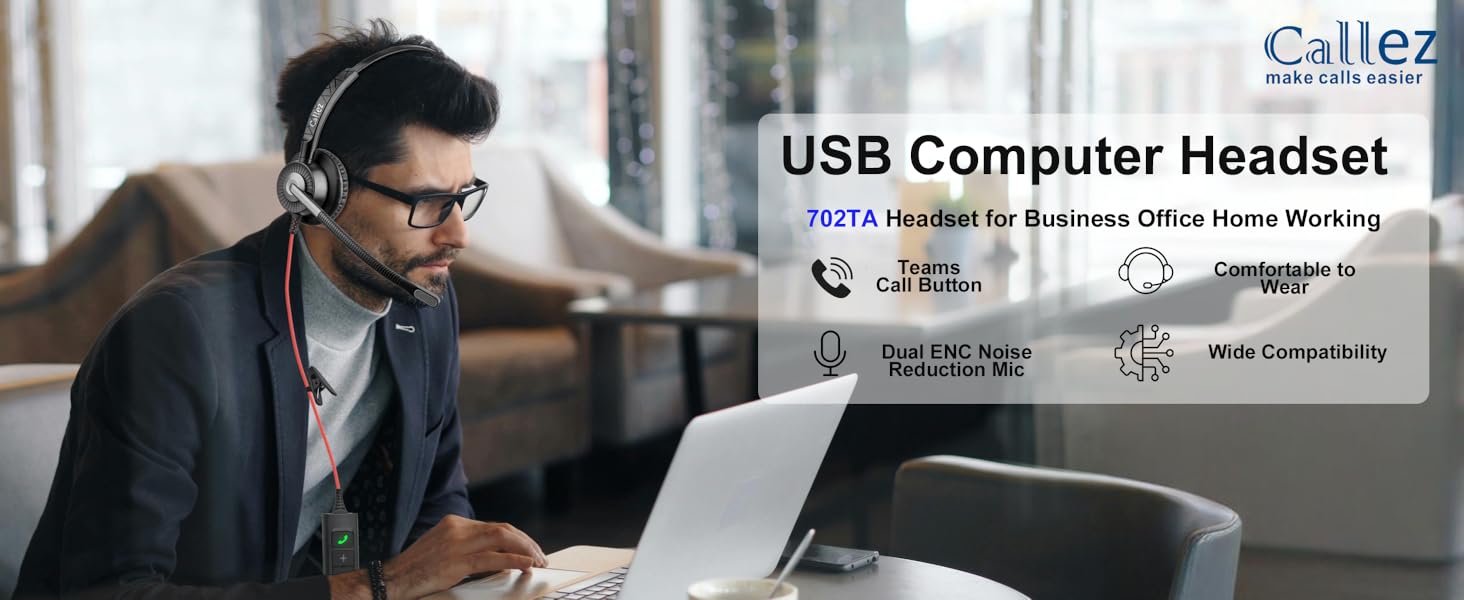
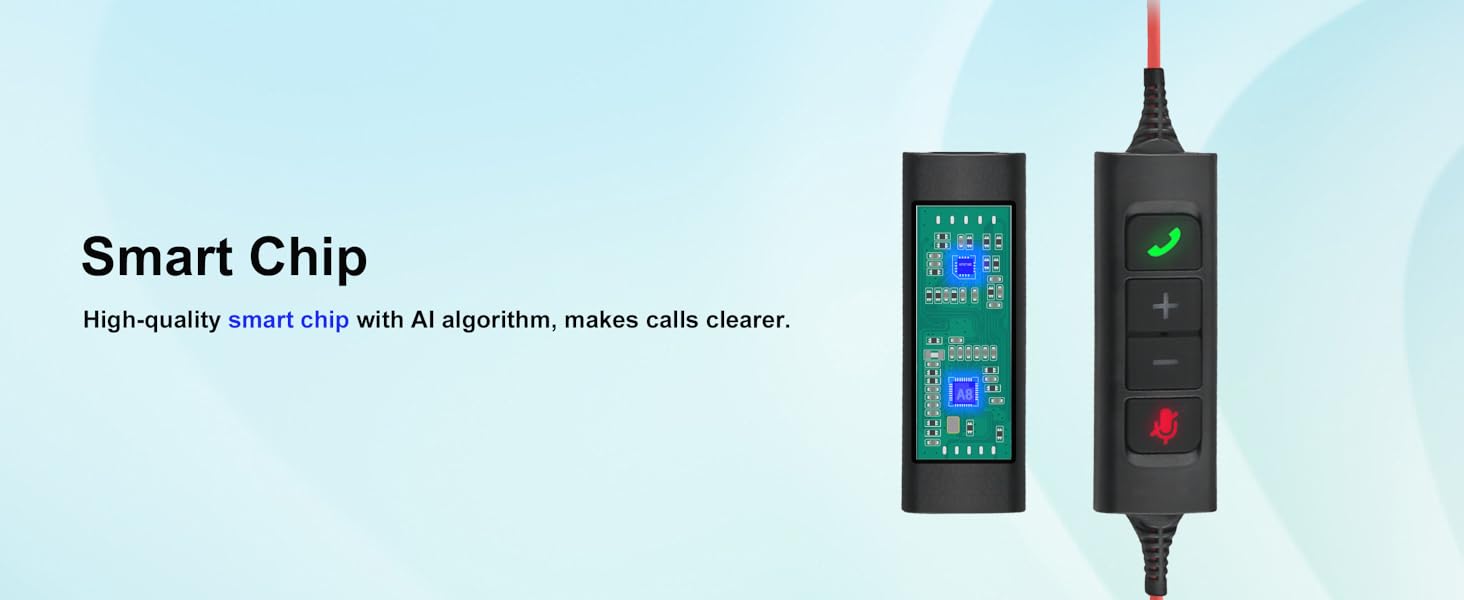
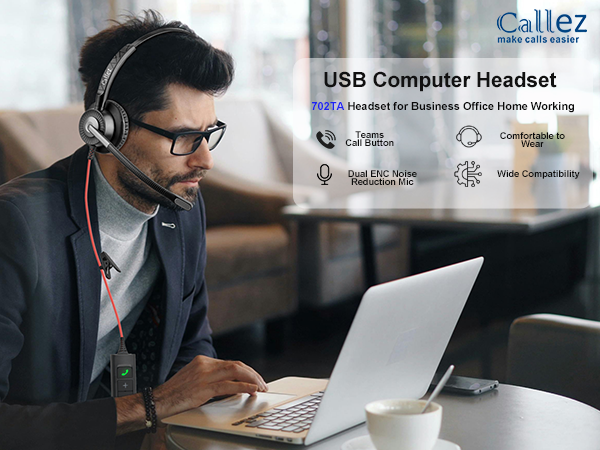
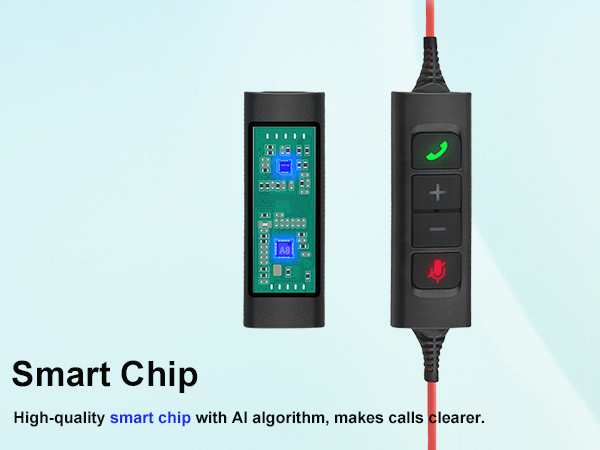
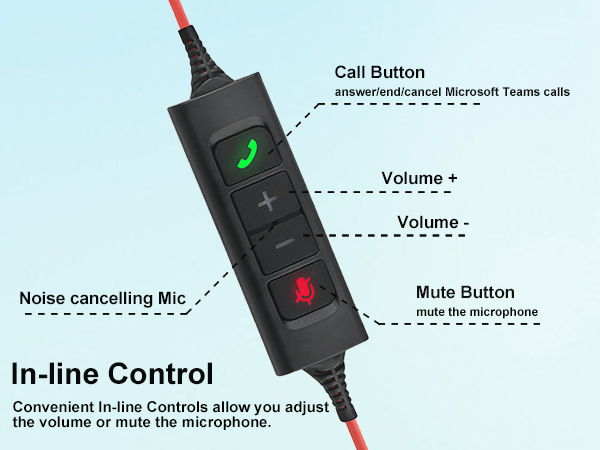
Easily adjust the volume level through the “volume +/-”, and answer/end/cancel Microsoft Teams calls with a simple Teams call button.
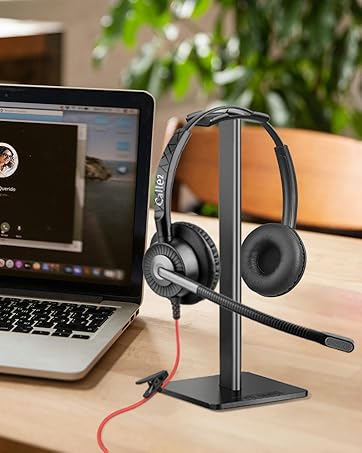
Wide Compatibility
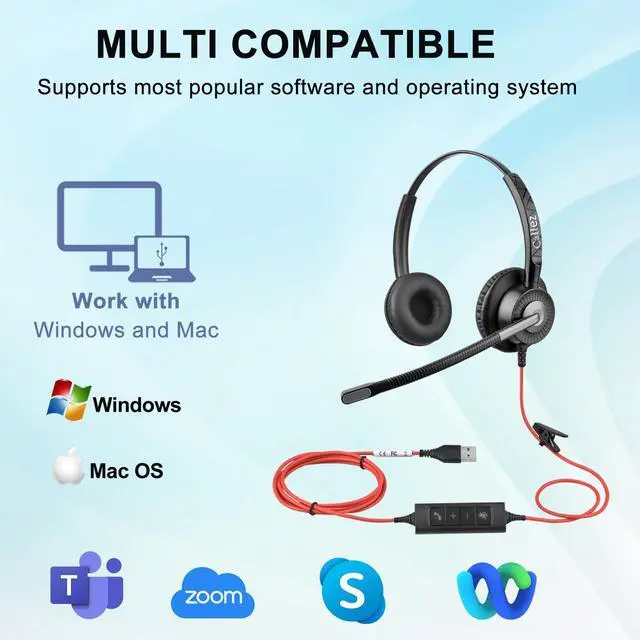
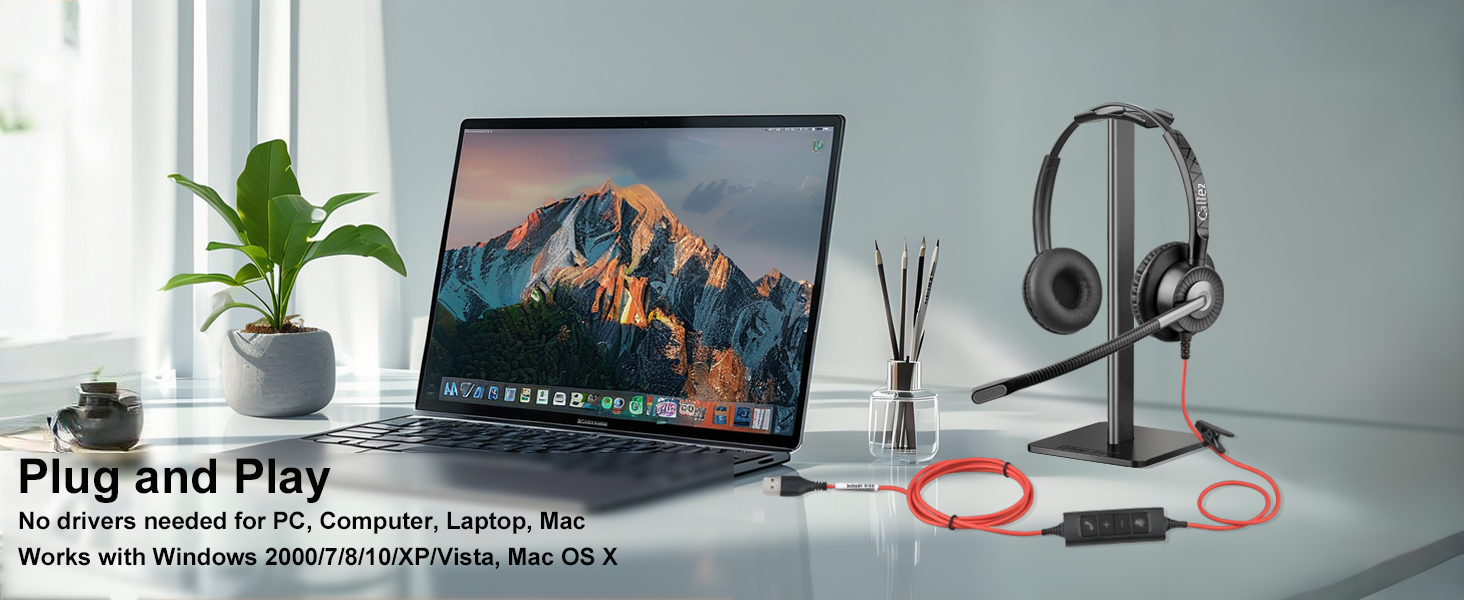
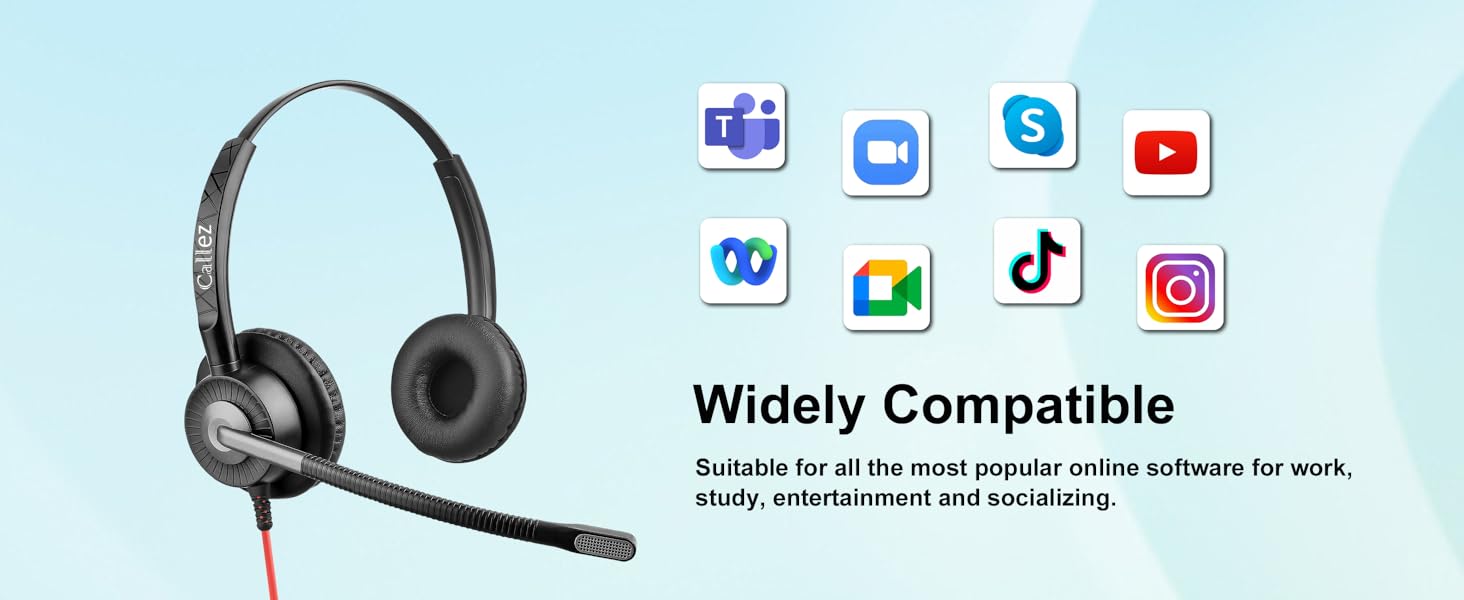
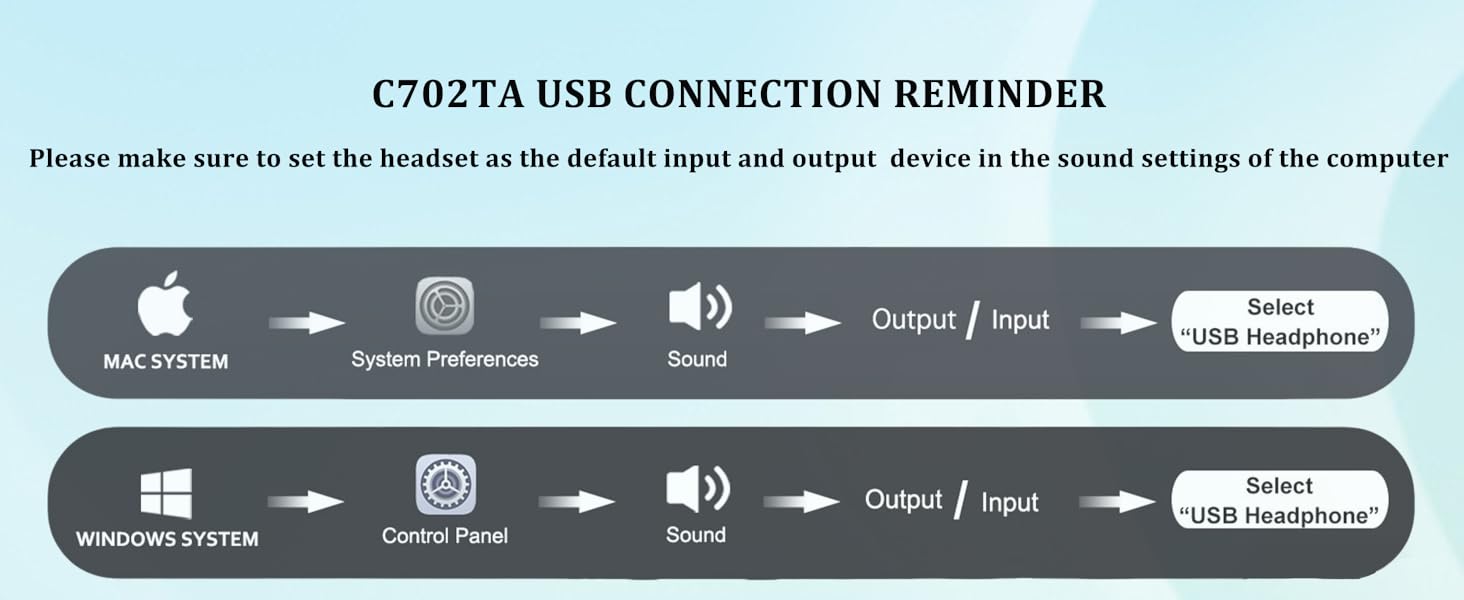
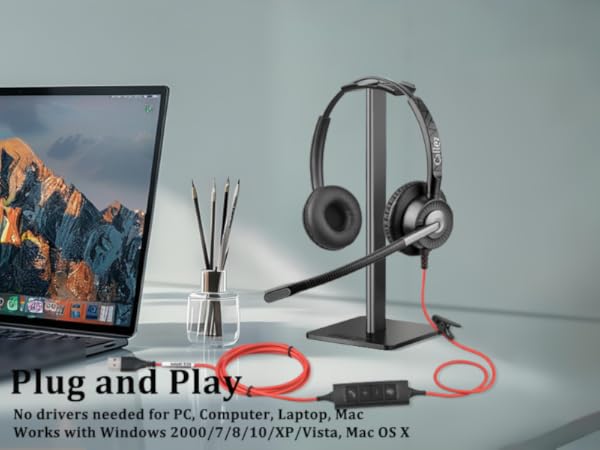
Plug and play, no drivers needed. Works with Windows 2000/7/8/10/XP/Vista, Mac OS X operating system.
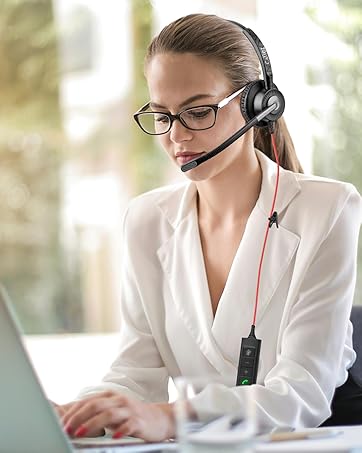
Comfortable Wearing
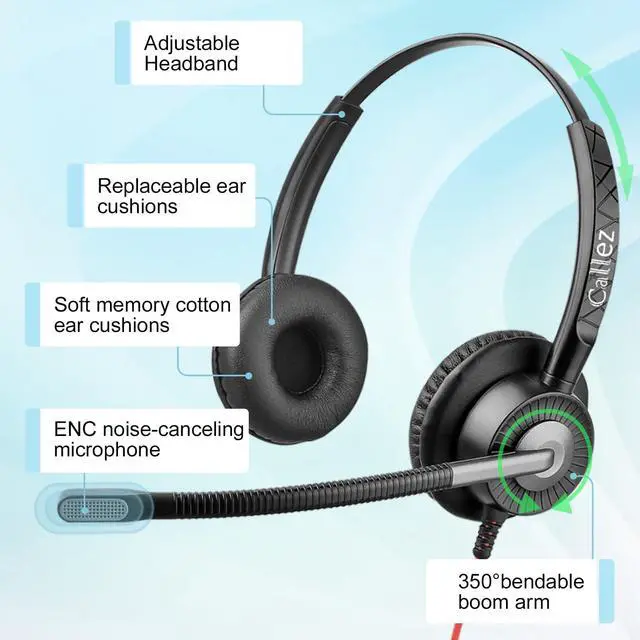
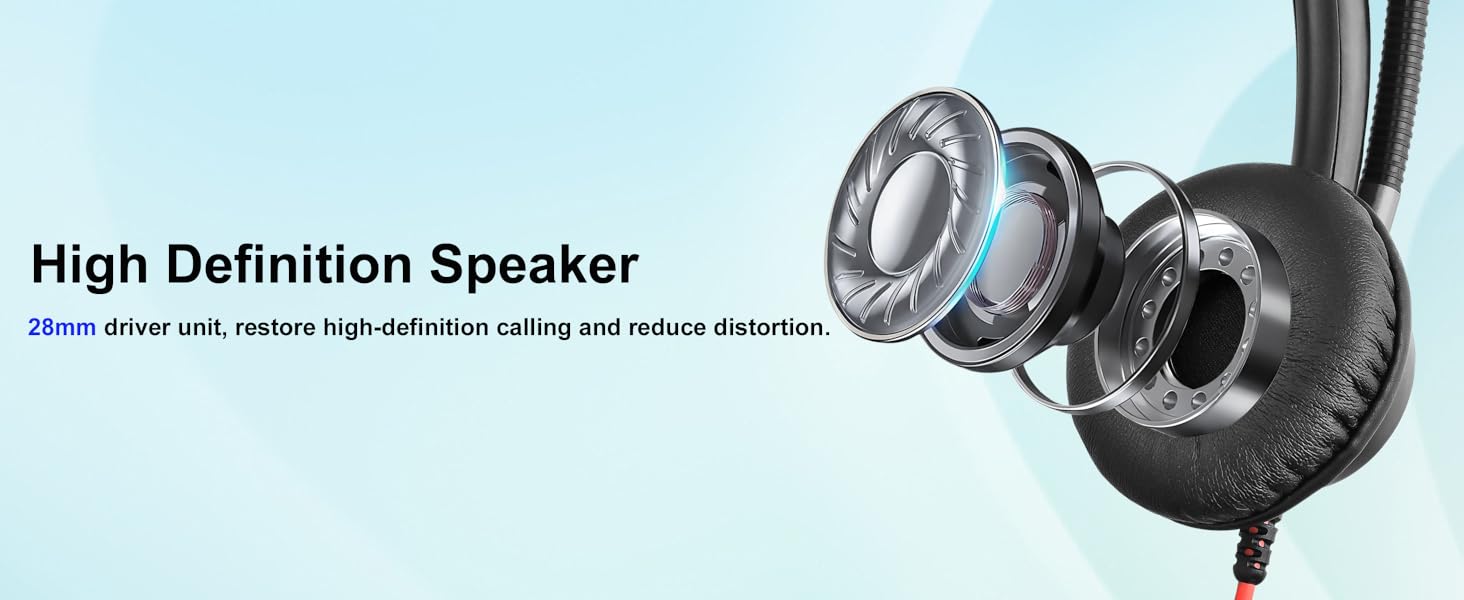
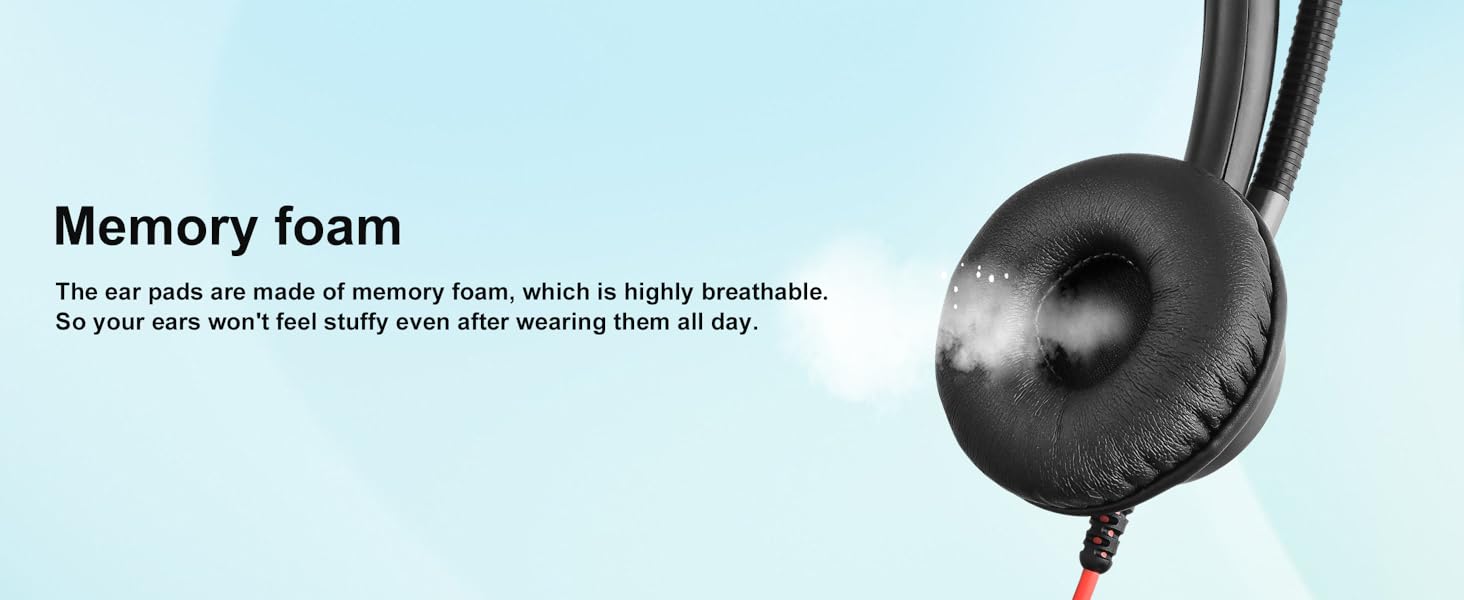
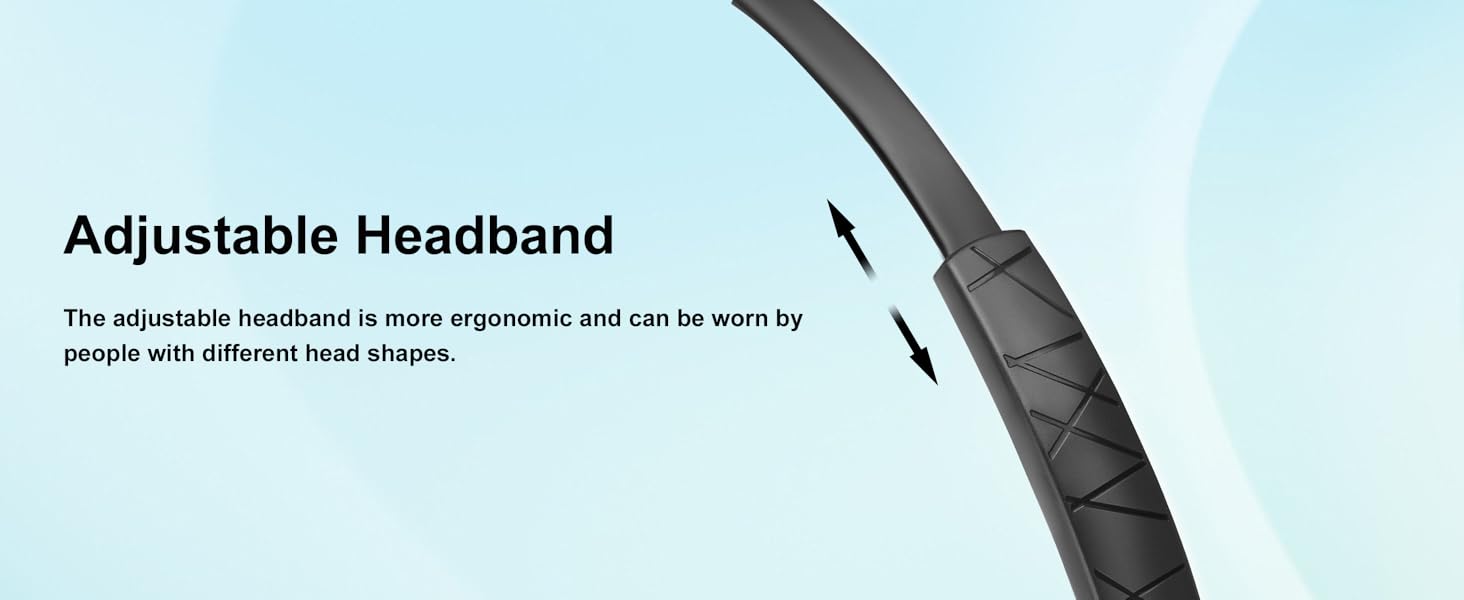
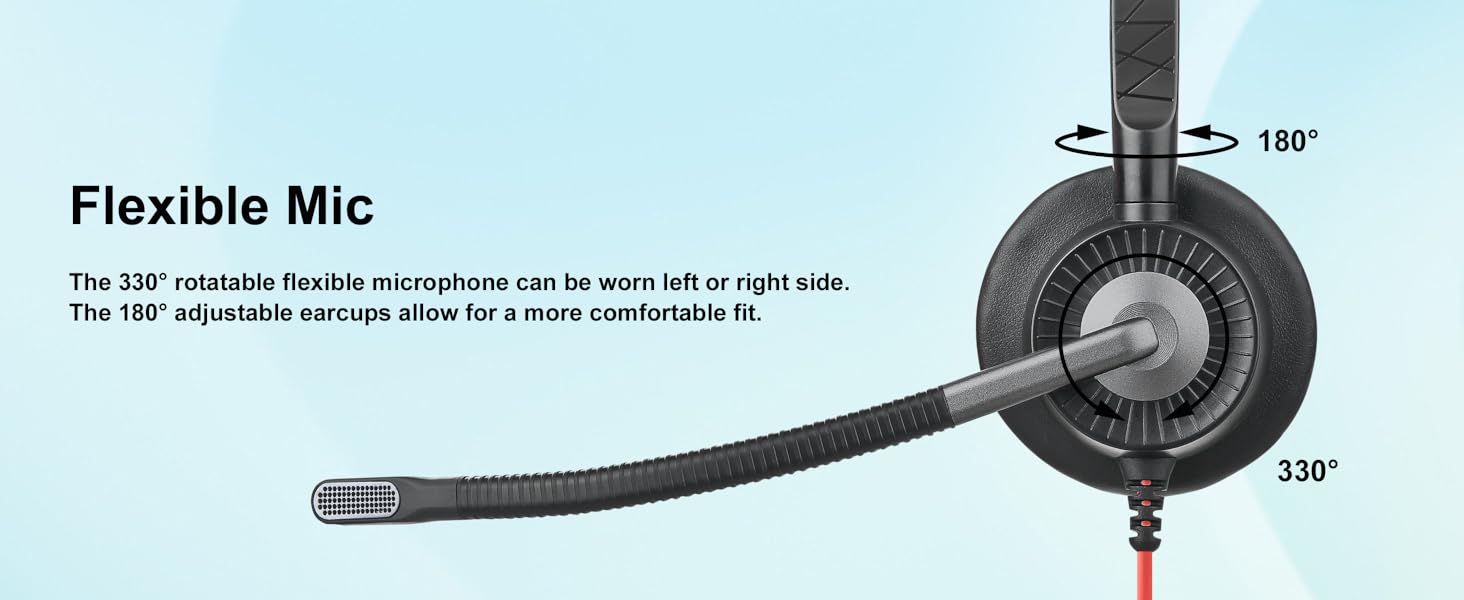
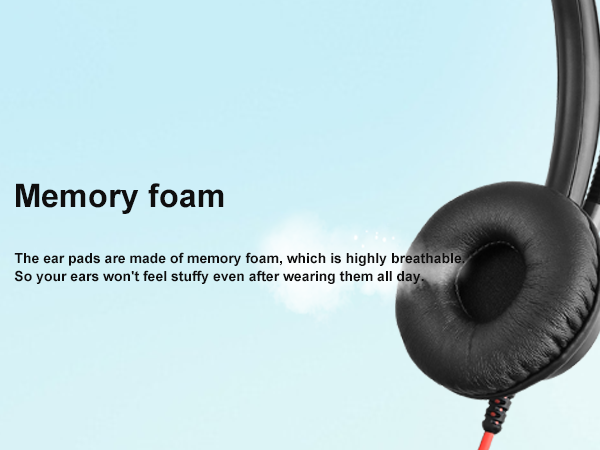
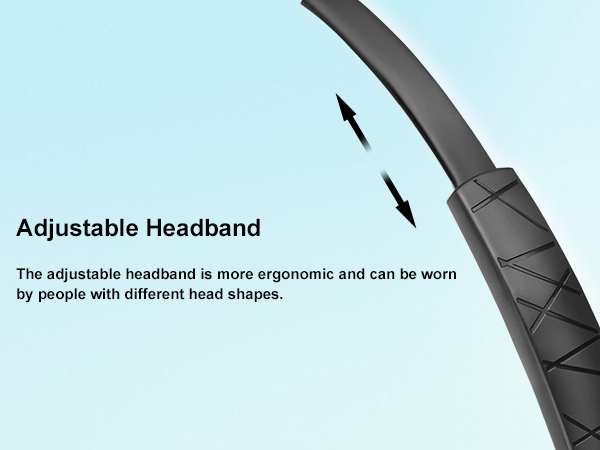
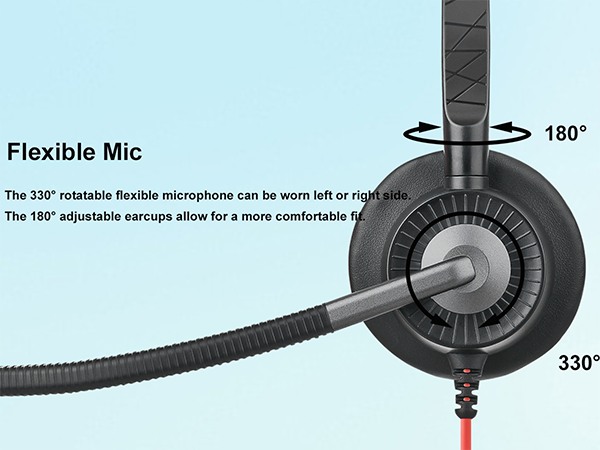
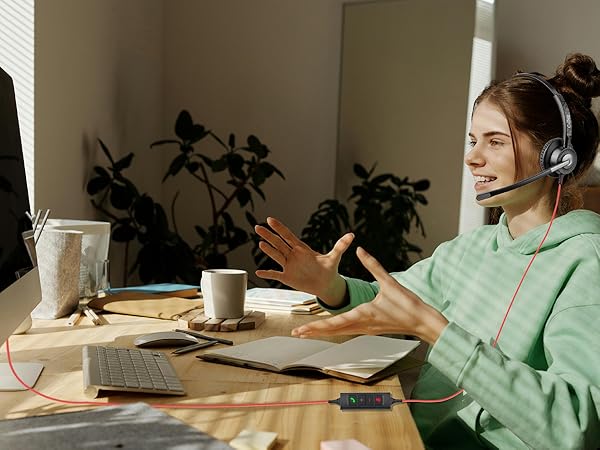
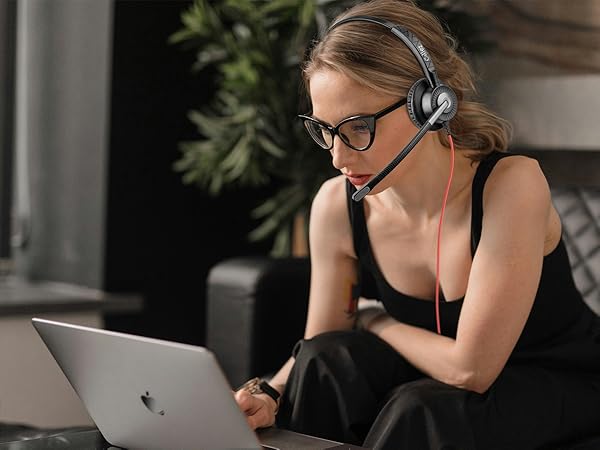
Protein ear cushion, adjustable headband, lightweight design and tangle free cable ensure a perfect comfort wearing for long time.
Shop Callez Headsets


What should I do if the other person can't hear me?
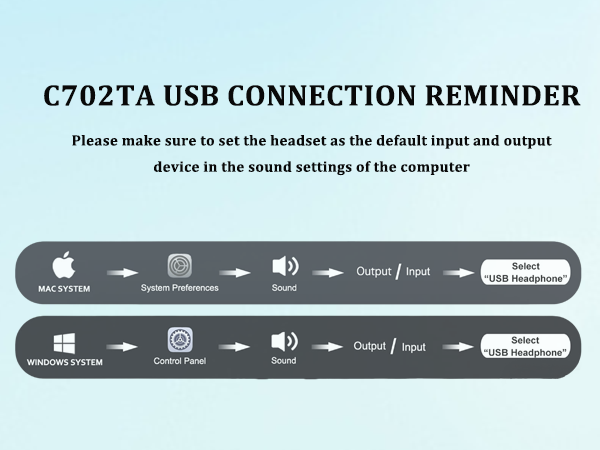
Please try setting your USB Headset as the default device: Control Panel -> Sound -> Recording ->Microphone (select this USB device as default audio device) ->Playback -> Speakers (select this USB device as default audio device)
How is the noise cancellation of these headsets?
The C702TA has Dual ENC(environmental noise cancelling) Microphones. These USB headsets effectively reduce unwanted background noise, providing a clear call experience.
Can it answer a Teams call?
Yes, this computer headset has convenient in-line controls, allowing you to answer/end/cancel calls with a single press of the teams call button.
Is the headset compatible with Zoom meeting?
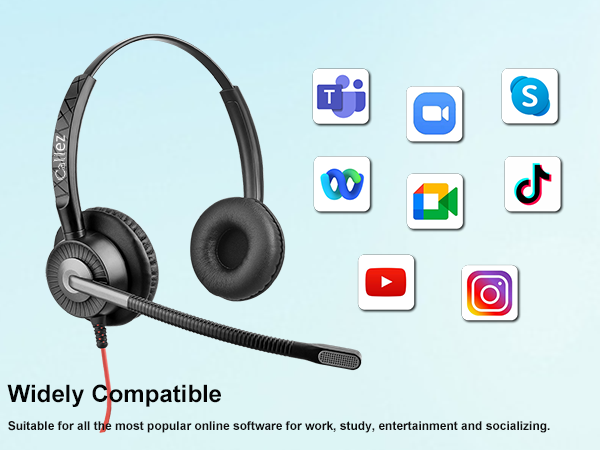
Yes, you can use it on the platform. However, This button is partially compatible with Zoom; you can press the call button to answer a call, but you'll need to hang up on your computer.
Is this headset suitable for me to take online classes on laptop?
Yes, this headset with microphone for pc works with Windows 8/10/11/Vista, Mac OS X, Plug and play, no drivers needed.


What should I do if the other person can't hear me?
Please try setting your USB Headset as the default device: Control Panel -> Sound -> Recording ->Microphone (select this USB device as default audio device) ->Playback -> Speakers (select this USB device as default audio device)
How is the noise cancellation of these headsets?
The C702TA has Dual ENC(environmental noise cancelling) Microphones. These USB headsets effectively reduce unwanted background noise, providing a clear call experience.
Can it answer a Teams call?
Yes, this computer headset has convenient in-line controls, allowing you to answer/end/cancel calls with a single press of the teams call button.
Is the headset compatible with Zoom meeting?
Yes, you can use it on the platform. However, This button is partially compatible with Zoom; you can press the call button to answer a call, but you'll need to hang up on your computer.
Is this headset suitable for me to take online classes on laptop?
Yes, this headset with microphone for pc works with Windows 8/10/11/Vista, Mac OS X, Plug and play, no drivers needed.
Callez USB Headset
Professional Headset for Greater Productivity
About us:
Callez is a professional communication headset provider. With our strict quality inspection team and service team, we provide our customers with high-quality call center headsets including Bluetooth Headsets for Telemarketing, Conference Call, Business, Home and Office.
Callez is always committed to designing or renewing more effective products that make your work easier and more efficient.
Crystal Clear Audio
ENC technology can preserve the target voice while eliminating background noise for improved call quality.
Teams Call Button
Easily adjust the volume level through the “volume +/-”, and answer/end/cancel Microsoft Teams calls with a simple Teams call button.
Wide Compatibility
Plug and play, no drivers needed. Works with Windows 2000/7/8/10/XP/Vista, Mac OS X operating system.
Comfortable Wearing
Protein ear cushion, adjustable headband, lightweight design and tangle free cable ensure a perfect comfort wearing for long time.
Shop Callez Headsets