



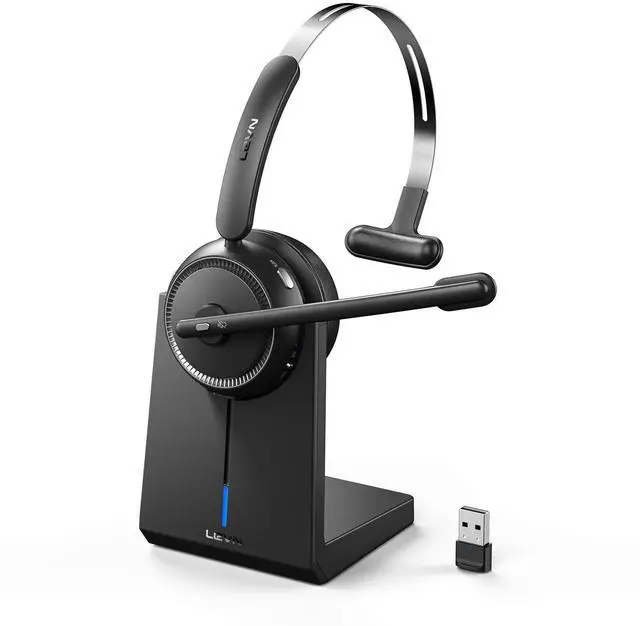



LEVN Bluetooth Headset
Wireless Headset for Laptop

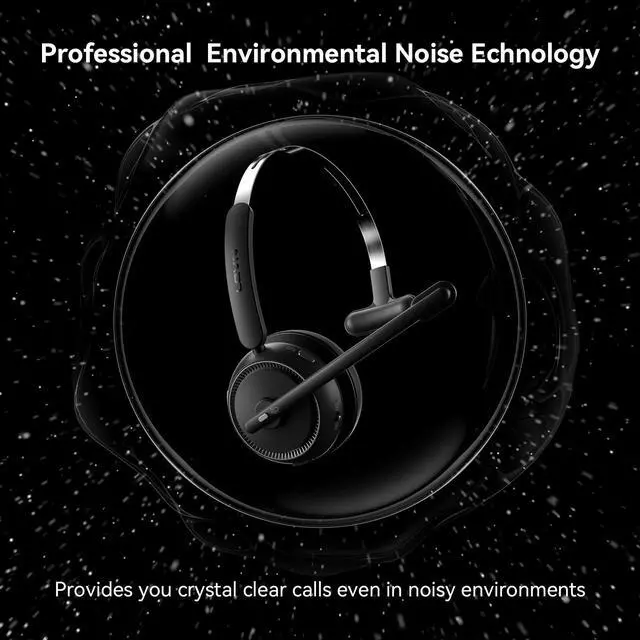
Environmental Noise Cancellation
Shield nosie interference, make calls/ online meetings more focused
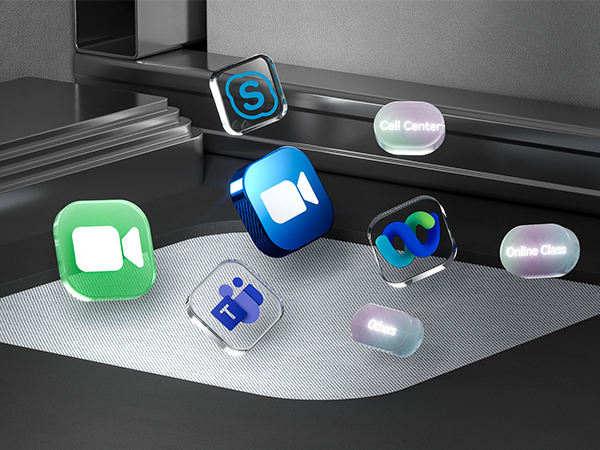
Seemless Platform Productivity
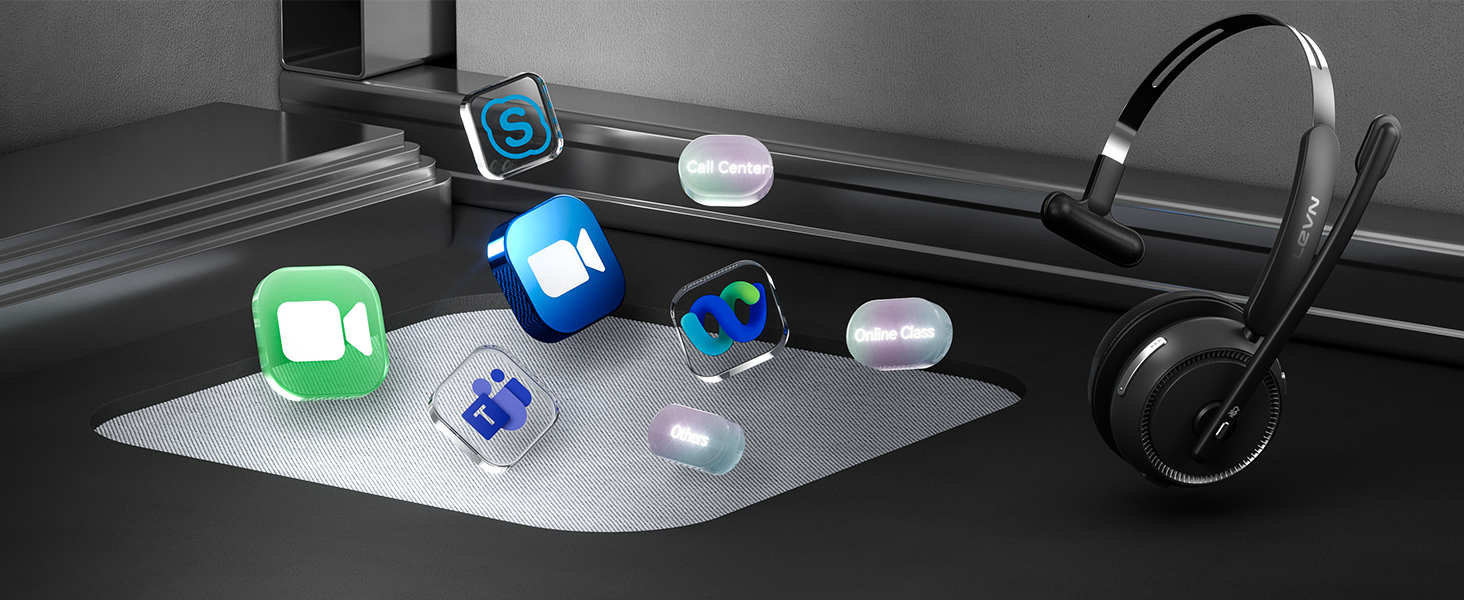
Wireless headset is designed to work seamlessly with most video conferencing software and softphone
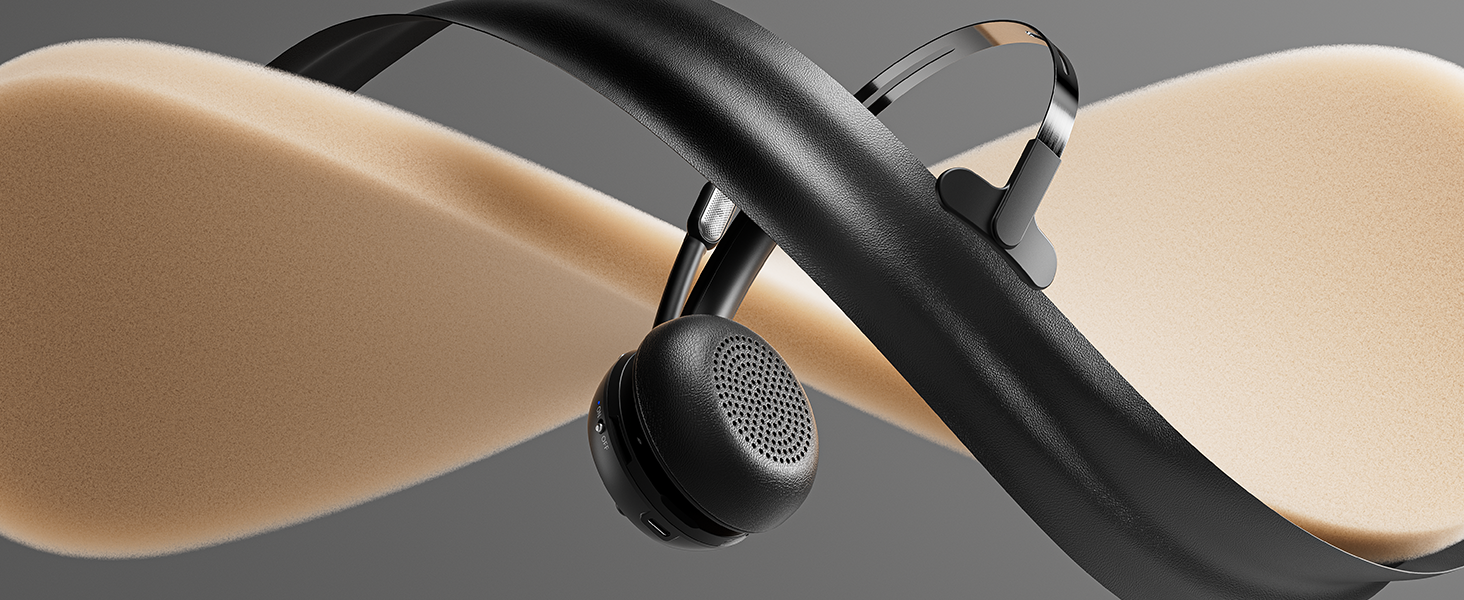
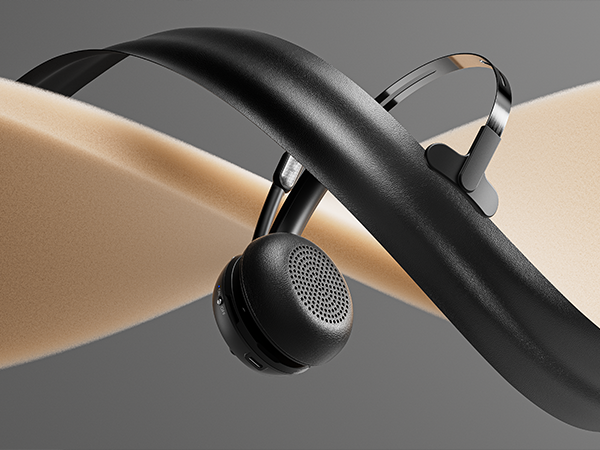
Gentle Ear Enveloping for Enhanced Comfort
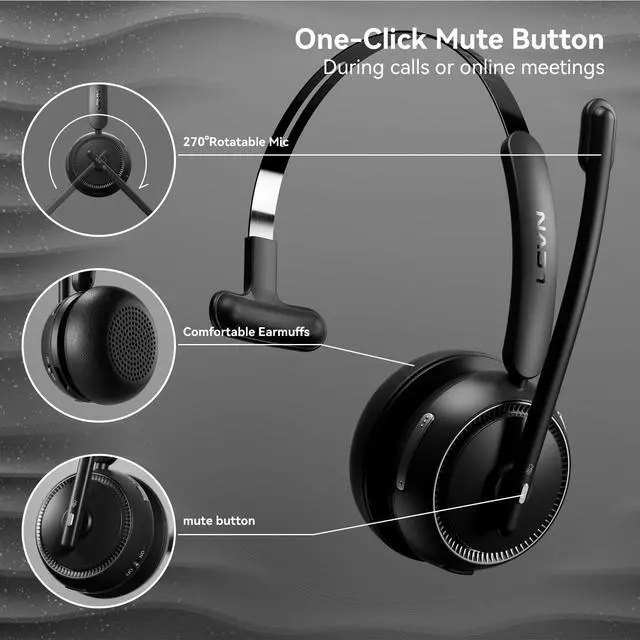
With protein memory foam, the earmuffs provide delightful comfort even after a full day of work
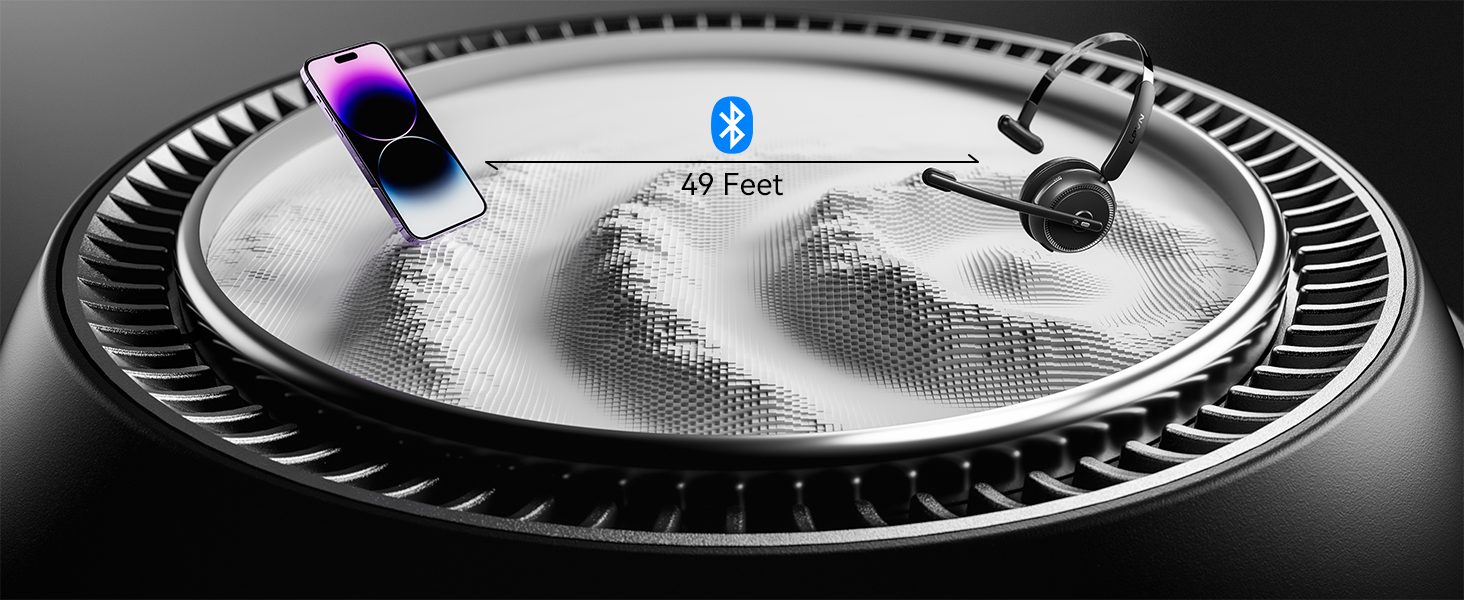
Wireless, Unlimited
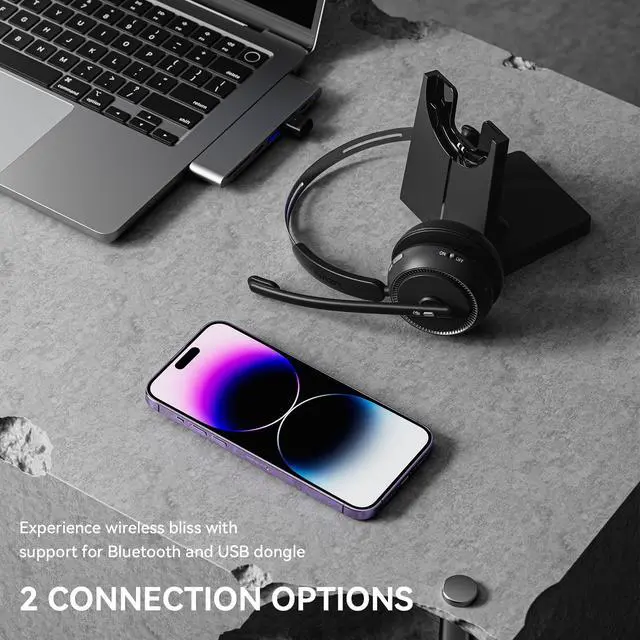
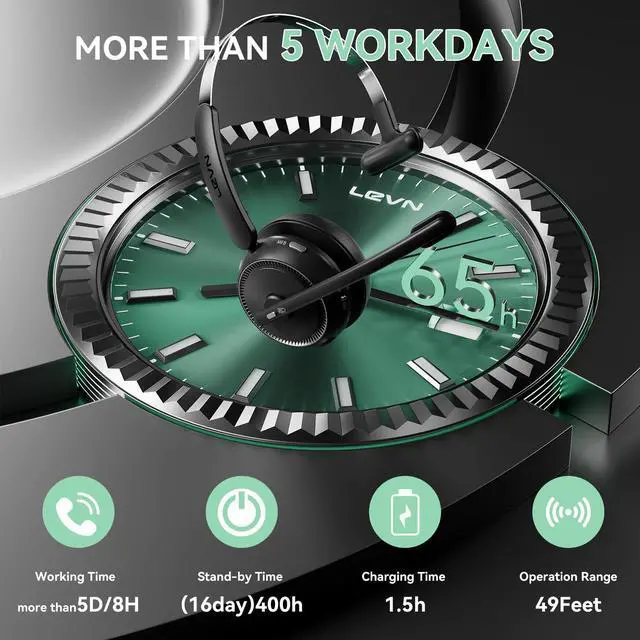
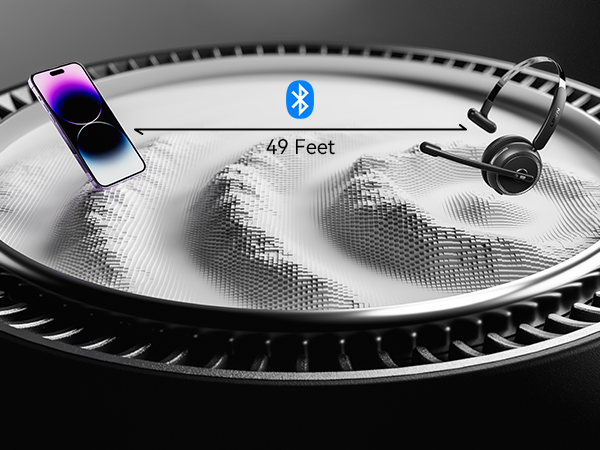
Bluetooth 5.2, 49-foot effective distance, free hands, realizing remote work
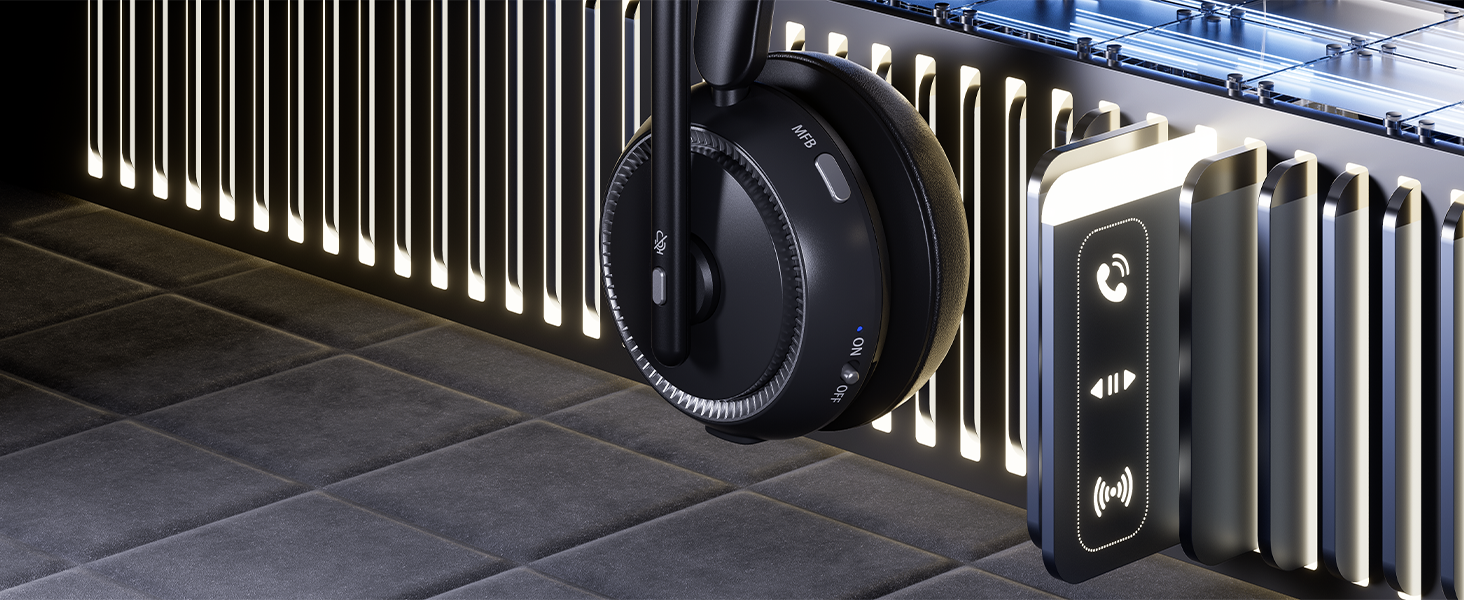
Making your calls more efficient and convenient
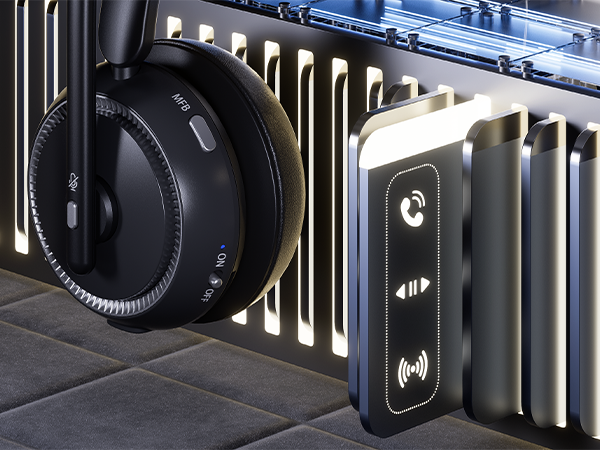
The MFB button of this headset allows you to answer/hang up calls with one button
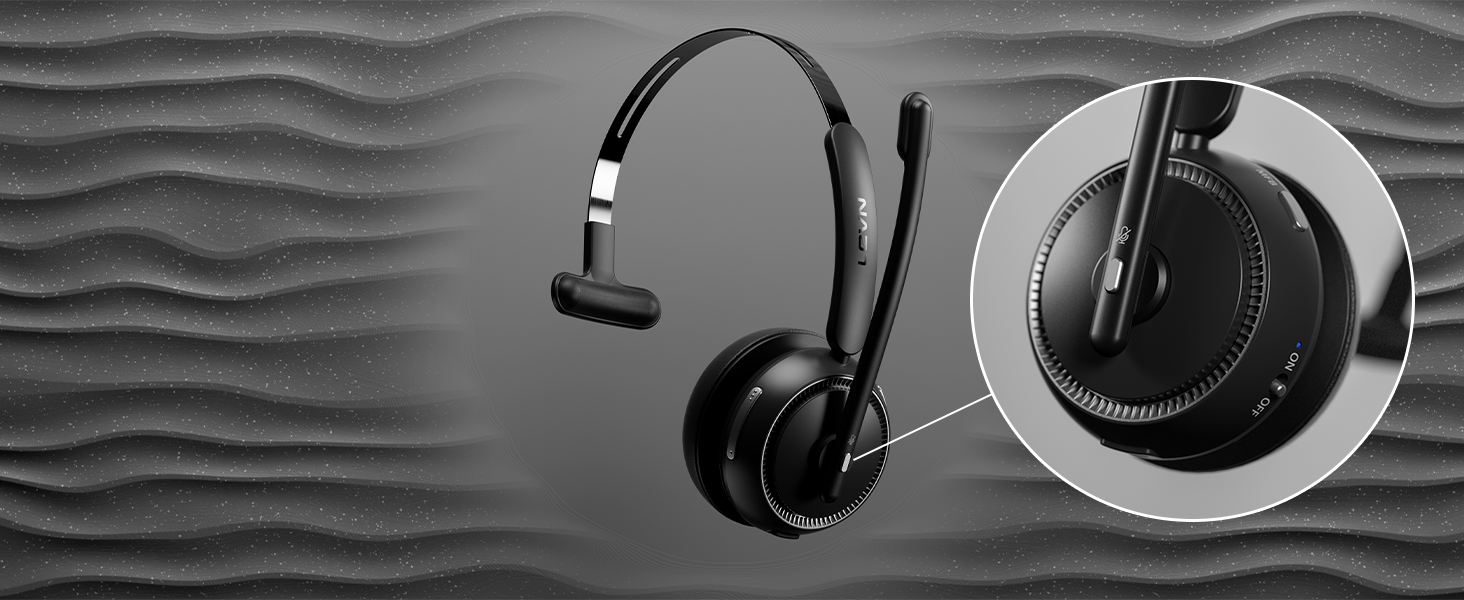
Privacy Guardian
You can click the mute button to turn on/off the microphone to protect your privacy during the call
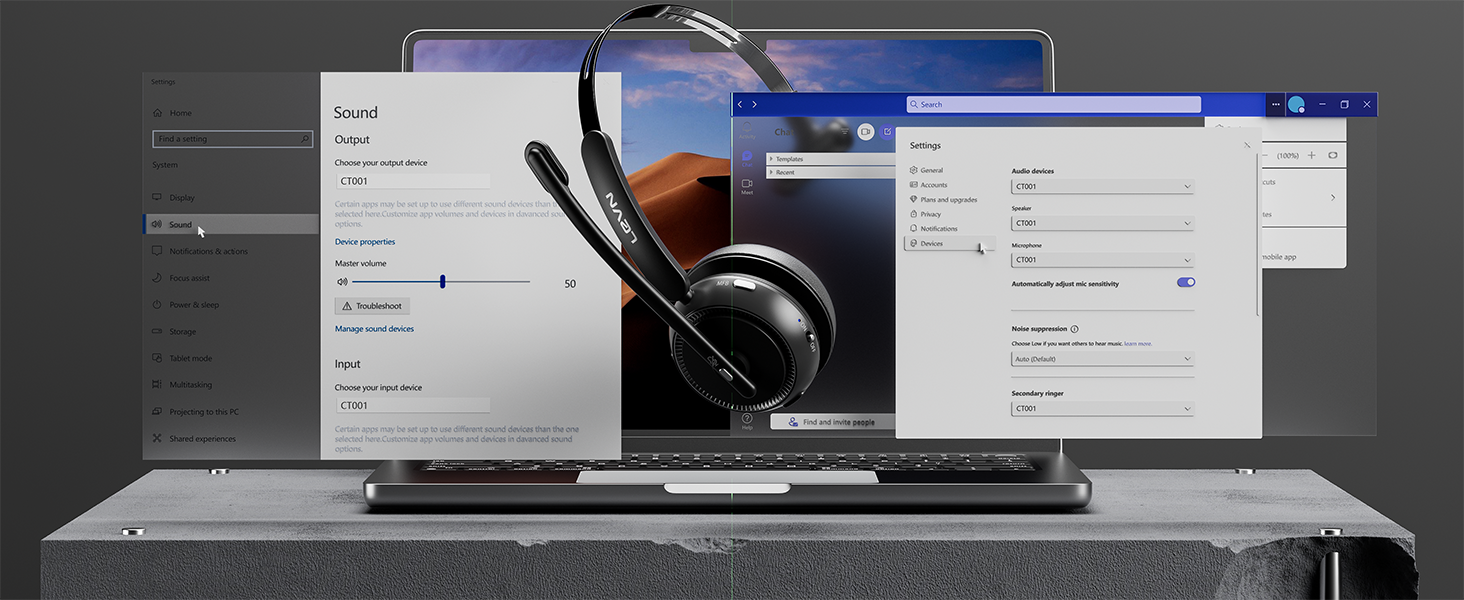
How to connect [CT001] to a computer?
- When the computer and the headset have been successfully paired, please make ensure that PC System Settings > Sound > Microphone input device & Speaker output device select [CT001]
- If you use office software, you also need to select [CT001] for the Microphone input device & Speaker output device
When I use this wireless headset on Teams, how should I set it up?
When you make a call with teams, please check the sound settings of both the computer and the software to make sure [CT001] is selected as the default output and input device (speaker/microphone).
I use the wireless headset to work from home, can it effectively eliminate the noise of background noise?
Yes. Our wireless headset can eliminate up to 99.9% of background noise, such as children screaming, dogs barking, TV background sound, and so on. It ensures a superior calling experience with clearer conversations for the person on the other end.
How do I use the headset's mute function during a call or online meeting?
During a call or online meeting, simply press the mute button once to mute the headset microphone. Press again to unmute. The mute key only works during a call or meeting.
Can I use the Bluetooth headset to answer or hang up calls?
If the headset is connected to a mobile phone, you can click the MFB to answer/end calls on the headset; If the headset is connected to a computer, you need to answer calls on the computer. Reminder: MFB does not work with desk phones and landlines.
How do I charge the wireless headset?
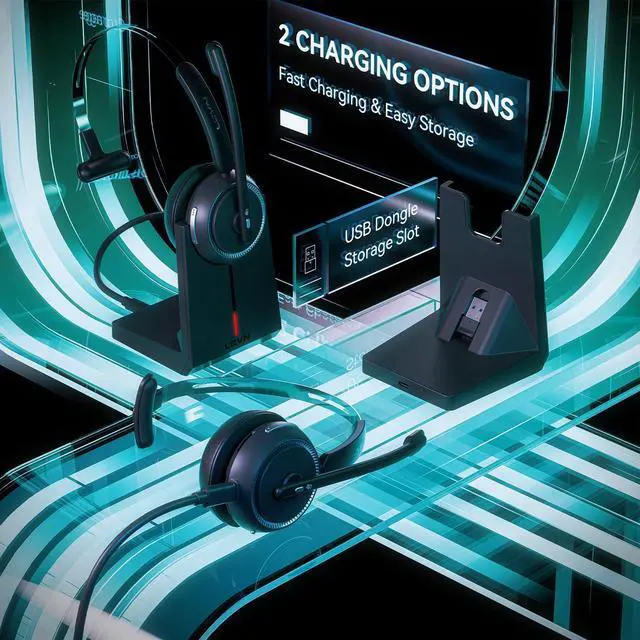
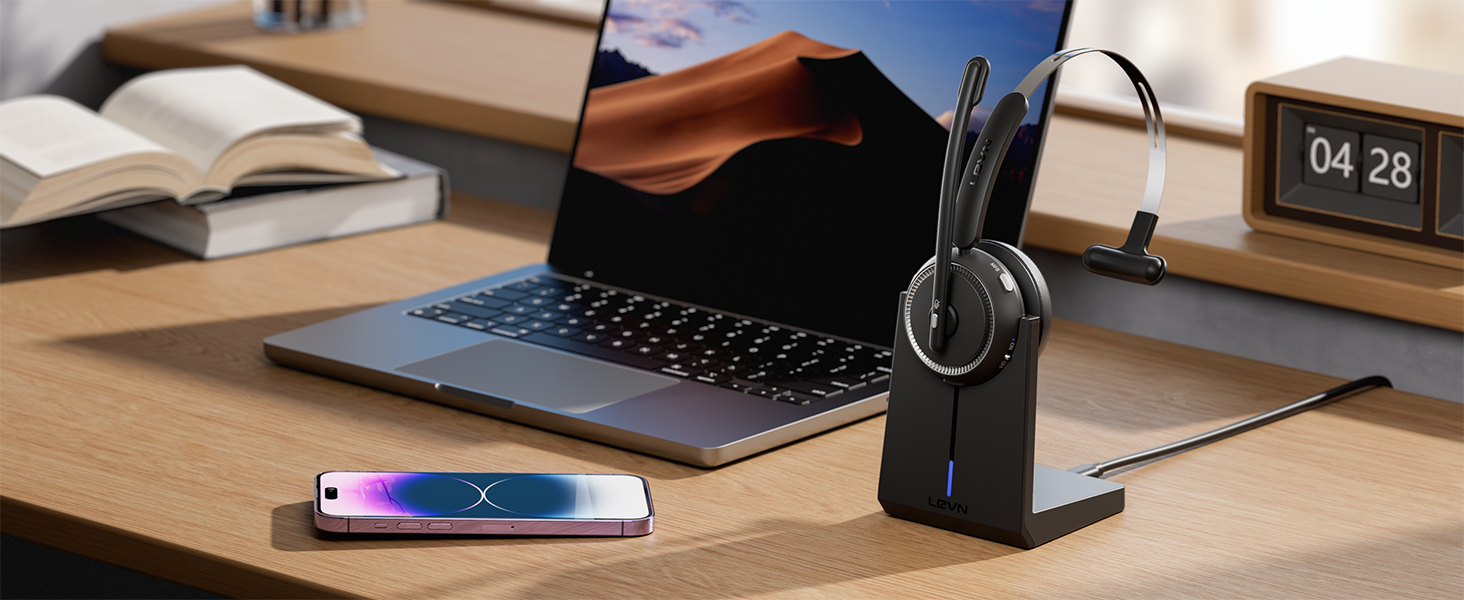
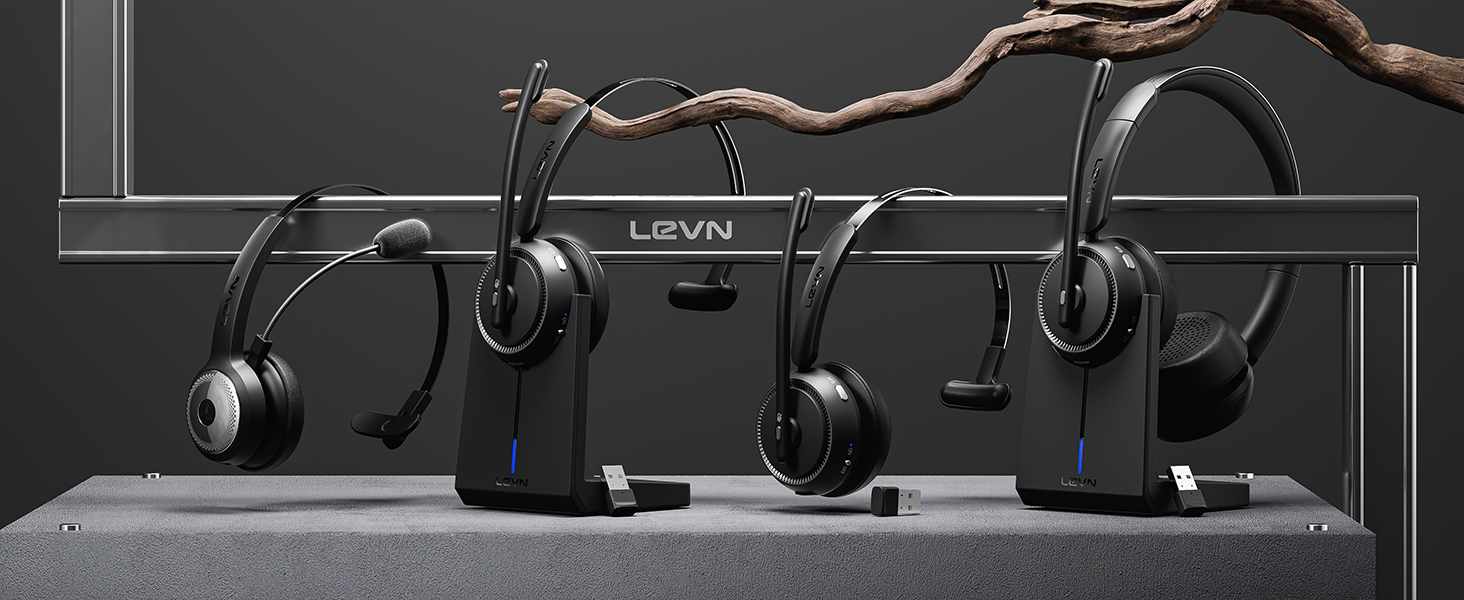
This headset has a stylish charging base, providing a convenient solution for charging and storage. The charging base with a slot to securely hold the USB dongle. Additionally, you have the option to charge it using a Type-C Charging cable.
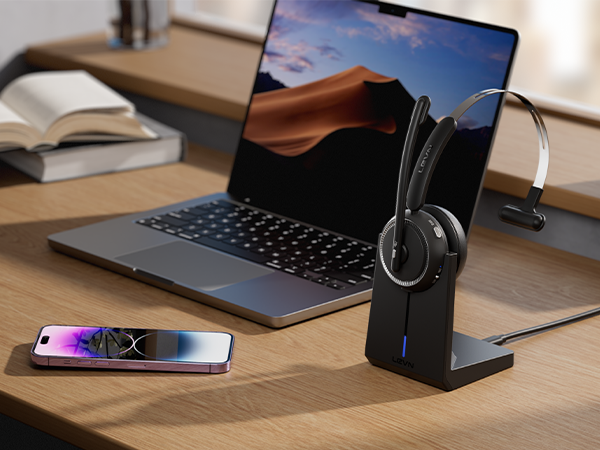
Wireless Headset for Laptop
Environmental Noise Cancellation
Shield nosie interference, make calls/ online meetings more focused
Seemless Platform Productivity
Wireless headset is designed to work seamlessly with most video conferencing software and softphone
Gentle Ear Enveloping for Enhanced Comfort
With protein memory foam, the earmuffs provide delightful comfort even after a full day of work
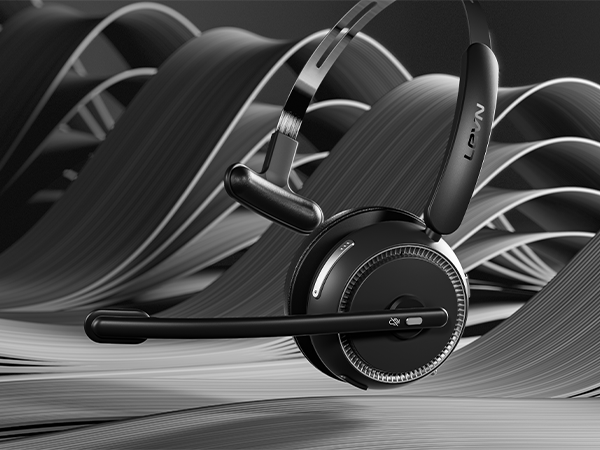
Wireless, Unlimited
Bluetooth 5.2, 49-foot effective distance, free hands, realizing remote work
Making your calls more efficient and convenient
The MFB button of this headset allows you to answer/hang up calls with one button
Privacy Guardian
You can click the mute button to turn on/off the microphone to protect your privacy during the call
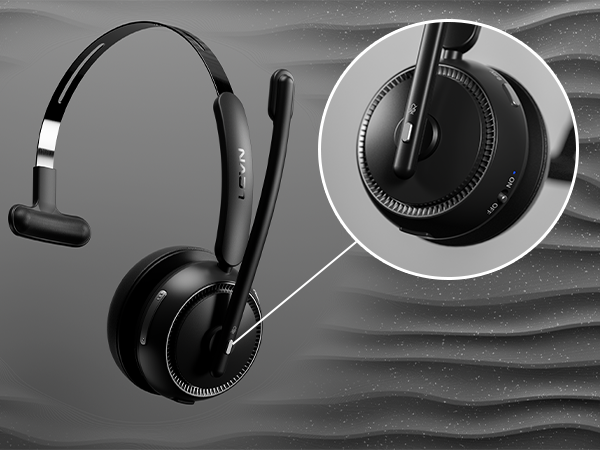
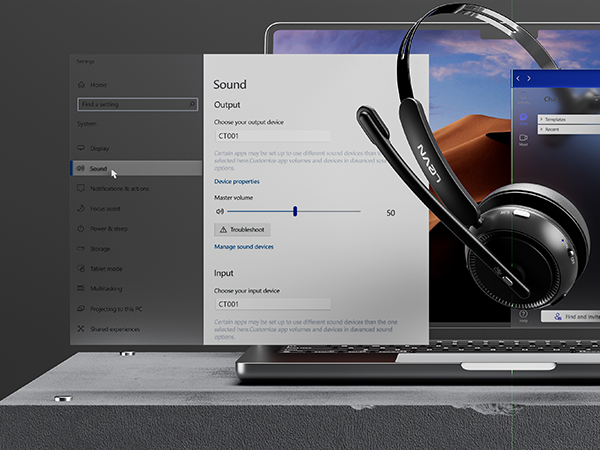
How to connect [CT001] to a computer?
- When the computer and the headset have been successfully paired, please make ensure that PC System Settings > Sound > Microphone input device & Speaker output device select [CT001]
- If you use office software, you also need to select [CT001] for the Microphone input device & Speaker output device
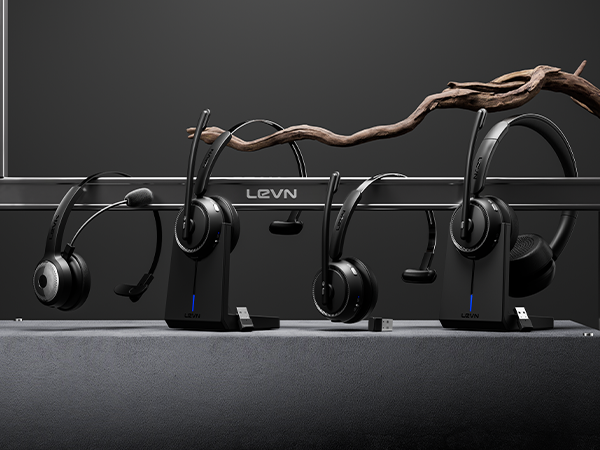
When I use this wireless headset on Teams, how should I set it up?
When you make a call with teams, please check the sound settings of both the computer and the software to make sure [CT001] is selected as the default output and input device (speaker/microphone).
I use the wireless headset to work from home, can it effectively eliminate the noise of background noise?
Yes. Our wireless headset can eliminate up to 99.9% of background noise, such as children screaming, dogs barking, TV background sound, and so on. It ensures a superior calling experience with clearer conversations for the person on the other end.
How do I use the headset's mute function during a call or online meeting?
During a call or online meeting, simply press the mute button once to mute the headset microphone. Press again to unmute. The mute key only works during a call or meeting.
Can I use the Bluetooth headset to answer or hang up calls?
If the headset is connected to a mobile phone, you can click the MFB to answer/end calls on the headset; If the headset is connected to a computer, you need to answer calls on the computer. Reminder: MFB does not work with desk phones and landlines.
How do I charge the wireless headset?
This headset has a stylish charging base, providing a convenient solution for charging and storage. The charging base with a slot to securely hold the USB dongle. Additionally, you have the option to charge it using a Type-C Charging cable.