







Store and Charge your Headset
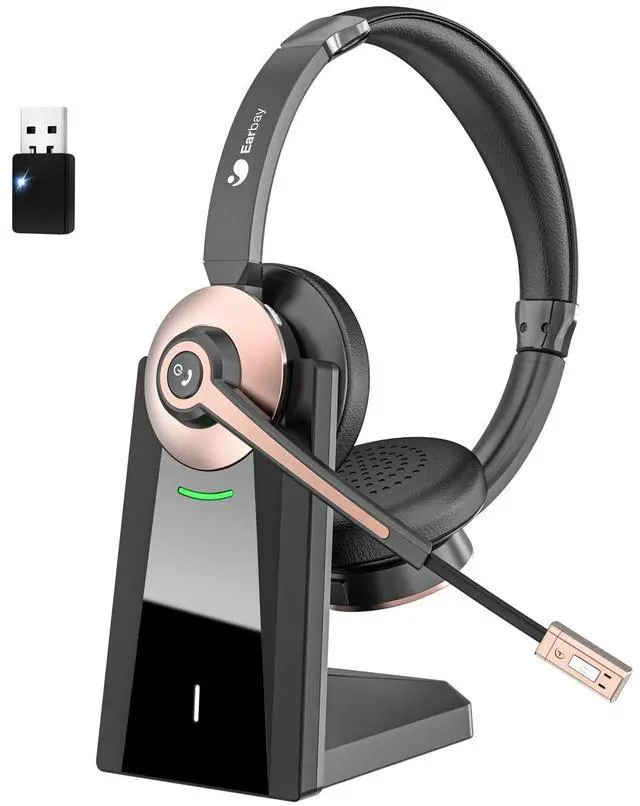
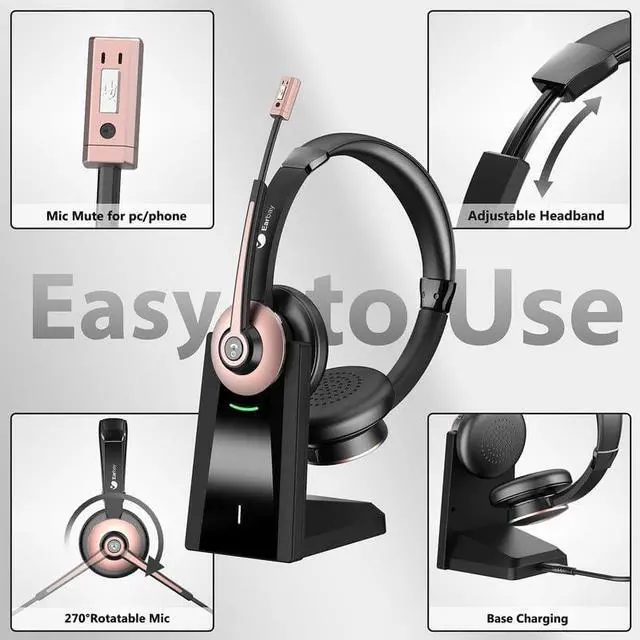
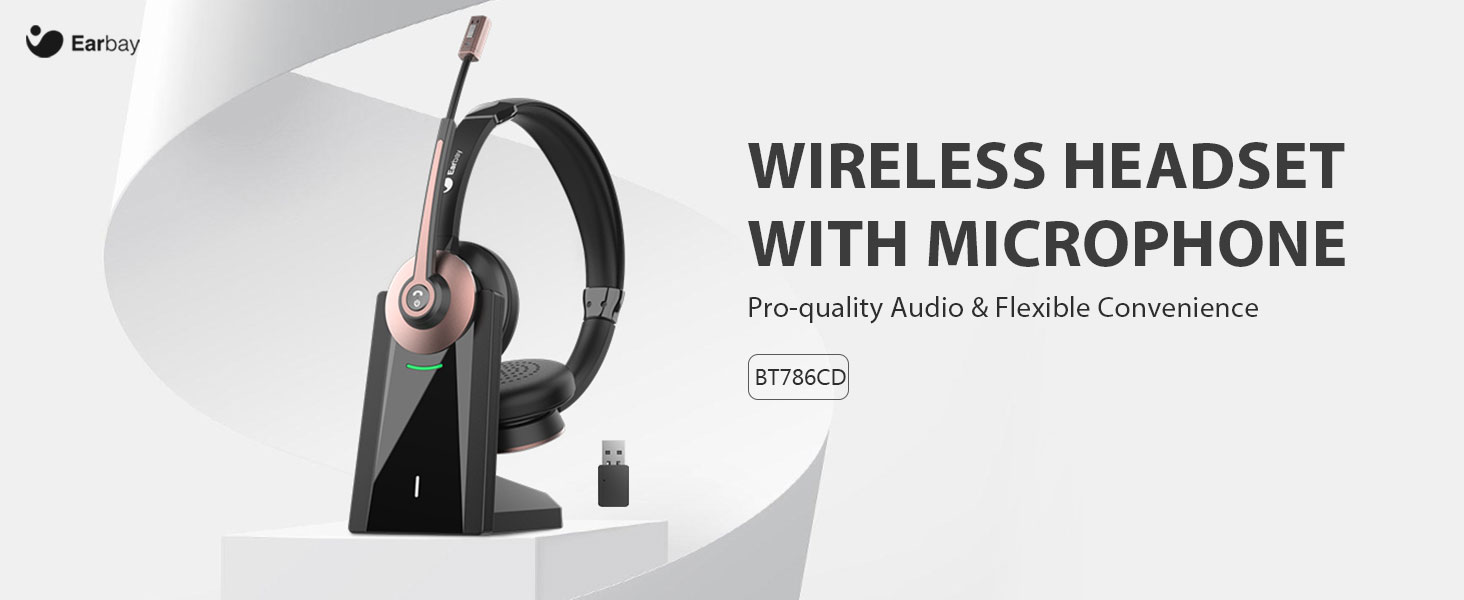
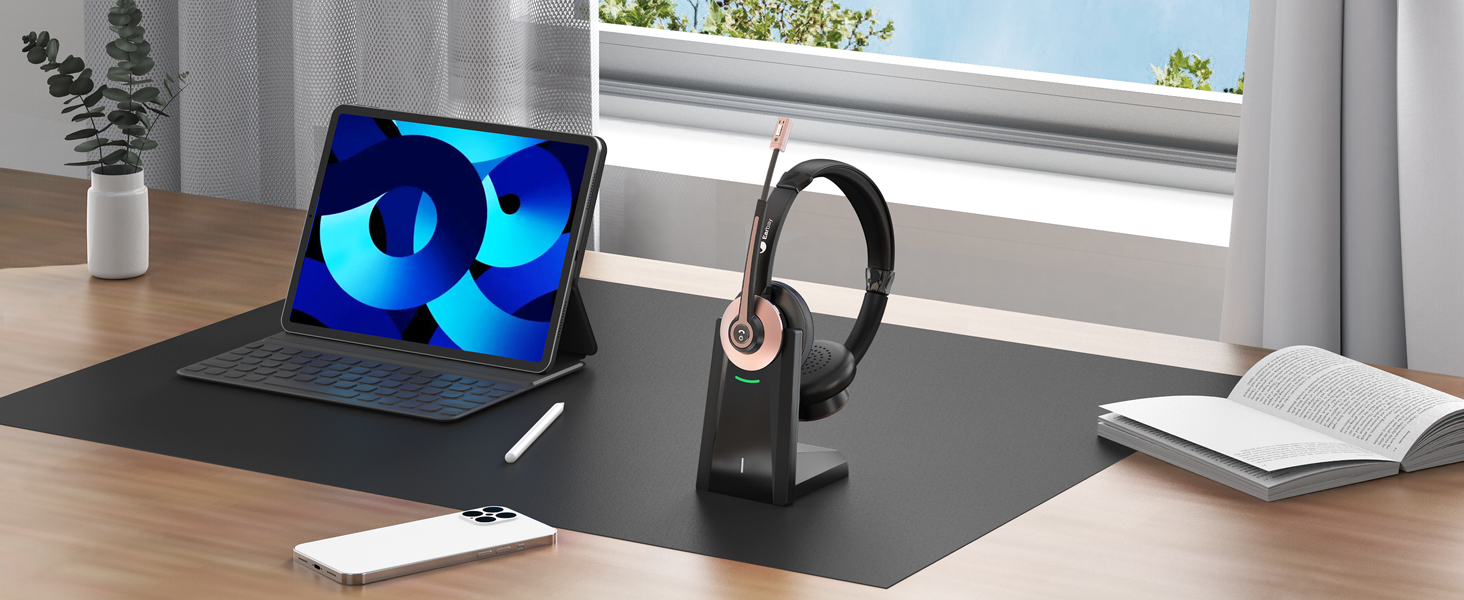
The charging base offers a simple & convenient solution to store & charge your wireless usb headset.
Bluetooth Headset with MFB Button
One key to to answer/reject cell phone calls, wake up siri and power on/off.

All-day productivity
Stay engaged and enjoy with this headset without audio delay issue.
Wireless headset with microphone for pc
Merchant Video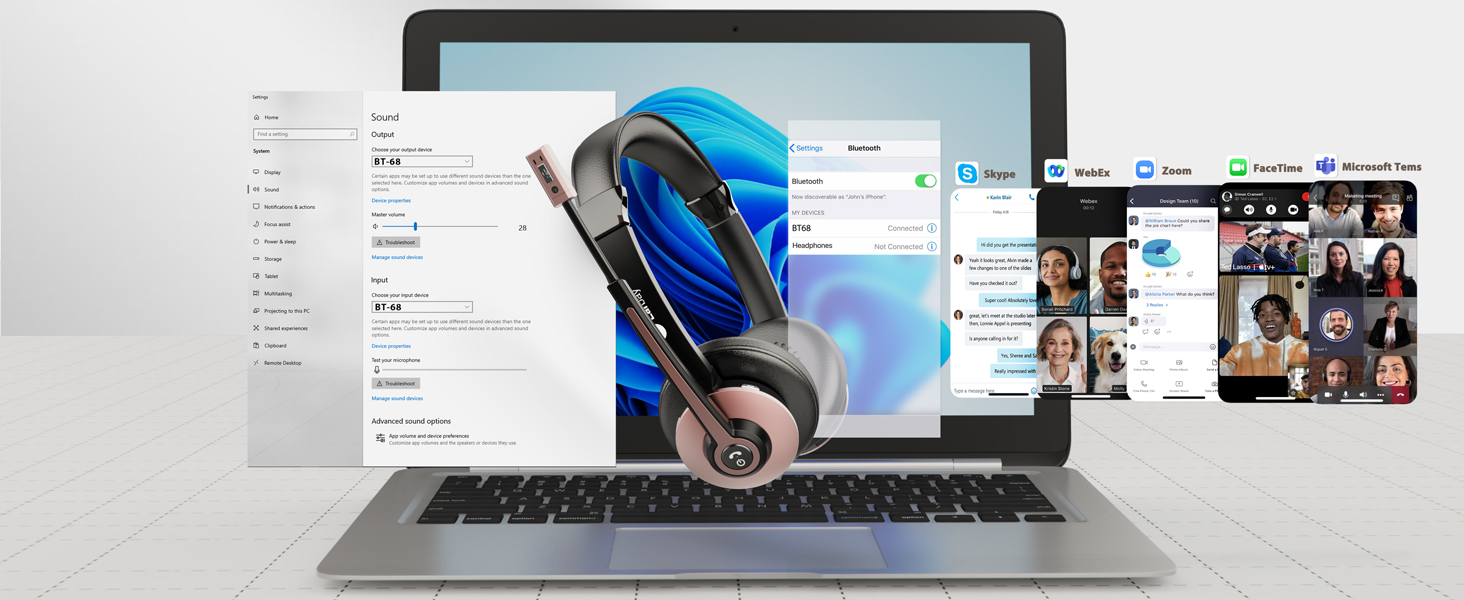
Get Yourself for Hybrid Work Success
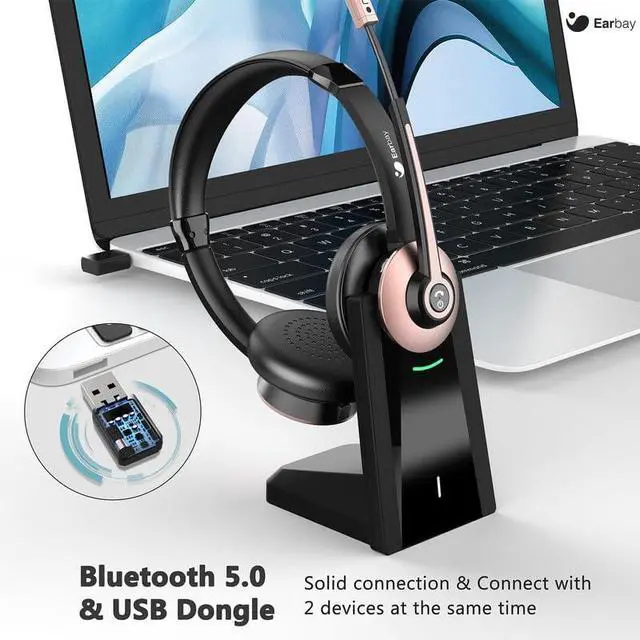
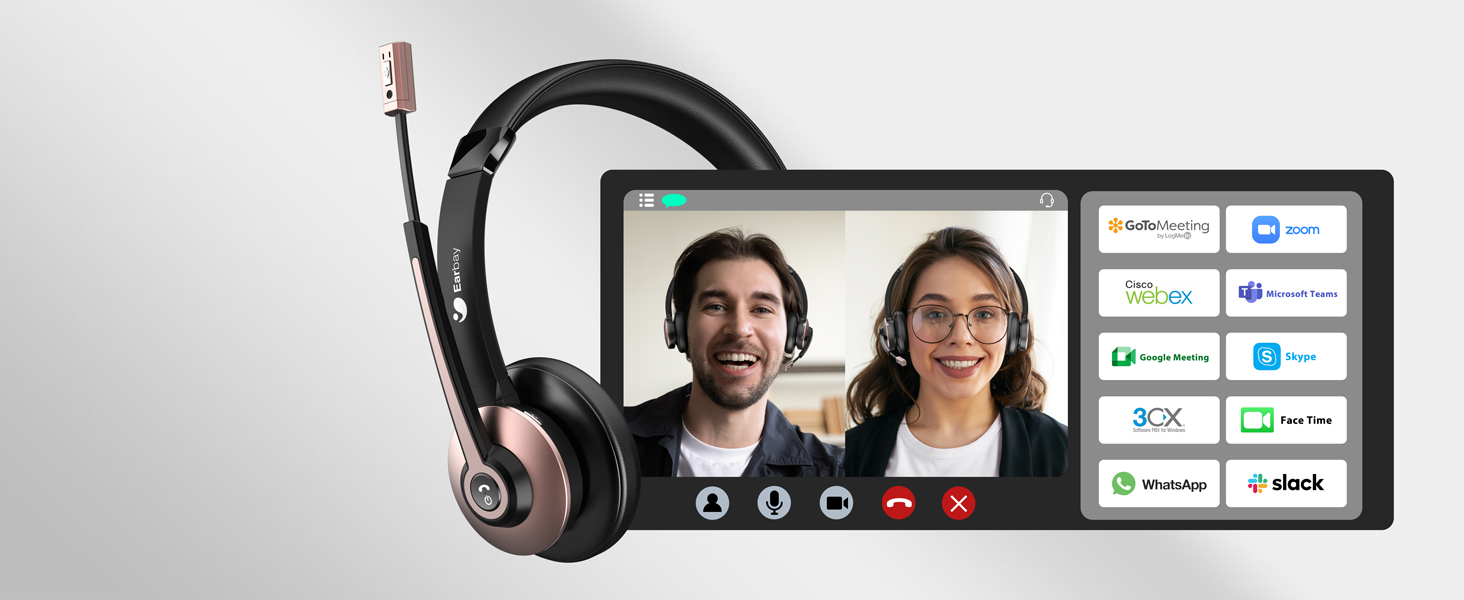
Earbay office headset works with most cell phones, computers, and most voip applications.
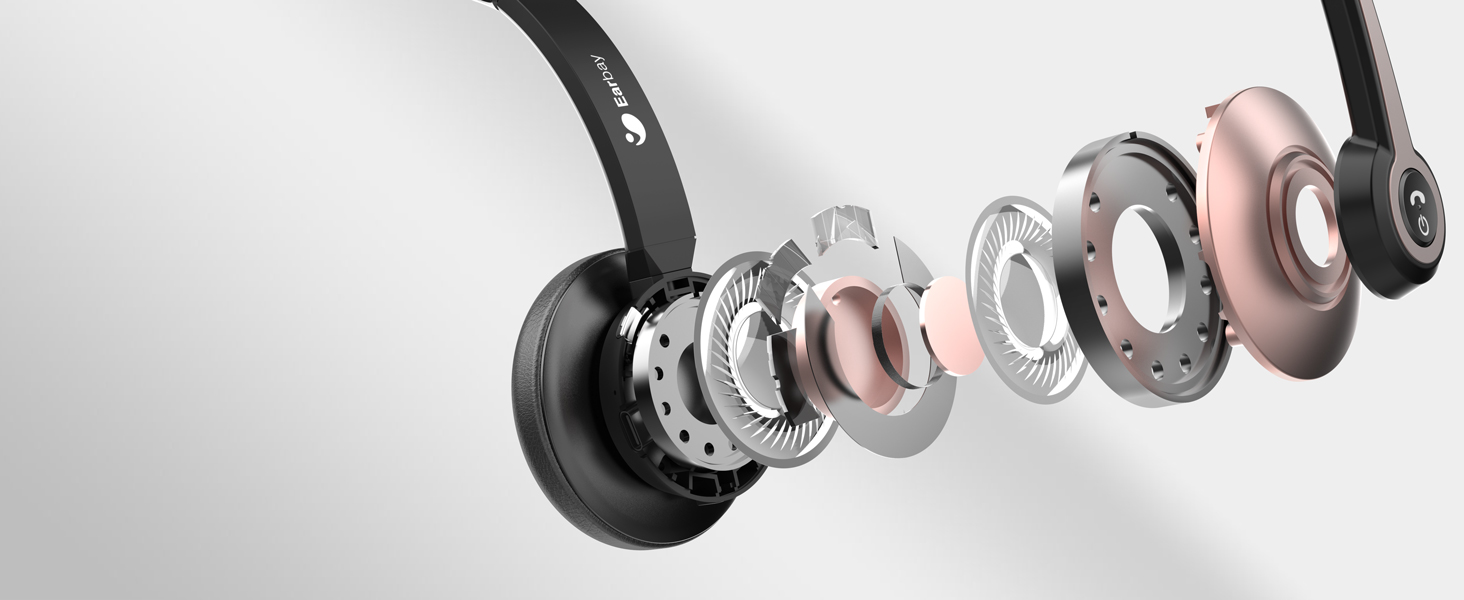
Productive Work of Wireless Headsets
Built-in 40mm audio drivers and noise canceling mic, which offers clear sound during the call.

Protect Your Privacy
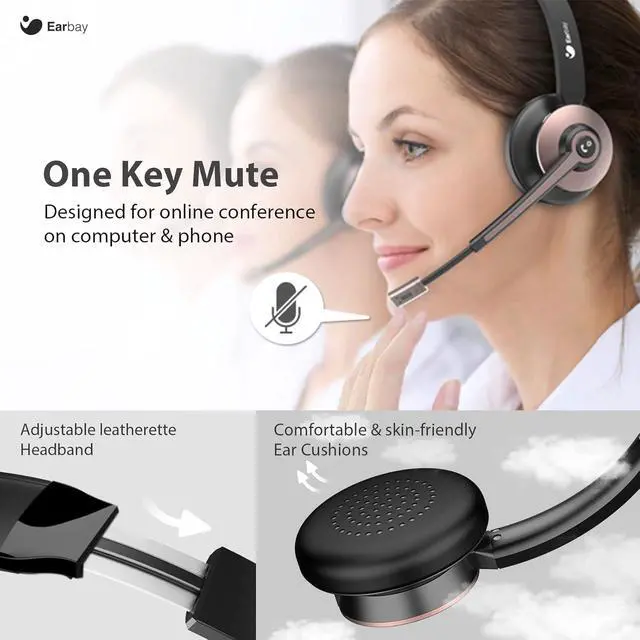
This wireless usb headset support muting the mic when connecting with cell phone or computer.
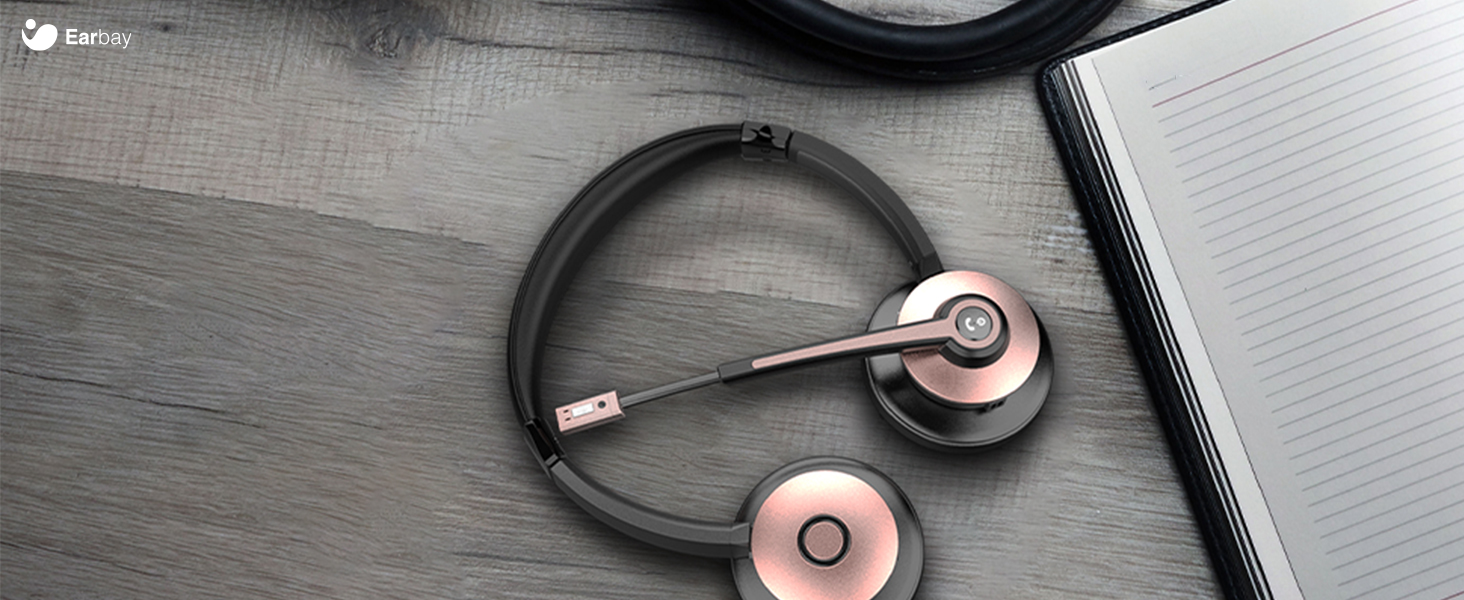
On the Desk and On the Go
Lightweight design of headsets with microphone for work can be simply put into your bag if needed.
Wireless Freedom and Low Latency
This Headset with mic offers faster and more stable connection, better audio quality to users.
Single charge, Days of use
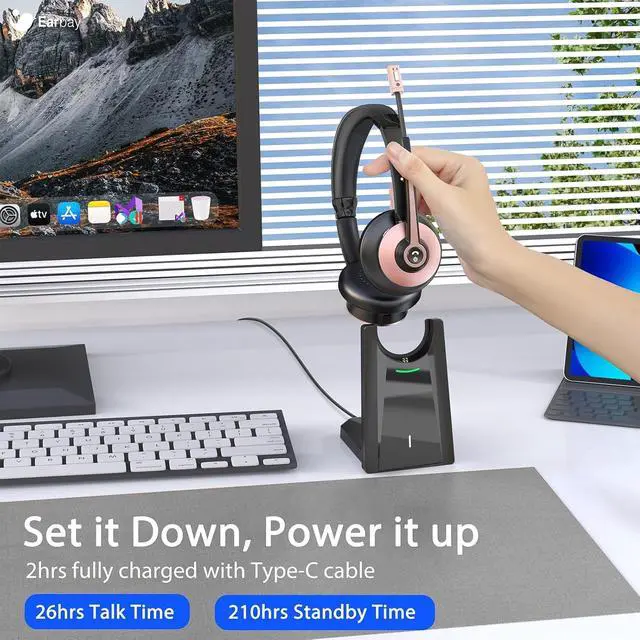
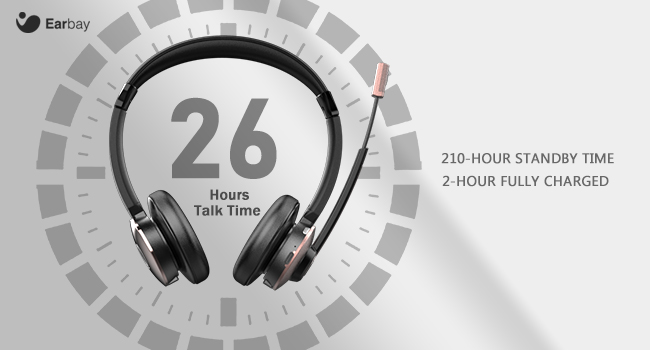
Offer up to 26 hours of non-stop clear talk, you can wear wireless headphones for the whole day. Turning the bluetooth headphones off sometimes, An unbelievable 50+ hours use you will get. 2 hours single charge for 210 hours standby time, no worries about long-time journey.
Two ways to charge
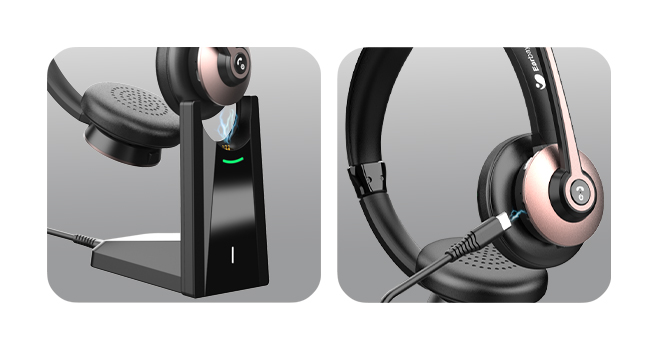
Two charging ways of wireless work headset is ready for you, including Type-C cable and smart charging dock, help you charge the office headset with microphone directly in different situations.

Tips: When you put the mic right in front of your mouth, the noise reduction will be better. When the mic is above the lip, the noise cancelling technology may tries to cut your voice out. If you want to mute calls applications or answer calls on PC, please set it through the software.
After a period of using time, the headphones with microphone emits a beep sound?
Please charge the wireless headset for a period of time to confirm whether it is caused by low power, or check whether the mute function is on.
Does the wireless computer headset have mute function?
Yes. This mic mute function can only be used for computer or cell phone during the call.
What are the charging methods of these computer headsets?
There are two ways, One is the charging base, or you can use the Type-C cable to charge the headset directly, Just 2 hours charging, You can enjoy a whole day clear talk time.
How to mute the voice of wireless headset with usb dongle?
When you making calls, please click the mute button on the microphone, the voice prompt Mute OFF, and then turn off the call mute after the voice prompt.
Store and Charge your Headset
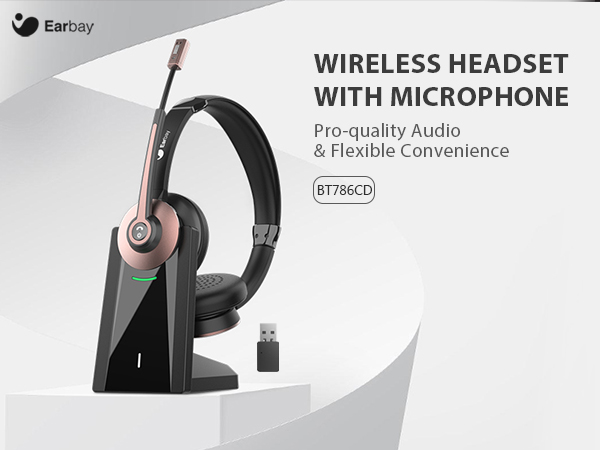
The charging base offers a simple & convenient solution to store & charge your wireless usb headset.
Bluetooth Headset with MFB Button
One key to to answer/reject cell phone calls, wake up siri and power on/off.
All-day productivity
Stay engaged and enjoy with this headset without audio delay issue.

Wireless headset with microphone for pc
Merchant VideoGet Yourself for Hybrid Work Success
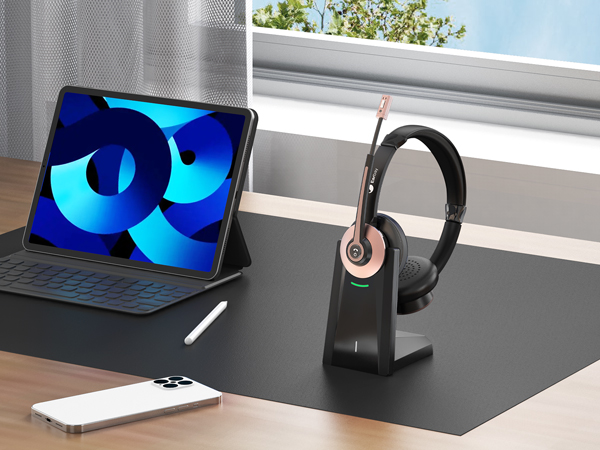
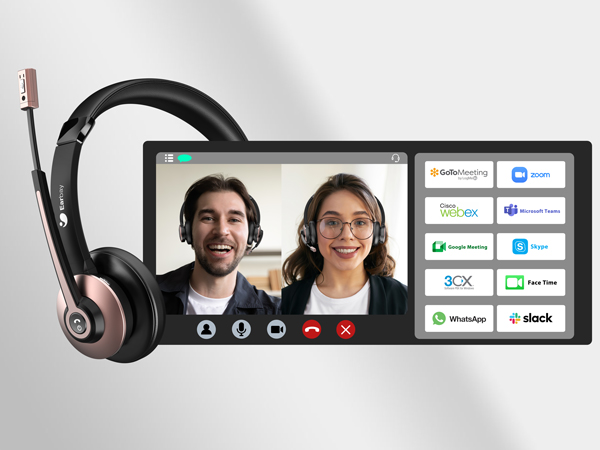
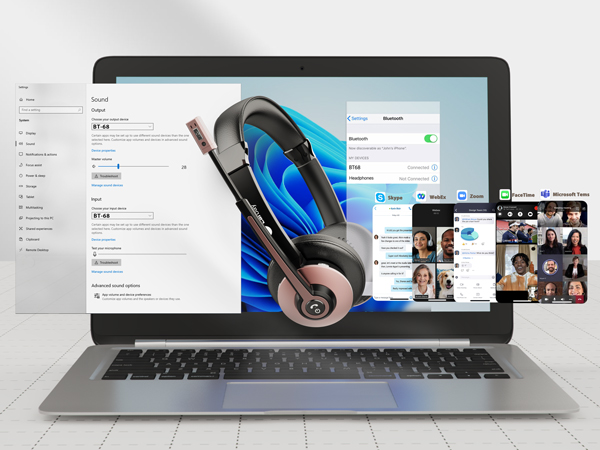
Earbay office headset works with most cell phones, computers, and most voip applications.
Productive Work of Wireless Headsets
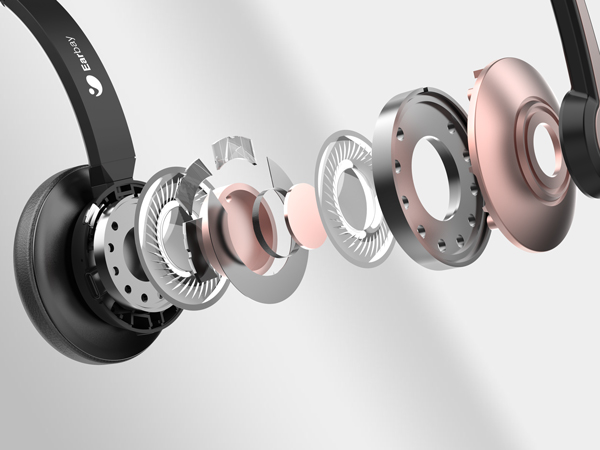
Built-in 40mm audio drivers and noise canceling mic, which offers clear sound during the call.
Protect Your Privacy
This wireless usb headset support muting the mic when connecting with cell phone or computer.
On the Desk and On the Go
Lightweight design of headsets with microphone for work can be simply put into your bag if needed.
Wireless Freedom and Low Latency
This Headset with mic offers faster and more stable connection, better audio quality to users.
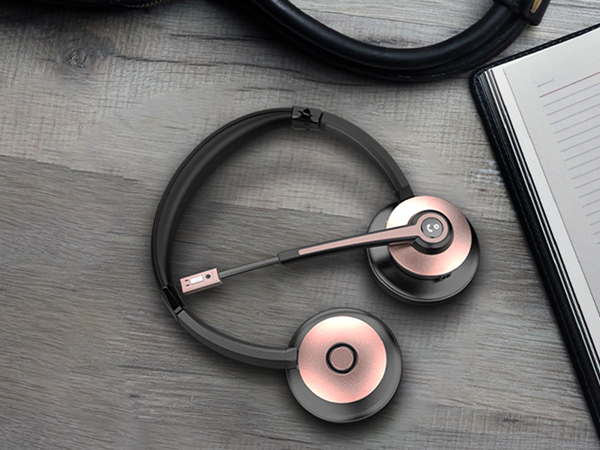
Single charge, Days of use
Offer up to 26 hours of non-stop clear talk, you can wear wireless headphones for the whole day. Turning the bluetooth headphones off sometimes, An unbelievable 50+ hours use you will get. 2 hours single charge for 210 hours standby time, no worries about long-time journey.
Two ways to charge
Two charging ways of wireless work headset is ready for you, including Type-C cable and smart charging dock, help you charge the office headset with microphone directly in different situations.
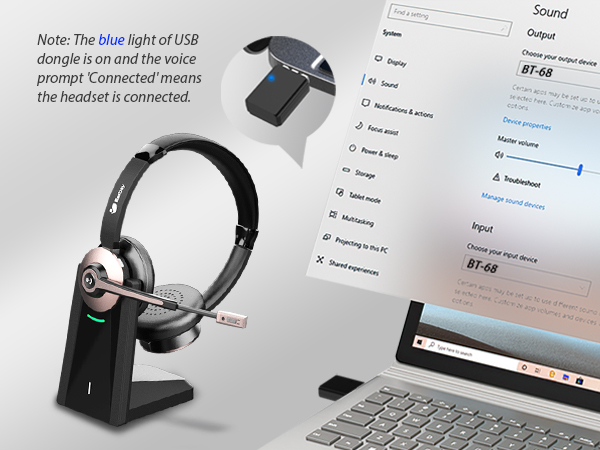
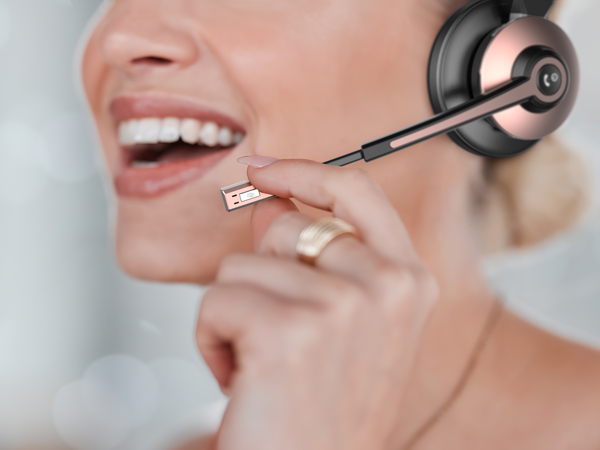
Tips: When you put the mic right in front of your mouth, the noise reduction will be better. When the mic is above the lip, the noise cancelling technology may tries to cut your voice out. If you want to mute calls applications or answer calls on PC, please set it through the software.
After a period of using time, the headphones with microphone emits a beep sound?
Please charge the wireless headset for a period of time to confirm whether it is caused by low power, or check whether the mute function is on.
Does the wireless computer headset have mute function?
Yes. This mic mute function can only be used for computer or cell phone during the call.
What are the charging methods of these computer headsets?
There are two ways, One is the charging base, or you can use the Type-C cable to charge the headset directly, Just 2 hours charging, You can enjoy a whole day clear talk time.
How to mute the voice of wireless headset with usb dongle?
When you making calls, please click the mute button on the microphone, the voice prompt Mute OFF, and then turn off the call mute after the voice prompt.