






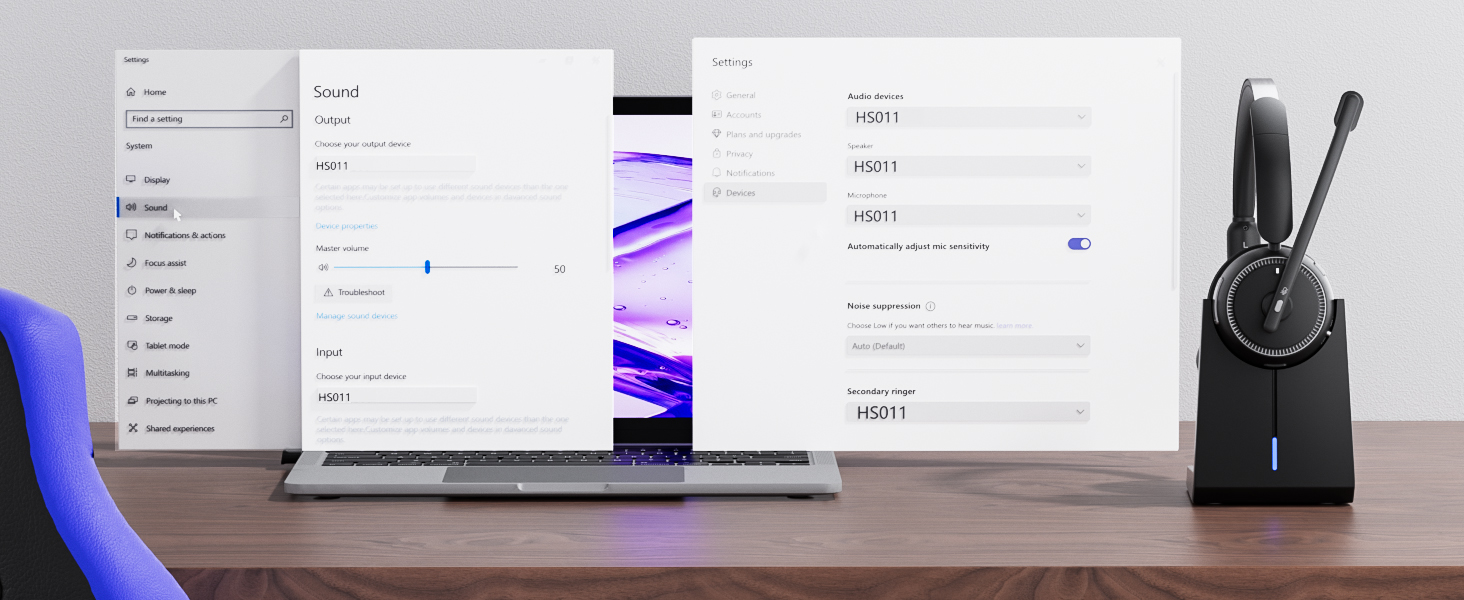
How to connect [HS011 ] to a computer?
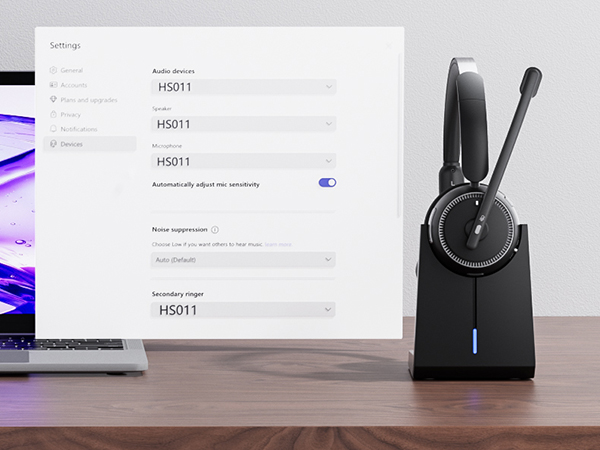
When the computer and the wireless headset with mic have been successfully paired, ensure that PC System Settings > Sound > Output & Input (Speaker/Microphone) Device select [HS011]. Using office software, please select [HS011] for the Output & Input (Speaker/Microphone)
Can I use the wireless headset to answer or hang up calls?
If the headset is connected to a mobile phone, you can click the MFB to answer/end calls on the headset; If the headset is connected to a computer, you need to answer calls on the computer. Reminder: MFB does not work with desk phones and landlines
How do I charge the wireless microphone headset using the charging base?
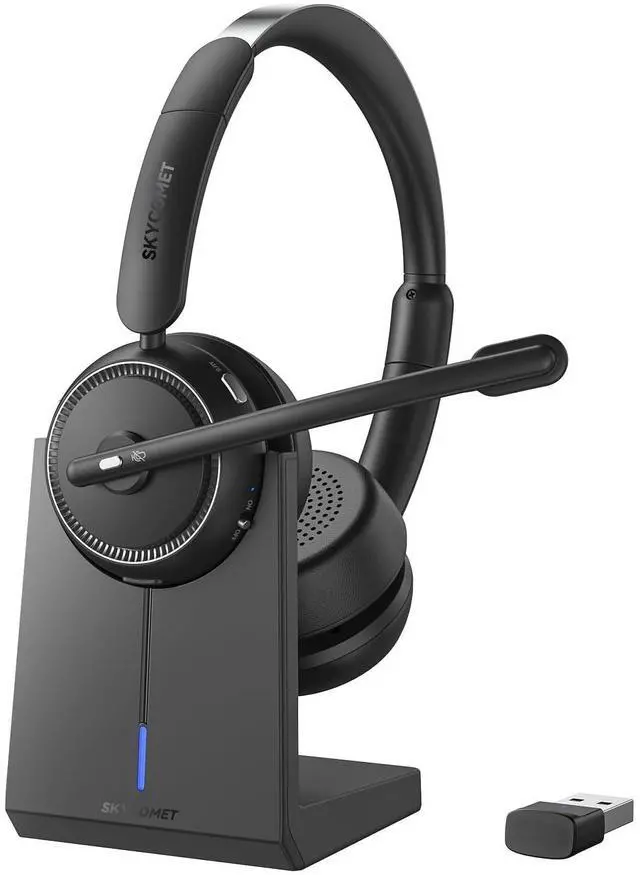
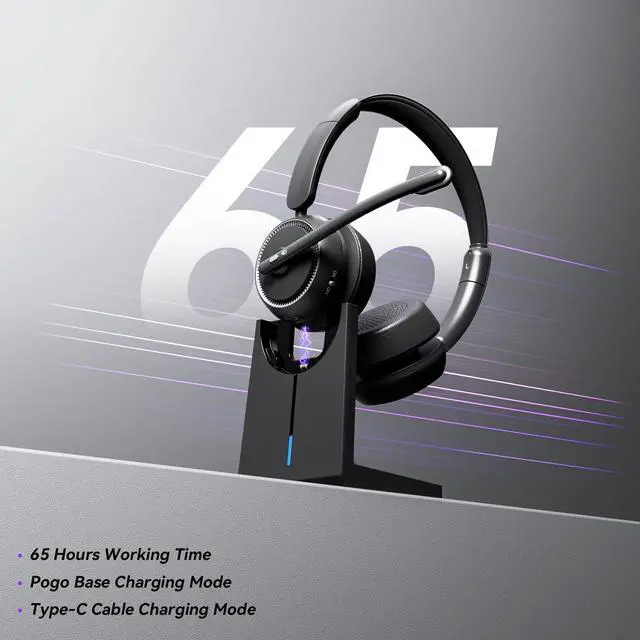
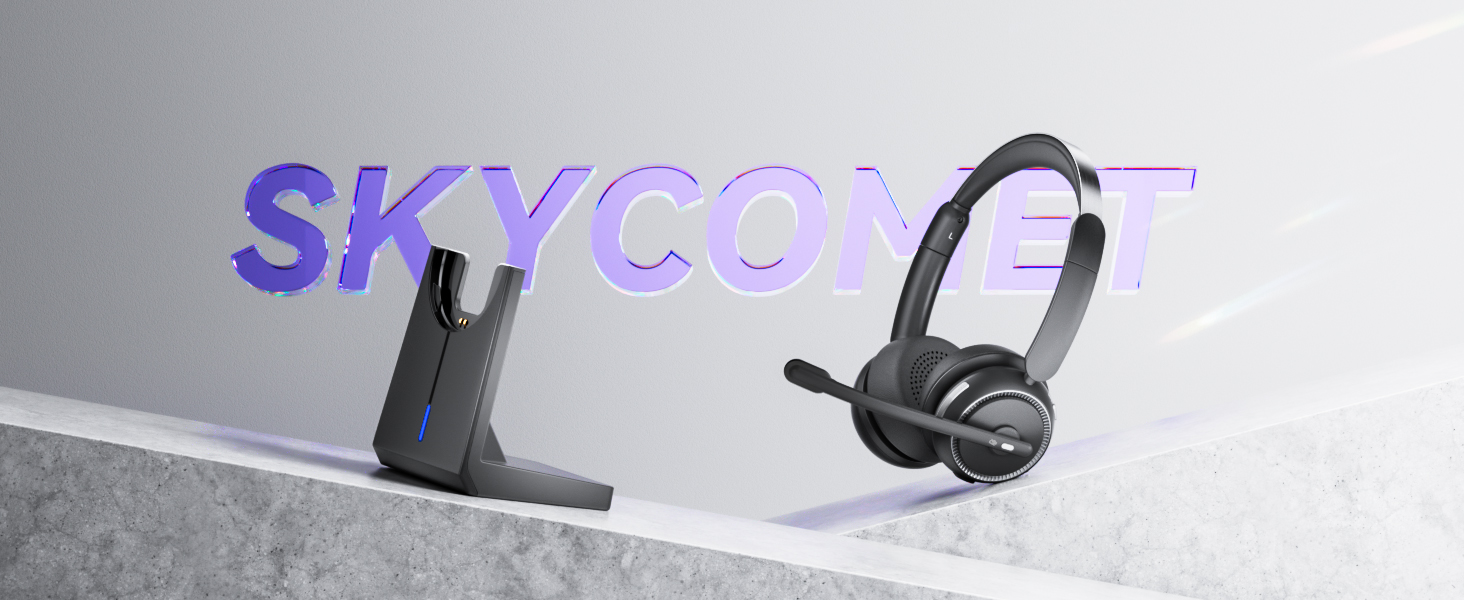
The headset needs to be connected to a power source when placed on the charging base. The LED light will flash red and slowly flash to indicate that it is charging. The LED light will turn solid blue to indicate that the headset is fully charged
I use it for work at home, can it effectively eliminate the loud background noise?
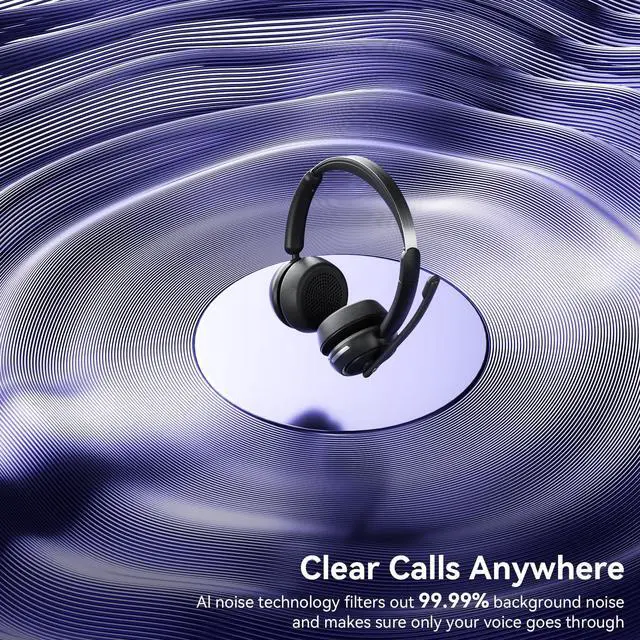
Of course. The headset adopts environmental noise cancellation technology. which filters unwanted environmental background sounds by calculating the frequency band of environmental noise, and captures clear human voices to ensure the quality of calls
Can the mute state of the headset be maintained all the time?
If the call is muted, the muted state will be canceled automatically after the call is over. If you need to keep the call muted, you need to press the mute button during each call (Mute only works during a call or meeting)
Will this headset automatically turn off after canceling the connection?
lf no device is connected for more than 10 minutes, the wireless headset with mic for work will automatically power off
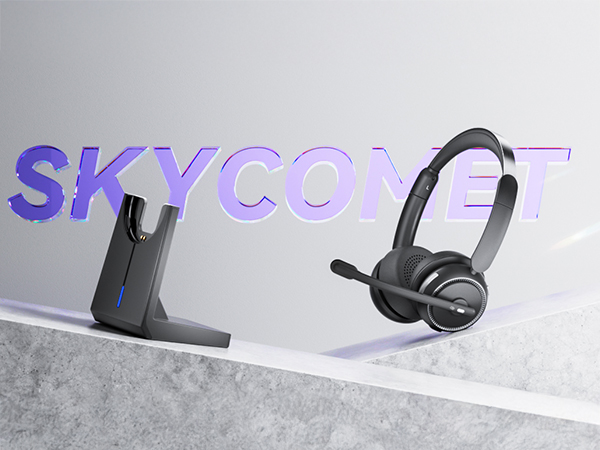
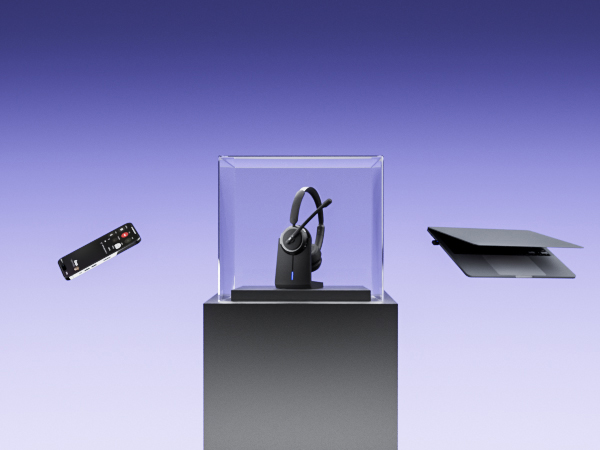
ENC Wireless Headset with Mic for Clear Calls
Experience crystal-clear calls with our wireless headset with mic for work, thanks to ENC technology
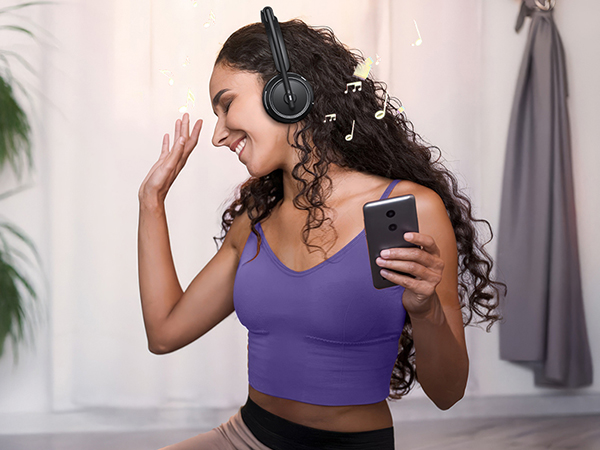
HIFI Stereo Wireless Headphones with Mic
Get lost in the immersive sound with HIFI stereo quality, designed to elevate your music experience

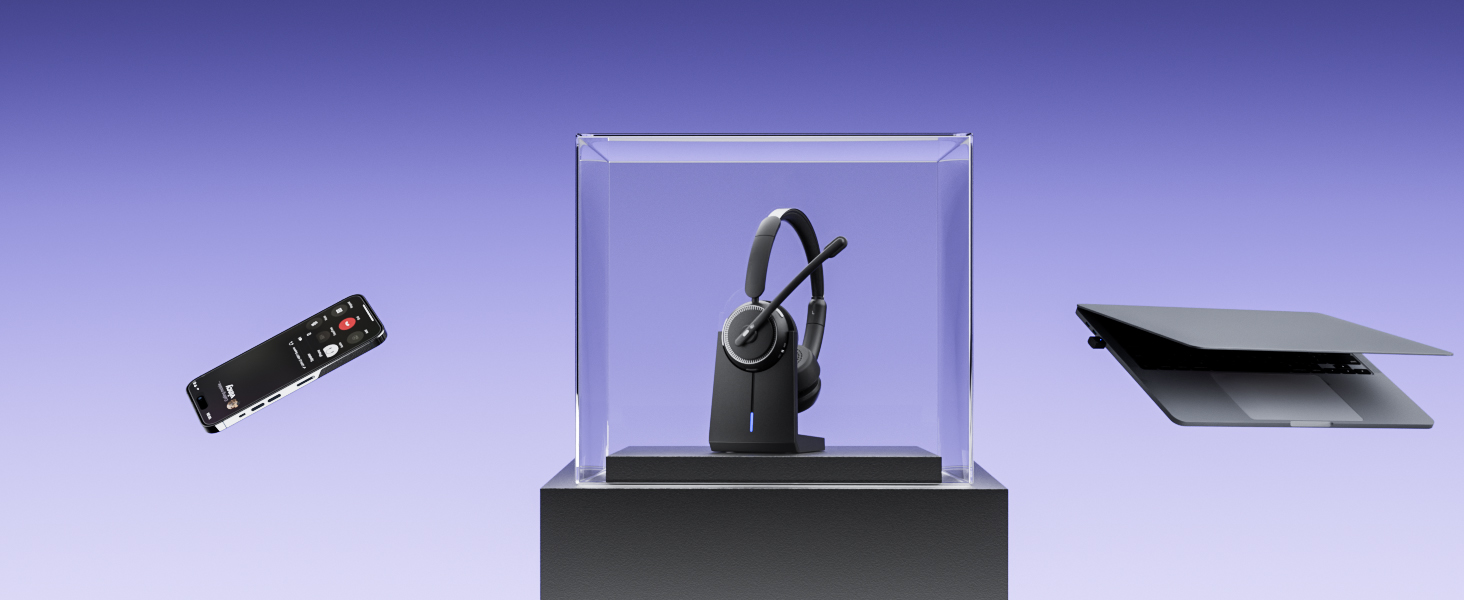
USB Dongle & Bluetooth Connectivity
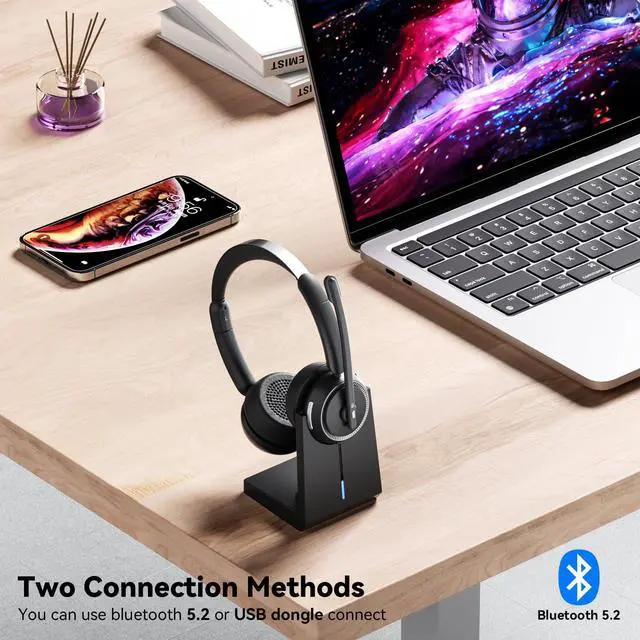
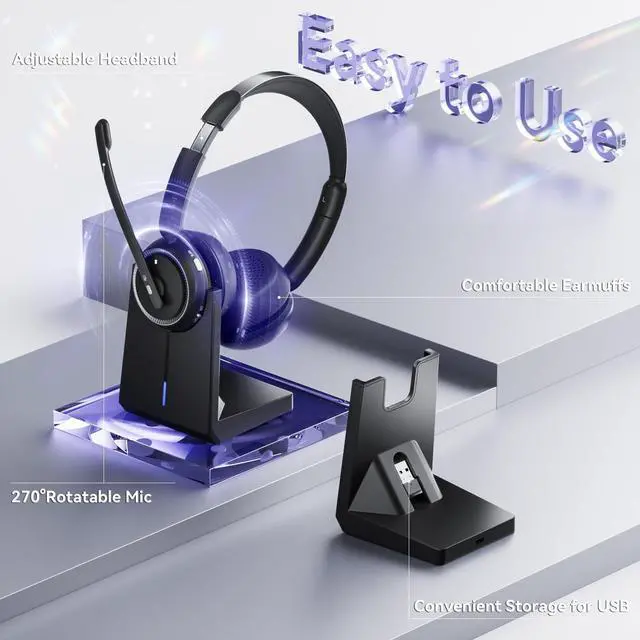
The wireless headset with mic lets connect easily via USB Dongle or Bluetooth without interruption
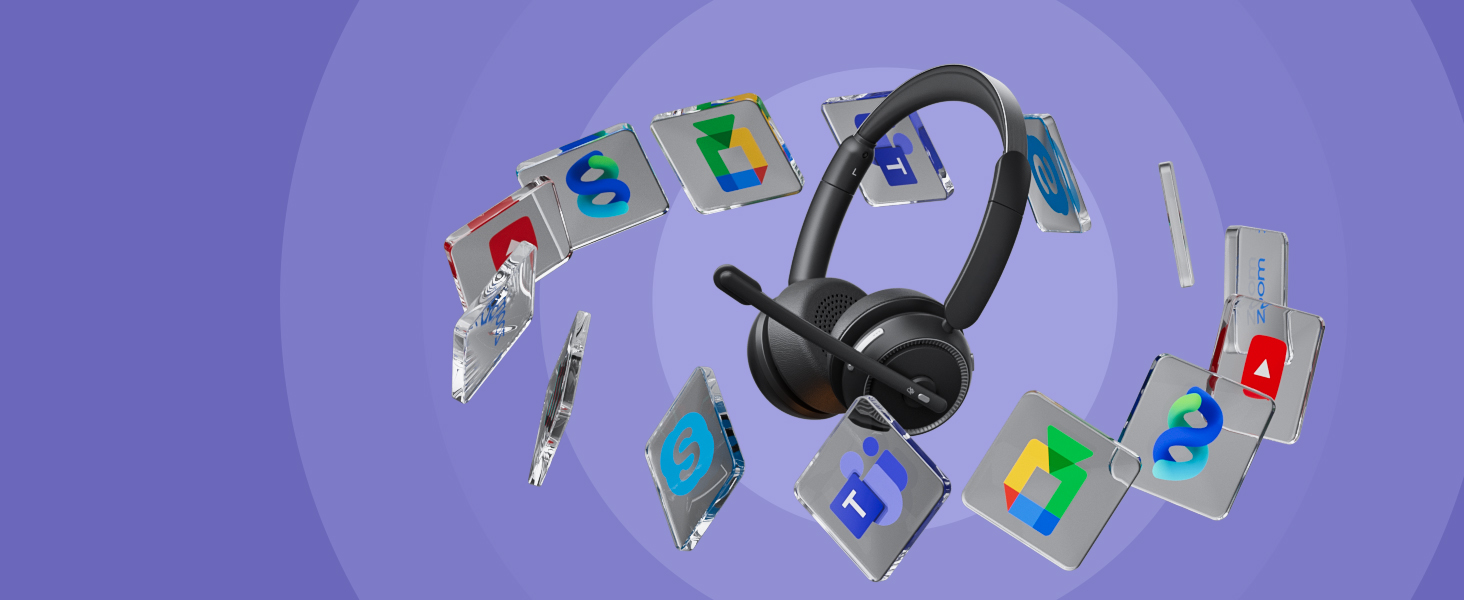
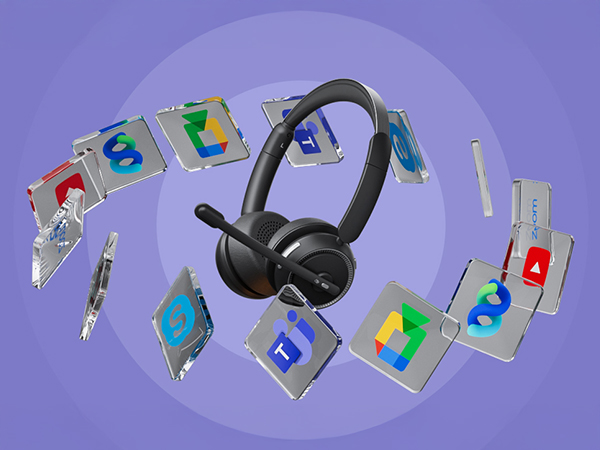
Seamless Compatibility with Major Platforms
The wireless headset with mic ensures smooth connection with Zoom, Teams, WebEx, and Skype for work
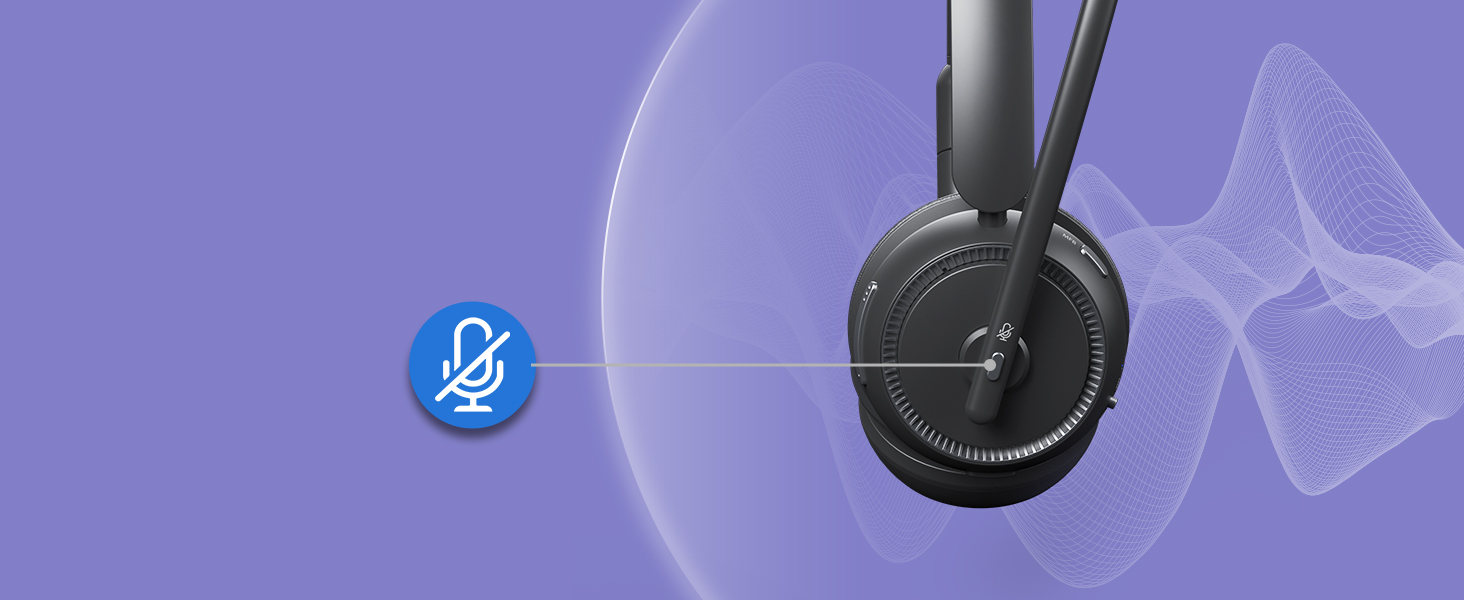
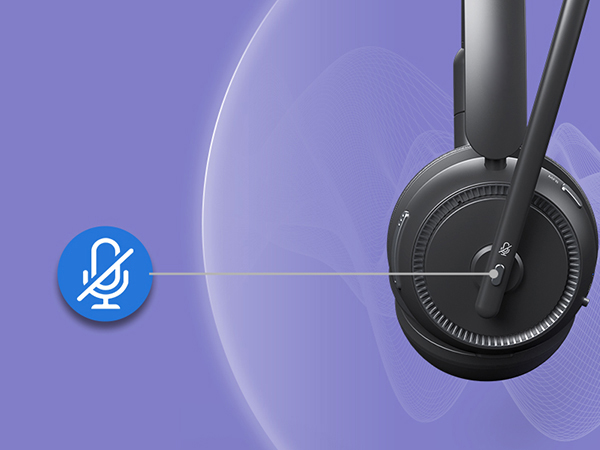
Humanized Mute Function for Privacy Control
This wireless headset with mic lets you instantly mute your mic, ideal for work calls and meetings
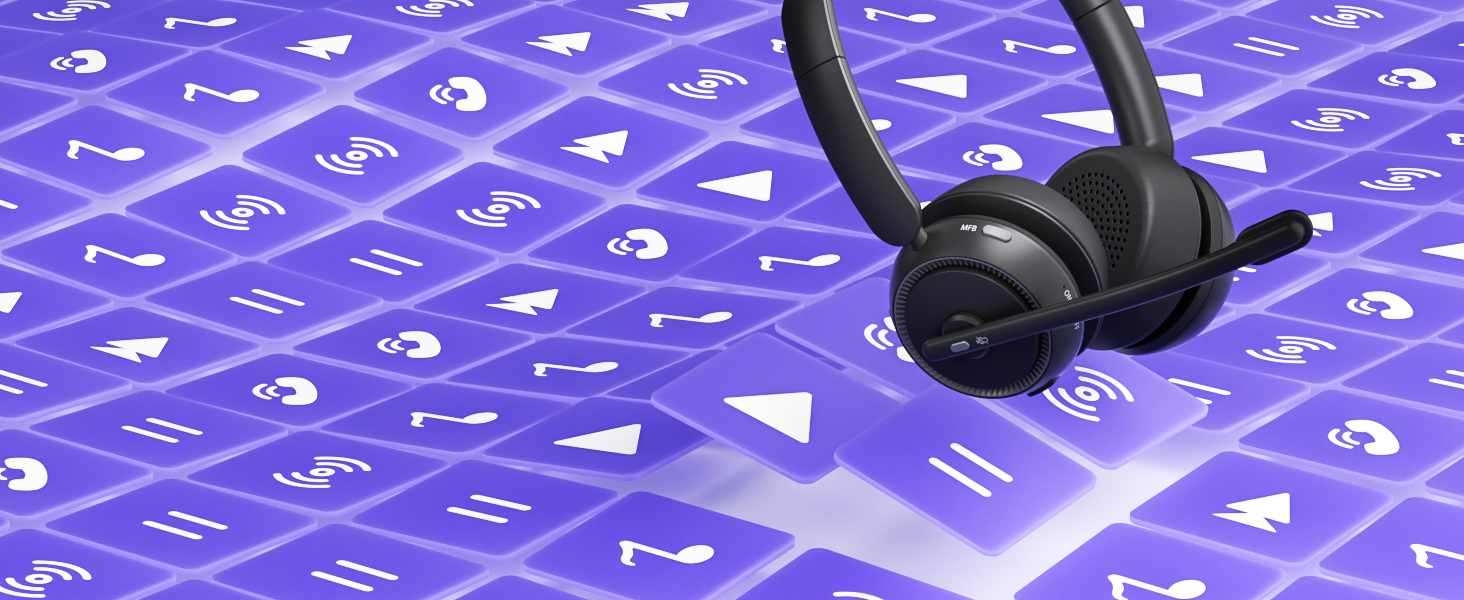
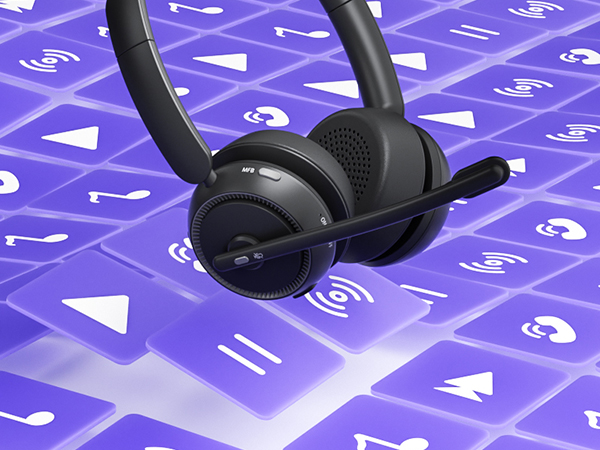
Control Calls and Music Effortlessly with MFB
Our wireless headset with mic features an MFB to answer, reject calls, and control music seamlessly

How to connect [HS011 ] to a computer?
When the computer and the wireless headset with mic have been successfully paired, ensure that PC System Settings > Sound > Output & Input (Speaker/Microphone) Device select [HS011]. Using office software, please select [HS011] for the Output & Input (Speaker/Microphone)
Can I use the wireless headset to answer or hang up calls?
If the headset is connected to a mobile phone, you can click the MFB to answer/end calls on the headset; If the headset is connected to a computer, you need to answer calls on the computer. Reminder: MFB does not work with desk phones and landlines
How do I charge the wireless microphone headset using the charging base?
The headset needs to be connected to a power source when placed on the charging base. The LED light will flash red and slowly flash to indicate that it is charging. The LED light will turn solid blue to indicate that the headset is fully charged
I use it for work at home, can it effectively eliminate the loud background noise?
Of course. The headset adopts environmental noise cancellation technology. which filters unwanted environmental background sounds by calculating the frequency band of environmental noise, and captures clear human voices to ensure the quality of calls
Can the mute state of the headset be maintained all the time?
If the call is muted, the muted state will be canceled automatically after the call is over. If you need to keep the call muted, you need to press the mute button during each call (Mute only works during a call or meeting)
Will this headset automatically turn off after canceling the connection?
lf no device is connected for more than 10 minutes, the wireless headset with mic for work will automatically power off