




LEVN stands proudly behind every product offered
As one of the leaders of Bluetooth Headset products, LEVN works passionately on the innovation of design and technology to create products with simplicity and usability all over the world.
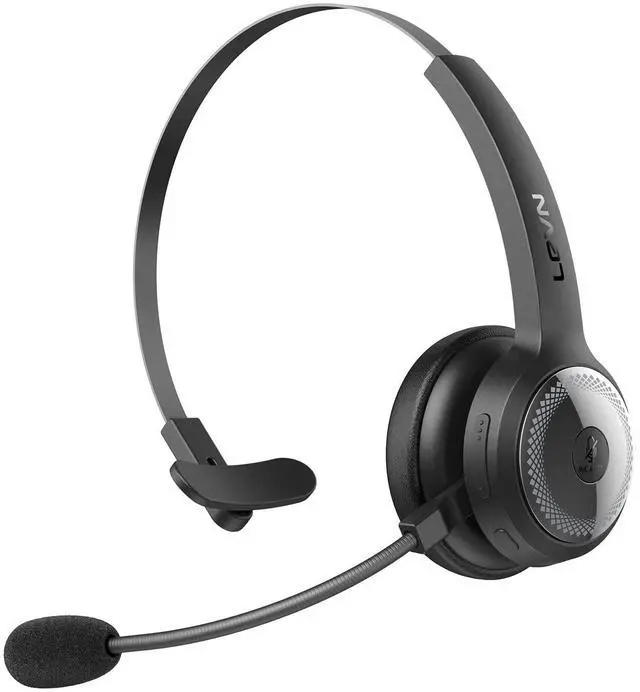
LEVN Trucker Bluetooth 5.2 Headset
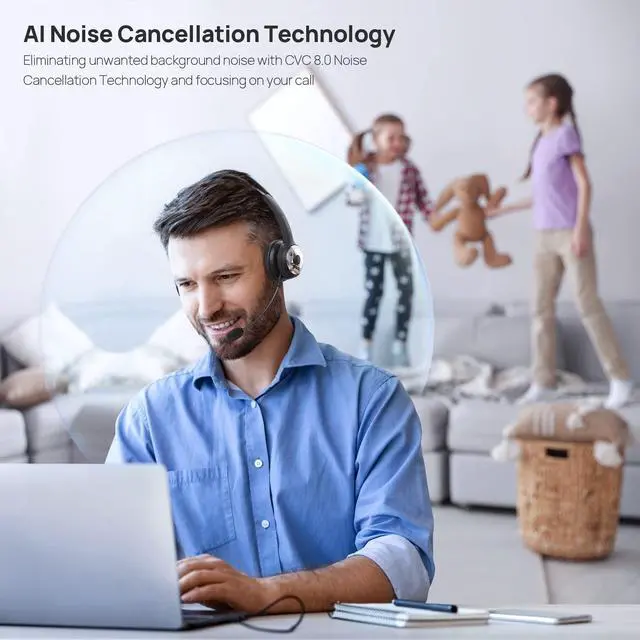
Eliminating Unwanted Background Noise with CVC 8.0 Noise Cancellation Technology and Focusing on your Call
Maximum noise cancellation depth: > 35dB
Optimal noise cancellation frequency band: 1000-2000Hz
Effective noise cancellation bandwidth: 50-5000Hz
Interference during a call is just around the corner. Every Call Center Agent, Remote worker and Truck Driver deserves a headset with a mic that cancels out the background noise.
- 1. Bluetooth Version: V5.2
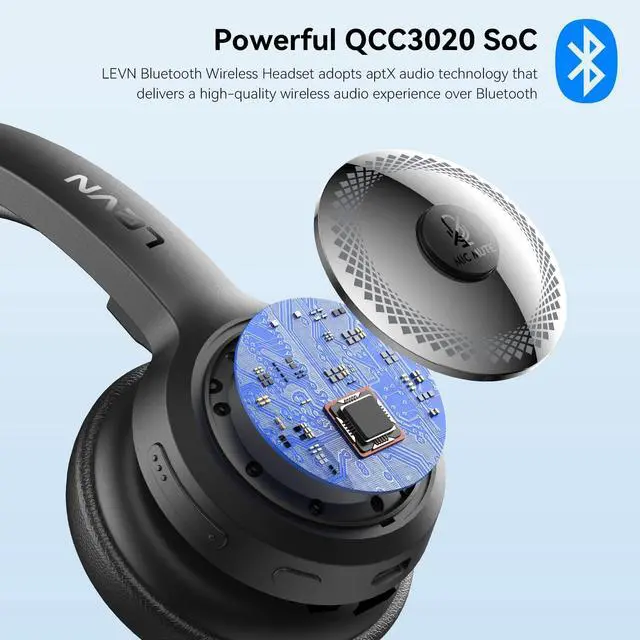
- 2. Bluetooth Chipset: QCC3020 with aptX Audio
- 3. Operation Range: 10 meters/33 feet
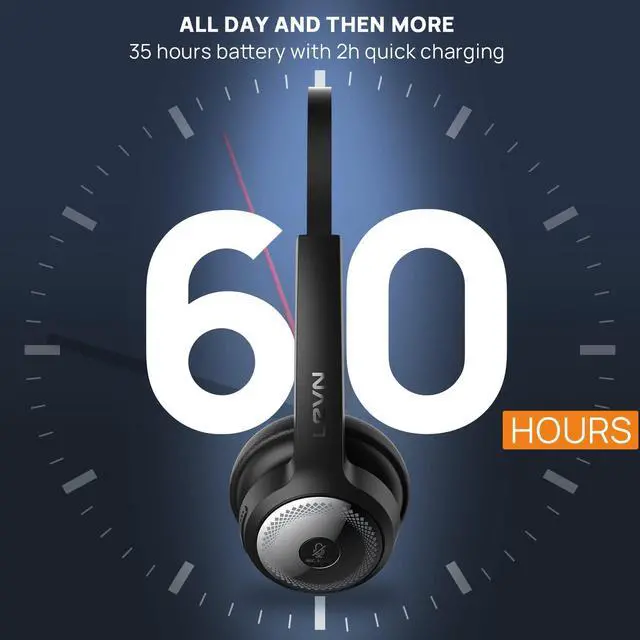
- 4. Battery Capacity: 350mAh/3.7V
- 5. Charging Time: About 2 hours
- 6. Talking Time: About 60 hours (70% volume)
- 7. Microphone Rotation Angle: ±135°
- 8. Common for left or right ear

Environmental Noise Cancellation
The LEVN noise cancelling bluetooth headphone uses advanced ENC technology, it can prevent the listener from hearing your background noise by calculating the frequency band of environmental noise in advance. No more embarrassment when working remotely!

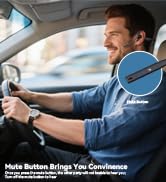
Mute Button
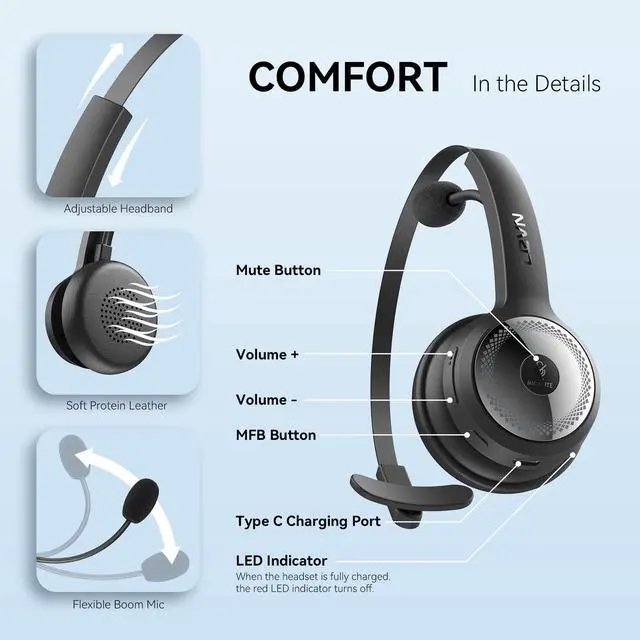
Our wireless bluetooth headset supports mute function during the call. The mute button on the headset works well on non-Windows devices, i.e. Android and macOS, but may not be compatible with some software on Windows devices. What's more, the mute function is not a two-way control. If you mute yourself on the computer, you must also unmute on the computer, and vice versa.

Hands-Free Calls with MFB Button
Through the MFB button on the LEVN Bluetooth 5.0 Headset, you can easily answer/hang up calls. The feature works well on mobile phones, i.e. Android and iPhone, but it doesn't work on computers or landlines. If paired with a computer or landline, you'll need to answer the call on the computer or landline, not through the headset.

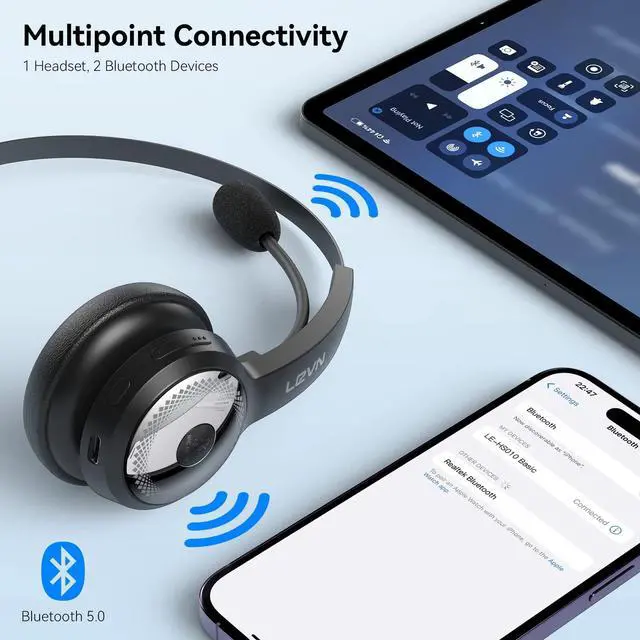
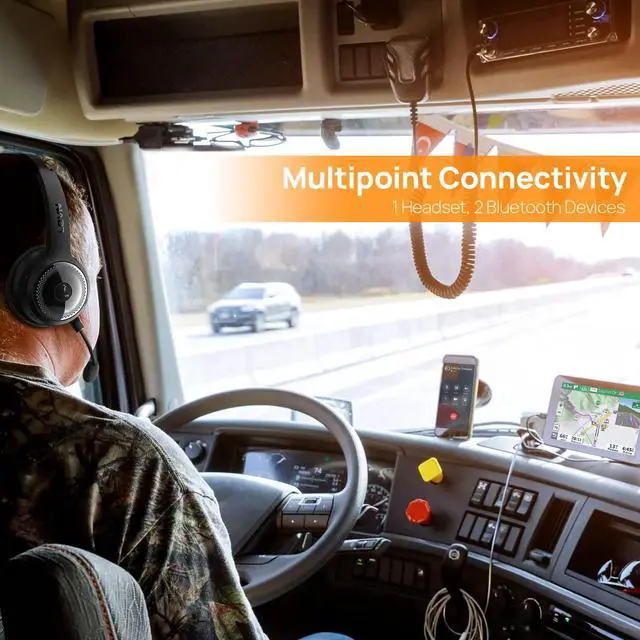
1 Headset, 2 Bluetooth Devices
LEVN On-Ear Bluetooth headphone uses Multipoint Connectivity and maintains simultaneous connections to 2 bluetooth devices like a laptop and smartphone. You can be on one call without missing notifications from another device.

No Battery Worry
The LEVN trucker bluetooth headset equiped with a larger capacity battery, which can provide up to 60 hours of work time and 200 hours standby time, and is enough to cope with a day's intensive use. Truckers no longer have to worry about running out of battery, during long journeys on the road.

270° rotatable microphone
LEVN Bluetooth Headset with 270° rotatable microphone can be used on the right or left side and will not be damaged even if it is rotated and adjusted thousands of times.
- Microphone Form Factor: Boom
- MicrophoneTechnology: Bidirectional

How to pair LEVN LE-HS010 Basic to a computer?
- Pair LEVN LE-HS010 Basic to a computer via Bluetooth
- On your device, press and hold the MFB button of LE-HS010 for 5 seconds to enter pairing mode, makes it discoverable by the computer. Check that the indicator flashes blue and red alternately. You will hear the voice guidance say, "Pairing".
- On your PC, select Start > Settings > Bluetooth & other devices > Add Bluetooth or other device > Bluetooth > Click on the model number [LE-HS010 Basic] of your device. A window will pop up indicating the Bluetooth connection is complete. If your computer asks for a Bluetooth driver, contact your computer manufacturer.
- Check the sound settings to make sure sound is played via the correct output and input.
The microphone and the speaker of the headset may be disabled or not set as the default device on your computer.
- Go to Settings > Devices > Bluetooth & other devices
- Under Audio, make sure that the text below LE-HS010 Basic says Connected voice, music. This means the headset were paired and connected successfully.
- In the same window, under Related settings, click Sound settings to set the sound output (speaker) and input (Microphone).
- Select [LE-HS010 Basic] as your output device (speaker)
- Select [LE-HS010 Basic] as your input device (Microphone)
- Make sure that [LE-HS010 Basic] has been selected as both the output and input device. Then close Settings.
 LE-HS010 Basic |  LE-HS010 Super V4 |  LEVN Wireless Microphone |  LEVN Bluetooth Headset with Microphone, 60 Hrs Working Time Dual Connection B... |  LE-HS012 |  LE-HS011 Sup | |
|---|---|---|---|---|---|---|
| Customer Reviews | — | — | — | — | — | — |
| Price | — | — | — no data | — | — no data | — |
| ENC | ? | ? | ? | ? | ? | ? |
| AI Noise Canceling | by 92% | by 99.9% | AI Noise Canceling | by 99.9% | by 99.9% | by 99.9% |
| Connectivity | Bluetooth - NO USB DONGLE | Bluetooth & USB Dongle | USB-C/Lightning | Bluetooth 5.3 | Bluetooth V5.2 | Bluetooth & USB Dongle |
| Bluetooth Multipoint | 2 Devices Simultaneously | 1 Device | 2 Device | 2 Device | 2 Device | 1 Device |
| Charging Method | USB C Cable | Charging Base or USB C Cable | USB C Cable | USB C Cable | USB C Cable | USB C Cable |
| Battery Life | Up to 60 hours | Up to 45 hours | Up to 20 hours | Up to 60 hours | Up to 65 hours | Up to 50 hours |
LEVN Wireless Headsets Collection


Eliminating Unwanted Background Noise and Focusing on your Call with LEVN

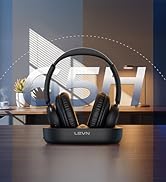

LEVN new TV headphones
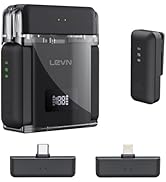

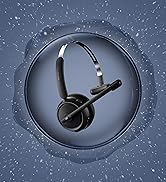
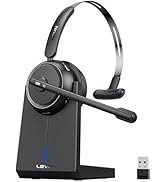
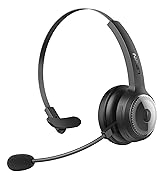
LEVN Bluetooth Headset
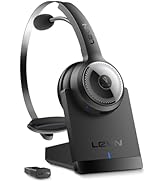

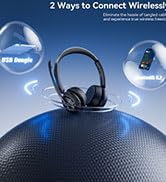
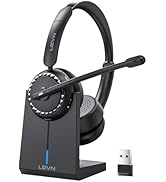
Wireless headset for work
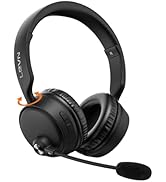
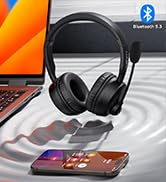


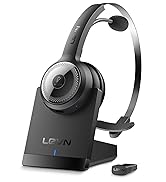
LEVN Bluetooth Headset
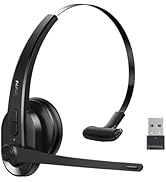

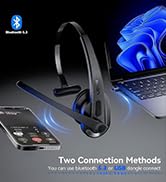

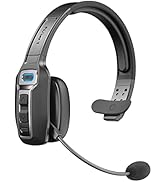
LEVN Wireless Headset with Mic
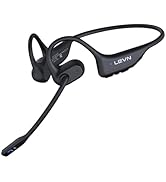


Open Ear Headphones
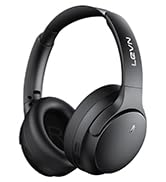

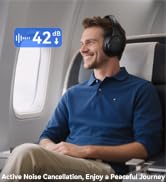

Noise Cancelling Headphones
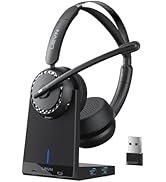

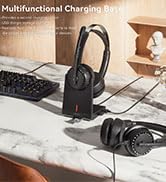

LEVN New Product Alert
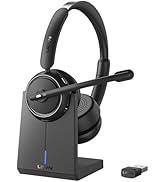



LEVN Wireless headset for work
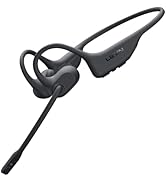
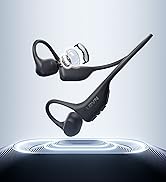
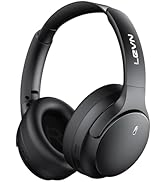
LEVN Wireless Headset

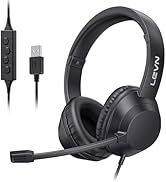
LEVN Binaural Headset
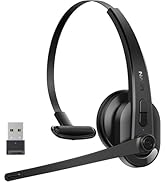
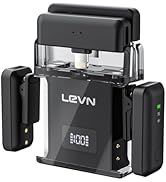
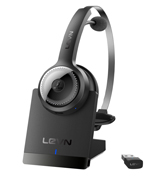

LEVN Wireless Headset with Mic
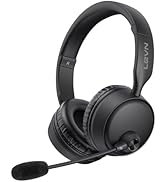
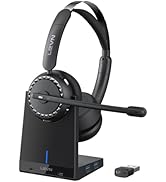

LEVN Wireless Headset with Mic
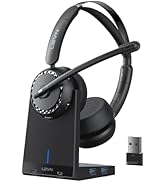

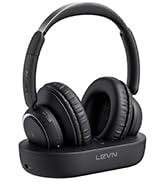

Convenient & Efficient
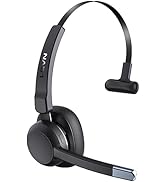
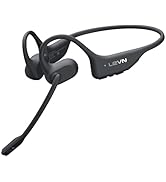
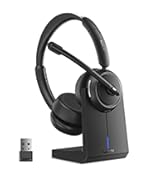
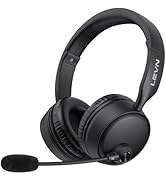
New Product Alert from LEVN
Wireless Freedom



LEVN: Redefining Wireless Audio - Unmatched Quality and Innovation
Established in 2003, LEVN has a two-decade legacy in wireless audio, delivering unmatched expertise, superior quality, and an exceptional user experience. Meticulously crafted headphones ensure superior sound and seamless connectivity. Our goal is to enrich wireless audio with revolutionary features and innovative technology, shaping the future of Bluetooth headsets.
LEVN Trucker Bluetooth 5.2 Headset
LEVN stands proudly behind every product offered
As one of the leaders of Bluetooth Headset products, LEVN works passionately on the innovation of design and technology to create products with simplicity and usability all over the world.
Eliminating Unwanted Background Noise with CVC 8.0 Noise Cancellation Technology and Focusing on your Call
Maximum noise cancellation depth: > 35dB
Optimal noise cancellation frequency band: 1000-2000Hz
Effective noise cancellation bandwidth: 50-5000Hz
Interference during a call is just around the corner. Every Call Center Agent, Remote worker and Truck Driver deserves a headset with a mic that cancels out the background noise.
- 1. Bluetooth Version: V5.2
- 2. Bluetooth Chipset: QCC3020 with aptX Audio
- 3. Operation Range: 10 meters/33 feet
- 4. Battery Capacity: 350mAh/3.7V
- 5. Charging Time: About 2 hours
- 6. Talking Time: About 60 hours (70% volume)
- 7. Microphone Rotation Angle: ±135°
- 8. Common for left or right ear
Environmental Noise Cancellation
The LEVN noise cancelling bluetooth headphone uses advanced ENC technology, it can prevent the listener from hearing your background noise by calculating the frequency band of environmental noise in advance. No more embarrassment when working remotely!
Mute Button
Our wireless bluetooth headset supports mute function during the call. The mute button on the headset works well on non-Windows devices, i.e. Android and macOS, but may not be compatible with some software on Windows devices. What's more, the mute function is not a two-way control. If you mute yourself on the computer, you must also unmute on the computer, and vice versa.
Hands-Free Calls with MFB Button
Through the MFB button on the LEVN Bluetooth 5.0 Headset, you can easily answer/hang up calls. The feature works well on mobile phones, i.e. Android and iPhone, but it doesn't work on computers or landlines. If paired with a computer or landline, you'll need to answer the call on the computer or landline, not through the headset.
1 Headset, 2 Bluetooth Devices
LEVN On-Ear Bluetooth headphone uses Multipoint Connectivity and maintains simultaneous connections to 2 bluetooth devices like a laptop and smartphone. You can be on one call without missing notifications from another device.
No Battery Worry
The LEVN trucker bluetooth headset equiped with a larger capacity battery, which can provide up to 60 hours of work time and 200 hours standby time, and is enough to cope with a day's intensive use. Truckers no longer have to worry about running out of battery, during long journeys on the road.
270° rotatable microphone
LEVN Bluetooth Headset with 270° rotatable microphone can be used on the right or left side and will not be damaged even if it is rotated and adjusted thousands of times.
- Microphone Form Factor: Boom
- MicrophoneTechnology: Bidirectional
How to pair LEVN LE-HS010 Basic to a computer?
- Pair LEVN LE-HS010 Basic to a computer via Bluetooth
- On your device, press and hold the MFB button of LE-HS010 for 5 seconds to enter pairing mode, makes it discoverable by the computer. Check that the indicator flashes blue and red alternately. You will hear the voice guidance say, "Pairing".
- On your PC, select Start > Settings > Bluetooth & other devices > Add Bluetooth or other device > Bluetooth > Click on the model number [LE-HS010 Basic] of your device. A window will pop up indicating the Bluetooth connection is complete. If your computer asks for a Bluetooth driver, contact your computer manufacturer.
- Check the sound settings to make sure sound is played via the correct output and input.
The microphone and the speaker of the headset may be disabled or not set as the default device on your computer.
- Go to Settings > Devices > Bluetooth & other devices
- Under Audio, make sure that the text below LE-HS010 Basic says Connected voice, music. This means the headset were paired and connected successfully.
- In the same window, under Related settings, click Sound settings to set the sound output (speaker) and input (Microphone).
- Select [LE-HS010 Basic] as your output device (speaker)
- Select [LE-HS010 Basic] as your input device (Microphone)
- Make sure that [LE-HS010 Basic] has been selected as both the output and input device. Then close Settings.
LE-HS010 Basic | LE-HS010 Super V4 | LEVN Wireless Microphone | LEVN Bluetooth Headset with Microphone, 60 Hrs Working Time Dual Connection B... | LE-HS012 | LE-HS011 Sup | |
|---|---|---|---|---|---|---|
| Customer Reviews | — | — | — | — | — | — |
| Price | — | — | — no data | — | — no data | — |
| ENC | ? | ? | ? | ? | ? | ? |
| AI Noise Canceling | by 92% | by 99.9% | AI Noise Canceling | by 99.9% | by 99.9% | by 99.9% |
| Connectivity | Bluetooth - NO USB DONGLE | Bluetooth & USB Dongle | USB-C/Lightning | Bluetooth 5.3 | Bluetooth V5.2 | Bluetooth & USB Dongle |
| Bluetooth Multipoint | 2 Devices Simultaneously | 1 Device | 2 Device | 2 Device | 2 Device | 1 Device |
| Charging Method | USB C Cable | Charging Base or USB C Cable | USB C Cable | USB C Cable | USB C Cable | USB C Cable |
| Battery Life | Up to 60 hours | Up to 45 hours | Up to 20 hours | Up to 60 hours | Up to 65 hours | Up to 50 hours |
LEVN Wireless Headsets Collection
Eliminating Unwanted Background Noise and Focusing on your Call with LEVN
LEVN new TV headphones
LEVN Bluetooth Headset
Wireless headset for work
LEVN Bluetooth Headset
LEVN Wireless Headset with Mic
Open Ear Headphones
Noise Cancelling Headphones
LEVN New Product Alert
LEVN Wireless headset for work
LEVN Wireless Headset
LEVN Binaural Headset
LEVN Wireless Headset with Mic
LEVN Wireless Headset with Mic
Convenient & Efficient
New Product Alert from LEVN
Wireless Freedom
LEVN: Redefining Wireless Audio - Unmatched Quality and Innovation
Established in 2003, LEVN has a two-decade legacy in wireless audio, delivering unmatched expertise, superior quality, and an exceptional user experience. Meticulously crafted headphones ensure superior sound and seamless connectivity. Our goal is to enrich wireless audio with revolutionary features and innovative technology, shaping the future of Bluetooth headsets.