







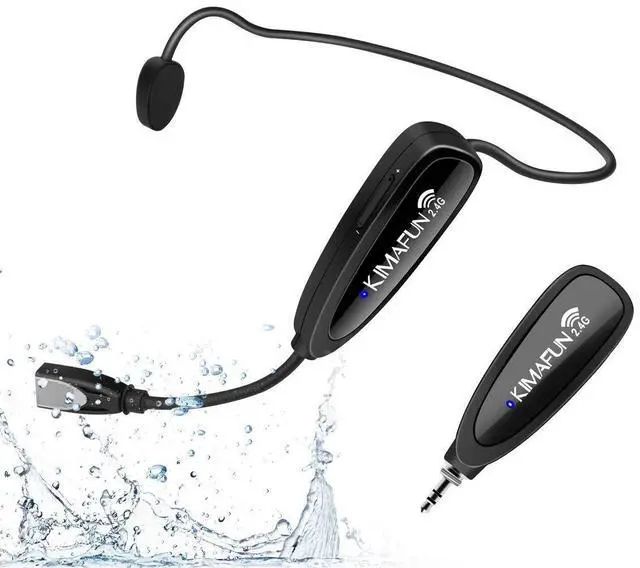





Video of KM-G100-1
Merchant Video



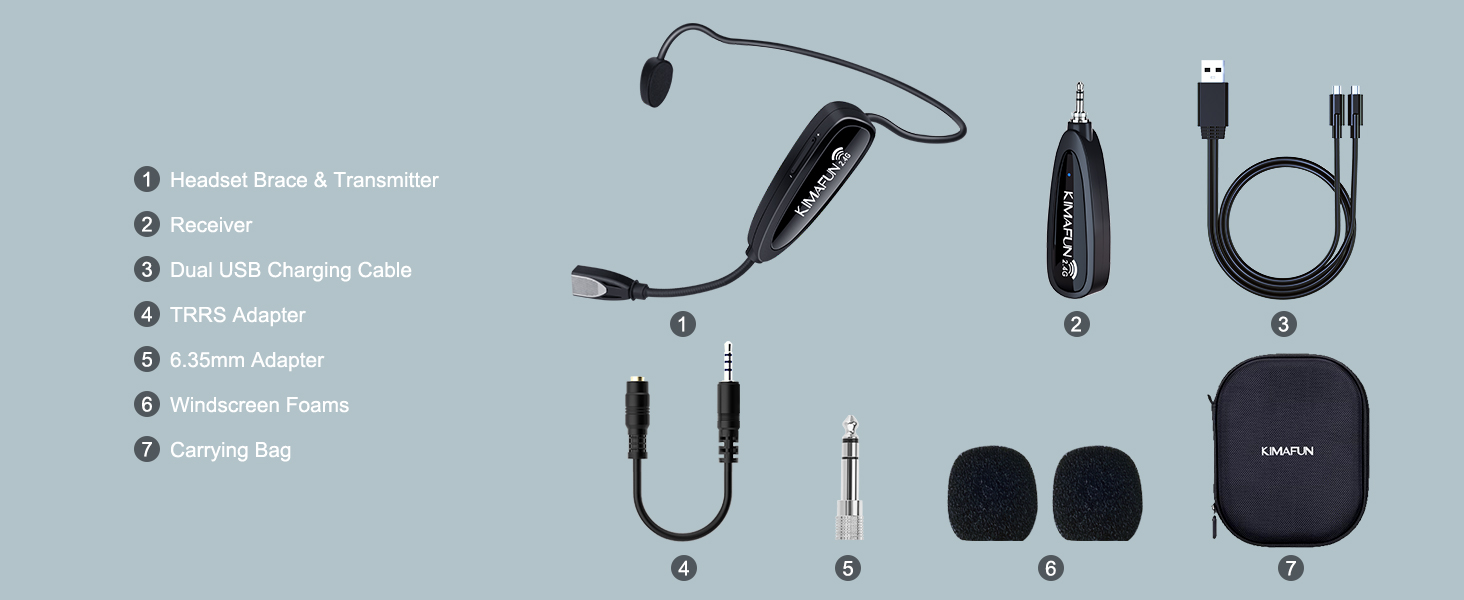
Comparison of KIMAFUN Wireless Microphones
 KM-G100-1 |  KM-GWP91 | 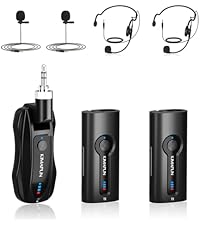 KM-G70(2TX1RX) | 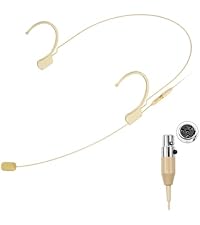 810 Series(4 Types Tatal) | 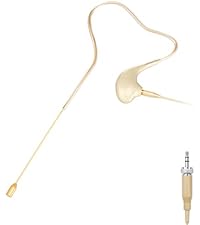 830 Series(4 Types Tatal) | 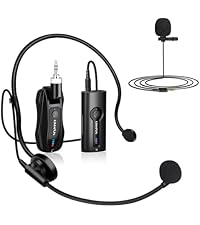 KM-G70(1TX1RX) | |
|---|---|---|---|---|---|---|
Customer Reviews | — | — | — | — | — | — |
Price | — | — | — | — | — | — |
Interface | 3.5mm/6.35mm | 3.5mm/6.35mm | 3.5mm/6.35mm | Mini XLR TA4F | 3.5mm Stereo Screw Lock Plug | 3.5mm/6.35mm |
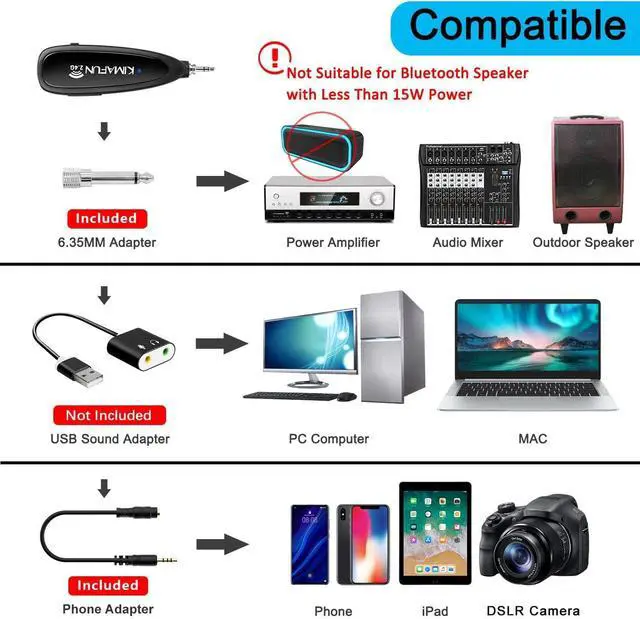
Applicable Equipment | Camera/Smartphone/Speaker | Computer/Smartphone/Speaker | Outdoor Speaker/PA System | with Mini XLR (TA4F) connector | wiith 3.5mm Stereo Screw Lock | Speaker/Amplifier |
Matching Mode | 1TX+1RX | 1TX+1RX | 2TX+1RX | / | / | 1TX+1RX |
Applicable Scene | Fitness Teaching | Fitness Teaching | Yoga/Training/Seminar | Presenters/Broadcasters | Stage Performers/Churches | Teaching/Speech |
Wearing Mode | Headset | Headset | Lavalier/Headset for 2 People | Dual Earset | Single Earset | Lavalier/Headset |
FAQ & Troubleshooting
1. Can't turn on or can't fully charged
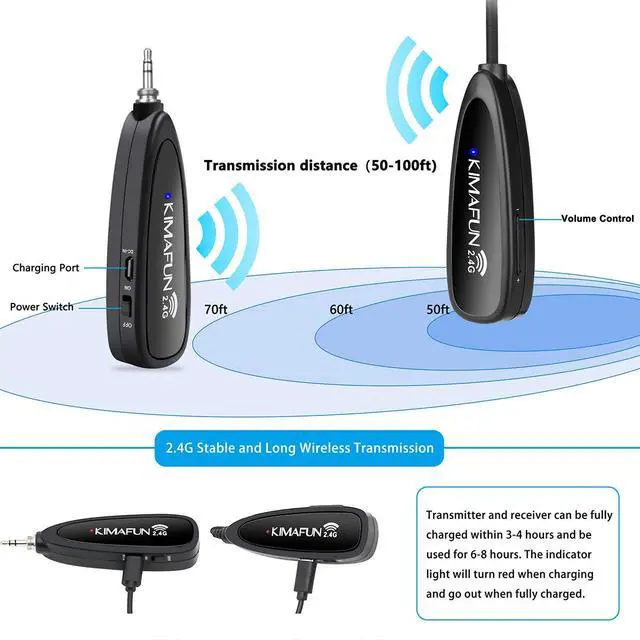
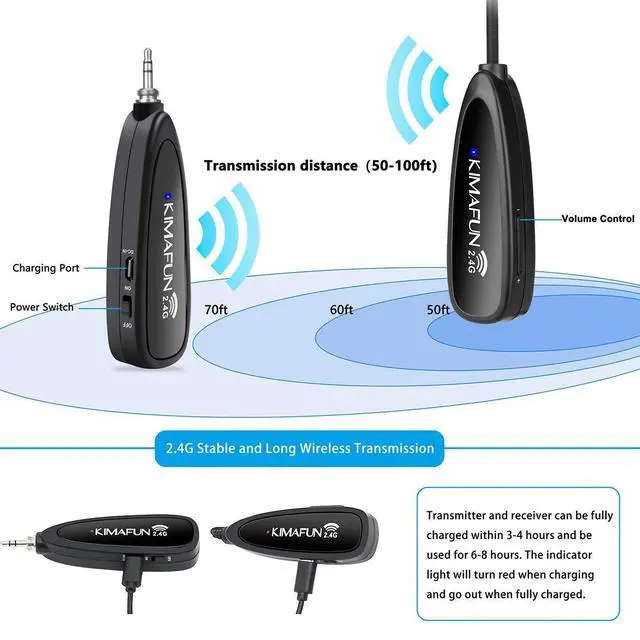
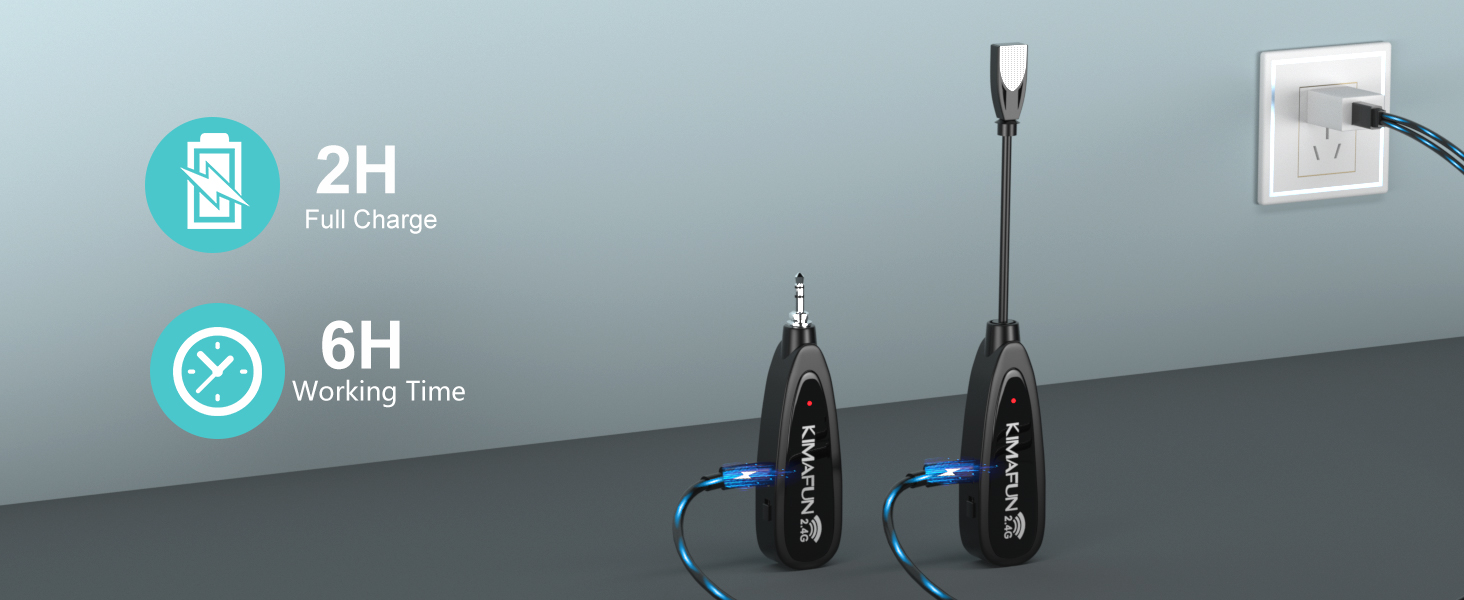
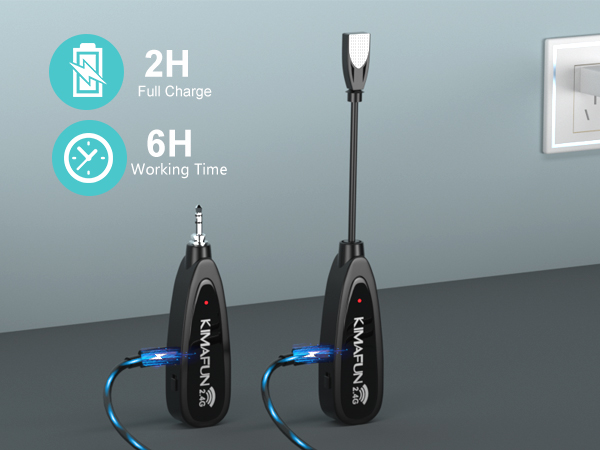
1) Please check if the device has any battery charge remaining. 2) Please use the 5V, 1A-2A charger for charging. If the charging current lower than 1A (such as laptop USB), the charging time may become longer or even fail to charge, resulting in the device not working. 3) Turn off the transmitter and receiver when them are not using
2. No Sound
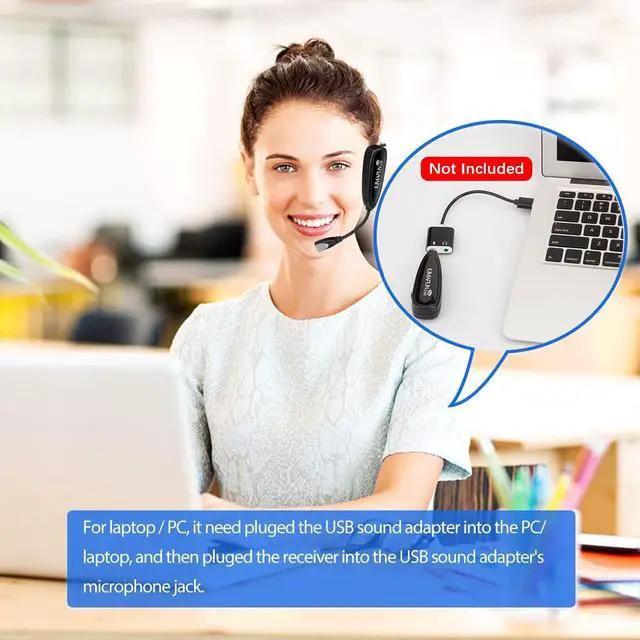
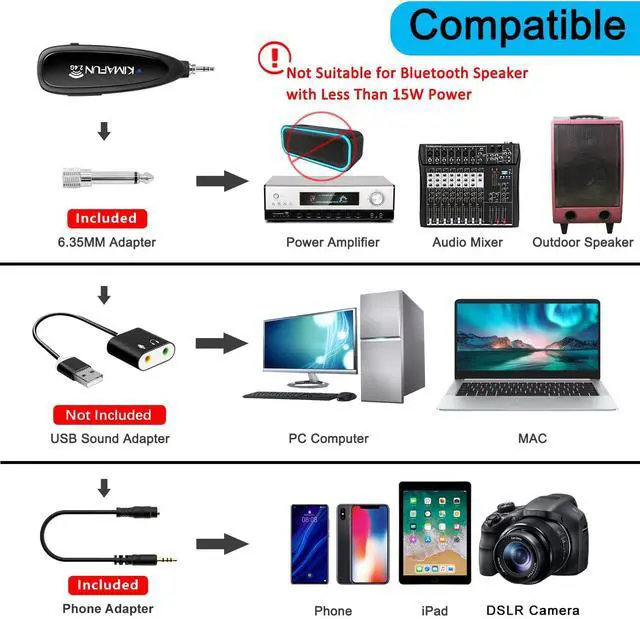
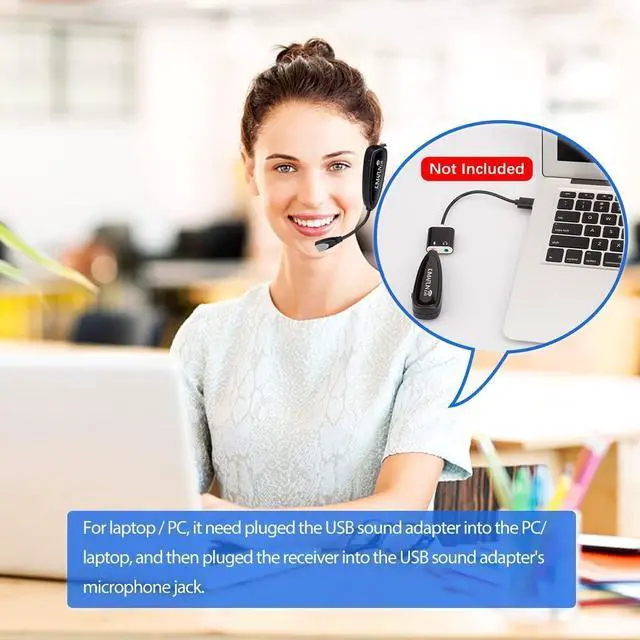
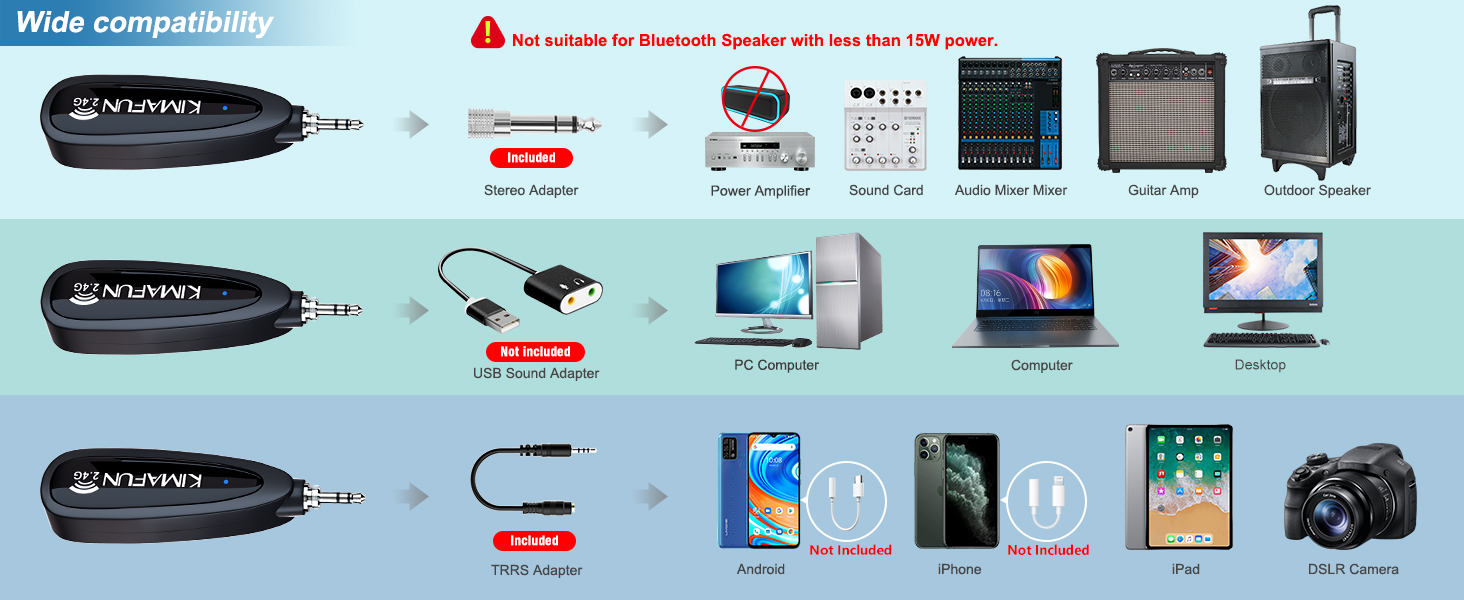
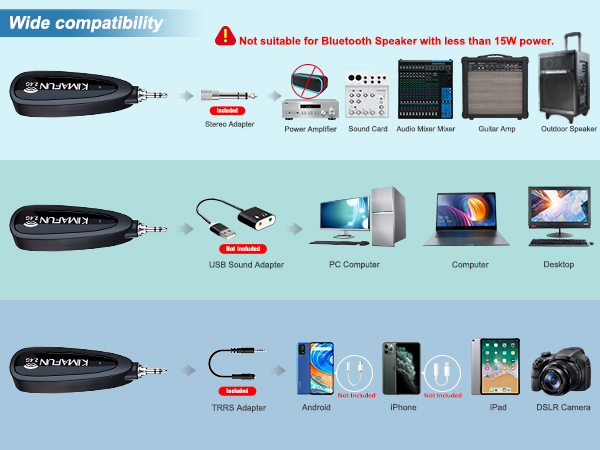
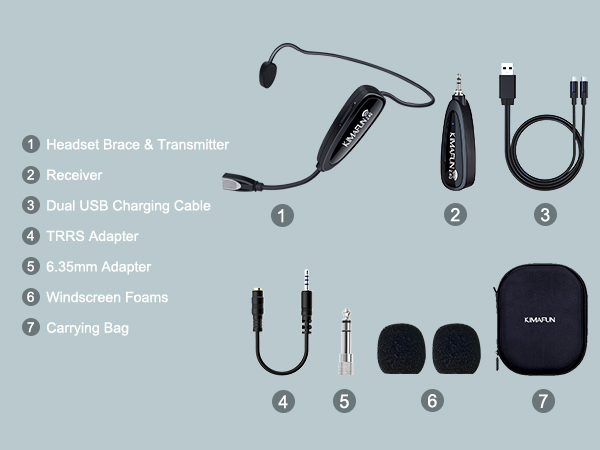
1)Pairing issue – Check the indicator. If it keeps flashing, restart and re-pair the transmitter and receiver. 2)Low battery – Fully charge before use. 3)Mobile recording limitation – Smartphones/tablets typically do not output live monitoring audio during recording. You can listen to the recording afterward using headphones (with splitter connected) or the device speaker (with splitter removed). 4)iPhone compatibility – Use only an original or Apple-certified Lightning to 3.5mm adapter. 5)Output device power – Ensure your speaker or PA system has a power rating of at least 15W. 6)Adapter selection – Refer to the included guide to choose the correct adapter for your setup. 7)Volume setting – Increase the volume on the transmitter.
3.Missing accessories or parts
1) Please reach out through the “Get help with order” option in your order page — we'll reply within 24 hours do our best to assist you with a solution.
4. Have tried the above solutions and the mic is still not working?
1) We offer aone-year freereplacement or return for product quality issues. 2)To get further support, please use the "Get help with order" option on your order page. If you can describe the specific issue and attach photos or a video, we will be able to provide you with a faster and better solution.


Combining R&D, production and sales of professional microphones, KIMAFUN is committed to providing users with high-quality audio products and professional pre-sales and after-sales services.
Through innovative technology and superior products, we hope people's dream of enjoying higher quality entertainment life can be realized, and become a trusted sound partner around everyone.

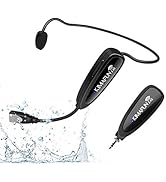
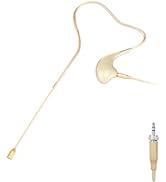
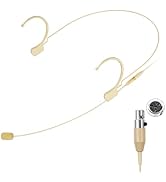
KIMAFUN Wireless/Wired Mic
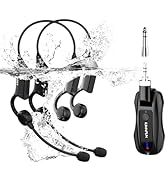
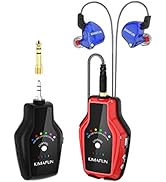
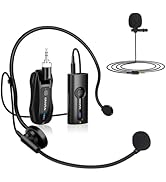
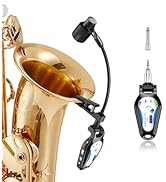
KIMAFUN Mics
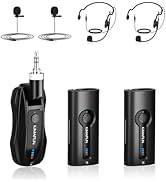
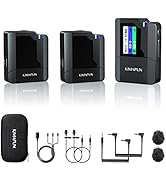
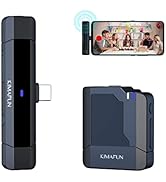
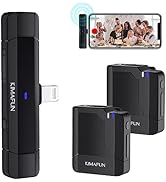
KIMAFUN Mics
What makes our products unique?
It's easy enough to operate and set up for beginners. Value for money.
Video of KM-G100-1
Merchant Video



Comparison of KIMAFUN Wireless Microphones
KM-G100-1 | KM-GWP91 | KM-G70(2TX1RX) | 810 Series(4 Types Tatal) | 830 Series(4 Types Tatal) | KM-G70(1TX1RX) |
|---|---|---|---|---|---|
| Customer Reviews | |||||
| — | — | — | — | — | — |
| Price | |||||
| — | — | — | — | — | — |
| Interface | |||||
| 3.5mm/6.35mm | 3.5mm/6.35mm | 3.5mm/6.35mm | Mini XLR TA4F | 3.5mm Stereo Screw Lock Plug | 3.5mm/6.35mm |
| Applicable Equipment | |||||
| Camera/Smartphone/Speaker | Computer/Smartphone/Speaker | Outdoor Speaker/PA System | with Mini XLR (TA4F) connector | wiith 3.5mm Stereo Screw Lock | Speaker/Amplifier |
| Matching Mode | |||||
| 1TX+1RX | 1TX+1RX | 2TX+1RX | / | / | 1TX+1RX |
| Applicable Scene | |||||
| Fitness Teaching | Fitness Teaching | Yoga/Training/Seminar | Presenters/Broadcasters | Stage Performers/Churches | Teaching/Speech |
| Wearing Mode | |||||
| Headset | Headset | Lavalier/Headset for 2 People | Dual Earset | Single Earset | Lavalier/Headset |
FAQ & Troubleshooting
1. Can't turn on or can't fully charged
1) Please check if the device has any battery charge remaining. 2) Please use the 5V, 1A-2A charger for charging. If the charging current lower than 1A (such as laptop USB), the charging time may become longer or even fail to charge, resulting in the device not working. 3) Turn off the transmitter and receiver when them are not using
2. No Sound
1)Pairing issue – Check the indicator. If it keeps flashing, restart and re-pair the transmitter and receiver. 2)Low battery – Fully charge before use. 3)Mobile recording limitation – Smartphones/tablets typically do not output live monitoring audio during recording. You can listen to the recording afterward using headphones (with splitter connected) or the device speaker (with splitter removed). 4)iPhone compatibility – Use only an original or Apple-certified Lightning to 3.5mm adapter. 5)Output device power – Ensure your speaker or PA system has a power rating of at least 15W. 6)Adapter selection – Refer to the included guide to choose the correct adapter for your setup. 7)Volume setting – Increase the volume on the transmitter.
3.Missing accessories or parts
1) Please reach out through the “Get help with order” option in your order page — we'll reply within 24 hours do our best to assist you with a solution.
4. Have tried the above solutions and the mic is still not working?
1) We offer aone-year freereplacement or return for product quality issues. 2)To get further support, please use the "Get help with order" option on your order page. If you can describe the specific issue and attach photos or a video, we will be able to provide you with a faster and better solution.
Combining R&D, production and sales of professional microphones, KIMAFUN is committed to providing users with high-quality audio products and professional pre-sales and after-sales services.
Through innovative technology and superior products, we hope people's dream of enjoying higher quality entertainment life can be realized, and become a trusted sound partner around everyone.
KIMAFUN Wireless/Wired Mic
KIMAFUN Mics
KIMAFUN Mics
What makes our products unique?
It's easy enough to operate and set up for beginners. Value for money.