









AC-104ENC
Mono USB Headset with Environmental Noise Cancelation
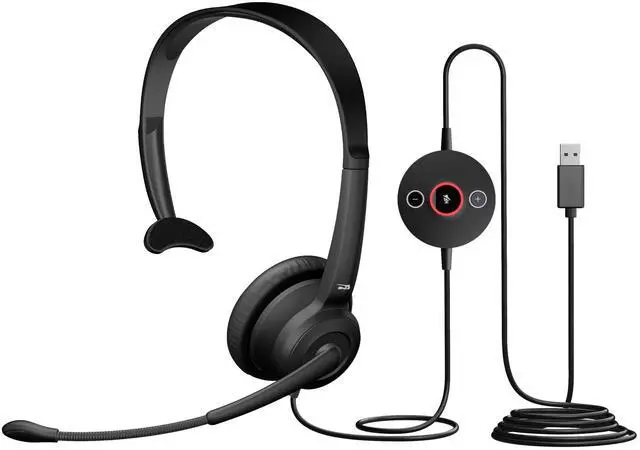
The AC-104ENC is a lightweight headset built for call centers and hybrid work. Environmental Noise Cancelation uses dual microphones to reduce background noise, keeping your voice clear. In-line controls and an adjustable, comfortable fit make it easy to use all day.


Environmental Noise Cancelation
Clear Voice in Noisy Environments
Environmental Noise Cancelation uses two microphones and an advanced algorithm to minimize background noise. This technology focuses on your voice, ensuring clear, professional communication in busy call centers, open offices, or hybrid work environments.

Lightweight for All-Day Use
Weighing only 45 grams, the AC-104ENC is designed to reduce fatigue during long shifts, making it ideal for continuous calling and computer-based work.

Wide Platform Compatibility
Works seamlessly with leading audio and video conferencing platforms, including Teams, Zoom, Google Meet, and major contact center solutions.

Connect USB
Plug the headset into an available USB-A port on your computer.

Position Boom Mic
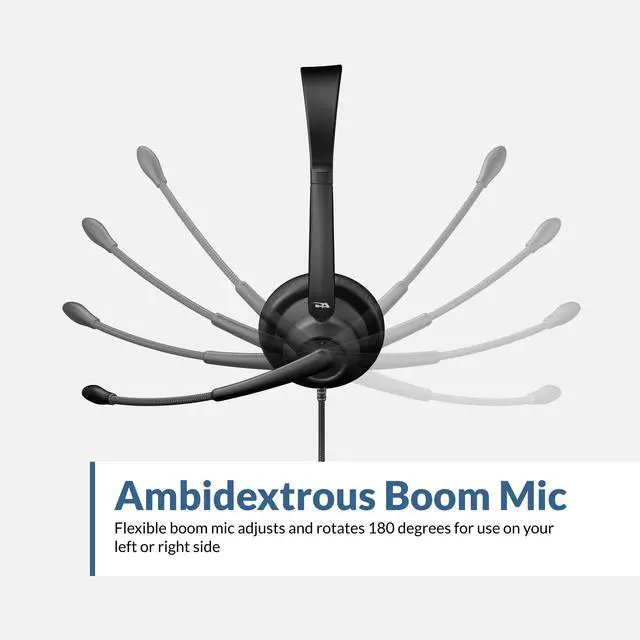
Rotate the boom mic for left or right wear, placing it about two finger widths from your mouth.

Fit and Select Audio
Adjust the headband for a comfortable fit, then choose AC-104ENC in audio settings.

Control Audio
Use the in-line controller to adjust volume or mute the microphone.
Setting Up Your AC-104ENC Headset
Cyber Acoustics Professional Headsets
 AC-104ENC Headset |  AC-204ENC Headset |  HS-2000 Headset |  HS-2000BT Headset |  AC-304C Headset |  AC-404 Headset |  HS-1500BT II | |
|---|---|---|---|---|---|---|---|
Customer Reviews | — | — | — | — | — | — | — |
Price | — | — | — | — | — | — | — |
Controls | In-Line Volume, Mic Mute | In-Line Volume, Mic Mute | On-Ear Controls | On-Ear Controls | In-Line Volume, Mic Mute | In-Line Volume, Mic Mute | On-Ear Controls |
Weight | 45g | 68g | 153g | 185g | 72g | 95g | 176g |
Connection | USB-A | USB-A | USB-C and USB-A | Bluetooth | USB-C and USB-A | USB-C and USB-A | USB-C or Bluetooth |
Cable Length | 8 feet | 8 feet | 7 feet | Wireless | 8 feet | 6.5 feet | Wireless |
Rotating Earpads | ? | ? | ? | ? | ? | ? | ? |
Ultra Soft Padding | Earpads | Earpads | Headband & Earpads | Headband & Earpads | Earpads | Headband & Earpads | Headband & Earpads |
Why isn’t the noise cancelation working on my headset microphone?
If background noise is still being picked up, your computer may be using the wrong mic, like the one built into your laptop. Go to your app’s audio settings (like Teams or Zoom) and make sure your Cyber Acoustics headset is selected as the input.
Why can’t I hear myself through the microphone?
The headset does not play your microphone audio back into the headphones by default. If microphone monitoring is needed, it can usually be enabled through your computer’s operating system settings.
Will this headset work with a Mac or Chromebook?
Yes, the AC-104ENC is compatible with Mac and Chromebook computers.
Can I use this headset with PlayStation, Xbox, or Nintendo consoles?
This headset is not intended for use with gaming consoles and is designed for use with computers and smartphones. Most consoles do not support the drivers required for this headset.
What is Environmental Noise Cancelation (ENC)?
ENC uses an advanced algorithm and 2 microphones to minimize background noise, so you sound clearer on calls. Around 60-90% of low-frequency background noises will be reduced, but ENC will not block instantaneous noises such as animals, babies, etc.





















Mono USB Headset with Environmental Noise Cancelation
The AC-104ENC is a lightweight headset built for call centers and hybrid work. Environmental Noise Cancelation uses dual microphones to reduce background noise, keeping your voice clear. In-line controls and an adjustable, comfortable fit make it easy to use all day.
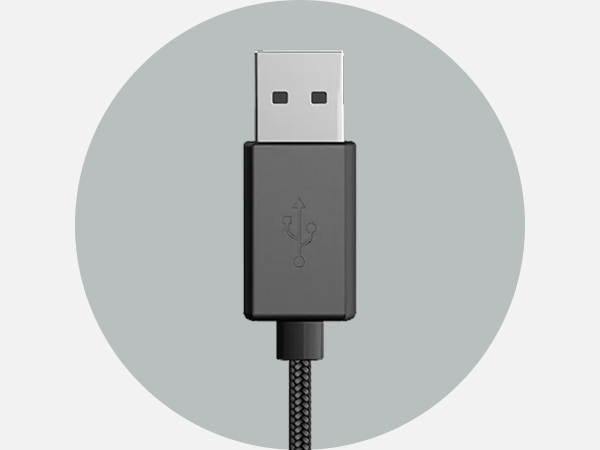
USB-A Cable with In-Line Controller
USB-A plug-and-play connection with tethered in-line controller for easy access to volume up, volume down, and microphone mute
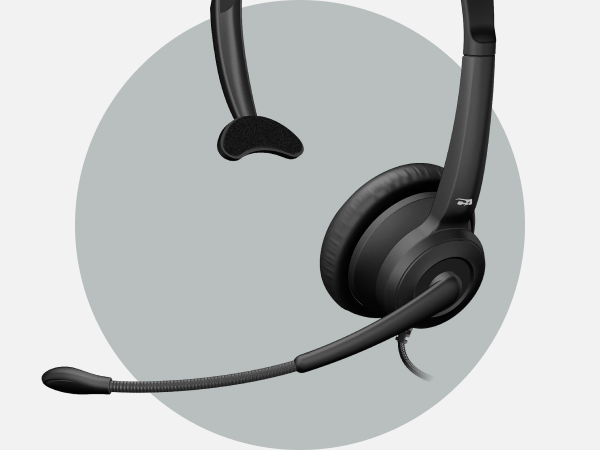
ENC Boom Microphone
Dual-microphone Environmental Noise Cancelation reduces background noise. Ambidextrous boom rotates for left or right wear to keep voice pickup consistent
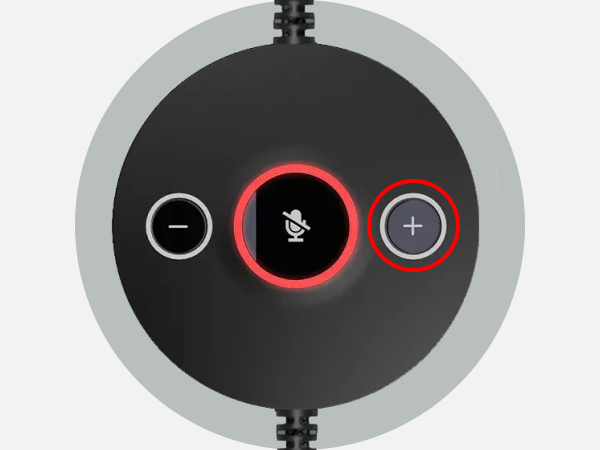
Volume Up Button
Press to increase listening volume gradually for comfortable, controlled audio levels during calls or media playback
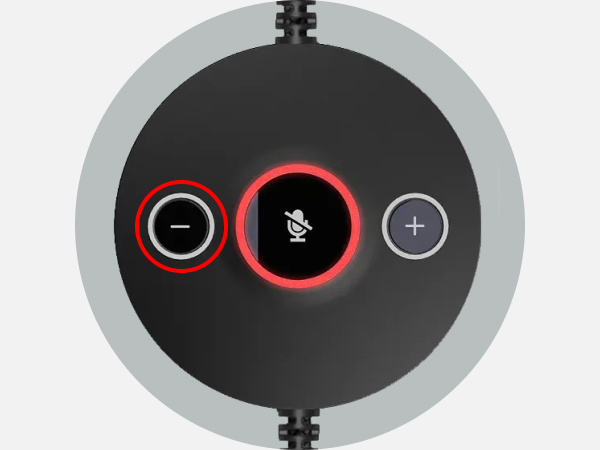
Volume Down Button
Press to lower audio volume during calls or media playback
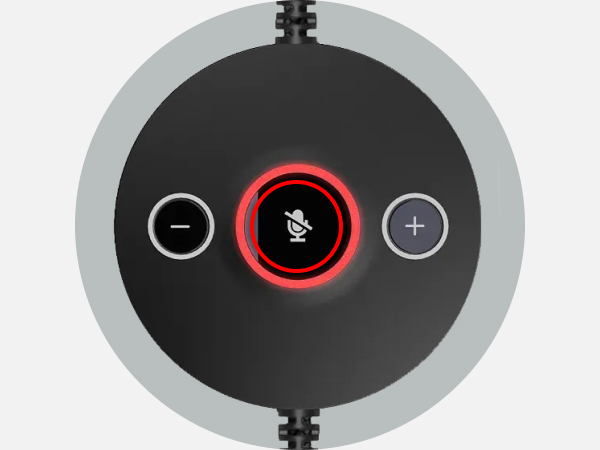
Mute Button with LED
One-touch microphone mute with LED indicator provides clear visual confirmation of mute status
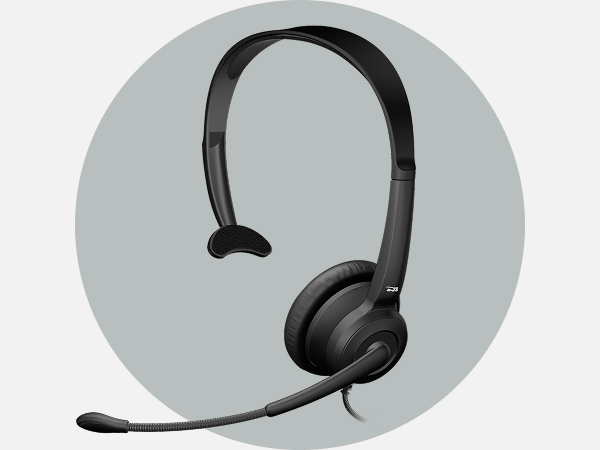
Adjustable Headband and Earpad
Padded adjustable headband and ultrasoft leatherette earpad ensure comfort and durability for extended use

Clear Voice in Noisy Environments
Environmental Noise Cancelation uses two microphones and an advanced algorithm to minimize background noise. This technology focuses on your voice, ensuring clear, professional communication in busy call centers, open offices, or hybrid work environments.
Lightweight for All-Day Use
Wide Platform Compatibility


Weighing only 45 grams, the AC-104ENC is designed to reduce fatigue during long shifts, making it ideal for continuous calling and computer-based work.
Works seamlessly with leading audio and video conferencing platforms, including Teams, Zoom, Google Meet, and major contact center solutions.


Setting Up Your AC-104ENC Headset
Connect USB
Plug the headset into an available USB-A port on your computer.
Position Boom Mic
Rotate the boom mic for left or right wear, placing it about two finger widths from your mouth.
Fit and Select Audio
Adjust the headband for a comfortable fit, then choose AC-104ENC in audio settings.
Control Audio
Use the in-line controller to adjust volume or mute the microphone.
Cyber Acoustics Professional Headsets
AC-104ENC Headset | AC-204ENC Headset | HS-2000 Headset | HS-2000BT Headset | AC-304C Headset | AC-404 Headset | HS-1500BT II |
|---|---|---|---|---|---|---|
| Customer Reviews | ||||||
| — | — | — | — | — | — | — |
| Price | ||||||
| — | — | — | — | — | — | — |
| Controls | ||||||
| In-Line Volume, Mic Mute | In-Line Volume, Mic Mute | On-Ear Controls | On-Ear Controls | In-Line Volume, Mic Mute | In-Line Volume, Mic Mute | On-Ear Controls |
| Weight | ||||||
| 45g | 68g | 153g | 185g | 72g | 95g | 176g |
| Connection | ||||||
| USB-A | USB-A | USB-C and USB-A | Bluetooth | USB-C and USB-A | USB-C and USB-A | USB-C or Bluetooth |
| Cable Length | ||||||
| 8 feet | 8 feet | 7 feet | Wireless | 8 feet | 6.5 feet | Wireless |
| Rotating Earpads | ||||||
| ? | ? | ? | ? | ? | ? | ? |
| Ultra Soft Padding | ||||||
| Earpads | Earpads | Headband & Earpads | Headband & Earpads | Earpads | Headband & Earpads | Headband & Earpads |
Why isn’t the noise cancelation working on my headset microphone?
If background noise is still being picked up, your computer may be using the wrong mic, like the one built into your laptop. Go to your app’s audio settings (like Teams or Zoom) and make sure your Cyber Acoustics headset is selected as the input.
Why can’t I hear myself through the microphone?
The headset does not play your microphone audio back into the headphones by default. If microphone monitoring is needed, it can usually be enabled through your computer’s operating system settings.
Will this headset work with a Mac or Chromebook?
Yes, the AC-104ENC is compatible with Mac and Chromebook computers.
Can I use this headset with PlayStation, Xbox, or Nintendo consoles?
This headset is not intended for use with gaming consoles and is designed for use with computers and smartphones. Most consoles do not support the drivers required for this headset.
What is Environmental Noise Cancelation (ENC)?
ENC uses an advanced algorithm and 2 microphones to minimize background noise, so you sound clearer on calls. Around 60-90% of low-frequency background noises will be reduced, but ENC will not block instantaneous noises such as animals, babies, etc.
HS-1500BT II Headset
AC-404 Headset
WC-2000 Webcam
Webcam Flex
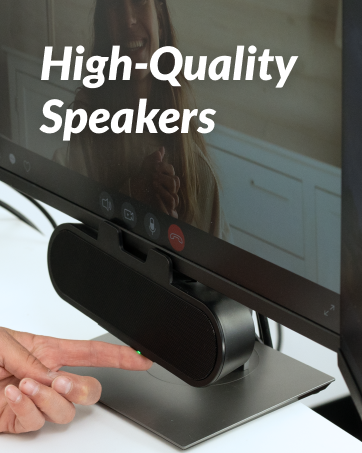
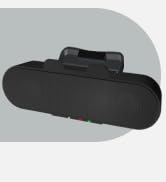
CA-2890 Pro Speakerbar
CA-2890BT Speakerbar
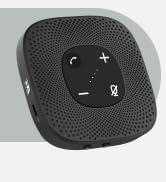
SP-2000 Speakerphone
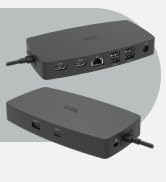
DS-6000 Docking Station
