








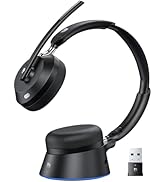


Wireless Headset with Mic
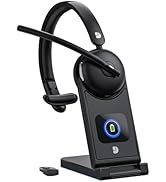

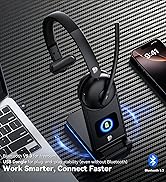
Wireless Headset with Mic

Empowering Lives with Technology. Our brand is dedicated to providing convenience and enjoyment in this fast-paced digital era. With a focus on innovation and quality, we offer electronics that enhance your daily life. From high-quality wireless headsets to efficient laptop coolers. Experience excellence with our meticulously designed and crafted products, backed by top-tier suppliers and advanced technology.


Noise Cancelling for Clear Calls
Blocks 99.9% of noise for distraction-free calls in busy streets, noisy offices, or airports
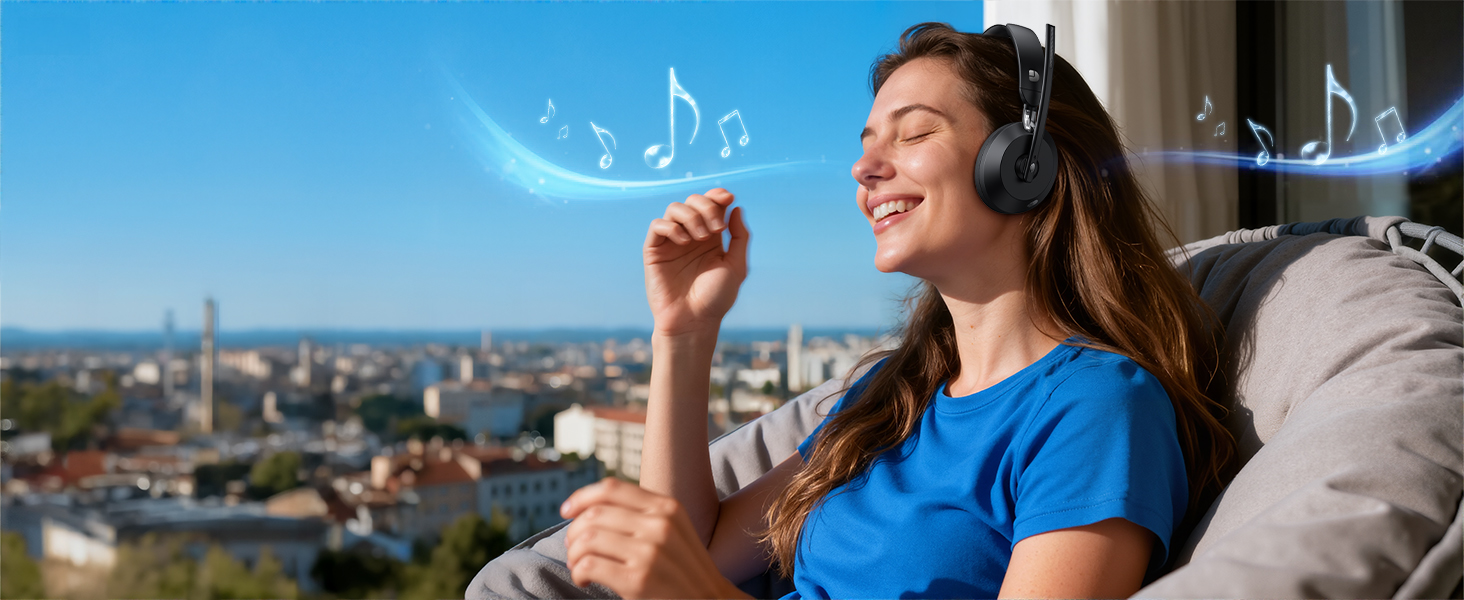
Experience Every Note & Beat Clearly
Rich bass, crisp treble & stable Bluetooth 5.3 for immersive music and meetings
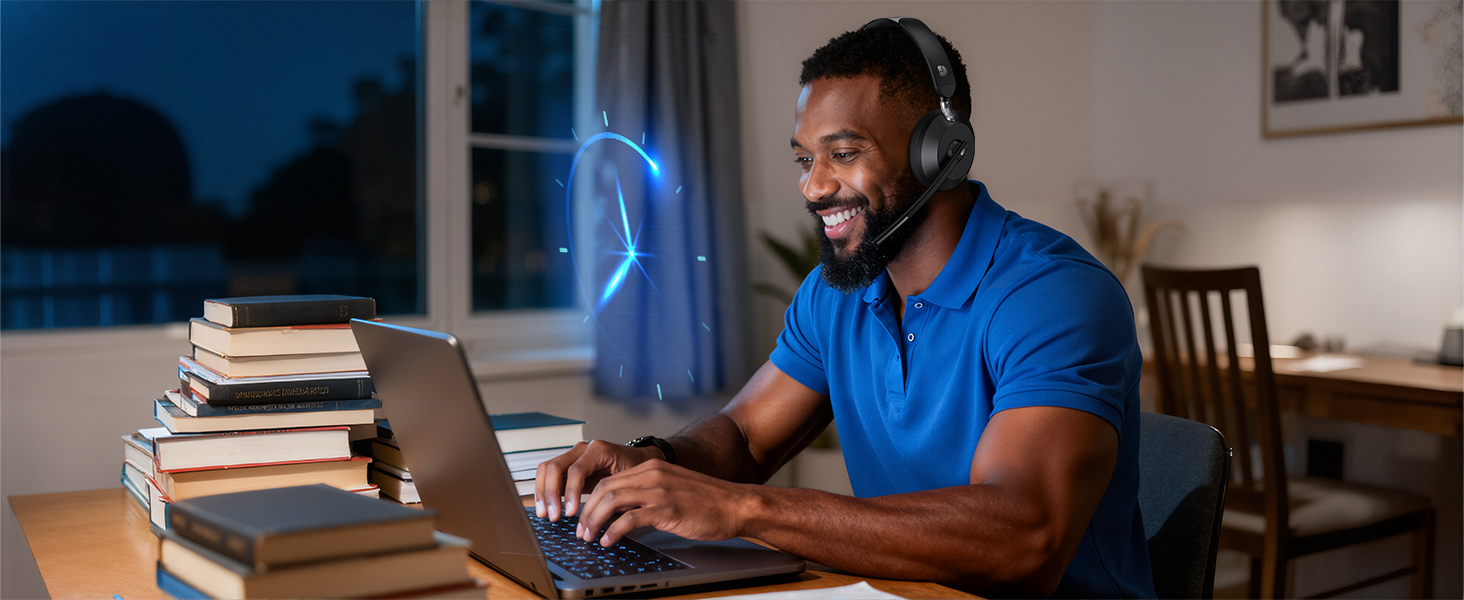
65 Hours Working Time
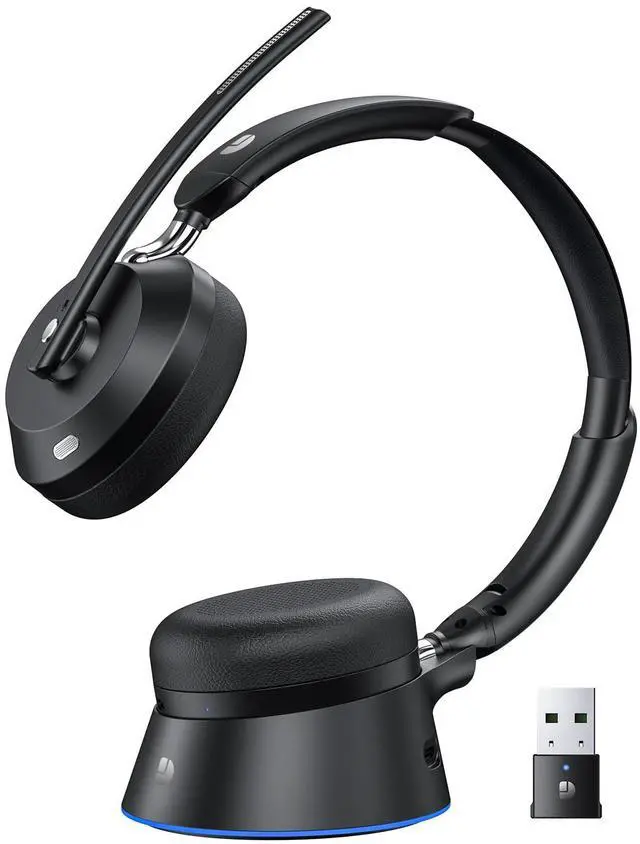
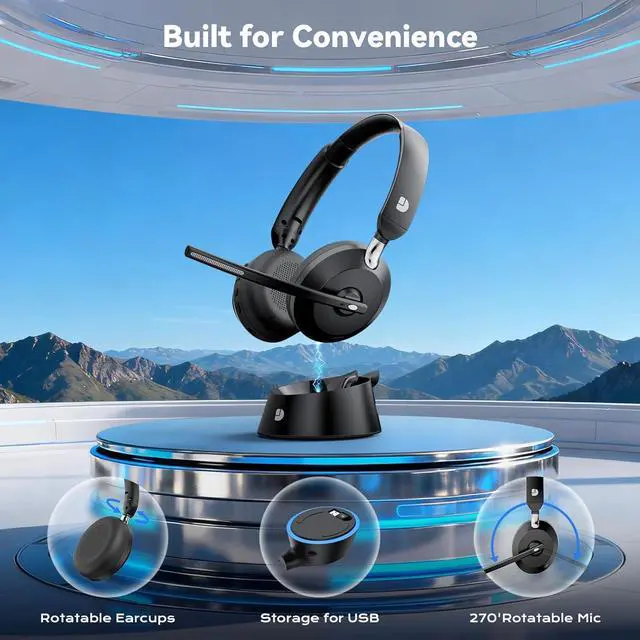
2H charge powers 60H use. Dock stores connector—perfect for travel and work

All-Day Comfort
Soft ear cushions & adjustable headband deliver secure, pressure-free comfort all day
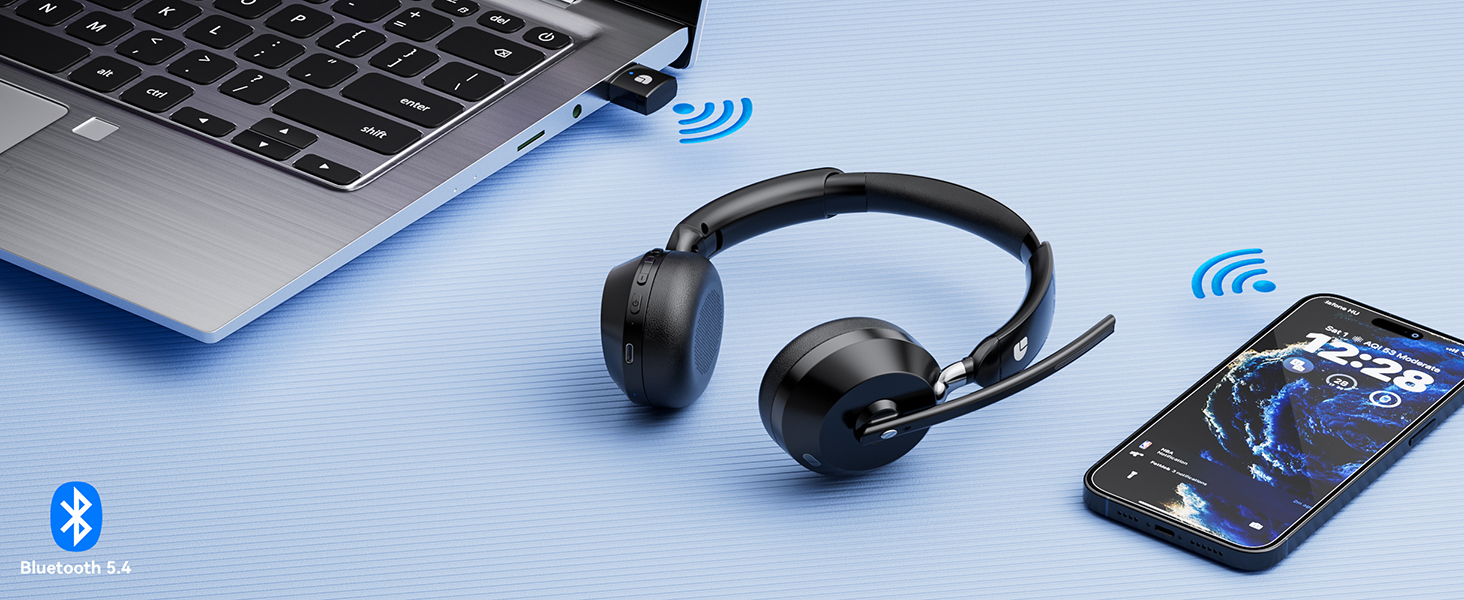
Bluetooth 5.4 & USB
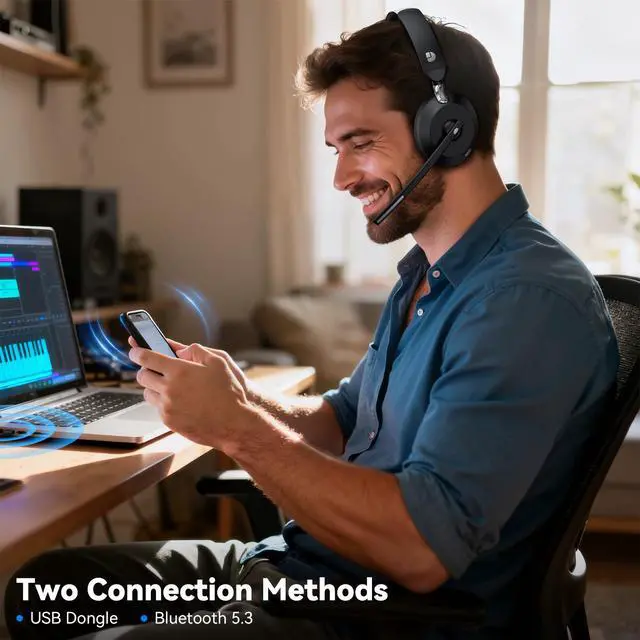
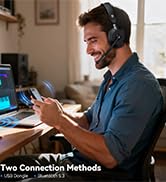
Supports both Bluetooth and USB connections and is compatible with all devices.
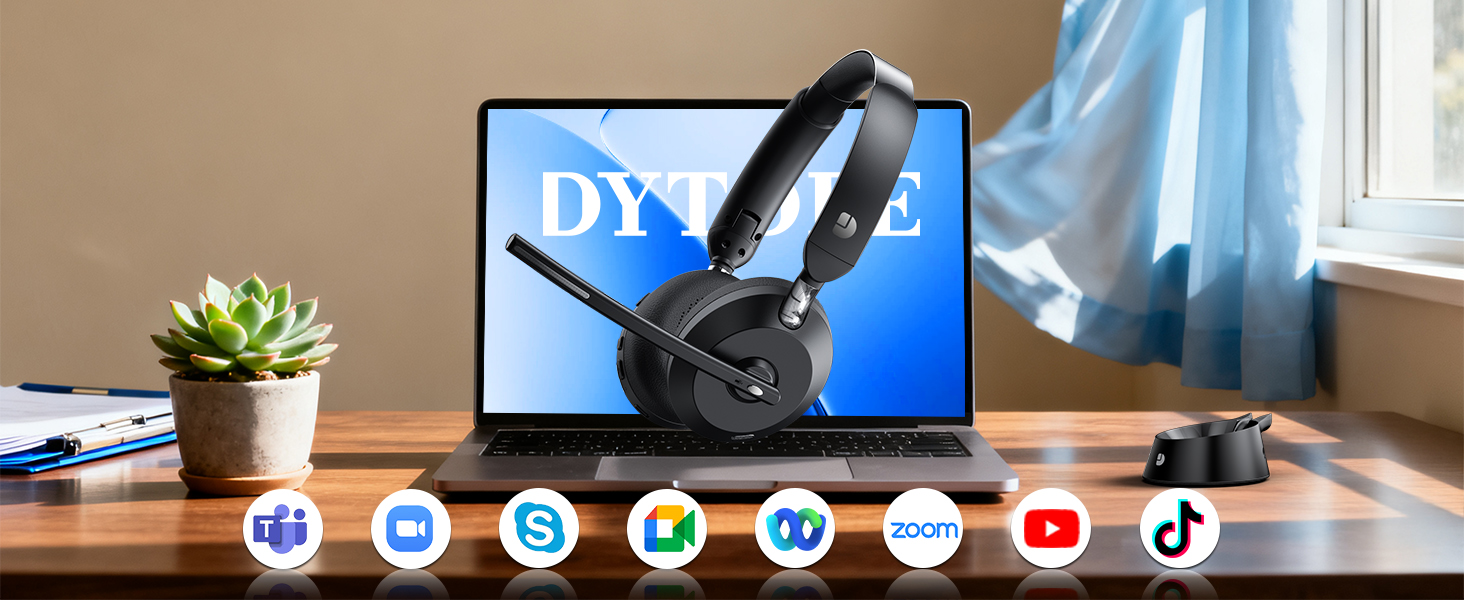
Wide Compatibility
Compatible with PCs, phones, tablets, and all major platforms for Zoom, calls, and media.

Q1: How do I connect the wireless headset to my computer?
When the wireless headphones with mic is paired with the computer, please check the sound settings of both the computer and the software to make sure [DY103] is selected as the default output and input device (speaker/microphone)
Q2: Can I use the headset to answer or hang up calls?
Yes. If the wireless headset is connected to a mobile phone, you can click the MFB on the headset to answer/hang up the call; if the headset is connected to a computer, you need to click the MFB on the computer to answer/hang up the call.
Q3: How long does the battery last, and how do I charge it?
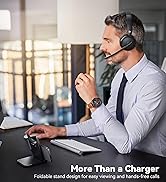
This wireless headset with microphone for pc includes a desktop charging base for quick, convenient charging. Just place the headset on the dock or connect the included Type-C charging cable. A full 2-hour charge provides up to 60 hours of talk time.
Q4: What should I do if my headset fails to connect?
If the connection fails, please ensure the headset is in pairing mode and the USB dongle or Bluetooth is properly enabled on your device.
Q5: How do I use the headset's mute function during a call or online meeting?
During a call or online meeting, simply press the mute button once to mute the wireless headset microphone. Press again to unmute. The mute button only works during a call or meeting.

Noise Cancelling for Clear Calls
Blocks 99.9% of noise for distraction-free calls in busy streets, noisy offices, or airports
Experience Every Note & Beat Clearly
Rich bass, crisp treble & stable Bluetooth 5.3 for immersive music and meetings
65 Hours Working Time
2H charge powers 60H use. Dock stores connector—perfect for travel and work


All-Day Comfort
Soft ear cushions & adjustable headband deliver secure, pressure-free comfort all day
Bluetooth 5.4 & USB
Supports both Bluetooth and USB connections and is compatible with all devices.
Wide Compatibility
Compatible with PCs, phones, tablets, and all major platforms for Zoom, calls, and media.

Q1: How do I connect the wireless headset to my computer?
When the wireless headphones with mic is paired with the computer, please check the sound settings of both the computer and the software to make sure [DY103] is selected as the default output and input device (speaker/microphone)
Q2: Can I use the headset to answer or hang up calls?
Yes. If the wireless headset is connected to a mobile phone, you can click the MFB on the headset to answer/hang up the call; if the headset is connected to a computer, you need to click the MFB on the computer to answer/hang up the call.
Q3: How long does the battery last, and how do I charge it?
This wireless headset with microphone for pc includes a desktop charging base for quick, convenient charging. Just place the headset on the dock or connect the included Type-C charging cable. A full 2-hour charge provides up to 60 hours of talk time.
Q4: What should I do if my headset fails to connect?
If the connection fails, please ensure the headset is in pairing mode and the USB dongle or Bluetooth is properly enabled on your device.
Q5: How do I use the headset's mute function during a call or online meeting?
During a call or online meeting, simply press the mute button once to mute the wireless headset microphone. Press again to unmute. The mute button only works during a call or meeting.
Wireless Headset with Mic
Wireless Headset with Mic
Empowering Lives with Technology. Our brand is dedicated to providing convenience and enjoyment in this fast-paced digital era. With a focus on innovation and quality, we offer electronics that enhance your daily life. From high-quality wireless headsets to efficient laptop coolers. Experience excellence with our meticulously designed and crafted products, backed by top-tier suppliers and advanced technology.