


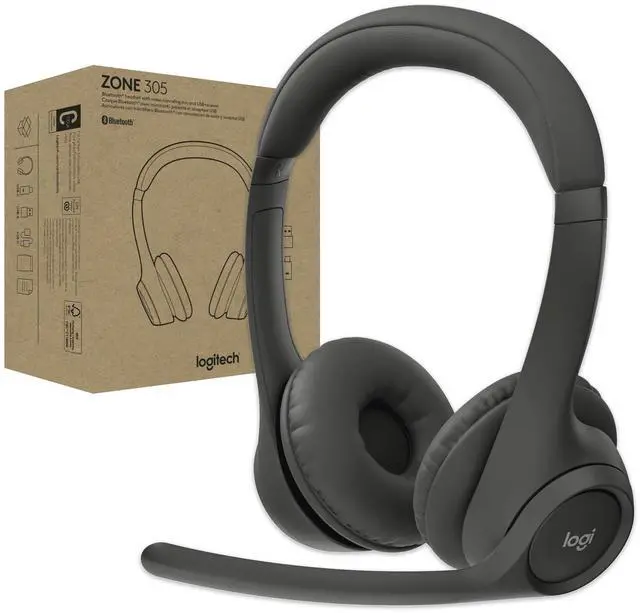






Built for business, easy to deploy
Priced for mass deployment and integrated with calling platforms like Microsoft Teams. Answer calls, toggle mute, and end meetings with one touch. Manage Zone 305 remotely with Logitech Sync*.
* Requires Logi Tune downloaded on individual devices.
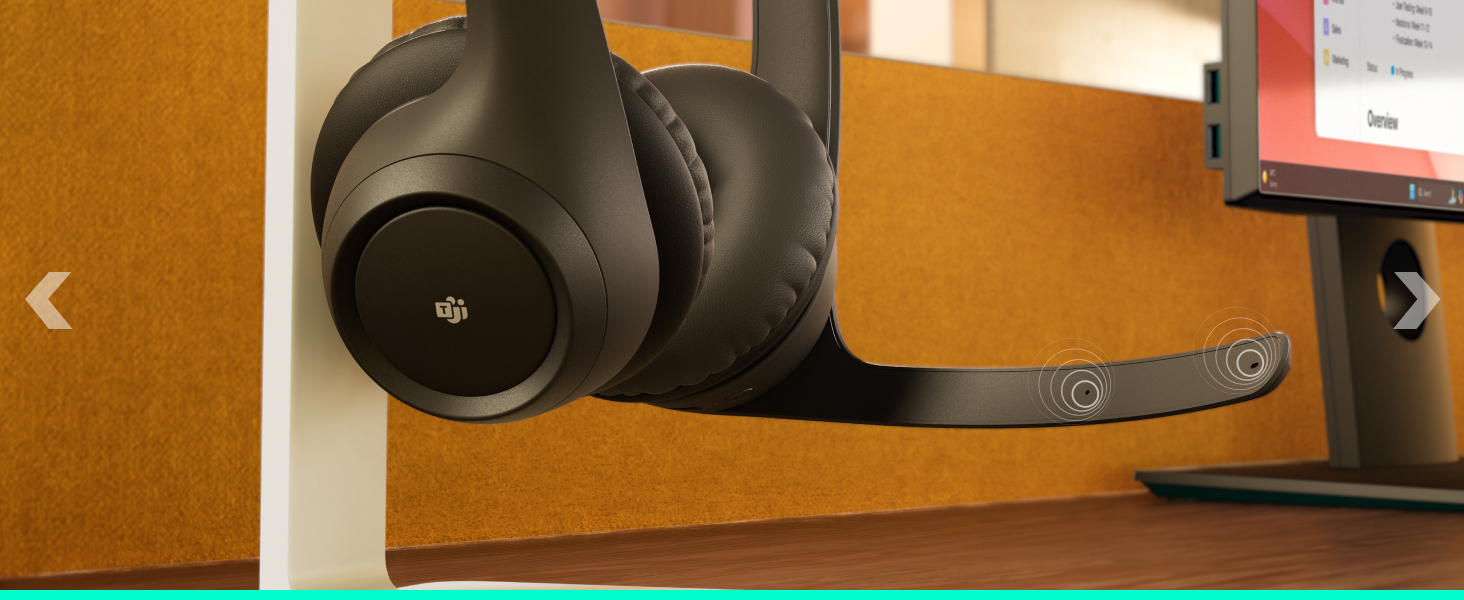
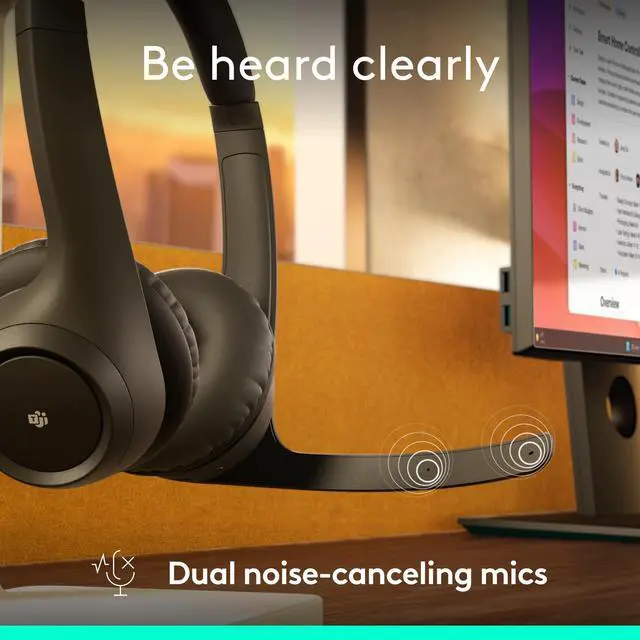
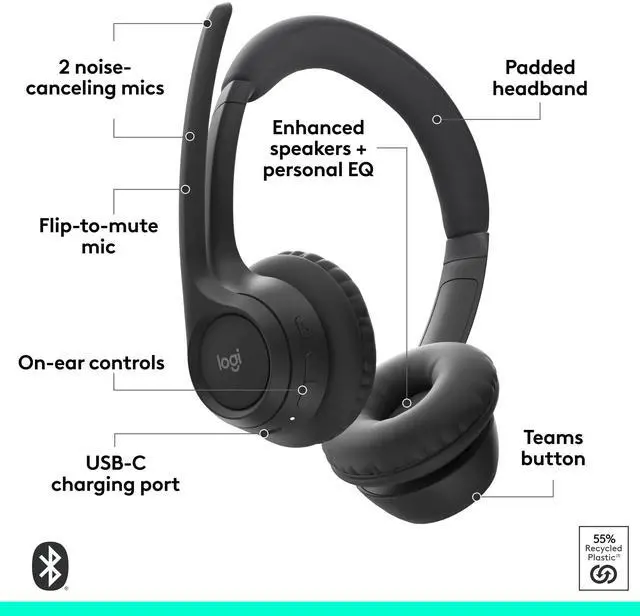
Dual noise-canceling mics
Your voice is captured clearly and processed with noise suppression algorithms.
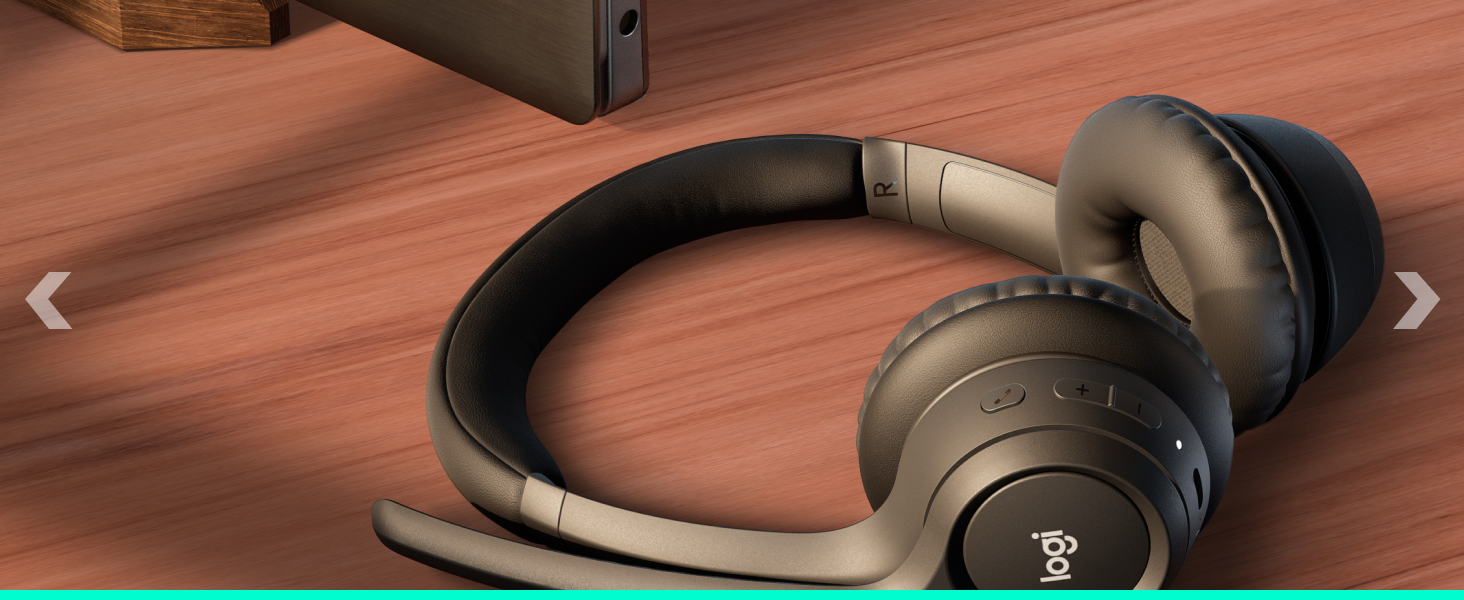
Dynamic speaker drivers
Speakers are fine-tuned to deliver warm and clear sound for calls and more.
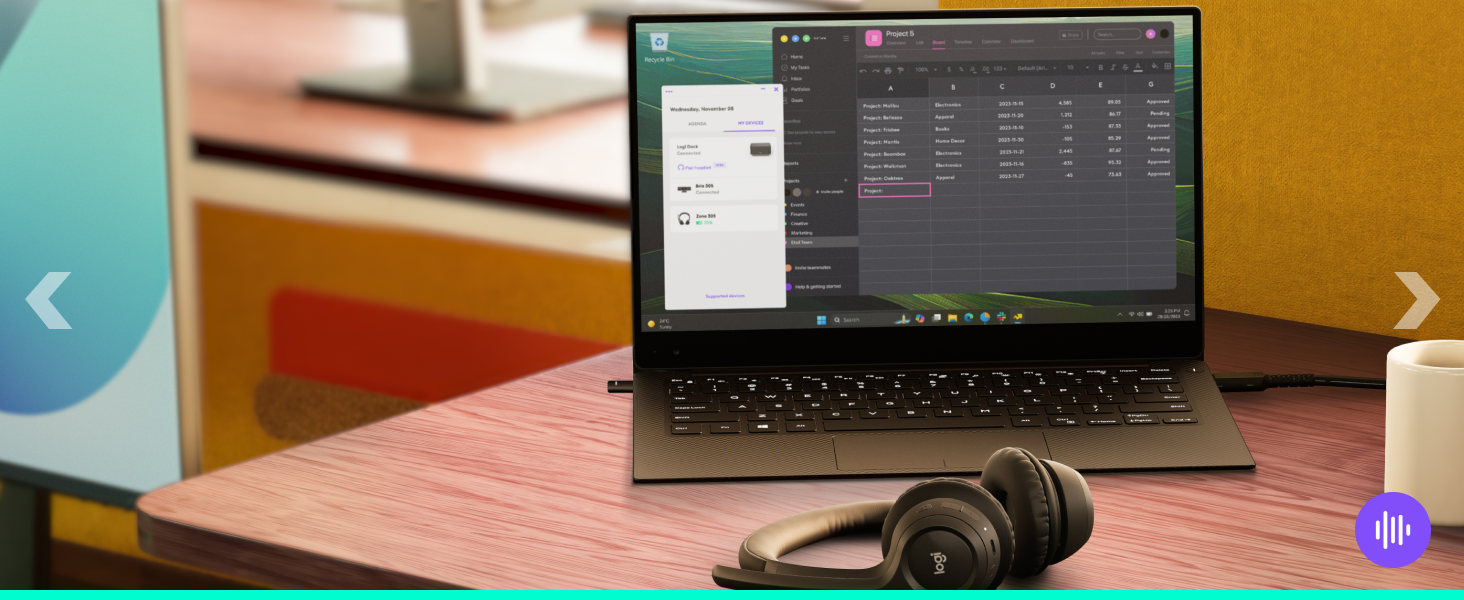
Customized audio experience
Customize audio with Logi Tune - adjust sidetone, mic level, and EQ.
Mic quality
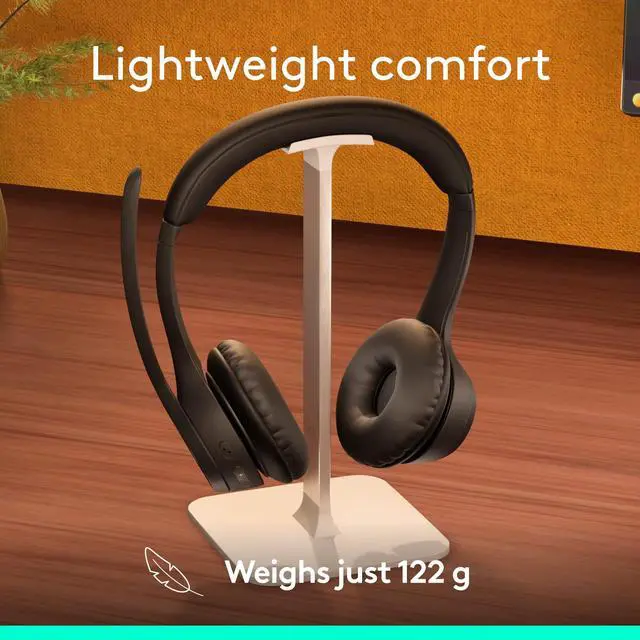
Lightweight comfort
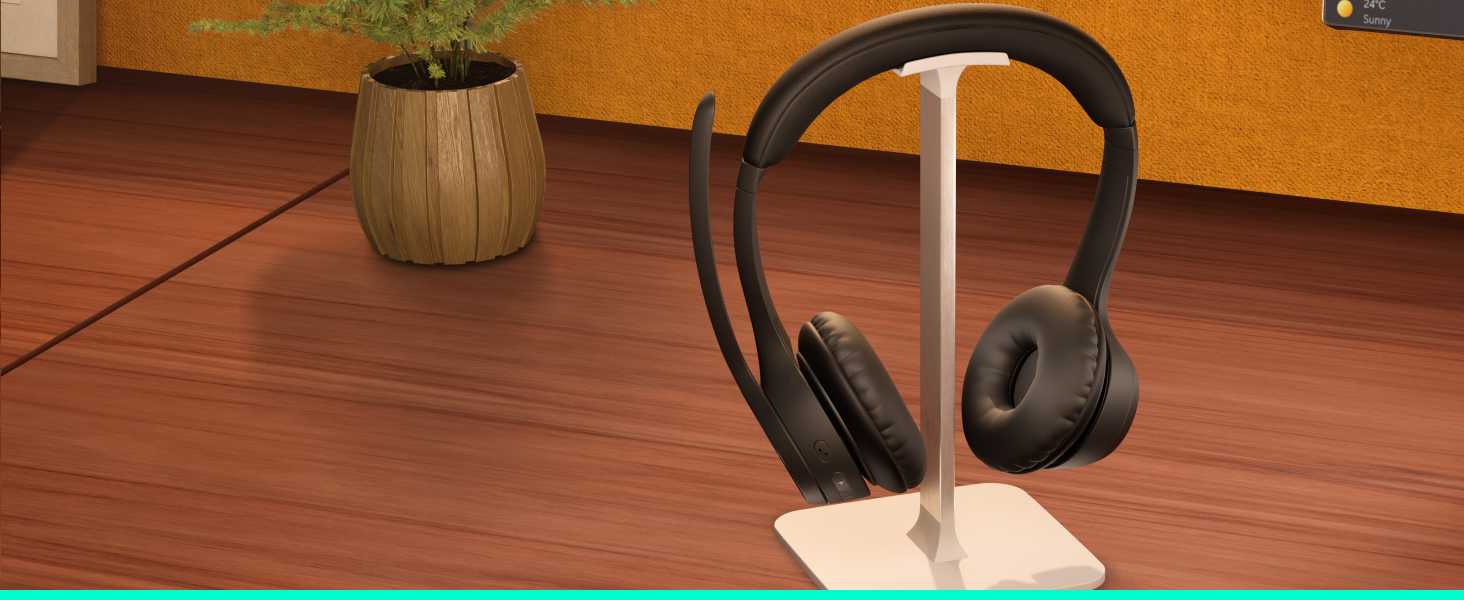
At just 122 grams, Zone 305 is so light you will almost forget you’re wearing it. The soft, padded headband and earpads further improve your comfort, so you can keep it on the whole day and move around freely.
Uninterrupted calls
Wireless freedom
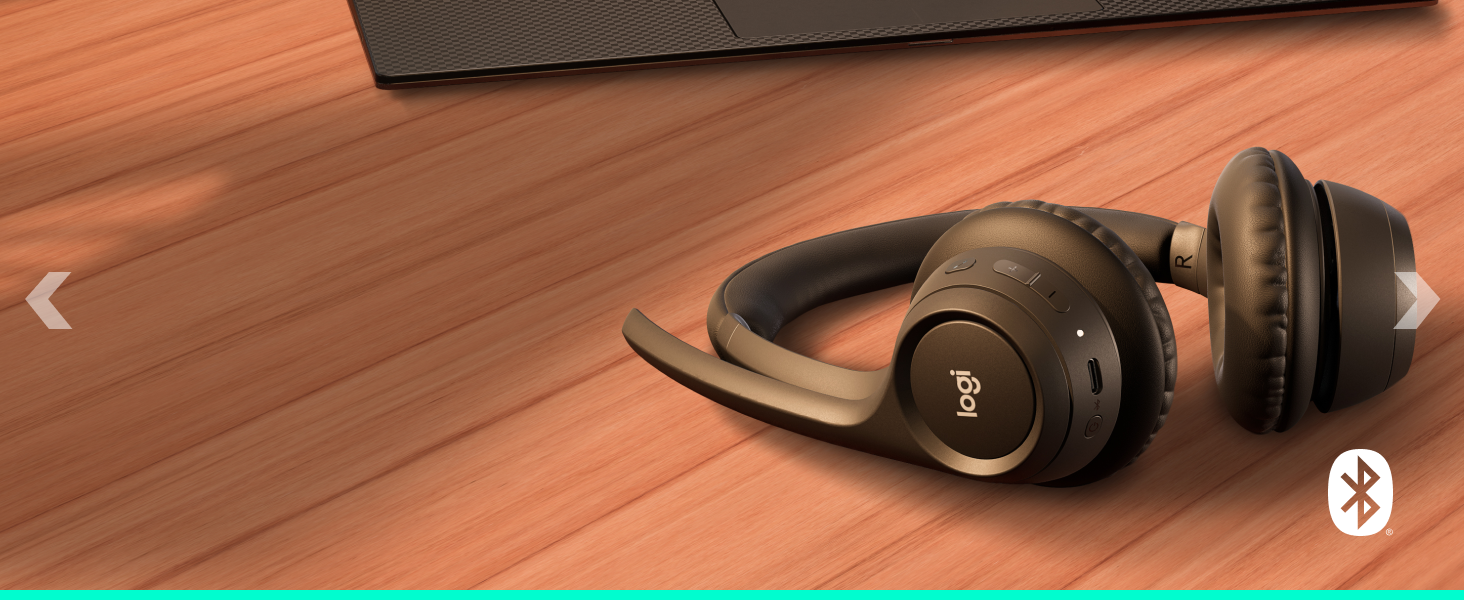
Move freely about your home or office and stay reliably connected with multipoint Bluetooth 5.3 — up to 30 meters away. Seamlessly switch between computer and smartphone.
Great battery life
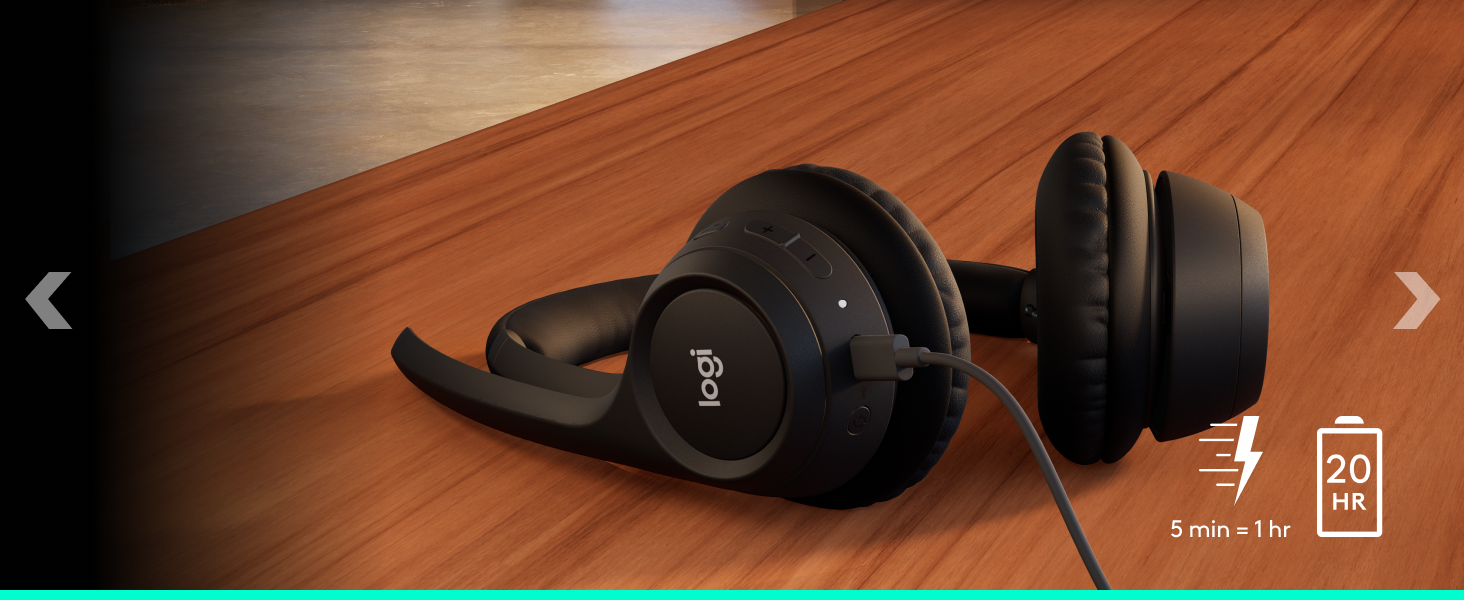
With up to 20 hours of listening time and 16 h of talk time, you will easily get through a whole day with Zone 305. Running out of power? A 5-minute quick charge gives you up to 1 hour of talk time.
Is it compatible with calling platforms like Microsoft Teams, Google Meet, and Zoom?
Yes, Zone 305 is compatible with the above platforms. For call controls and mute sync with meeting platforms, pick either Teams or UC (Google Meet & Zoom) certified versions.
People cannot hear me clearly.
Check for firmware updates on Logi Tune. Make sure your headset is selected as input device and the mic boom is down. Try adjusting your “Mic level” settings in Logi Tune.
The volume is very low, I can’t hear what the other people are saying.
Make sure your headset is up to date in Logi Tune. Try adjusting the output volume in your system settings, and also check if your headset is selected as output device.
The volume is very low, I can’t hear what the other people are saying.
Make sure your headset is up to date in Logi Tune. Try adjusting the output volume in your system settings, and also check if your headset is selected as output device.
My voice fluctuates in Zoom calls.
In some rare instances, we have seen some cases where voice is fluctuating in the Zoom app. In that case, try to turn off the Auto-Gain-Control (AGC) setting in Zoom settings.


Built for business, easy to deploy
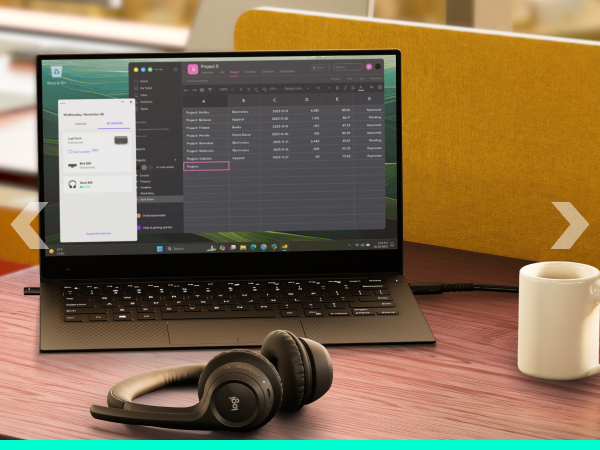
Priced for mass deployment and integrated with calling platforms like Microsoft Teams. Answer calls, toggle mute, and end meetings with one touch. Manage Zone 305 remotely with Logitech Sync*.
* Requires Logi Tune downloaded on individual devices.
Dual noise-canceling mics
Your voice is captured clearly and processed with noise suppression algorithms.
Dynamic speaker drivers
Speakers are fine-tuned to deliver warm and clear sound for calls and more.
Customized audio experience
Customize audio with Logi Tune - adjust sidetone, mic level, and EQ.
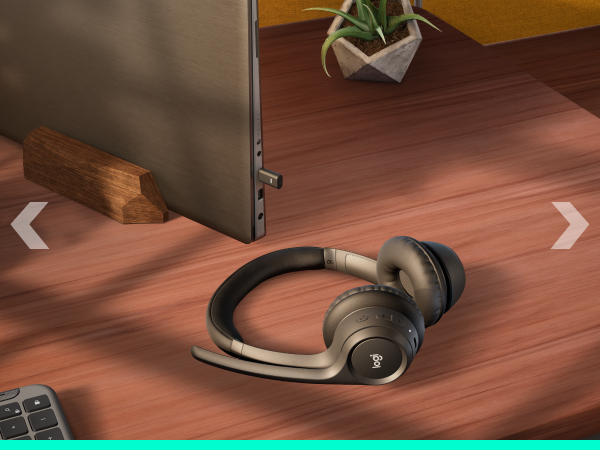
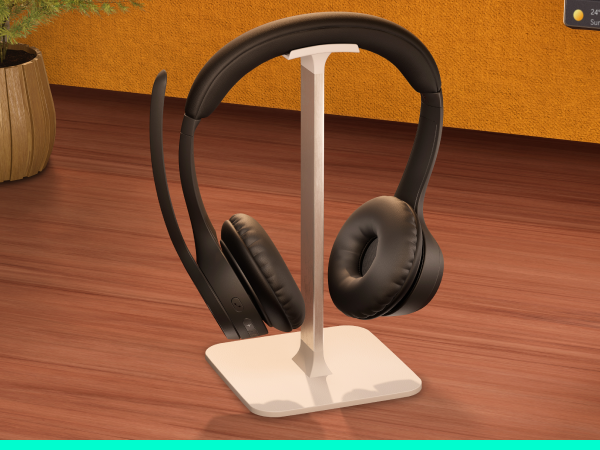
Lightweight comfort
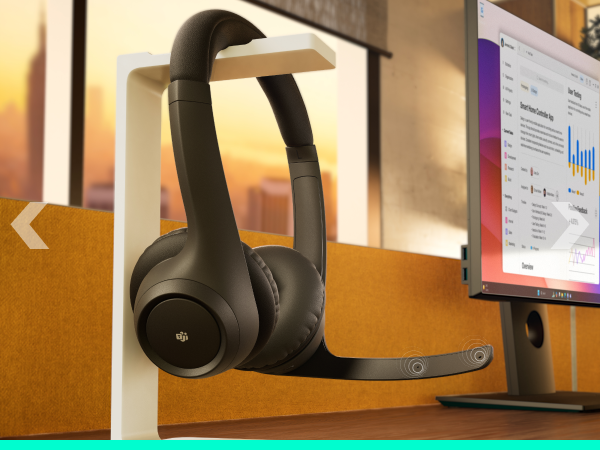
At just 122 grams, Zone 305 is so light you will almost forget you’re wearing it. The soft, padded headband and earpads further improve your comfort, so you can keep it on the whole day and move around freely.
Uninterrupted calls
Wireless freedom
Great battery life
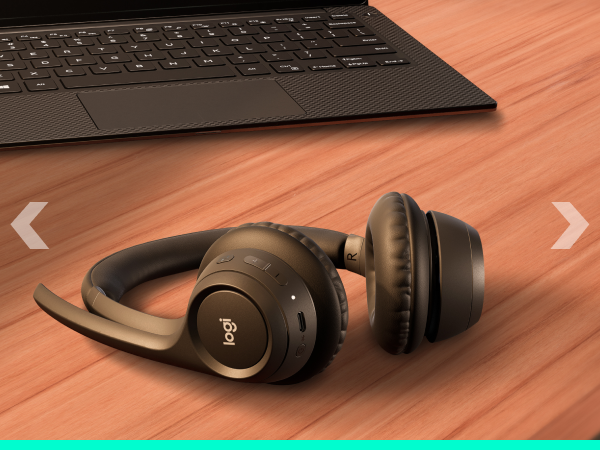
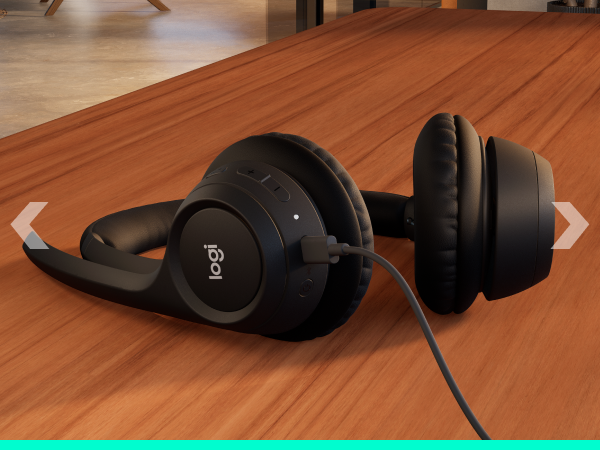
Move freely about your home or office and stay reliably connected with multipoint Bluetooth 5.3 — up to 30 meters away. Seamlessly switch between computer and smartphone.
With up to 20 hours of listening time and 16 h of talk time, you will easily get through a whole day with Zone 305. Running out of power? A 5-minute quick charge gives you up to 1 hour of talk time.
Is it compatible with calling platforms like Microsoft Teams, Google Meet, and Zoom?
Yes, Zone 305 is compatible with the above platforms. For call controls and mute sync with meeting platforms, pick either Teams or UC (Google Meet & Zoom) certified versions.
People cannot hear me clearly.
Check for firmware updates on Logi Tune. Make sure your headset is selected as input device and the mic boom is down. Try adjusting your “Mic level” settings in Logi Tune.
The volume is very low, I can’t hear what the other people are saying.
Make sure your headset is up to date in Logi Tune. Try adjusting the output volume in your system settings, and also check if your headset is selected as output device.
The volume is very low, I can’t hear what the other people are saying.
Make sure your headset is up to date in Logi Tune. Try adjusting the output volume in your system settings, and also check if your headset is selected as output device.
My voice fluctuates in Zoom calls.
In some rare instances, we have seen some cases where voice is fluctuating in the Zoom app. In that case, try to turn off the Auto-Gain-Control (AGC) setting in Zoom settings.