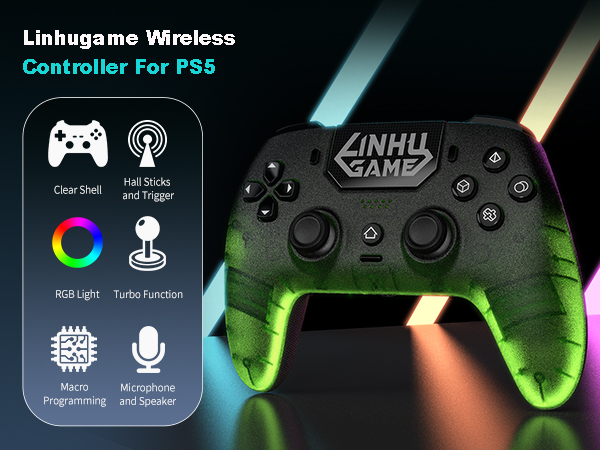
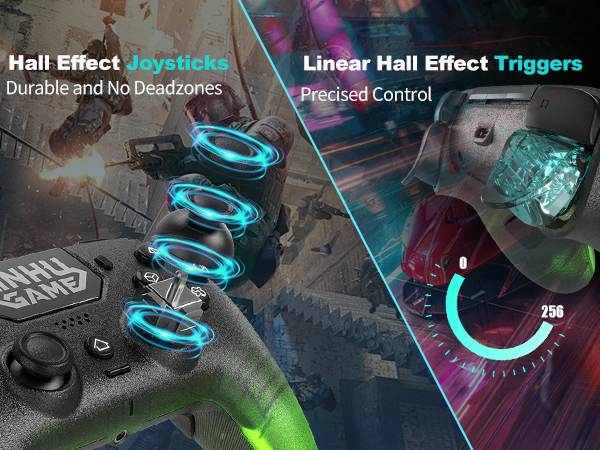
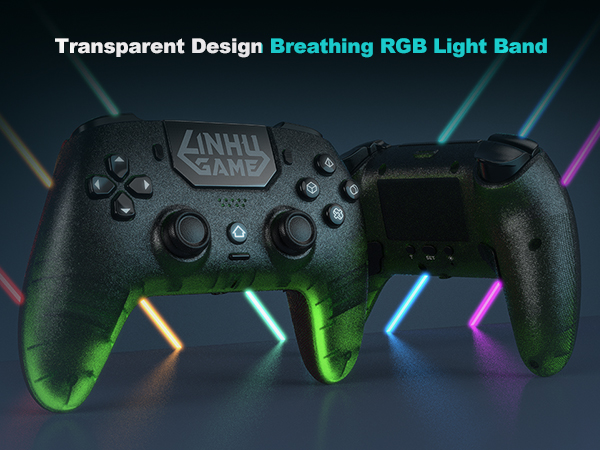
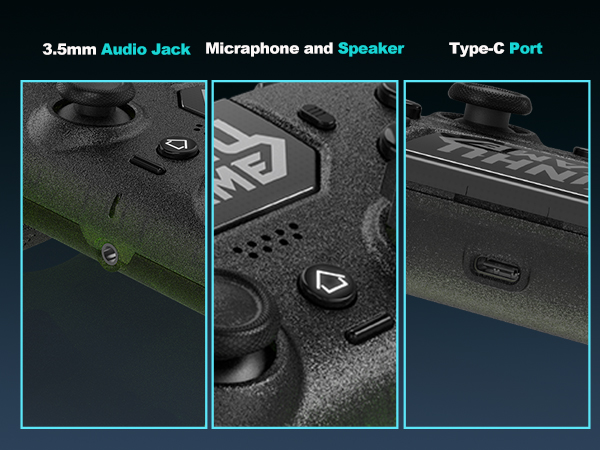
here!
here!
I’m your shopping assistant for PC builds, upgrades, and everything tech.
Got questions? Ask away!
Start a conversation
here!
I’m your shopping assistant for PC builds, upgrades, and everything tech.
Got questions? Ask away!
Start a conversation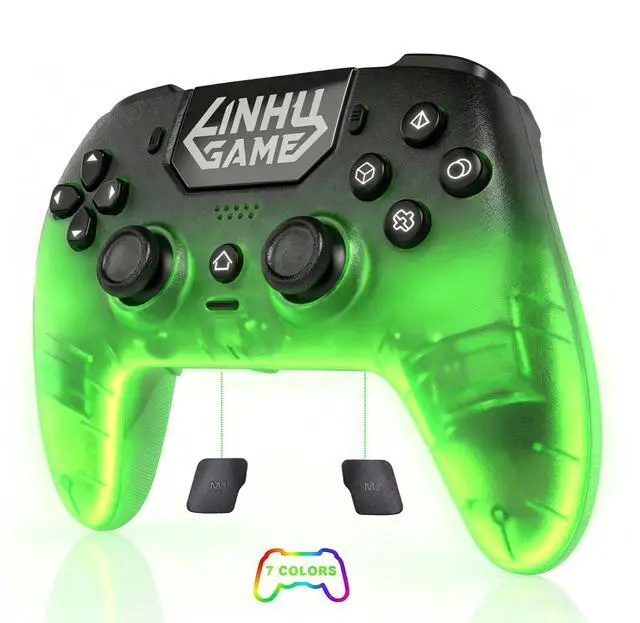
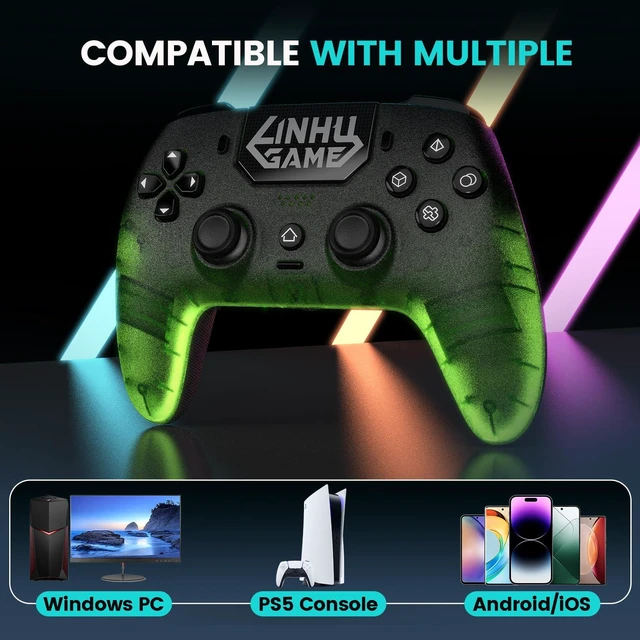
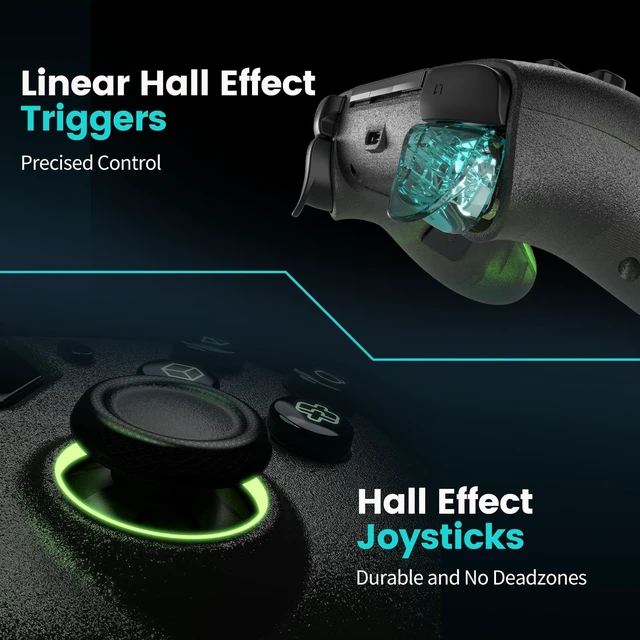
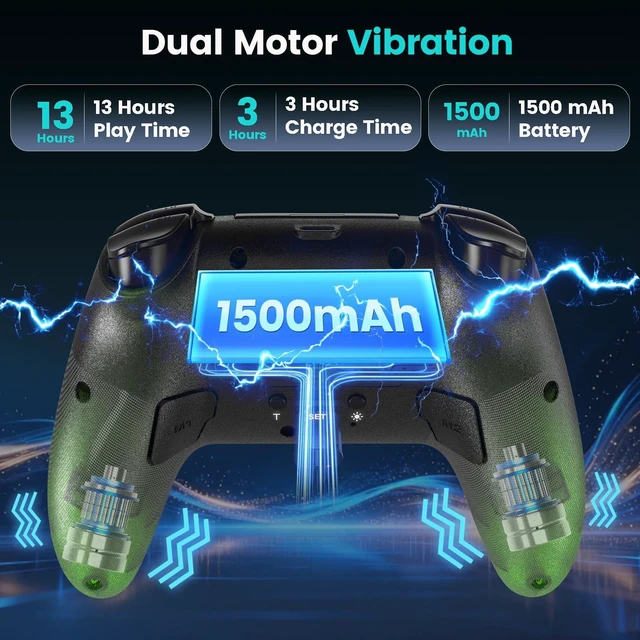
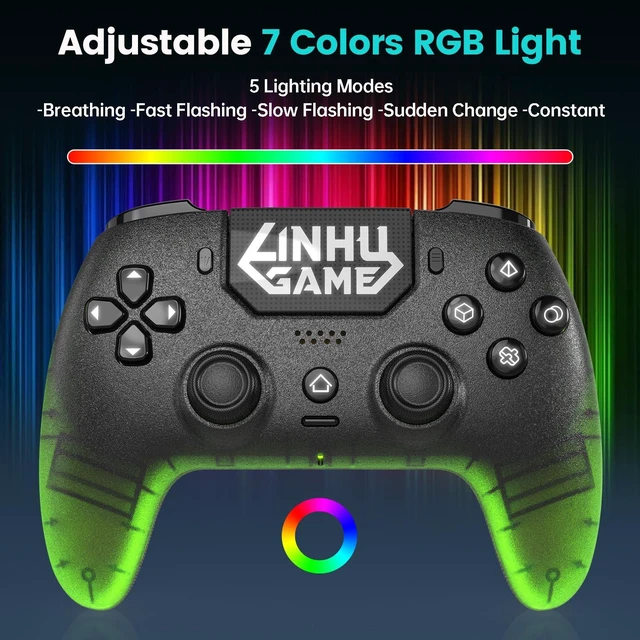
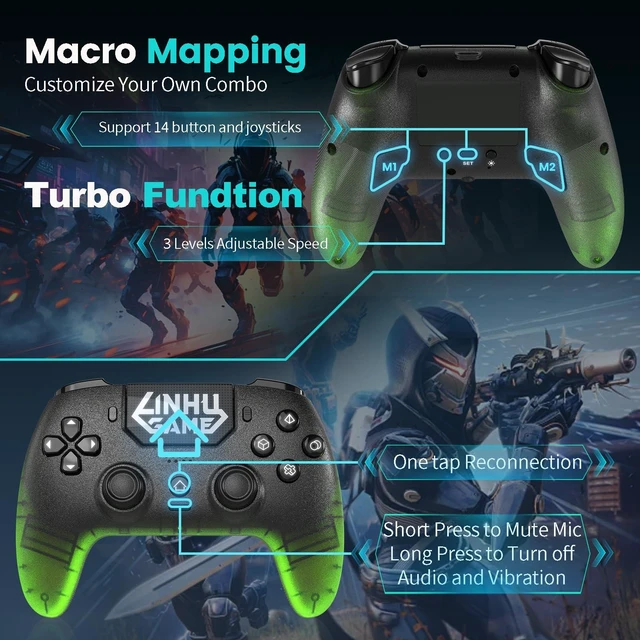
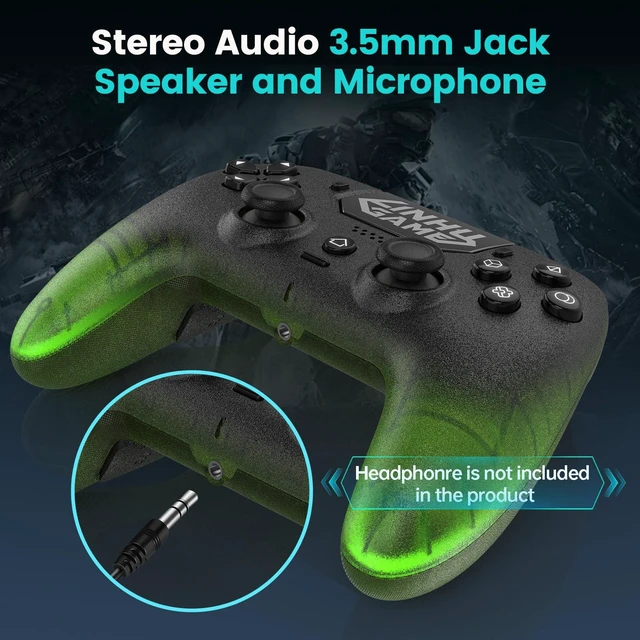



Any questions? Ask CelesteSM will help you find out quickly.
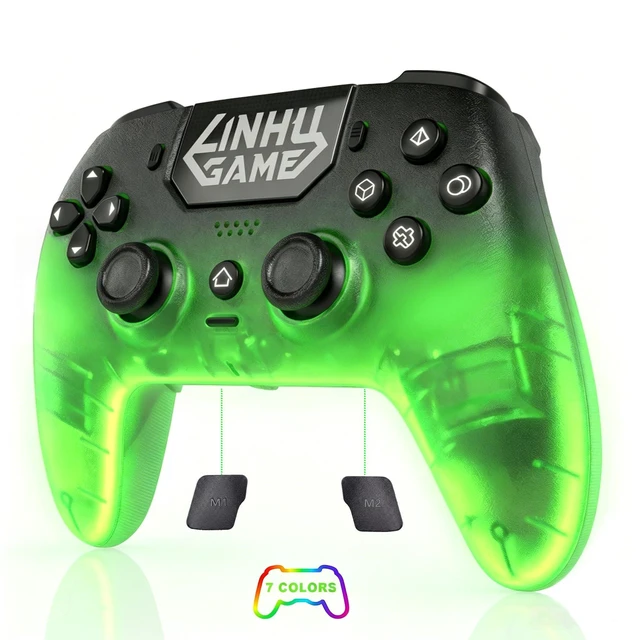
 Green |  Pink | 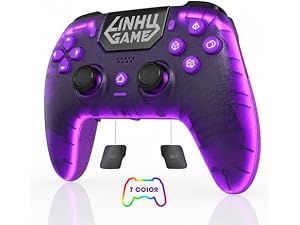 Purple |
|---|---|---|
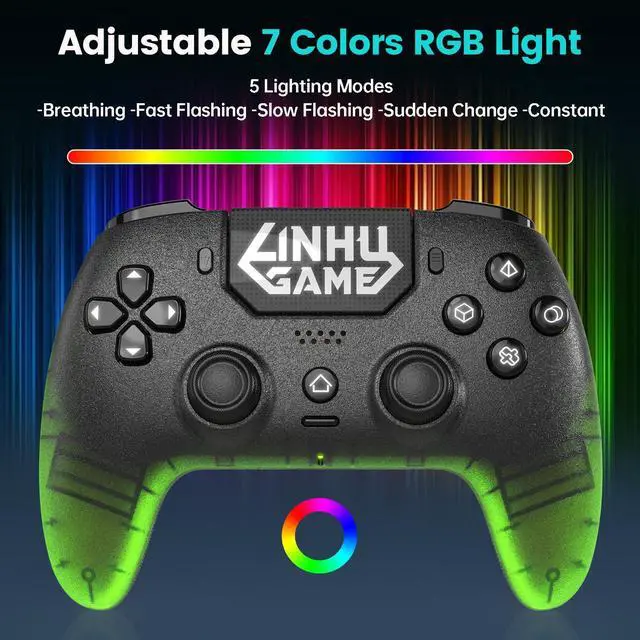
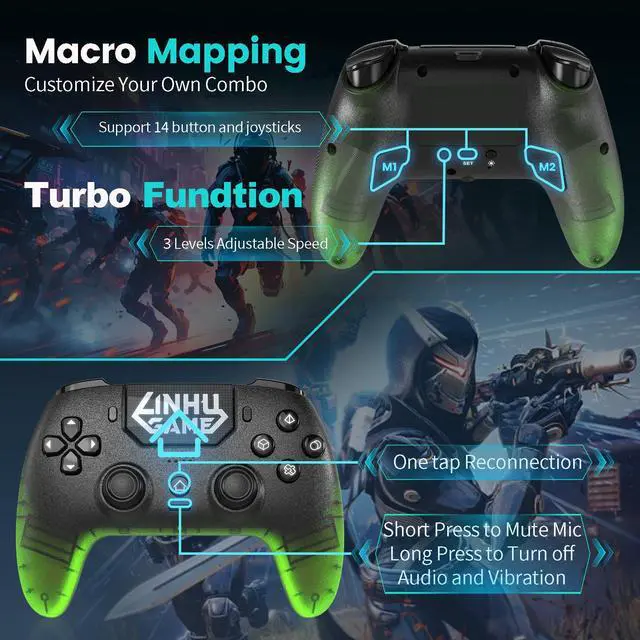
Supported Functions Programmable Macro/7 Color RGB | Supported Functions Programmable Macro/7 Color RGB | Supported Functions Programmable Macro/7 Color RGB |
RGB Patterns Constant/Flowing/Breathing/Shifting/Off | RGB Patterns Constant/Flowing/Breathing/Shifting/Off | RGB Patterns Constant/Flowing/Breathing/Shifting/Off |
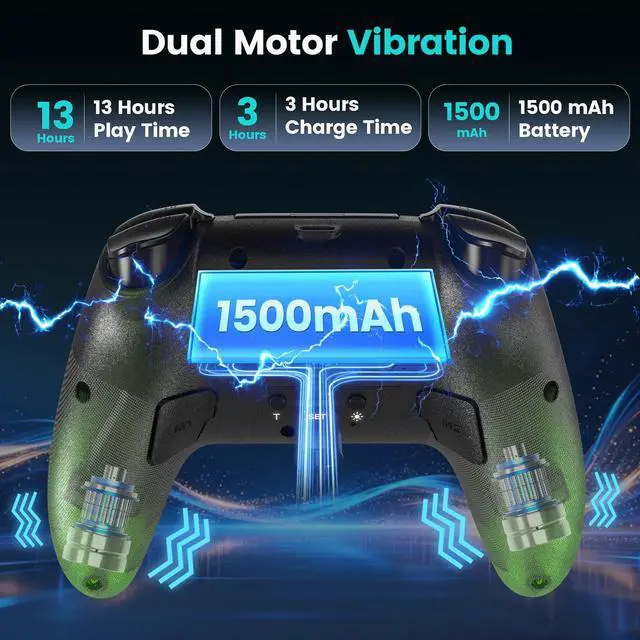
How long does the battery life last?
It usually last 10 hours, if you turn off the RGB light, the lifespan could be even longer.
How to calibrate the joysticks and triggers?
Plug in the cable to your controller and device while holding Share and Option buttons, when indicator flashes quickly, release the buttons, spin the joysticks 3 rounds and press down triggers 3 times, hold X to until indicator stays on to complete.
How to turn down or turn off RGB and vibration?
To turn off RGB, just need to hold the light button, or adjust brightness by push the left stick up or down while holding the touchpad. To ajust or turn off vibration, you can press the left stick up or down while holding T button.
Why is the controller not charging?
During shipping, the battery could be drained completely, try to leave it charging for half a day to reactivate the battery, and you can try using a needle to poke the reset hole behind the controller to reset it.
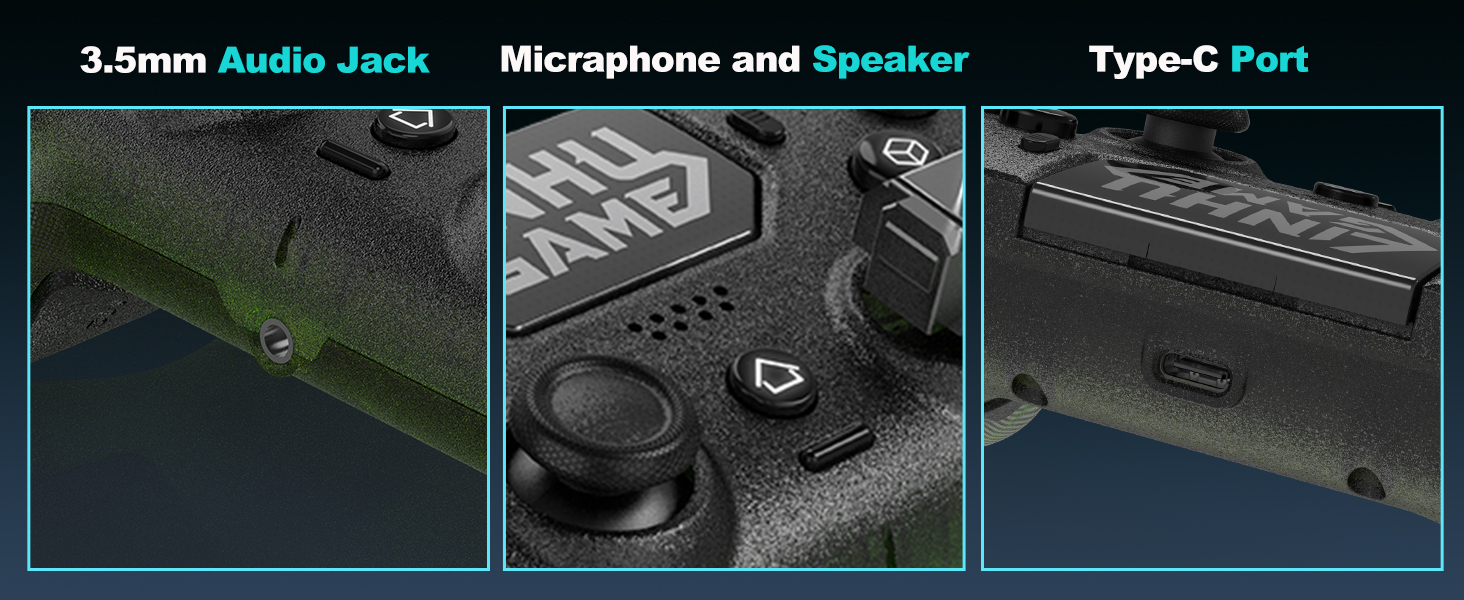
Why is my mic not working?
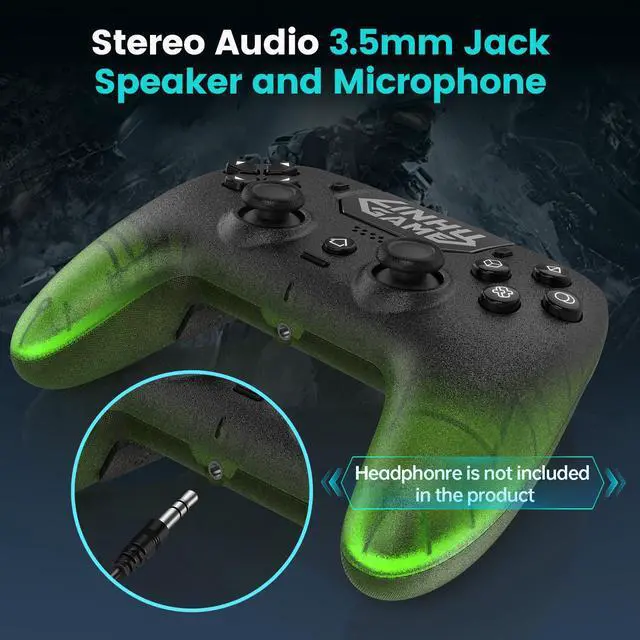
Make sure your headphone is correctly inserted to the 3.5mm jack, and spin it a few rounds to avoid bad contact.
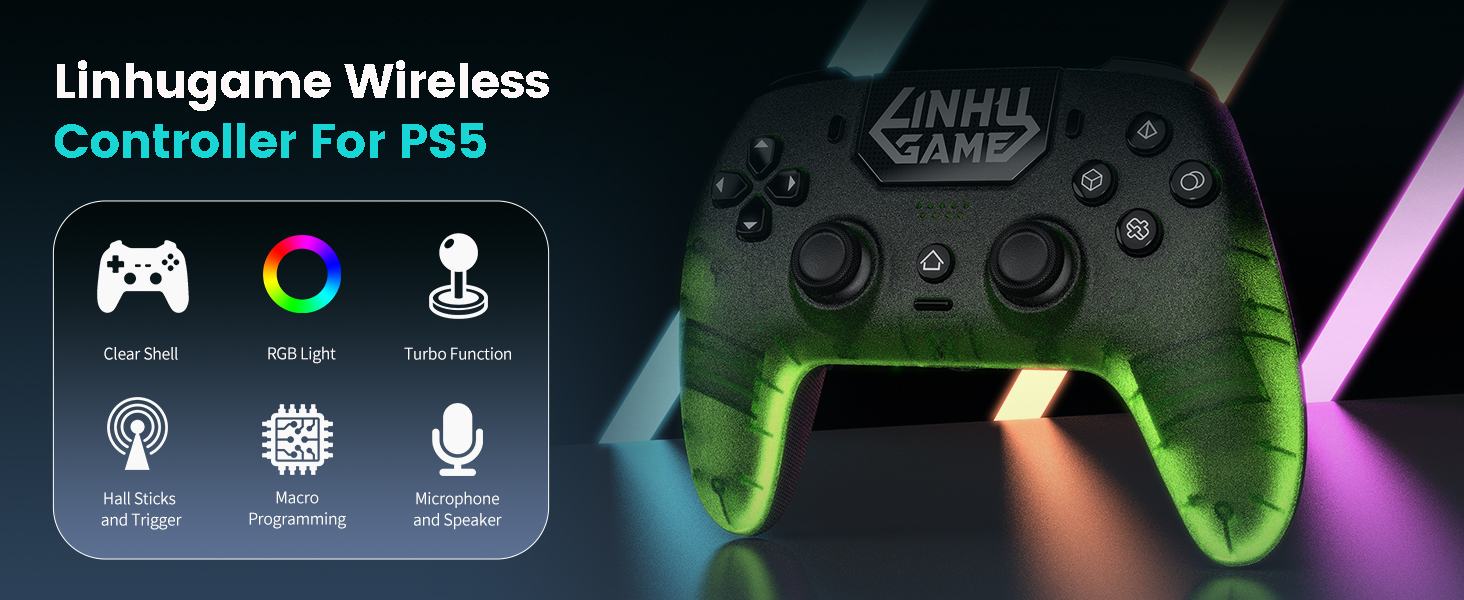
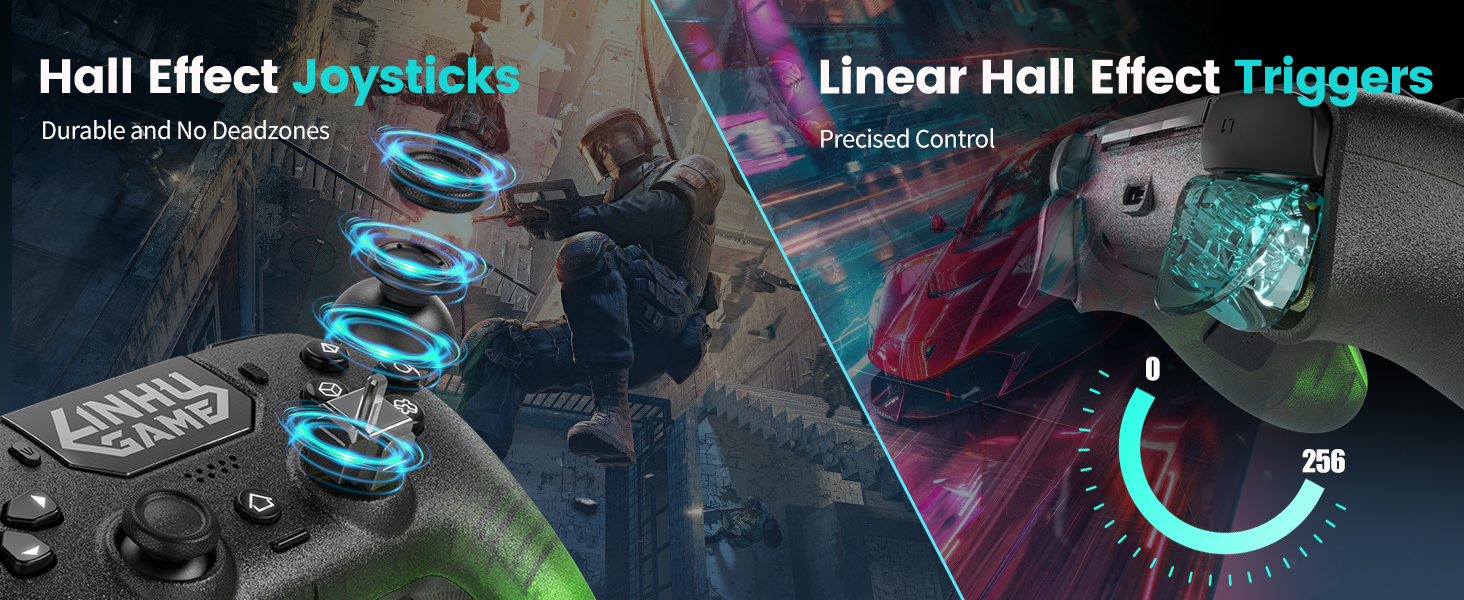
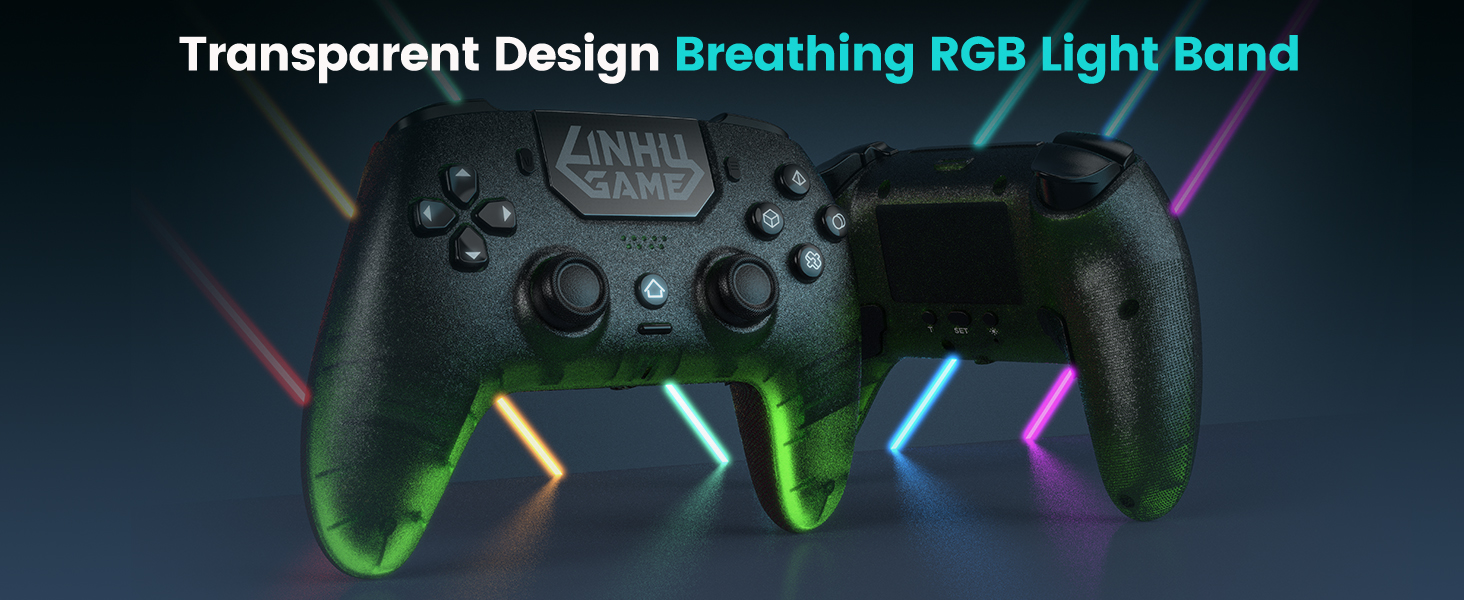

How long does the battery life last?
It usually last 10 hours, if you turn off the RGB light, the lifespan could be even longer.
How to calibrate the joysticks and triggers?
Plug in the cable to your controller and device while holding Share and Option buttons, when indicator flashes quickly, release the buttons, spin the joysticks 3 rounds and press down triggers 3 times, hold X to until indicator stays on to complete.
How to turn down or turn off RGB and vibration?
To turn off RGB, just need to hold the light button, or adjust brightness by push the left stick up or down while holding the touchpad. To ajust or turn off vibration, you can press the left stick up or down while holding T button.
Why is the controller not charging?
During shipping, the battery could be drained completely, try to leave it charging for half a day to reactivate the battery, and you can try using a needle to poke the reset hole behind the controller to reset it.
Why is my mic not working?
Make sure your headphone is correctly inserted to the 3.5mm jack, and spin it a few rounds to avoid bad contact.