




 here!
here!
I’m your shopping assistant for PC builds, upgrades, and everything tech.
Got questions? Ask away!
Start a conversation
here!
I’m your shopping assistant for PC builds, upgrades, and everything tech.
Got questions? Ask away!
Start a conversation
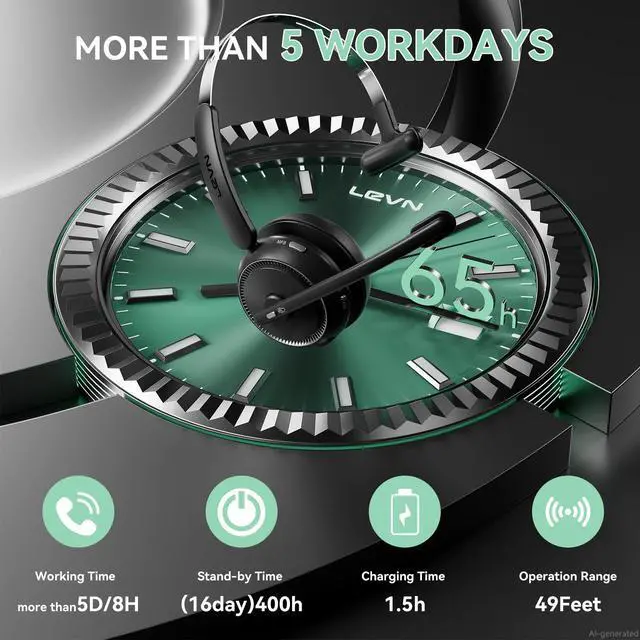
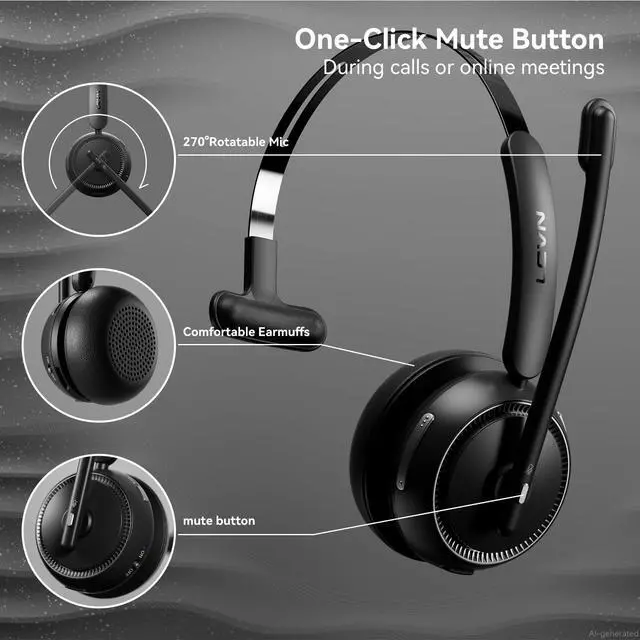




Any questions? Ask CelesteSM will help you find out quickly.
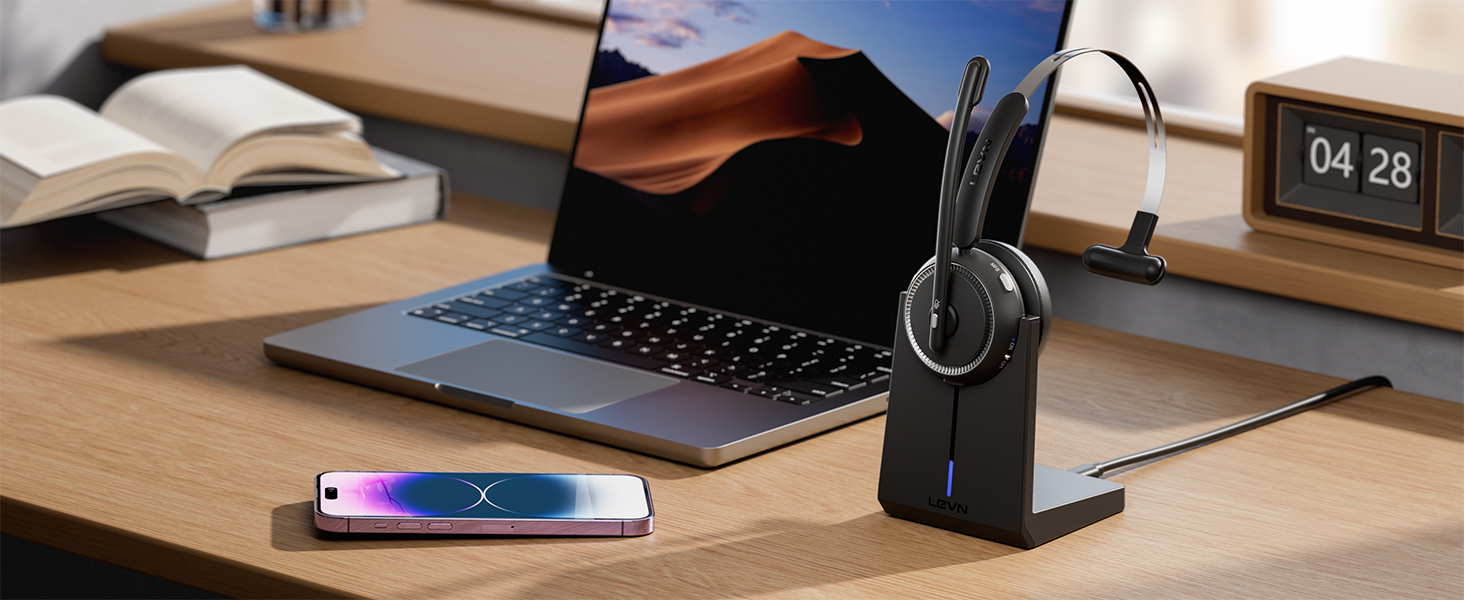

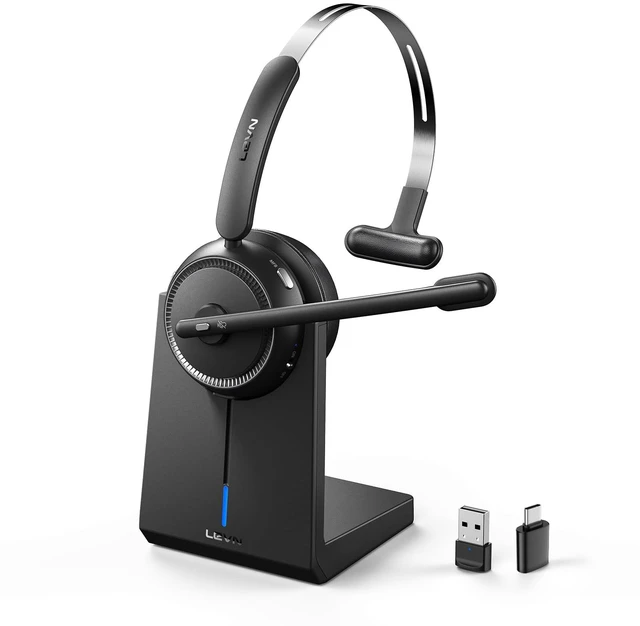
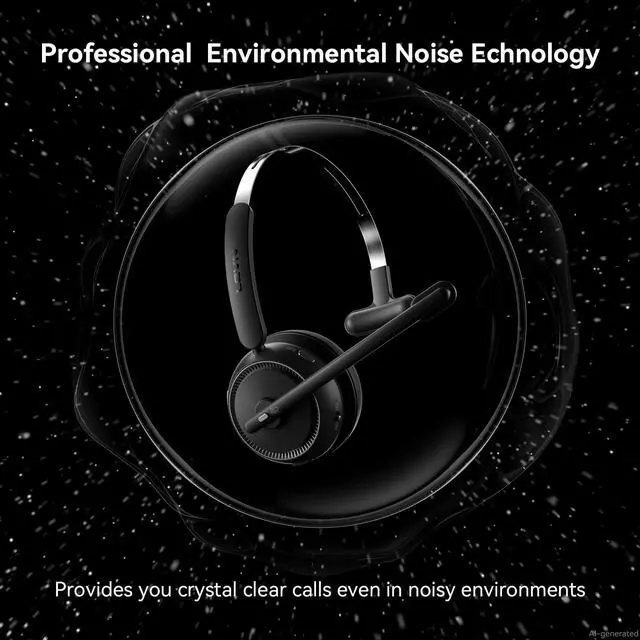
Shield nosie interference, make calls/ online meetings more focused
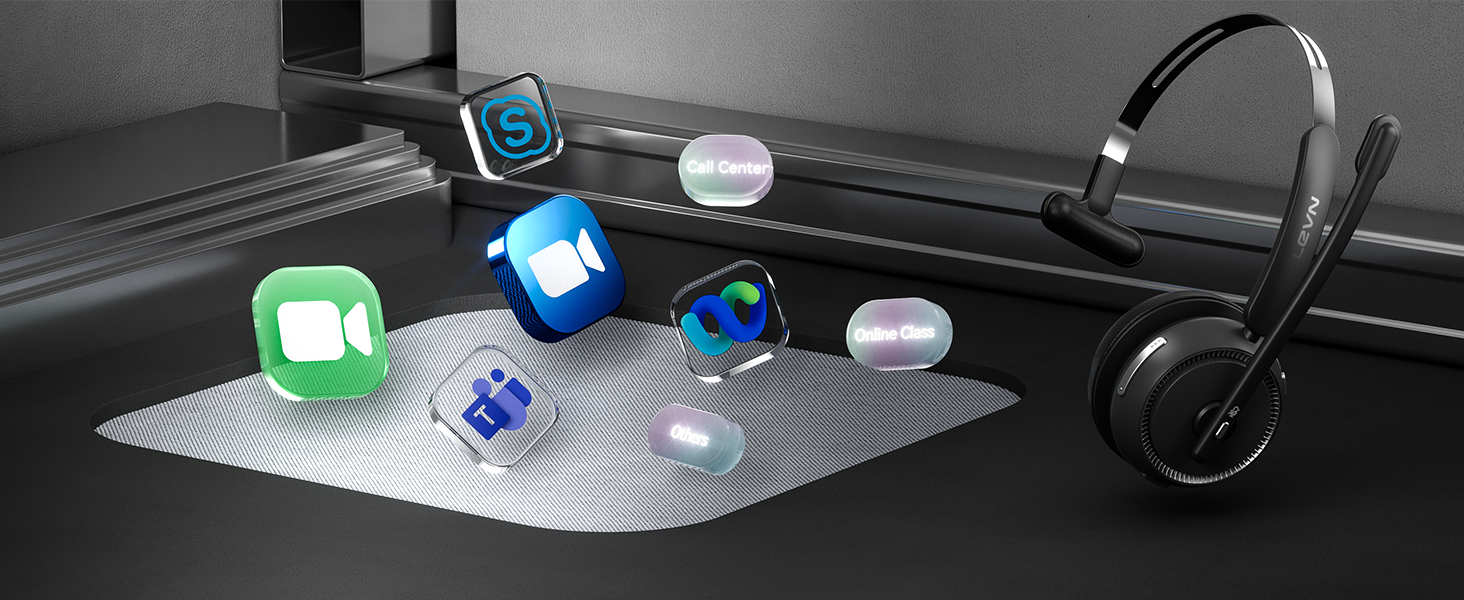
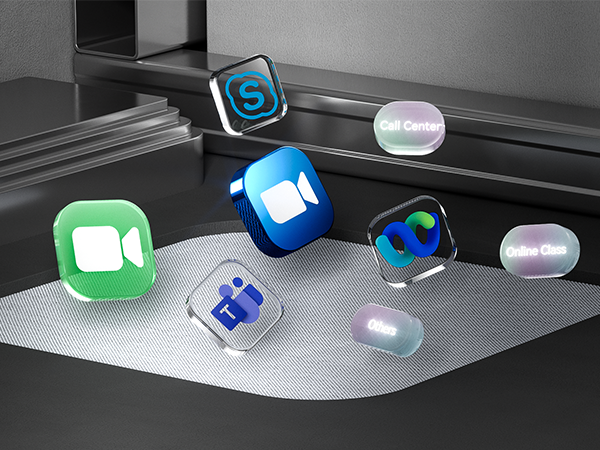
Wireless headset is designed to work seamlessly with most video conferencing software and softphone
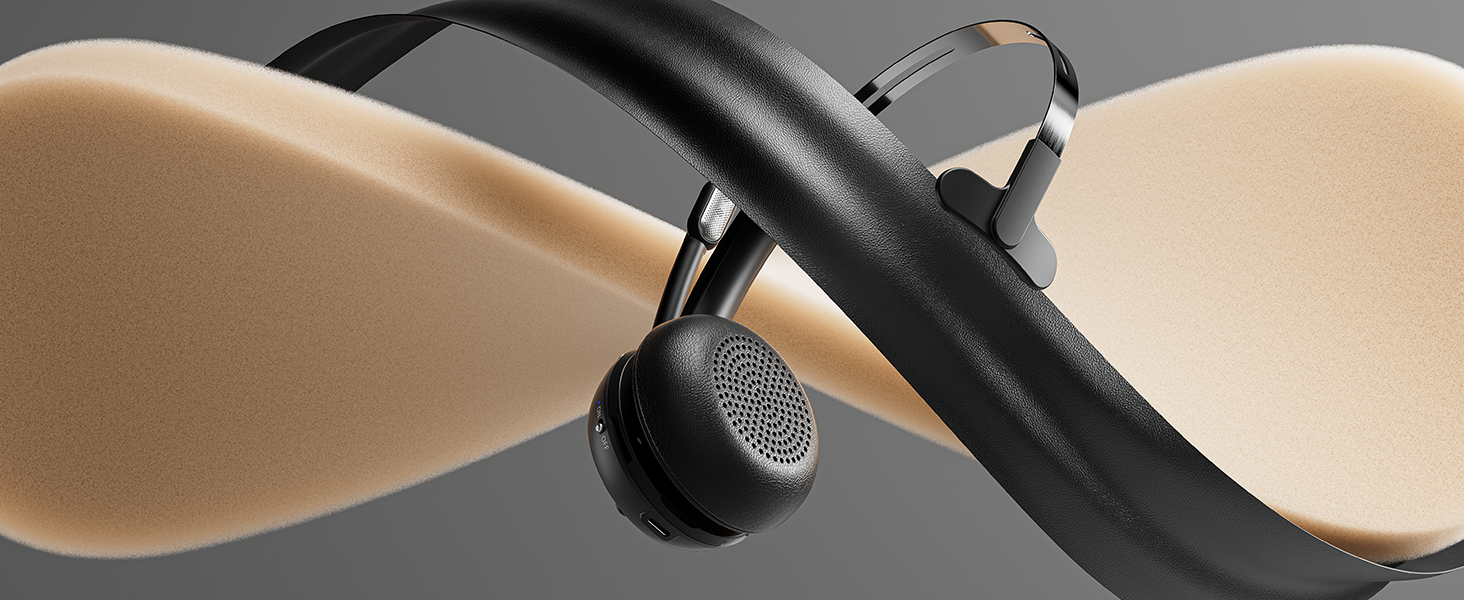
With protein memory foam, the earmuffs provide delightful comfort even after a full day of work
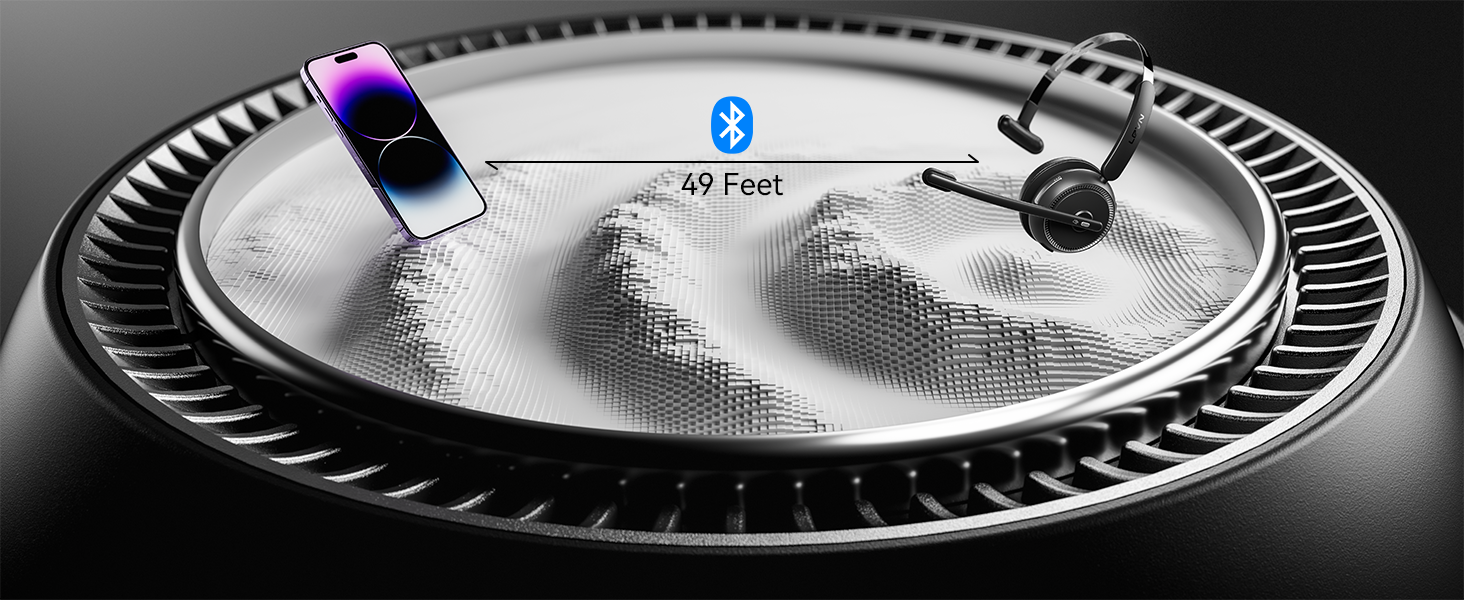
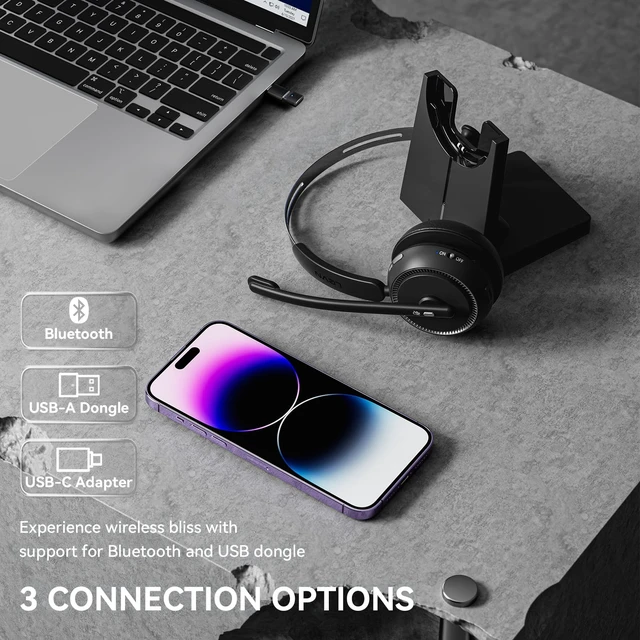
Bluetooth 5.2, 49-foot effective distance, free hands, realizing remote work
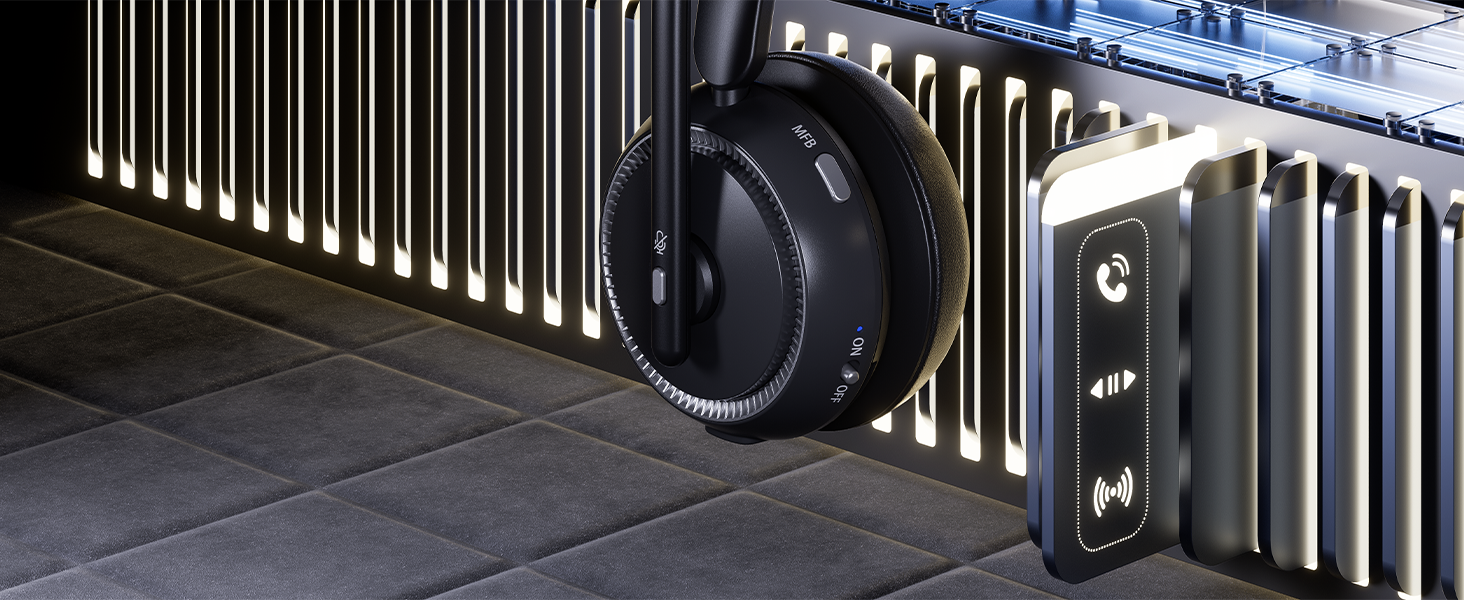
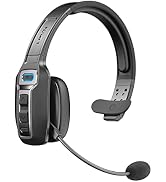
The MFB button of this headset allows you to answer/hang up calls with one button
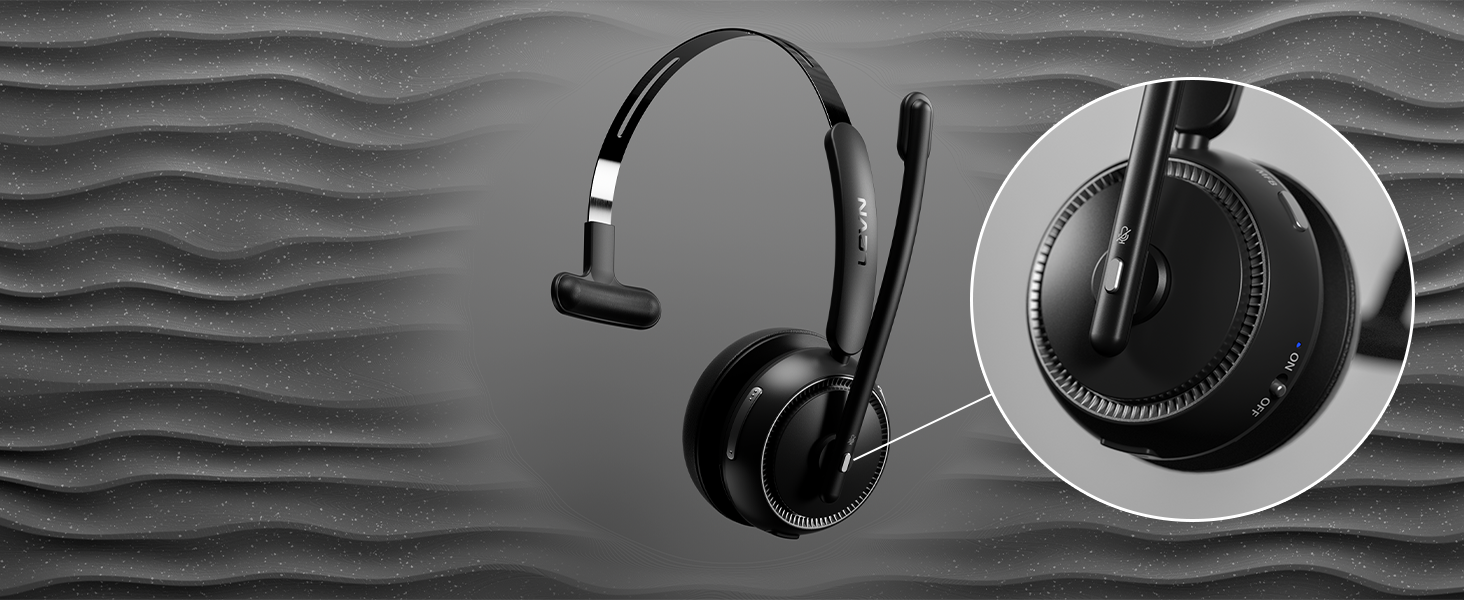
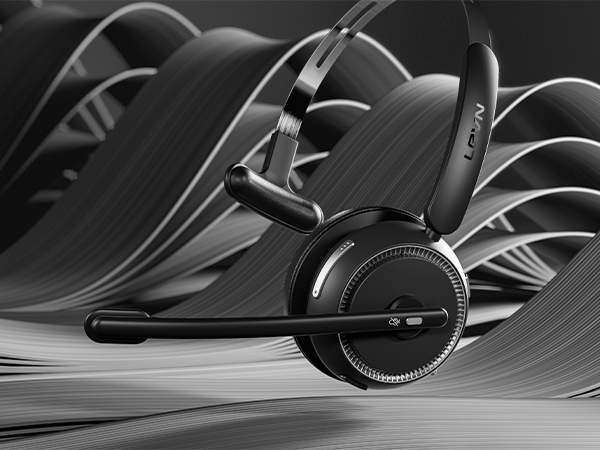
You can click the mute button to turn on/off the microphone to protect your privacy during the call
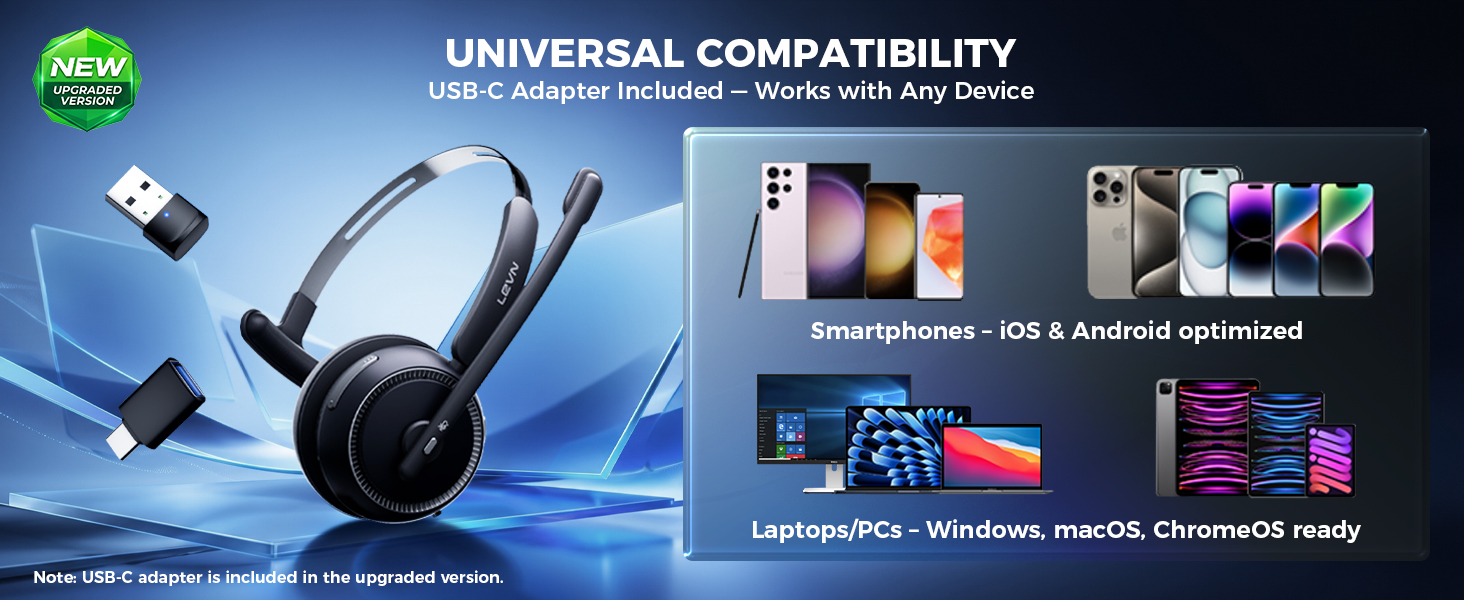
*USB-C adapter not be included in earlier stock.
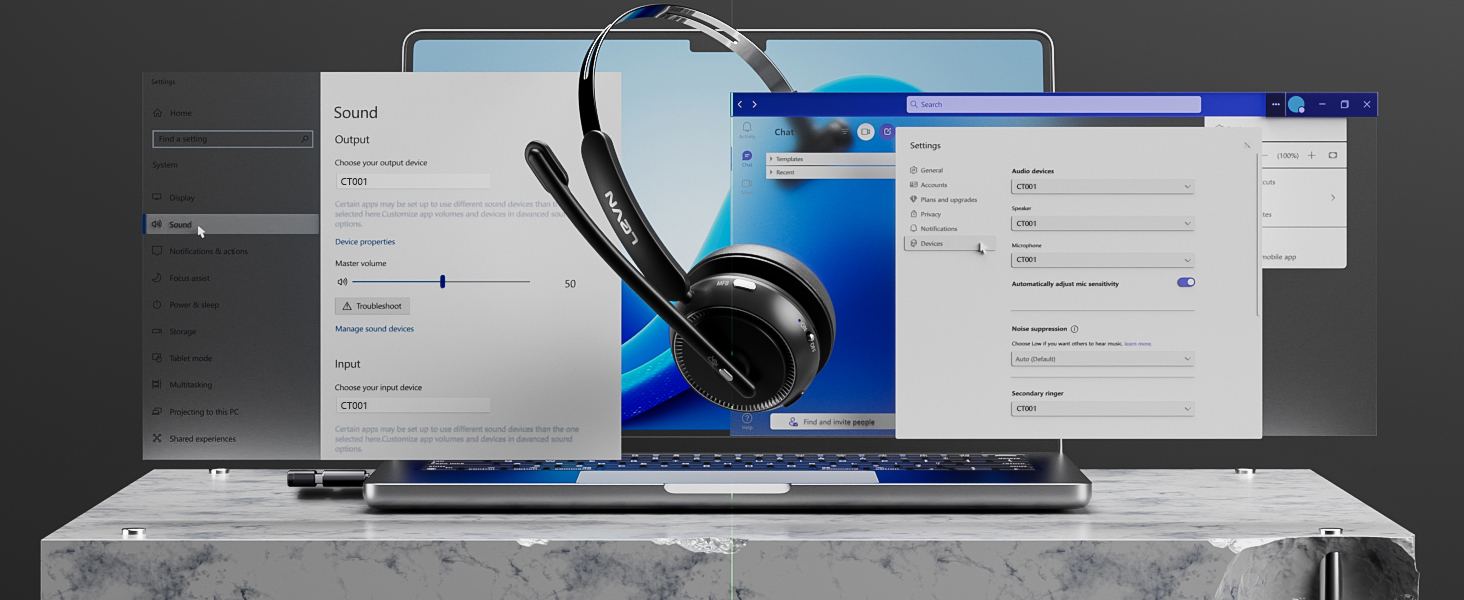
When I use this wireless headset on Teams, how should I set it up?
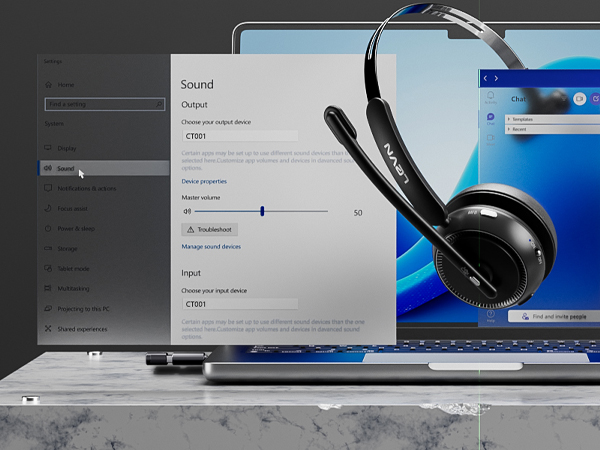
When you make a call with teams, please check the sound settings of both the computer and the software to make sure [CT001] is selected as the default output and input device (speaker/microphone).
I use the wireless headset to work from home, can it effectively eliminate the noise of background noise?
Yes. Our wireless headset can eliminate up to 99.9% of background noise, such as children screaming, dogs barking, TV background sound, and so on. It ensures a superior calling experience with clearer conversations for the person on the other end.
How do I use the headset's mute function during a call or online meeting?
During a call or online meeting, simply press the mute button once to mute the headset microphone. Press again to unmute. The mute key only works during a call or meeting.
Can I use the Bluetooth headset to answer or hang up calls?
If the headset is connected to a mobile phone, you can click the MFB to answer/end calls on the headset; If the headset is connected to a computer, you need to answer calls on the computer. Reminder: MFB does not work with desk phones and landlines.
How do I charge the wireless headset?
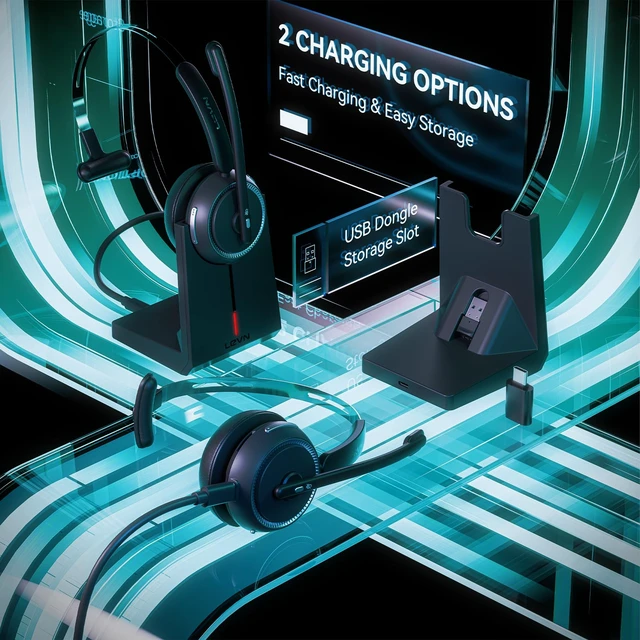
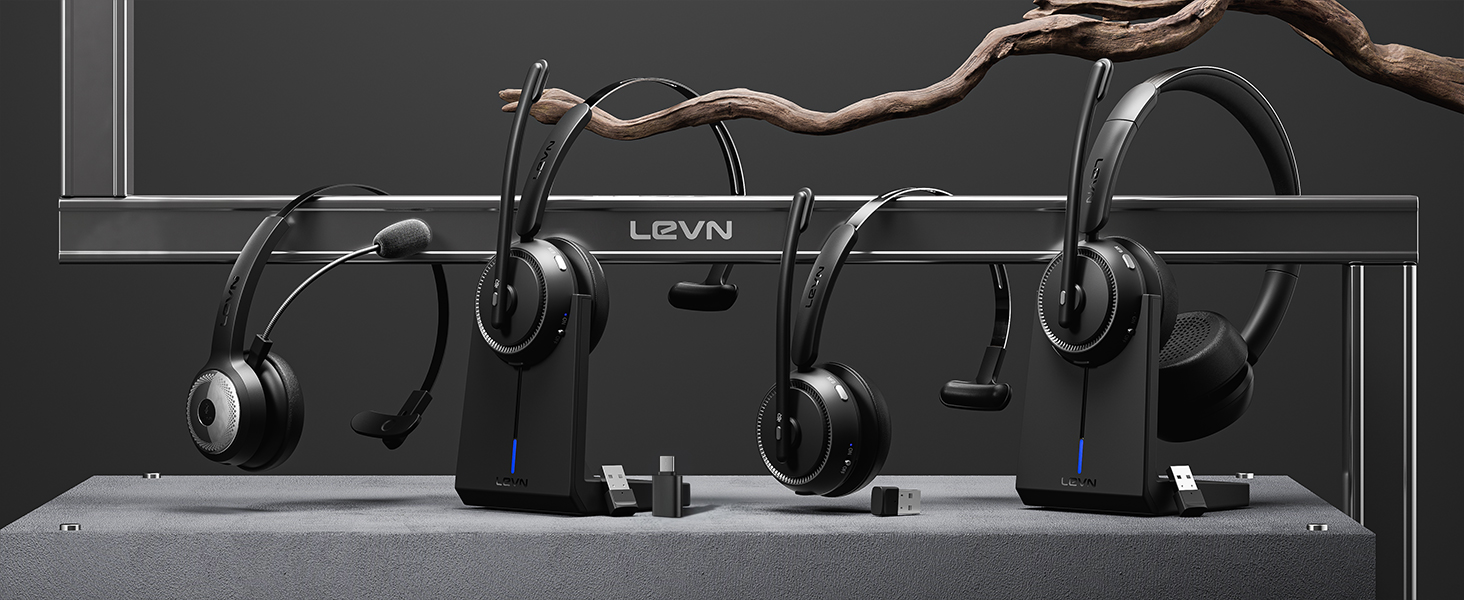
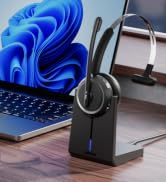
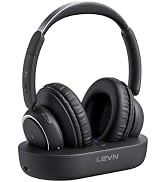
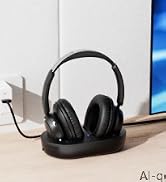
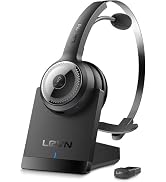
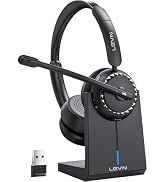
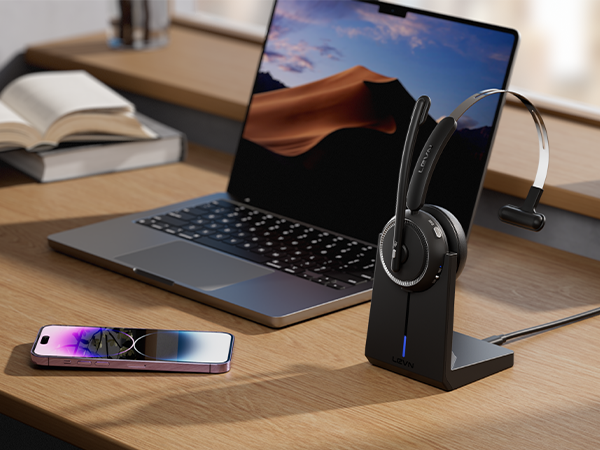
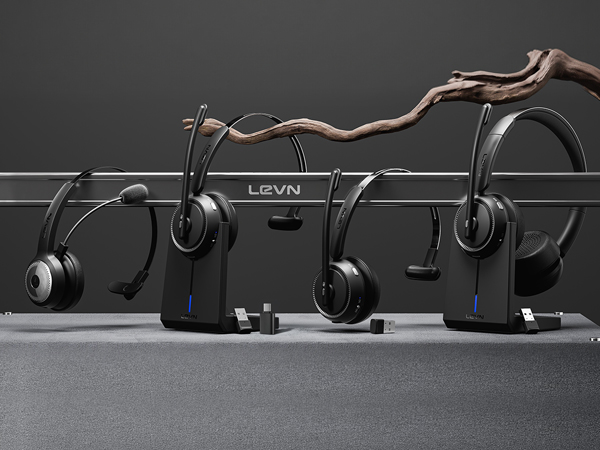
This headset has a stylish charging base, providing a convenient solution for charging and storage. The charging base with a slot to securely hold the USB dongle. Additionally, you have the option to charge it using a Type-C Charging cable.

Eliminating Unwanted Background Noise and Focusing on your Call with LEVN

Established in 2003, LEVN has a two-decade legacy in wireless audio, delivering unmatched expertise, superior quality, and an exceptional user experience. Meticulously crafted headphones ensure superior sound and seamless connectivity. Our goal is to enrich wireless audio with revolutionary features and innovative technology, shaping the future of Bluetooth headsets
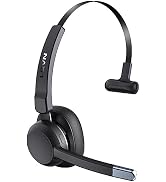
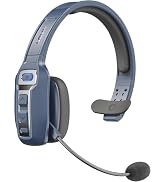
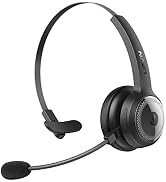
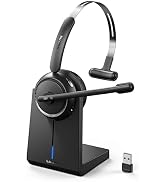
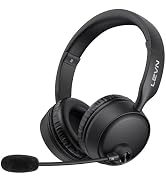
Shield nosie interference, make calls/ online meetings more focused
Wireless headset is designed to work seamlessly with most video conferencing software and softphone
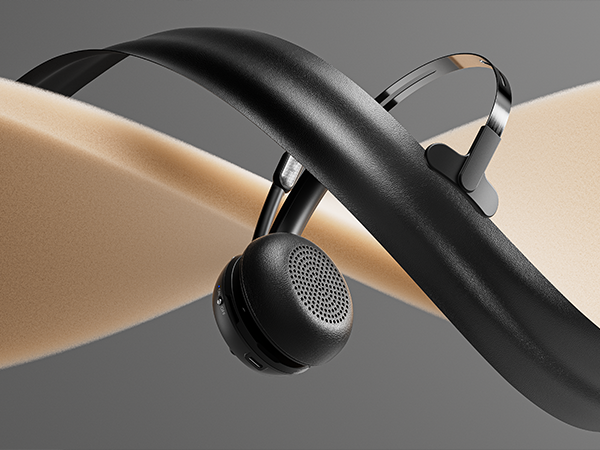
With protein memory foam, the earmuffs provide delightful comfort even after a full day of work
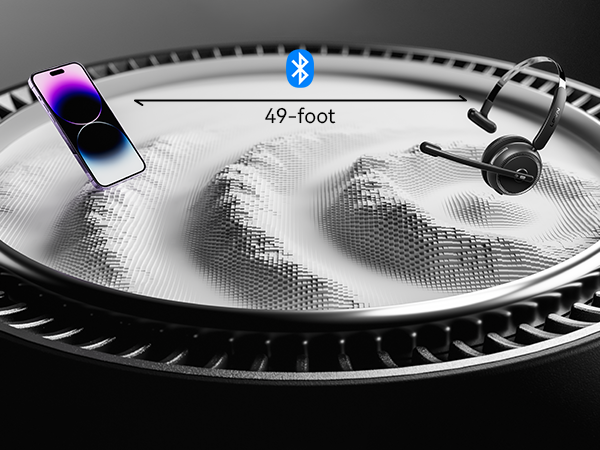
Bluetooth 5.2, 49-foot effective distance, free hands, realizing remote work
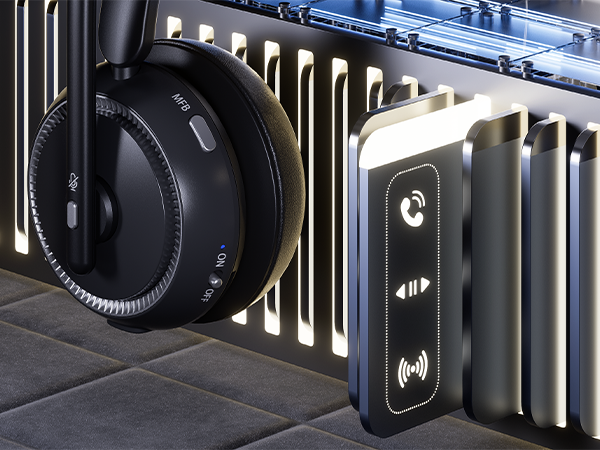
The MFB button of this headset allows you to answer/hang up calls with one button
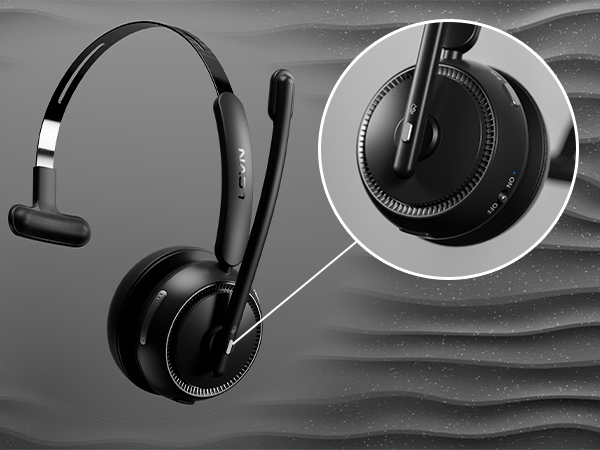
You can click the mute button to turn on/off the microphone to protect your privacy during the call
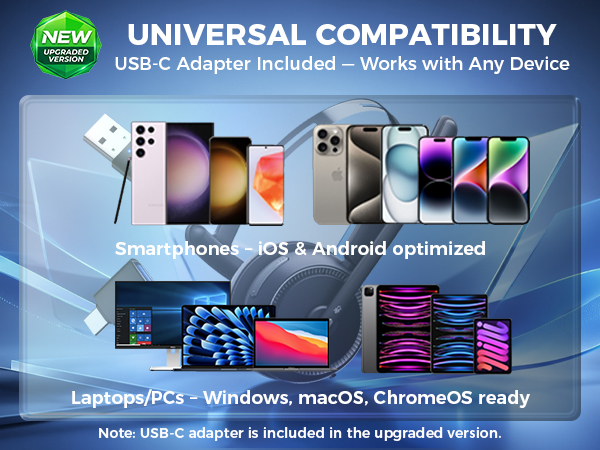
*USB-C adapter not be included in earlier stock.
When I use this wireless headset on Teams, how should I set it up?
When you make a call with teams, please check the sound settings of both the computer and the software to make sure [CT001] is selected as the default output and input device (speaker/microphone).
I use the wireless headset to work from home, can it effectively eliminate the noise of background noise?
Yes. Our wireless headset can eliminate up to 99.9% of background noise, such as children screaming, dogs barking, TV background sound, and so on. It ensures a superior calling experience with clearer conversations for the person on the other end.
How do I use the headset's mute function during a call or online meeting?
During a call or online meeting, simply press the mute button once to mute the headset microphone. Press again to unmute. The mute key only works during a call or meeting.
Can I use the Bluetooth headset to answer or hang up calls?
If the headset is connected to a mobile phone, you can click the MFB to answer/end calls on the headset; If the headset is connected to a computer, you need to answer calls on the computer. Reminder: MFB does not work with desk phones and landlines.
How do I charge the wireless headset?
This headset has a stylish charging base, providing a convenient solution for charging and storage. The charging base with a slot to securely hold the USB dongle. Additionally, you have the option to charge it using a Type-C Charging cable.
Eliminating Unwanted Background Noise and Focusing on your Call with LEVN
Established in 2003, LEVN has a two-decade legacy in wireless audio, delivering unmatched expertise, superior quality, and an exceptional user experience. Meticulously crafted headphones ensure superior sound and seamless connectivity. Our goal is to enrich wireless audio with revolutionary features and innovative technology, shaping the future of Bluetooth headsets


