

Your Browsing History
- $22.75
- Free 30-day Returns

Meet Your Seller

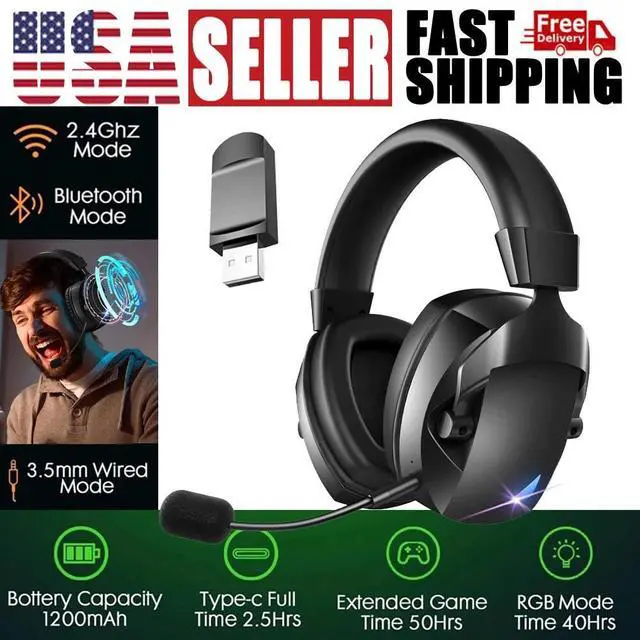


Wireless Gaming Headset 2.4GHz USB Gaming Headphones for PS5/PS4/PC/Switch
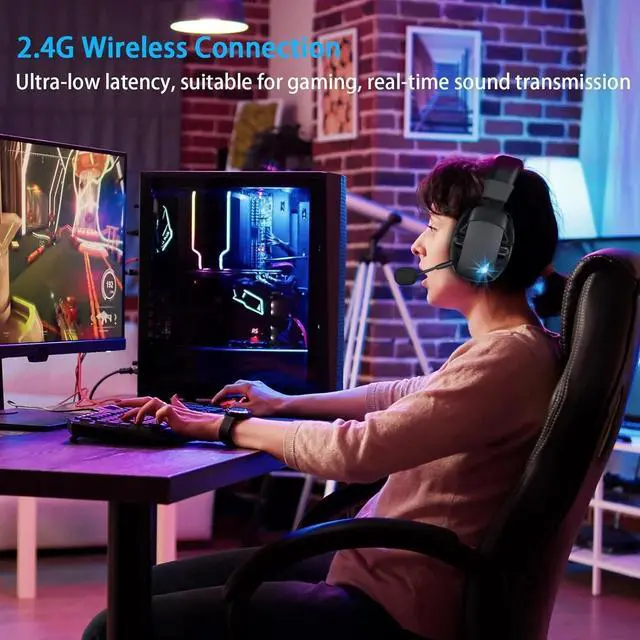
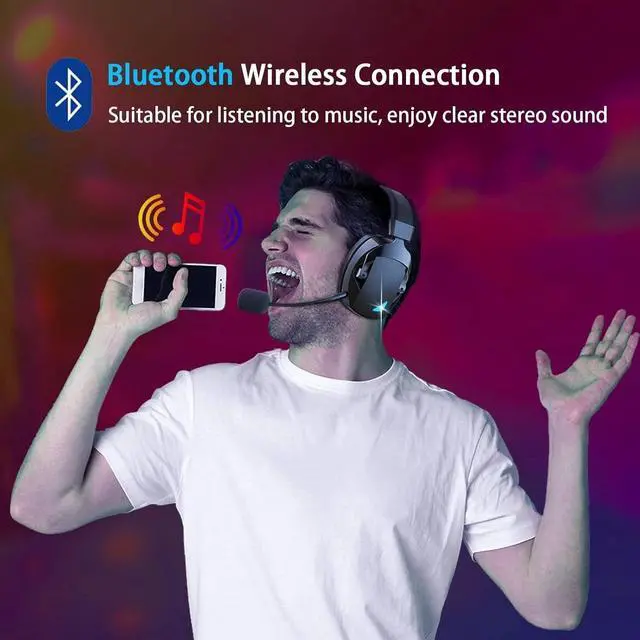
- wireless gaming headphones provide a three-in-one connection solution supporting low-latency 2.4GHz USB adapter, the latest Bluetooth 5.3 for stable wireless connection, and 3.5mm wired mode.
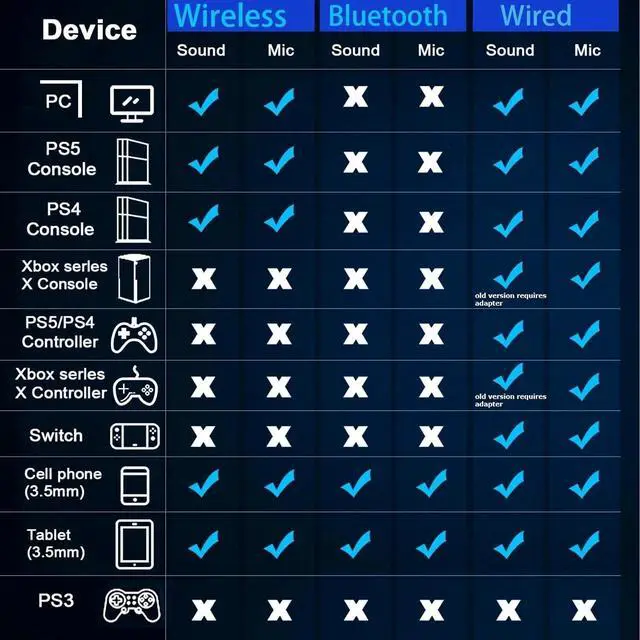
- Note: The 2.4GHz wireless mode is suitable for PS4/5, laptops, desktops, MAC, Switch (Note: Switch does not support microphone);
- 5.3 Bluetooth mode is suitable for mobile phones, tablets, laptops; 3.5mm wired mode is suitable for PS4/5, Switch, PC, Xbox series (Note: all Xbox series only support wired mode).
+
+
Overview
Specs
Reviews

Any questions? Our AI mode will help you find out quickly.
Try me now
wireless gaming headphones provide a three-in-one connection solution supporting low-latency 2.4GHz USB adapter, the latest Bluetooth 5.3 for stable wireless connection, and 3.5mm wired mode.
Note: The 2.4GHz wireless mode is suitable for PS4/5, laptops, desktops, MAC, Switch (Note: Switch does not support microphone);
5.3 Bluetooth mode is suitable for mobile phones, tablets, laptops; 3.5mm wired mode is suitable for PS4/5, Switch, PC, Xbox series (Note: all Xbox series only support wired mode).
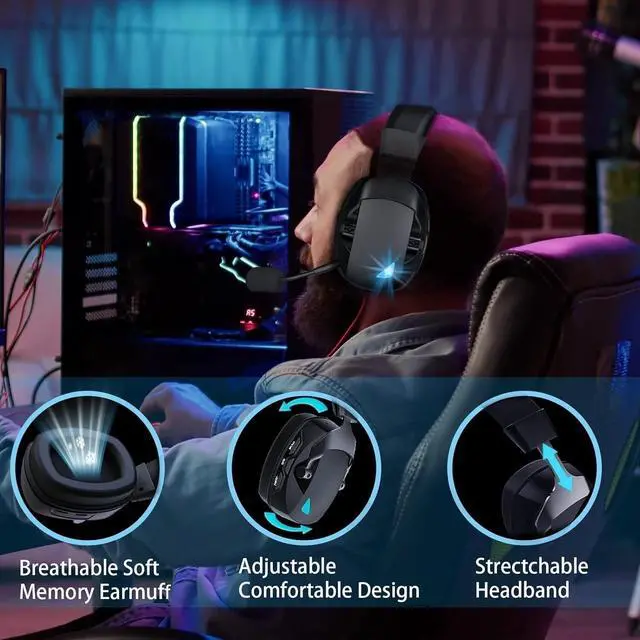
Experience long-lasting comfort during gaming with our lightweight and durable ps4 headset.
The headset features soft, breathable protein-covered ear cushions and a flexible headband with thick padding. The cool LED lights add style, and fast USB-C charging provides worry-free power for long gaming sessions.
It can be used for up to 36 hours in Bluetooth and 2.4GHz modes and only takes 3 hours to fully charge.
Bluetooth Not Supported: Bluetooth is not natively supported on PS4, PS5, or PC. For a quick and easy connection, we recommend using the 2.4G USB transmitter.
Incompatible with Xbox Series S: The wireless headset is not compatible with Xbox Series S.
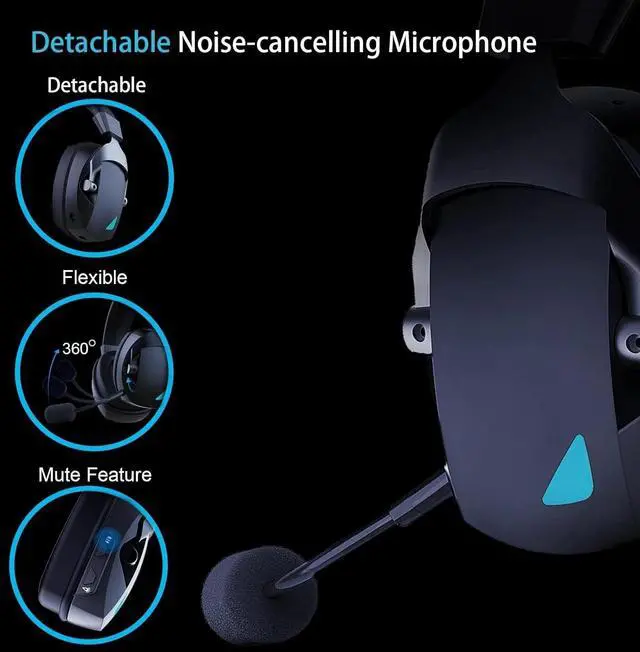
Microphone On/Off: To toggle the microphone, simply press the button located above the light button.
Microphone Jack Label: The microphone jack is labeled as "MIC," so please ensure not to mistakenly plug it into the 3.5mm audio jack.
Selecting Output Devices: When connecting to the PC with 2.4GHz, select BL100 PRO as the sound output device of the PC, instead of senary audio.
Warranty & Returns
Warranty, Returns, And Additional Information
Warranty
- Please contact the Seller directly for warranty information. Warranty information may also be found on the Manufacturer's website.
- CONTACT
Return Policies
- Return for refund within: 30 days
- Return for replacement within: 30 days
- This item is covered by Serve the world Return Policy
Manufacturer Contact Info
- For a directory of all our manufacturers, please click below.
- Manufacturers Directory
LOADING...