• $48.99
  • Free 30-day Returns
  • Ships from China.
    Price alert
    Shop it at NeweggBusiness.

    Meet Your Seller

    VAREQOY Trucker Bluetooth Headset, Wireless Headset with Mic, Bluetooth Headsets with Dual Noise Cancelling Microphone & Mute Button, 55Hrs Working Time PC Headsets for Cell Phones, Computer

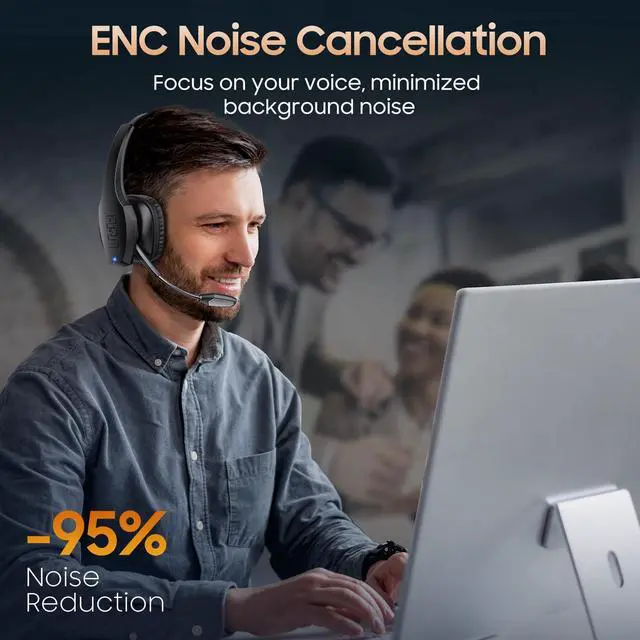
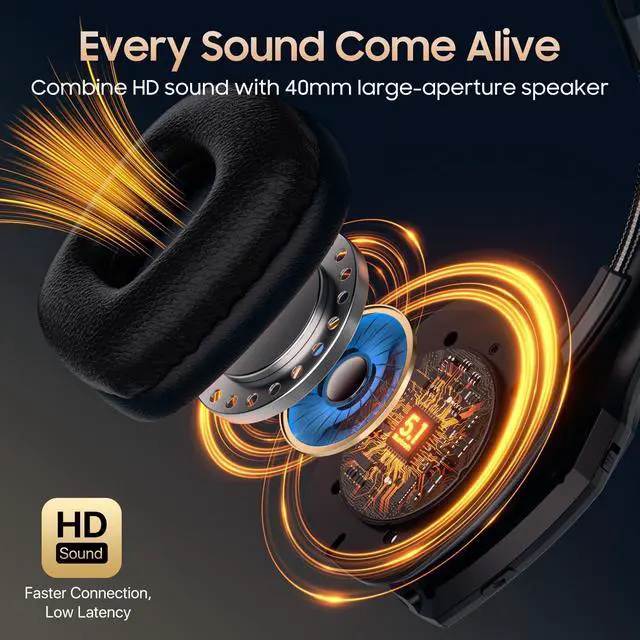
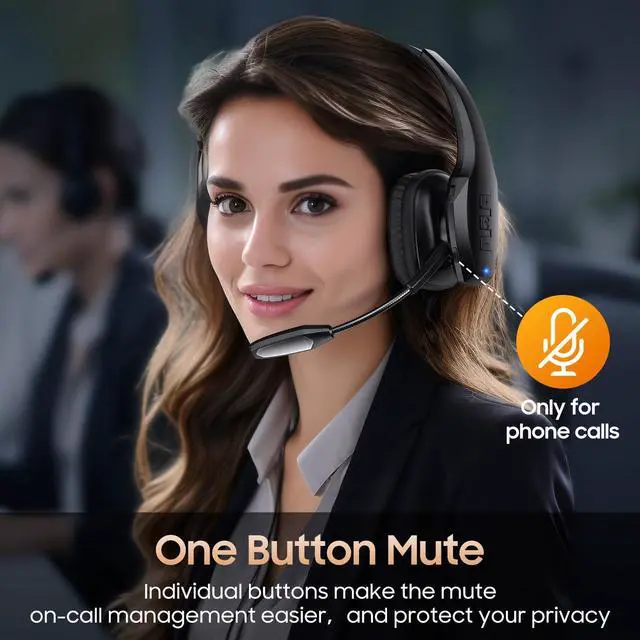
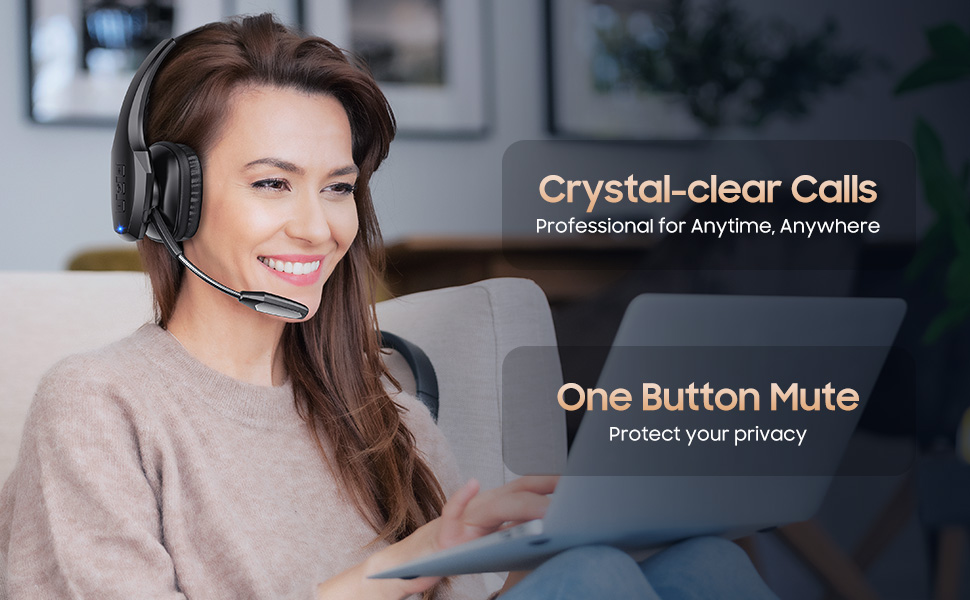
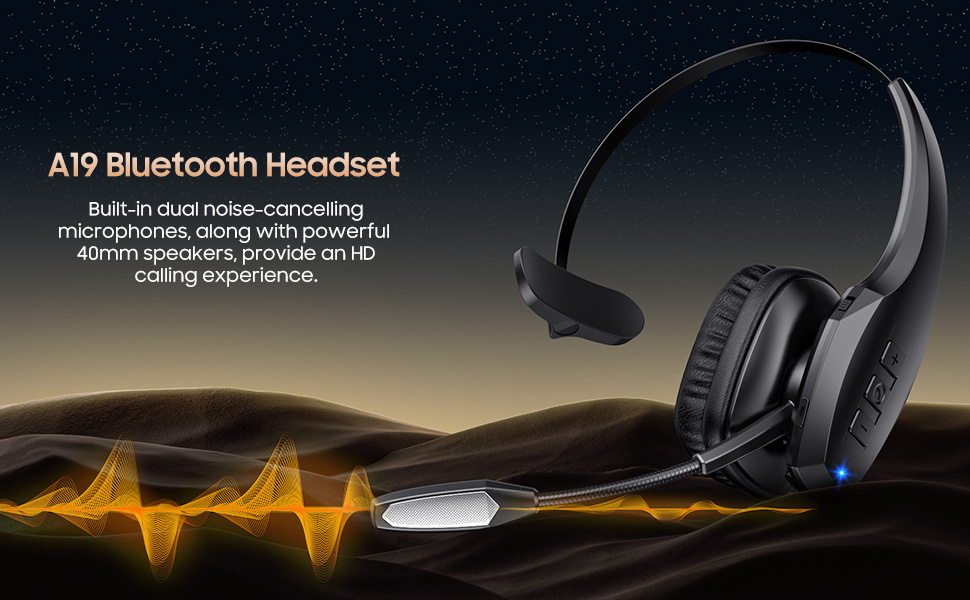
    • Experience Effortless Communication, Anywhere: Our Bluetooth headset incorporates cutting-edge AI noise reduction technology, delivering premium sound quality that effectively blocks 95% of background noise. Enjoy a crystal-clear, lifelike calling experience akin to in-person conversations.
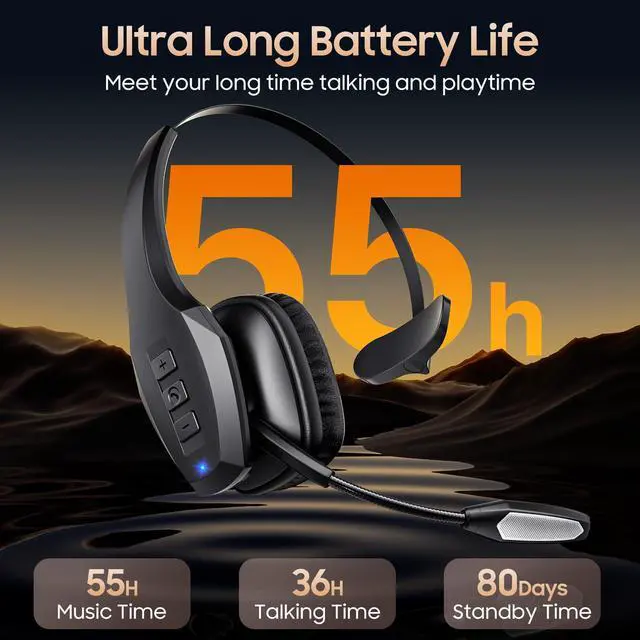
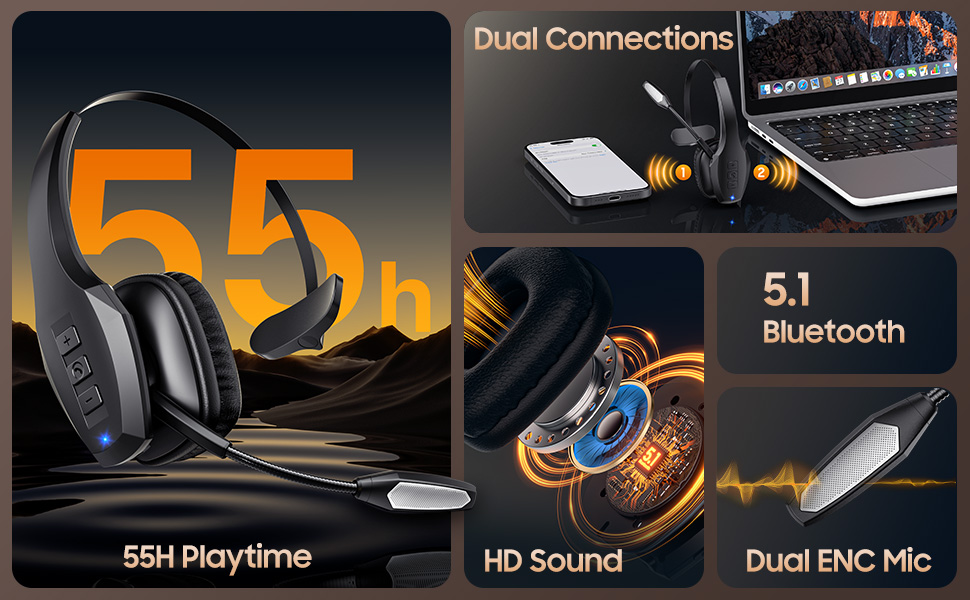
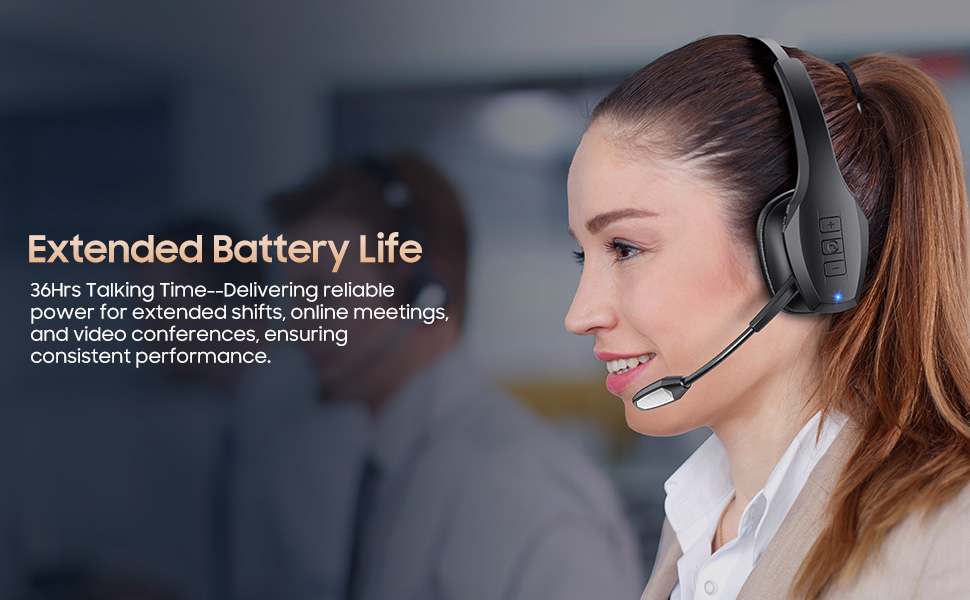
    • Extended 55Hrs Battery Life: With a swift 2-3 hours charging time, our Trucker Bluetooth headset offers an extended battery life of up to 36 hours of talk time, 55 hours music time and 80 days of standby time. Drive, commute, meeting or work from home without the hassle of frequent recharging, empowering you to make calls or attend meetings at your convenience.
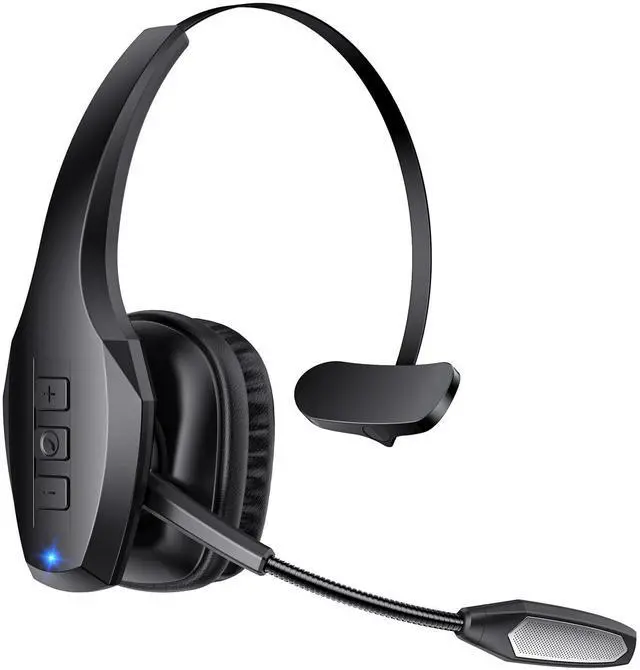
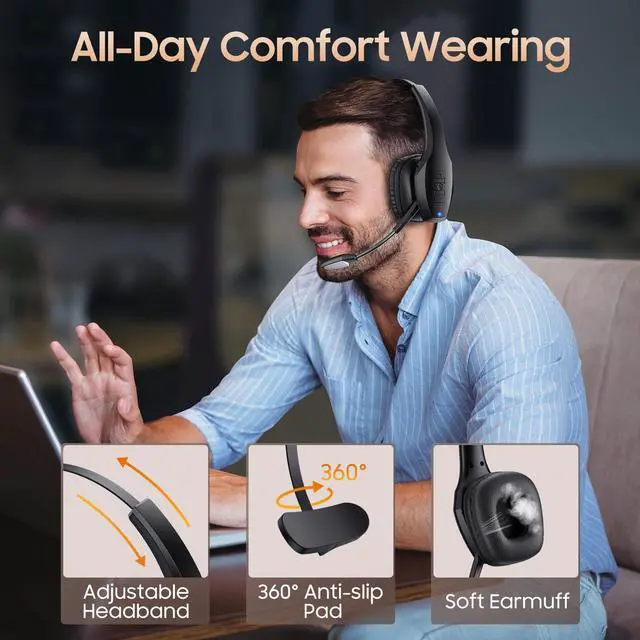
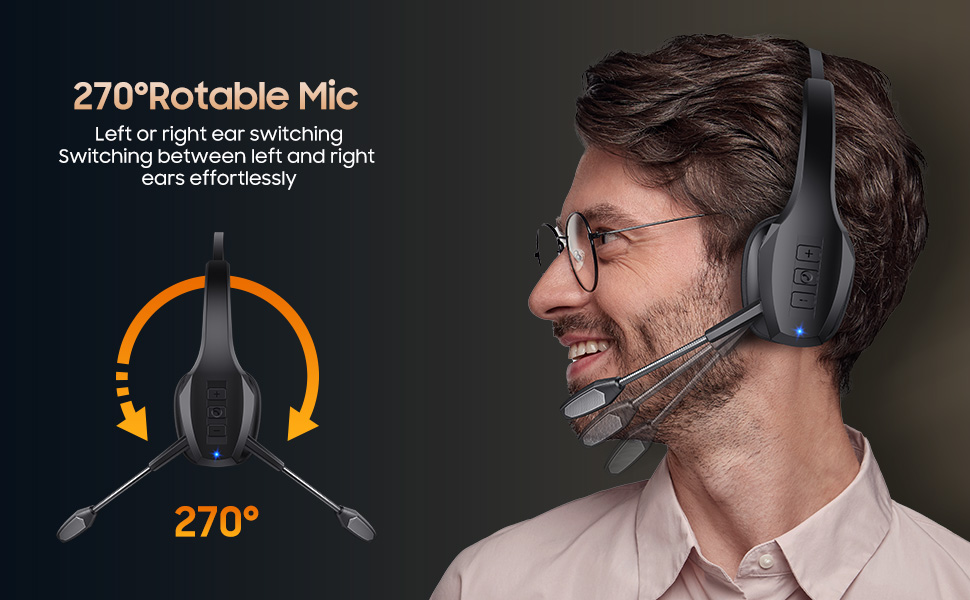
    • All-Day Comfort for Prolonged Wear: Crafted with soft, breathable earmuffs and an ultra-soft adjustable headband, our bluetooth headset features a 270° rotatable design for both earmuffs and microphone, ensuring prolonged comfort and easy to switch and left/right ear available. Ideal for extended use, this wireless headset is perfect for work, promising day-long comfort.
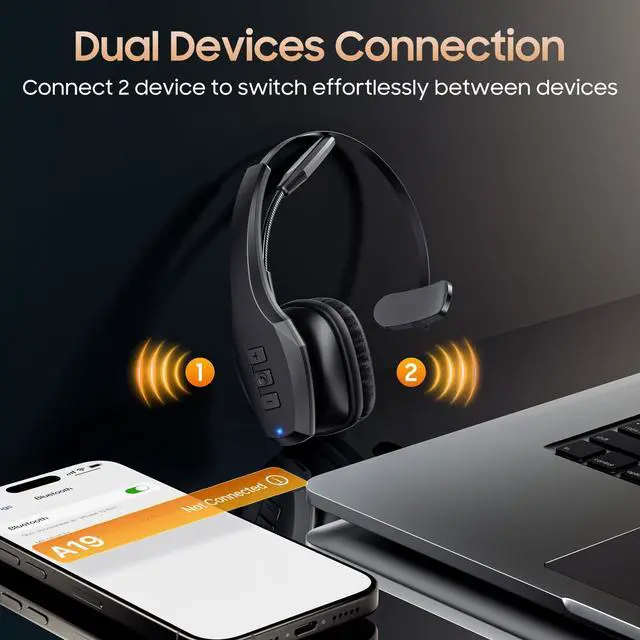
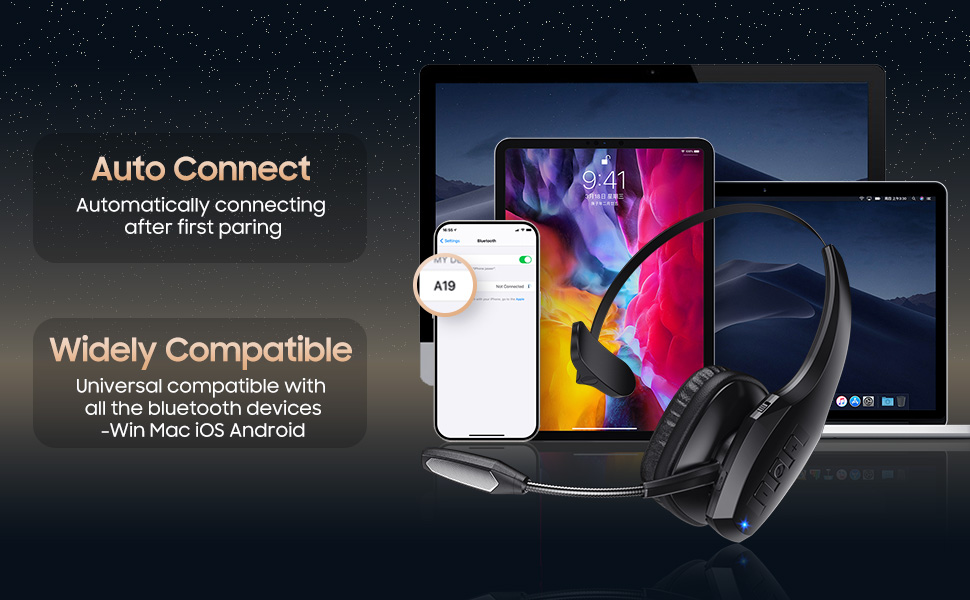
    • Seamless Connection to 2 Devices: Effortlessly connect our bluetooth headset to two Bluetooth devices simultaneously. Never miss important calls or meetings while enjoying your favorite music. Compatible with various Bluetooth-enabled devices, this headset ensures versatility.
    • A19 Bluetooth Headset Size: 4.92inch*6.96inch*2.44inch (12.5cm*17.7cm*6.2cm). Please check if the size fits your head.
    +
    +
    Overview
    Specs
    Reviews
    avatar

    Any questions? Our AI beta will help you find out quickly.

    trucker bluetooth headset
    bluetooth headset
    wireless headset with mic
    wireless headset with mic for work
    computer headset with microphone
    bluetooth headphones with mic
    headset with mic noise cancelling noise cancelling

    FAQS

    Q1: Why Does the Headset's Mic Not Connect or Work?

    A: 1. On your computer, right-click the Speakers icon at the bottom right, then click Open Sound settings. Select and make sure that [A19] is set as input device (Microphone). 2. Adjust the microphone position to be 0.79-0.98 inches (2-2.5 cm) away from your mouth. If the microphone boom is too far or too close to your mouth, it may cause issues with sound pickup. 3. The microphone may have been accidentally muted, which prevents it from picking up your voice, please turn off the mute button.

    Q2: What to Do If I Can't Turm On the Headset or Fail to Connect to Devices?

    A: 1. Headset is out of power, please charge the headset. 2. Try to reset the headset. 3.Ask us for technical support. 3. The headset can't connect to a device while it is charging. The headsct has a built-in charging protection feature to prevent the battery from overheating and to ensure safety.

    Q3: Why Can't the Headset be Charged?

    A: 1. Fully charged. 2.The headset must be tumed off while charging. The charging protection system will be triggered and charging will stop.

    Q4:How Can I Connect the Headset to My Laptop/Computer?

    A: On your PC, select Start > Settings > Bluetooth & other devices >Add Bluetooth or other device> Bluetooth > Click on the [A19] of your device. If your computer asks for a Bluetooth driver, contact your computer manufacturer.

    Q5: Why Does the Headset Turm Off Automatically?

    A: If there is no connection for more than 5 minutes or the battery voltage is lower than 3.3V, the headset will automatically shut down. Please restart or charge the headset.

    trucker bluetooth headset
    bluetooth headset
    wireless headset with mic
    wireless headset with mic for work
    computer headset with microphone
    bluetooth headphones with mic
    headset with mic noise cancelling noise cancelling

    FAQS

    Q1: Why Does the Headset's Mic Not Connect or Work?

    A: 1. On your computer, right-click the Speakers icon at the bottom right, then click Open Sound settings. Select and make sure that [A19] is set as input device (Microphone). 2. Adjust the microphone position to be 0.79-0.98 inches (2-2.5 cm) away from your mouth. If the microphone boom is too far or too close to your mouth, it may cause issues with sound pickup. 3. The microphone may have been accidentally muted, which prevents it from picking up your voice, please turn off the mute button.

    Q2: What to Do If I Can't Turm On the Headset or Fail to Connect to Devices?

    A: 1. Headset is out of power, please charge the headset. 2. Try to reset the headset. 3.Ask us for technical support. 3. The headset can't connect to a device while it is charging. The headsct has a built-in charging protection feature to prevent the battery from overheating and to ensure safety.

    Q3: Why Can't the Headset be Charged?

    A: 1. Fully charged. 2.The headset must be tumed off while charging. The charging protection system will be triggered and charging will stop.

    Q4:How Can I Connect the Headset to My Laptop/Computer?

    A: On your PC, select Start > Settings > Bluetooth & other devices >Add Bluetooth or other device> Bluetooth > Click on the [A19] of your device. If your computer asks for a Bluetooth driver, contact your computer manufacturer.

    Q5: Why Does the Headset Turm Off Automatically?

    A: If there is no connection for more than 5 minutes or the battery voltage is lower than 3.3V, the headset will automatically shut down. Please restart or charge the headset.
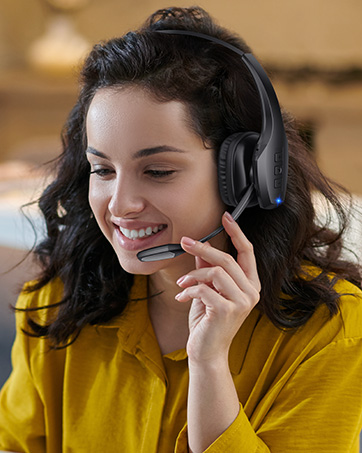
    Bluetooth Headset, Trucker Bluetooth Headset, Wireless Headset with Mic for Work, Wireless Headset with Mic, Bluetooth Headset with Microphone, Bluetooth Headset with Mic, Trucker Headset, Bluetooth Headset with Dual Noise Cancelling Microphone & Mute Button, 55Hrs Playtime PC Headset for Cell Phones, Computer, Truck Driver


    Product information

    Brand Necode
    Color Black
    Ear Placement On Ear
    Form Factor On Ear
    Impedance 32 Ohms
    Noise Control Active Noise Cancellation
    Headphones Jack No Jack
    Model Name A19
    Connectivity Technology Wireless
    Wireless Communication Technology Bluetooth
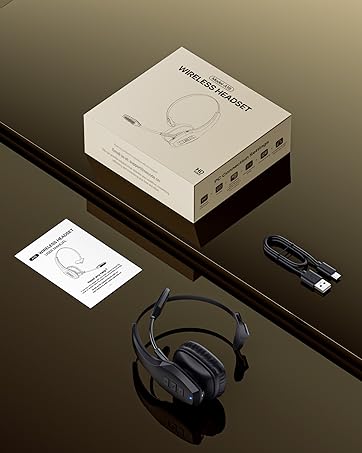
    Included Components Bluetooth Headset with Microphone x 1, USB-C Cable x 1, User Manual
    Age Range (Description) Adult
    Material Plastic
    Specific Uses For Product Business, Professional
    Charging Time 2.5 Hours
    Recommended Uses For Product Calling
    Compatible Devices Cellphones
    Control Type Call Control
    Cable Feature Without Cable
    Item Weight 7.8 Ounces
    Water Resistance Level Water Resistant
    Customer Package Type Box
    Control Method Touch, Voice
    Number of Items 1
    Controller Type Button, Siri
    Battery Life 55 Hours
    Bluetooth Range 59 Feet
    Bluetooth Version 5.1
    Earpiece Shape Oval
    Hardware Interface Bluetooth
    UPC 777192321199
    Input Device Interface Bluetooth
    Noise Control Features active_noise_cancellation
    Supports Bluetooth Technology Yes
    Special Feature Adjustable Headband, Botton Control, Dual Devices Pairing, Noise Cancellation
    Manufacturer Necode
    Package Dimensions 7.13 x 5.51 x 2.64 inches
    Item model number A19
    Date First Available November 30, 2023
    Units 1.0 Count

    Additional Features

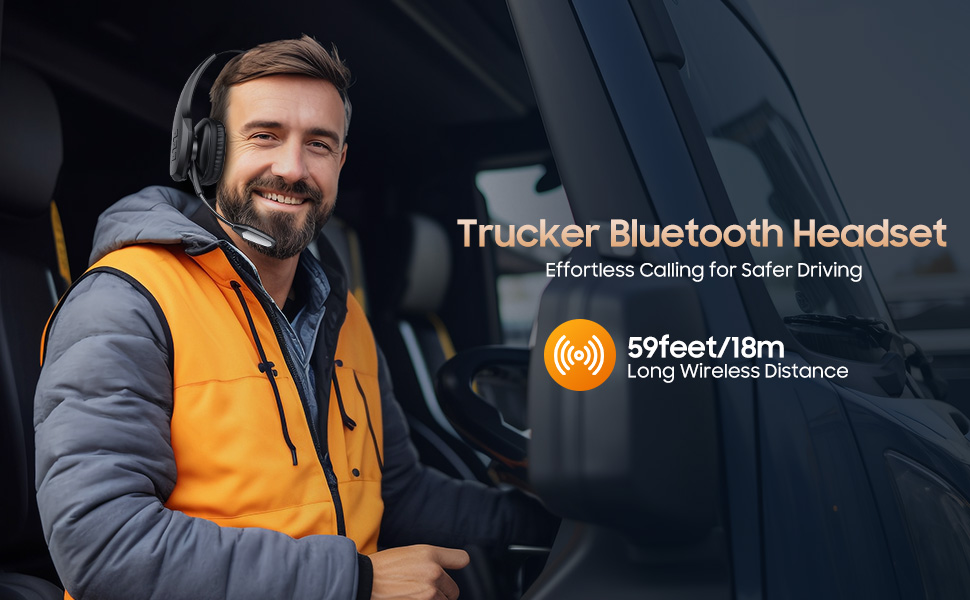
    • Extended 59ft Wireless Range: Enjoy unparalleled freedom of movement with our wireless Bluetooth headset, featuring an impressive working range of up to59ft/18m. Maintain clear and smooth call quality, even when your mobile phone isn't immediately accessible. If you have any problems with the trucker headset, please feel free to contact us, we will offer 24 hours online serivce.
    • Product Included Components: A19 Bluetooth Headset x1(Not with USB Dongle), USB-C Charging Cable x1(Not with Charging Adapter), User Manual x1. Before purchasing, please check if your computer has Bluetooth functionality. If it doesn't, it won't be compatible with the A19 Bluetooth Headset.

    Warranty & Returns

    Warranty, Returns, And Additional Information

    Warranty

    • Please contact the Seller directly for warranty information. Warranty information may also be found on the Manufacturer's website.
    • CONTACT

    Return Policies

    Manufacturer Contact Info

    LOADING...