




 here!
here!
I’m your shopping assistant for PC builds, upgrades, and everything tech.
Got questions? Ask away!
Start a conversation
here!
I’m your shopping assistant for PC builds, upgrades, and everything tech.
Got questions? Ask away!
Start a conversation



Any questions? Ask CelesteSM will help you find out quickly.
About this item
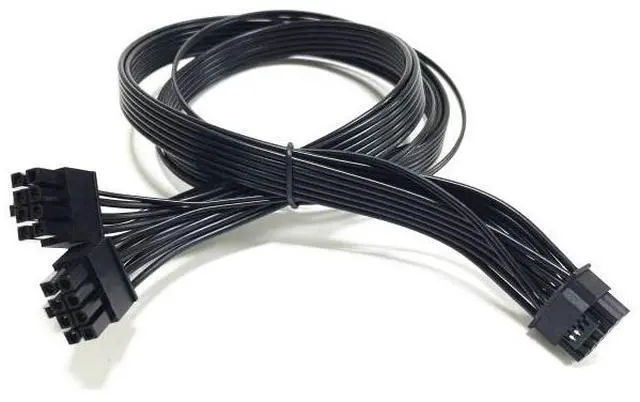
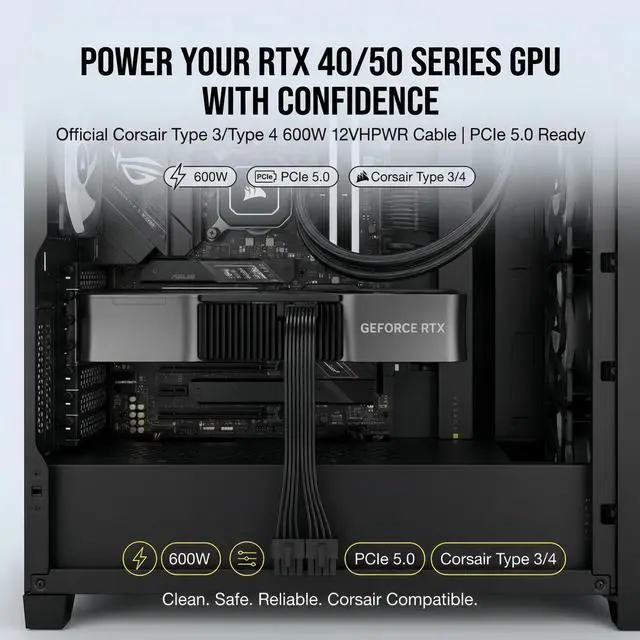
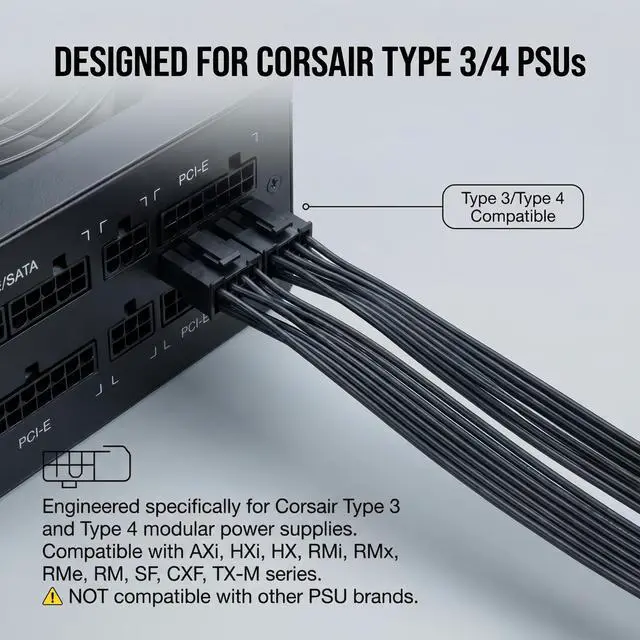
Upgrading to an NVIDIA GeForce RTX 40 or 50 Series graphics card? The Corsair 600W PCIe 5.0 12VHPWR Cable is the official solution for powering your next-gen GPU directly from your Corsair Type 3 or Type 4 modular power supply.
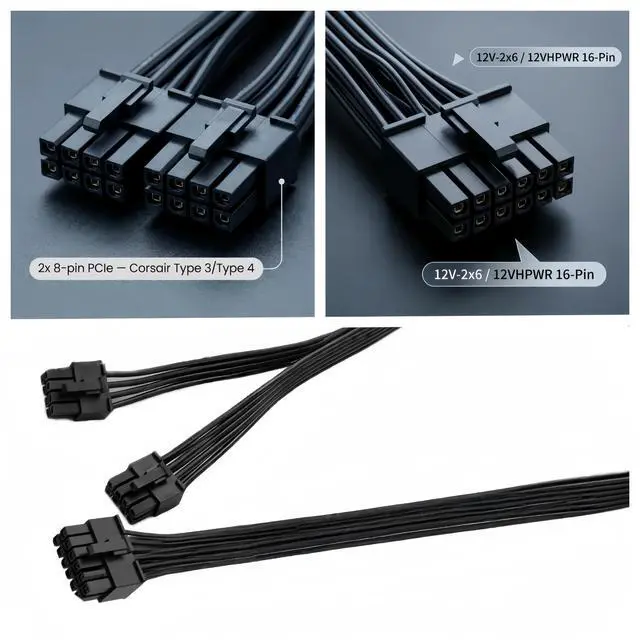
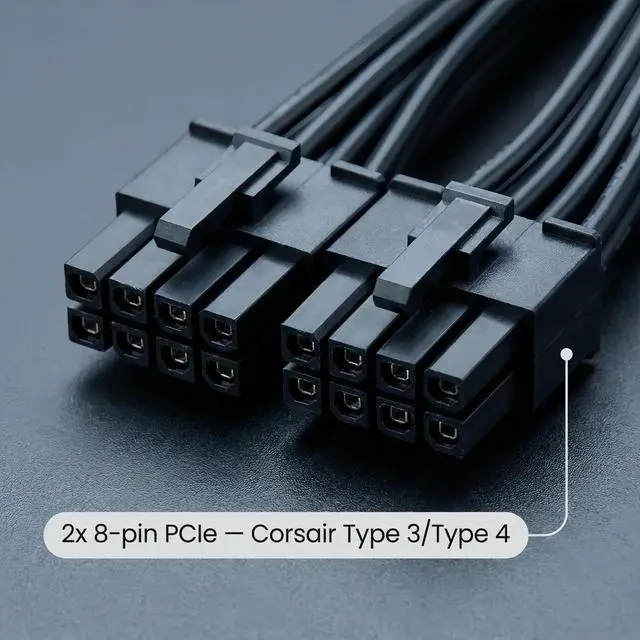
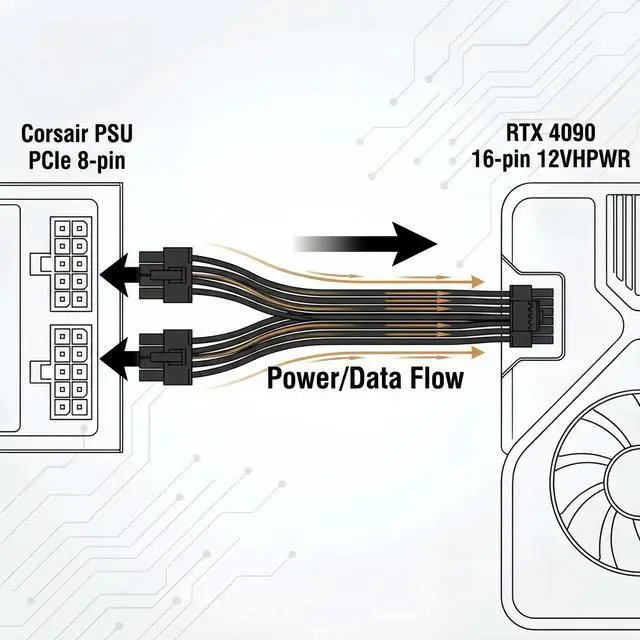
No need for bulky adaptersthis clean, single-cable solution delivers up to 600W of stable power through two standard 8-pin PCIe connections on your Corsair PSU.
This cable is guaranteed to work with all Corsair Type 4 power supplies. It is also fully compatible with Type 3 PSUs, as Corsair PCIe cables are interchangeable between Type 3 and Type 4.
IMPORTANT: This cable is designed for Corsair PSUs ONLY. Do not use with other brands (EVGA, Seasonic, Lian Li, etc.)different pinouts WILL damage your components.
Official Corsair Compatibility| AXi / AX (Platinum/Titanium) | Compatible (Type 3) |
| HXi / HX (Platinum/Gold) | Compatible (Type 3/Type 4) |
| RM / RMx / RMi / RMe | Compatible (Type 4) |
| SF Series | Compatible (Type 4) |
| TX-M / CX-M | Compatible (Type 3/Type 4) |
| AX Gold Series | NOT Compatible |
| HX Bronze/White Series | NOT Compatible |
| Connector A (PSU Side) | 2x PCIe 8-pin Male (Corsair Type 3/Type 4) |
| Connector B (GPU Side) | 12V-2x6 / 12VHPWR 16-Pin (12+4) Female Straight |
| Cable Length | 60 cm / 24 inches |
| Wire Gauge | 16AWG Tinned Copper |
| Maximum Power | 600W |
| Current Rating | Up to 55A |
| Temperature Rating | 105°C |
| Standards | PCIe 5.0 / 12VHPWR / 12V-2x6 |
| RTX 5090 | 1000W or higher |
| RTX 5080 | 850W or higher |
| RTX 4090 | 850W or higher |
| RTX 4080 / 4070 Ti | 750W or higher |
The 12V-2x6 standard is an updated version of 12VHPWR that improves safety by shortening the sense pins to ensure full insertion before power is delivered. The cables are identical this cable works with both standards. If your cable says 12VHPWR, it works perfectly with 12V-2x6 GPUs.
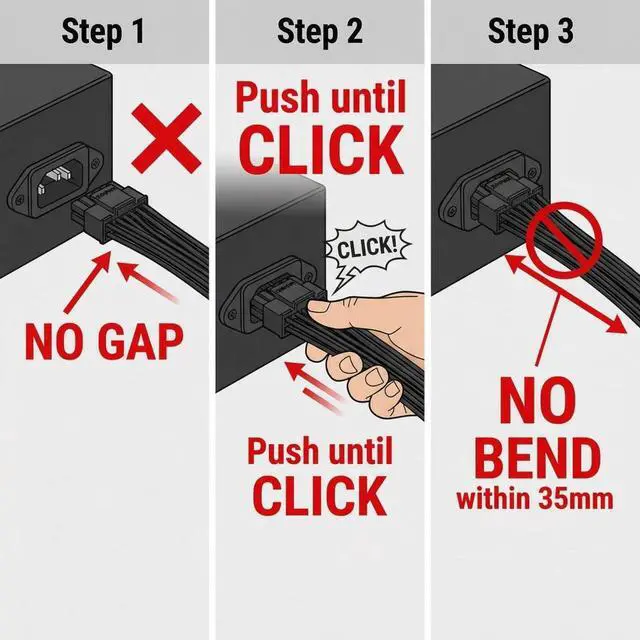
Step 1: Verify PSU Compatibility Check that your Corsair PSU is Type 3 or Type 4 and has two available 8-pin PCIe ports on the PSU.
Step 2: Connect to PSU Plug both 8-pin connectors firmly into the PCIe/GPU ports on your Corsair modular PSU.
Step 3: Connect to GPU Push the 12V-2x6/12VHPWR connector straight and firmly into your GPU's power port until you hear a CLICK. Verify NO GAP remains between connector and GPU socket.
Step 4: Route Cable Use the 60cm (24-inch) length to route the cable cleanly behind the motherboard tray or through cable management channels.


