




 here!
here!
I’m your shopping assistant for PC builds, upgrades, and everything tech.
Got questions? Ask away!
Start a conversation
here!
I’m your shopping assistant for PC builds, upgrades, and everything tech.
Got questions? Ask away!
Start a conversation



Any questions? Ask CelesteSM will help you find out quickly.
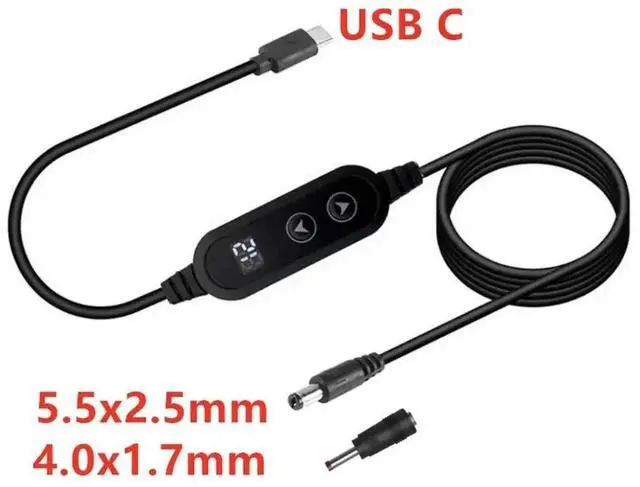
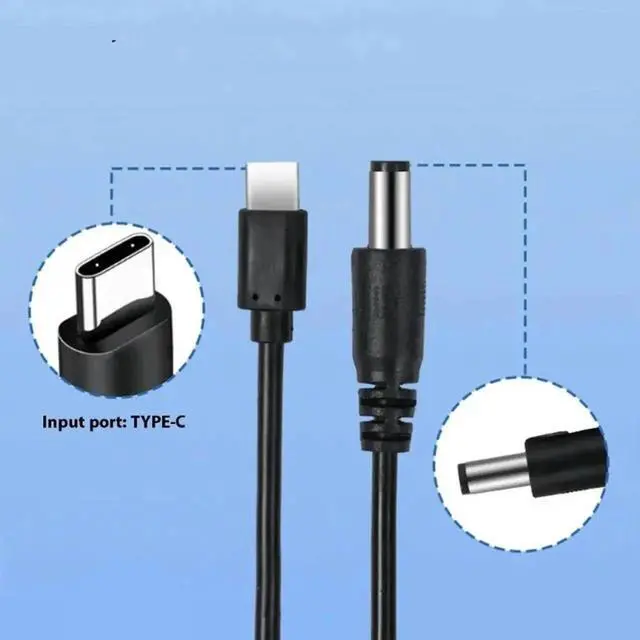
This adjustable voltage conversion cable uses USB-C PD as power input and comes with two replaceable DC output plugs. It converts universal Type-C fast chargers into multi-voltage DC power supply, eliminating the need for multiple dedicated wall adapters for routers, cameras and small electronics.
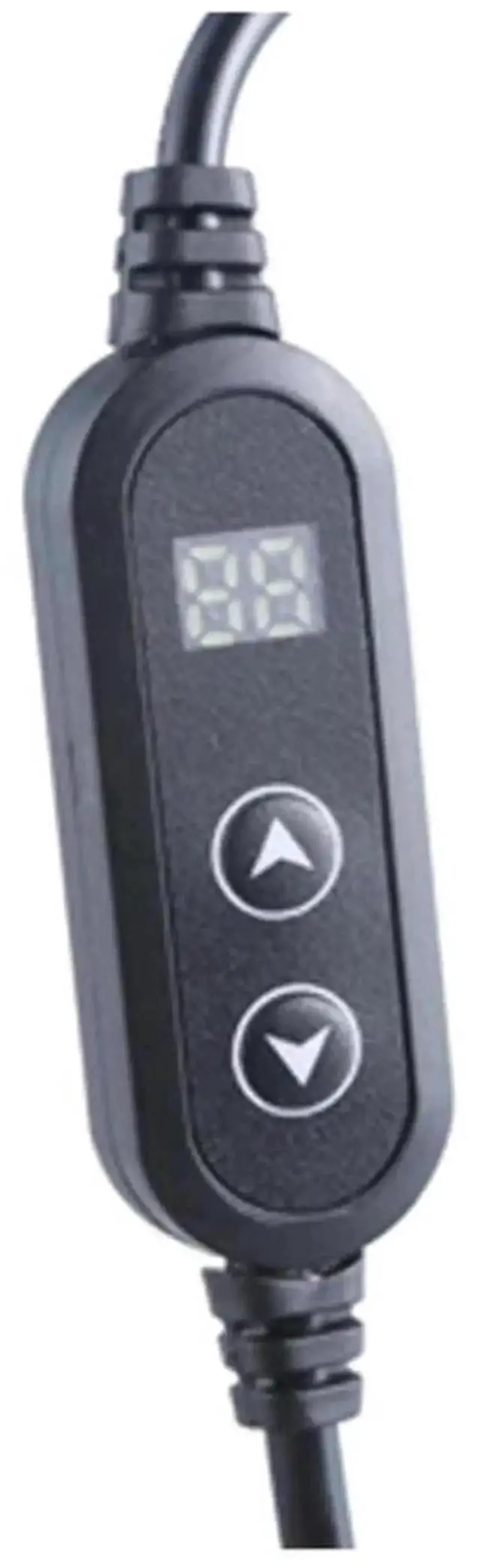
Smart built-in chip stably locks 9V,12V,15V or 20V as required by connected devices, avoiding power fluctuation or device damage. Flexible wear-resistant outer insulation resists scratches and aging for home, office and travel use. Thickened reinforced joints fully protect internal wires from abrasion fracture caused by repeated twisting.
Plug-and-play without extra software setup. Compact and portable for daily backup, outdoor monitoring and network equipment maintenance scenarios.


