




 here!
here!
I’m your shopping assistant for PC builds, upgrades, and everything tech.
Got questions? Ask away!
Start a conversation
here!
I’m your shopping assistant for PC builds, upgrades, and everything tech.
Got questions? Ask away!
Start a conversation




Any questions? Ask CelesteSM will help you find out quickly.
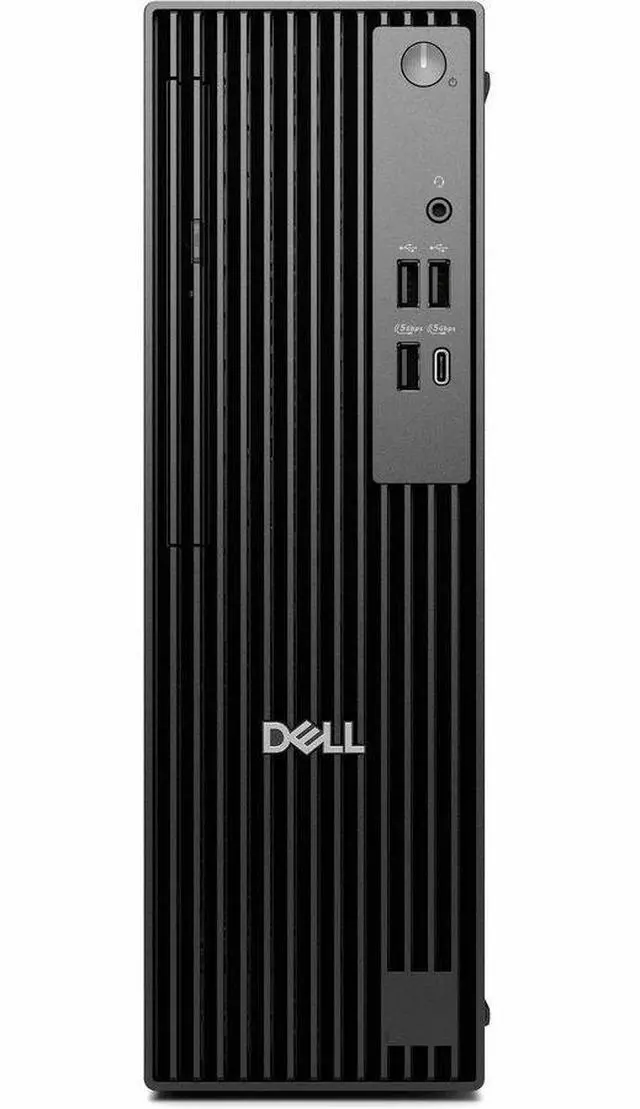
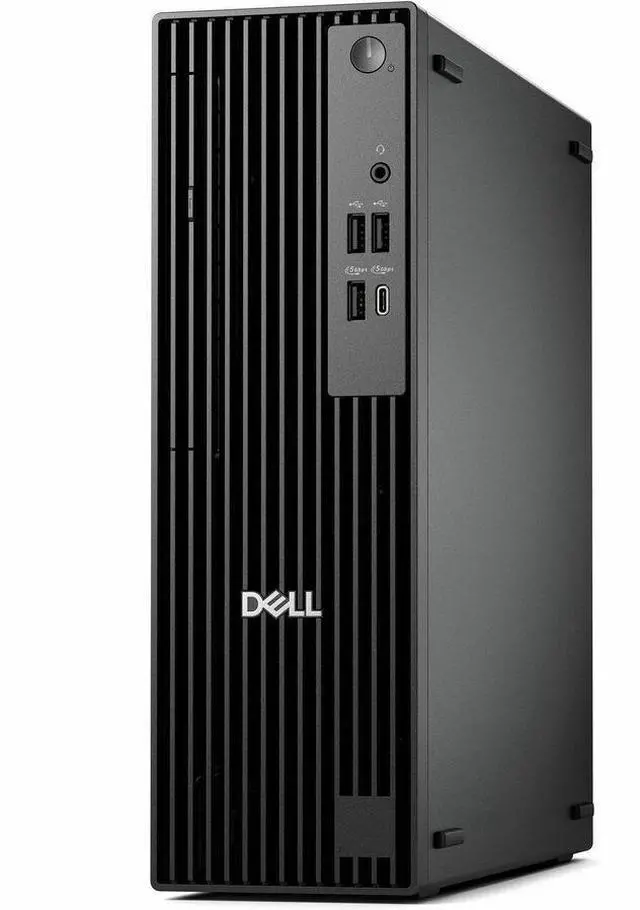
The Dell Pro Slim QCS1250 is a compact business desktop with an Intel Core Ultra 5 235 processor, 16 GB of memory, a 256 GB SSD, and Windows 11 Pro. It suits office and mainstream work where a slim PC and business-focused operating system are priorities.
| Attribute | Value |
|---|---|
| Best For | Business, work, and everyday desktop computing with Windows 11 Pro, integrated graphics, and included keyboard and mouse |
| Processor And Graphics | Intel Core Ultra 5 235 with one processor running at 3.4 GHz and integrated Intel UHD Graphics with shared graphics memory |
| Memory And Storage | 16 GB DDR5 memory at 5600 MHz, expandable to 64 GB; 256 GB solid-state drive |
| System And Software | AI PC desktop with Windows 11 Professional |
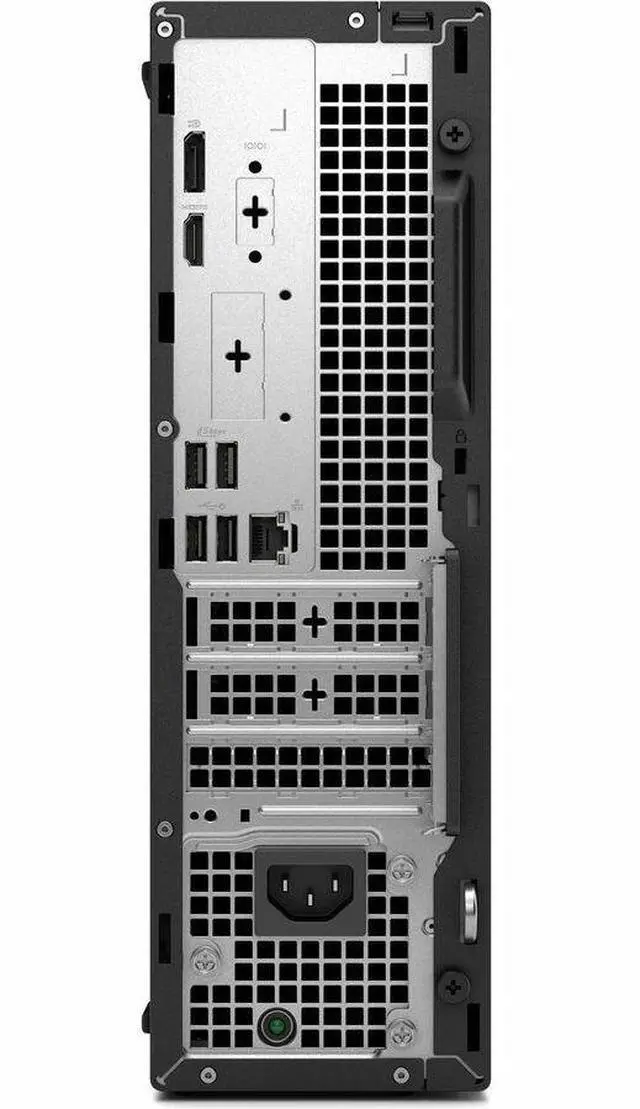
| Connectivity And Ports | Wi-Fi 6 (802.11ax), Bluetooth, and Ethernet; 8 USB ports including 4 USB 2.0 ports, plus HDMI and DisplayPort video outputs |
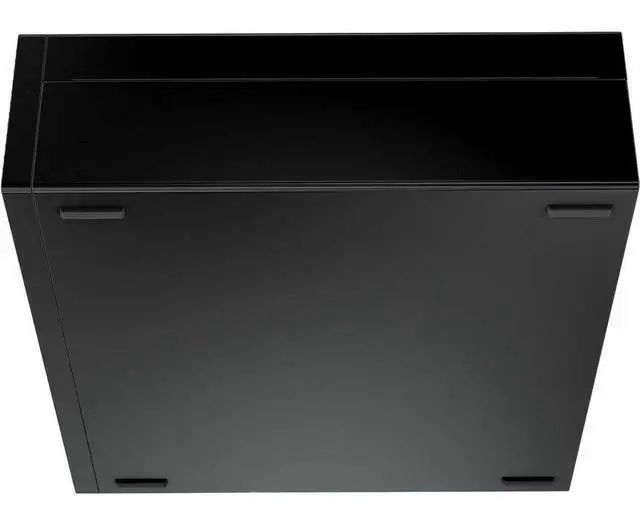
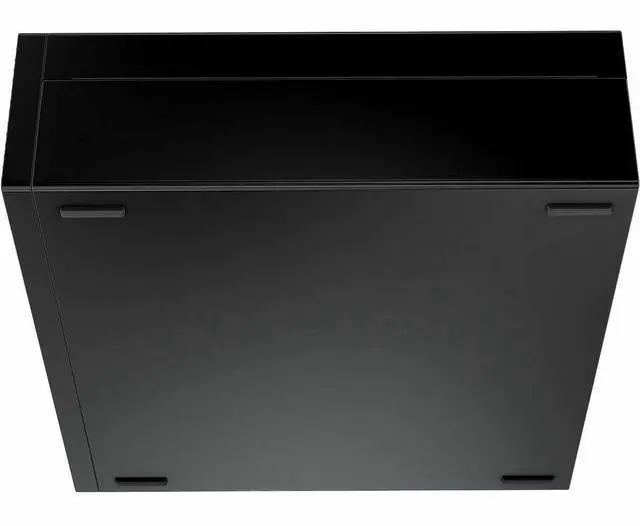
| Chassis And Physical Details | Black slim desktop tower measuring 11.5 × 3.7 × 12 inches and weighing 11.36 lb |
| Included Accessories And Security | Includes a wired QWERTY keyboard, mouse, power cord, quick start guide, and documentation; features a security slot and tool-less access |
| Power And Certification | 180 W power consumption; Energy Star certified |
| Model Identifiers | Dell Pro Slim QCS1250, Pro series |
Q: Dell Pro Slim QCS1250 with Core Ultra 5 235 or an older OptiPlex with Core i5-14500?
A: Choose the QCS1250 if you want Dell’s newer Pro Slim platform and a current Core Ultra 5 processor. For CPU performance alone, don’t assume a major upgrade: an early Geekbench 6 comparison found the Ultra 5 235 and Core i5-14500 close in both single-core and multi-core results. The OptiPlex may be the better value if it costs less and meets your needs.
Q: Should I get this QCS1250 or a higher-tier QCS1250 with a Core Ultra 7 265?
A: Choose this Core Ultra 5 235 configuration for everyday business work, web apps, and general multitasking. A QCS1250 configured with the Core Ultra 7 265 is the more suitable option for heavier CPU workloads or frequent intensive multitasking: Dell lists it with 20 cores, compared with 14 cores for the Ultra 5 235. The higher-tier processor does not by itself increase this listing’s 16 GB of memory or 256 GB SSD, so compare the full configurations.
Q: Is the Dell Pro Slim QCS1250 a better fit than a laptop if I need to move my computer?
A: Choose the QCS1250 for a fixed desk setup: it is a slim desktop, not a portable computer, and requires a separate display and peripherals. Choose a laptop if you regularly work in different rooms or travel and need the computer, screen, and keyboard in one device.
Q: Is this desktop suitable for everyday office work?
A: Yes. Its Intel Core Ultra 5 processor, 16 GB of memory, and Windows 11 Pro configuration suit typical business and mainstream tasks such as office applications, browsing, and general multitasking. The listing does not specify a webcam or monitor, so check what peripherals are included if you need them for meetings.
Q: Does it have Wi-Fi?
A: The product listing includes “WLAN,” indicating wireless networking, but it does not specify the wireless standard or adapter details. Confirm the exact configuration with the seller if built-in Wi-Fi is essential.
Q: Is it a good choice for gaming?
A: It is not specified as a gaming PC, and the listing identifies integrated graphics rather than a dedicated graphics card. It is a better fit for business and general computing than for graphics-intensive games.
Q: Is 256 GB of storage enough?
A: The desktop has a 256 GB SSD. That may suit a light work setup with a limited number of installed applications and files; users who keep large files or many applications locally may need more storage. The provided specifications do not confirm whether the drive can be upgraded.
Q: Is the QCS1250 suitable for light office work?
A: Its listed Core Ultra 5 235, 16 GB of memory, and Windows 11 Pro make it a fit to consider for web browsing, email, and document editing—the kinds of light office tasks discussed in the Reddit thread. The 256 GB SSD may be limiting if you need to keep many files locally.
Q: Can the QCS1250 work as a Minecraft server?
A: One Reddit user reported poor Minecraft server performance on a QCS1250 with an Ultra 5 235 and 32 GB of RAM while running Proxmox. The post does not establish whether the cause was the hardware, virtualization, or server configuration, so it is not enough to predict performance for other setups.
Q: Is the QCS1250 the newer equivalent of an OptiPlex SFF?
A: A Reddit comparison of Dell’s naming scheme identifies the QCS1250 as the Dell Pro Slim successor to the OptiPlex Small Form Factor line, and lists the 7020 SFF as a comparable older model. That identifies the product family, not a guarantee of identical specifications.


