




 here!
I’m your shopping assistant for PC builds, upgrades, and everything tech.
Got questions? Ask away!
Start a conversation
here!
I’m your shopping assistant for PC builds, upgrades, and everything tech.
Got questions? Ask away!
Start a conversation

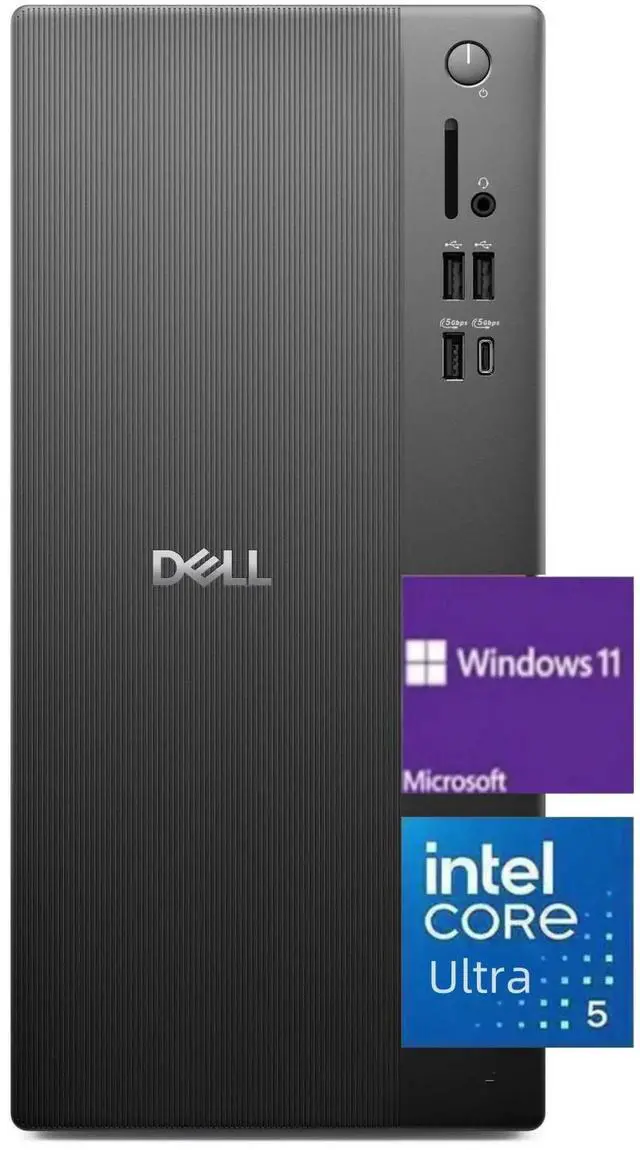
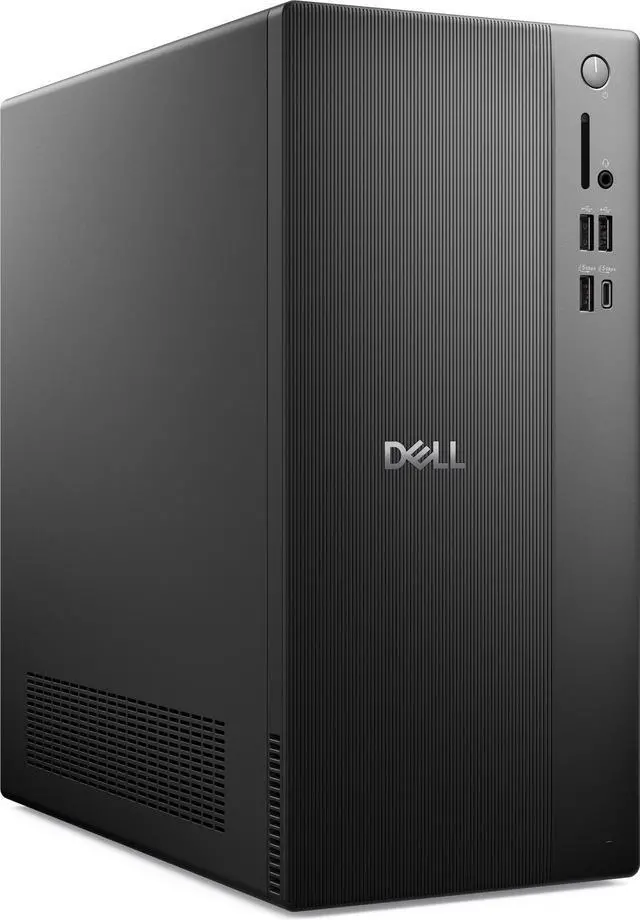
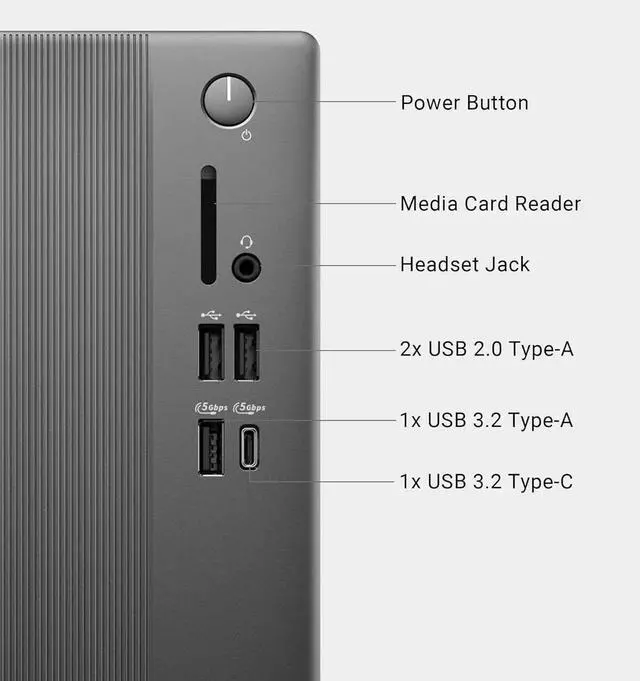



Any questions? Ask CelesteSM will help you find out quickly.

Intel Core Ultra 5-225 processor (10 Cores, 20MB Total Cache, 3.3GHz)

Intel UHD Graphics

Bring you closer to the people
and things you love while
giving you a place to think,
express and create
| Brand | Dell |
|---|---|
| Features | Wifi 6,Bluetooth 5.4 |
| CPU | Intel Core Ultra 5-225 processor (10 Cores, 20MB Total Cache, 3.3GHz) |
| Graphic | Intel UHD Graphics |
| Operating System | Windows 11 Home/Pro |
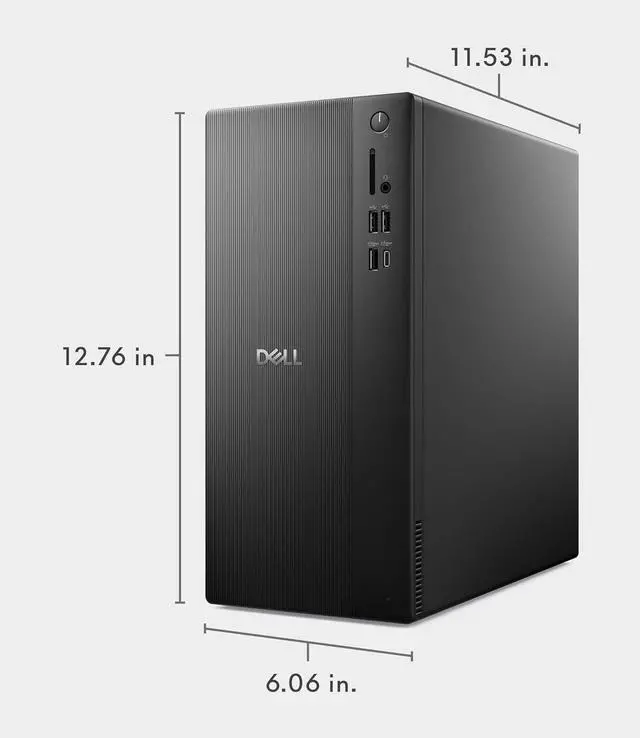
| Dimensions | 12.76 x 6.06 x 11.53 in,12 lb |
| Weight | 21 lbs |
| Memory (RAM) | Up to 64 GB |
| Hard Drive | up to 2 TB PCIe NVMe M.2 SSD |
CPU:Intel Core Ultra 5-225 processor (10 Cores, 20MB Total Cache, 3.3GHz)
Display:NO
Memory:up to 64 GB DDR5 RAM
Hard Drive:up to 2 TB PCIe NVMe M.2 SSD
Operating System:Windows 11 Home/Pro
Graphics:Intel UHD Graphics
Keyboard and mouse: Wired Keyboard and mouse
Wireless Connectivity:Intel Wi-Fi 6 (2x2) Gig+ and Bluetooth 5.4
Color:Black
Dimensions:12.76 x 6.06 x 11.53 in,12 lb
The Dell ECT1250 is a tower desktop with an Intel Core Ultra 5 225, 32GB of DDR5 memory, and a 2TB PCIe NVMe SSD, making it well suited to everyday productivity, multitasking, and users who want ample fast storage.
| Attribute | Value |
|---|---|
| Best For | Everyday desktop computing and multitasking, with 32GB of memory and 2TB of SSD storage; a monitor is not included |
| Processor | Intel Core Ultra 5 225 |
| Graphics | Integrated Intel UHD Graphics |
| Memory And Storage | 32GB DDR5 memory and a 2TB SSD; no HDD |
| Connectivity | Wi-Fi 6 and Bluetooth 5.4 |
| Operating System | Windows 11 Home |
| Included Peripherals And Display | USB keyboard and USB mouse included; monitor not included |
| Form Factor And Color | Black desktop PC |
Q: Dell ECT1250 with 8GB RAM and 512GB SSD vs this 32GB/2TB version: which should I choose?
A: Choose this Newegg configuration if you want 32GB of DDR5 memory and a 2TB SSD included for multitasking and storing larger files. The 8GB/512GB ECT1250 configuration is the more basic option in the same desktop line.
Q: Dell ECT1250 Core Ultra 5 225 vs Core Ultra 7 265: which configuration makes more sense?
A: Choose this Core Ultra 5 225 configuration if the 32GB of memory and 2TB SSD are your priorities. The ECT1250 Core Ultra 7 265 configuration offers a 20-core processor, compared with the 10-core Core Ultra 5 225, making it the processor-focused option for heavier multitasking and CPU-intensive work.
Q: Dell ECT1250 vs Dell Tower Plus EBT2250 for gaming or creative work?
A: Choose the ECT1250 configuration for a general-purpose desktop with 32GB of memory and a 2TB SSD. The Tower Plus EBT2250 is Dell’s larger, graphics-focused tower, with configurations that include an NVIDIA GeForce RTX 5060 Ti; that makes it the more suitable comparison when dedicated graphics are a priority.
Q: Is this desktop suitable for everyday home or office work?
A: Yes. Its Intel Core Ultra 5 225 processor, 32 GB of DDR5 memory, and 2 TB SSD make it suitable for typical office applications, web browsing, and multitasking. It includes a wired keyboard and mouse, but a monitor is not included.
Q: Does this desktop come with a monitor?
A: No. The monitor is not included and must be supplied separately. The product information lists a wired USB keyboard and mouse as included accessories.
Q: Is this desktop good for gaming?
A: It is better suited to everyday computing than demanding gaming. This configuration uses Intel UHD integrated graphics and does not list a dedicated graphics card, so demanding games may require lower settings or may not run well.
Q: Can I use it for video meetings?
A: It can run video-meeting software, but the listed package does not include a monitor or webcam. You will need a display and, if you do not already have one, a compatible webcam; a microphone or headset may also be needed.
Q: Is the Dell ECT1250 a good choice for everyday home or office use?
A: It is a reasonable fit for general tasks such as web browsing and office work: this configuration has a Core Ultra 5 225, 32 GB of DDR5 RAM, and a 2 TB SSD. Reddit discussions describe the ECT1250 as a non-gaming option for routine PC use; whether it is worth buying depends on its price and your workload.
Q: Is the ECT1250 suitable for gaming, or for adding a graphics card later?
A: It is not a strong choice for gaming that depends on a dedicated graphics card: this configuration uses Intel UHD integrated graphics. Reddit users discussing the ECT1250 also caution that its power supply limits graphics-card upgrades, so choose a system designed for gaming if that is a priority.
Q: Can I add a SATA hard drive or SSD to the ECT1250?
A: Do not assume a SATA drive can be installed without extra parts. Reddit owners report variation in whether the required bay hardware or power cable is included. Check the exact configuration with the seller or Dell before buying if you plan to add a SATA drive.


