




 here!
I’m your shopping assistant for PC builds, upgrades, and everything tech.
Got questions? Ask away!
Start a conversation
here!
I’m your shopping assistant for PC builds, upgrades, and everything tech.
Got questions? Ask away!
Start a conversation

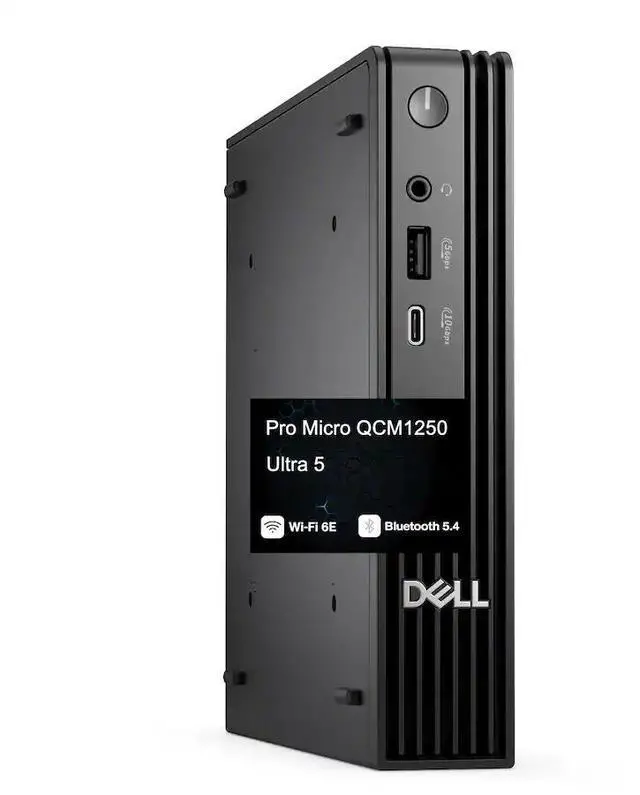
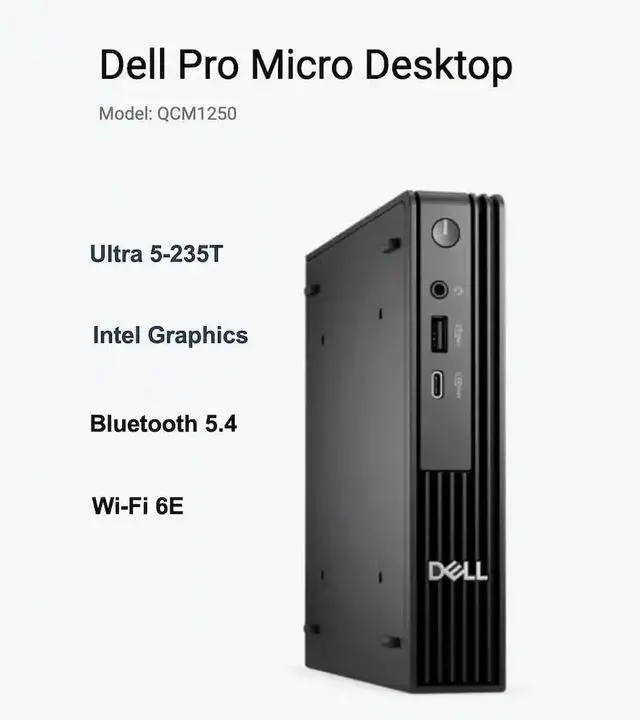
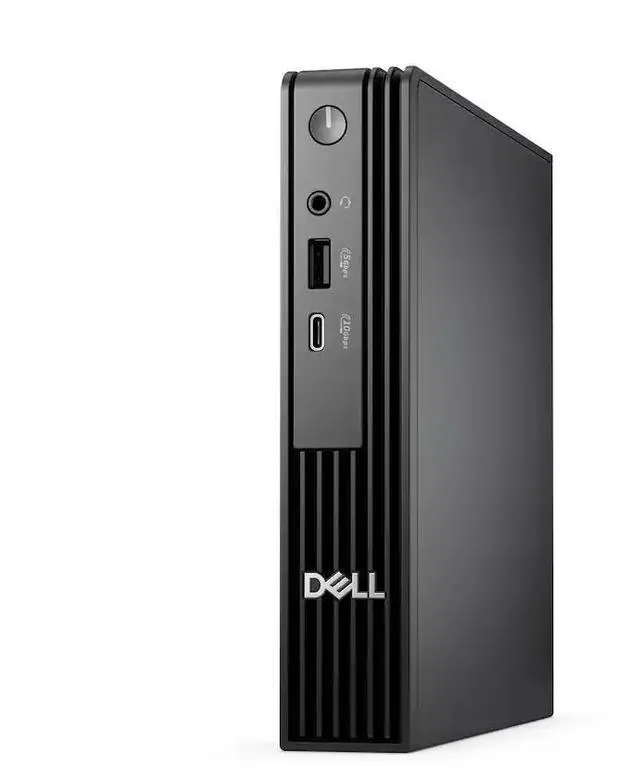
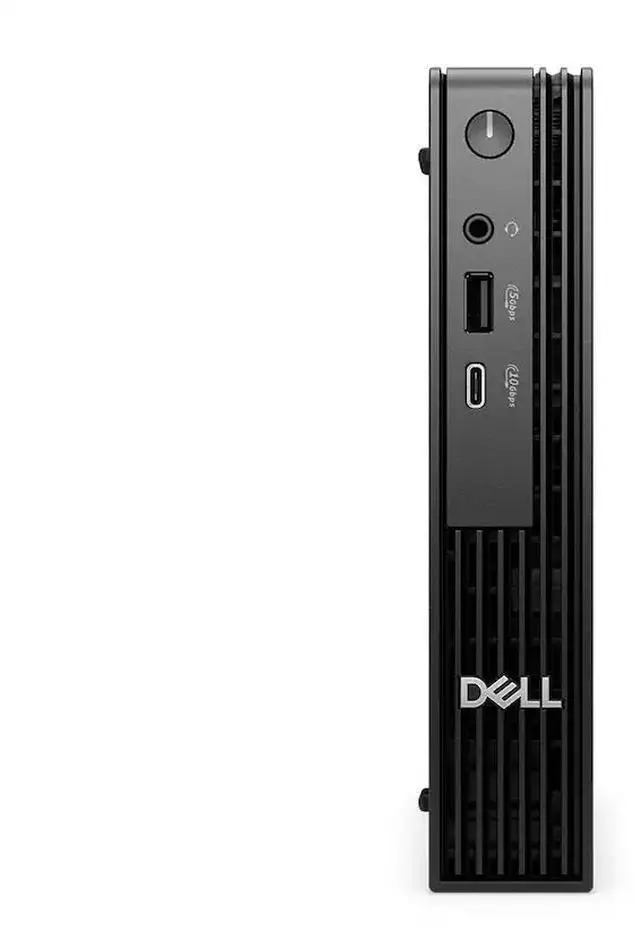



Any questions? Ask CelesteSM will help you find out quickly.
We sell new,unused computers,the original Seal is opened for upgrade ONLY. If you've selected a custom-configured computer, our professional technicians will carefully open the original manufacturer's box and professionally install the upgrades to achieve the advertised specifications.
CPU:Intel Core Ultra 5 235T Processor
Graphics:Integrated Graphics
Display:NO Display
Memory:up to 64 GB DDR5 RAM
Hard Drive:up to 2 TB PCIe NVMe M.2 SSD
Operating System:Windows 11 Pro
Keyboard and mouse:USB Keyboard & USB Mouse
Wireless Connectivity:Wi-Fi 6E and Bluetooth 5.4
Dimensions:7.17" x 7.01" x 1.42"in,2.56 lb
Color:Black
The Dell Pro Micro QCM1250 is a compact Windows 11 Pro business desktop with a 14-core Intel Core Ultra 5 235T, 64GB DDR5 RAM, and a 1TB SSD, suited to office users who need ample memory for multitasking and business applications.
| Attribute | Value |
|---|---|
| Best For | Compact business desktop use where an integrated-graphics system with wired keyboard and mouse is suitable |
| Processor | Intel Core Ultra 5 235T, with a maximum listed speed of 5 GHz |
| Graphics | Integrated graphics |
| Memory | 64GB DDR5 |
| Storage | 1TB SSD |
| Connectivity | Wi-Fi 6E and Bluetooth 5.4; 1 USB 2.0 port, with 0 USB 3.0 ports listed |
| Operating System | Windows 11 Pro |
| Form Factor And Color | Micro Tower desktop PC in black |
| Included Peripherals | Wired keyboard and wired mouse |
Q: Dell Pro Micro QCM1250 vs. OptiPlex 7000 Micro: is it a worthwhile upgrade?
A: The QCM1250 is the stronger fit when you want a newer processor platform and higher tested performance in selected AI tasks. In a Principled Technologies comparison, a QCM1250 with a Core Ultra 5 235T, 16 GB memory, and 256 GB SSD outperformed an OptiPlex 7000 Micro with a Core i5-12500T in the report’s AI benchmarks. The Newegg configuration adds 64 GB RAM and a 1 TB SSD; results can vary by workload and configuration.
Q: Dell Pro Micro QCM1250 with Core Ultra 5 235T vs. a lower-tier QCM1250: which configuration should I choose?
A: Choose the listed Core Ultra 5 235T configuration when you want a 14-core processor paired with 64 GB DDR5 RAM and a 1 TB SSD. Lower-tier QCM1250 processor options include the Core i3-14100T and Core 300T, which have fewer cores; the 235T configuration offers more processor and memory headroom for multitasking and demanding office workloads.
Q: Dell Pro Micro QCM1250 vs. Dell Pro Micro Plus QBM1250: which has the higher processor ceiling?
A: The QBM1250 is the higher-tier choice if you want processor options above the QCM1250’s listed Core Ultra 5 235T. Dell’s specifications list QBM1250 options up to a 24-core Core Ultra 9 285T, while the QCM1250 offers options up to a 20-core Core Ultra 7 265T. The QCM1250 configuration here pairs its 235T with 64 GB RAM and a 1 TB SSD.
Q: Is the Dell Pro Micro QCM1250 a good choice if I need a compact desktop with substantial memory and storage?
A: Yes. This QCM1250 configuration combines a 14-core Core Ultra 5 235T with 64 GB DDR5 RAM and a 1 TB SSD in a compact desktop chassis measuring about 7.17 × 7.01 × 1.42 inches. It suits buyers prioritizing a small desktop footprint alongside generous included memory and storage.
Q: Is this desktop suitable for office work and multitasking?
A: Yes. Its Intel Core Ultra 5 235T processor, 64 GB of DDR5 memory, 1 TB SSD, and Windows 11 Pro make it suitable for common office tasks and multitasking. It can support video calls, but a webcam, microphone, and speakers are not listed, so check whether you need to add them.
Q: Does it come with a monitor?
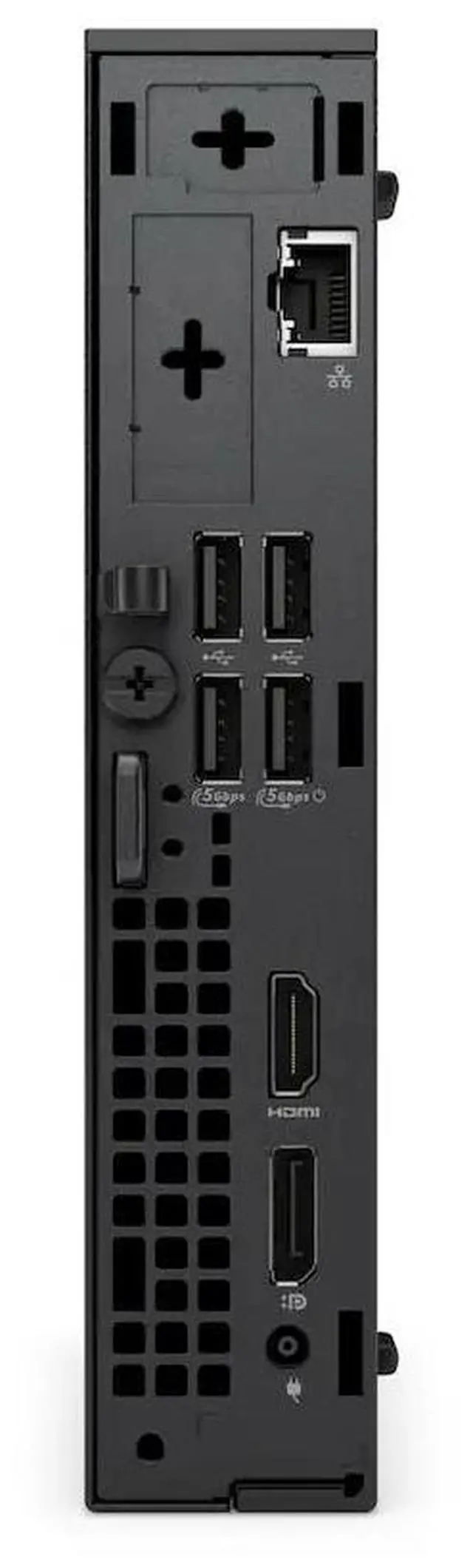
A: No. The product specifications say no display is included. You will need a separate monitor; the desktop lists HDMI and DisplayPort outputs, so check that your monitor has a compatible input or use an appropriate cable or adapter.
Q: Can I use it for video calls?
A: The desktop can run video-call software, but a webcam, microphone, and speakers are not listed among the included items. Plan to use external or monitor-built-in meeting equipment if you do not already have it.
Q: Is it a good choice for gaming?
A: It is better suited to everyday work than demanding gaming. The listing specifies integrated graphics and does not list a dedicated graphics card, so check the requirements of any games you plan to play; graphics-intensive games may need stronger graphics hardware.
Q: Can the Dell Pro Micro QCM1250 be upgraded?
A: A YouTube walkthrough covers installing RAM and SSDs in the QCM1250. This listing already includes 64 GB DDR5 RAM and a 1 TB SSD, so upgrades may matter more if your capacity needs grow; check component compatibility before buying parts.
Q: Is the QCM1250 suitable for a home lab?
A: A Reddit owner reports using a QCM1250 for networking tests, Docker containers, and a Windows virtual machine. This listing’s 64 GB RAM and 1 TB SSD provide capacity for similar experimentation, though workload performance depends on the software and number of virtual machines.
Q: Is the QCM1250 a good choice for gaming or graphics-heavy work?
A: It has integrated graphics, not a dedicated graphics card. A YouTube review of another QCM1250 configuration advises looking elsewhere for heavy graphics work or gaming, so this configuration is better considered for general desktop use than GPU-intensive tasks.
Q: Is the Dell Pro Micro QCM1250 worth buying?
A: It may suit buyers who prioritize a compact business desktop, Windows 11 Pro, and substantial memory and storage in the included configuration. Whether it is worth the price depends on the seller’s price and warranty; it has integrated graphics and does not include a display.


