




 here!
I’m your shopping assistant for PC builds, upgrades, and everything tech.
Got questions? Ask away!
Start a conversation
here!
I’m your shopping assistant for PC builds, upgrades, and everything tech.
Got questions? Ask away!
Start a conversation





Any questions? Ask CelesteSM will help you find out quickly.
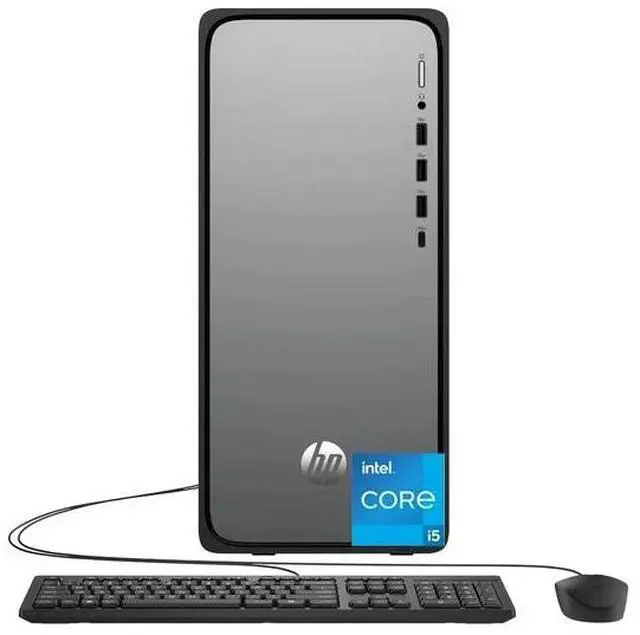
CPU:Intel Core i5-14400 (up to 4.7 GHz with Intel Turbo Boost Technology, 20 MB L3 cache, 10 cores, 16 threads)
Display: Not Included
Memory:up to 64 GB DDR5 RAM
Hard Drive:up to 2 TB PCIe NVMe M.2 SSD
Operating System:Windows 11 Home/Pro
Graphics:Intel UHD Graphics
Ports:
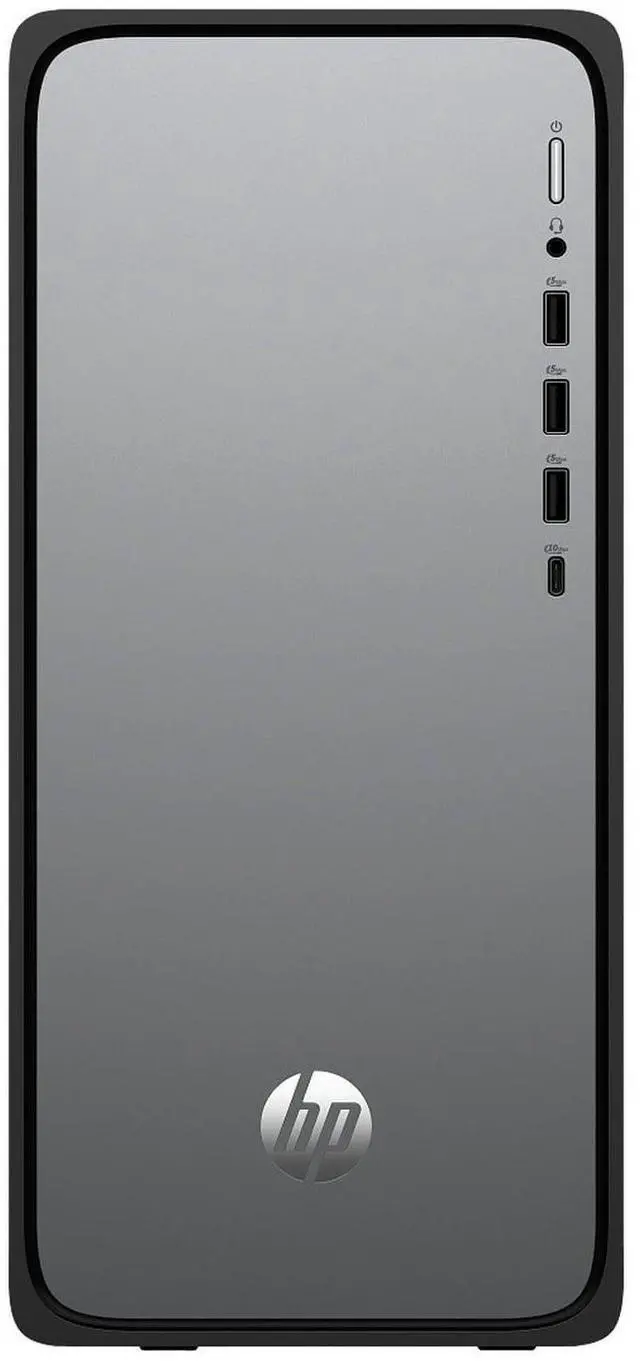
Front : 1 USB Type-C 10Gbps signaling rate; 3 USB Type-A 5Gbps signaling rate; 1 headphone/microphone combo
Rear : 4 USB 2.0 Type-A; 1 3.5 mm audio jack; 1 RJ-45
Keyboard and mouse:HP 125 USB Black Wired Keyboard and Mouse
Wireless Connectivity:Intel Wi-Fi 6 (2x2) Gig+ and Bluetooth 5.4
AC Adapter / Power Supply:180 W 80 Plus Gold certified power supply
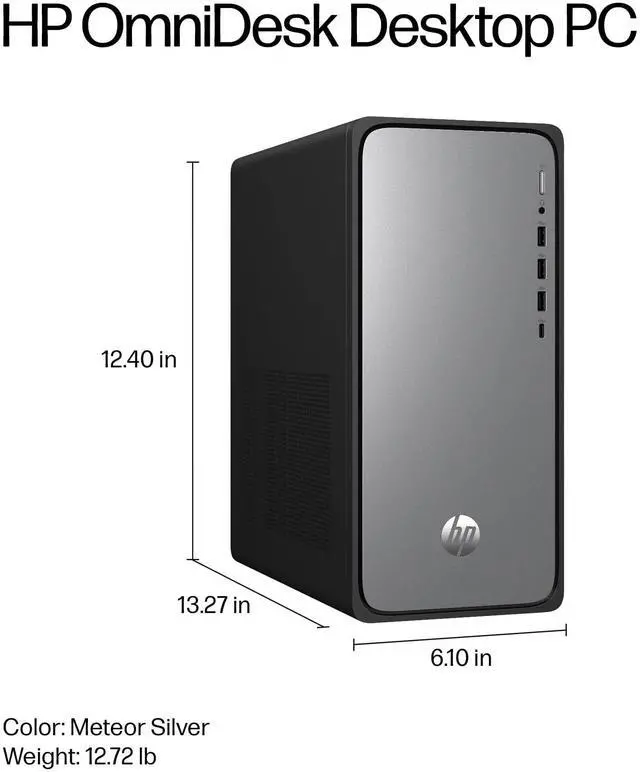
Dimensions:24.06" L x 7.56" W x 18.54" H,15.65 lbs.
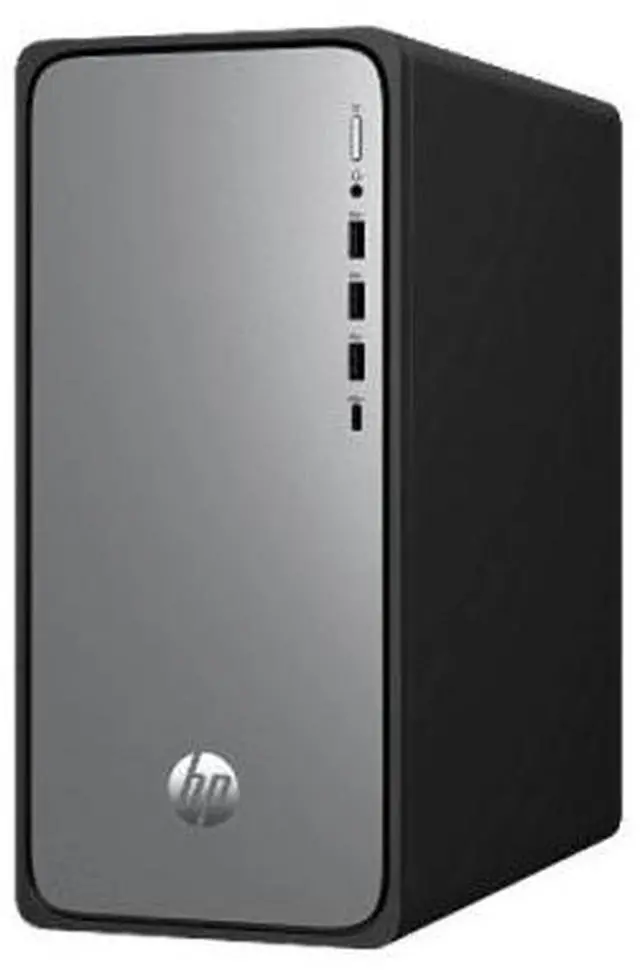
Color:Meteor Silver
The HP OmniDesk M02-0000t is a Windows 11 Home desktop with an Intel Core i5-14400, 16 GB DDR5 memory, and a 512 GB NVMe SSD, suited to home and office users who want responsive everyday computing and multitasking.
| Attribute | Value |
|---|---|
| Best For | Everyday home or office desktop computing, with Windows 11 Home, integrated Intel graphics, 16GB memory, and 512GB SSD storage |
| Processor And Graphics | Intel Core i5-14400, 14th Gen, with Intel UHD Graphics |
| Memory | 16GB DDR5 memory running at 4800 |
| Storage | 512GB SSD; no HDD |
| Connectivity | Wi-Fi 6 and Bluetooth 5.4 |
| Included Peripherals And Display | USB keyboard and mouse included; monitor not included |
| Chassis And Color | Silver desktop form factor |
Q: HP OmniDesk M02 with Core i5-14400 or Core i3-14100: which configuration should I choose?
A: Choose this Core i5-14400 configuration if you want 16 GB of DDR5 memory and 512 GB of SSD storage alongside a 10-core, 16-thread processor. HP’s listed Core i3-14100 configuration has 4 cores, 8 threads, 8 GB of memory, and a 256 GB SSD, making it the lower-spec option for everyday desktop use.
Q: Is the HP OmniDesk M02 with Core i5-14400 or Core i7-14700 the better fit?
A: Choose the Core i5-14400 model for a 10-core, 16-thread processor with 16 GB of memory and a 512 GB SSD. Choose an M02 configuration with the Core i7-14700 when you want HP’s higher processor tier, listed with 20 cores and 28 threads; HP offers configurable M02 builds with that processor.
Q: Should I get this HP OmniDesk M02 configuration or the 8 GB RAM and 256 GB SSD version?
A: Choose this configuration for its 16 GB of DDR5 memory and 512 GB SSD. HP also lists an M02 configuration with the same Core i5-14400 processor, 8 GB of memory, and a 256 GB SSD, giving buyers a lower-memory, lower-storage configuration of the same desktop line.
Q: Is this desktop suitable for everyday office work and multitasking?
A: Yes. Its Core i5-14400 processor, 16 GB of DDR5 memory, and 512 GB SSD are suited to common office tasks such as documents, web browsing, email, and routine multitasking. It includes a wired keyboard and mouse, but you will need a monitor; a webcam for meetings is not listed as included.
Q: Does it come with a monitor?
A: No. A monitor is not included. The product information lists a wired keyboard and mouse as included, so plan to provide or buy a compatible monitor separately.
Q: Is it good for gaming?
A: It is best suited to everyday computing and lighter games. Its Intel UHD integrated graphics are not a dedicated gaming GPU, so demanding modern games may require low settings and may not run smoothly. Choose a system with dedicated graphics if gaming performance is a priority.
Q: Is the HP OmniDesk a good fit for office work and multitasking?
A: For office apps, email, and many open windows, this configuration is a reasonable fit: it has a 10-core, 16-thread Core i5-14400 and 16 GB of DDR5 memory. It also has a 512 GB SSD. A Reddit discussion raised this use case for a different OmniDesk configuration, so its comments should not be treated as a review of this exact model.
Q: Is this OmniDesk suitable for gaming?
A: It is not configured as a gaming PC: it uses Intel UHD integrated graphics and has no dedicated graphics card listed. It may suit basic or less demanding games, but the supplied information does not establish performance in specific games. A Reddit discussion asked about gaming on another OmniDesk configuration, which had different graphics hardware.
Q: Would it work for video editing?
A: The Core i5-14400 and 16 GB of RAM make it a possible fit for lighter editing, but Intel UHD integrated graphics and a 512 GB SSD are trade-offs for demanding projects or large media libraries. The Reddit discussion about OmniDesk video editing concerns a different configuration, so it does not confirm performance for this exact model.
Q: Is it worth buying, or should I look for a better-value alternative?
A: Value depends on the price and what you need: this model includes a relatively capable desktop processor, 16 GB of memory, and a 512 GB SSD, but its integrated graphics limit its appeal for gaming and graphics-heavy work. Reddit discussions raise price and alternatives as decision points, but they concern other OmniDesk configurations and do not establish whether this exact listing is a good deal.


