




 here!
I’m your shopping assistant for PC builds, upgrades, and everything tech.
Got questions? Ask away!
Start a conversation
here!
I’m your shopping assistant for PC builds, upgrades, and everything tech.
Got questions? Ask away!
Start a conversation

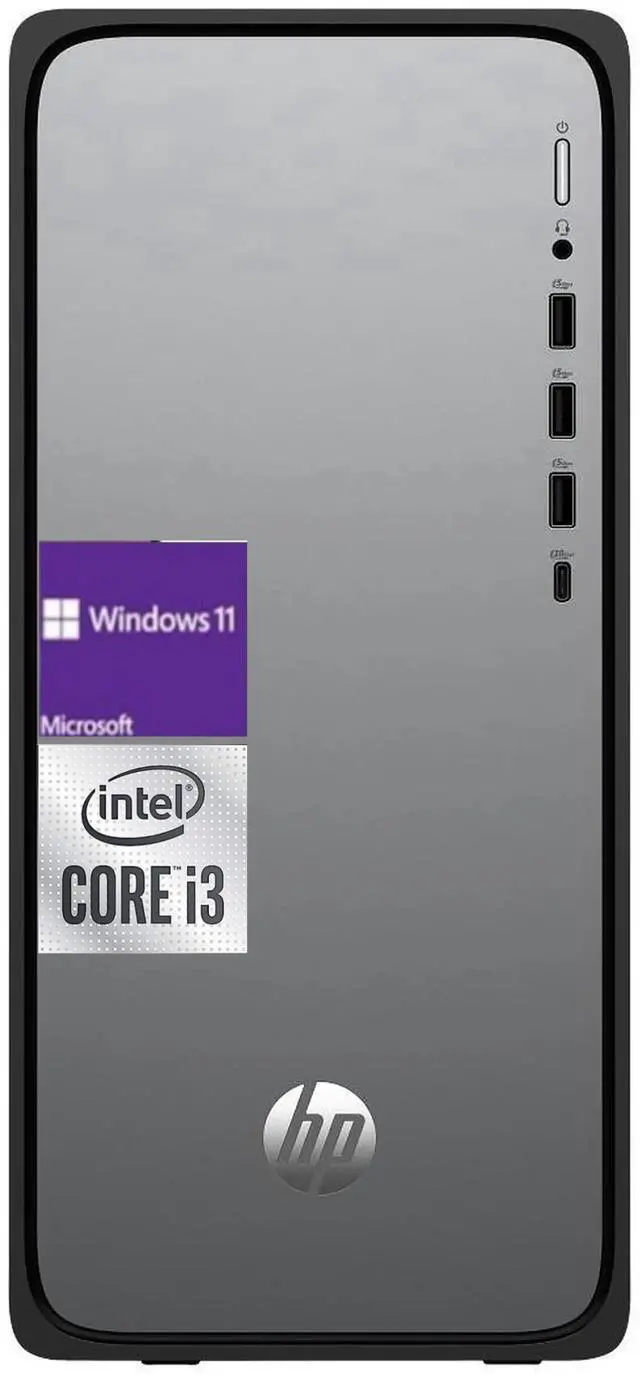
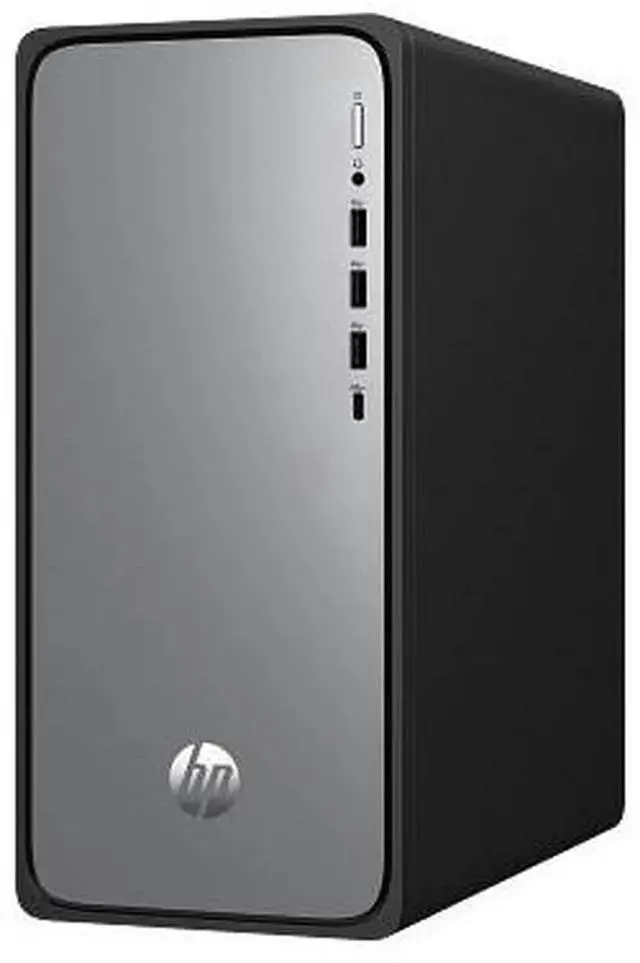
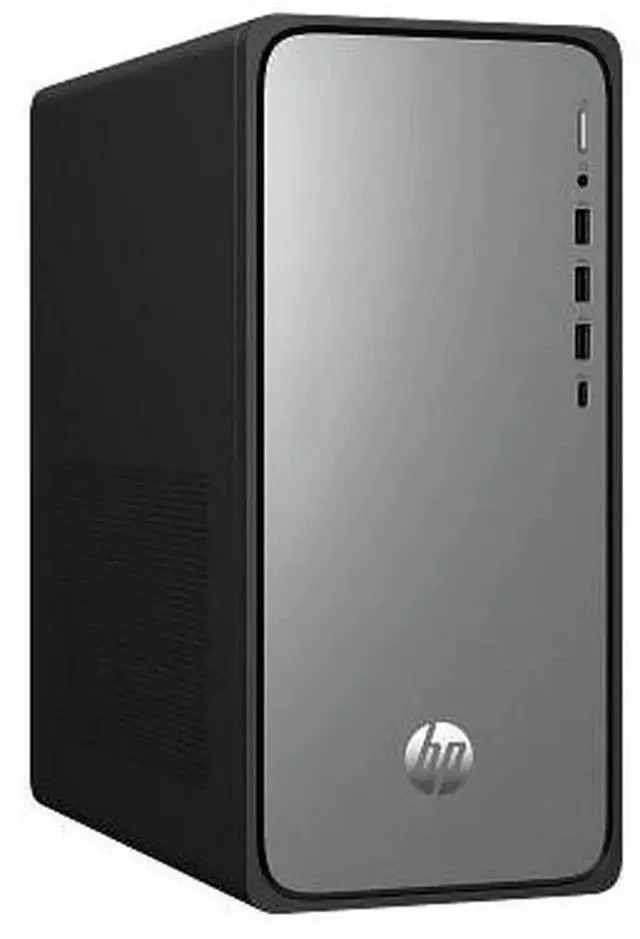



Any questions? Ask CelesteSM will help you find out quickly.
We sell new,unused computers,the original Seal is opened for upgrade ONLY. If you've selected a custom-configured computer, our professional technicians will carefully open the original manufacturer's box and professionally install the upgrades to achieve the advertised specifications.
CPU:Intel Core i3-14100 Processor(up to 4.7 GHz with Intel Turbo Boost Technology, 12 MB L3 cache, 4 cores, 8 threads)
Display:NO
Memory:up to 32 GB DDR5 RAM
Hard Drive:up to 1 TB PCIe NVMe M.2 SSD
Operating System:Windows 11 Home/Pro
Graphics:Intel UHD Graphics
Keyboard and mouse: HP USB Black Wireless Keyboard Mouse Combo
Wireless Connectivity:Intel Wi-Fi 6 (2x2) Gig and Bluetooth 5.4
Dimensions:12.4" x 6.1" x 13.27"in,12.72 lb
The HP OmniDesk is a Windows 11 Pro desktop with an Intel Core i3-14100 processor, 16GB of DDR5 memory, and a 512GB PCIe NVMe SSD, suited to everyday office work, web browsing, and multitasking.
| Attribute | Value |
|---|---|
| Best For | General productivity and everyday desktop computing with integrated graphics |
| Processor | Intel Core i3-14100, 14th Gen |
| Graphics | Integrated Intel UHD Graphics |
| Memory And Storage | 16GB DDR5 memory and 512GB SSD storage |
| Operating System | Windows 11 Pro |
| Wireless Connectivity | Wi-Fi 6 and Bluetooth 5.4 |
| Keyboard And Mouse | Wired keyboard and wired mouse |
| Form Factor | Desktop PC |
| Model Identifiers | HP Omni series |
Q: HP OmniDesk i3-14100 with 16GB RAM and 512GB SSD vs the 8GB/256GB version: which should I choose?
A: Choose this 16GB/512GB configuration if you want twice the memory and storage while keeping the Core i3-14100 platform. The 8GB/256GB version is the entry configuration; this model also includes Windows 11 Pro.
Q: Should I choose this HP OmniDesk i3-14100 or an HP OmniDesk with the i5-14400?
A: Choose this i3-14100 configuration for everyday desktop use with 16GB RAM and a 512GB SSD. The i5-14400 option has 10 cores and 16 threads, compared with the i3-14100’s 4 cores and 8 threads, making it the higher-processor-tier choice for workloads that benefit from more CPU capacity.
Q: HP OmniDesk tower or HP OmniDesk Slim: which fits a home office better?
A: Choose this OmniDesk tower if you prefer HP’s full tower format and its positioning for everyday performance and expansion flexibility. Choose the OmniDesk Slim if a smaller desktop footprint is the priority; HP positions that model for home offices where space matters.
Q: Is this HP OmniDesk i3-14100 a good step up from an HP OmniDesk with 8GB RAM and 256GB storage?
A: Yes. This configuration keeps the Core i3-14100 processor and increases memory from 8GB to 16GB and storage from 256GB to 512GB. It is the more capacious configuration for users who want additional room for applications and files, along with Windows 11 Pro.
Q: Does this desktop come with a monitor?
A: No. The product information lists the desktop tower, wired keyboard, and wired mouse, but no display. You will need a compatible monitor or TV separately.
Q: Is this desktop suitable for office work and online meetings?
A: Yes. Its Core i3-14100 processor, 16 GB of DDR5 memory, and 512 GB SSD are suited to everyday office tasks such as documents, browsing, email, and video meetings. A monitor is not included, and the listed package does not specify a webcam or headset.
Q: Is this desktop good for gaming?
A: It is better suited to everyday computing than demanding gaming. The listing specifies Intel UHD integrated graphics, not a dedicated graphics card; performance in games will vary, and demanding titles may require lower settings or may not run well.
Q: Can I upgrade the memory or storage later?
A: The listing confirms 16 GB of DDR5 memory and a 512 GB M.2 PCIe NVMe SSD, but does not specify available slots or upgrade limits. Confirm the system’s exact configuration with HP or the seller before buying parts.
Q: Is this HP OmniDesk suitable for everyday home, school, or office work?
A: It appears suited to everyday tasks such as web browsing, documents, online classes, and general productivity. This listing has 16 GB of RAM and a 512 GB SSD; a YouTube review of a different i3-14100 OmniDesk configuration discusses similar everyday uses, but that model has different included memory and display details.
Q: Is this OmniDesk a good choice for gaming, or can I add a graphics card later?
A: The listed Intel UHD Graphics are integrated, so this is better suited to everyday computing than demanding games. Reddit discussion of other slim OmniDesk configurations raises limits around graphics-card upgrades; because power-supply and expansion details can vary by model, confirm compatibility for this exact PC before planning an upgrade.
Q: Is the HP OmniDesk worth buying?
A: It may make sense if you want a Windows desktop for everyday productivity and the price fits your budget. Reddit discussions about other OmniDesk configurations weigh price, included memory, and graphics limitations, so compare this listing’s price and exact specifications with alternatives rather than relying on opinions about a different configuration.


