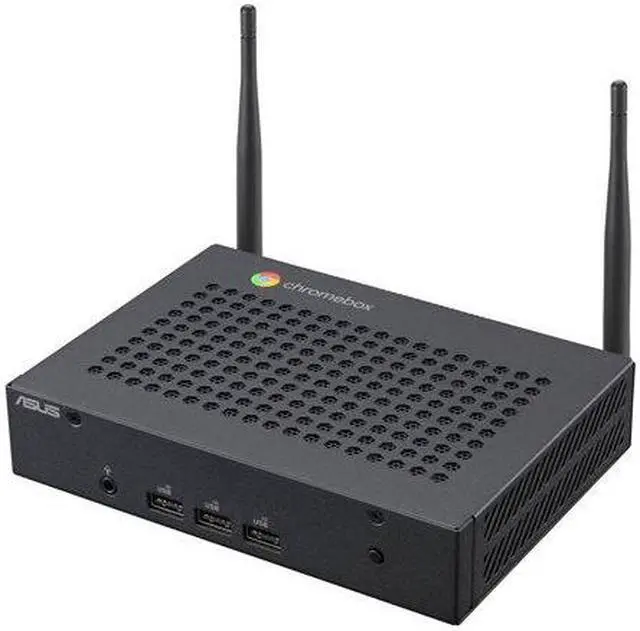
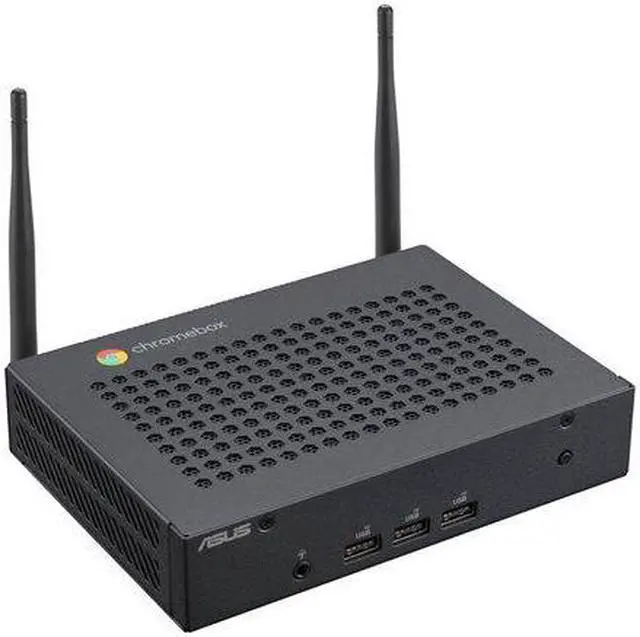
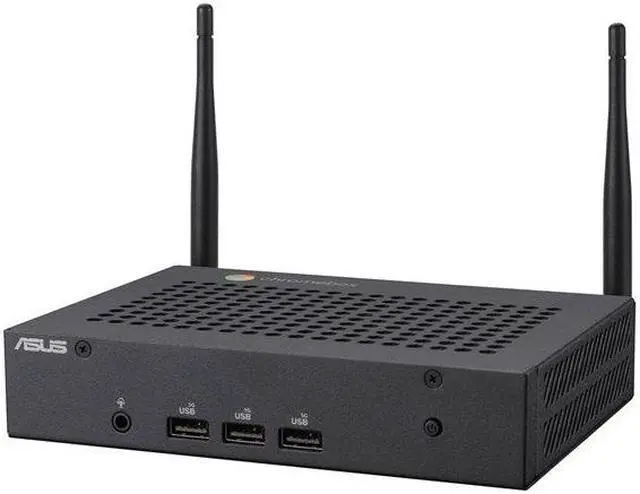
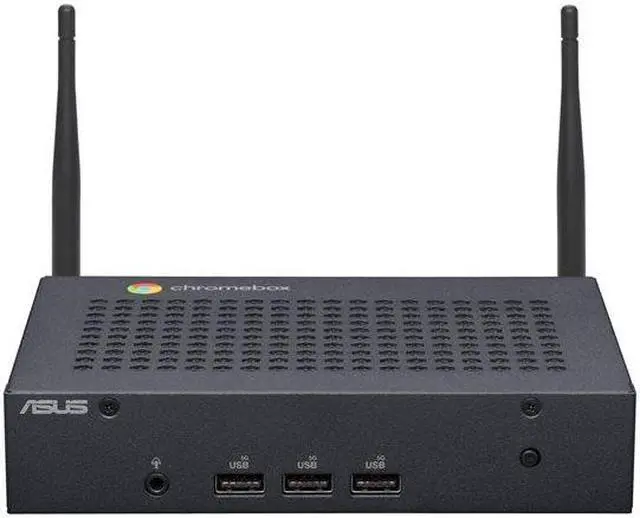
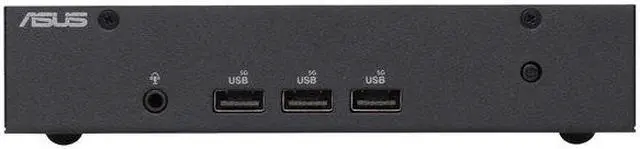
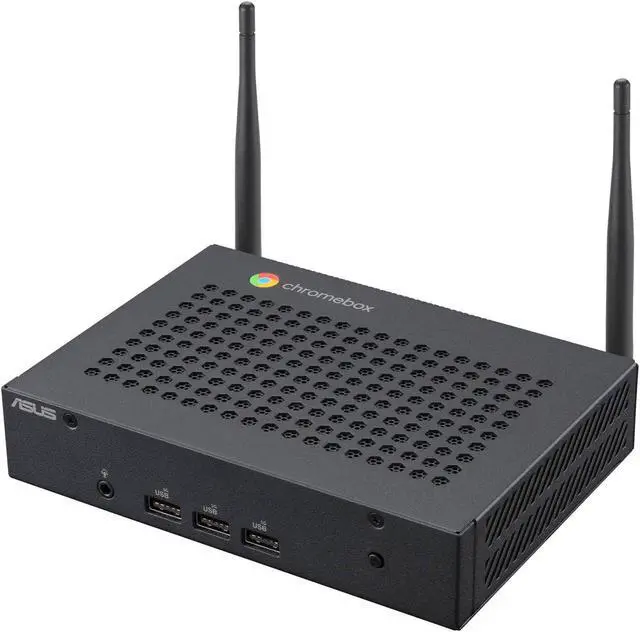
Built for Diverse Commercial ApplicationsASUS and Chrome Enterprise Solutions ASUS Chromebox Enterprise devices combine the end-user benefits of Chromeboxes with the business capabilities of Chrome Enterprise for IT to secure, orchestrate and power the cloud workforce, and for further empowering your enterprise. Secure and intelligent hardware solutions for working remote. Get started immediately out of the box with zero-touch enrollment.ConnectivityASUS Fanless Chromebox CF40 features an Intel Celeron processor for faster, smoother and more energy-efficient performance. The fanless aluminum chassis has multiple metal fins to efficiently dissipate heat while operating quietly and to reduce maintenance needs in commercial environments.ASUS Fanless Chromebox CF40 also supports up to two 4K displays and comes equipped with versatile USB-C 3.2 Gen 1 and USB 3.2 Gen 1 Type-A ports for fast data transfers, and USB-C also supports power delivery and DisplayPort connections. Offering easy access to a rich selection of Android apps available on Google Play, the device enables use of productivity-boosting apps with the power of a mini PC.Built-in security featuresASUS Fanless Chromebox CF40 was designed with security in mind. Automatic updates provide robust protection against viruses, malware and other security issues, so there's no need to buy and install additional security software.Serious security
ASUS Fanless Chromebox CF40 automatically installs updates when connected to the internet, so you always have the latest software version and security fixes. Additionally, a protected and encapsulated onboard micro-controller security chip safeguards internal data structures against threats.Protecting your privacy
Account-based data access makes ASUS Fanless Chromebox CF40 ideal as a shared computer. Individual users can easily switch between accounts and a Guest mode login option deletes all browsing history and downloaded files when the user exits the session.Kensington lock slotA Kensington lock and padlock slot provide additional physical security to ensure your ASUS Fanless Chromebox CF40 and data is kept safe.A simple and seamless digital experiencePowerful networking capabilitiesEnjoy faster and more stable wireless connections thanks to dual-band 802.11ax Wi-Fi 6.Automatic updatesASUS Fanless Chromebox CF40 automatically keeps itself up-to-date when connected to the internet, so you'll always have the latest features and virus protection.Access files anywhereFiles are automatically synchronized to Google Drive, so you always have access to your files in the cloud anytime, anywhere. All you have to do is log on to your Google account on any device.Offline appsASUS Fanless Chromebox CF40 has a wide assortment of apps that work online and offline. You can read and edit documents, spreadsheets or presentations even without an internet connection!Zero-touch enrollmentChrome devices can be automatically enrolled in a specified domain when first connected to the internet, eliminating the need for high-volume manual enrollment and saving IT a great deal of time and effort.Google Admin consoleGoogle Chrome's web-based management console lets you easily manage users, applications or devices across your organization from a single dashboard. With Chrome device management, IT administrators can configure Chrome features for their users, allow or block apps and extensions, as well as force install apps.Turn services on or off for individual usersYou can restrict access to Google Meet for most users, but turn it on for selected users. You can even create a group authorized to access specific functions.Configure settings for individual Chrome devicesThe Google Admin console lets you manage thousands of Chrome devices