





????- SHIELD Arrives, Game On
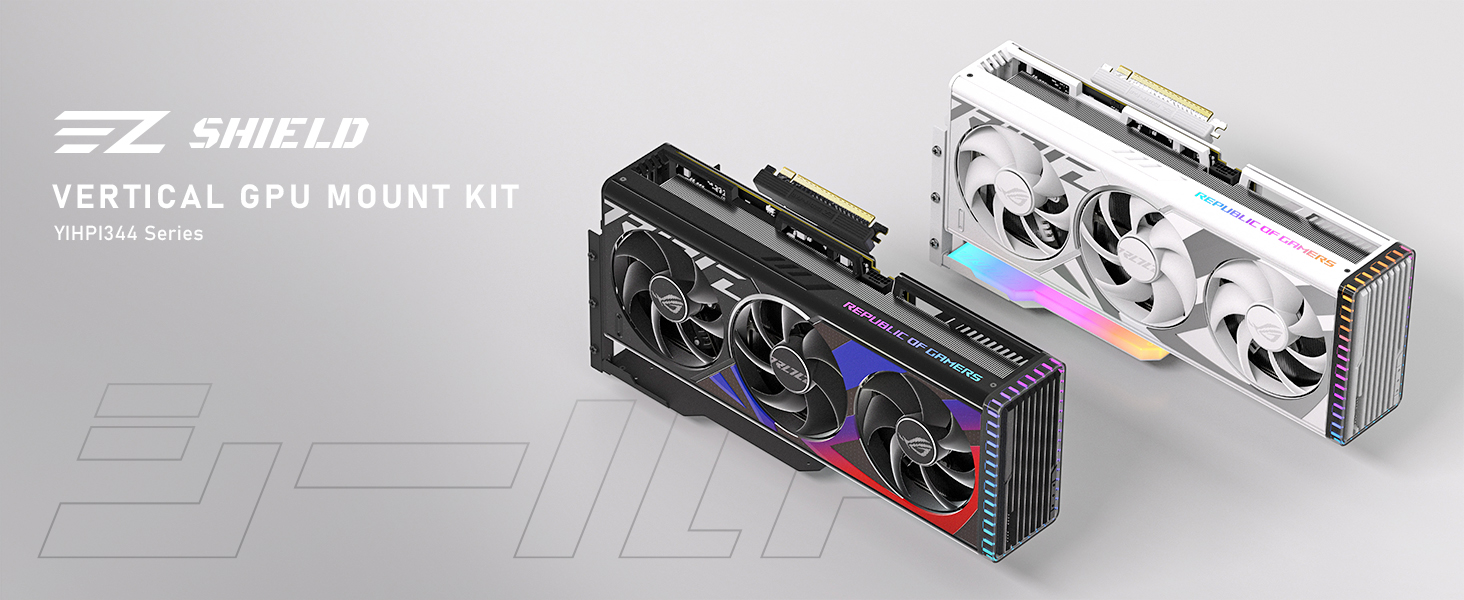
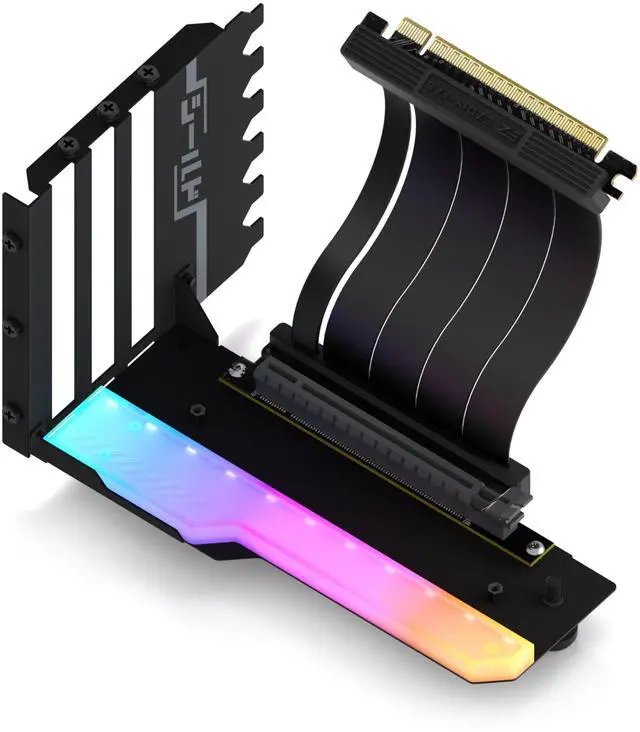
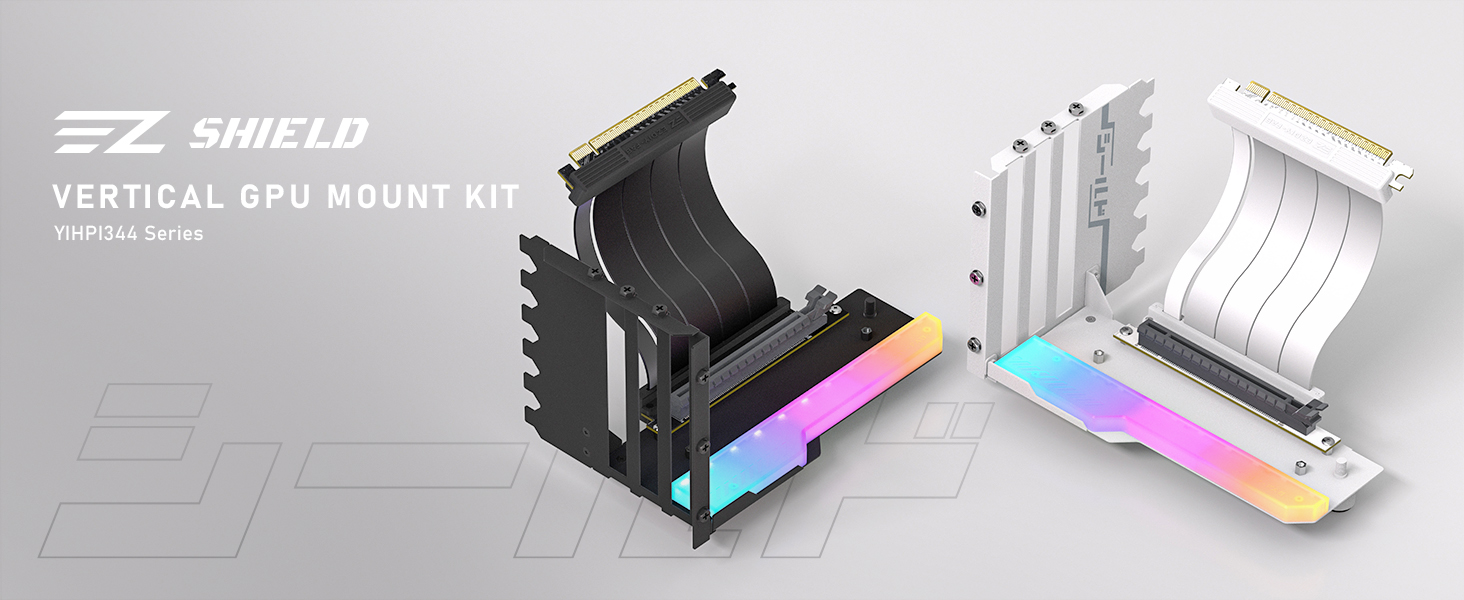
Introducing the SHIELD Series Vertical GPU Mount, inspired by the following standout product features, and reimagined for gamers seeking unmatched stability and a sleek, modern aesthetic.
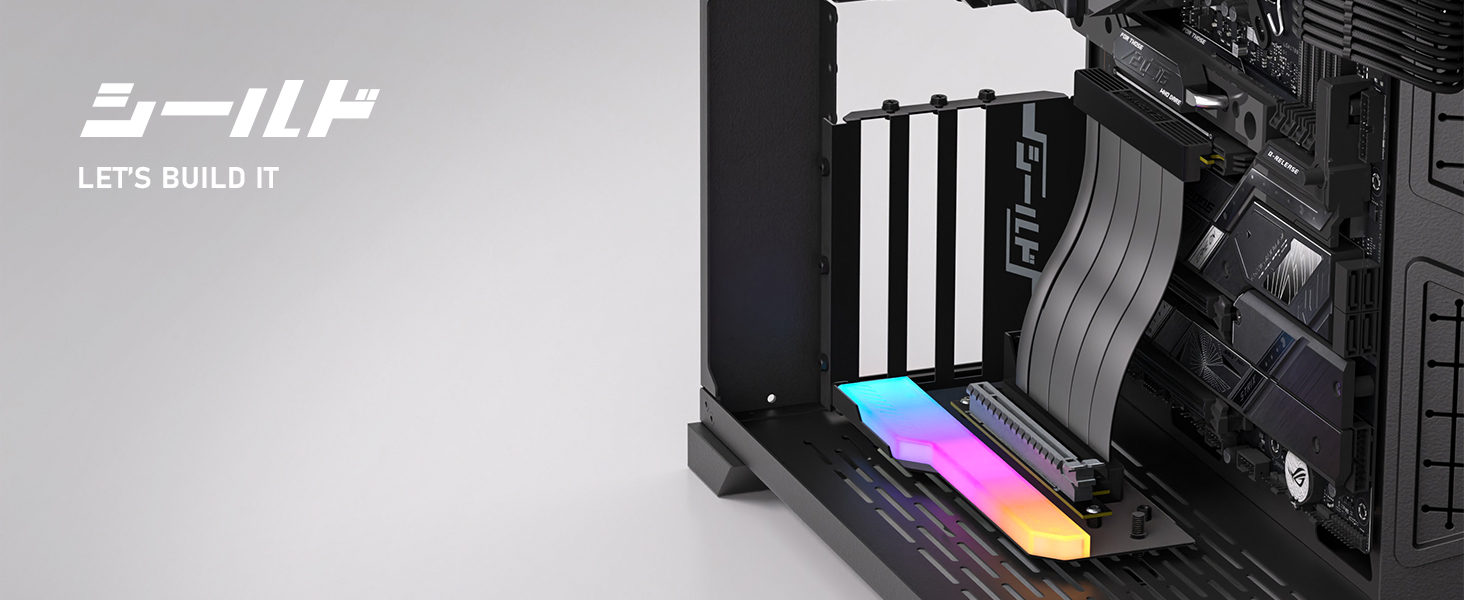
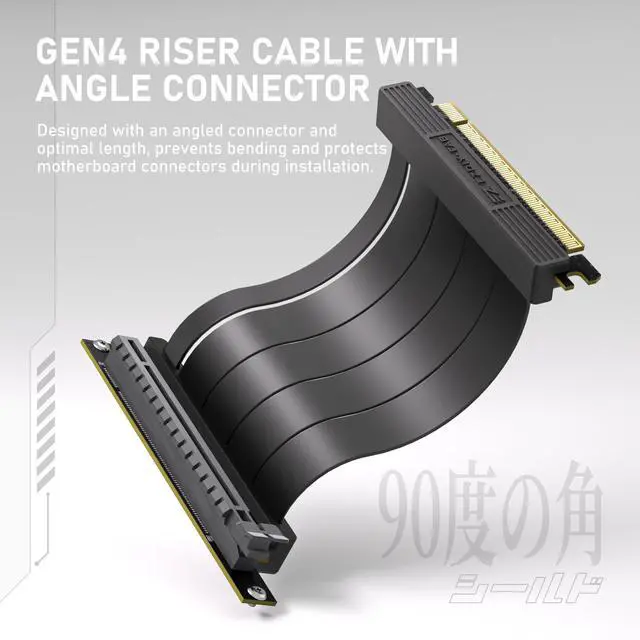
Gen 4 Riser Cable
Angle Design
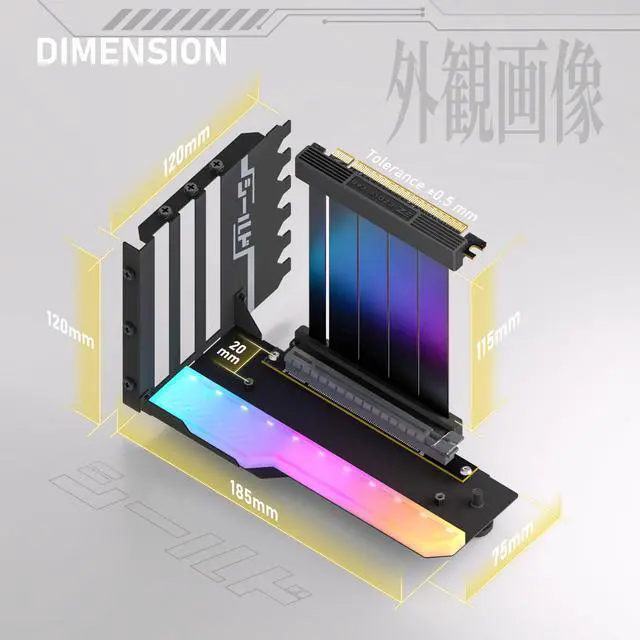
Angled connector with 115mm cable prevents cable bending, ensuring connector safety.
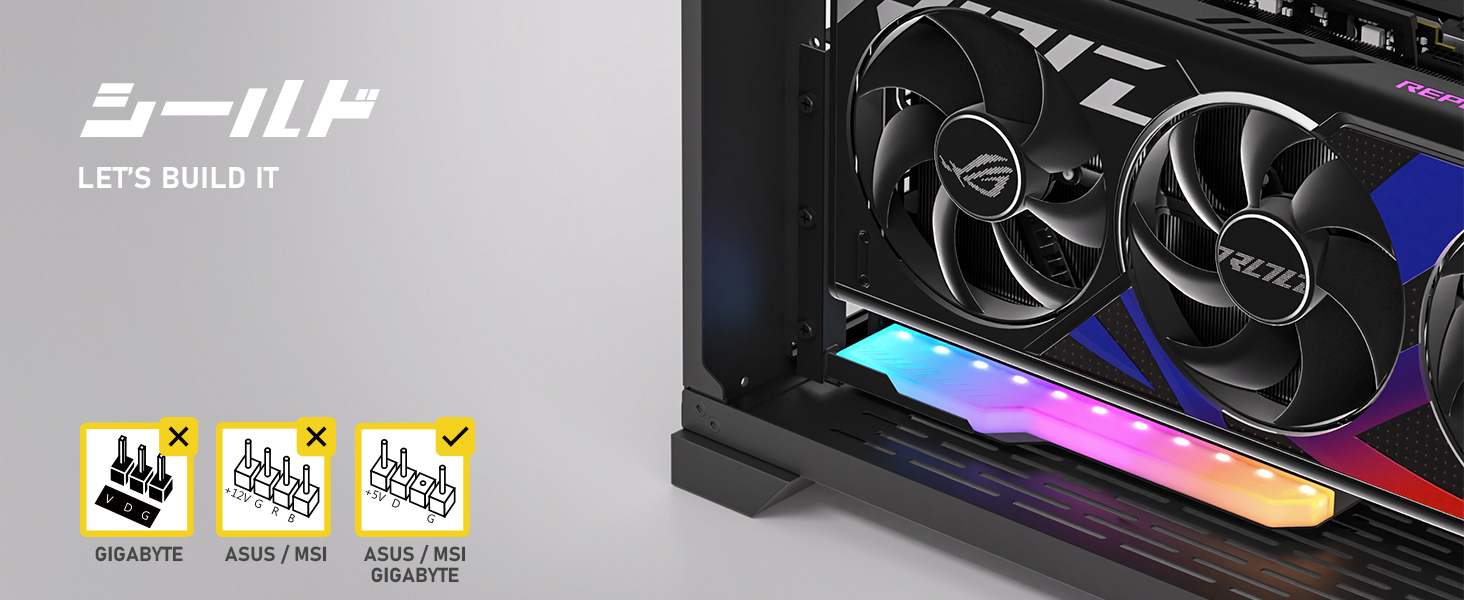
AURA, Mystic, Fusion
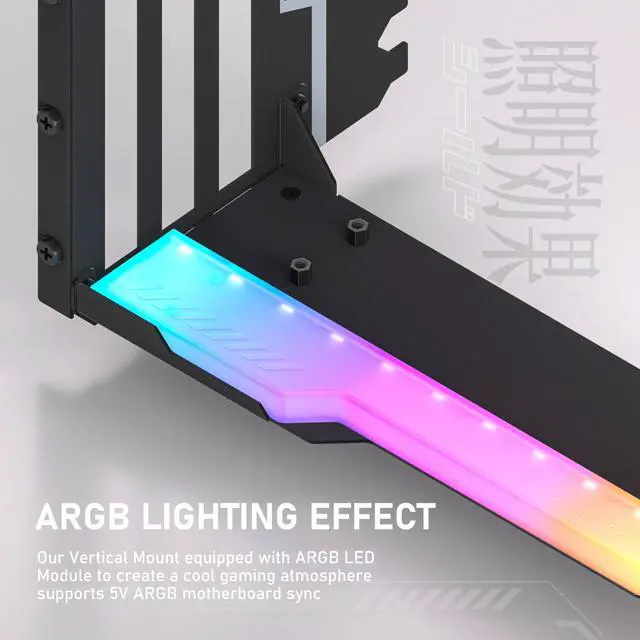
5V 3-Pin ARGB
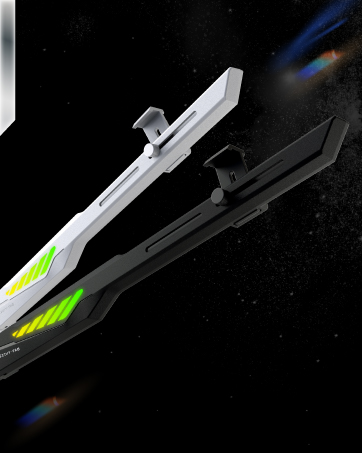
Equipped with 11pcs of Addressable RGB LED lights, provide full lighting for your build.
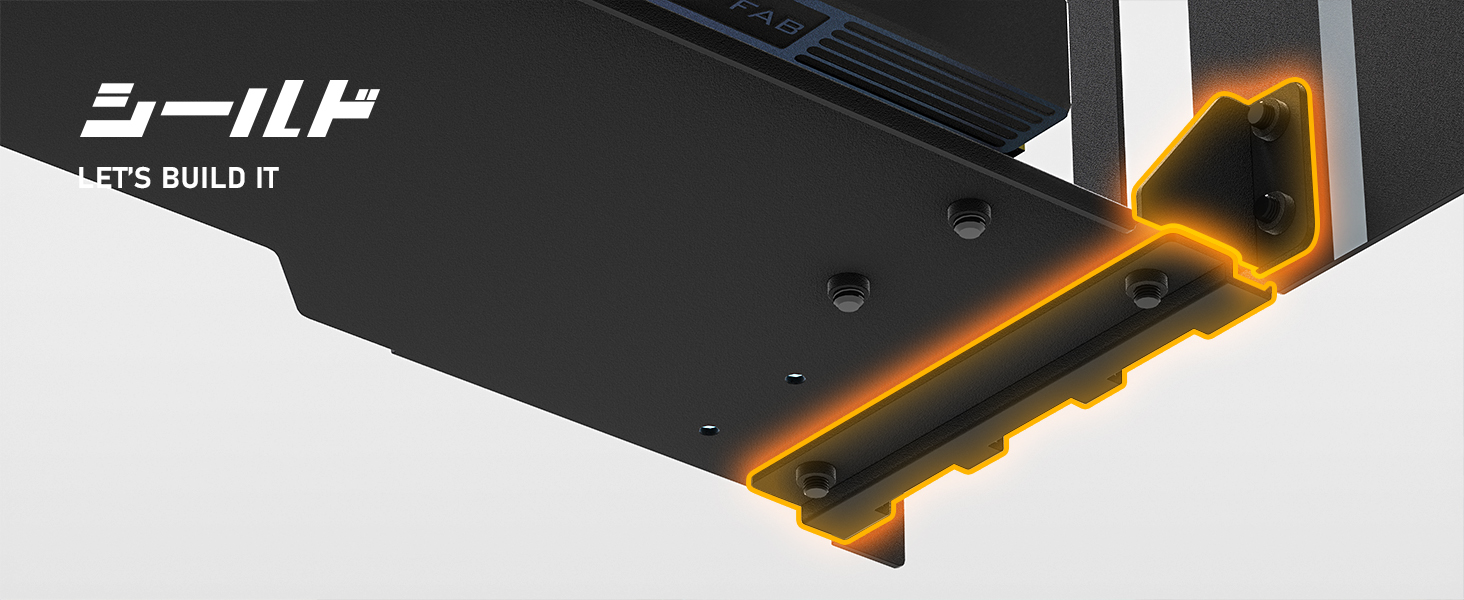
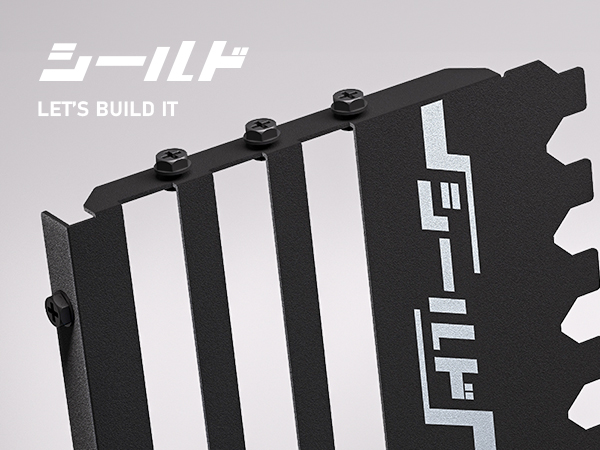
Premium Steel
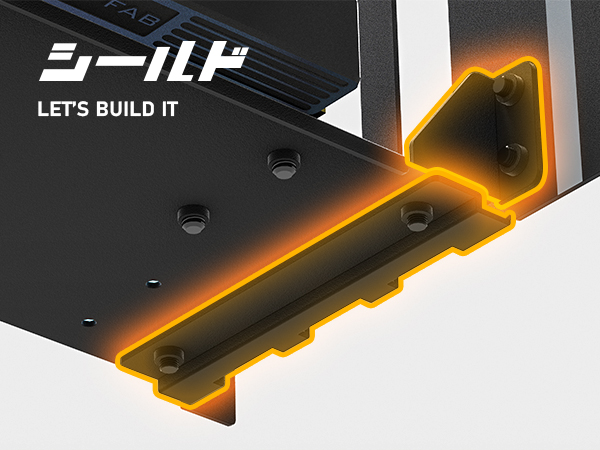
Bidirectional Locking Structure
Lock and reinforcement from two directions and offering a solid foundation.
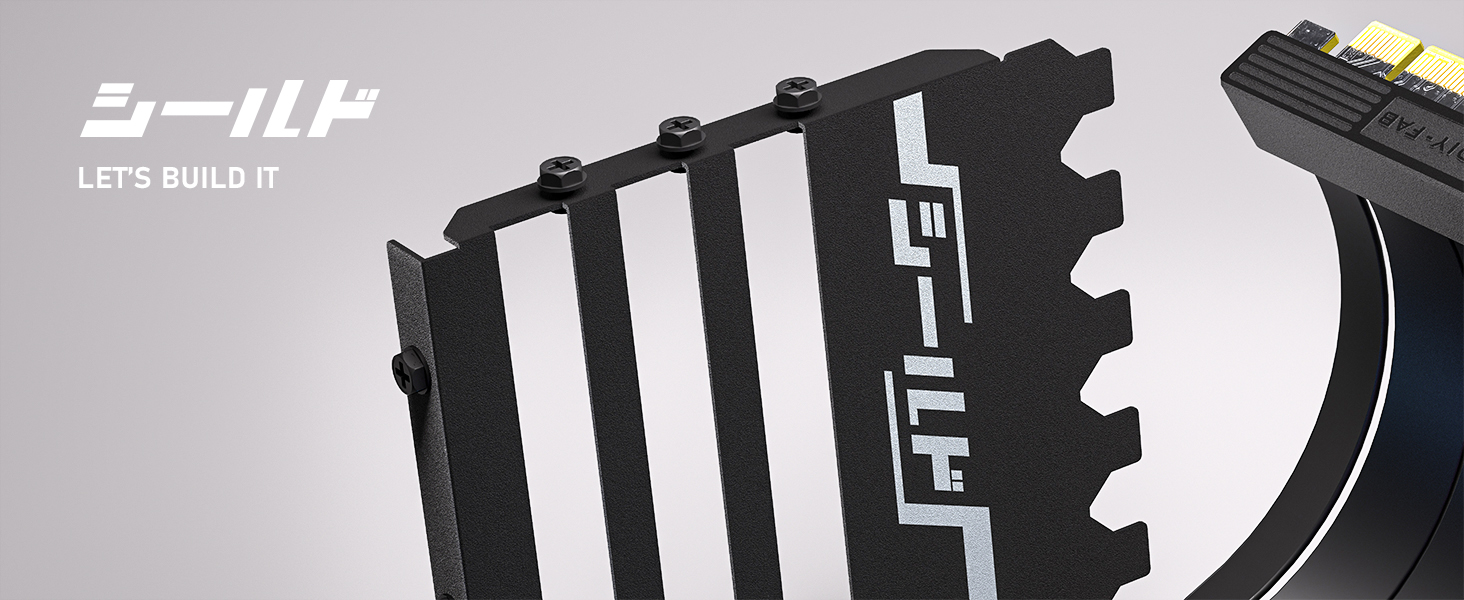
Futuristic Mecha Gaming
Gaming SHIELD
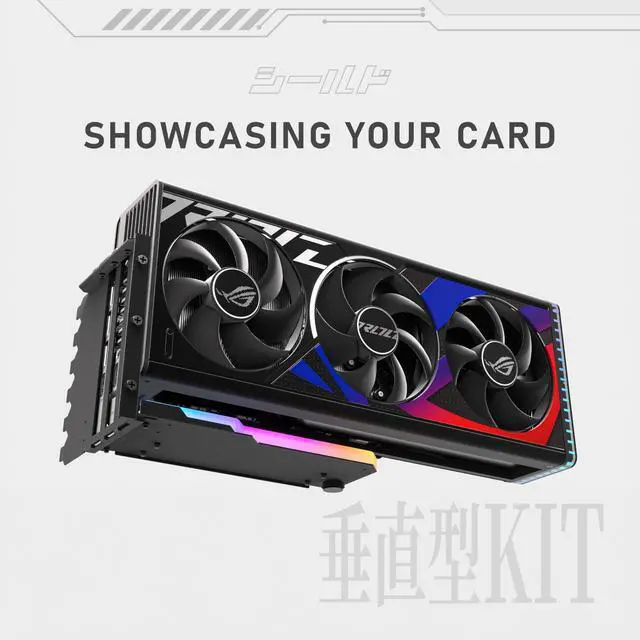
Secure your GPU with the SHIELD Bracket - Ultimate Protection & Stability.
Installation Guide
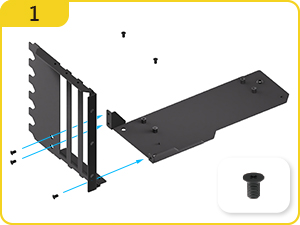
- Mount the Screws of side panel and base
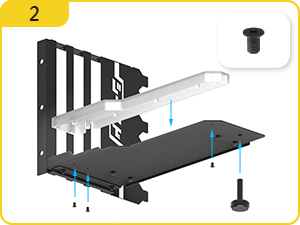
- Mount the base first
- Mount the ARGB Module
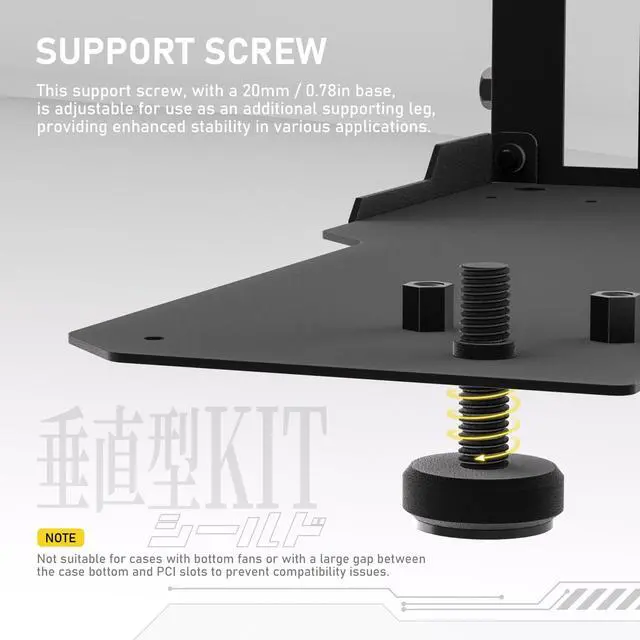
- Screw in the Support screw
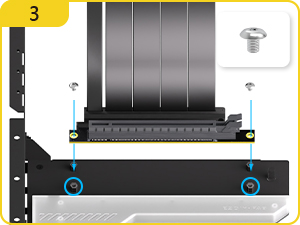
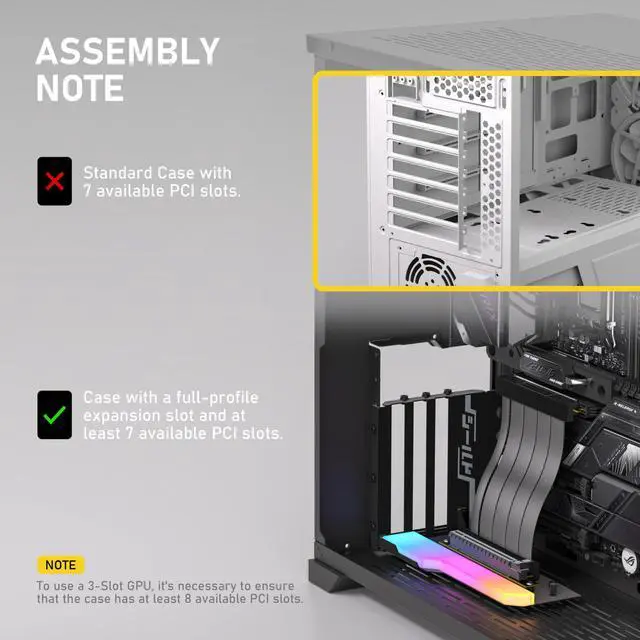
- Mount the riser cable screws and attach 2-PCIe slot GPUs to the front standoffs.
- For 3-PCI slot GPUs, ensure the case has at least 8 PCIe slots.
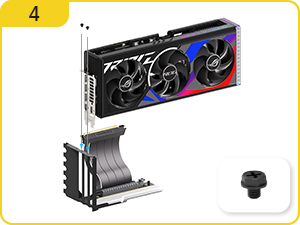
- Install the graphics card and tighten the screws
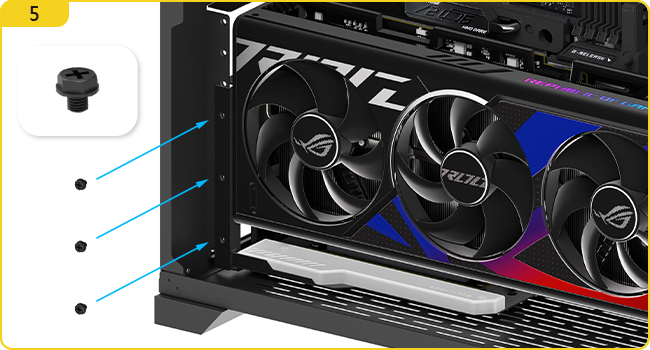
- Connect the riser cable and ARGB cable (if applicable) to the corresponding ports on the motherboard.
- Mount into the case and secure the side panel with the screws.
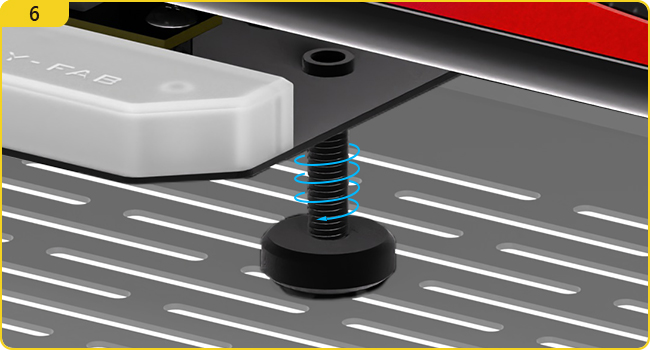
- Rotate the support screw to the appropriate position as needed.
- The Support Screw not suitable for cases with bottom fans or with a large gap betweenthe case bottom and PCl slots to prevent compatibility issues.

Let's Build it!
Build with us | Discover with us
We strives to develop top quality and superior computer accessories.

About us
Founded in 2016, EZDIY-FAB offers diverse PC components at a great value for gamers around the world.
We care customer's using experience,we strive to find out the problems encountered in assembling PCs, and propose easy solutions with excellent designs for the users. This is perfect match with our brand name"EZDIY" means Easily DIY your PC build.
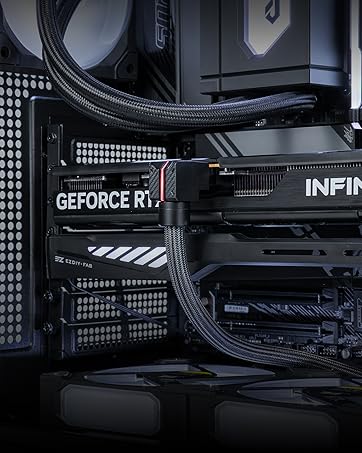
UNIFIED CABLE, ZERO CLUTTER
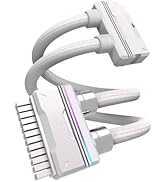
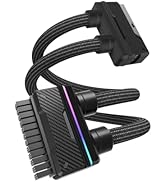
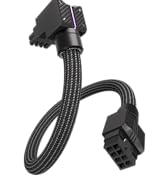

UNIFAS ARGB PSU EXTENSION
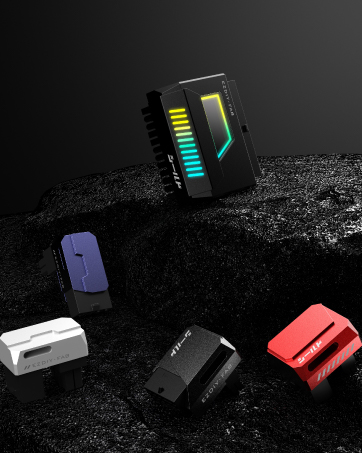
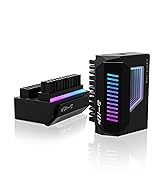
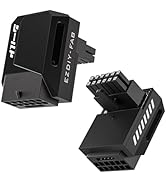
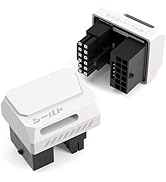
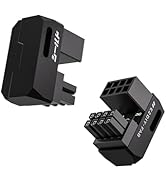
Shield Power Adapter
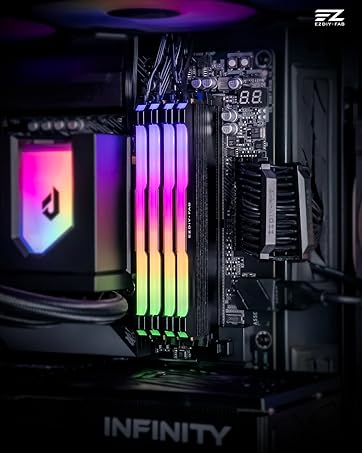
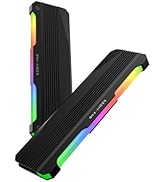
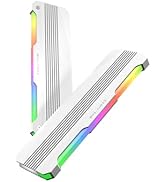
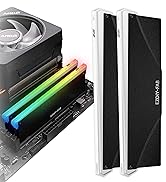
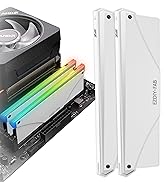
RGB Ram Heatsink
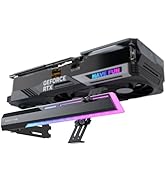
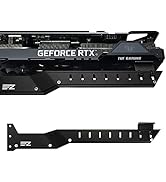
GPU SUPPORT BRACKET
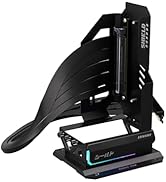
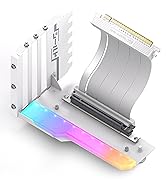
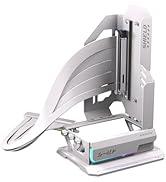
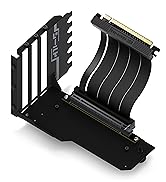
GPU Mount
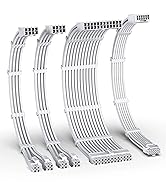
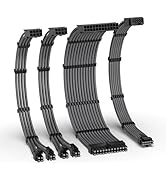

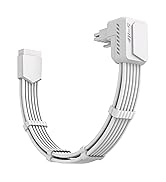
12VHPWR PSU Cable Extension


????- SHIELD Arrives, Game On
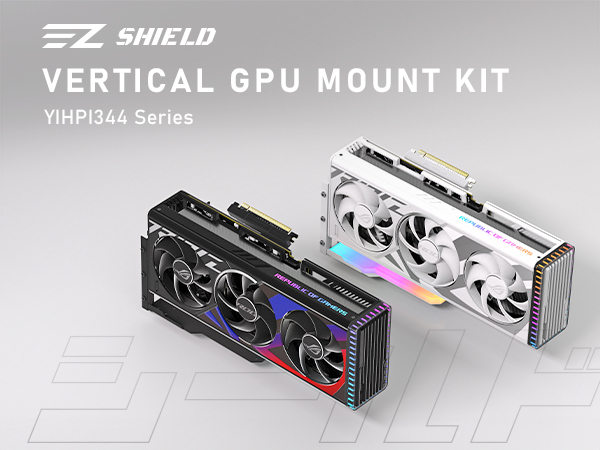
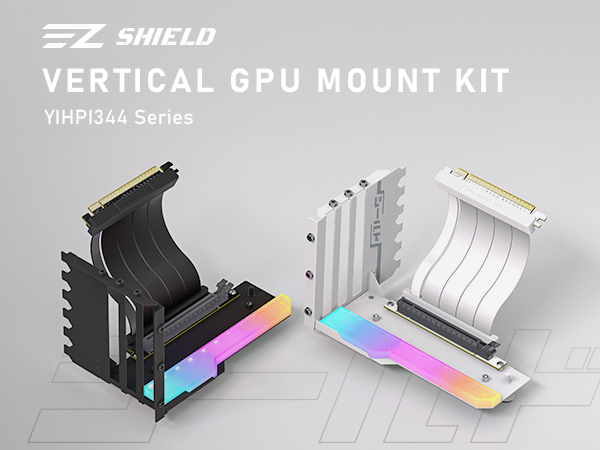
Introducing the SHIELD Series Vertical GPU Mount, inspired by the following standout product features, and reimagined for gamers seeking unmatched stability and a sleek, modern aesthetic.
Gen 4 Riser Cable
Angle Design
Angled connector with 115mm cable prevents cable bending, ensuring connector safety.
AURA, Mystic, Fusion
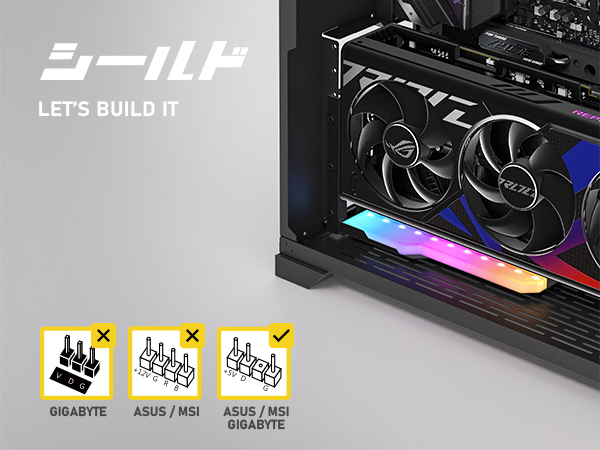
5V 3-Pin ARGB
Equipped with 11pcs of Addressable RGB LED lights, provide full lighting for your build.
Premium Steel
Bidirectional Locking Structure
Lock and reinforcement from two directions and offering a solid foundation.
Futuristic Mecha Gaming
Gaming SHIELD
Secure your GPU with the SHIELD Bracket - Ultimate Protection & Stability.
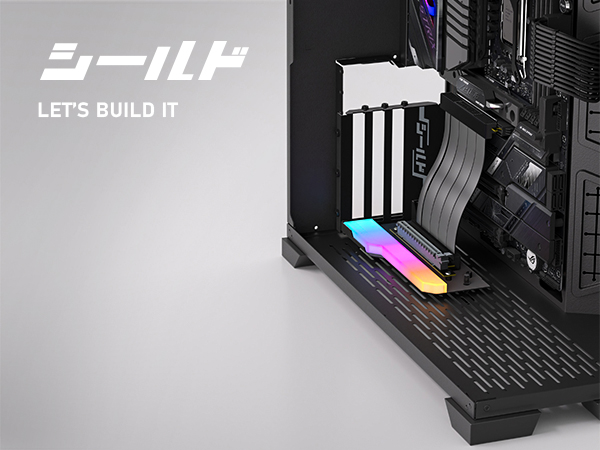
Installation Guide
- Mount the Screws of side panel and base
- Mount the base first
- Mount the ARGB Module
- Screw in the Support screw
- Mount the riser cable screws and attach 2-PCIe slot GPUs to the front standoffs.
- For 3-PCI slot GPUs, ensure the case has at least 8 PCIe slots.
- Install the graphics card and tighten the screws
- Connect the riser cable and ARGB cable (if applicable) to the corresponding ports on the motherboard.
- Mount into the case and secure the side panel with the screws.
- Rotate the support screw to the appropriate position as needed.
- The Support Screw not suitable for cases with bottom fans or with a large gap betweenthe case bottom and PCl slots to prevent compatibility issues.
Let's Build it!
Build with us | Discover with us
We strives to develop top quality and superior computer accessories.
About us
Founded in 2016, EZDIY-FAB offers diverse PC components at a great value for gamers around the world.
We care customer's using experience,we strive to find out the problems encountered in assembling PCs, and propose easy solutions with excellent designs for the users. This is perfect match with our brand name"EZDIY" means Easily DIY your PC build.
UNIFIED CABLE, ZERO CLUTTER
UNIFAS ARGB PSU EXTENSION
Shield Power Adapter
RGB Ram Heatsink
GPU SUPPORT BRACKET
GPU Mount
12VHPWR PSU Cable Extension