here!
here!
I’m your shopping assistant for PC builds, upgrades, and everything tech.
Got questions? Ask away!
Start a conversation
here!
I’m your shopping assistant for PC builds, upgrades, and everything tech.
Got questions? Ask away!
Start a conversation


Any questions? Ask CelesteSM will help you find out quickly.
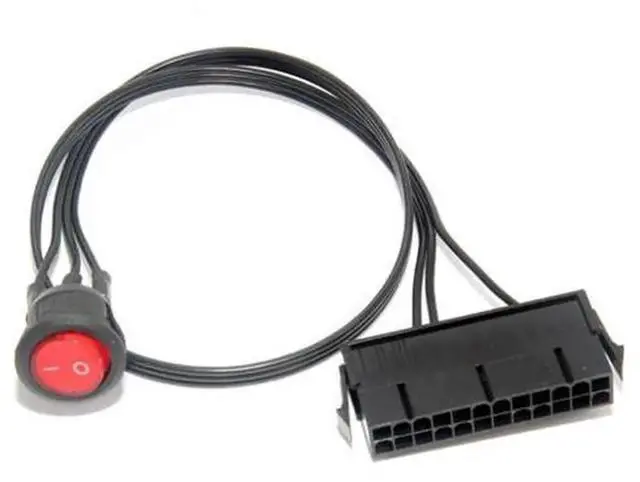
This 24Pin ATX power supply synchronizer start switch cable is a professional practical adapter for computer ATX power supplies. Normally, an ATX power supply cannot be activated separately without linking to a motherboard, and this trigger cable perfectly solves this problem.
Equipped with a built-in control switch, you can manually turn the power supply on or off effortlessly. It supports synchronous startup management for multiple power supplies, which satisfies the high power demand of mining rigs equipped with multiple graphics cards. You can use this cable to test the working status of idle power supplies, check power output parameters, and complete the assembly and debugging of mining racks.
It features standard 24Pin ATX molded connector with accurate pin definition. The connector forms tight stable connection to avoid power cut-off risks brought by loose plugs. High-quality internal wires support long-duration stable power transmission during continuous operation.
Widely applicable for computer hardware technicians, mining rig builders and PC DIY enthusiasts. Besides mining equipment deployment, it is also suitable for daily power supply maintenance, hardware testing and temporary power supply startup.
Important Reminder: Please confirm your device uses standard 24Pin ATX power supply interface before ordering. Avoid overloading the power supply to prevent hardware burnout and safety hazards.