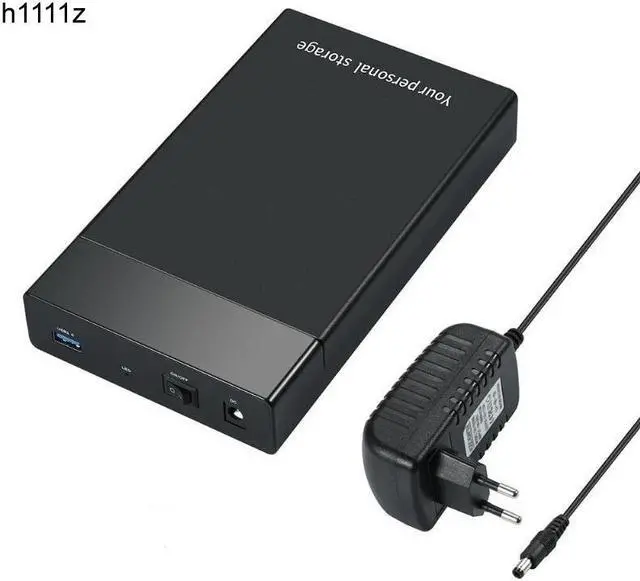
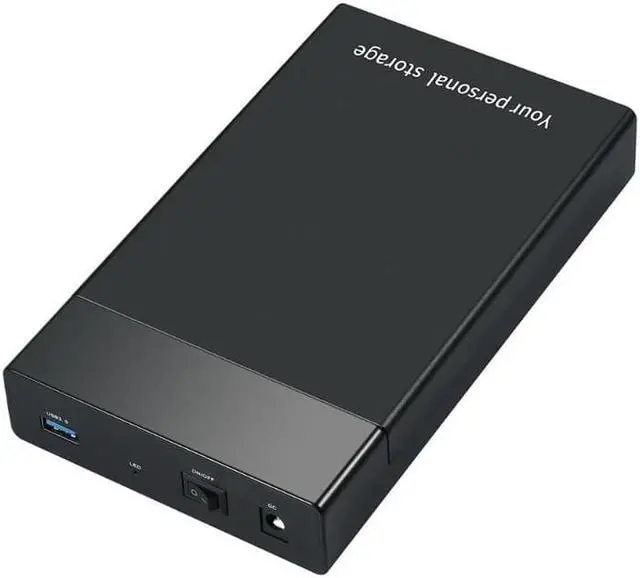
SATA USB 3.0 Adapter Cable Converter 22 pin USB 3.0 to SATA Cable with EU US UK adapter For 2.5 inch 3.5 inch HDD SSD Hard Disk
About Description:
Main features:
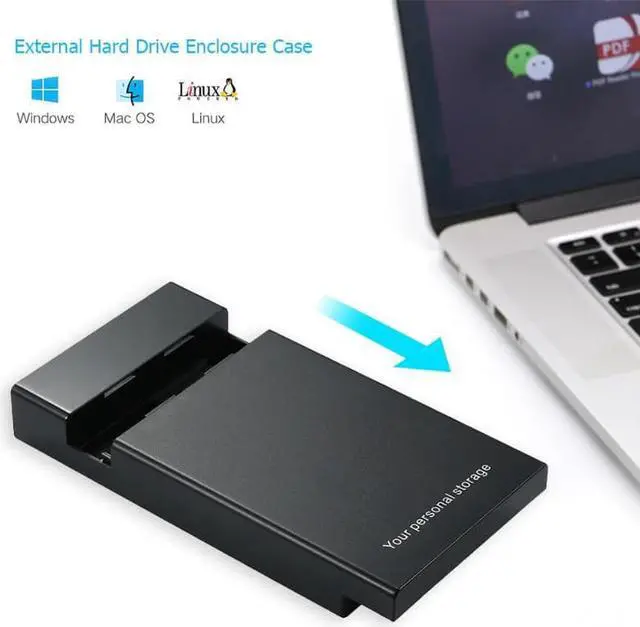
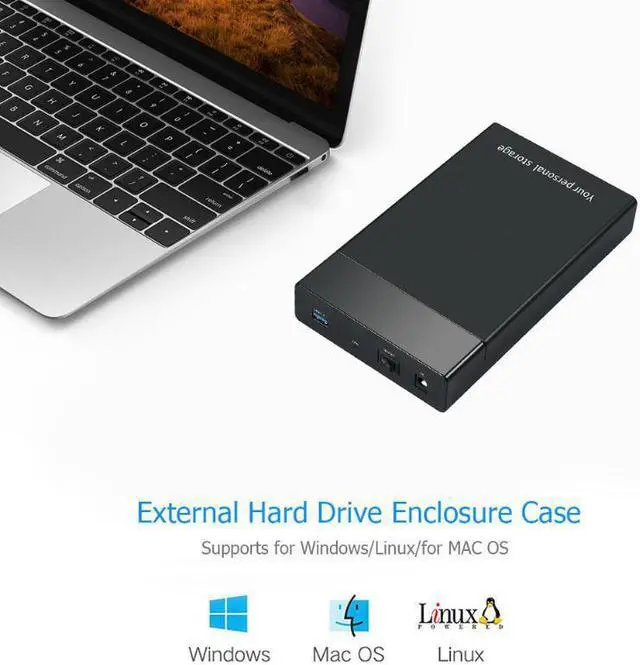
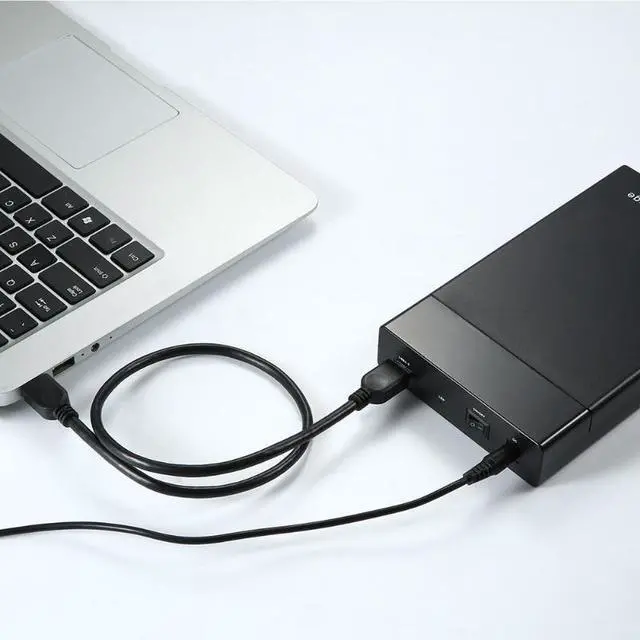
USB 3.0 to 3.5 inch SATA External Hard Drive Enclosure can connect any 3.5 inch Serial ATA (SATA) hard drive to your computer through an available USB 3.0 port on your desktop or laptop. Making full use of the speed of USB 3.0 to quickly transfer files up to 6Gbps, this enclosure is a perfect solution for data transfers or data backup.
Specification:
Color: black
Plug Standard: EU, US, UK (optional)
Input: USB 3.0 A female
Chipes: ASM 1153E
Supports UASP transport protocol
Supports SATA III, backwards compatible with SATA II/SATA I
Supports standard notebook 3.5 / 2.5" SATA hard driver, Support Max 10TB hard drive
Transfer Rates Up to 5Gbps when connected to a USB 3.0 port, backward compatible with USB 2.0 or 1.1
Supports for Windows/Linux/for MAC OS
DC 12V5%/2A (interior is positive) power adapter is included
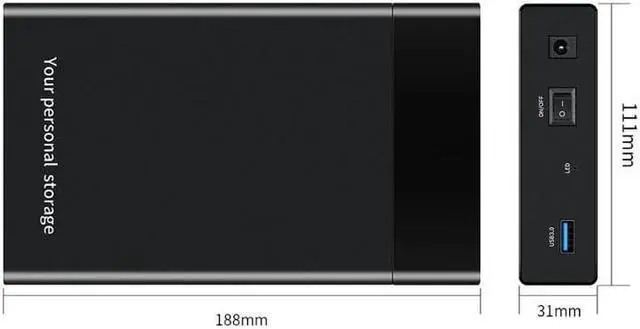
Dimensions: 188x110x30 mm/ 7.4 x 4.33 x 1.18 ''
Cable length: 55cm/ 21.65 ''
Package weight: 0.4 kg
Package Contents:
1 X External Hard Drive Enclosure Case
1 X DC Power Adapter
1 X USB 3.0 Data Cable
RFQS:
Problem 1: Insufficient power supply
For 3.5 -inch hard disk connect with 12V 2A power supply, first connect the hard disk, then connect the power, and finally connect to the host USB port; When you pull out, pull the power first, then pull out the USB interface, and finally pull out the hard disk.
Problem 2: Drive problem
If the product does not recognize the device or the driver is not successfully installed prompt, may the problem of the drive, use the driver to update the usb drive then can use
Problem 3: Partitioning problem
1) If you don't see the hard disk or content in the computer, right-click on Computer Management - Storage - Disk Management and check the status.
2) If the display shows no allocation or initialization, you need to partition the hard disk before you can read it. Right-click the disk to select the initialization option. The initialization disk window will pop up, as shown in the following figure (Note: The hard disk capacity does not exceed 2.2 TB, select the MBR form partition; The capacity exceeds 2.2TB, select the GPT format partition), and then follow the prompts for partition operation.
3) If it is offline, right-click on the disk's location and select Online from the Properties menu.
Problem 4: The computer is normal for reading the hard disk, but it cannot be recognized after connecting through an external cable.
The ata hard disk needs the chip to support, because the main chip that the computer main control chip and the factory's is inconsistent, cause the hard disk to partition the way also is different, for
example:
The Drive line to the hard disk partition sector is 4096Kb, the computer to the hard disk partition sector 512Kb, these two sectors can not be compatible with each other, so the above-mentioned hard disk can not be identified, at this timere-partitionedthe hard disk will be work
All in all:
When using a desktop computer, the SATA hard disk is recommended to be connected to the USB port on the back of the desktop. The power supply is more stable.





 here!
here!