• $14.99
  • Free 45-day Returns
  • Ships from China.
    Price alert
    Shop it at NeweggBusiness.

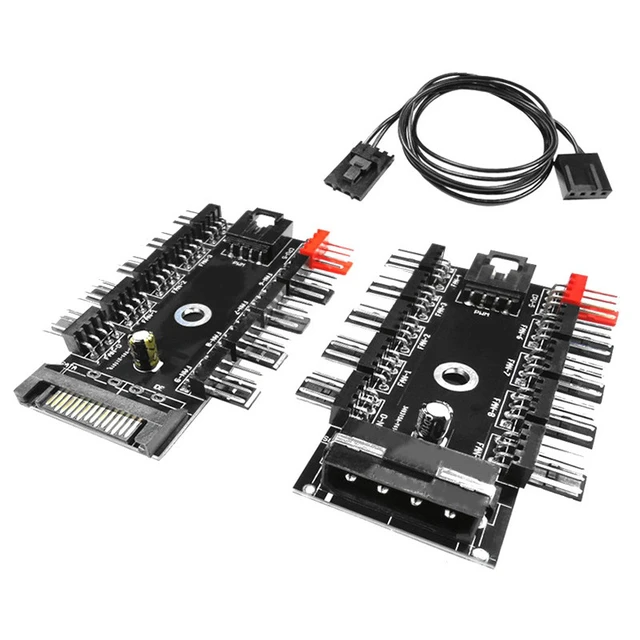
    10-Port PWM Fan Hub IDE/SATA to 4-Pin Splitter with Independent Channel Speed Regulation for Desktop PC Cooling System

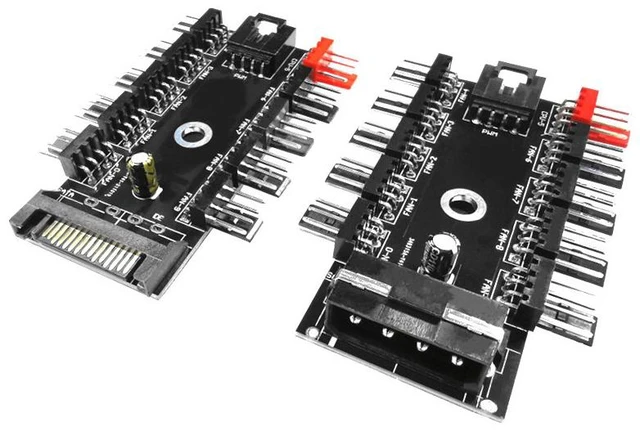
    • Black-D4-10-PWM IDE D-type Splitter Only NOT a Controller
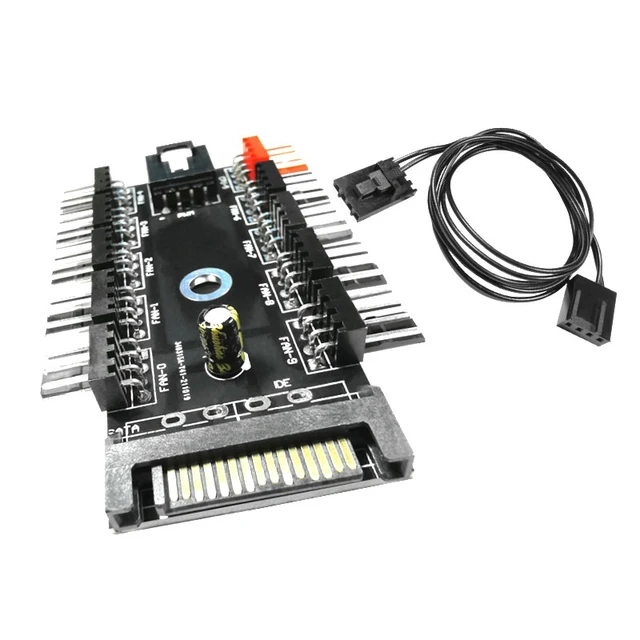
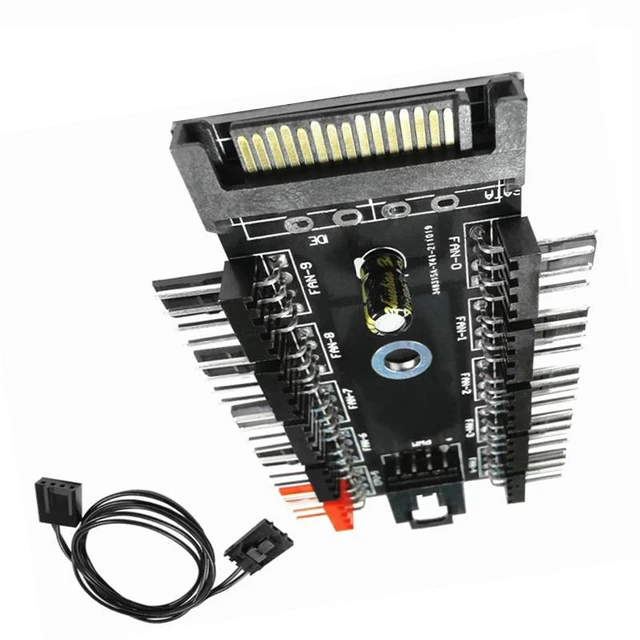
    • Black-S4-10-PWM SATA Splitter Only NOT a Controller
    • 1) One Hub, Ten Fan Ports
    • Connect up to 10 case fans from a single PWM hub built for RGB-heavy builds, server-style airflow layouts, or any desktop that has run out of motherboard fan headers.
    • 2) Independent Speed by Channel
    • Each channel gets its own PWM signal and power path. Adjusting one fan does not force every other fan to the same speed tune intake, exhaust, and GPU-area fans separately.
    • 3) Dual Power: IDE + SATA, Auto-Switch
    • Power the hub from IDE (Molex) or SATA. The board auto-switches to whichever input has power, so you can use the cable your PSU already makes available.
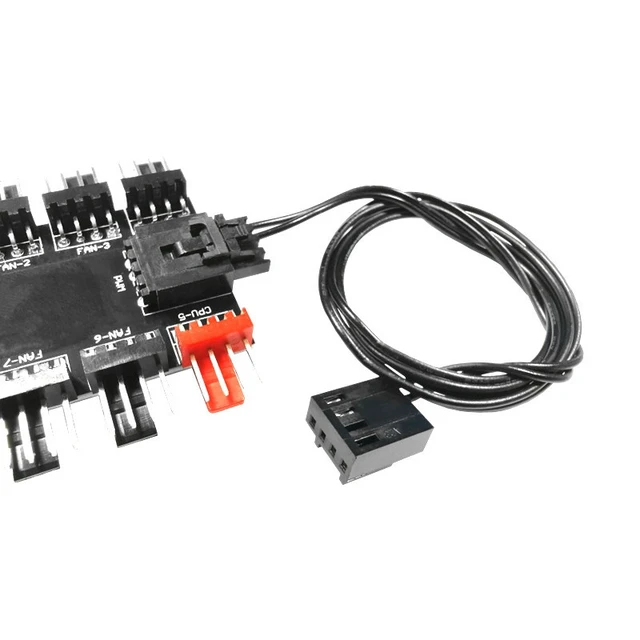
    • 4) 4-Pin Fans, Clean Wiring
    • Designed for 4-pin PWM fan headers. A compact ~8.4 × 5.5 cm PCB keeps the hub small enough to tuck behind the motherboard tray or mount flat in the case.
    • 5) Built-In Circuit Protection
    • Smart PCB protection helps guard against short-circuit style faults and supports repeated plug/unplug during building and troubleshooting less worry when you hot-swap fans mid-build.
    +
    +
    Overview
    Specs
    Reviews

    Any questions? Ask CelesteSM will help you find out quickly.

    This 10-port PWM fan hub is a simple way to expand desktop cooling without buying a full fan controller bay. It splits a PWM control path across ten 4-pin fan ports, with separate power and signal handling per channel so one adjustment stays on the fan you changed.

    Why builders pick a hub like this

    1. Motherboard only has 23 fan headers
    2. You added AIO + case fans and need more ports
    3. You want SATA or IDE power straight from the PSU
    4. You prefer hardware speed control over software suites


    Warranty & Returns

    Warranty, Returns, And Additional Information

    Warranty

    • Please contact the Seller directly for warranty information. Warranty information may also be found on the Manufacturer's website.
    • CONTACT

    Return Policies

    Manufacturer Contact Info

    LOADING...