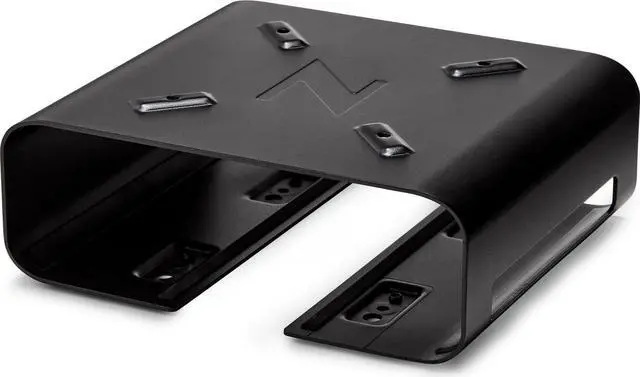
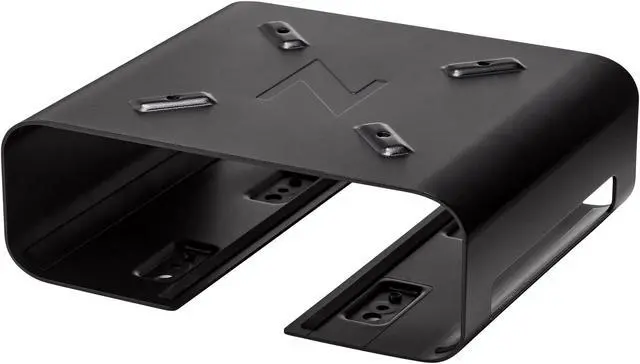
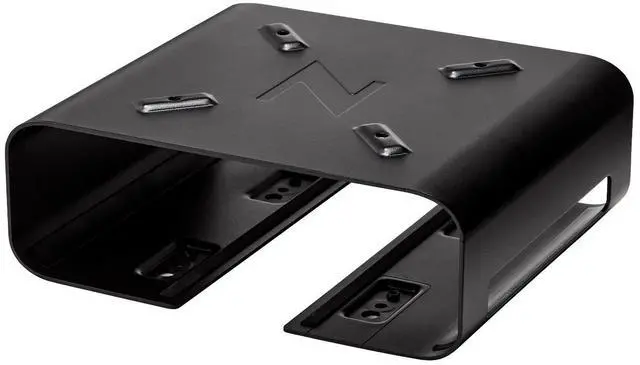
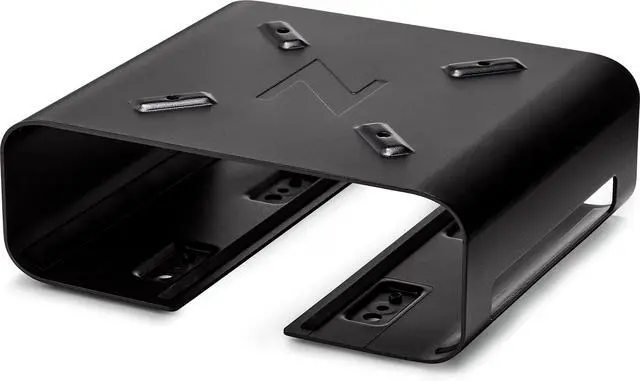
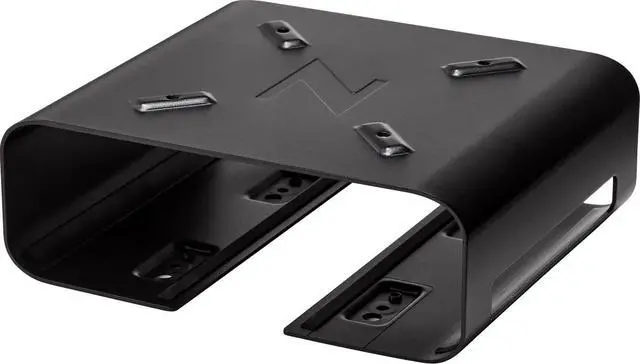
The HP 4N004AA is a VESA-compatible wall and arm mount solution for HP Z2 Mini workstations, suited to users who want to mount a compatible mini workstation instead of placing it on a desk.
Recommended For
- HP Z2 Mini owners who want to mount the workstation on a wall or compatible VESA arm instead of keeping it on the desk. Check HP’s compatibility information for your exact model.
- Desk-space-conscious workstation users who want their compatible Z2 Mini mounted off the desktop as part of a fixed office setup.
- Users building a wall-mounted workstation setup who need a mount designed specifically for the HP Z2 Mini rather than a generic PC bracket.
Real-World Use Scenarios
- In a compact home-office setup, mount a compatible HP Z2 Mini on the wall to free desk space for a keyboard, paperwork, or other peripherals; the workstation stays accessible without occupying the desktop.
- In a shared office, attach a compatible Z2 Mini to a VESA-compatible arm or wall mount so it sits off the shared work surface, leaving more room for day-to-day tasks.
- For a fixed workstation at a reception desk or service counter, wall-mount a compatible Z2 Mini to keep the computer off the counter while connecting it to the usual display and peripherals.
- When setting up a workstation with a VESA-compatible arm, use the mount to position a compatible Z2 Mini off the desk; this can make better use of a small work area while keeping the computer within reach.




 here!

 Top Rated