

Your Browsing History
- Free 30-day Returns
$77.99

Meet Your Seller


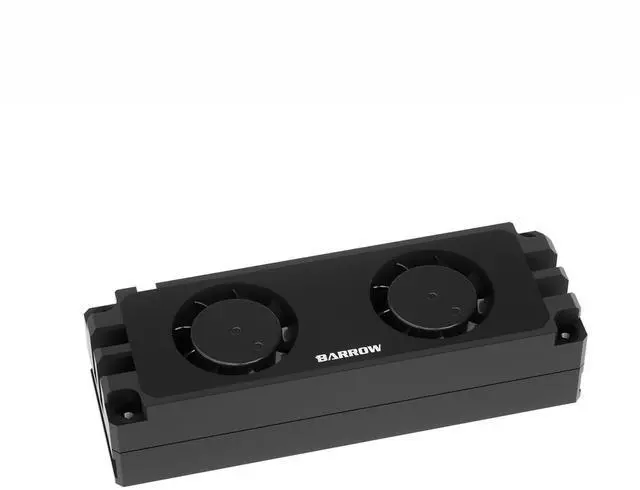


Barrow M.2 Hard Disk Dual Fan Heat Sink, Air Cooler for 2280 22110 PCI-E SSD SATA SSDs, Fully-Enclosed CNC Heatsink, Compatible with Single/Double-Sided M.2 Drives, Easy Installation - Black
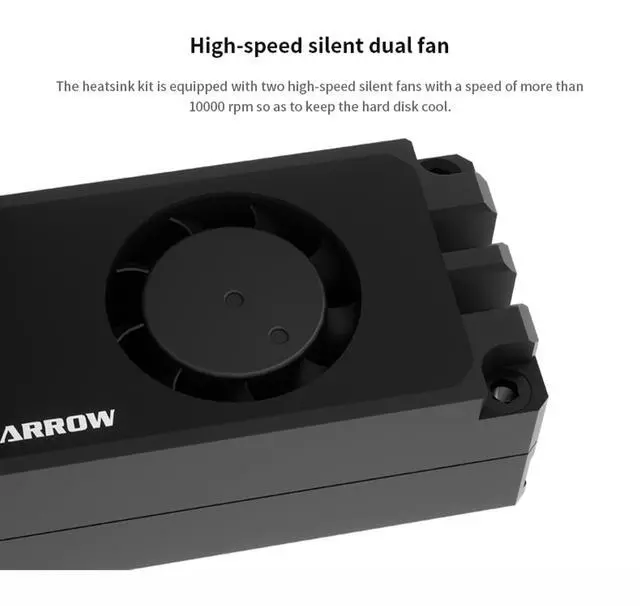
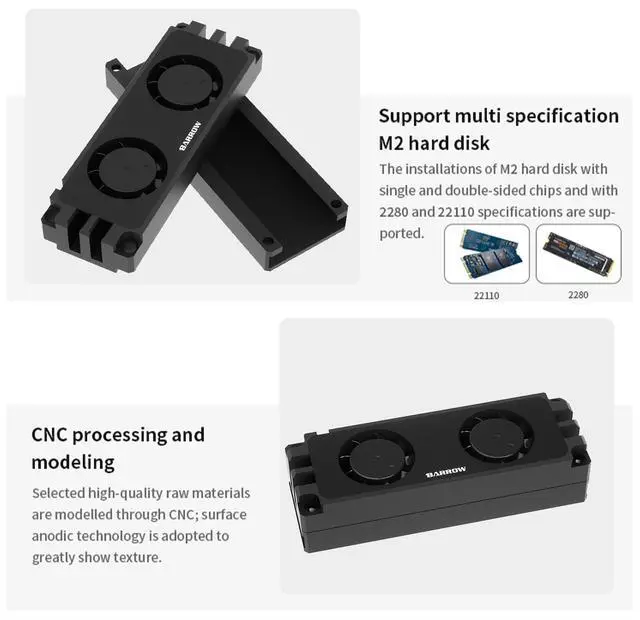
- High Speed Silent Dual FanThe heatsink is equipped with two high-speed silent fans running at over 10,000 RPM, effectively cooling the drive for sustained performance.
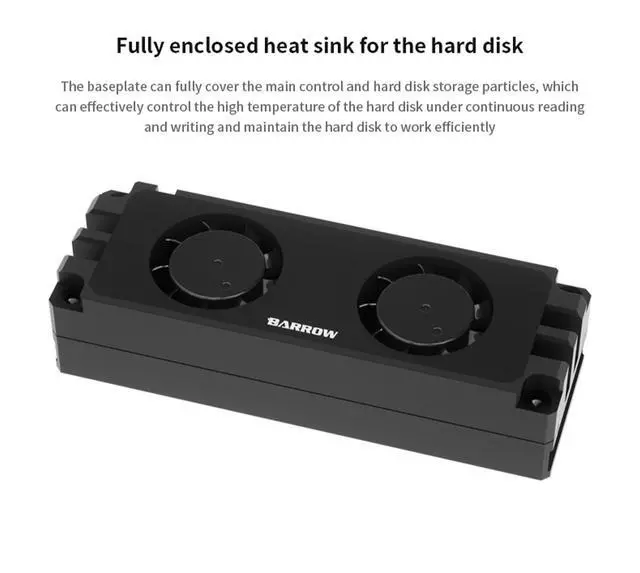
- Fully Enclosed Heat Sink for the Hard DiskThe fully-enclosed heatsink base covers both the controller and NAND chips, effectively controlling temperatures during continuous read/write operations.
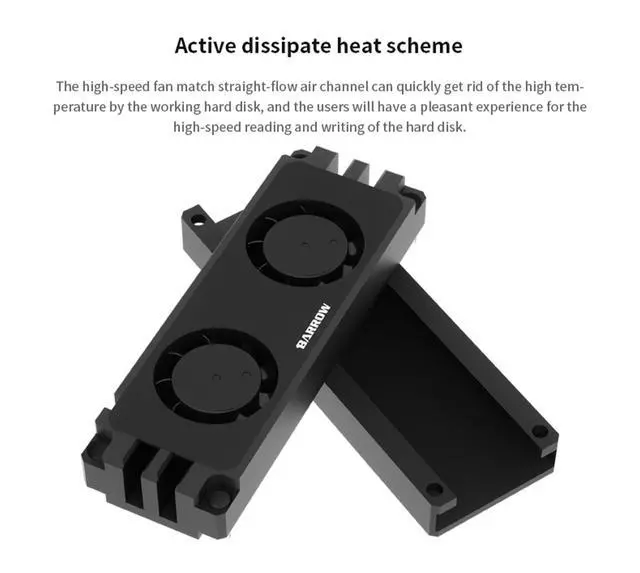
- Active Dissipate Heat SchemeThe high-speed fans paired with a straight-through airflow channel quickly dissipate heat, ensuring smooth performance during intensive data transfers.
- Support Multi Specification M2 Hard DiskCompatible with both single-sided and double-sided M.2 SSDs, supporting 2280 and 22110 form factors for versatile installation.
- CNC Processing and ModelingCrafted from quality aluminum via CNC machining and finished with anodic oxidation, offering a refined texture and durable structure.
+
+
Overview
Specs
Reviews

Any questions? Our AI mode will help you find out quickly.
Try me now
Product Parameters:
Item type: M.2 SSD Air Cooler
Color: Black
Material: Aluminum alloy
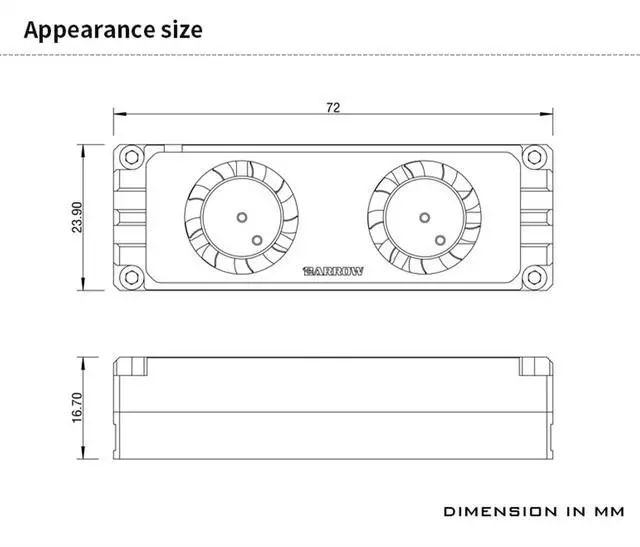
Dimensions: Please refer to the size chart
Specifications: For 2280/22110 M.2 SSD
Applicable: For single and double-sided particles M.2 type hard disk cooling.
Purchase Information:
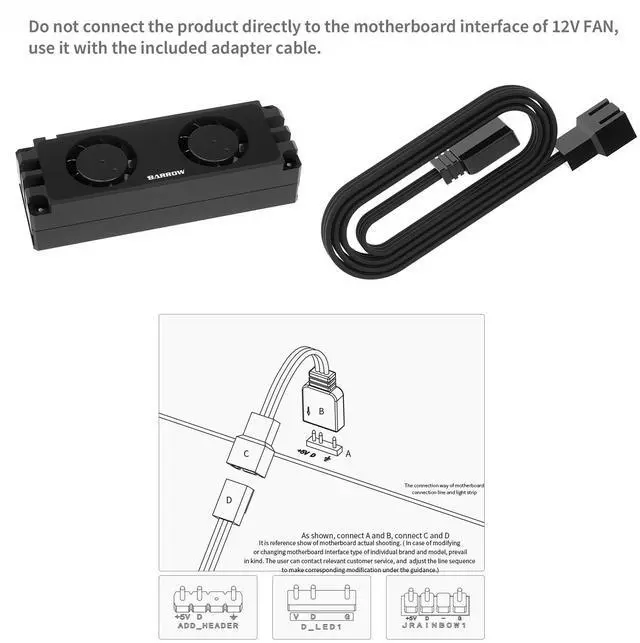
1.Just plug the power supply interface into the motherboard fan slot. But need to check whether the motherboard has 5v power supply interface. If not, need use it with the included adapter cable.
2. Use the supplied screws to install the cold head, please do not replace at will, so as not to damage the hardware.
3. When using, ensure the silicone gasket is fully adhered to the back of the hard drive to prevent component short circuits and hardware damage.
Warranty & Returns
Warranty, Returns, And Additional Information
Warranty
- Please contact the Seller directly for warranty information. Warranty information may also be found on the Manufacturer's website.
- CONTACT
Return Policies
- Return for refund within: 30 days
- Return for replacement within: 30 days
- This item is covered by Deep Source Trading Shop Return Policy
Manufacturer Contact Info
- For a directory of all our manufacturers, please click below.
- Manufacturers Directory
LOADING...