





Instructions for using different modes:
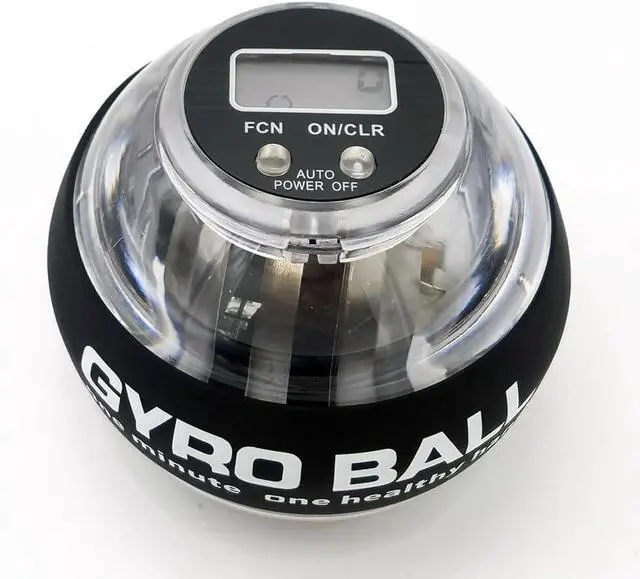
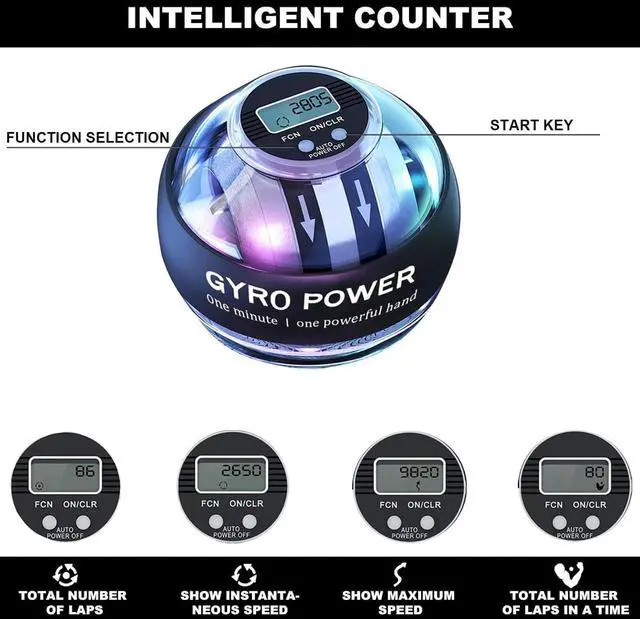
Modes 1: Press the button ON/CLR key to start the operation, if you keep the record for 2 seconds, it will be deleted.
Press the FCN key to select mode 1, which represents 26 revolutions, for example, 78 represents 7800 revolutions.
Modes 2: Press the FCN key to select mode 2, which represents the instantaneous revolution, the rotor stops, and the display returns to zero.
Modes 3: Press the FCN key to select Mode 3, which represents the highest number of revolutions, as shown in Figure 6746, which represents the highest number of revolutions 6746 times per minute, above the current number of revolutions, the display is updated, below the current number of revolutions, the display is unchanged.
Modes 4: Press the FCN key to select Mode 4, which represents the maximum number of revolutions in 30/60/90 seconds. If the current setting is 60 seconds, it represents the highest number of recorded revolutions in 60 seconds.

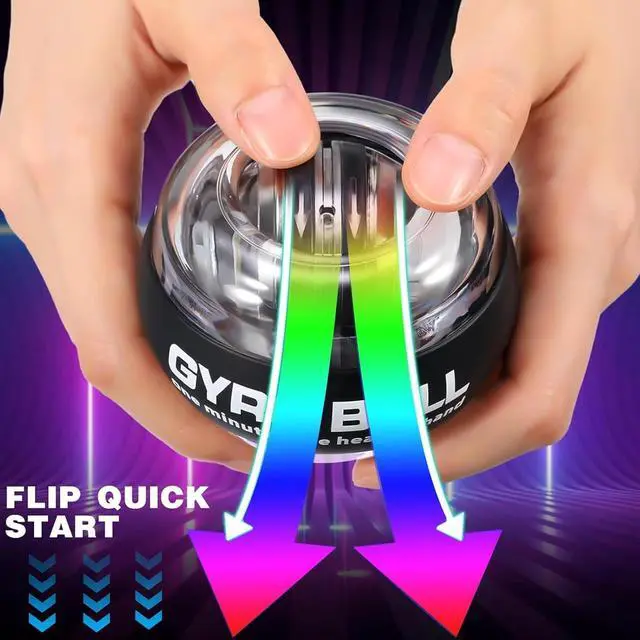
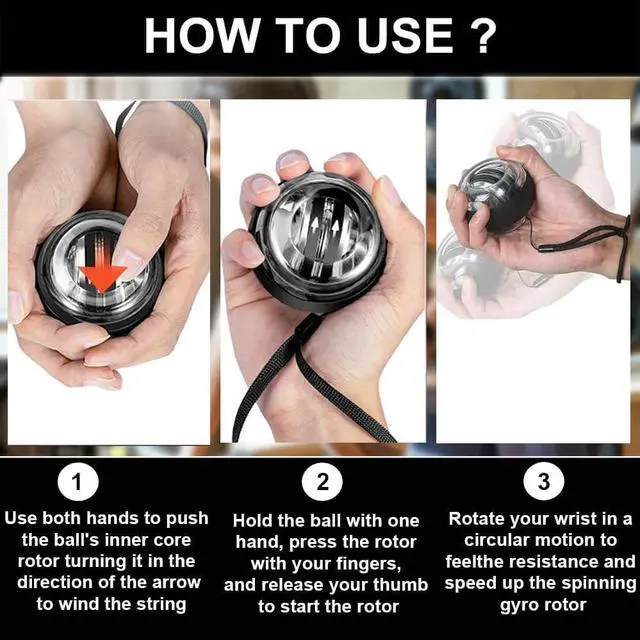
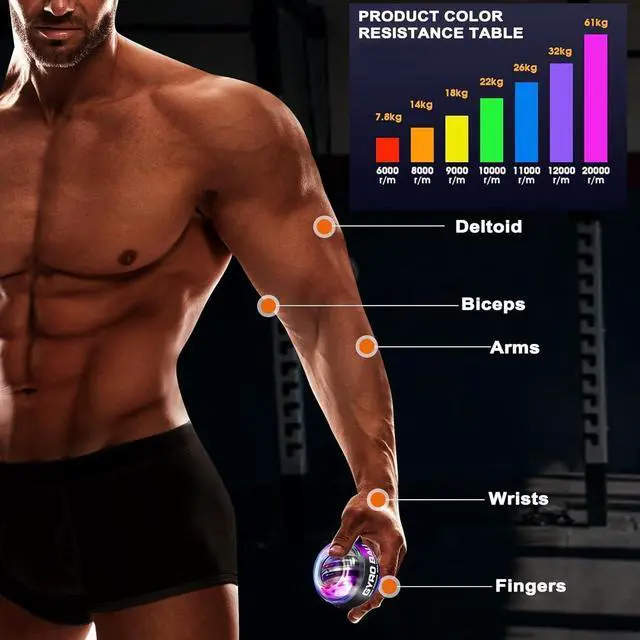
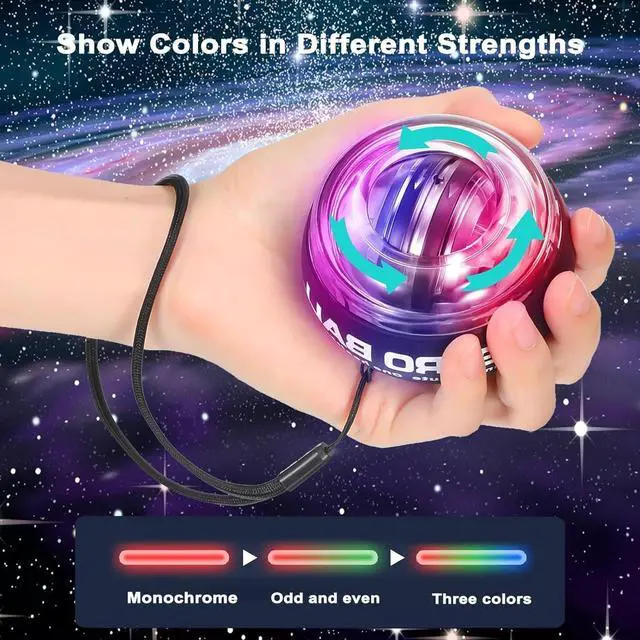
Note: This torque ball is manually started, not automatically started. The colored LED lights will automatically illuminate according to the ball's rotation; no charging or on/off switch is required. The ball needs to be wound to start rotating. After starting, the resistance of the ball will be determined by your rotation speed; the faster the rotation, the greater the resistance. When you stop rotating, the ball will not store power and will gradually stop. If your thumb is injured or unable to exert force, please purchase with caution.
Instructions for using different modes:
Modes 1: Press the button ON/CLR key to start the operation, if you keep the record for 2 seconds, it will be deleted.
Press the FCN key to select mode 1, which represents 26 revolutions, for example, 78 represents 7800 revolutions.
Modes 2: Press the FCN key to select mode 2, which represents the instantaneous revolution, the rotor stops, and the display returns to zero.
Modes 3: Press the FCN key to select Mode 3, which represents the highest number of revolutions, as shown in Figure 6746, which represents the highest number of revolutions 6746 times per minute, above the current number of revolutions, the display is updated, below the current number of revolutions, the display is unchanged.
Modes 4: Press the FCN key to select Mode 4, which represents the maximum number of revolutions in 30/60/90 seconds. If the current setting is 60 seconds, it represents the highest number of recorded revolutions in 60 seconds.
Note: This torque ball is manually started, not automatically started. The colored LED lights will automatically illuminate according to the ball's rotation; no charging or on/off switch is required. The ball needs to be wound to start rotating. After starting, the resistance of the ball will be determined by your rotation speed; the faster the rotation, the greater the resistance. When you stop rotating, the ball will not store power and will gradually stop. If your thumb is injured or unable to exert force, please purchase with caution.